Campus apps by department
Admissions, orientation, student life, and more — one campus app that works across departments.

Campus apps by department
Admissions, orientation, student life, and more — one campus app that works across departments.
Build unlimited event apps on one license
One partnership for unlimited campus events — orientation, tours, student life, and everything in between.
Build unlimited event apps on one license
One partnership for unlimited campus events — orientation, tours, student life, and everything in between.
Compare event app platforms
See how Guidebook stacks up against other event app and registration platforms.
Compare event app platforms
See how Guidebook stacks up against other event app and registration platforms.
Event apps for nonprofit and community programs
Give members, volunteers, and donors one branded app for conferences, fundraisers, and year-round community.
Event apps for nonprofit and community programs
Give members, volunteers, and donors one branded app for conferences, fundraisers, and year-round community.
Campus integrations and an open API
Connect Guidebook with the campus systems, APIs, and tools your team already uses.
Campus integrations and an open API
Connect Guidebook with the campus systems, APIs, and tools your team already uses.
Event apps for corporate and enterprise teams
Internal meetings, offsites, and large-scale corporate events — with the branding and control enterprise teams need.
Event apps for corporate and enterprise teams
Internal meetings, offsites, and large-scale corporate events — with the branding and control enterprise teams need.
Create a branded event app with no coding
Put schedules, maps, resources, and updates in every attendee's pocket — built for campus events and programs.
Create a branded event app with no coding
Put schedules, maps, resources, and updates in every attendee's pocket — built for campus events and programs.
Launch a branded, white-label event app
A white-label event app with your branding, your content, and your attendee experience — no coding required.
Launch a branded, white-label event app
A white-label event app with your branding, your content, and your attendee experience — no coding required.
Everything in the Guidebook platform
Explore the features event teams use to engage attendees before, during, and after the event.
Everything in the Guidebook platform
Explore the features event teams use to engage attendees before, during, and after the event.
One app for in-person and virtual attendees
The same schedule, networking, and updates whether people are in the room or joining remotely.
One app for in-person and virtual attendees
The same schedule, networking, and updates whether people are in the room or joining remotely.
Event apps built for associations
Annual meetings, chapter events, and member engagement — without rebuilding a new app every year.
Event apps built for associations
Annual meetings, chapter events, and member engagement — without rebuilding a new app every year.
A branded event website that matches the app
Promote the event, collect interest, and keep branding consistent from the first click to check-in.
A branded event website that matches the app
Promote the event, collect interest, and keep branding consistent from the first click to check-in.
Plan, run, and measure events on one platform
App, registration, badges, and websites in one workflow — so planning isn't a pile of disconnected tools.
Plan, run, and measure events on one platform
App, registration, badges, and websites in one workflow — so planning isn't a pile of disconnected tools.
Keep members engaged between events
One branded app for the conference and everything that happens the other 51 weeks of the year.
Keep members engaged between events
One branded app for the conference and everything that happens the other 51 weeks of the year.
The conference app attendees actually use
Schedules, maps, networking, and live updates for annual meetings, summits, and multi-day conferences.
The conference app attendees actually use
Schedules, maps, networking, and live updates for annual meetings, summits, and multi-day conferences.
Registration that feeds your app and badges
Collect registrations, payments, and attendee data in the same platform as your event app.
Registration that feeds your app and badges
Collect registrations, payments, and attendee data in the same platform as your event app.
Design and print event badges in one place
Custom badges, QR check-in, and on-site printing — without a separate badge vendor.
Design and print event badges in one place
Custom badges, QR check-in, and on-site printing — without a separate badge vendor.
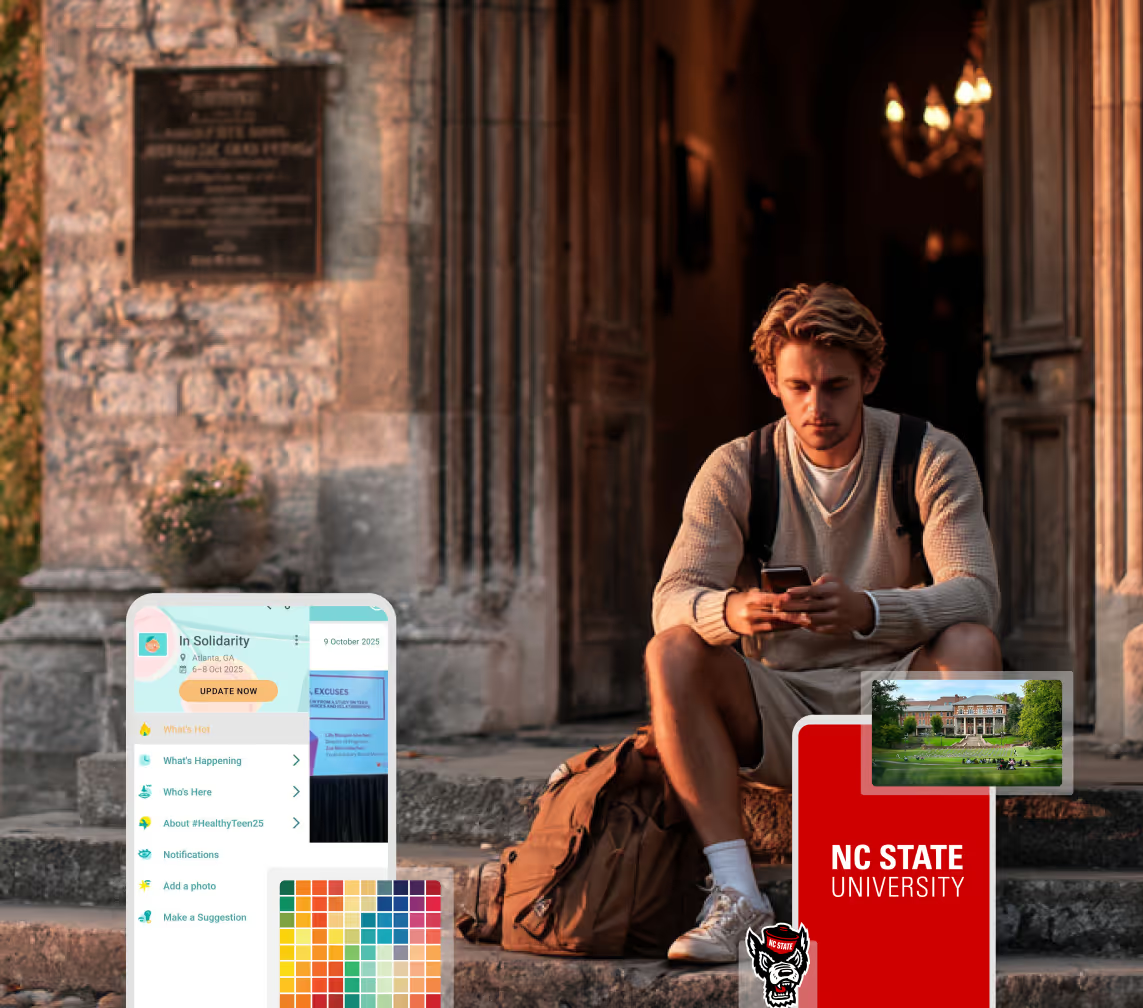
A Smaller School?
Deliver a polished, branded event experience without a large team or a big budget.
A Smaller School?
Deliver a polished, branded event experience without a large team or a big budget.
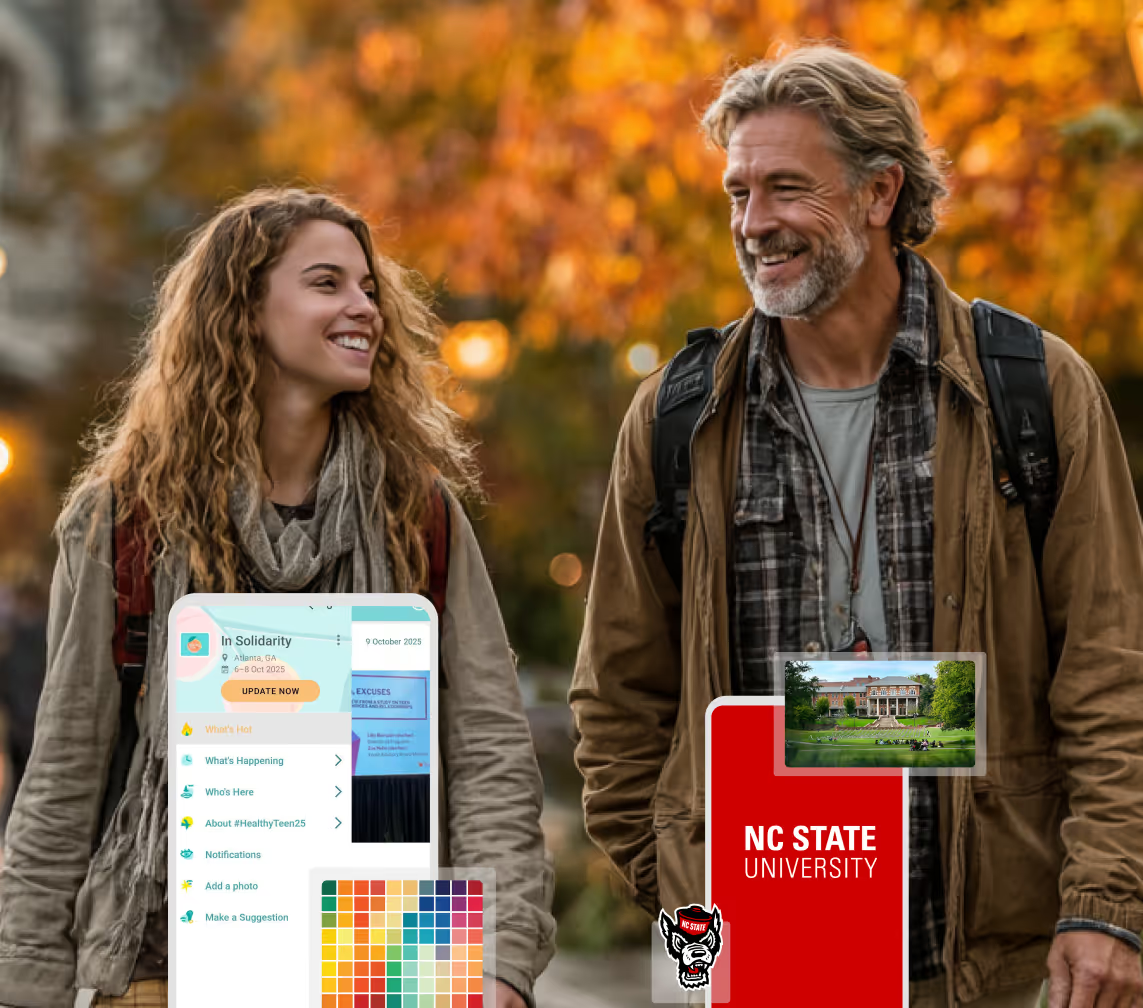
Running Family Programs?
Give families everything they need, from schedules and maps to real-time updates, all in one place.
Running Family Programs?
Give families everything they need, from schedules and maps to real-time updates, all in one place.
Coordinating Move-In Day?
Share updates, manage events, and keep students informed from move-in through the academic year.

Coordinating Move-In Day?
Share updates, manage events, and keep students informed from move-in through the academic year.
Offering Campus Tours?
Deliver branded, self-guided tour experiences with interactive maps and rich media, available 24/7.

Offering Campus Tours?
Deliver branded, self-guided tour experiences with interactive maps and rich media, available 24/7.
Organising a Career Fair?
Simplify logistics for students, employers, and Career Services staff with one easy-to-use app.
Organising a Career Fair?
Simplify logistics for students, employers, and Career Services staff with one easy-to-use app.
Managing Alumni Events?
Plan reunions, regional events, and fundraising campaigns with an app built for alumni engagement.
Managing Alumni Events?
Plan reunions, regional events, and fundraising campaigns with an app built for alumni engagement.
Boost Student Engagement
One hub for schedules, resources, and events that keeps students connected throughout the academic year.
Boost Student Engagement
One hub for schedules, resources, and events that keeps students connected throughout the academic year.
Planning Orientation?
Help new students feel prepared from day one with schedules, campus resources, and real-time updates in one app.
Planning Orientation?
Help new students feel prepared from day one with schedules, campus resources, and real-time updates in one app.
Running Admissions Events?
Manage open houses, tours, and yield events with a branded app that saves time and engages prospective students.

Running Admissions Events?
Manage open houses, tours, and yield events with a branded app that saves time and engages prospective students.
Get a custom Sponsorship Package Template
Stop starting from scratch. Grab free templates that helWe'll build a tailored sponsorship package with suggested pricing, tiers, and benefits..for your specific event.p you build professional sponsorship packages and close deals faster.
Get a custom Sponsorship Package Template
Stop starting from scratch. Grab free templates that helWe'll build a tailored sponsorship package with suggested pricing, tiers, and benefits..for your specific event.p you build professional sponsorship packages and close deals faster.
Plan Your Next Event Without Missing a Beat.
From venue selection to post-event wrap-up, this free checklist walks you through every step (so nothing falls through the cracks).
.avif)
Plan Your Next Event Without Missing a Beat.
From venue selection to post-event wrap-up, this free checklist walks you through every step (so nothing falls through the cracks).
Real Results From Real Events
100,000+ organizations trust Guidebook. See exactly how universities, associations, enterprises, and more put it to work.

Real Results From Real Events
100,000+ organizations trust Guidebook. See exactly how universities, associations, enterprises, and more put it to work.
Flexible pricing for every event size
Find the perfect plan for your needs, from intimate gatherings to large-scale conferences.

Flexible pricing for every event size
Find the perfect plan for your needs, from intimate gatherings to large-scale conferences.
Join our event experts
Watch on-demand webinars and join live sessions with industry leaders sharing best practices for event success.
.avif)
Join our event experts
Watch on-demand webinars and join live sessions with industry leaders sharing best practices for event success.
Guidebook in Action
Book a personalized walkthrough and discover how we help event teams create better attendee experiences.
Guidebook in Action
Book a personalized walkthrough and discover how we help event teams create better attendee experiences.
What Campus Events Should Still Print in 2026
%20(1).avif)




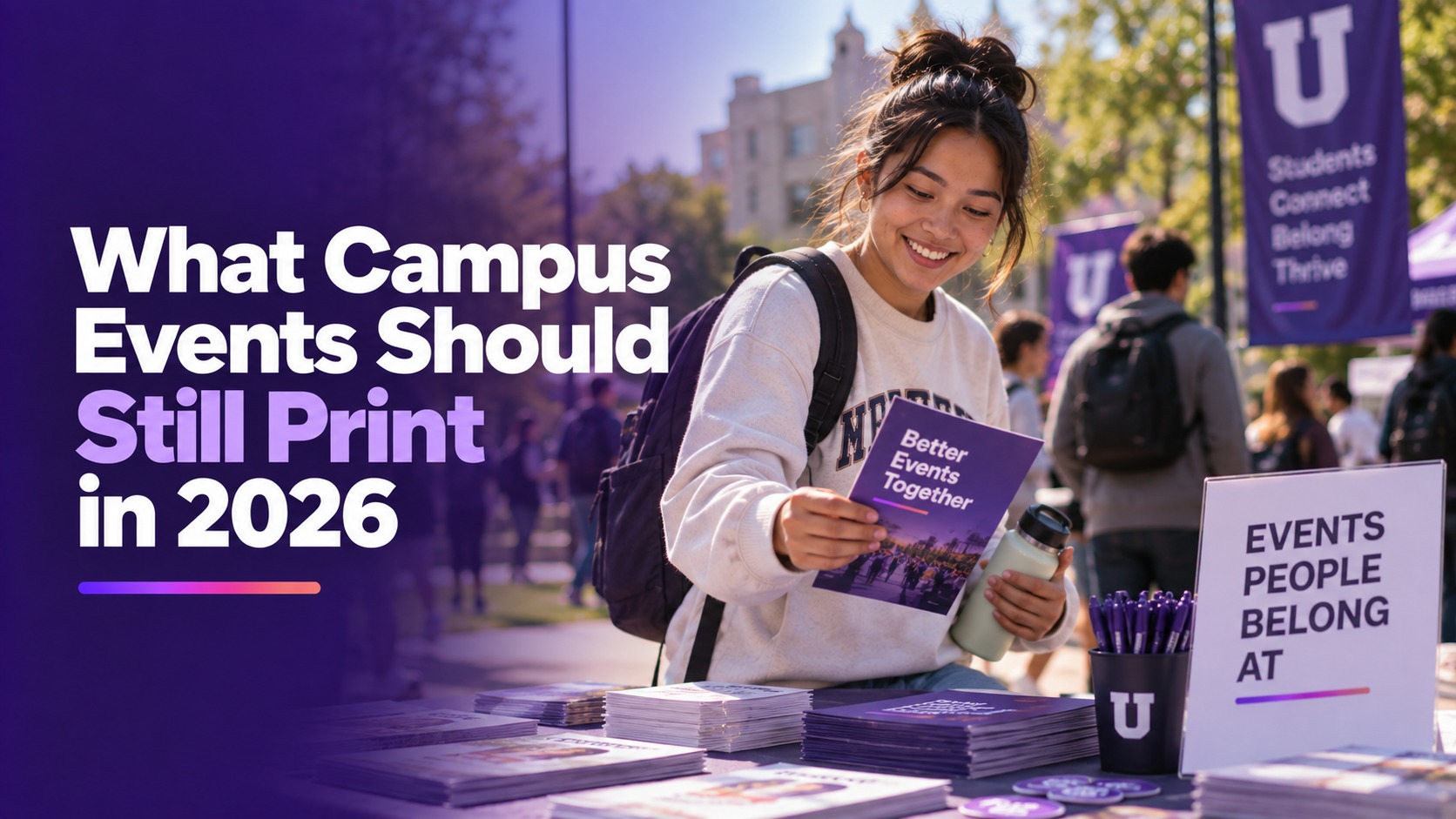
What Campus Events Should Still Print in 2026
- Print and paper are the same stack. The decision is which object still has to be physical.
- The schedule, the map, and a room change belong in one channel you can update. A booklet printed in March is the wrong channel.
- A badge is still a print job. The paths are a file, an order, your own printer, or Expo Pass.
- Keep one paper backup at the door for names, and one short page for guests who will not use a phone.
- Going paperless on the program is a different article. This one is the exception list.
Print and paper are not two strategies. They are the same stack of paper with two names. The useful question is which object still has to exist when a phone is dead, missing, or in a grandparent's other bag.
The case for moving the program itself off paper is in digital event programs versus printed programs. A campus that already made that switch for orientation is in completely replace paper. This guide is the short list of things those posts should not talk you out of printing.
Three objects, three decisions
| Object | Keep it physical when | Put it in the app when |
|---|---|---|
| The program or schedule | You need one keepsake page that will not change | Times, rooms, or the order of the day can still move |
| The door list | The network fails and you still have to know who arrived | The phone scan is working and the list on paper is only a backup |
| The badge | The person needs a name and a QR a human can scan | You were about to print the whole schedule on the badge |
A fourth object is not a program. It is a half sheet: parking, the accessible route, the start time, and a phone number. That sheet is for the guest who will not download anything. It is not a second copy of the schedule.
The schedule should be able to change
A booklet is finished the hour you send it to the printer. Orientation, move-in, and move-in break that assumption. So do the smaller student engagement events that still change rooms the morning of. A room floods. A speaker cancels. A college runs long.
Commencement can keep a printed program. The names do not move at 9 a.m., and families keep that page. The rain location, the guest entrance, and the order of the ceremony can still move. Print the names. Put those three in the app.
Put the schedule, the map, and the change in one channel. Event apps are that channel when the attendee will use a phone. A branded app is that same channel with your name in the stores, on the plan you buy. Maps and a push when the room changes are on the features page. A self-guided campus tour is the visit whose route should update there, not on a map printed in August. The same split holds for a conference: the agenda can move, the badge cannot. Static floor-plan images work offline. On the Engage plan, a session can point at a region on that image, and the interactive map works without a connection. A reprint cannot.
If you also email the change and post a sign and leave yesterday's booklet in the bag, you have three channels. Staff will be asked which one is true. Pick one.
The door still needs a backup
Event check-in software is the scan, the name search, and the record. A paper list is the backup for the ten minutes the network or the scanner misbehaves. Print that list the morning of, with the names you actually expect, and put a person in charge of marking it. Do not print it a week out and call it the plan.
Admissions days have a second version of this. Digital check-in for admissions is the scan the family sees. The clipboard remains for the guest whose phone died in the parking garage. One backup. Not a full program.
The badge is a print job on purpose
A badge is supposed to be paper or plastic. The badge page says you design it, put the attendee's Guidebook ID on it as a QR, and use that code for check-in and session attendance. Print paths are a file you print yourself, an order, your own printer, or on-site printing through an Expo Pass partnership. What badge printing is is the short definition.
That QR is the useful ink. The schedule is not. A badge that reprints every time a room changes is the program problem in a smaller size. Name, role, QR. Stop there.
Confirm badges are on the education plan you are buying. They are a product on the badge page. They are not a rumor included in every app tier.
What not to print again
- The full grid, after the first change of the day.
- A map you already know is wrong because an entrance closed.
- Speaker bios that attendees will not read in a line.
- A second booklet for families that repeats the student grid and hides the reunion time.
Print the reunion time, the accessible door, and the badge. Update everything else once, in the app, and tell staff to stop answering from memory.
The hour a room changes
Hall B is closed. The session is now in Hall C. You have about twenty minutes before the line forms.
A March booklet leaves you printing or shouting. Staff at three doors will give three rooms. The guest with a paper map walks to the closed door.
Update the one channel, then give staff one sentence: "Check the app. Hall C." The floor plan already on their phone still opens if the network drops. A reprint will not be ready before the line forms.
Leave the badge alone. Name, role, and the QR do not include the room. Reprint the half sheet only for a guest who will not use a phone: one new page, that morning, with the new room and the same parking line.
Decide what still has to exist on paper
Circle the next campus event. List what you printed last year. Move the schedule and the map to the app. Keep the badge file, one morning-of door list, and the half sheet for guests. If the badge path is the open question, start with event badges or book a demo and bring last year's badge.
Frequently asked questions

Get the Mobile App Playbook
A short guide to running the whole student journey in one app. No fluff, just what works.
for higher ed
Campus
Playbook
A practical guide to building a connected campus experience.
Free playbook
The Mobile App Playbook for Universities
Students decide if they belong long before they set foot on campus. This playbook shows how to win them over from the first visit through graduation.
- Grow enrollment and boost recruitment
- Increase belonging and retention
- Run every event from one branded app
By submitting, you agree to our Privacy Policy.
You're in.
.png)