See who actually showed up, in Slate
When someone checks in at your event, Guidebook marks their Slate registration Attended, with the time they arrived.
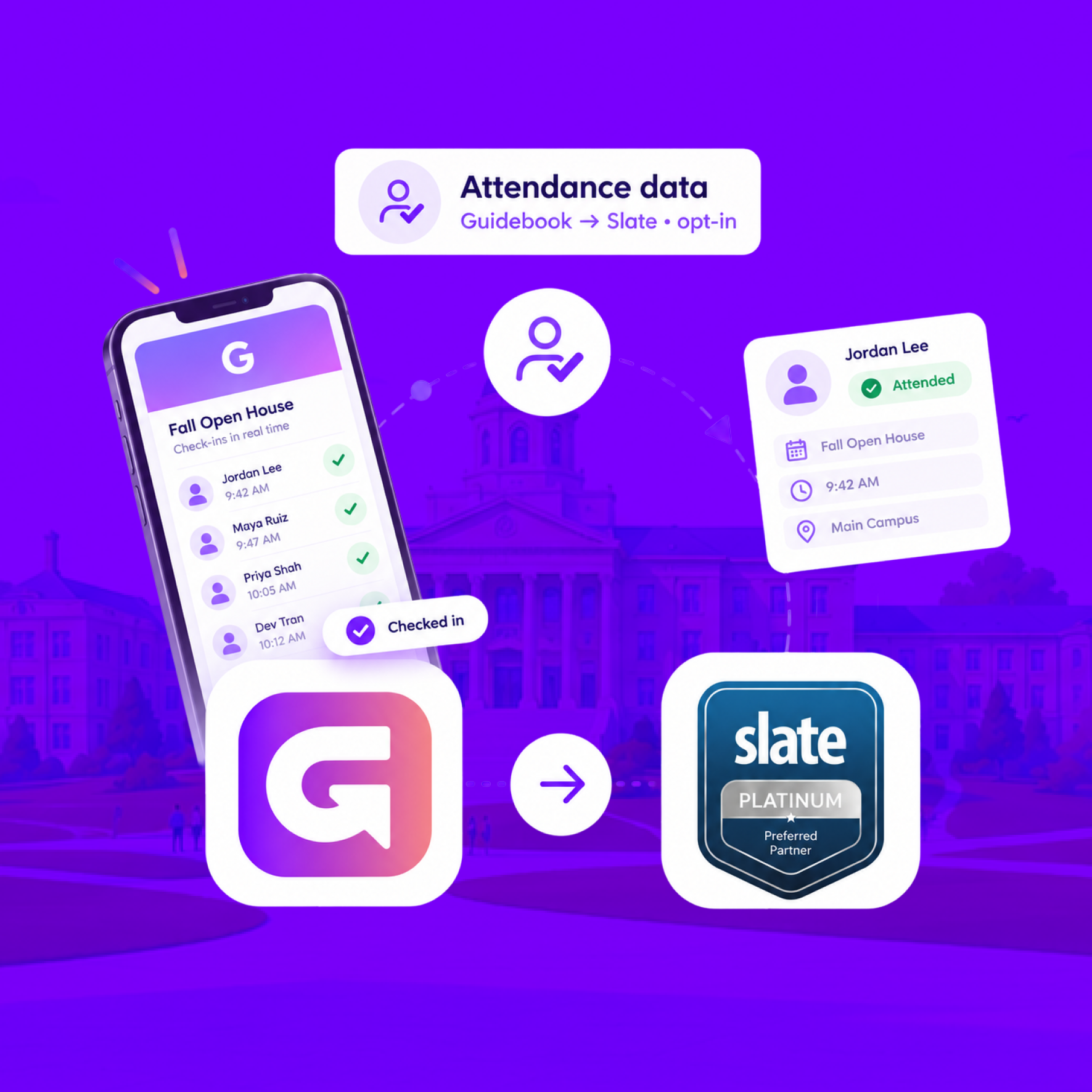
See who actually showed up, in Slate
When someone checks in at your event, Guidebook marks their Slate registration Attended, with the time they arrived.
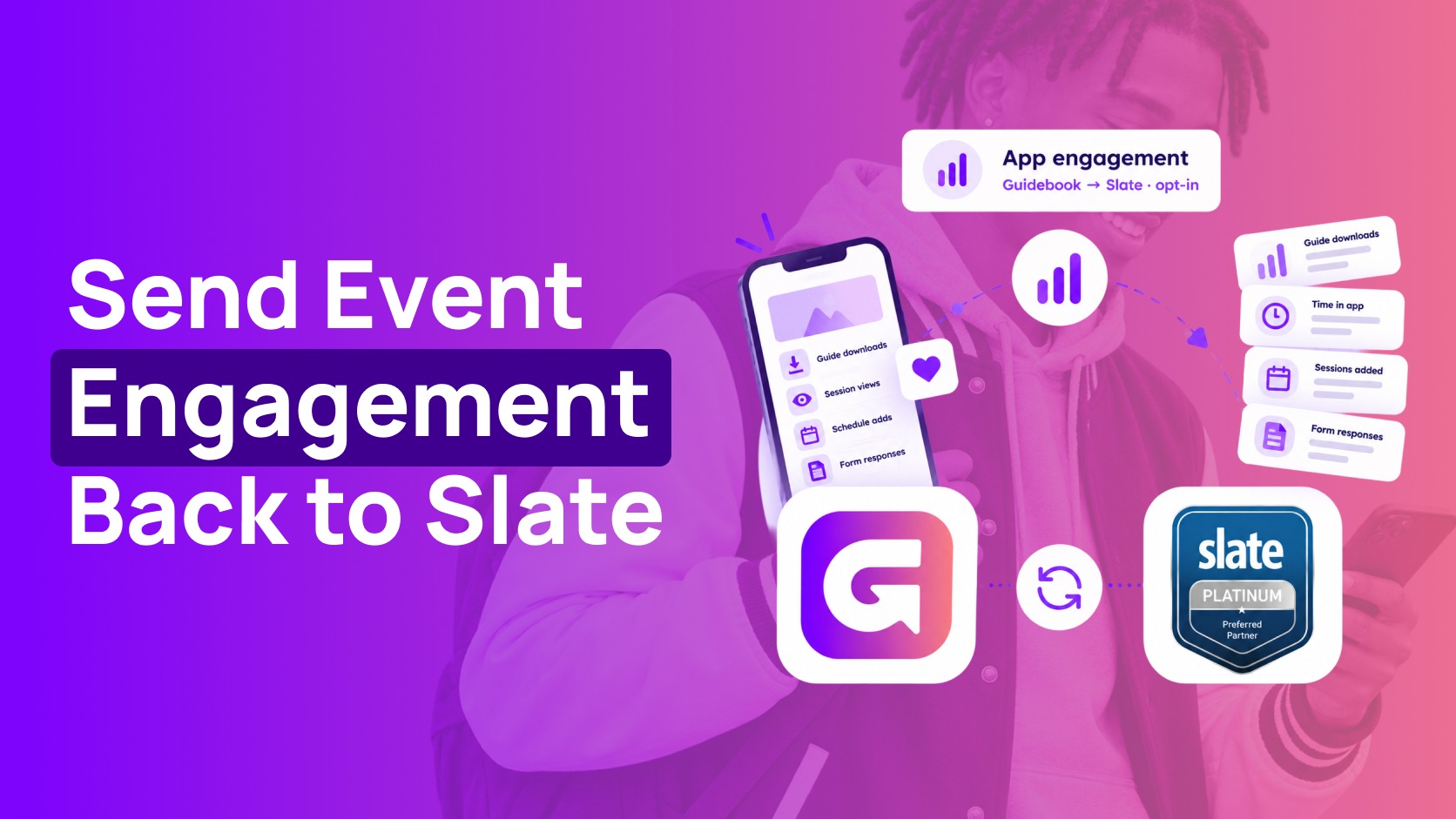
Send app engagement back to Slate
For students who opt in, downloads, schedule adds, views, and form responses land on their event registration every hour.
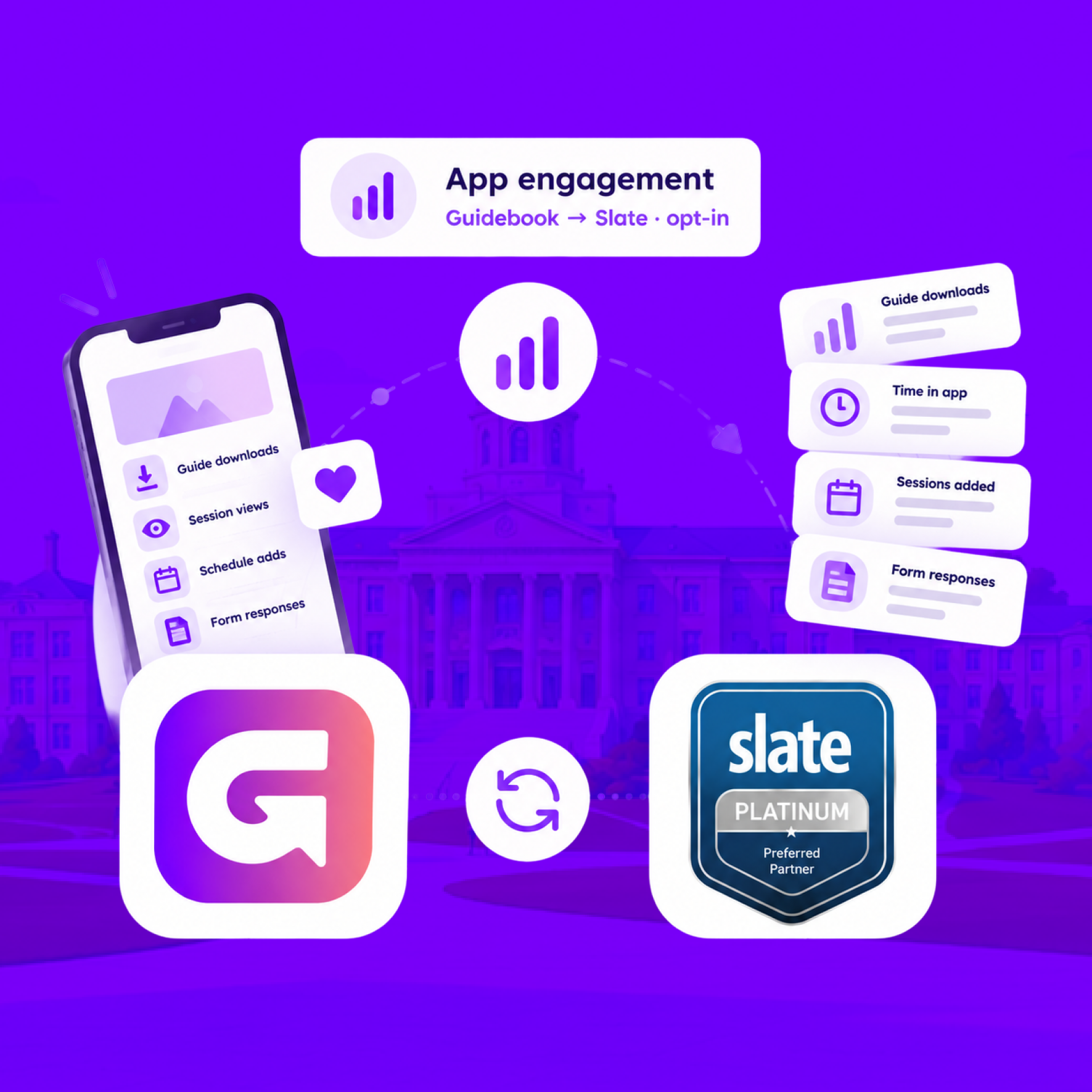
Send app engagement back to Slate
For students who opt in, downloads, schedule adds, views, and form responses land on their event registration every hour.
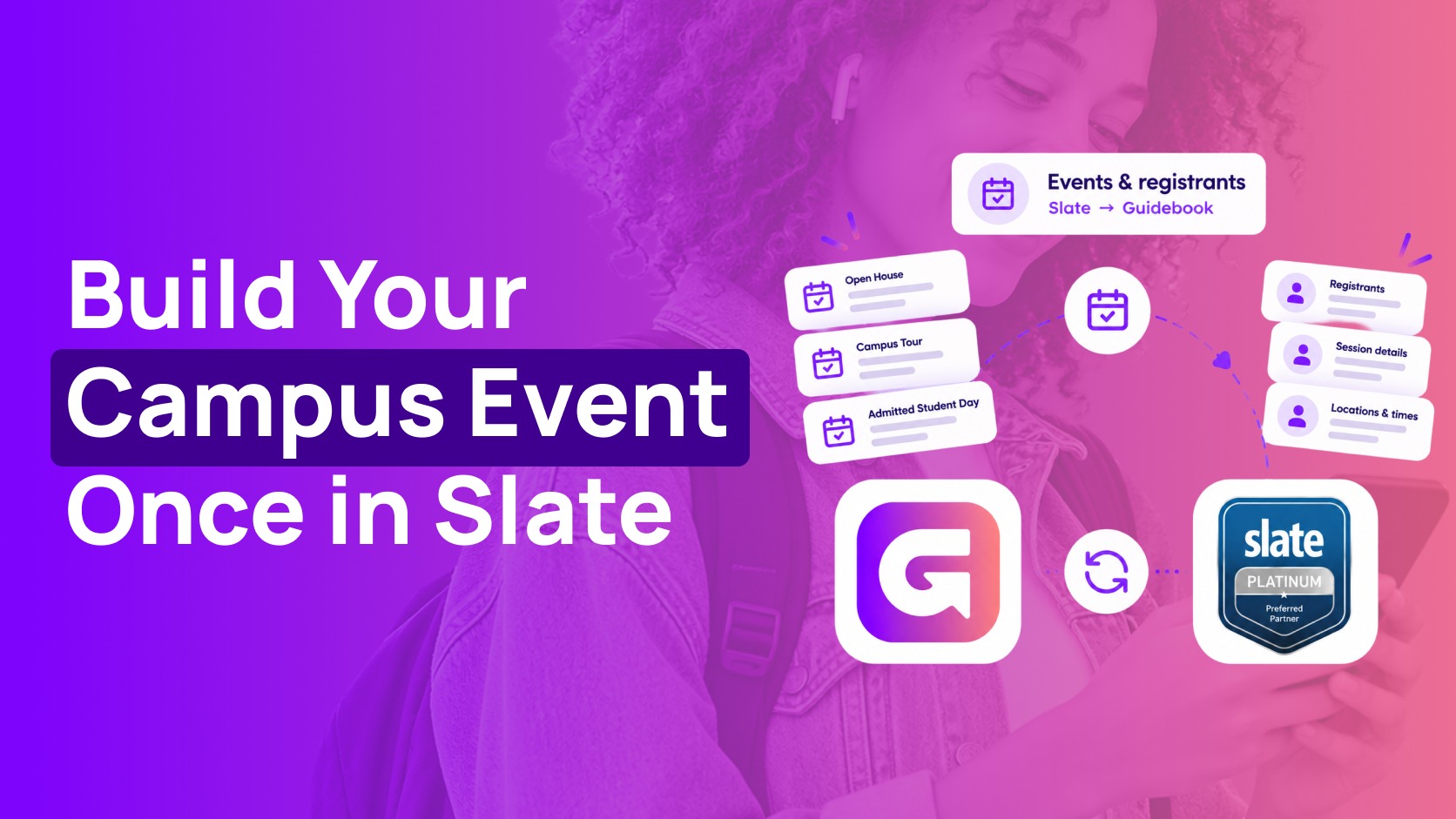
Build the campus event once in Slate
Link a Slate folder to a guide. Every event becomes a session, and registrants are added automatically.
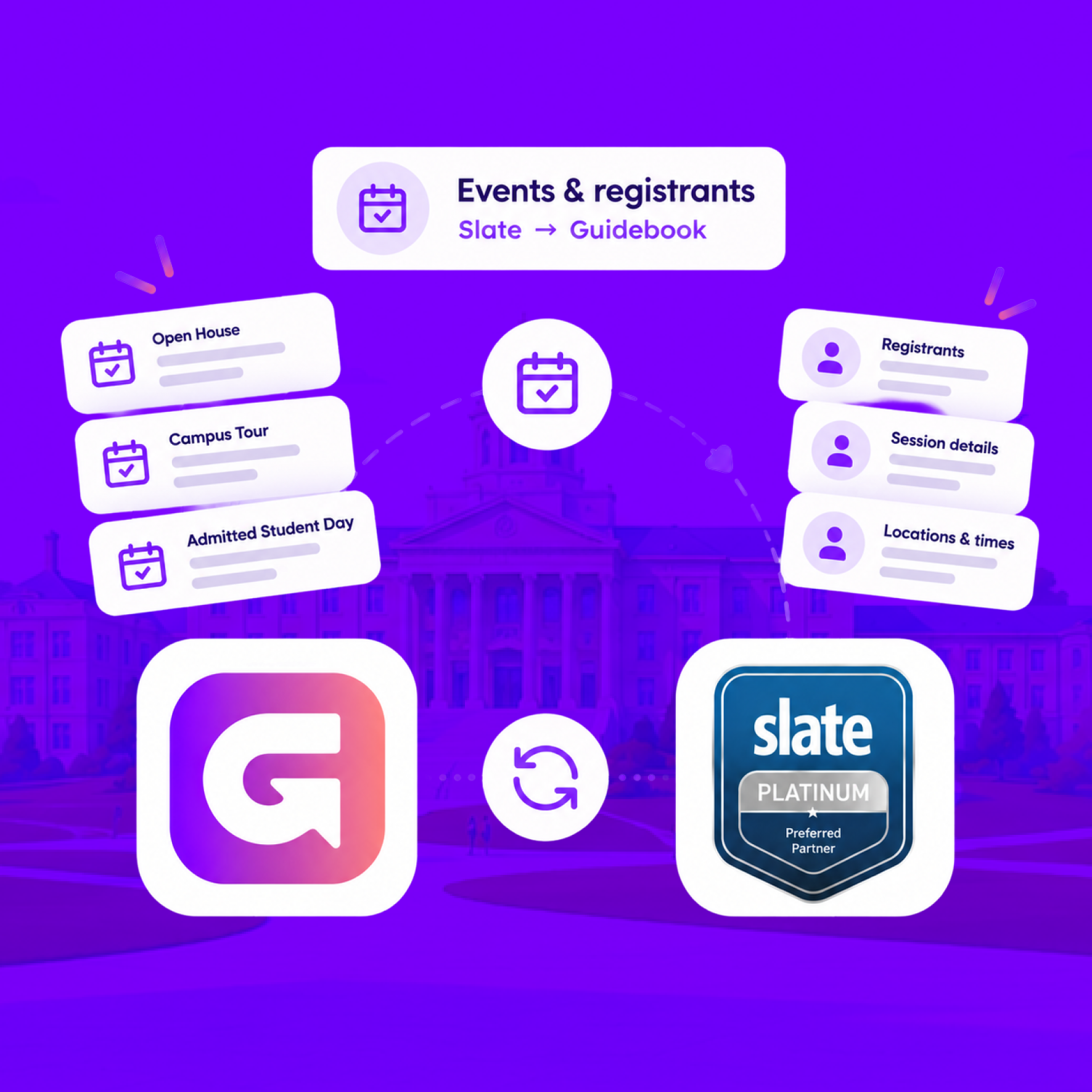
Build the campus event once in Slate
Link a Slate folder to a guide. Every event becomes a session, and registrants are added automatically.
Slate profiles, in the campus app
Match each student's Slate record to their Guidebook account, so college, major, and orientation details stay current on every sync.
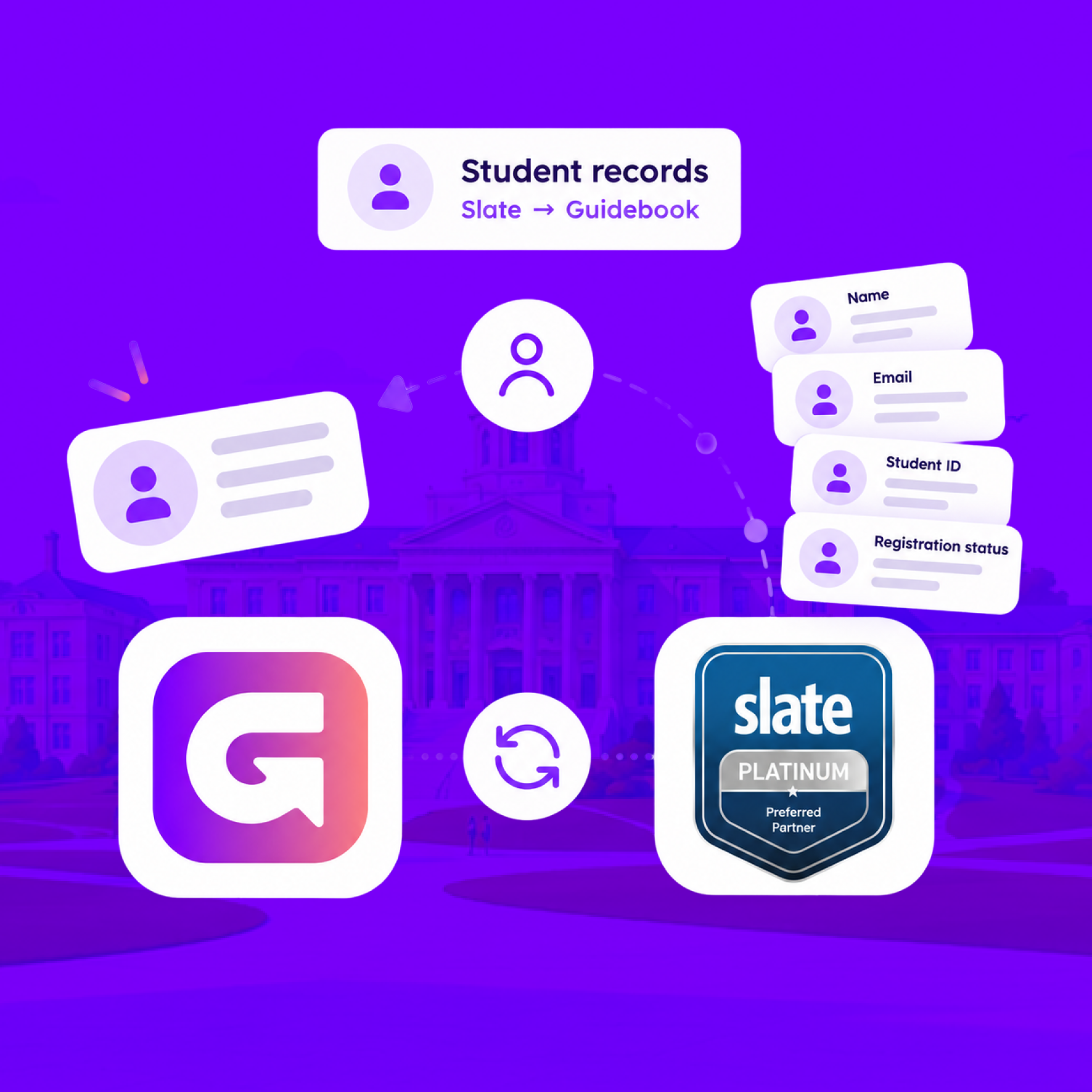
Slate profiles, in the campus app
Match each student's Slate record to their Guidebook account, so college, major, and orientation details stay current on every sync.
Campus apps by department
Admissions, orientation, student life, and more — one campus app that works across departments.

Campus apps by department
Admissions, orientation, student life, and more — one campus app that works across departments.
Build unlimited event apps on one license
One partnership for unlimited campus events — orientation, tours, student life, and everything in between.
Build unlimited event apps on one license
One partnership for unlimited campus events — orientation, tours, student life, and everything in between.
Compare event app platforms
See how Guidebook stacks up against other event app and registration platforms.
Compare event app platforms
See how Guidebook stacks up against other event app and registration platforms.
Event apps for nonprofit and community programs
Give members, volunteers, and donors one branded app for conferences, fundraisers, and year-round community.
Event apps for nonprofit and community programs
Give members, volunteers, and donors one branded app for conferences, fundraisers, and year-round community.
Campus integrations and an open API
Connect Guidebook with the campus systems, APIs, and tools your team already uses.
Campus integrations and an open API
Connect Guidebook with the campus systems, APIs, and tools your team already uses.
Event apps for corporate and enterprise teams
Internal meetings, offsites, and large-scale corporate events — with the branding and control enterprise teams need.
Event apps for corporate and enterprise teams
Internal meetings, offsites, and large-scale corporate events — with the branding and control enterprise teams need.
Create a branded event app with no coding
Put schedules, maps, resources, and updates in every attendee's pocket — built for campus events and programs.
Create a branded event app with no coding
Put schedules, maps, resources, and updates in every attendee's pocket — built for campus events and programs.
Launch a branded, white-label event app
A white-label event app with your branding, your content, and your attendee experience — no coding required.
Launch a branded, white-label event app
A white-label event app with your branding, your content, and your attendee experience — no coding required.
Everything in the Guidebook platform
Explore the features event teams use to engage attendees before, during, and after the event.
Everything in the Guidebook platform
Explore the features event teams use to engage attendees before, during, and after the event.
One app for in-person and virtual attendees
The same schedule, networking, and updates whether people are in the room or joining remotely.
One app for in-person and virtual attendees
The same schedule, networking, and updates whether people are in the room or joining remotely.
Event apps built for associations
Annual meetings, chapter events, and member engagement — without rebuilding a new app every year.
Event apps built for associations
Annual meetings, chapter events, and member engagement — without rebuilding a new app every year.
A branded event website that matches the app
Promote the event, collect interest, and keep branding consistent from the first click to check-in.
A branded event website that matches the app
Promote the event, collect interest, and keep branding consistent from the first click to check-in.
Plan, run, and measure events on one platform
App, registration, badges, and websites in one workflow — so planning isn't a pile of disconnected tools.
Plan, run, and measure events on one platform
App, registration, badges, and websites in one workflow — so planning isn't a pile of disconnected tools.
Keep members engaged between events
One branded app for the conference and everything that happens the other 51 weeks of the year.
Keep members engaged between events
One branded app for the conference and everything that happens the other 51 weeks of the year.
The conference app attendees actually use
Schedules, maps, networking, and live updates for annual meetings, summits, and multi-day conferences.
The conference app attendees actually use
Schedules, maps, networking, and live updates for annual meetings, summits, and multi-day conferences.
Registration that feeds your app and badges
Collect registrations, payments, and attendee data in the same platform as your event app.
Registration that feeds your app and badges
Collect registrations, payments, and attendee data in the same platform as your event app.
Design and print event badges in one place
Custom badges, QR check-in, and on-site printing — without a separate badge vendor.
Design and print event badges in one place
Custom badges, QR check-in, and on-site printing — without a separate badge vendor.
A Smaller School?
Deliver a polished, branded event experience without a large team or a big budget.
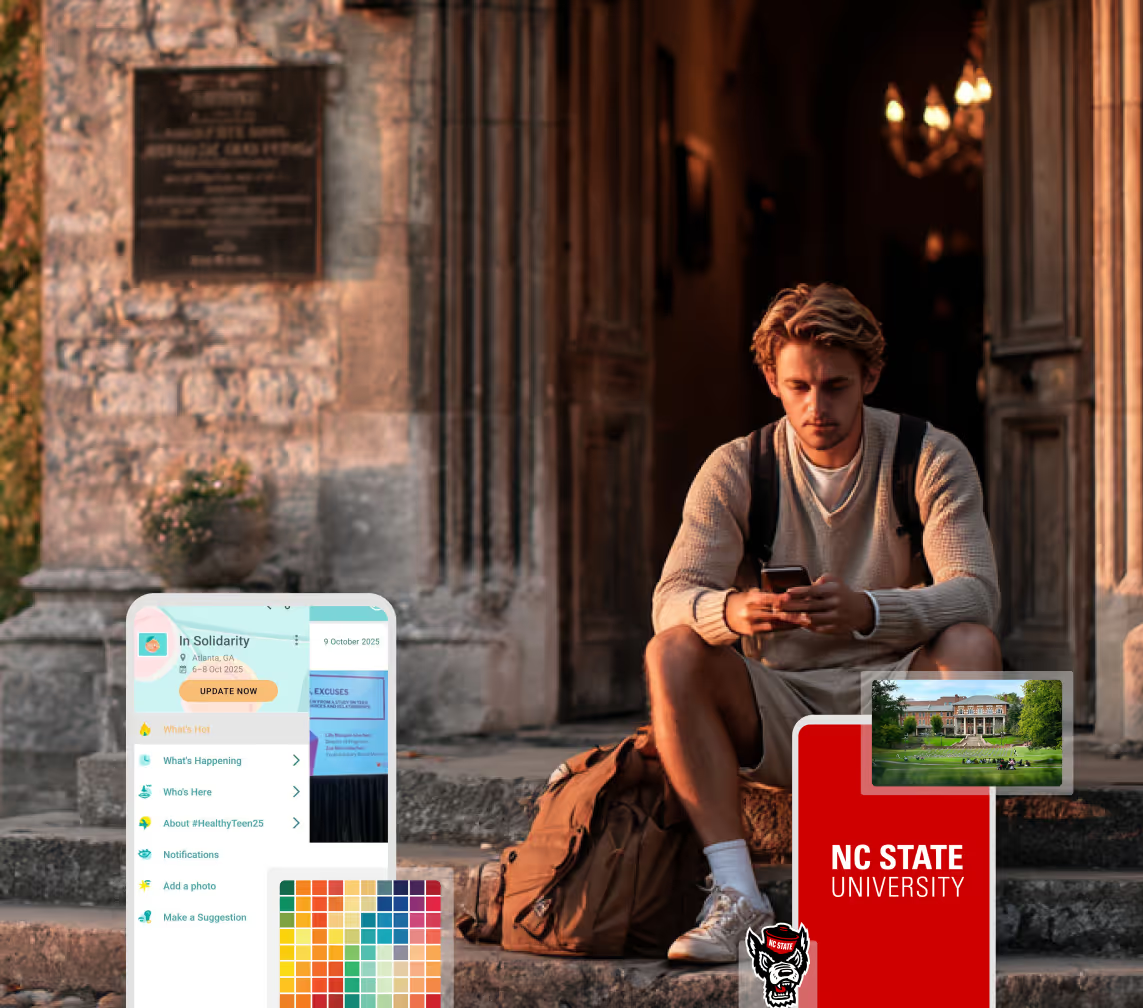
A Smaller School?
Deliver a polished, branded event experience without a large team or a big budget.
Running Family Programs?
Give families everything they need, from schedules and maps to real-time updates, all in one place.
Running Family Programs?
Give families everything they need, from schedules and maps to real-time updates, all in one place.
Coordinating Move-In Day?
Share updates, manage events, and keep students informed from move-in through the academic year.

Coordinating Move-In Day?
Share updates, manage events, and keep students informed from move-in through the academic year.
Offering Campus Tours?
Deliver branded, self-guided tour experiences with interactive maps and rich media, available 24/7.

Offering Campus Tours?
Deliver branded, self-guided tour experiences with interactive maps and rich media, available 24/7.
Organising a Career Fair?
Simplify logistics for students, employers, and Career Services staff with one easy-to-use app.
Organising a Career Fair?
Simplify logistics for students, employers, and Career Services staff with one easy-to-use app.
Managing Alumni Events?
Plan reunions, regional events, and fundraising campaigns with an app built for alumni engagement.
Managing Alumni Events?
Plan reunions, regional events, and fundraising campaigns with an app built for alumni engagement.
Boost Student Engagement
One hub for schedules, resources, and events that keeps students connected throughout the academic year.
Boost Student Engagement
One hub for schedules, resources, and events that keeps students connected throughout the academic year.
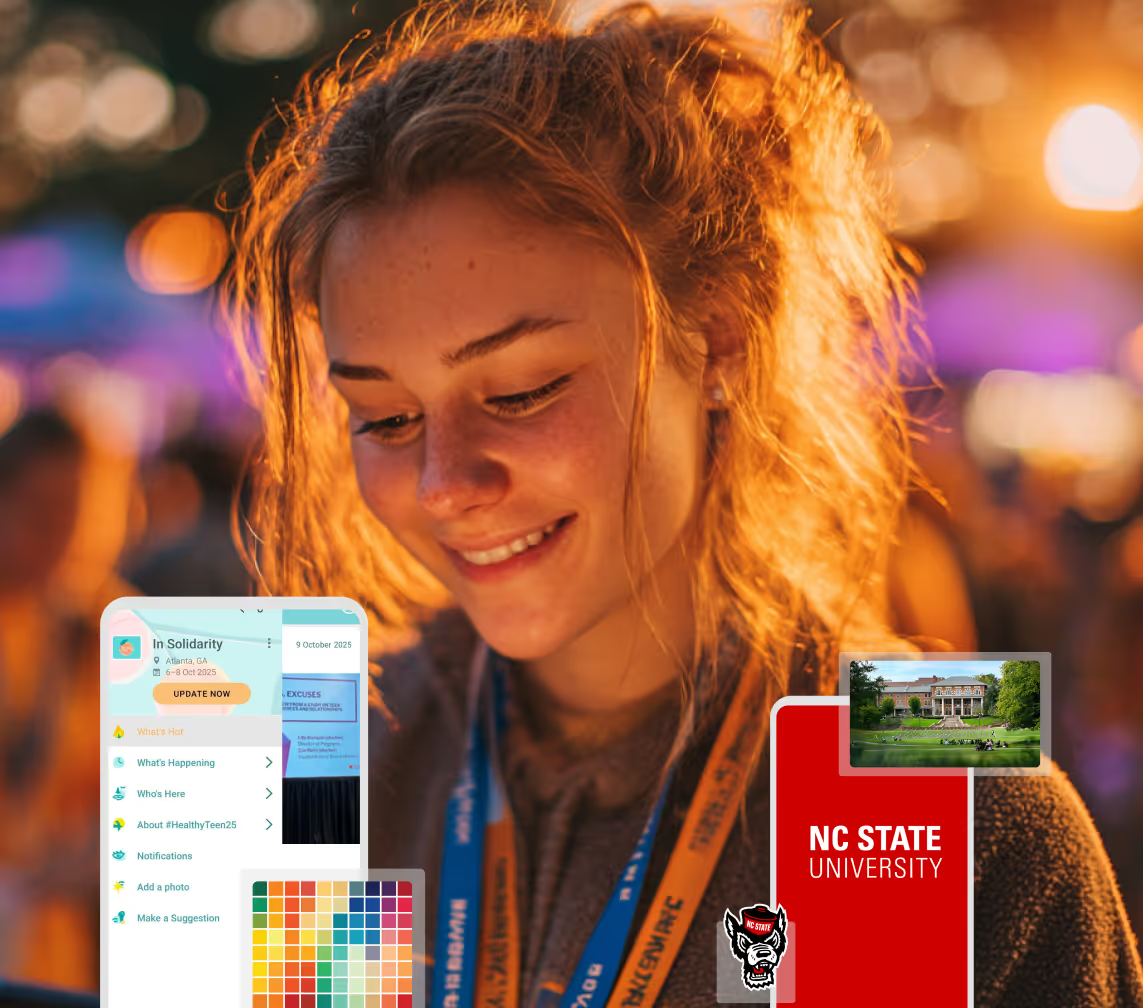
Planning Orientation?
Help new students feel prepared from day one with schedules, campus resources, and real-time updates in one app.
Planning Orientation?
Help new students feel prepared from day one with schedules, campus resources, and real-time updates in one app.
Running Admissions Events?
Manage open houses, tours, and yield events with a branded app that saves time and engages prospective students.

Running Admissions Events?
Manage open houses, tours, and yield events with a branded app that saves time and engages prospective students.
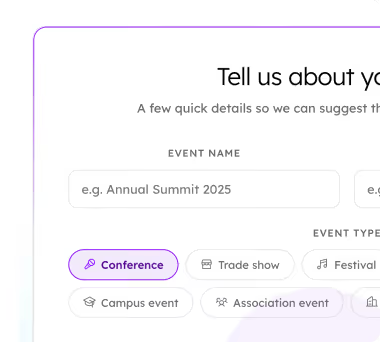
Get a custom Sponsorship Package Template
Stop starting from scratch. Grab free templates that helWe'll build a tailored sponsorship package with suggested pricing, tiers, and benefits..for your specific event.p you build professional sponsorship packages and close deals faster.
Get a custom Sponsorship Package Template
Stop starting from scratch. Grab free templates that helWe'll build a tailored sponsorship package with suggested pricing, tiers, and benefits..for your specific event.p you build professional sponsorship packages and close deals faster.
Plan Your Next Event Without Missing a Beat.
From venue selection to post-event wrap-up, this free checklist walks you through every step (so nothing falls through the cracks).

Plan Your Next Event Without Missing a Beat.
From venue selection to post-event wrap-up, this free checklist walks you through every step (so nothing falls through the cracks).
Real Results From Real Events
100,000+ organizations trust Guidebook. See exactly how universities, associations, enterprises, and more put it to work.

Real Results From Real Events
100,000+ organizations trust Guidebook. See exactly how universities, associations, enterprises, and more put it to work.
Flexible pricing for every event size
Find the perfect plan for your needs, from intimate gatherings to large-scale conferences.

Flexible pricing for every event size
Find the perfect plan for your needs, from intimate gatherings to large-scale conferences.
Join our event experts
Watch on-demand webinars and join live sessions with industry leaders sharing best practices for event success.

Join our event experts
Watch on-demand webinars and join live sessions with industry leaders sharing best practices for event success.
Guidebook in Action
Book a personalized walkthrough and discover how we help event teams create better attendee experiences.
Guidebook in Action
Book a personalized walkthrough and discover how we help event teams create better attendee experiences.
Guidebook Product Update: Q3 2026



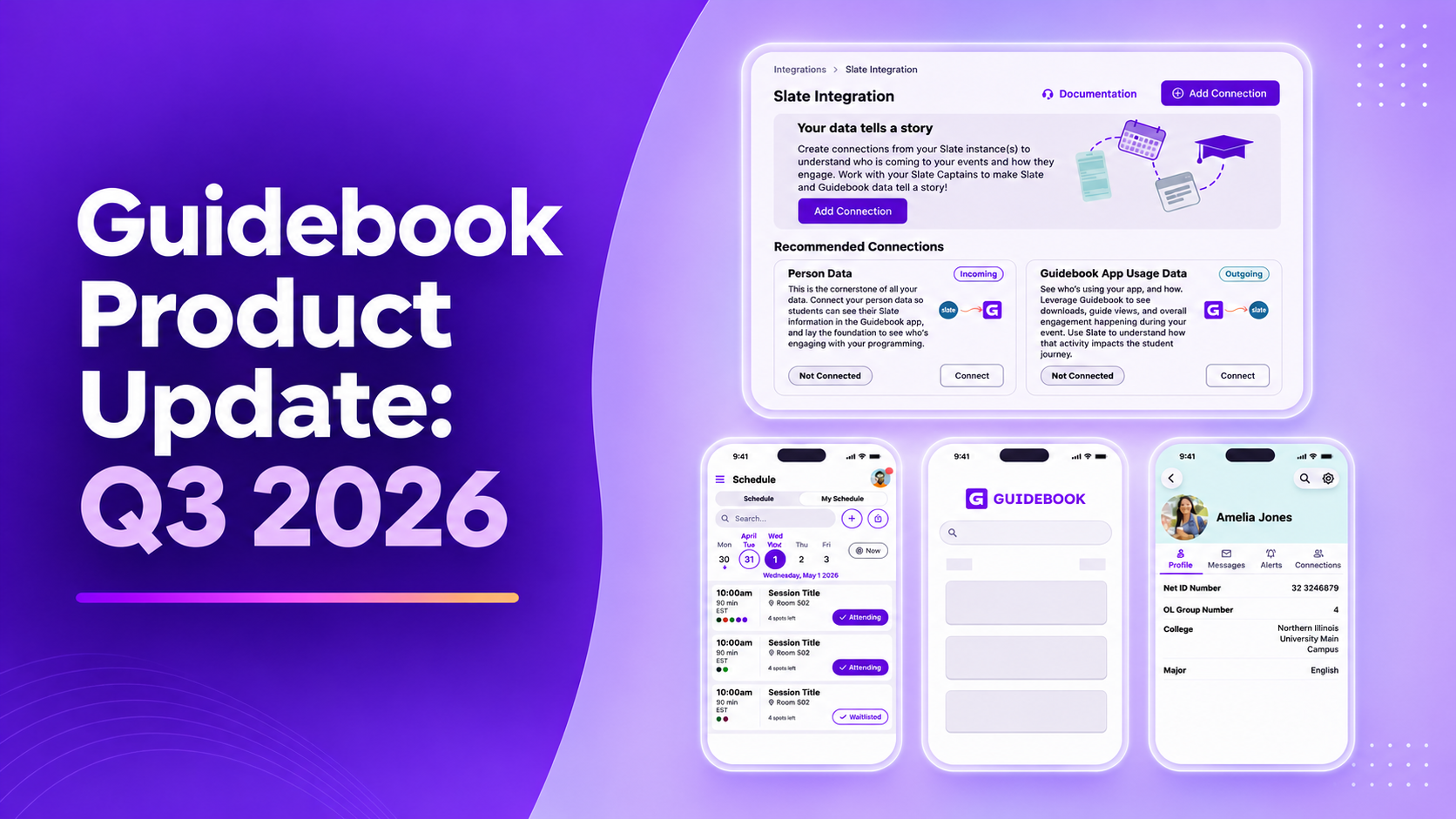
- Schedule search shipped on iOS and Android, built into the schedule rather than a separate page.
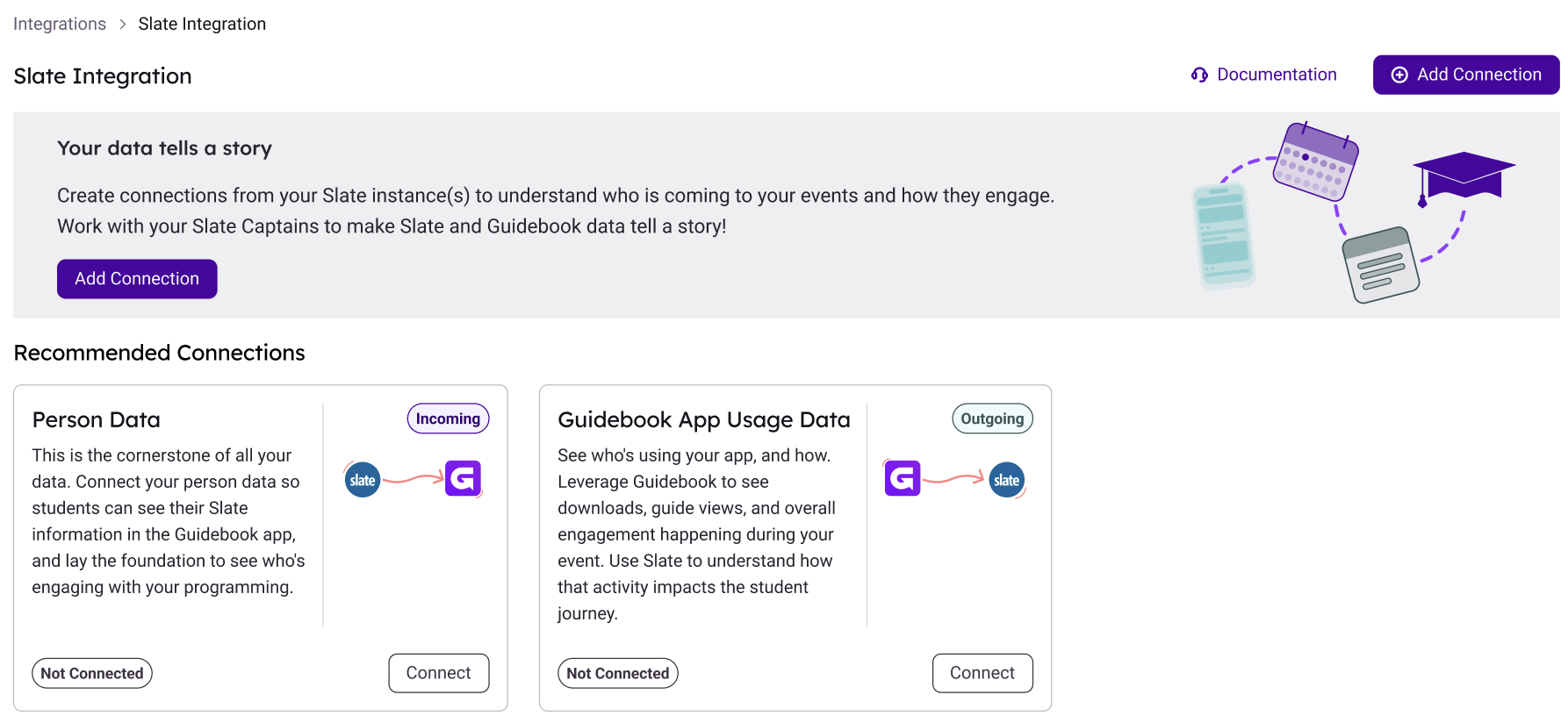
- The Slate integration went live: student profiles, events and sessions, app usage data, and registration sync.
- Builder gained Light, Dark, and high-contrast appearance settings, saved to your account across devices.
- The Org Guides page split into In Progress and History, with sort by status or subscription date.
- Next up: more Slate, continued accessibility work, and a Builder redesign with a Builder Assistant.
The session your visitors keep asking about is somewhere in a schedule with ninety entries. The guide you need to edit is somewhere in a list of every guide your campus has ever built. Neither one is a crisis. Both cost you a minute, several times a day, all quarter.
Q3 was about those minutes. A searchable schedule, a Builder that adapts to how you work, a clearer guide list, and the first full set of Slate connections. This is for the person who builds the guides and the person who keeps the Slate record. The full Q3 2026 product highlights are on the product updates page.
What shipped in Q3 2026?
Four things, plus Slate. Schedule search arrived on iOS and Android. Builder gained light, dark, and high-contrast appearance settings. The Org Guides page split into In Progress and History. Branded Spaces got the horizontal logo back. And the Slate integration went live, covering student profiles, events and sessions, app usage data, and registration sync.
Find the session without leaving the schedule
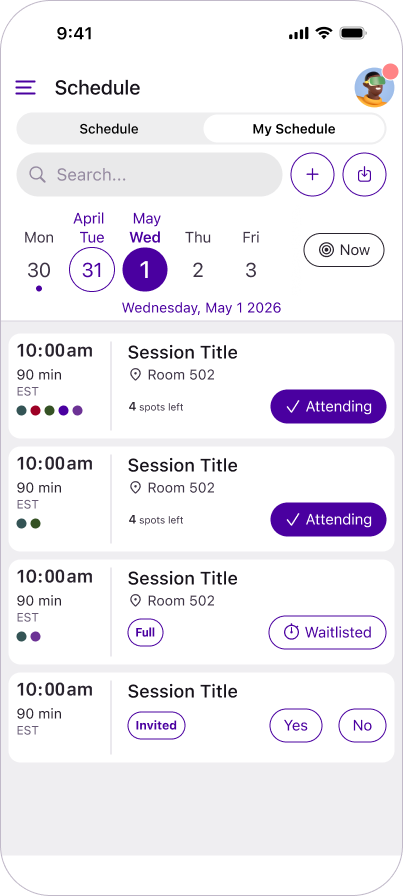
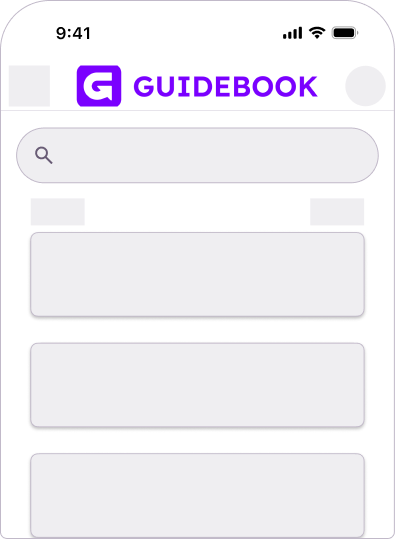
Attendees can now find the session they're looking for without leaving the schedule. Search is built into the schedule itself on iOS and Android, instead of sitting on a separate search page.
The Schedule, My Schedule, and Track views were redesigned at the same time, with system fonts and standardized icons for a more native, consistent experience. On a campus day with four tracks running at once, that's the difference between a visitor finding the admitted-student session and a visitor asking a volunteer where to go.
Slate and Guidebook, sharing the work
Slate and Guidebook now share more of the work, so your team isn't managing the same event in two places. It's one of the campus integrations we build around the systems you already run. Four connections cover it:
- Event and session data: link a Slate event folder to a guide, and every event in that folder becomes a session in the guide's schedule
- App usage data: send app engagement back to Slate every hour, tied to the right Slate event and student record
- Registration sync: students who register for a linked Slate event are added to the guide's Users list automatically, with no spreadsheet import
- Multiple Slate instances: manage them all from one Slate Integration page, with a guided four-step setup
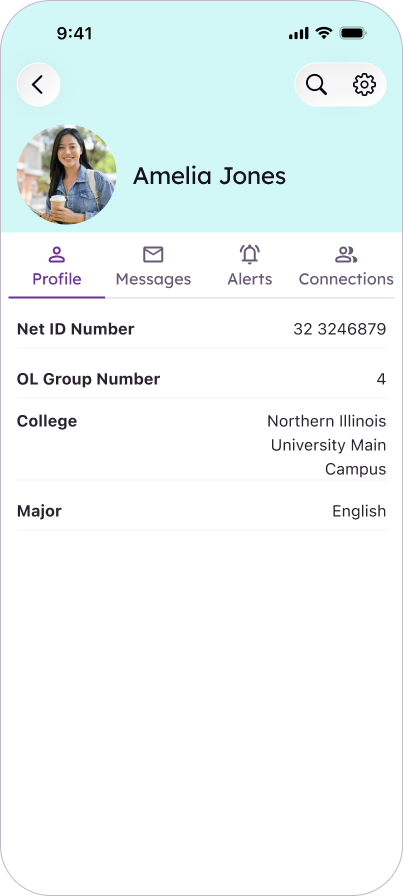
Students see their own details too. Guide builders choose which student record details sync into a student's in-app profile, from name and NetID to orientation group, college, and major. A new Profile tab shows them, and the fields Slate manages are locked so they can't drift out of step.
If your institution logs in to Builder natively rather than through SSO, accounts can now link to a Slate record using the account's verified email.
Builder that adapts to how you work
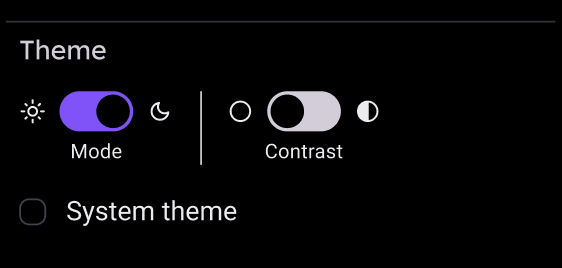
Builder now has an Appearance setting in the side navigation: Light, Dark, or a high-contrast version of either. System Theme is the default, and your choice saves to your account, so it carries to every session and every device.
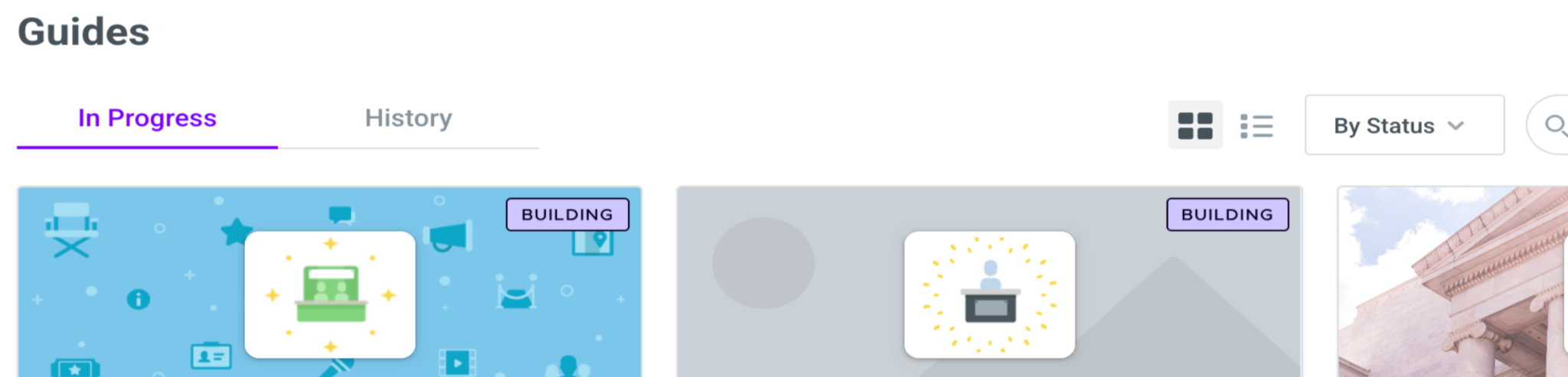
Finding the right guide takes fewer clicks too. The Org Guides page is now two tabs, In Progress and History. You can sort by status or subscription date, start a new guide from a button on the page itself, and see a banner flagging any guide with a past due invoice.
Your logo, where people see it
Branded Spaces keep your identity visible from the moment attendees arrive. The horizontal logo option is back for the header area, which matters if your institutional mark was never designed to sit in a square. Images in the Details tab of Space management now take alt text, a small change that makes the space work properly for everyone.
| The task | Before | Now |
|---|---|---|
| Find a session in a packed schedule | Leave the schedule for a separate search page | Search built into the schedule on iOS and Android |
| Find the right guide in Builder | One long list of every guide | In Progress and History tabs, sorted by status or subscription date |
| Get a Slate event into a guide | Build the event a second time | Link the folder, and every event becomes a session |
| Get app engagement into Slate | Export it and match it by hand | Sent hourly, tied to the right event and student record |
What's next
The roadmap stays on the same three tracks. Slate will keep expanding. Accessibility work continues across the app and Builder, since modernization and an easier experience go together. And Builder gets a redesign, starting with updated navigation and a Builder Assistant that understands what your guide needs to succeed.
None of this is the kind of change anyone announces at a staff meeting. It's the kind that shows up as a shorter Monday. Indiana Tech doubled student yield and gave staff 375 hours back with the same category of work: fewer steps between the plan and the day.
If you want to see any of it against your own setup, a walkthrough is the fastest way. Everything we ship lands on product updates as it goes out.
Frequently asked questions

Get the Mobile App Playbook
A short guide to running the whole student journey in one app. No fluff, just what works.
for higher ed
Campus
Playbook
A practical guide to building a connected campus experience.
Free playbook
The Mobile App Playbook for Universities
Students decide if they belong long before they set foot on campus. This playbook shows how to win them over from the first visit through graduation.
- Grow enrollment and boost recruitment
- Increase belonging and retention
- Run every event from one branded app
By submitting, you agree to our Privacy Policy.
You're in.