How does your campus build belonging? Help us find out

Slate runs your funnel, Guidebook runs your day.

You run Open House, Admitted Student Day, and campus tours in Slate. Guidebook captures the activity and engagement. We're connecting them, so you build the event once, not twice.

The only event app built for higher ed

See which prospective students registered for which events and how they engaged with each one. Then use that data to repeat what works, year after year.


Close the loop between your events and your funnel.

For students who opt in, Guidebook sends app engagement back to Slate every hour, matched to each event registration, so it sits where enrollment decisions are made.

See who engaged, and who didn't.

Downloads, schedule adds, session views and form responses arrive in Slate on each student’s registration.

Engagement where your funnel lives.

Your team already tracks students from prospect to enrolled in Slate. Event engagement now sits there too, ready for however you use it.

Answers for the room that asks.

When someone asks how the event went, show who downloaded, what they added and what they told you, straight from Slate.

Stop doing the work twice.

Get a Demo of Slate
Without the integration
With Guidebook + Slate

Every event gets built twice, once in Slate and again in the app.

Build it once, in Slate. Sessions follow on their own.

Student details get re-keyed or uploaded by hand.

Records link automatically and stay current on every sync.

Registrants are tracked in two places.

Slate registrants join the guide automatically.

Last-minute changes mean editing two systems.

Edit once, in Slate. The guide follows on the next sync.

Results from Guidebook's platform
the foundation this integration builds on.

I have found that the management of Guidebook for our campus doesn’t really require a lot of technical skill, it just requires some good organization skills and the ability to partner with other people on campus.
IT Director of Student and Academic Affairs, NC State
NC State University

How setup works

  1. Step 1 · In Slate

    Import the Guidebook Suitcases

    Pre-built Suitcases define which fields are available to sync and format them correctly for the integration.

  2. Step 2 · In Slate

    Create the web service

    Each connection runs through a query web service and a service account you control in Slate.

  3. Step 3 · In Builder

    Connect it in Builder

    Paste the web service URL. The connection tests itself as soon as you do.

  4. Step 4 · In Builder

    Map and save

    Choose the fields and folders you want, then save. The first sync runs right away.

  • API-based, no SFTP
  • Set up by organization admins
  • Available in every guide
  • Syncs every 2 hours by default
Privacy & Control

Your data rules stay in place.

Slate stays the source of truth, and students decide whether their app activity is shared.

Opt-in only

App activity is sent only for logged-in students with a Slate record who said yes to the guide's privacy consent. No answer counts as no.

Rechecked every run

If a student withdraws consent, sending stops from that point on.

Protected guides stay out

Archived guides and guides with strict privacy turned on are never sent.

Slate owns the record

Student names and imported events are managed in Slate and stay in sync automatically.

Connect every prospective student's enrollment story to their event experience

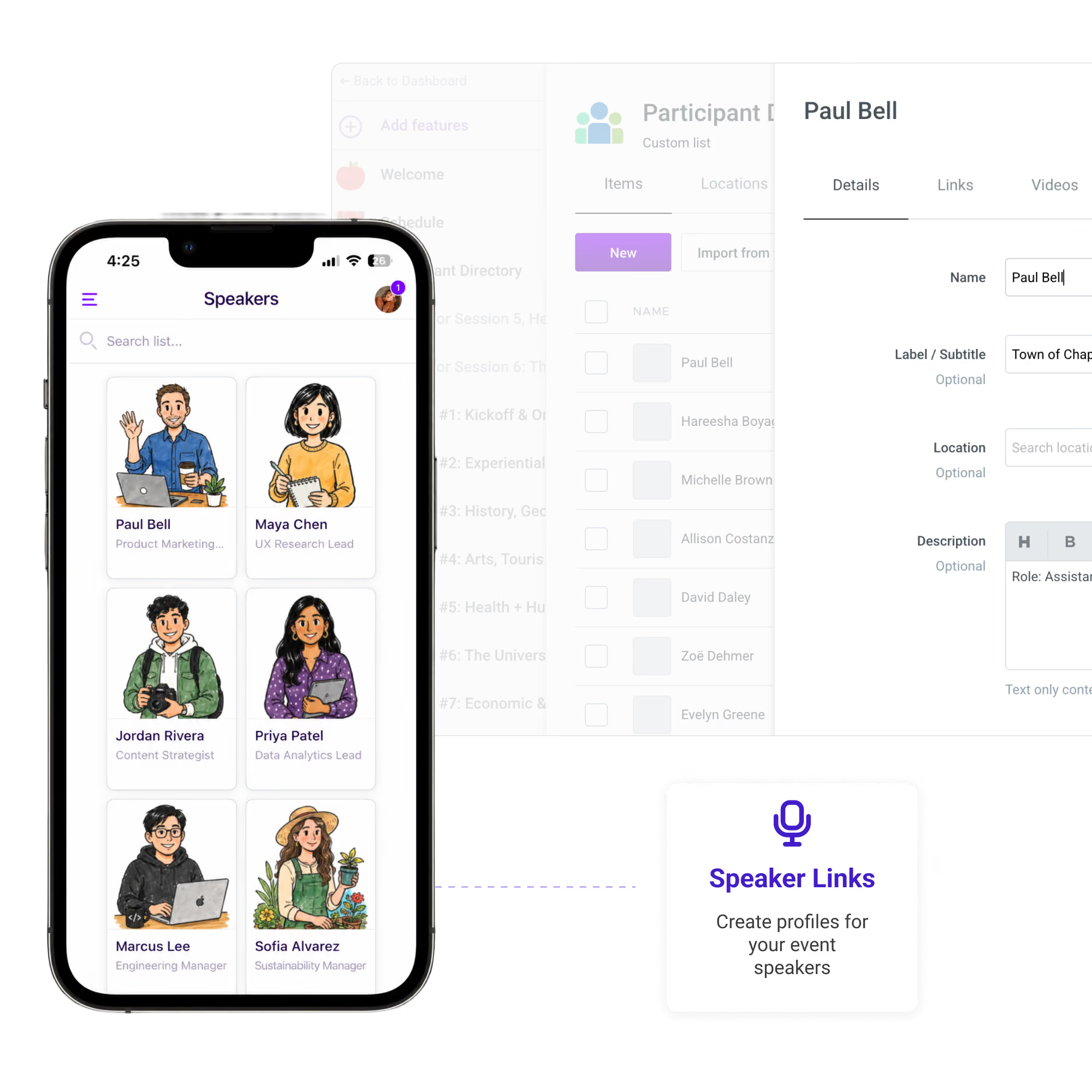
Student details that are already in Slate, like group, college, and major, can flow into in-app profiles. Your event team personalizes the experience without touching a database.
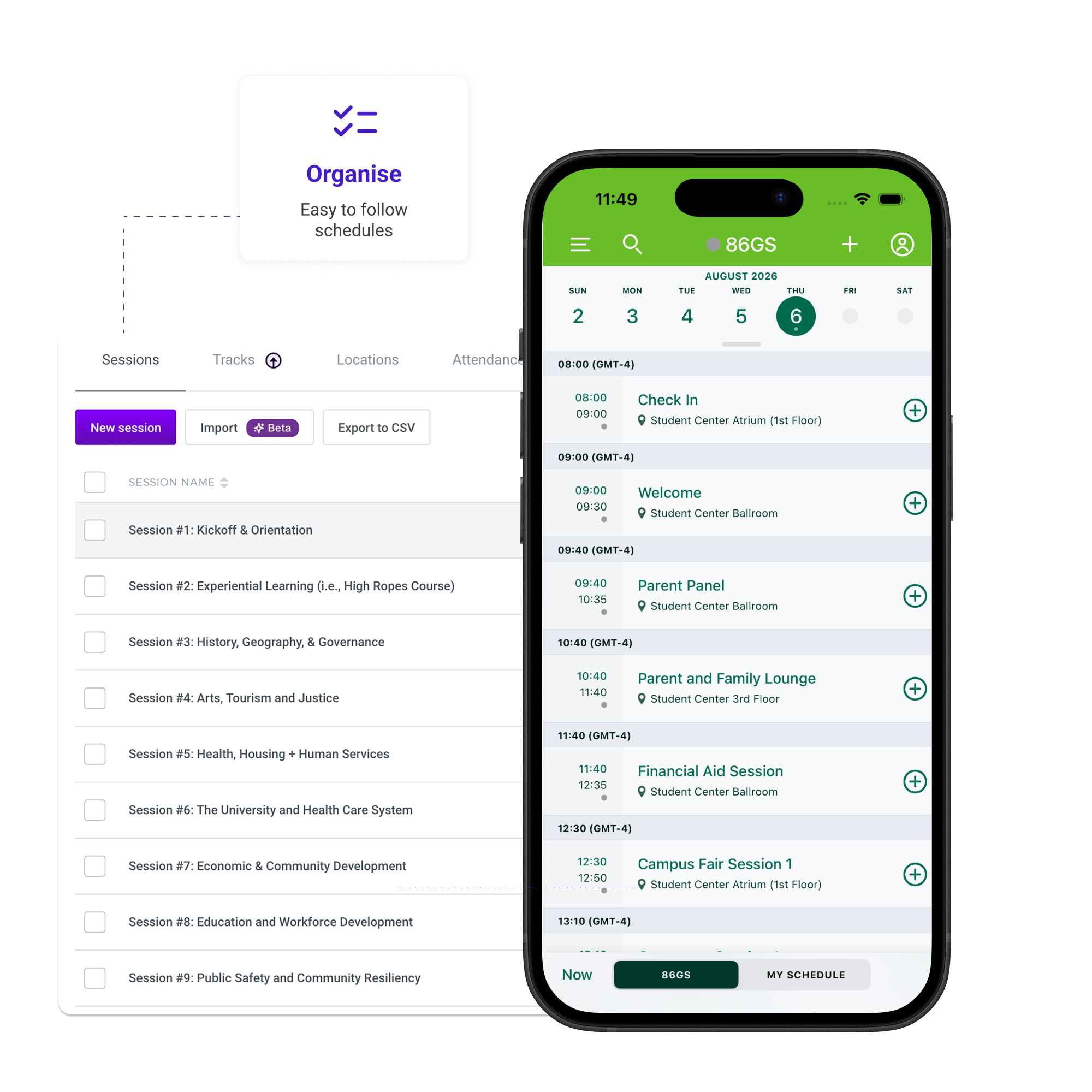
Open House

Run an unforgettable open day

Turn open house and preview days into data that your team can actually use for targeted outreach. Know exactly what part of your event a student engaged with, and how, so you know what means most to them.

Admitted Student Day

Use data to help admitted students commit to your school

Connect app engagement data with Slate student records so your team knows exactly how to convince them to say yes.
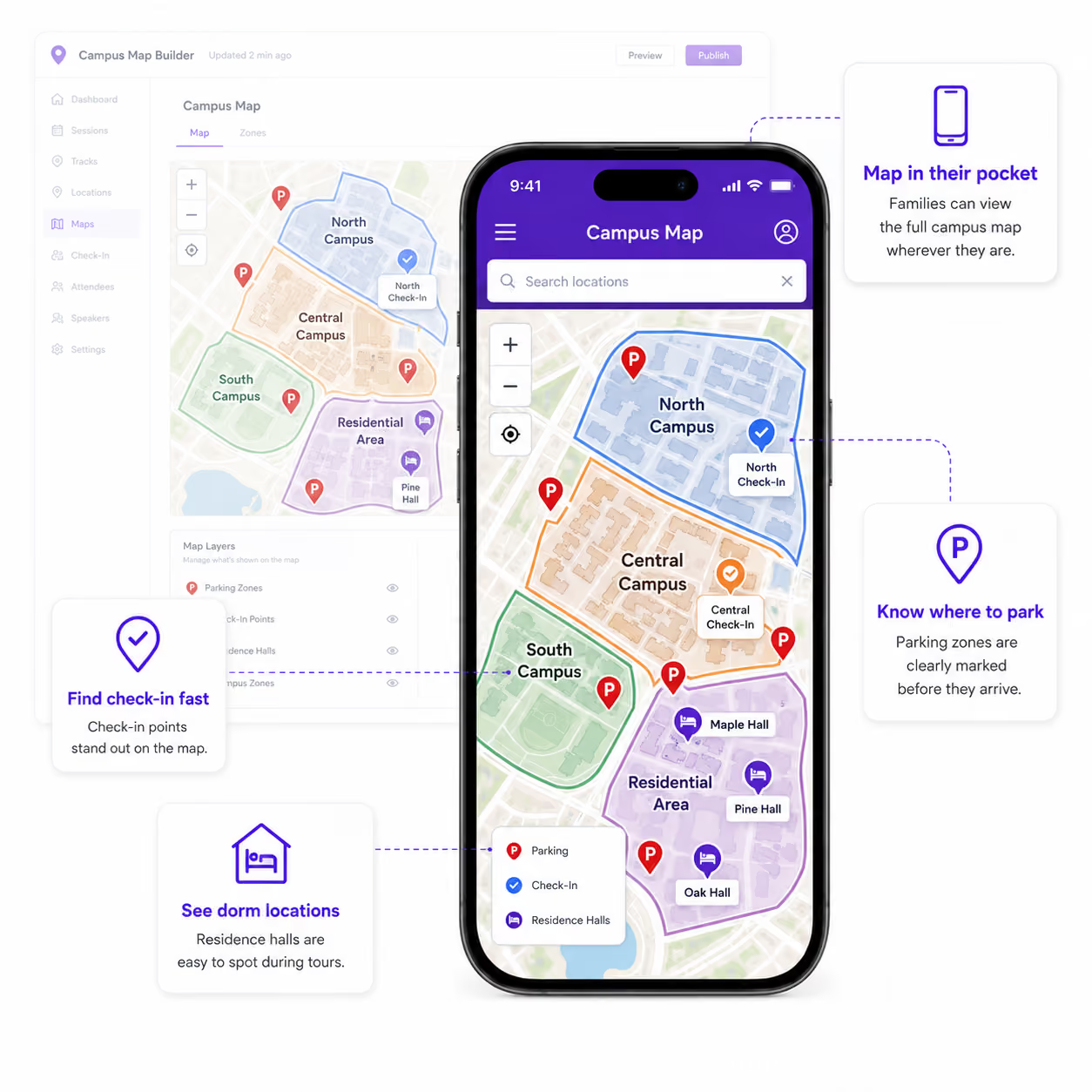
Self-Guided Tours

Self-guided tours to explore campus their way.

Let prospective students choose their own adventure and explore your campus at their own pace. No need for 100 student volunteers, just one app with live routes, updates, and maps that make finding their way easy.

Want a Demo? or need Slate Support?

Guidebook uses the information you provide to share relevant content, products, and services. You may unsubscribe at any time. See our Privacy Policy for more details.
Thank you! Your submission has been received!
Oops! Something went wrong while submitting the form.
Thank you! Your submission has been received!
Oops! Something went wrong while submitting the form.

FAQs

Organization administrators connect it in Builder, and your Slate admin imports the Guidebook Suitcases and creates the web services in Slate. Once it's set up at the organization level, Slate data is available in every guide in your organization.
It's an API-based integration. SFTP isn't supported for Slate at this time.
Data from Slate syncs into Guidebook every 2 hours by default, and you can set it to run as often as every hour. A sync also runs immediately whenever you turn on the integration or update its credentials. App activity going back to Slate is sent automatically in the background, with nothing to configure.
App activity reaches Slate in batches, not in real time. For live numbers during an event, use the Attendance tab in Builder.
While the integration is on, Slate is the source of truth for student names, so the name field is read-only in the app and stays in sync automatically. Turning the integration off releases it.
Yes. The Slate integration is part of your standard offering and an integrated piece of Guidebook.
The integration shows the error type, such as an authentication or connection issue, along with a message. Authentication errors usually mean the security key or URL is out of date, so update them and re-test the connection. If you're stuck, email slate@guidebook.com.

Still have questions?