See who actually showed up, in Slate
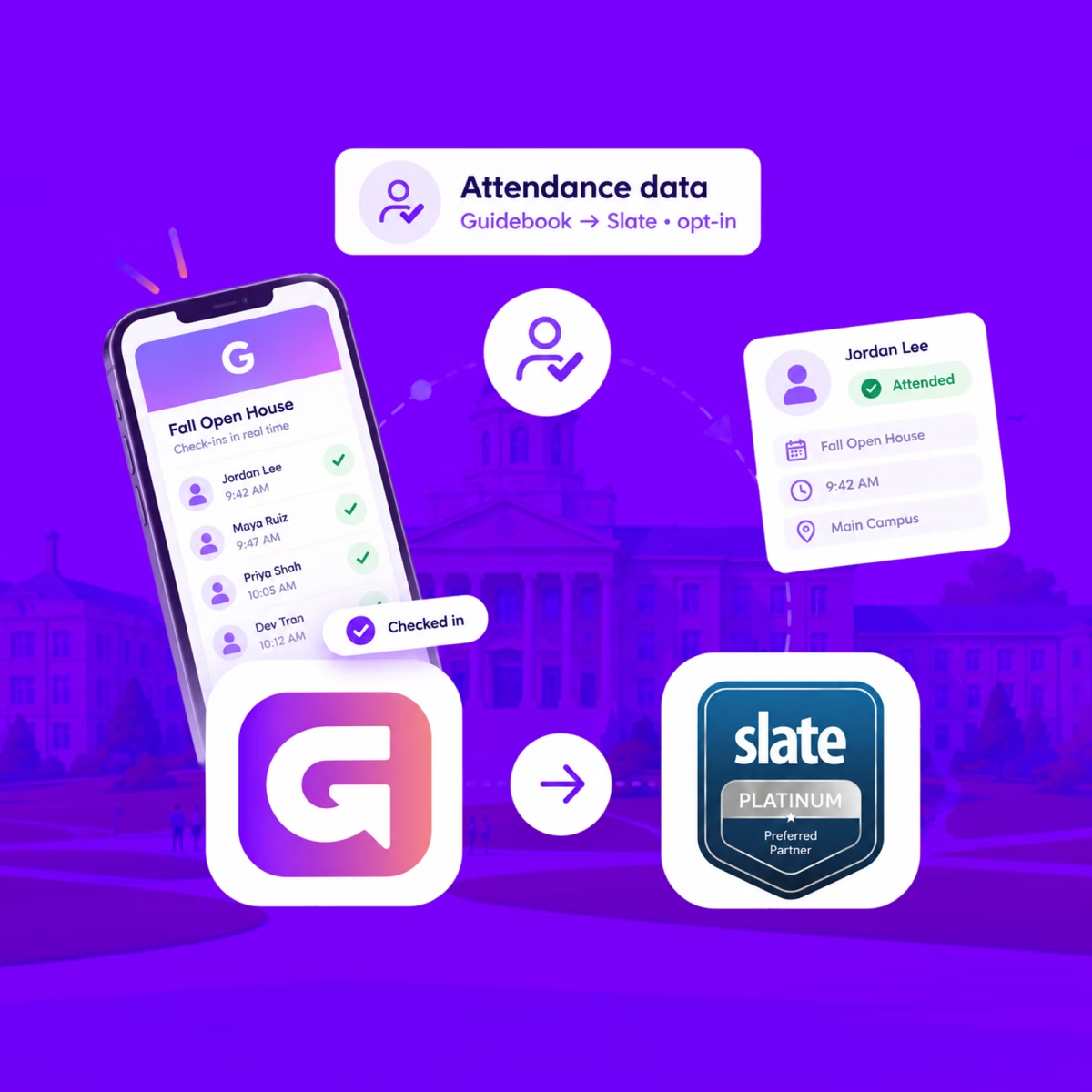
When someone checks in at your event, Guidebook marks their Slate registration Attended, with the time they arrived.
See who actually showed up, in Slate
When someone checks in at your event, Guidebook marks their Slate registration Attended, with the time they arrived.
Send app engagement back to Slate
For students who opt in, downloads, schedule adds, views, and form responses land on their event registration every hour.
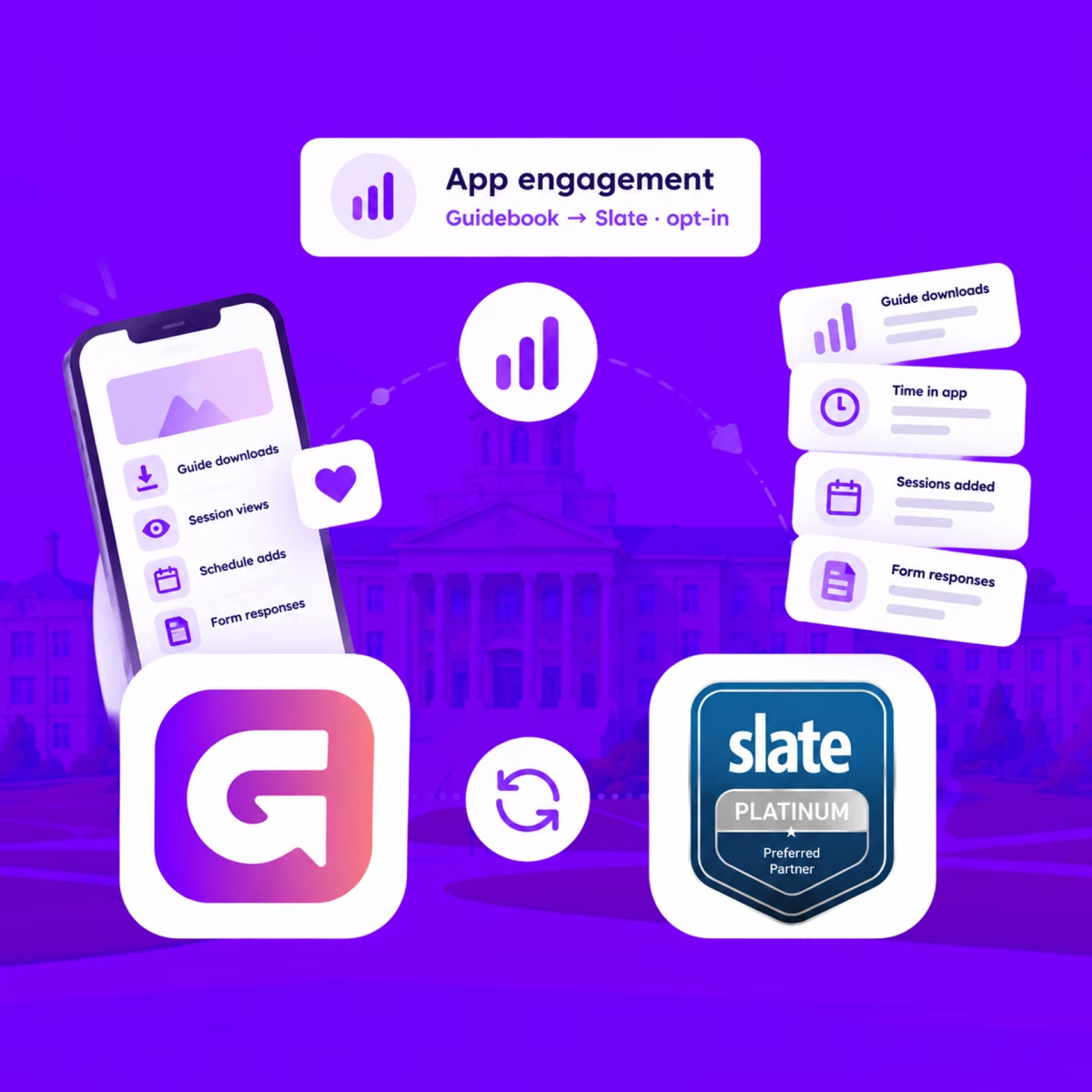
Send app engagement back to Slate
For students who opt in, downloads, schedule adds, views, and form responses land on their event registration every hour.
Build the campus event once in Slate
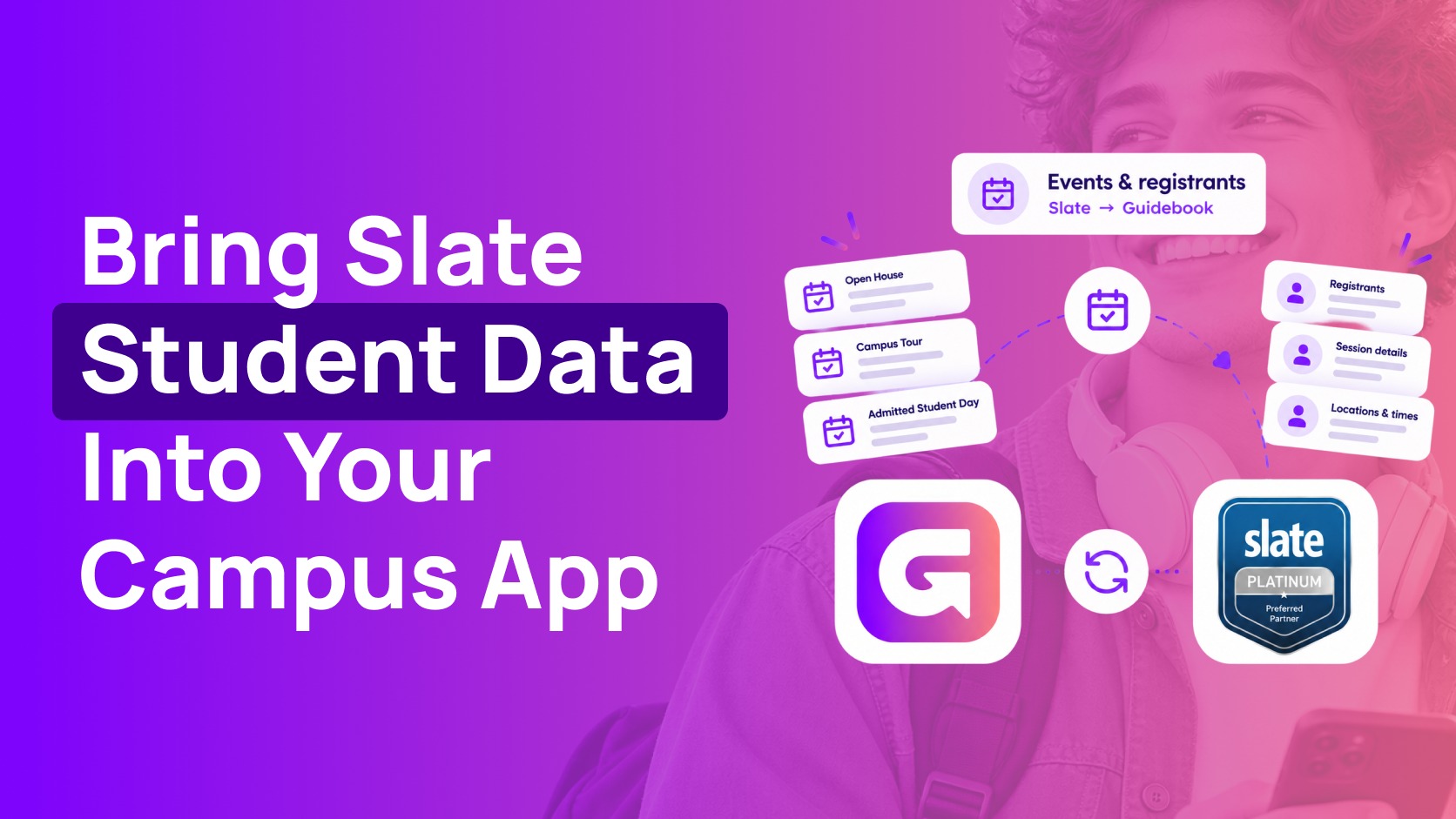
Link a Slate folder to a guide. Every event becomes a session, and registrants are added automatically.

Build the campus event once in Slate
Link a Slate folder to a guide. Every event becomes a session, and registrants are added automatically.
Slate profiles, in the campus app
Match each student's Slate record to their Guidebook account, so college, major, and orientation details stay current on every sync.
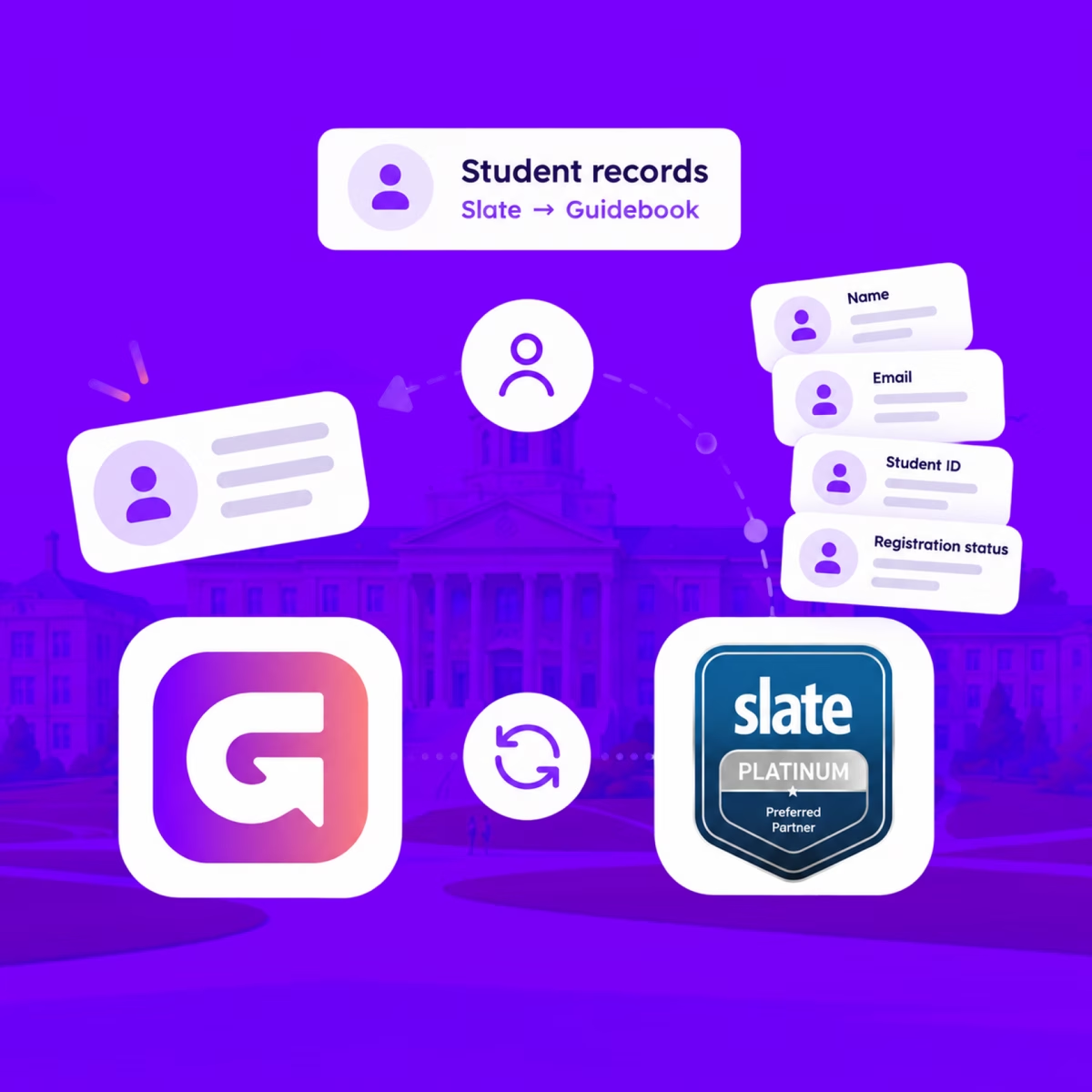
Slate profiles, in the campus app
Match each student's Slate record to their Guidebook account, so college, major, and orientation details stay current on every sync.
Campus apps by department
Admissions, orientation, student life, and more — one campus app that works across departments.

Campus apps by department
Admissions, orientation, student life, and more — one campus app that works across departments.
Build unlimited event apps on one license
One partnership for unlimited campus events — orientation, tours, student life, and everything in between.
Build unlimited event apps on one license
One partnership for unlimited campus events — orientation, tours, student life, and everything in between.
Compare event app platforms
See how Guidebook stacks up against other event app and registration platforms.
Compare event app platforms
See how Guidebook stacks up against other event app and registration platforms.
Event apps for nonprofit and community programs
Give members, volunteers, and donors one branded app for conferences, fundraisers, and year-round community.
Event apps for nonprofit and community programs
Give members, volunteers, and donors one branded app for conferences, fundraisers, and year-round community.
Campus integrations and an open API
Connect Guidebook with the campus systems, APIs, and tools your team already uses.
Campus integrations and an open API
Connect Guidebook with the campus systems, APIs, and tools your team already uses.
Event apps for corporate and enterprise teams
Internal meetings, offsites, and large-scale corporate events — with the branding and control enterprise teams need.
Event apps for corporate and enterprise teams
Internal meetings, offsites, and large-scale corporate events — with the branding and control enterprise teams need.
Create a branded event app with no coding
Put schedules, maps, resources, and updates in every attendee's pocket — built for campus events and programs.
Create a branded event app with no coding
Put schedules, maps, resources, and updates in every attendee's pocket — built for campus events and programs.
Launch a branded, white-label event app
A white-label event app with your branding, your content, and your attendee experience — no coding required.
Launch a branded, white-label event app
A white-label event app with your branding, your content, and your attendee experience — no coding required.
Everything in the Guidebook platform
Explore the features event teams use to engage attendees before, during, and after the event.
Everything in the Guidebook platform
Explore the features event teams use to engage attendees before, during, and after the event.
One app for in-person and virtual attendees
The same schedule, networking, and updates whether people are in the room or joining remotely.
One app for in-person and virtual attendees
The same schedule, networking, and updates whether people are in the room or joining remotely.
Event apps built for associations
Annual meetings, chapter events, and member engagement — without rebuilding a new app every year.
Event apps built for associations
Annual meetings, chapter events, and member engagement — without rebuilding a new app every year.
A branded event website that matches the app
Promote the event, collect interest, and keep branding consistent from the first click to check-in.
A branded event website that matches the app
Promote the event, collect interest, and keep branding consistent from the first click to check-in.
Plan, run, and measure events on one platform
App, registration, badges, and websites in one workflow — so planning isn't a pile of disconnected tools.
Plan, run, and measure events on one platform
App, registration, badges, and websites in one workflow — so planning isn't a pile of disconnected tools.
Keep members engaged between events
One branded app for the conference and everything that happens the other 51 weeks of the year.
Keep members engaged between events
One branded app for the conference and everything that happens the other 51 weeks of the year.
The conference app attendees actually use
Schedules, maps, networking, and live updates for annual meetings, summits, and multi-day conferences.
The conference app attendees actually use
Schedules, maps, networking, and live updates for annual meetings, summits, and multi-day conferences.
Registration that feeds your app and badges
Collect registrations, payments, and attendee data in the same platform as your event app.
Registration that feeds your app and badges
Collect registrations, payments, and attendee data in the same platform as your event app.
Design and print event badges in one place
Custom badges, QR check-in, and on-site printing — without a separate badge vendor.
Design and print event badges in one place
Custom badges, QR check-in, and on-site printing — without a separate badge vendor.
A Smaller School?
Deliver a polished, branded event experience without a large team or a big budget.
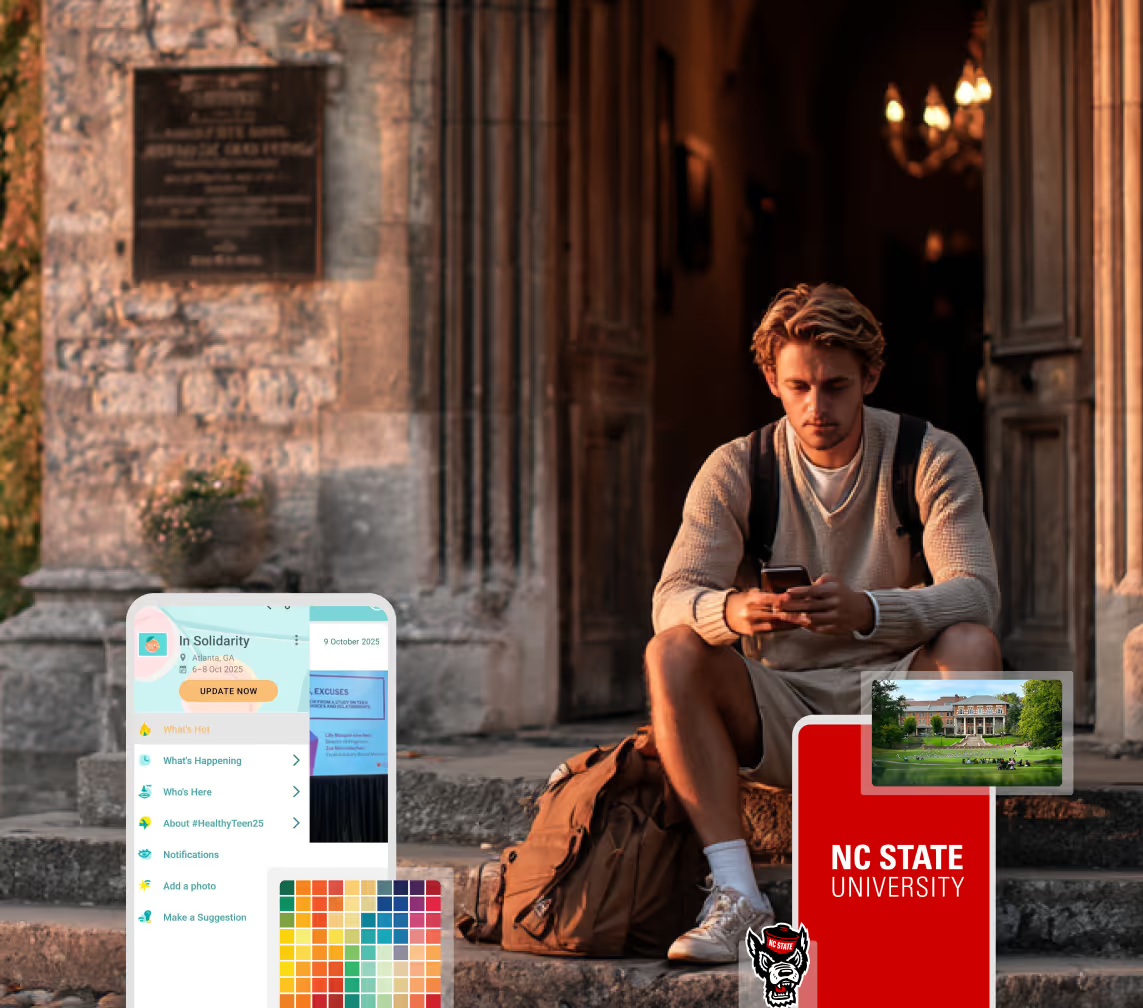
A Smaller School?
Deliver a polished, branded event experience without a large team or a big budget.
Running Family Programs?
Give families everything they need, from schedules and maps to real-time updates, all in one place.
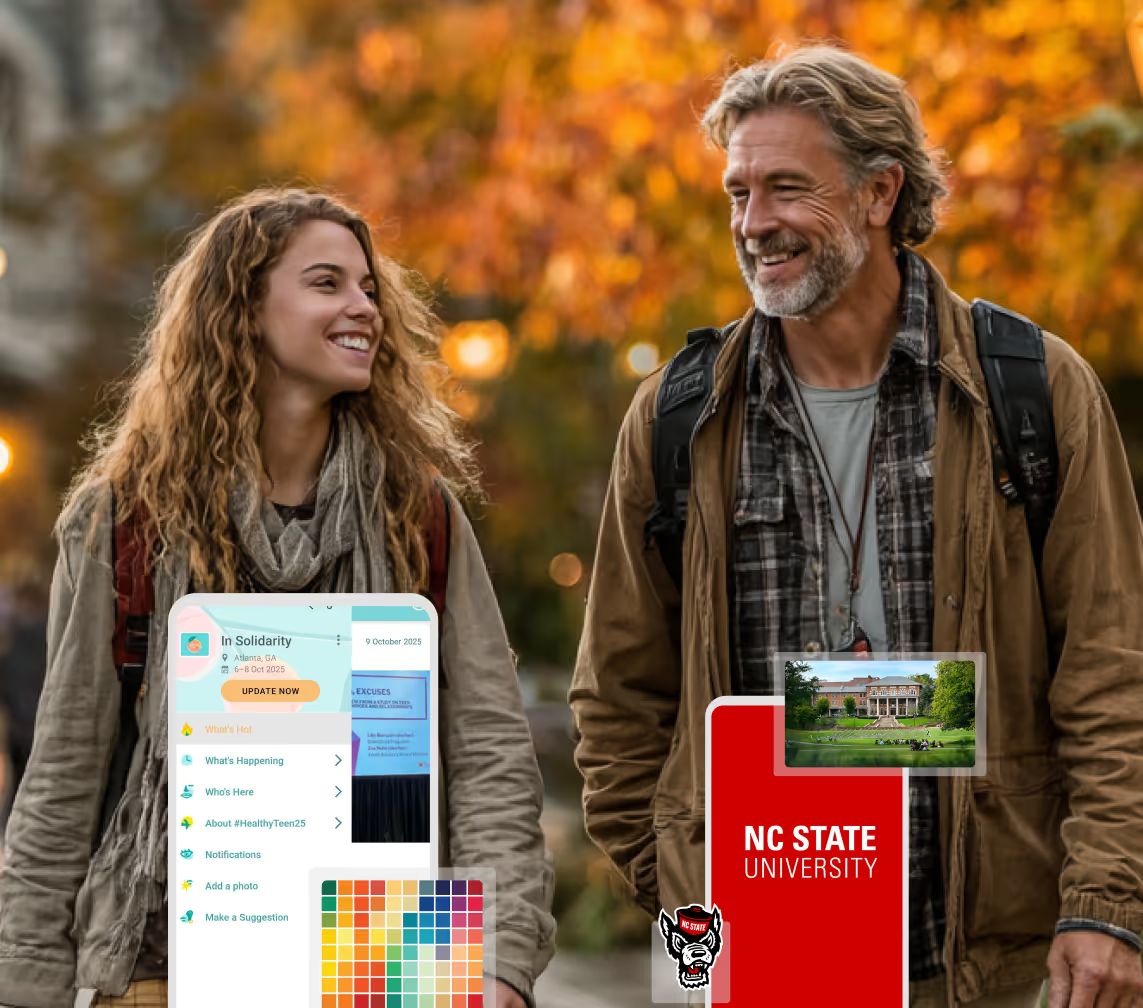
Running Family Programs?
Give families everything they need, from schedules and maps to real-time updates, all in one place.
Coordinating Move-In Day?
Share updates, manage events, and keep students informed from move-in through the academic year.

Coordinating Move-In Day?
Share updates, manage events, and keep students informed from move-in through the academic year.
Offering Campus Tours?
Deliver branded, self-guided tour experiences with interactive maps and rich media, available 24/7.
Offering Campus Tours?
Deliver branded, self-guided tour experiences with interactive maps and rich media, available 24/7.
Organising a Career Fair?
Simplify logistics for students, employers, and Career Services staff with one easy-to-use app.
Organising a Career Fair?
Simplify logistics for students, employers, and Career Services staff with one easy-to-use app.
Managing Alumni Events?
Plan reunions, regional events, and fundraising campaigns with an app built for alumni engagement.
Managing Alumni Events?
Plan reunions, regional events, and fundraising campaigns with an app built for alumni engagement.
Boost Student Engagement
One hub for schedules, resources, and events that keeps students connected throughout the academic year.
Boost Student Engagement
One hub for schedules, resources, and events that keeps students connected throughout the academic year.
Planning Orientation?
Help new students feel prepared from day one with schedules, campus resources, and real-time updates in one app.
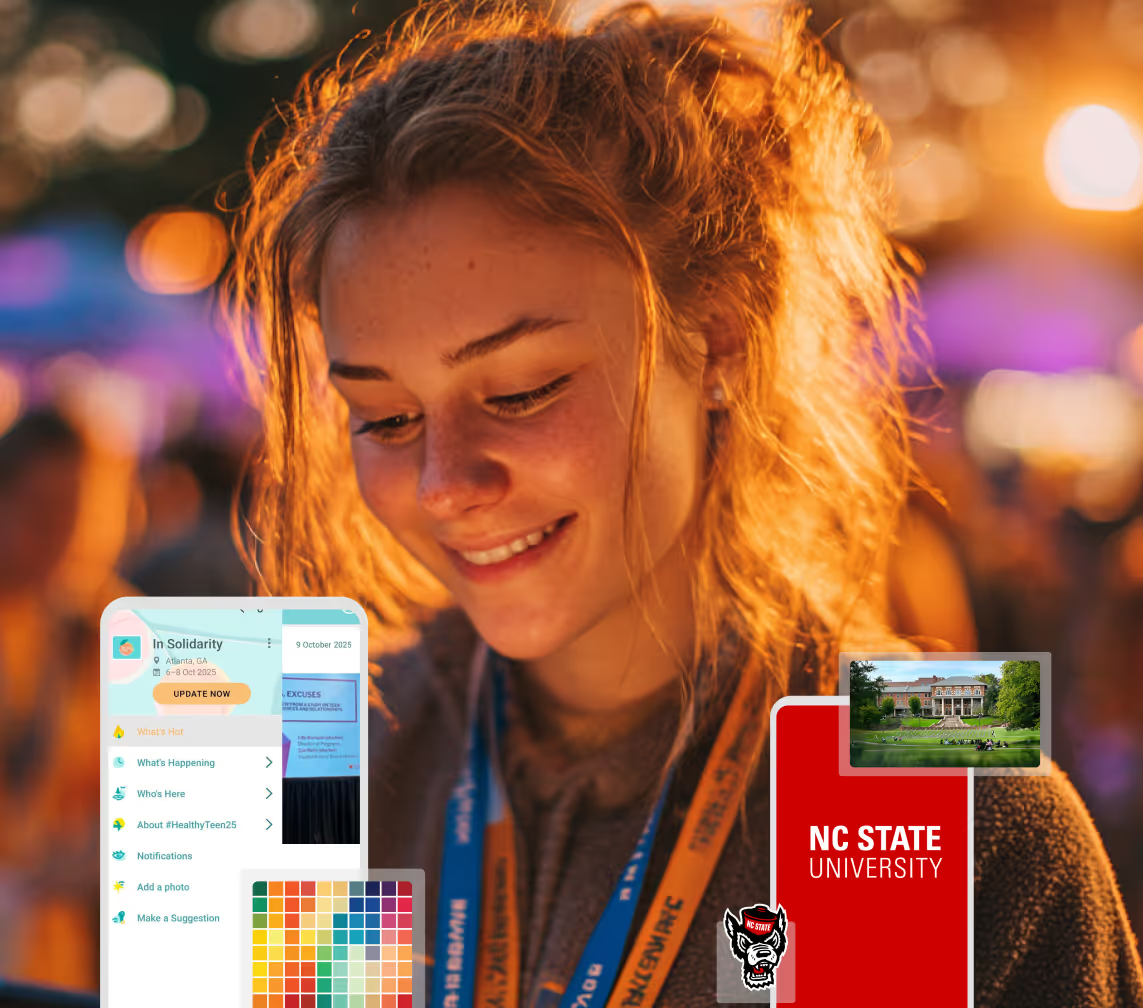
Planning Orientation?
Help new students feel prepared from day one with schedules, campus resources, and real-time updates in one app.
Running Admissions Events?
Manage open houses, tours, and yield events with a branded app that saves time and engages prospective students.
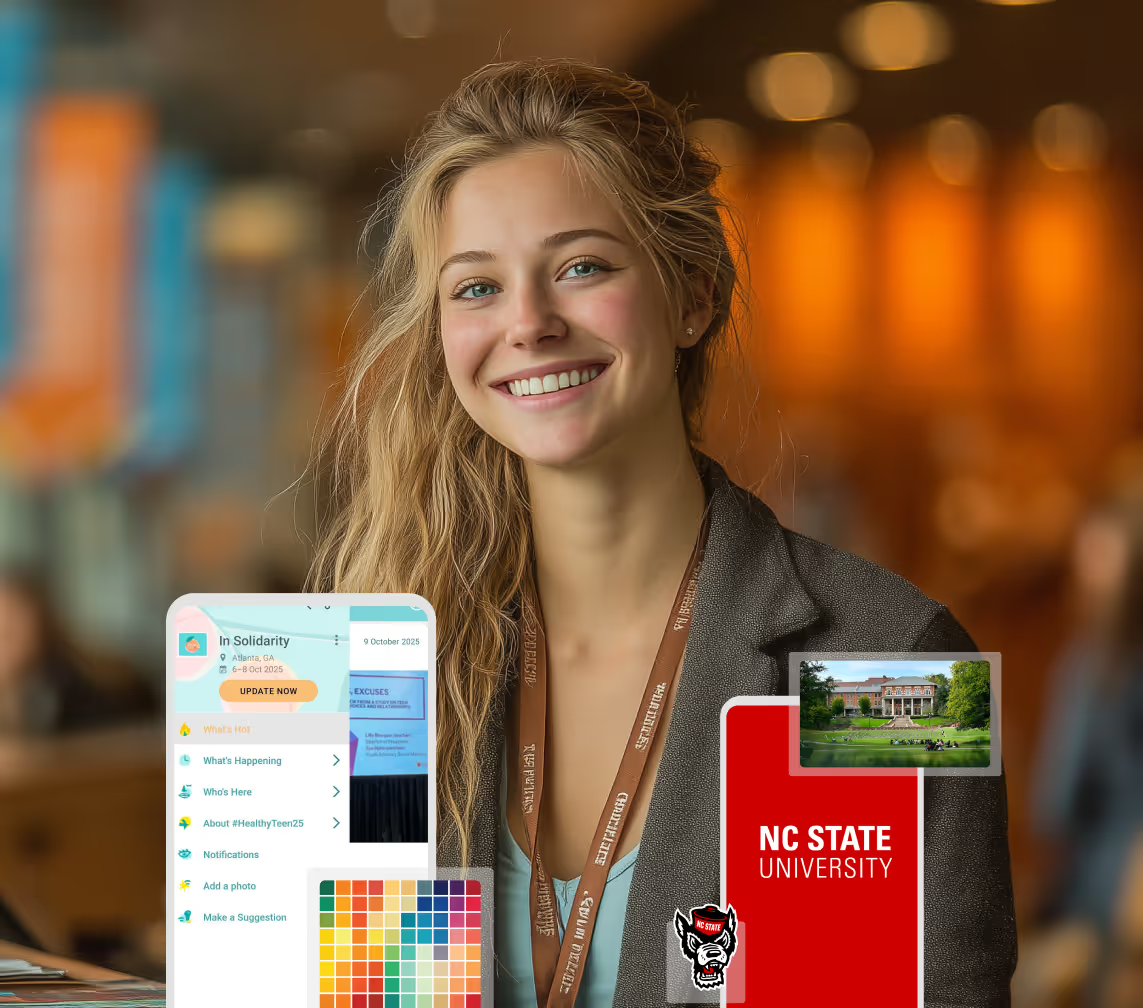
Running Admissions Events?
Manage open houses, tours, and yield events with a branded app that saves time and engages prospective students.
Get a custom Sponsorship Package Template
Stop starting from scratch. Grab free templates that helWe'll build a tailored sponsorship package with suggested pricing, tiers, and benefits..for your specific event.p you build professional sponsorship packages and close deals faster.
Get a custom Sponsorship Package Template
Stop starting from scratch. Grab free templates that helWe'll build a tailored sponsorship package with suggested pricing, tiers, and benefits..for your specific event.p you build professional sponsorship packages and close deals faster.
Plan Your Next Event Without Missing a Beat.
From venue selection to post-event wrap-up, this free checklist walks you through every step (so nothing falls through the cracks).
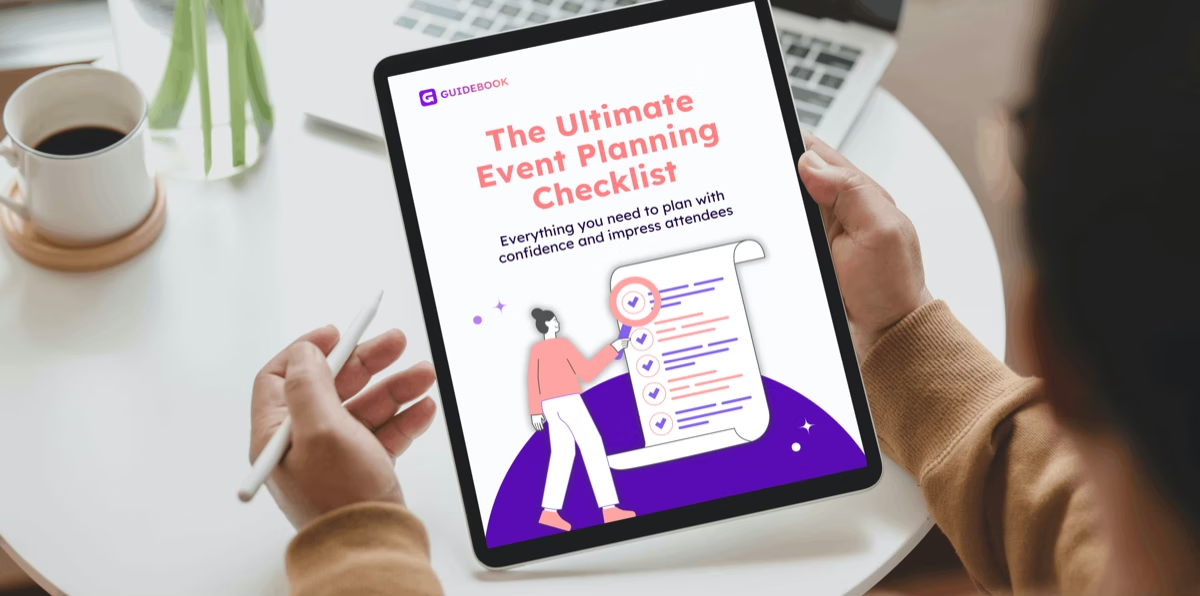
Plan Your Next Event Without Missing a Beat.
From venue selection to post-event wrap-up, this free checklist walks you through every step (so nothing falls through the cracks).
Real Results From Real Events
100,000+ organizations trust Guidebook. See exactly how universities, associations, enterprises, and more put it to work.

Real Results From Real Events
100,000+ organizations trust Guidebook. See exactly how universities, associations, enterprises, and more put it to work.
Flexible pricing for every event size
Find the perfect plan for your needs, from intimate gatherings to large-scale conferences.

Flexible pricing for every event size
Find the perfect plan for your needs, from intimate gatherings to large-scale conferences.
Join our event experts
Watch on-demand webinars and join live sessions with industry leaders sharing best practices for event success.

Join our event experts
Watch on-demand webinars and join live sessions with industry leaders sharing best practices for event success.
Guidebook in Action
Book a personalized walkthrough and discover how we help event teams create better attendee experiences.
Guidebook in Action
Book a personalized walkthrough and discover how we help event teams create better attendee experiences.
What Slate Teams Asked in Our Guidebook + Slate Webinar




What Slate Teams Asked in Our Guidebook + Slate Webinar
- Person records, events, sessions, and registrations come from Slate. Check-ins and opted-in app activity go back to the student’s Slate record.
- Every feature is modular. Person records come first, because everything else ties back to them.
- The integration is included in the Guidebook subscription, with no extra licenses for additional Slate instances.
- Registration only flows from Slate to Guidebook, by design, so Slate stays the source of truth.
On November 10, we brought Slate teams together for a live session on the new Guidebook and Slate integration. Stewart, Guidebook’s president, set out why we built it. Sarah Tulkki, our director of engineering, whose team built it, walked through how it works. Then the two of them opened the floor to the Slate users on the call.
The integration was shaped by calls with Slate users, so putting it in front of them live was the natural next step. The session had three jobs: show what syncs each way, explain what setup takes, and be honest about where the integration stops today. This recap pulls out the main points, with the full recording below.
What is the Guidebook and Slate integration?
It’s a connection that keeps your student records, events, and sessions in step between Slate and Guidebook. It also sends what happened on the day back to each student’s Slate record. Person data, events, and registrations come from Slate into your guide. Check-ins go back to Slate, along with app activity for students who opt in. It’s included in your Guidebook subscription.
Slate runs your funnel. Guidebook runs your day.
That’s how Stewart framed it. Nearly 300 U.S. campuses use Guidebook, and until now it and Slate never talked to each other. Stewart shared a line from one director: “If it’s not in Slate, it basically doesn’t exist.”
Every step before a visit is already tracked in Slate: the invite, the registration, the email opens, the portal logins, the reminders. Then a student spends six hours on campus, often the six hours that matter most to their decision, and Slate gets one checkbox: Attended, yes. Guidebook recently became a Slate Platinum Preferred Partner, and filling that blank is what the integration is for.
One checkbox, two very different students
To show what’s missing, Stewart pictured two students who both show as Attended in Slate today:
- The first spends 42 minutes in the app, adds the honors session, and says they’re very likely to enroll. Your counselor follows up about honors and the deposit.
- The second spends most of the day in financial aid sessions and opens the cost of attendance page three times. Asked what’s still holding them back, they answer cost. They don’t need a “we loved seeing you” email. They need a call from financial aid this week.
Same event, same checkbox, two different follow-ups. That’s the yield gap the integration closes. Stewart added that it doesn’t stop when the day ends. If a student opens the app two weeks later, you’ll know, and that can matter most in the stretch between deposit and move-in.
What syncs, and which way
Sarah walked through five connections. Two bring your Slate data into Guidebook, two send what happened on the day back, and one hands you each guide’s QR code.
Person records: the foundation
Your prospective or enrolled students come from Slate into Guidebook, so their details can show on their app profile. You control which fields appear. You could send 20 fields and show three. Once a Slate profile is linked to a Guidebook account, every registration, check-in, and bit of app activity ties back to that person. More in our post on student records.
Events and sessions: build it once
Build the event in Slate, link it to a guide, and the sessions stay in sync. Registrations come across too. Anyone registered in Slate is added to the guide, and if they don’t have a Guidebook account, one is created for them to claim. Nobody builds the schedule twice. More in our post on events and sessions.
Attendance: who actually showed up
When a student actually checks in, not just registers, Guidebook marks them attended in Slate. Checking in to a session marks the whole event as attended too. Paired with events and sessions, you can see who registered, who showed up, and which sessions they went to.
App usage: what they did once they were there
For students who opt in, guide downloads, time in the app, sessions added to their personal schedule, what they viewed, and form responses go back to their Slate record. Sarah singled out schedule adds, because they show what caught a student’s interest.
Guide QR codes: ready for your communications
Newly launched, this sends each guide’s QR code to Slate, so you can drop it into your own emails and communications without pulling it from Builder first.

How setup works
Sarah’s team built setup to be as streamlined as possible. Here’s what it involves.
Start with person records
Every feature is modular, so you connect only what you need. The one rule is that person records come first. Sarah called them the foundation for every other feature, because everything else ties back to a linked student.
One web service per feature, per instance
The integration is API based. You set up a web service for each feature in each Slate instance. If your data is split, say prospective students in one instance and enrolled students in another, you can connect all of them and manage them in one place in Builder.
Suitcases and a Builder wizard do the heavy lifting
Guidebook provides prebuilt suitcases. You import them in Slate and set up the web service, then connect it in Builder, where a wizard walks you through the basic configuration choices.
Nothing is locked in
Show three profile fields this week and two more next week. You can reconfigure any feature whenever you need to.
Help is a page or an email away
Every feature has its own page with an overview and setup steps for both Slate and Builder, all at guidebook.com/slate. Builder links straight to the right page. If you get stuck, email slate@guidebook.com.
“So everything we’ve built is designed to reduce duplicate work for your team so you’re not having to build things twice in two different systems.” Sarah Tulkki, Director of Engineering, Guidebook

What came up in the live Q&A
The second half of the session belonged to the Slate users on the call. These were the themes that came up most.
No extra cost to connect
Cost came up first. The integration is included in the Guidebook subscription, with no added cost and no extra contracting, and any Guidebook customer can set it up on any guide.
Every check-in method counts
Teams running open house check-in through Guidebook wanted to know whether Slate would see it. It will. Every check-in method Guidebook supports syncs back as attended, through the attendance connection.
Folders and subfolders define the event
The integration maps a Slate folder to the event and subfolders to its sessions, so related events for each session aren’t needed. That structure came from product discovery calls with Slate users, and the team wants to hear from anyone who stores event data another way.
Sessions can keep changing after registration
Breakout sessions don’t have to be final when registration opens. Anything you add, change, or delete in Slate still reaches the app, before the event or during it, with each connection syncing automatically every one to two hours.
App usage is optional
Attendance works on its own. You can leave app usage off entirely, or turn it on only for the guides you care about.
Extra person fields can come across
The default suitcase covers the standard Slate fields, but additional person fields can be sent too. They appear in Builder, ready to show in the app if you choose.
Multiple instances, no extra licenses
Campuses running more than one Slate instance can connect each one in Builder. Each needs its own web service URL, but there are no additional licenses.
Registration stays in Slate
Registrations made in Guidebook don’t flow back to Slate, and that’s deliberate. In customer calls, teams worried that activity in Guidebook would muddy their source of truth. Registration stays in Slate. Attendance, which happens in Guidebook, comes back.
What it doesn’t do yet
Sarah and Stewart were open about the gaps, and requests from the session are going back to the product team.
Custom groups can’t drive presets yet
Preset schedules are assigned from the event’s registration list, so custom groups can’t drive them through the integration yet. For now, create the custom group in Builder, build the preset in Builder, and target it at that group.
Guests stay out of Slate
Parents and guests can download the guide and see everything in it, but their data doesn’t go to Slate. Only Guidebook users linked to a Slate record sync back. If you want guest data, Builder’s attendance export captures everyone who downloaded the guide, and you can import it into Slate yourself.
Where to go from here
- Open the Integrations tab in Builder.
- Connect person records first, then add the features you need.
- Email slate@guidebook.com with any questions.
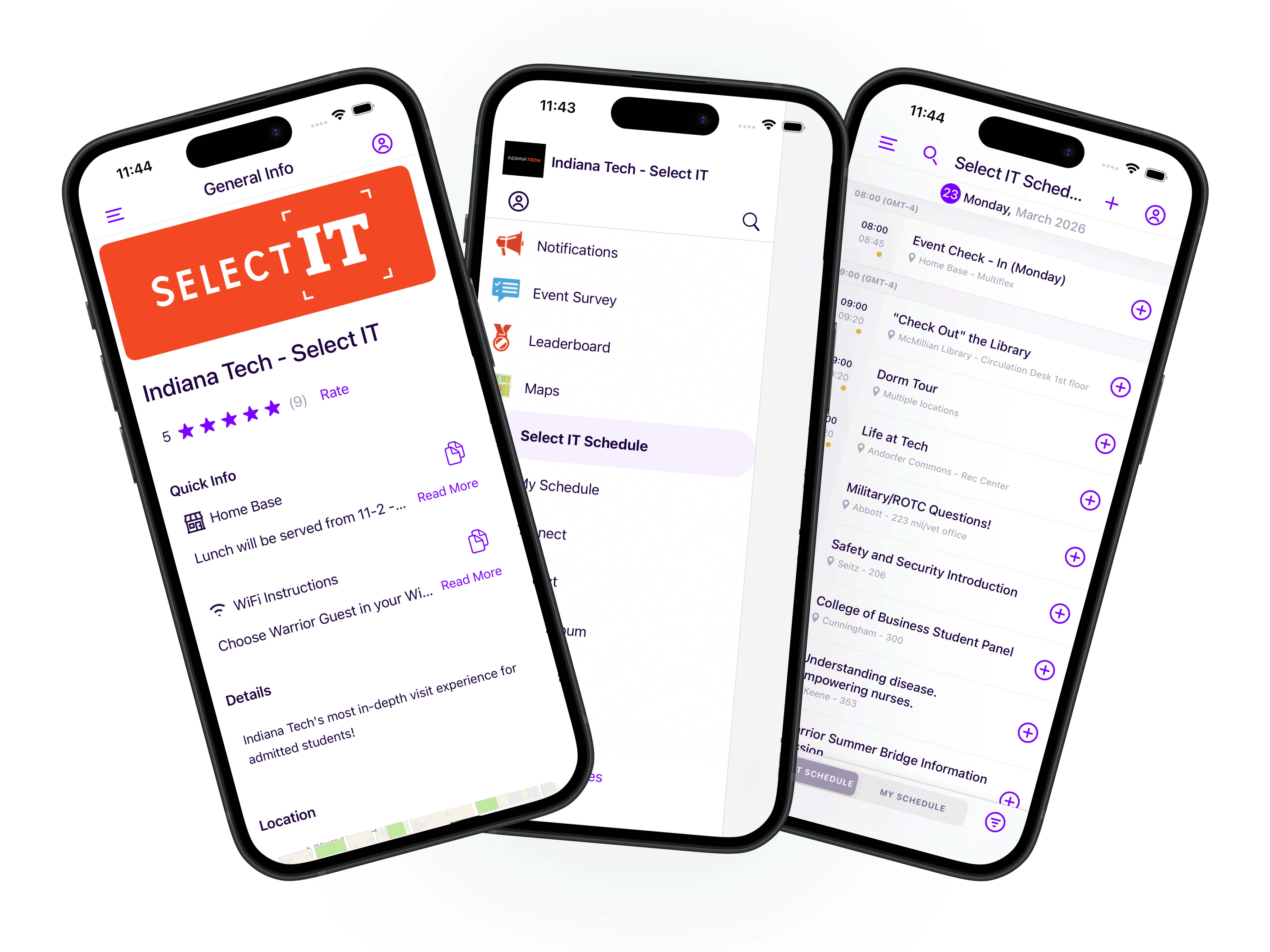
For the kind of day this data comes from, Indiana Tech’s admitted student day app is one picture of it. One phone has the visit details, one has the menu, and the third is the day’s schedule. New to Guidebook? Book a demo.
Frequently asked questions
[faq]
Q: Does Guidebook replace Slate registration?
A: No. Registration happens in Slate, and that’s where the record lives. Guidebook brings registrants into the guide so everything is ready when students open the app, but it doesn’t send registrations back. What Guidebook adds is what happened on the day: who checked in, which sessions they attended, and, for students who opt in, how they used the app. All of it lands on the student’s Slate record.
Q: What app activity gets sent to Slate?
A: For students who opt in, Guidebook sends which guides they downloaded, their app sessions and time spent in the app, sessions they added to their personal schedule, what they viewed, and their form responses. Each piece is tied to the individual student record, so you can see what a specific student cared about, not just that they attended.
Q: Do students have to agree to share their app activity?
A: Yes. App usage data is opt-in, so students choose whether their activity is shared. App usage is optional for your team too. You can leave it off entirely and still use registration and attendance, or turn it on for specific guides only. Either way, the data reaches Slate tied to the right person and event.
Q: How do students find the guide if they aren’t registered in Slate?
A: The same ways they do today. You can share each guide’s QR code, which you can send to Slate with the QR code connection or get from Builder. You can also share a deep link that opens the guide directly, or give students the guide name to search for in the app, depending on your guide’s privacy settings.
Q: Is the Guidebook Slate integration free?
A: Yes, for Guidebook customers. It’s included in the Guidebook subscription, so there’s no added cost and no extra contracting to turn it on. Connecting more than one Slate instance doesn’t require additional licenses either. If you’re new to Guidebook, pricing is based on department licenses, and the team can walk you through it on a demo.
Q: Where can we find setup instructions?
A: At guidebook.com/slate. Every feature has its own page with an overview and setup steps for both Slate and Builder, and Builder links straight to the right page for each feature. If you get stuck, email slate@guidebook.com and someone from the team will help you get unblocked.
[/faq]

Get the Mobile App Playbook
A short guide to running the whole student journey in one app. No fluff, just what works.
for higher ed
Campus
Playbook
A practical guide to building a connected campus experience.
Free playbook
The Mobile App Playbook for Universities
Students decide if they belong long before they set foot on campus. This playbook shows how to win them over from the first visit through graduation.
- Grow enrollment and boost recruitment
- Increase belonging and retention
- Run every event from one branded app
By submitting, you agree to our Privacy Policy.
You're in.