
Design, print, and manage event badges effortlessly, all from one platform
Print badges yourself, professionally, or on-site. Deliver a stress-free check-in experience every time.





Trusted by thousands of event planners worldwide.























































































See event badges in action in under 3 minutes
Get a quick overview of the new badge designer and see how easy it is to create and print custom badges.

Key features of Guidebook badges
Design custom event badges with ease
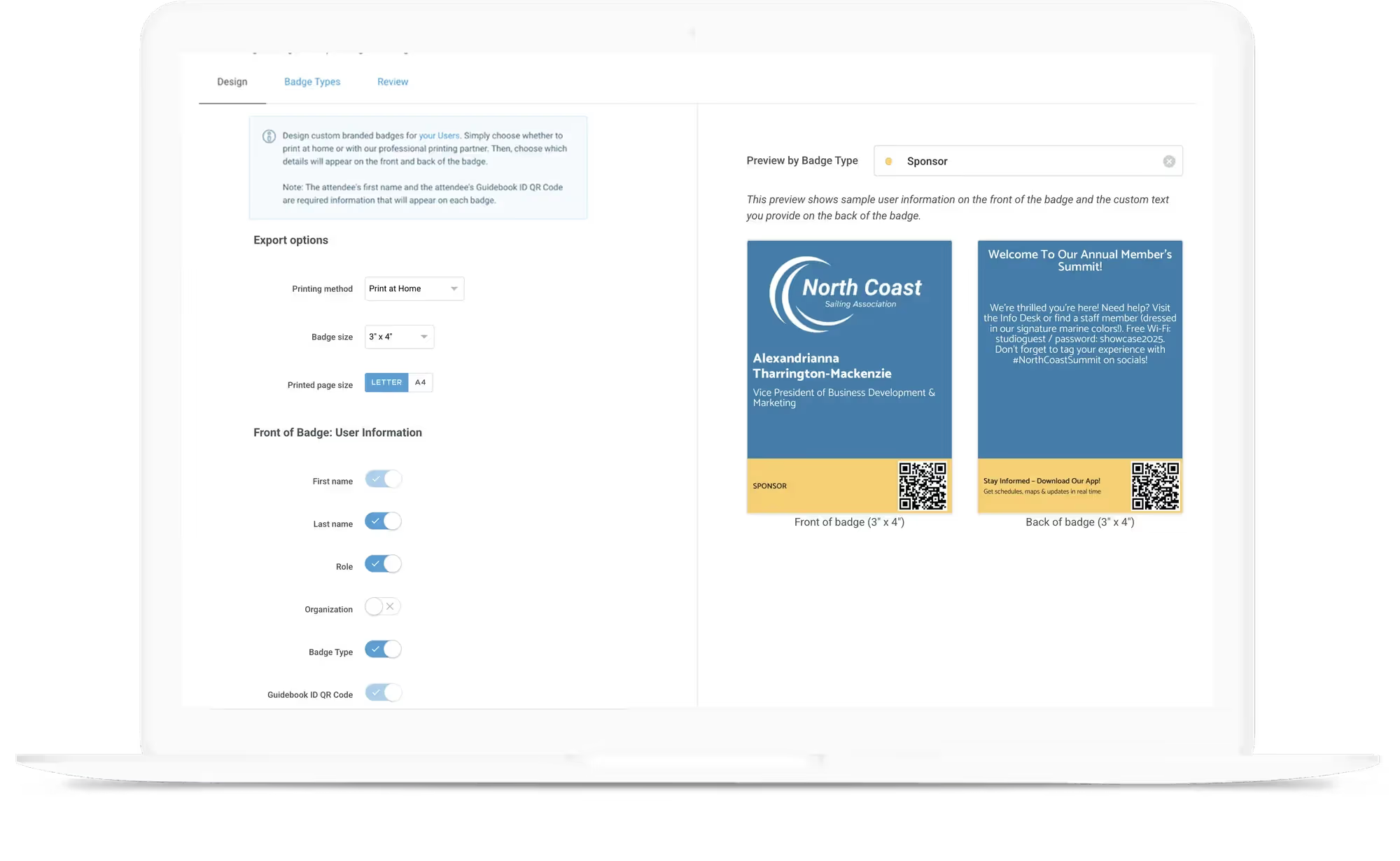
Design professional quality badges in minutes and customize everything from your brand colors to which attendee details to include on the badge (such as name, organization/company, role/title and more).
Faster check-in and smarter tracking
Each attendee’s badge includes a unique QR code (their Guidebook ID), which can be used for event check-in, session attendance verification and attendee networking.
Integrated with your entire event ecosystem
Guidebook Badges integrates seamlessly with our registration and event app, so you can manage everything from a single location, saving time and reducing the risk of errors.



DIY badge printing
Design your event badges using Guidebook’s badge designer, then export print-ready files. Print at home, send them to a local print shop, or even bring your own printer to the venue. Your choice, your setup.
Professional printing
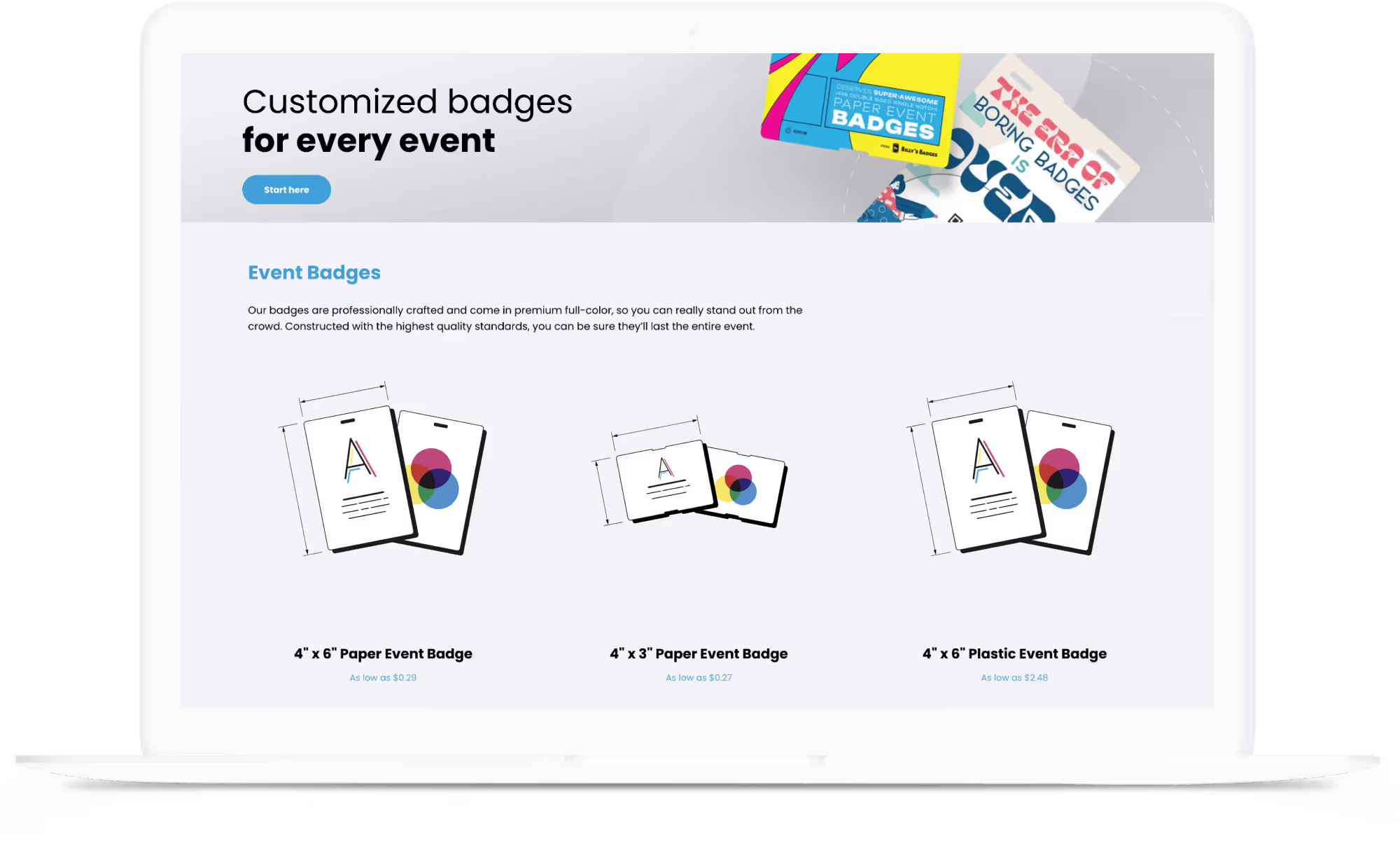
Design badges using Guidebook’s badge designer and place an order directly through our e-commerce store (powered by Billy's Badges). Your beautifully printed badges are shipped to you, ready to use.
On-site badge printing
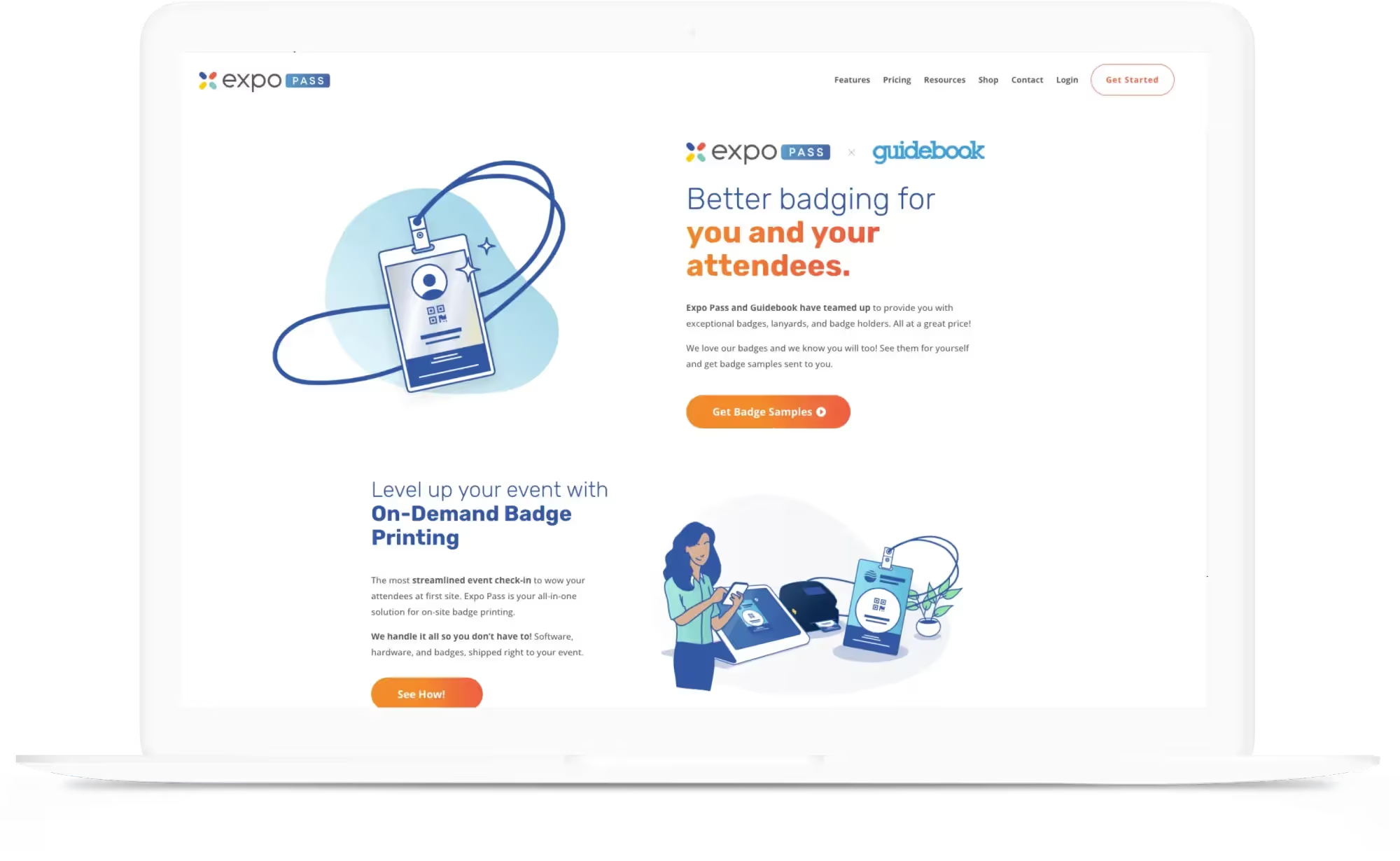
Leverage our partnership with Expo Pass for a turnkey on-site printing experience that provides you with everything you need. Or combine your own printers with our DIY Badge printing capabilities.
Maximize audience engagement.
Connect with your audience at every stage of your event: before, during, and after. Discover why thousands of event organizers trust Guidebook’s mobile app technology to create meaningful attendee experiences.
Scan to download a real customer app
Speak to our award-winning, real-life, amazing humans
- Help Center
Access articles, videos and helpful hints and tips on every feature in the Guidebook platform.
- Email our award-winning team based in the US and UK
Need help? Email support@guidebook.com and find out for yourself why our team is the best in the industry.
- Live chat & phone support
For Guidebook Mobile customers on Engage guide subscriptions and up, we also offer live chat and phone support.