How does your campus build belonging? Help us find out - Take the survey →

Event management software you run yourself

Drag, drop, publish. Registration, your event app, badges, and live updates sit in one platform - no developer required. A room change reaches attendees in seconds.

Trusted by thousands of event planners worldwide.

Everything you need to run the event

Event Scheduling

Schedule management, attendance tracking, and verification for all events

Slate Integration

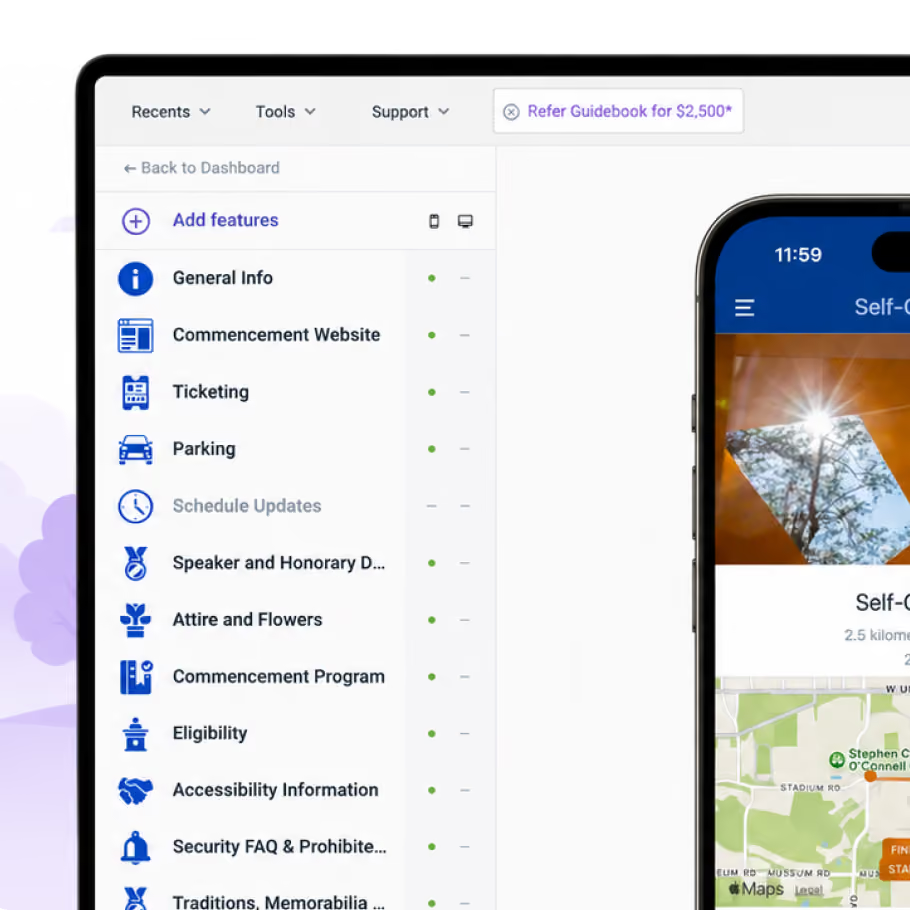
Sync student and contact data directly with Slate to keep every record up to date

QR Code Check-In

Let attendees check in to sessions instantly by scanning a QR code

Advanced Scheduling

Session tracks and preset schedules to manage complex, multi-day events

Self-Guided Tours

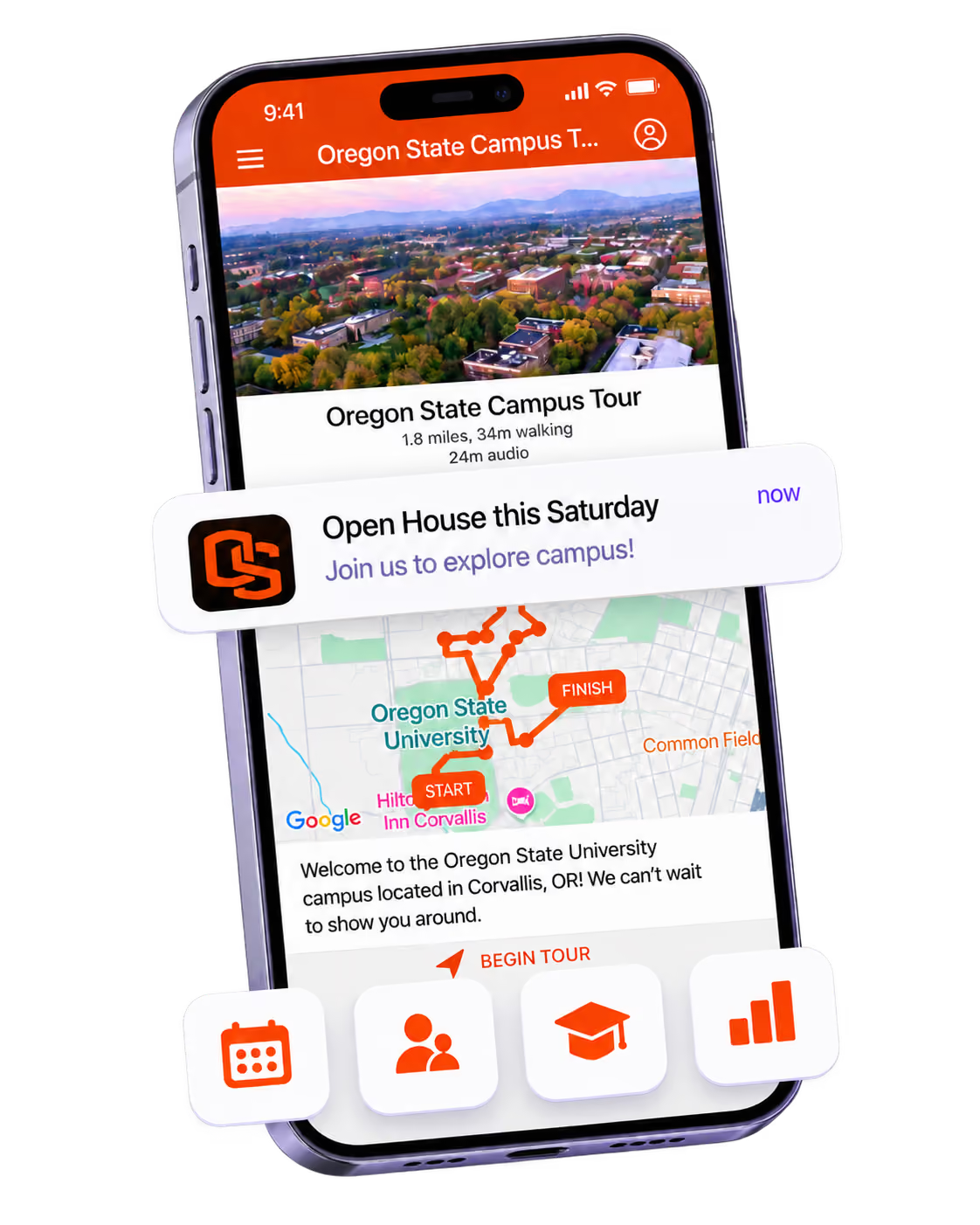
Let visitors explore campus at their own pace with location-aware, guided routes

AI Schedule Import

Automatically import and build personalized schedules with AI-powered matching

User Management

Privacy controls and granular permissions to manage attendee access and data

Content & Information

Information lists, folders, links to PDFs/videos, and QR pages

Maps & Navigation

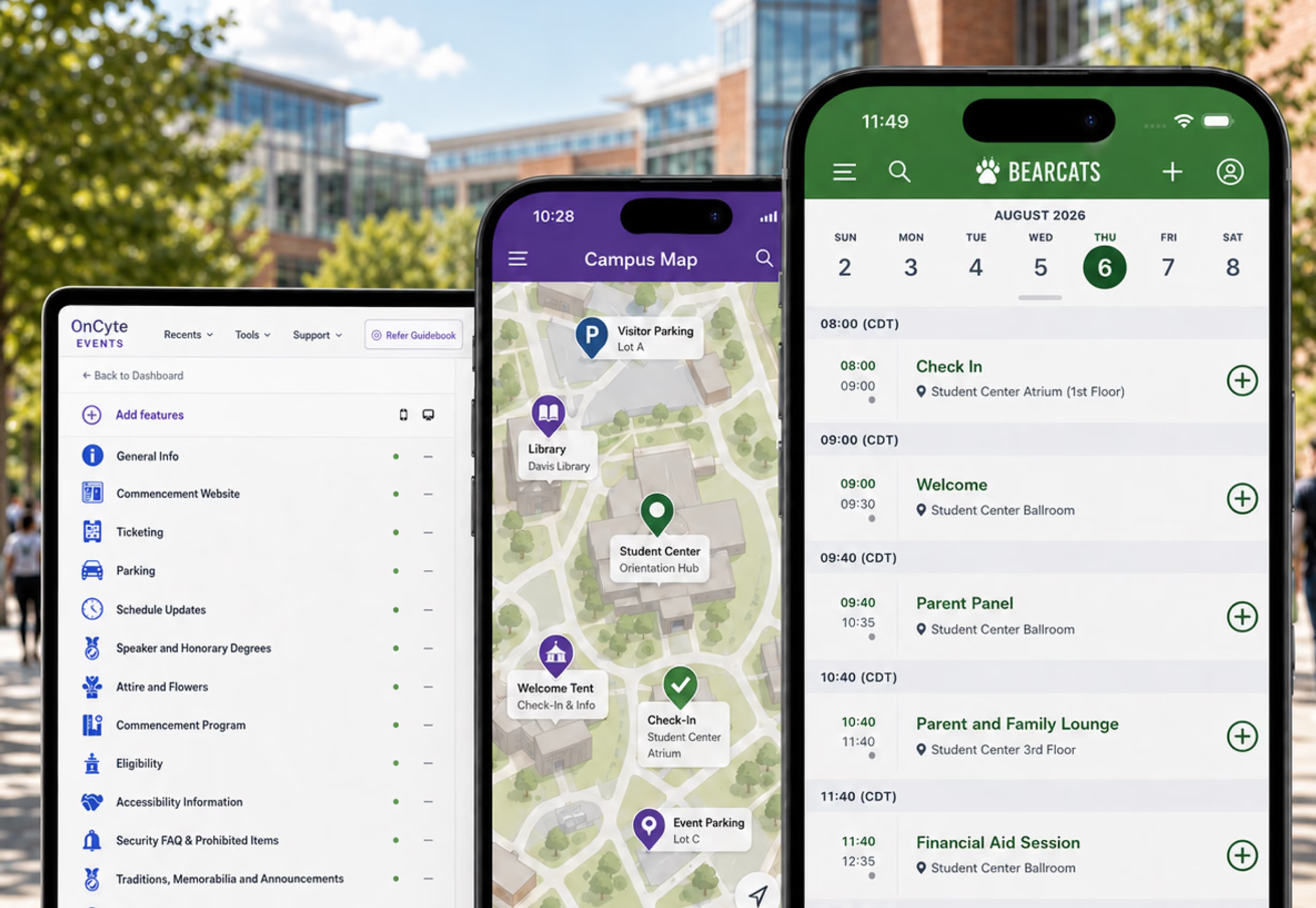
Static maps, Google/Apple Maps integration, and QR scanning

Interactive Maps

Link sessions and exhibitors to specific locations with offline access

Push Notifications

Personalized and group notifications to keep attendees engaged throughout your event

Social Engagement

Social feed and networking tools to boost attendee interaction

Session Verification

Verify attendee attendance and track session participation in real-time

Native Apps

iOS/Android apps with offline access, personalization, and native performance

Analytics & Management

Detailed metrics, content management, and real-time updates with live publishing

Support

Email support for your team

Gamification

Leaderboard, QR scavenger hunt, and engagement tools to boost participation

Feedback & Polls

Live polls, forms, surveys, and real-time feedback collection

ALL FEATURES
INTEGRATIONS
Slate Integration
Sync student and contact data directly with Slate to keep every record up to date.
CONTENT
Schedule
What's happening, when and where?
Schedule Tracks
Segment complex schedules into streams with custom filters.
Preset Schedules
Admin-built personalized schedules for individuals or groups.
AI Schedule Import
Automatically import and build personalized schedules with AI-powered matching.
Session Registration
Manage attendance with session limits and waitlists.
Session Check-In
Fast, contactless check-in for sessions with real-time attendance capture.
Session Attendance Verification
Scan attendees to know who attended which sessions.
Information Lists
E.g. speakers, sponsors, documents, FAQs, safety guidance, etc.
Contact Form on List Items
Lead capture for exhibitors/sponsors.
Links Between App Content
Connect things like speakers and sessions, or sponsors and videos.
Folders
Organize menus with nested folders for easy navigation.
Appointment-Scheduling on List Items
Connect your Calendly and allow users to book meetings.
Static Image Maps
Floor plans that work offline.
Interactive Maps
Link sessions, exhibitors and sponsors to specific places - available offline.
Self-Guided Tours
Location-aware, self-paced routes for visitors exploring campus on their own.
Google & Apple Maps
Link sessions and list items to live area maps.
QR Pages for Lists
Users can scan a code and go straight to information in the app.
Links to URLs
Load any content on the web, inside the app.
Links to PDFs
Session slides, pre-reading materials, safety documents, etc.
Links to Videos
Integrate on-demand and live video inside the app.
Sponsor Banner Ads
Rotating banners to help you generate additional revenue.
Accessibility
Optimized to be accessible for all users.
Unlimited Content
Upload as many sessions, speakers, sponsors, exhibitors, etc. as you need.
ENGAGEMENT
Push Notifications
Including personalized and group notifications (instantly alert people in their pocket).
Leaderboard
Build a scoring system that encourages the app engagement you want.
Interact: Social Feed
Private social wall for photos, discussion and sponsors.
Private Chat
1:1 conversations for networking between app users.
1:1 Meeting Booking
Allow app users to book time with each other in the app and foster new connections.
User Interests: Matchmaking
Set topics or interests and let attendees find smart suggestions for networking.
Live Polls
Audience engagement questions.
Forms & Surveys
Capture the information you need from users - e.g. feedback surveys or dietary requirement.
Assessments
Build quizzes with correct answers and point scoring.
Session Discussion
Allow your attendees to have focused conversation on one specific session.
Photo Album
A place for users to network and share memories.
QR Code Scavenger Hunt
Build unique challenges for users - and influence where they go at your event.
Social Media Integrations
Allow users to access popular platforms from inside your app.
USER MANAGEMENT & PRIVACY
App Privacy: Public
Allow anyone to download your content and engage.
App Privacy: Passphrase-Protected
Set a password of your choice to protect your content.
App Privacy: Invite-Only
Control access to your content based on their email address.
Gated Lists
Decide who can see which content in your guide.
Moderating Users & Content
Ban users, delete content, and allow for reporting.
User Invitations
Upload users emails and invite them seamlessly.
Group Management
Build groups and create personalized experiences for them.
Free Registration
Manage your event sign-ups.
Paid Ticketing
Sell tickets for your events.
DIY Badges
Design your badges with the Guidebook ID QR code and print them yourself.
Professionally Printed Badges
Design your badges with the Guidebook ID QR code and print professionally with customizations.
Onsite Badge Printing
Work with Guidebook's badging partner to print onsite badges with the Guidebook ID QR code.
APP-USER TOOLS
Personalized Schedules
User-built.
To-Do Lists
User-built.
Notes
Private to end users.
QR Scanner
Scan QR codes inside the app.
GUIDE-BUILDING
Native iOS & Android Apps
Make 80%+ of your content available offline with a native app.
Guidebook Web
A website version of your app.
Event Marketing Websites
Promote your events on a custom designed webpage.
Collaborate Portal
Invite sponsors, speakers, exhibitors to complete their own profiles.
Custom Menu Item Icons
Put your own stamp on the design.
Out-of-the-box Integrations
Connect to your favorite systems.
Open API
Your IT team can push or pull any information from Guidebook.
iCal Sync
Integrate your schedule with your iCal.
Detailed Metrics
Capture and analyze data from your app and build reports with exports and images.
Clone Guides and Import/Export Content
Export content, make guide-building easy and save time.
Unlimited Admins/Editors
Invite as many people as you need to help build your app.
Unlimited Changes and Updates
Publish as many edits as you need, live within 60 seconds.
SUPPORT
US & UK Based Email Support
With average response times of <20 minutes during business hours.
Live Chat & Phone Support
During ET business hours.

Your brand, from the first email to the last session.

Build trust

Attendees download your app, not ours. Your name, colors, and crest in the stores.

One place for the whole event

Schedules, maps, registration, and updates in one branded hub - not five tools.

Stand out

A branded app is what people keep on their phone after the printed program is in the recycling.

Campus teams run the same platform

From open houses to orientation to commencement - plus conferences and association events.

Explore Department License

See the platform. Then pick the team.

We solve the problems your team has learned to work around

About event apps
Common challenge
Guidebook advantage

Everything is scattered across email, spreadsheets, different platforms, and paper handouts.

One app, one source of truth. One place students actually check.

Last-minute changes mean reprinting thousands of materials.

Update anytime. Push instantly. Everyone sees it.

Students ignore email. We can't reach them.

Meet them on the device they actually check. Now your message is seen.

Our team is drowning answering the same questions over and over.

Students find it themselves. Staff can focus on the experience.

DATA THAT STAYS IN SYNC

Campus CRM data can stay in sync

Student records flow from Slate into the app. Engagement flows back. No double entry. If you are not on Slate, the rest of the platform still runs the event.

Actionable data

App activity feeds back into Slate for outreach

Always Up to Date

A change in Slate shows in the app instantly.

Data You Can Trust

Encrypted and protected at every step of the flow.

Update once. Both tools automatically show the most up to date and accurate info.

Built for the whole event, not a stack of tools

Made for the people in the room

Schedules, maps, and live updates with no login required. Works for students, families, members, and conference attendees.

One platform for every step

Promote, register, check in, run the app, print badges, and report after — without exporting between tools.

Live updates, one source of truth

A room moves, a time shifts, and everyone knows in seconds.

Accessible for every attendee

Accessibility is not an add-on. Guidebook is built so people can find their way, read the schedule, and stay connected — whatever tools they use on their phone.

Works with screen readers

Works with the screen reader on every phone, and follows Apple and Google's guidelines, so students who navigate by voice or touch aren't left out.

Built to recognized standards

Built to WCAG 2.1 AA, with Section 508 and EN 301 549 in mind, so campuses can meet the standards they are asked to meet.

Shaped by accessibility experts

Developed with accessibility specialists at the College Board, AUCD, and Knowbility. Not added after the fact.

Transparent by design

View the report

We publish an Accessibility Conformance Report so your team can see exactly what's supported, and what isn't.

The results campus teams actually see

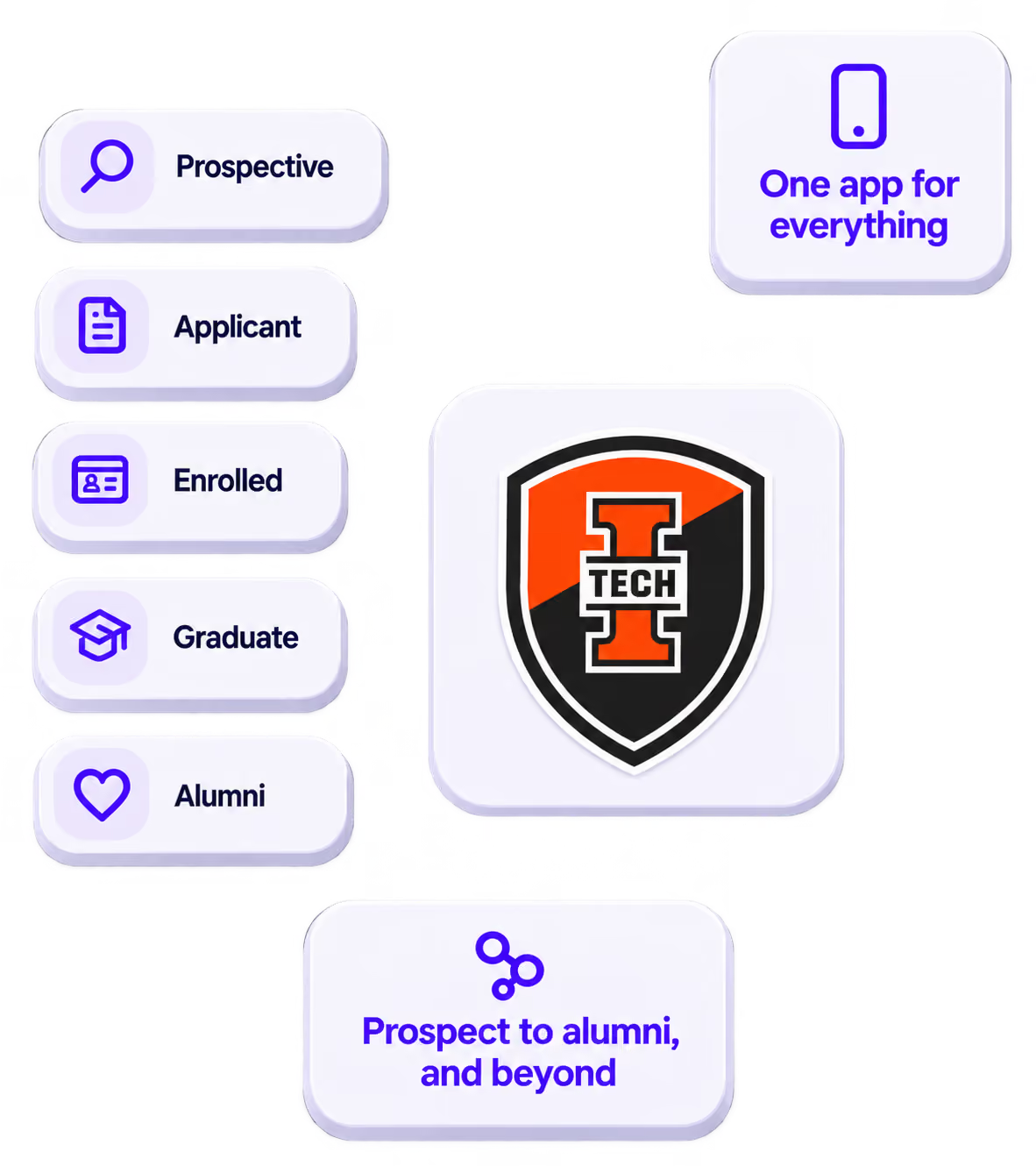
Indiana Tech more than doubled their student yield, cut costs by nearly a third, and reduced staff admin time by 90%. The numbers tell a story your director will want to hear.

Guidebook has become the heartbeat of our campus communication

VP of Enrollment, Indiana Tech

105%

Yield increase

at Indiana Tech

29%

Cost reduction

saved annually

98%

Student adoption

in week one

75% of the top US colleges use Guidebook

The people running campus events say it best

Louisiana Tech University

‍

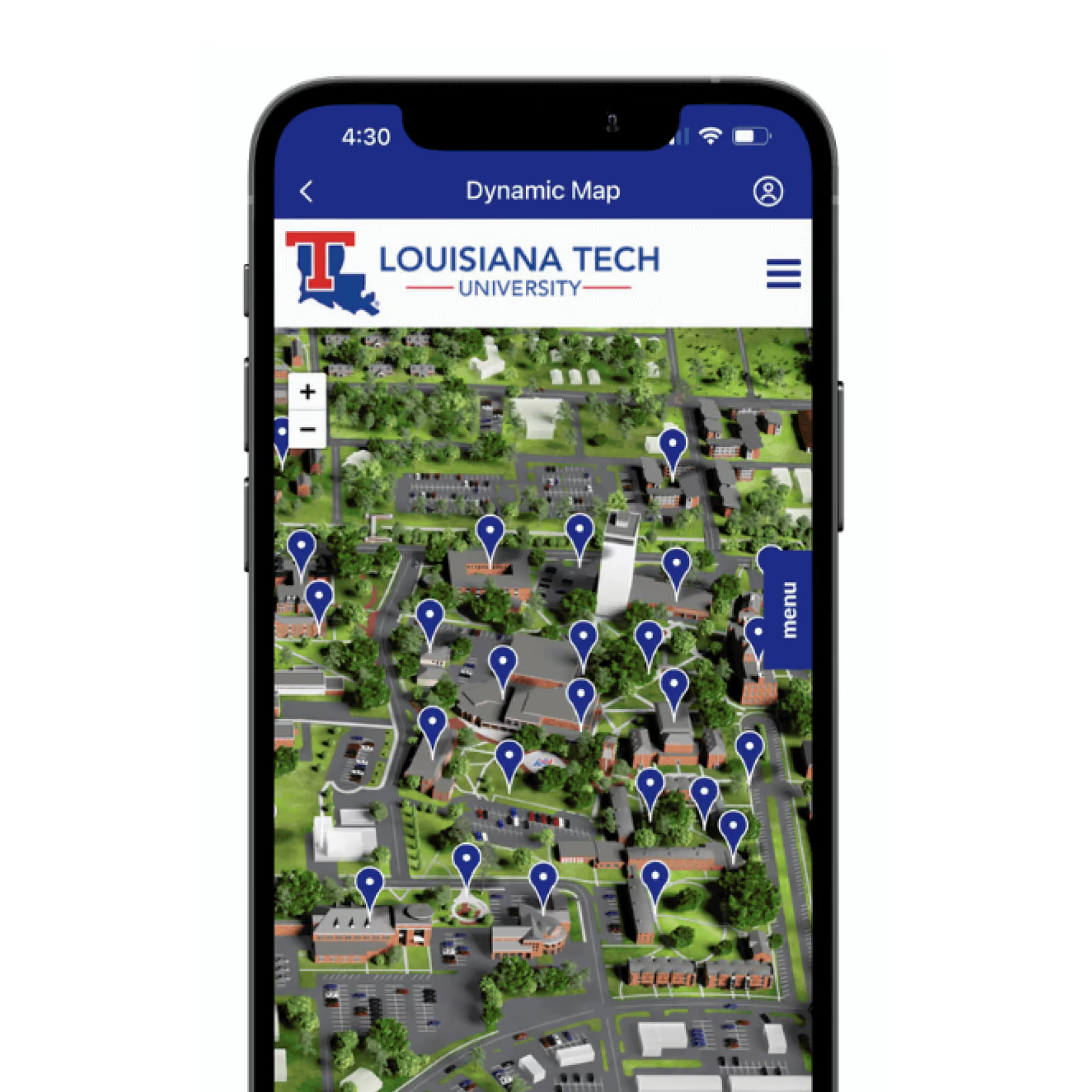
Louisiana Tech University brings orientation to life with Bulldog’s First Bite, a Guidebook-powered app that welcomes new students with everything they need in one place.


‍

Inside the app, students can:


  • Explore session-specific schedules and interactive campus maps.
  • Access handbooks, directories, and key campus resources.
  • Connect with campus culture through photos and social feeds.
  • Stay organized with built-in notes and real-time notifications.

Louisiana Tech University

‍

Louisiana Tech University brings orientation to life with Bulldog’s First Bite, a Guidebook-powered app that welcomes new students with everything they need in one place.


‍

Inside the app, students can:


  • Explore session-specific schedules and interactive campus maps.
  • Access handbooks, directories, and key campus resources.
  • Connect with campus culture through photos and social feeds.
  • Stay organized with built-in notes and real-time notifications.

Louisiana Tech University

‍

Louisiana Tech University brings orientation to life with Bulldog’s First Bite, a Guidebook-powered app that welcomes new students with everything they need in one place.


‍

Inside the app, students can:


  • Explore session-specific schedules and interactive campus maps.
  • Access handbooks, directories, and key campus resources.
  • Connect with campus culture through photos and social feeds.
  • Stay organized with built-in notes and real-time notifications.

Louisiana Tech University

‍

Louisiana Tech University brings orientation to life with Bulldog’s First Bite, a Guidebook-powered app that welcomes new students with everything they need in one place.


‍

Inside the app, students can:


  • Explore session-specific schedules and interactive campus maps.
  • Access handbooks, directories, and key campus resources.
  • Connect with campus culture through photos and social feeds.
  • Stay organized with built-in notes and real-time notifications.

Iowa State University

Iowa State's orientation app helps students to get familiar with the campus, and to ease into university life. Orientation is required, but Iowa State's app allows students to choose the options that work best for them:

- Specific orientation schedules for whichever program the student chooses.
- Interactive campus maps to help with getting around.
- Academic advising resources, guest services info, and more.

Their app contains everything a student needs, and answers all of their questions before having to ask.

Florida Gulf Coast University

Florida Gulf Coast University welcomes new students to campus with their own branded app that guides them through their first weeks on campus during EagleView Orientation. Their app includes:

- Full program agenda, with specific tracks for families, students, and guests.
- Push notifications that keep everyone informed and up to date.
- University advising services, business services, and campus life resources.

The EVO app becomes the hub that students rely on during orientation, and students know where to check when they have questions about anything.

Bates College

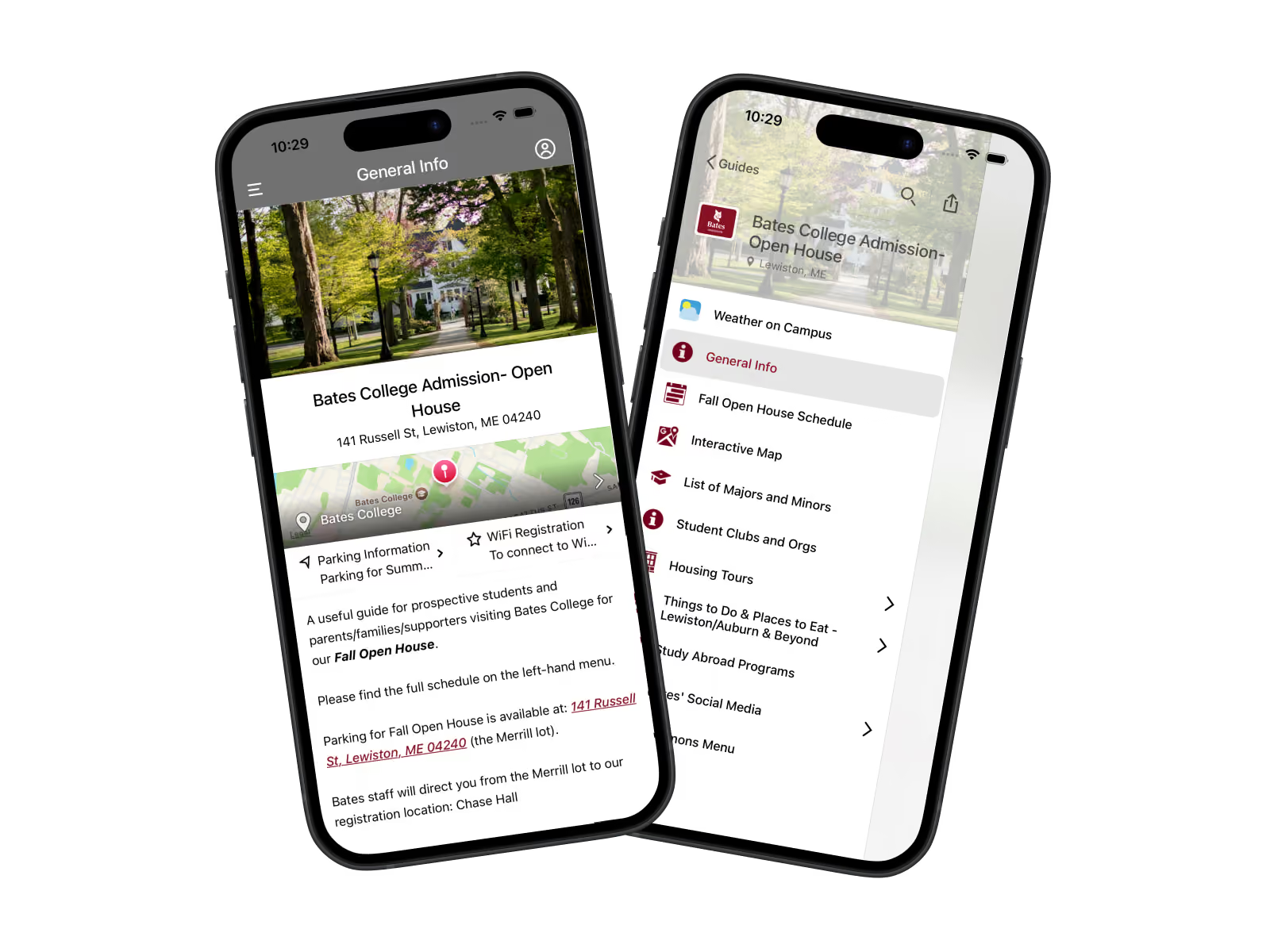
The Bates College app guides prospective students through their journey of exploring Bates' campus, and helps to make choosing Bates feel easy. In a visitor's pocket, they have:

- Housing tours
- Parking info
- Interactive campus maps
- Student club and org info
- And much more

Families know where to go, students have the answers at their fingertips, and modern experience during their visit on campus keeps Bates memorable and a top pick for prospective students.

University of Florida - Tours

The University of Florida's Gator Way App is a key piece in a prospective student's experience on campus, and gives a feeling of what it feels like to be a Gator. Their app allows students to:

- Tour campus with a guided route, audio descriptions.
- Register for sessions relevant to their major, and other interests.
- Connect with various departments on campus.

Students and families leave campus after a strong first impression, and can revisit the campus at home in the app to view anything they missed.

Louisiana Tech University

Louisiana Tech University brings orientation to life with Bulldog’s First Bite, a Guidebook-powered app that welcomes new students with everything they need in one place. Inside the app, students can:

- Explore session-specific schedules and interactive campus maps.
- Access handbooks, directories, and key campus resources.
- Connect with campus culture through photos and social feeds.
- Stay organized with built-in notes and real-time notifications.

It’s an engaging introduction that helps new Bulldogs feel connected and at home immediately.

University of Memphis School of Law

The University of Memphis School of Law uses Guidebook to deliver a digital Orientation Week experience, achieving full adoption of the app and transforming how new students get started.

With the app, students can:

- Instantly access personalized orientation schedules.
- Receive live updates and important announcements.
- Find essential materials and campus resources in seconds.

It’s a modern, paper-free launch that gets students connected, confident, and ready from day one.

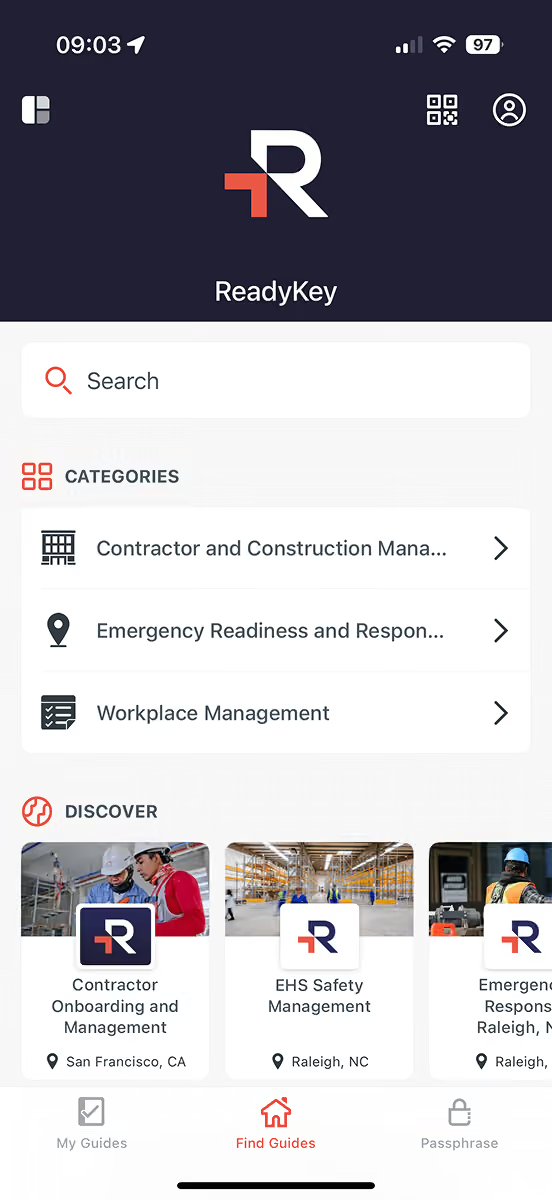
ReadyKey

ReadyKey enables companies to create mobile apps for Environmental Health and Safety (EHS) and compliance guidelines. Their custom space serves as a centralized hub where employees can find critical, up-to-date information on topics like:

- Contractor and Construction Management
- Emergency Readiness and Response
- Workplace Management

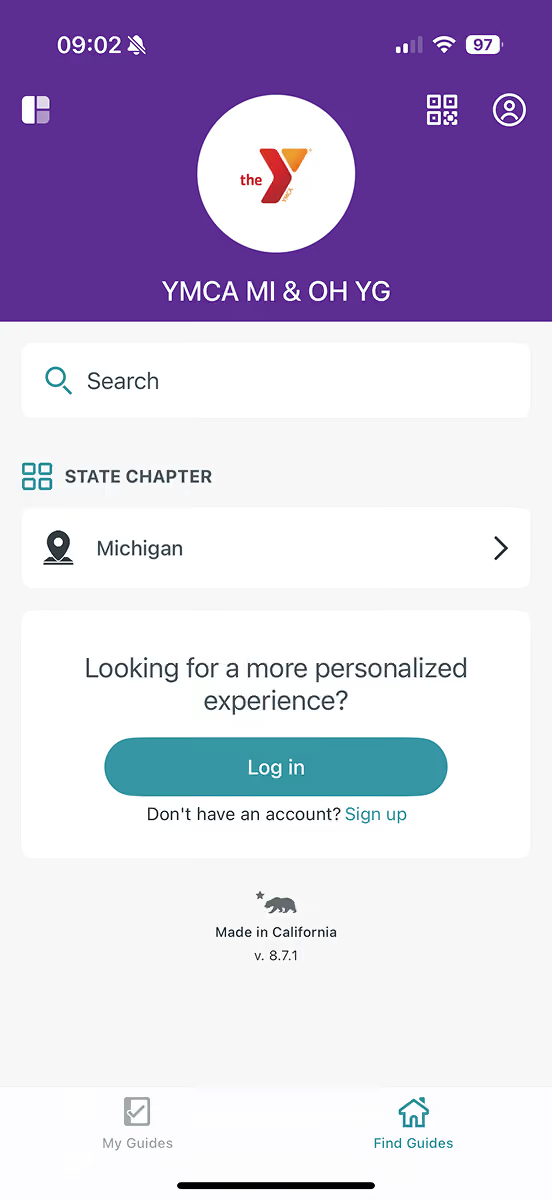
YMCA MI & OH YG

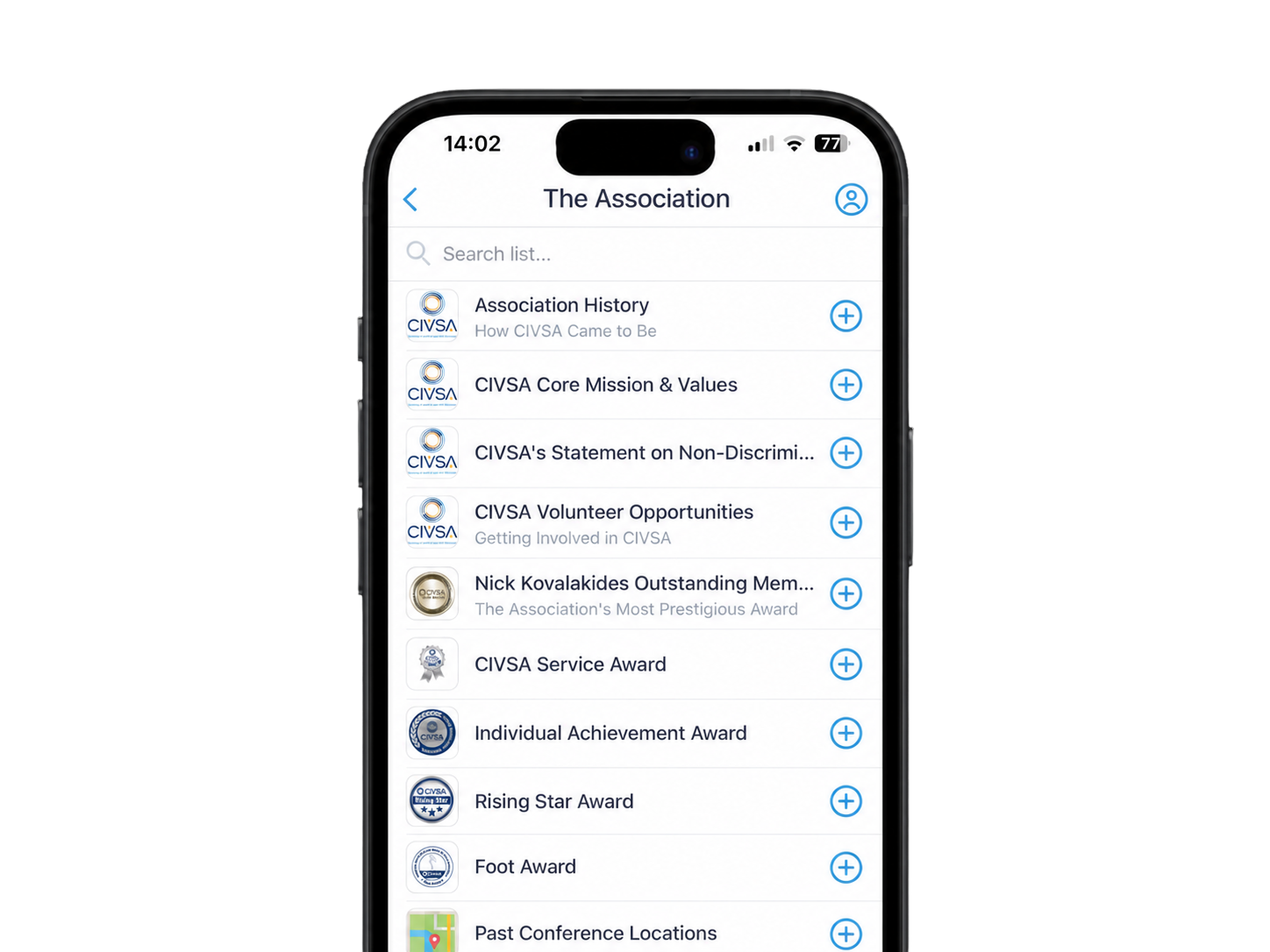
As a nonprofit focused on the youth in Michigan and Ohio, YMCA MI & OH YG relies on their custom space to organize guides for its conferences in both states. App users are able to quickly find a guide by region and stay engaged, thanks to features like:CIVSA hosts 600+ attendees at its annual conference. Before Guidebook, each attendee received a 60-page book with event information. With Guidebook, CIVSA built an app to replace all printed materials.

Schedule tracks
Interactive maps
Personalized schedules
Social media integration

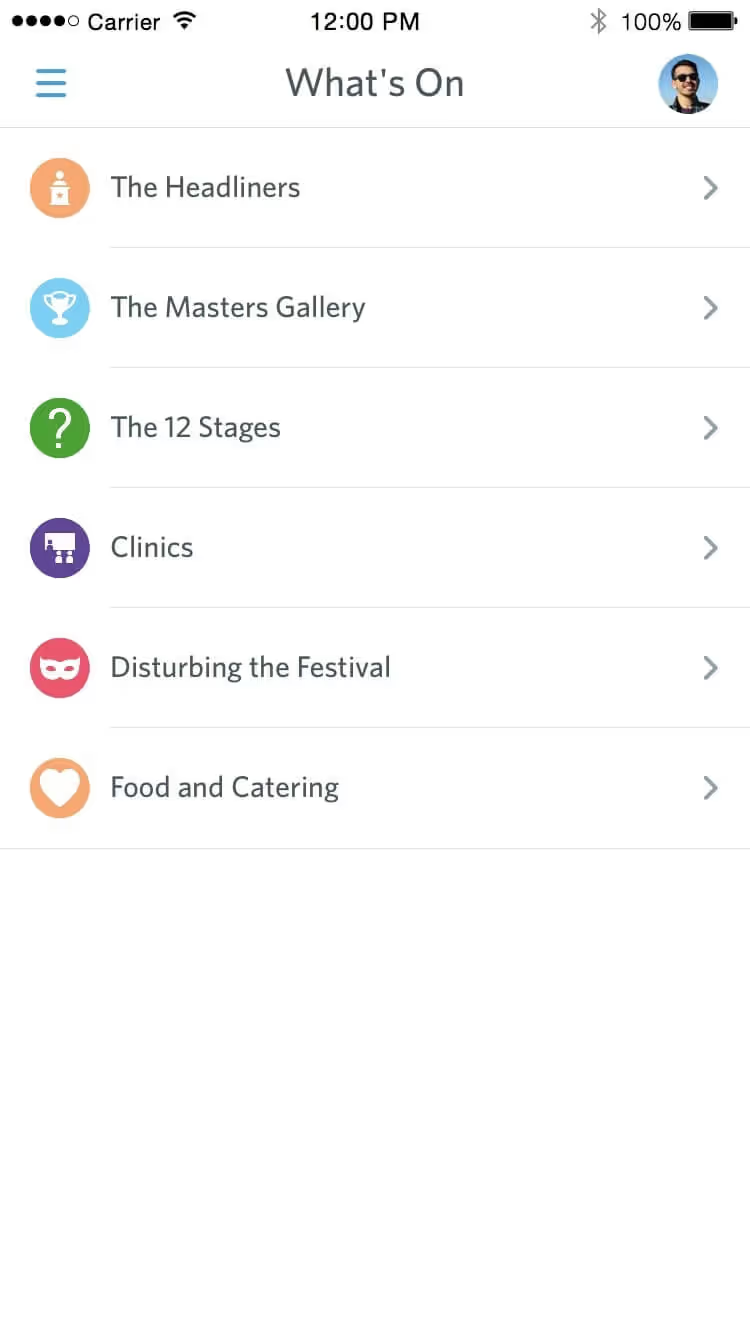
Festival of Marketing

Event marketing staff used an app to add an interactive digital channel to a progressive, dynamic exhibition. Their event app features:

- An eye-catching visual style continued the event’s branding throughout its app
- Limited seats in sessions were managed through in-app booking
- 12 different content streams were elegantly presented in one easy-to-read schedule

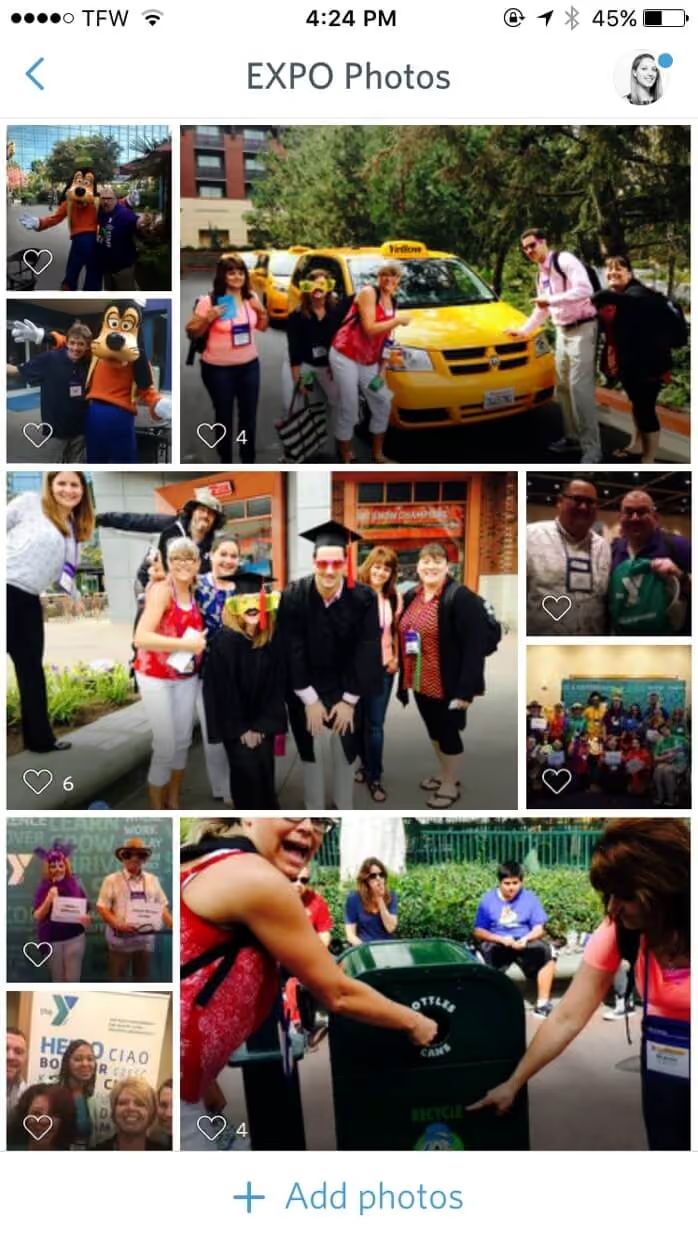
The YMCA

Conference organizers for a 1,000 person national expo got people participating in unprecedented ways. Their association app features:

- A shared photo album added fun and spontaneity to an event meant to inspire
- Twitter integration caused the event hashtag to trend nationally
- 98% of attendees found the app useful and easy to use

Spelman College

Spelman College uses Guidebook to support events across the entire student journey, from Admissions and Orientation, to Commencement and Alumni gatherings.

This full-lifecycle approach keeps students informed at every stage while helping families and alumni stay connected.

Schedule tracks make it easy to navigate events, even with hundreds of attendees on campus. Plus, with real-time push notifications, last-minute changes are communicated instantly, ensuring a smooth experience for everyone.

NC State University

New students are welcomed to NC State's campus with a detailed orientation app that feels like it was built specifically for each student. Some highlights in the app include:

- Specific schedules for first-year students, transfer students, and families.
- New student checklists to help every student have a successful start.
- Profiles and contacts for all of the OLs.

It's become a crucial part of welcoming new students for NC State, and helps to set new students up for success.

University of Kentucky

The University of Kentucky's Admissions team switched from printing paper programs for their open houses, and prospective and admitted student events, to a fully branded mobile app that supports and engages students during their visit.

During UK's Big Blue Open House, prospective students can choose their own adventure, attend sessions relevant to them and their major, and do a guided tour of campus from in the app.

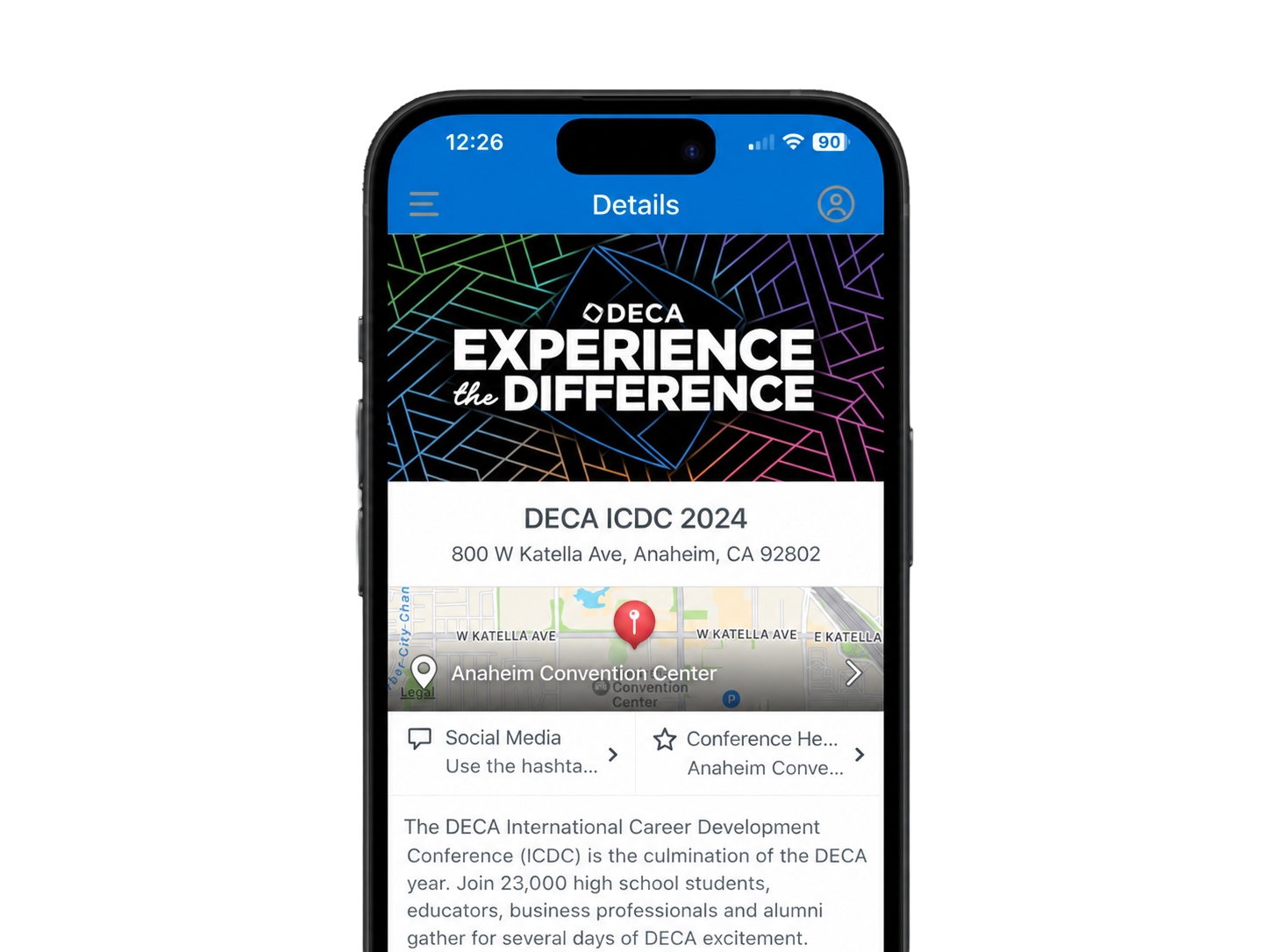
DECA

During the pandemic, DECA was forced to transform its flagship event to a virtual format. With Guidebook, they built an app that turned the event into a comprehensive virtual hub. The app helped members stay informed and engaged throughout the event.

- 17,000+ student members engaged during the event using DECA’s app.
- Utilizing push notifications and schedule-building features, DECA provided a streamlined and organized event experience, ensuring participants had access to all competitions, sessions, and resources.

Messiah University

Messiah University uses their app to welcome new students and provide a smooth experience for students during their first week on campus. Students can:

- See their personalized schedule in advance.
- Explore the full schedule and register for additional sessions.
- Connect with various offices on campus.
- And so much more

It's a powerful tool that Messiah uses to help new students to 'Take Flight' as a Messiah University Falcon.

Bowdoin College

Bowdoin College connects current students and alumni with a Homecoming guide in their personalized app.

People can use the app to:

- Access exclusive homecoming discounts
- Check which of their favorite facilities are open to explore
- Peruse local dining options

Their guide organizes the schedule based on inaugural events, athletic events, and even events with virtual offerings so everyone can find something that interests them!

CIVSA

CIVSA hosts 600+ attendees at its annual conference. Before Guidebook, each attendee received a 60-page book with event information.

With Guidebook, CIVSA was able to:

- Build an app to replace all 36,000 pages of printed materials. This resulted in over $5000 savings in printing costs.
- Use the app as a one-stop resource for event info, local recommendations, and maps.
- Keep everyone in the loop with push notifications.

Charleston Southern University

CSU’s Buc Nation app makes it easy for students to stay connected and engaged with campus activities, and each other.

With just one app, students can access:

- A full schedule of events (such as concerts, plays, athletic events, and more).
- Connections to mentors for guidance, support, and academic success.
- Essential campus resources and information.

The end result is a stronger sense of belonging and a more vibrant student experience.

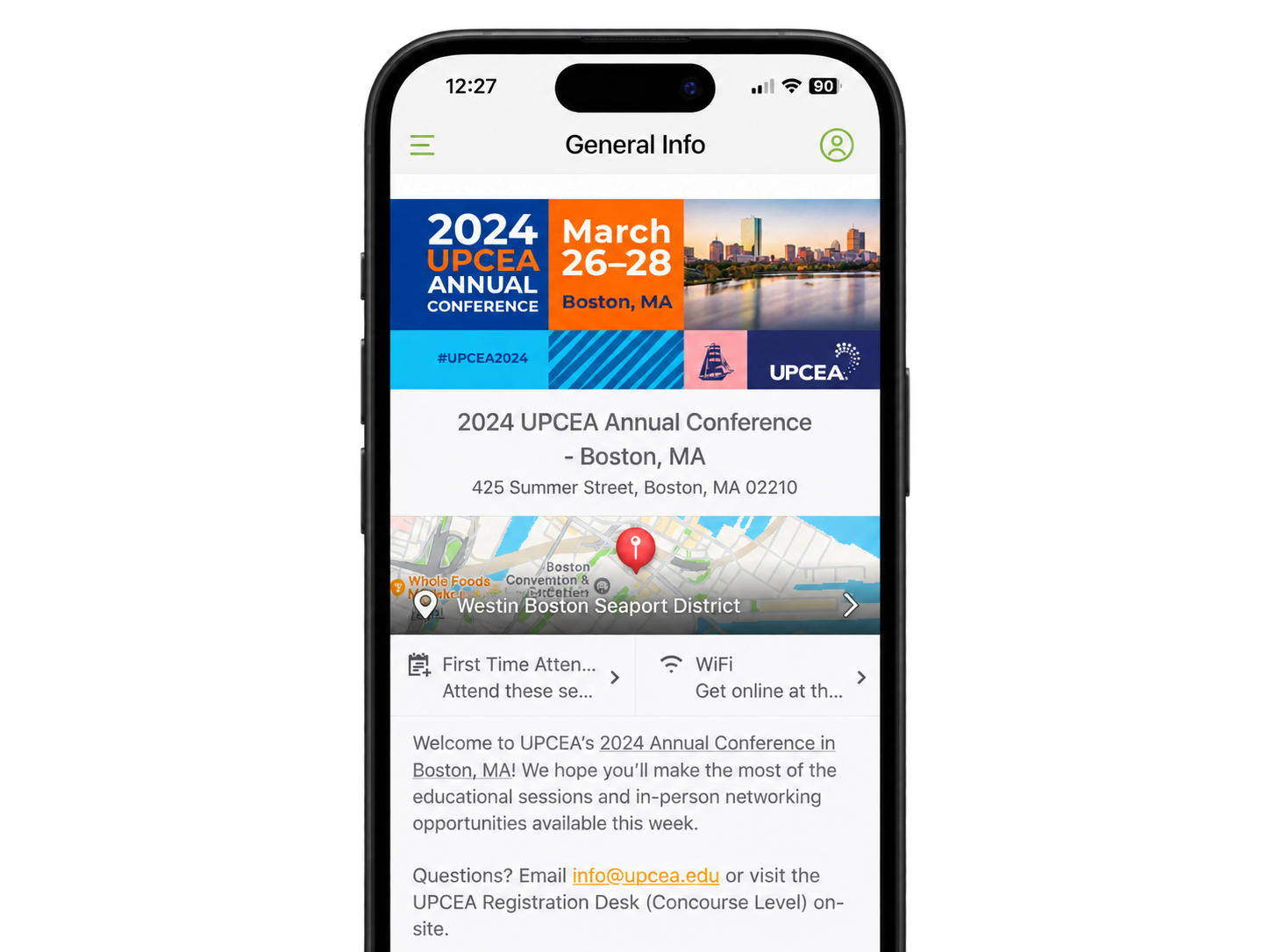
UPCEA

The UPCEA Annual Conference wanted to increase attendee engagement while reducing printed materials. Partnering with Guidebook, they developed a flexible and user-friendly mobile app that provided real-time updates, personalized schedules, and interactive maps.

- 80%+ of attendees used the app in year 1, beating their expectations! This allowed them to plan further printing reductions in year 2.
- 100% of speakers uploaded additional resources directly into the app, improving the overall attendee experience and providing easy access to presentations and helpful links after the event.

Indiana Tech

When Indiana Tech replaced printed materials with a Guidebook app, the results were impossible to ignore:

- 105% increase in student yield from Admitted Students Day attendees (from 40% to 82%).
- 29% reduction in costs associated with the event, by swapping printed programs for an app.
- A process that once took 5 team members 400+ hours was drastically reduced to just 2 people and less than 25 hours.

Fewer hours? Check.
Less paper? Definitely.
More students saying yes? Absolutely.

Chapman University

When Chapman University wanted a better way to welcome prospective students, they relied on Guidebook's platform to build their own app that allows students to explore campus without relying on a tour guide. Inside the app, students can:

- Explore Chapman's beautiful Orange, California campus at their own pace.
- Dive into Chapman’s academic programs.
- Connect with current students to get a feel for campus life.

It’s a warm, modern introduction to Chapman that leaves a lasting impression on today's tech-savvy students.

FAQs

Event management software is the system you use to plan, run, and update an event in one place — registration, the event app, check-in, badges, maps, and live notifications. Guidebook is a no-code platform for that whole job, so you are not stitching together a website, a spreadsheet, a printer, and a separate app.
The branded event app, registration and session check-in, event badges, maps, push notifications, and reporting. You build it yourself, publish in seconds, and attendees get the update on their phone. Campus teams and conference organizers run the same platform.
Both. The event app is what attendees open. The platform is what your team uses to register people, build the schedule, check them in, print badges, and push live changes. If you only need the app, start at guidebook.com/event-apps. This page is the full stack.
No. If you can send an email or put a few slides together, you can build in Guidebook. It is drag and drop. Most of our customers would not call themselves technical, and teams of one or two regularly run events for thousands of attendees.
Yes. Publish from desktop or from the mobile admin tools and the change is live in seconds. If a room or time moves, send a push notification to the people who need it. No reprints, no “check the website.”
Yes. Free registration, paid ticketing, session limits, waitlists, and QR check-in sit in the same platform as the app. You are not exporting a list the night before. See guidebook.com/event-registration for the registration and check-in workflow.
Yes. Design badges with the Guidebook ID QR code, print them yourself, send them to a professional printer, or print onsite. The same QR is what you scan at check-in. Details are on guidebook.com/event-badges.
Yes, if you run campus events on Slate. Records can flow into the app and engagement can flow back, with no spreadsheet round-trip. If you are not on Slate, Zapier reaches thousands of other systems and the Open API covers custom setups. The rest of the platform still runs the event either way.
Event teams who need one branded place for the people in the room: campus admissions, orientation, and student life, plus conferences and associations. 75% of the top U.S. colleges use Guidebook. The same software also runs association conferences that used to print 60-page programs.
No. Native iOS and Android apps are the best experience, including offline access. Anyone who cannot or will not download can use Guidebook Web in a phone or desktop browser and still get the schedule, maps, and updates.
Yes. Guidebook encrypts data in transit and at rest, and includes the privacy and access controls campuses and associations expect — public, passphrase, or invite-only apps, plus gated lists. Read the details at guidebook.com/legal/security.
Real support. US and UK email with typical replies under 20 minutes in business hours, plus live chat and phone during ET business hours. Teams keep us because someone actually answers on event day.
Yes. Clone a guide, invite as many editors as you need, and publish unlimited updates. Campus teams who run open houses, orientation, and commencement in one year usually move to unlimited events so they are not buying a new app for every date. See guidebook.com/unlimited-events.
When the app is the schedule, the map, and the check-in, people open it. Indiana Tech saw 98% student adoption in week one and took Admitted Student Day yield from 40% to 82%. UPCEA had 80%+ of conference attendees on the app in year one. The pattern is the same: one branded place beats a stack of PDFs.

Still have questions?