Send app engagement back to Slate
For students who opt in, downloads, schedule adds, views, and form responses land on their event registration every hour.
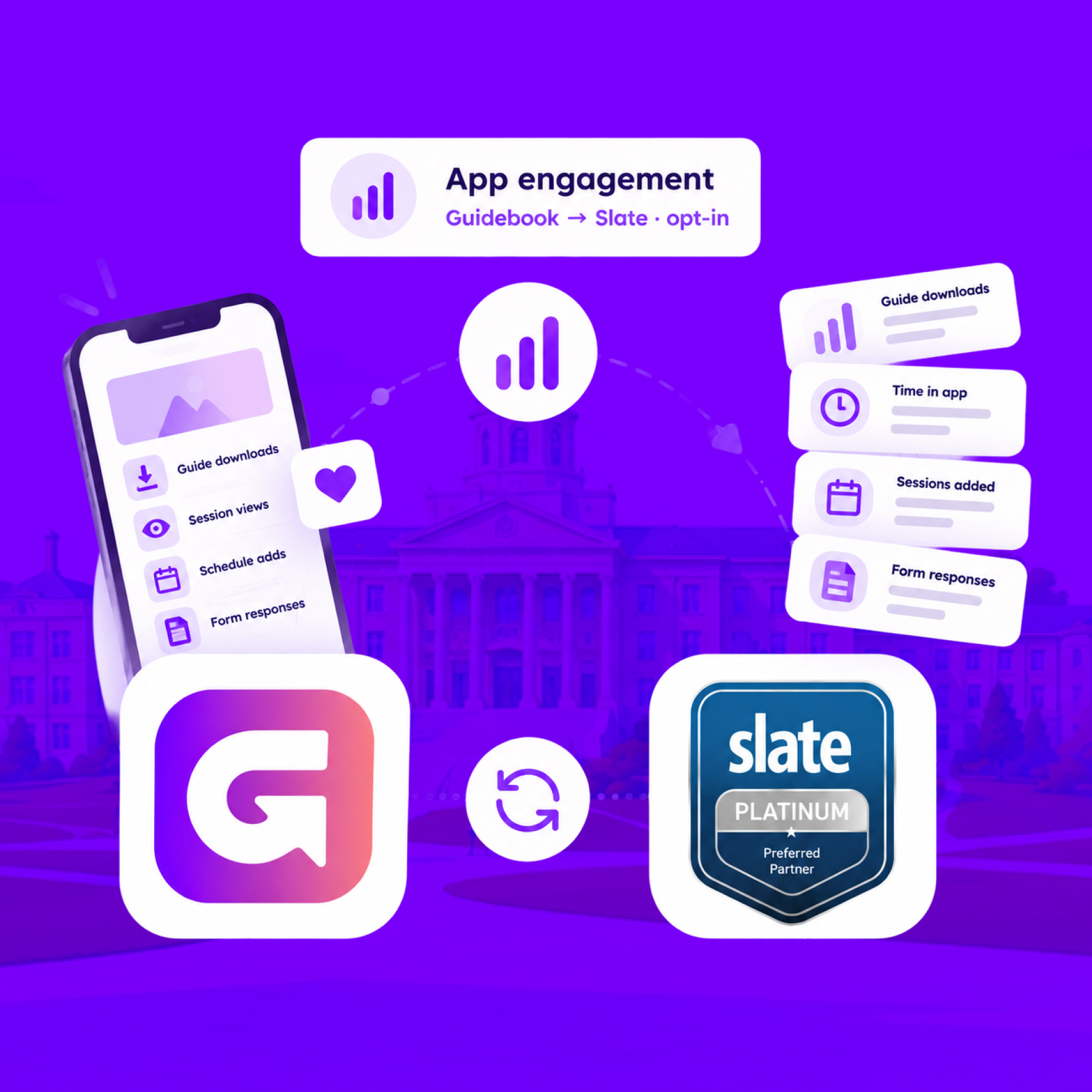
Send app engagement back to Slate
For students who opt in, downloads, schedule adds, views, and form responses land on their event registration every hour.
Build the campus event once in Slate
Link a Slate folder to a guide. Every event becomes a session, and registrants are added automatically.
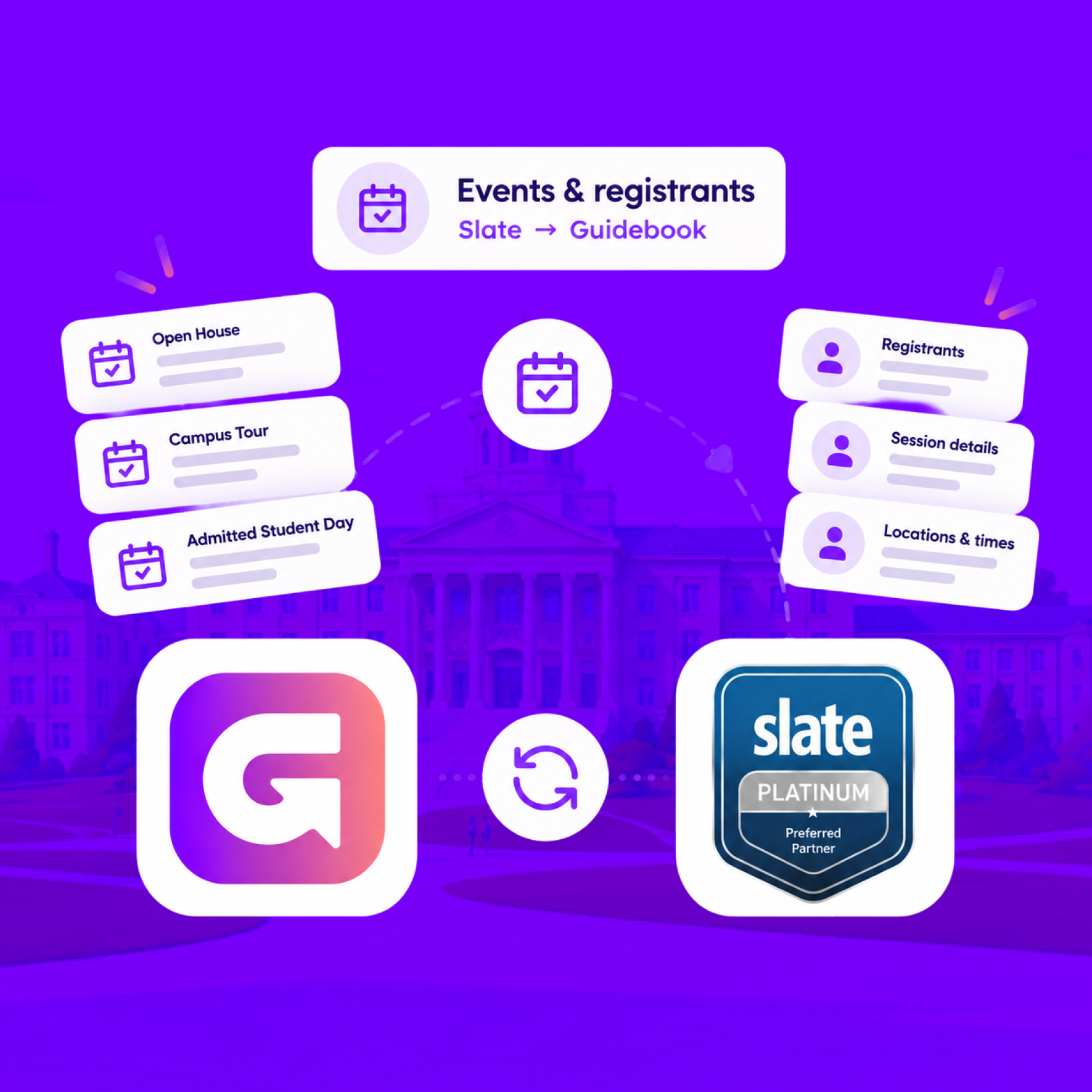
Build the campus event once in Slate
Link a Slate folder to a guide. Every event becomes a session, and registrants are added automatically.
Slate profiles, in the campus app
Match each student's Slate record to their Guidebook account, so college, major, and orientation details stay current on every sync.
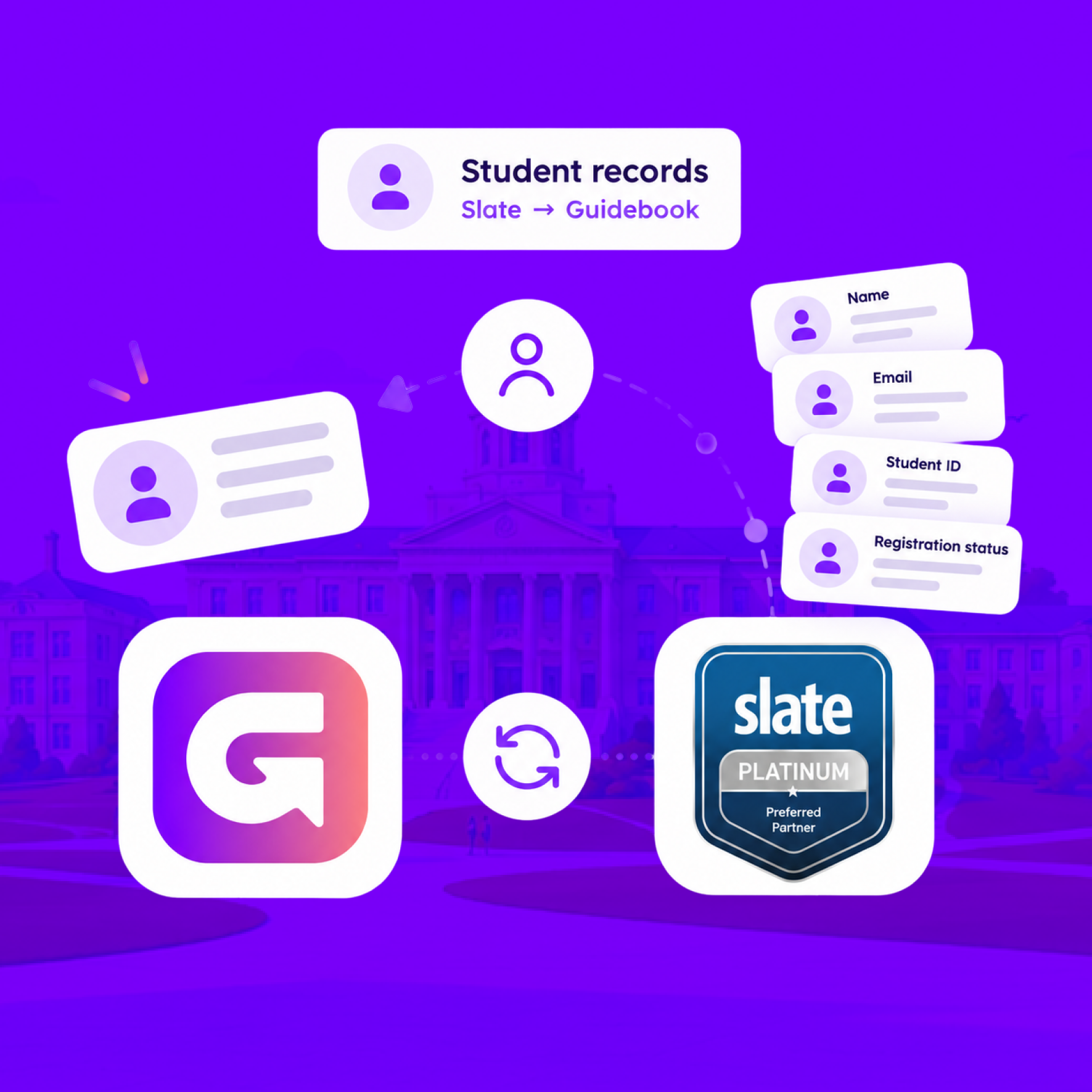
Slate profiles, in the campus app
Match each student's Slate record to their Guidebook account, so college, major, and orientation details stay current on every sync.
Campus apps by department
Admissions, orientation, student life, and more — one campus app that works across departments.

Campus apps by department
Admissions, orientation, student life, and more — one campus app that works across departments.
Build unlimited event apps on one license
One partnership for unlimited campus events — orientation, tours, student life, and everything in between.
Build unlimited event apps on one license
One partnership for unlimited campus events — orientation, tours, student life, and everything in between.
Compare event app platforms
See how Guidebook stacks up against other event app and registration platforms.
Compare event app platforms
See how Guidebook stacks up against other event app and registration platforms.
Event apps for nonprofit and community programs
Give members, volunteers, and donors one branded app for conferences, fundraisers, and year-round community.
Event apps for nonprofit and community programs
Give members, volunteers, and donors one branded app for conferences, fundraisers, and year-round community.
Campus integrations and an open API
Connect Guidebook with the campus systems, APIs, and tools your team already uses.
Campus integrations and an open API
Connect Guidebook with the campus systems, APIs, and tools your team already uses.
Event apps for corporate and enterprise teams
Internal meetings, offsites, and large-scale corporate events — with the branding and control enterprise teams need.
Event apps for corporate and enterprise teams
Internal meetings, offsites, and large-scale corporate events — with the branding and control enterprise teams need.
Create a branded event app with no coding
Put schedules, maps, resources, and updates in every attendee's pocket — built for campus events and programs.
Create a branded event app with no coding
Put schedules, maps, resources, and updates in every attendee's pocket — built for campus events and programs.
Launch a branded, white-label event app
A white-label event app with your branding, your content, and your attendee experience — no coding required.
Launch a branded, white-label event app
A white-label event app with your branding, your content, and your attendee experience — no coding required.
Everything in the Guidebook platform
Explore the features event teams use to engage attendees before, during, and after the event.
Everything in the Guidebook platform
Explore the features event teams use to engage attendees before, during, and after the event.
One app for in-person and virtual attendees
The same schedule, networking, and updates whether people are in the room or joining remotely.
One app for in-person and virtual attendees
The same schedule, networking, and updates whether people are in the room or joining remotely.
Event apps built for associations
Annual meetings, chapter events, and member engagement — without rebuilding a new app every year.
Event apps built for associations
Annual meetings, chapter events, and member engagement — without rebuilding a new app every year.
A branded event website that matches the app
Promote the event, collect interest, and keep branding consistent from the first click to check-in.
A branded event website that matches the app
Promote the event, collect interest, and keep branding consistent from the first click to check-in.
Plan, run, and measure events on one platform
App, registration, badges, and websites in one workflow — so planning isn't a pile of disconnected tools.
Plan, run, and measure events on one platform
App, registration, badges, and websites in one workflow — so planning isn't a pile of disconnected tools.
Keep members engaged between events
One branded app for the conference and everything that happens the other 51 weeks of the year.
Keep members engaged between events
One branded app for the conference and everything that happens the other 51 weeks of the year.
The conference app attendees actually use
Schedules, maps, networking, and live updates for annual meetings, summits, and multi-day conferences.
The conference app attendees actually use
Schedules, maps, networking, and live updates for annual meetings, summits, and multi-day conferences.
Registration that feeds your app and badges
Collect registrations, payments, and attendee data in the same platform as your event app.
Registration that feeds your app and badges
Collect registrations, payments, and attendee data in the same platform as your event app.
Design and print event badges in one place
Custom badges, QR check-in, and on-site printing — without a separate badge vendor.
Design and print event badges in one place
Custom badges, QR check-in, and on-site printing — without a separate badge vendor.
A Smaller School?
Deliver a polished, branded event experience without a large team or a big budget.
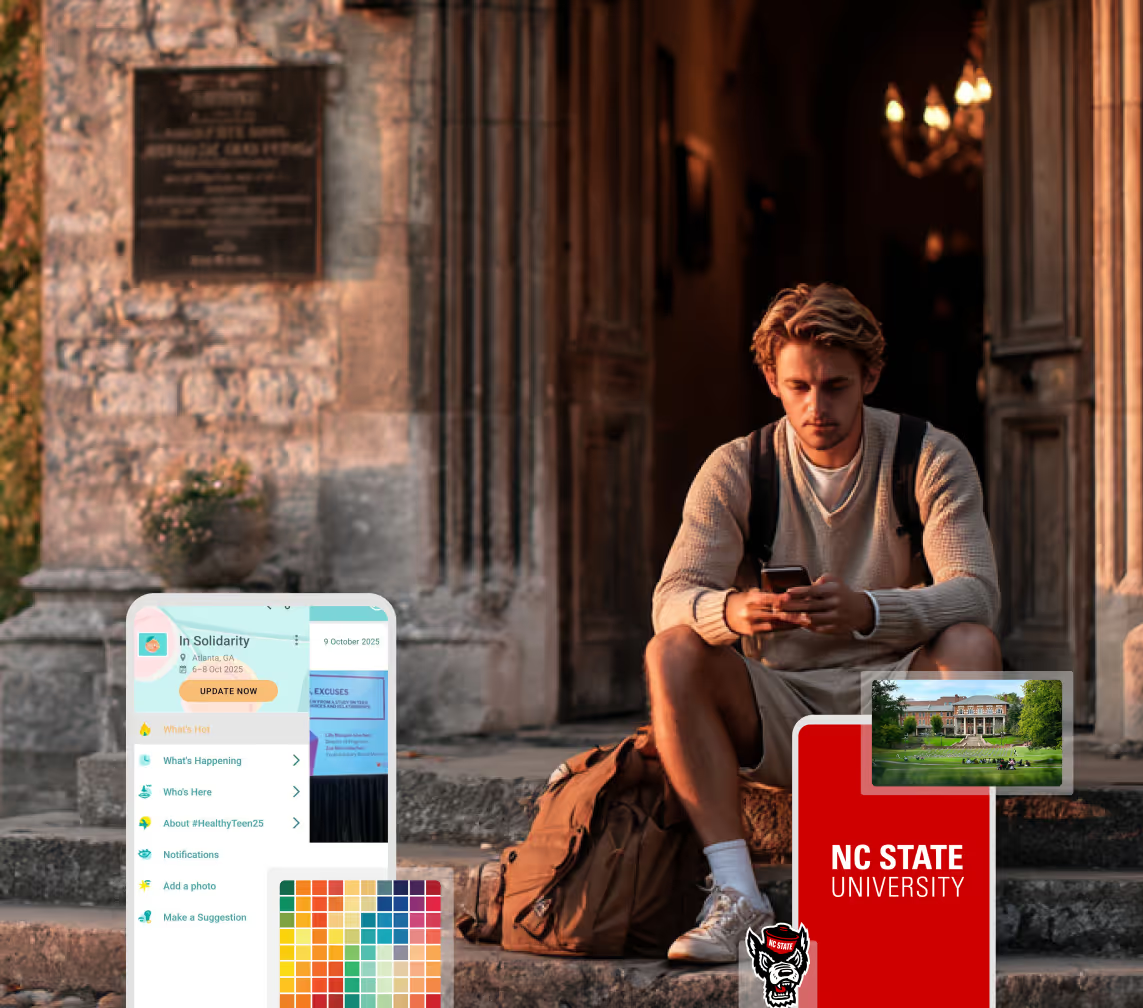
A Smaller School?
Deliver a polished, branded event experience without a large team or a big budget.
Running Family Programs?
Give families everything they need, from schedules and maps to real-time updates, all in one place.
Running Family Programs?
Give families everything they need, from schedules and maps to real-time updates, all in one place.
Coordinating Move-In Day?
Share updates, manage events, and keep students informed from move-in through the academic year.

Coordinating Move-In Day?
Share updates, manage events, and keep students informed from move-in through the academic year.
Offering Campus Tours?
Deliver branded, self-guided tour experiences with interactive maps and rich media, available 24/7.

Offering Campus Tours?
Deliver branded, self-guided tour experiences with interactive maps and rich media, available 24/7.
Organising a Career Fair?
Simplify logistics for students, employers, and Career Services staff with one easy-to-use app.
Organising a Career Fair?
Simplify logistics for students, employers, and Career Services staff with one easy-to-use app.
Managing Alumni Events?
Plan reunions, regional events, and fundraising campaigns with an app built for alumni engagement.
Managing Alumni Events?
Plan reunions, regional events, and fundraising campaigns with an app built for alumni engagement.
Boost Student Engagement
One hub for schedules, resources, and events that keeps students connected throughout the academic year.
Boost Student Engagement
One hub for schedules, resources, and events that keeps students connected throughout the academic year.
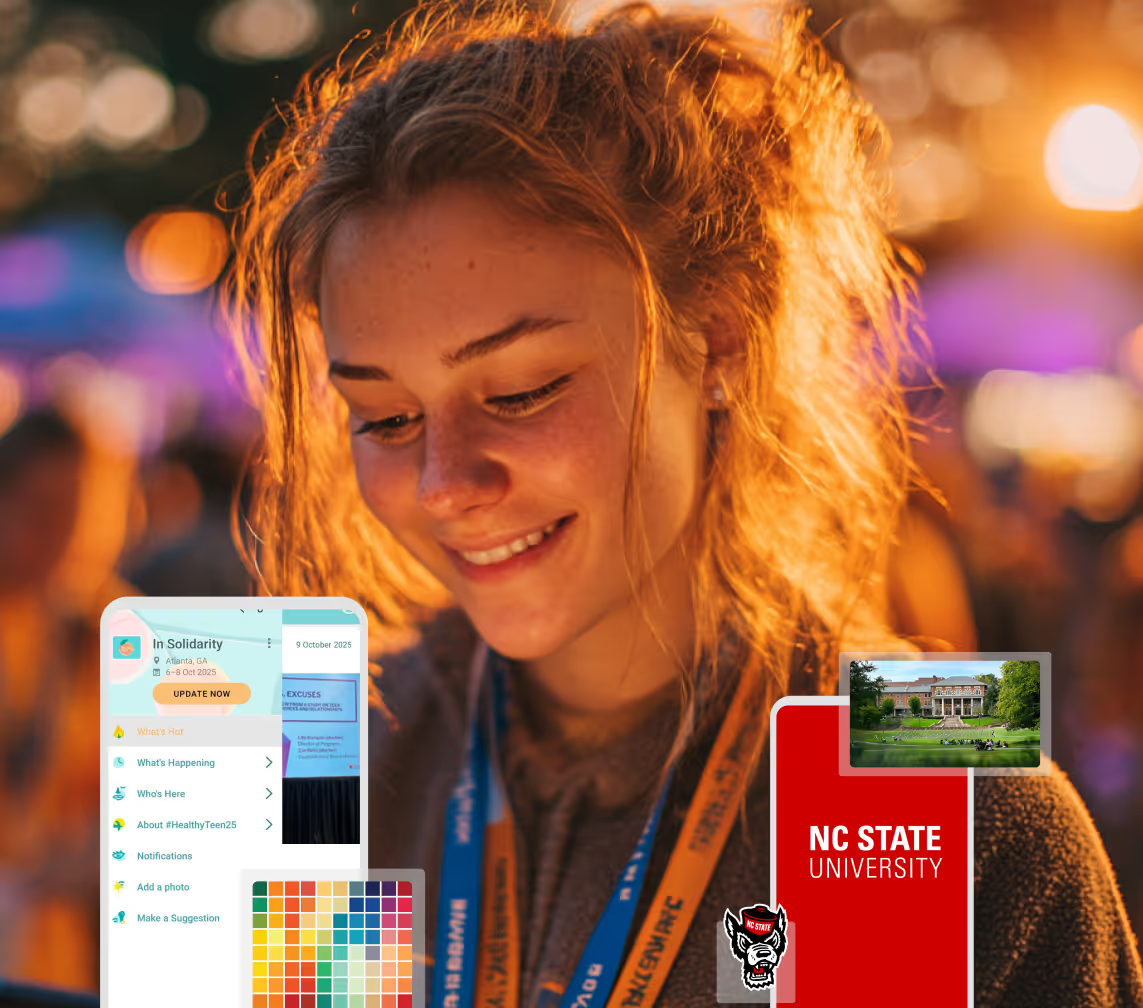
Planning Orientation?
Help new students feel prepared from day one with schedules, campus resources, and real-time updates in one app.
Planning Orientation?
Help new students feel prepared from day one with schedules, campus resources, and real-time updates in one app.
Running Admissions Events?
Manage open houses, tours, and yield events with a branded app that saves time and engages prospective students.

Running Admissions Events?
Manage open houses, tours, and yield events with a branded app that saves time and engages prospective students.
Get a custom Sponsorship Package Template
Stop starting from scratch. Grab free templates that helWe'll build a tailored sponsorship package with suggested pricing, tiers, and benefits..for your specific event.p you build professional sponsorship packages and close deals faster.
Get a custom Sponsorship Package Template
Stop starting from scratch. Grab free templates that helWe'll build a tailored sponsorship package with suggested pricing, tiers, and benefits..for your specific event.p you build professional sponsorship packages and close deals faster.
Plan Your Next Event Without Missing a Beat.
From venue selection to post-event wrap-up, this free checklist walks you through every step (so nothing falls through the cracks).
.avif)
Plan Your Next Event Without Missing a Beat.
From venue selection to post-event wrap-up, this free checklist walks you through every step (so nothing falls through the cracks).
Real Results From Real Events
100,000+ organizations trust Guidebook. See exactly how universities, associations, enterprises, and more put it to work.

Real Results From Real Events
100,000+ organizations trust Guidebook. See exactly how universities, associations, enterprises, and more put it to work.
Flexible pricing for every event size
Find the perfect plan for your needs, from intimate gatherings to large-scale conferences.

Flexible pricing for every event size
Find the perfect plan for your needs, from intimate gatherings to large-scale conferences.
Join our event experts
Watch on-demand webinars and join live sessions with industry leaders sharing best practices for event success.
.avif)
Join our event experts
Watch on-demand webinars and join live sessions with industry leaders sharing best practices for event success.
Guidebook in Action
Book a personalized walkthrough and discover how we help event teams create better attendee experiences.
Guidebook in Action
Book a personalized walkthrough and discover how we help event teams create better attendee experiences.
Send Event Engagement Back to Slate
%20(1).avif)




Send Event Engagement Back to Slate
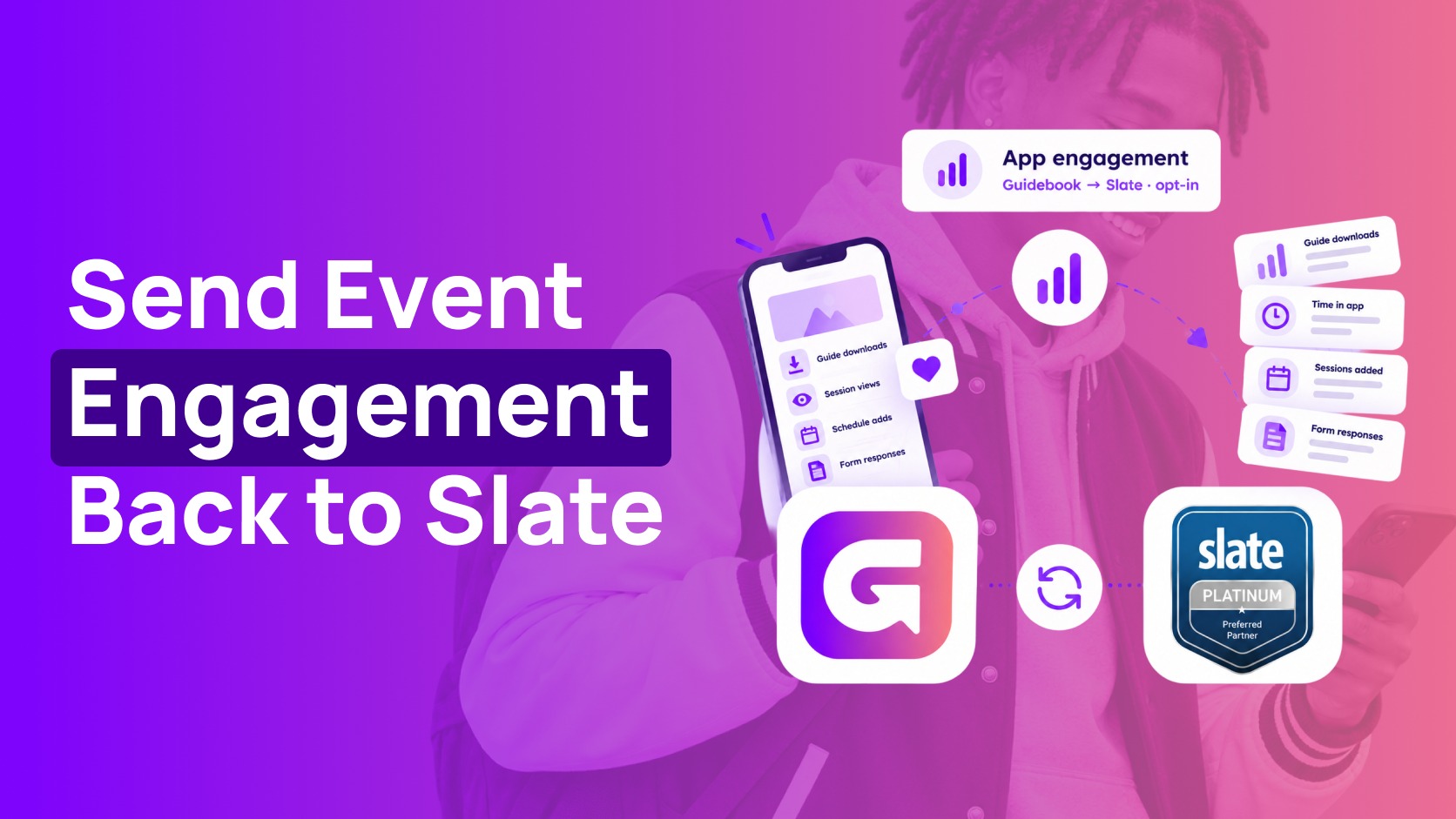
- For students who opt in, app engagement flows back to Slate every hour, matched to each event registration.
- Five signals are sent: downloads, time in app, schedule adds, views, and form responses.
- The first send is the guide's full history. After that, only changes go. A pause catches up when you resume.
- It isn't live. During the event, the Attendance tab in Builder is the live count.
- Archived and strict-privacy guides are never sent.
The event ends, and someone asks how it went. The app has one set of numbers. Slate has the registrations. You are stitching them together by hand, if you get to it at all. This is for the person who has to answer that question from Slate, not from a separate export.

The Slate app usage data connection is the part that sends app engagement back, for students who opt in. Downloads, time in the app, schedule adds, views, and form responses land on each student's event registration. It is collected every hour and posted in a batch. It is not the live count.
What is the Guidebook and Slate app usage data connection?
It's the part of the Guidebook and Slate integration that sends app engagement back to Slate for students who opt in. Downloads, time in the app, schedule adds, views, and form responses land on each student's event registration every hour. It builds on the other two connections, and students decide whether their activity is shared.
See who engaged, right in Slate
Five kinds of activity flow back, each tied to the student's Slate record and the guide's Slate event:
- When they downloaded the guide
- Time spent in the app
- Sessions they added to their schedule
- Menu, list, and session views
- Form responses, including the answer and when
Kentucky's Big Blue Open House is an example of two of those signals. One phone has the visit details, one has the day's schedule, and the third is the guest survey they sent.
-(1).png)
Each record lands on the student's registration in Slate. So you can see who engaged with each event and who didn't, who's downloaded the guide and who hasn't yet, with engagement sitting next to prospect, applicant, admit, and enrolled.
Louisiana Tech's orientation guide is the menu side of that same picture. Notifications, the handbook, the schedule, to-do lists, and campus maps are the views this connection can send back.
.png)
This is your yield and melt data
That is the list your team already trusts, so the follow-up can happen before summer melt, against what yield means for your campus. A separate mobile report is a harder sell than the same number sitting on the registration.
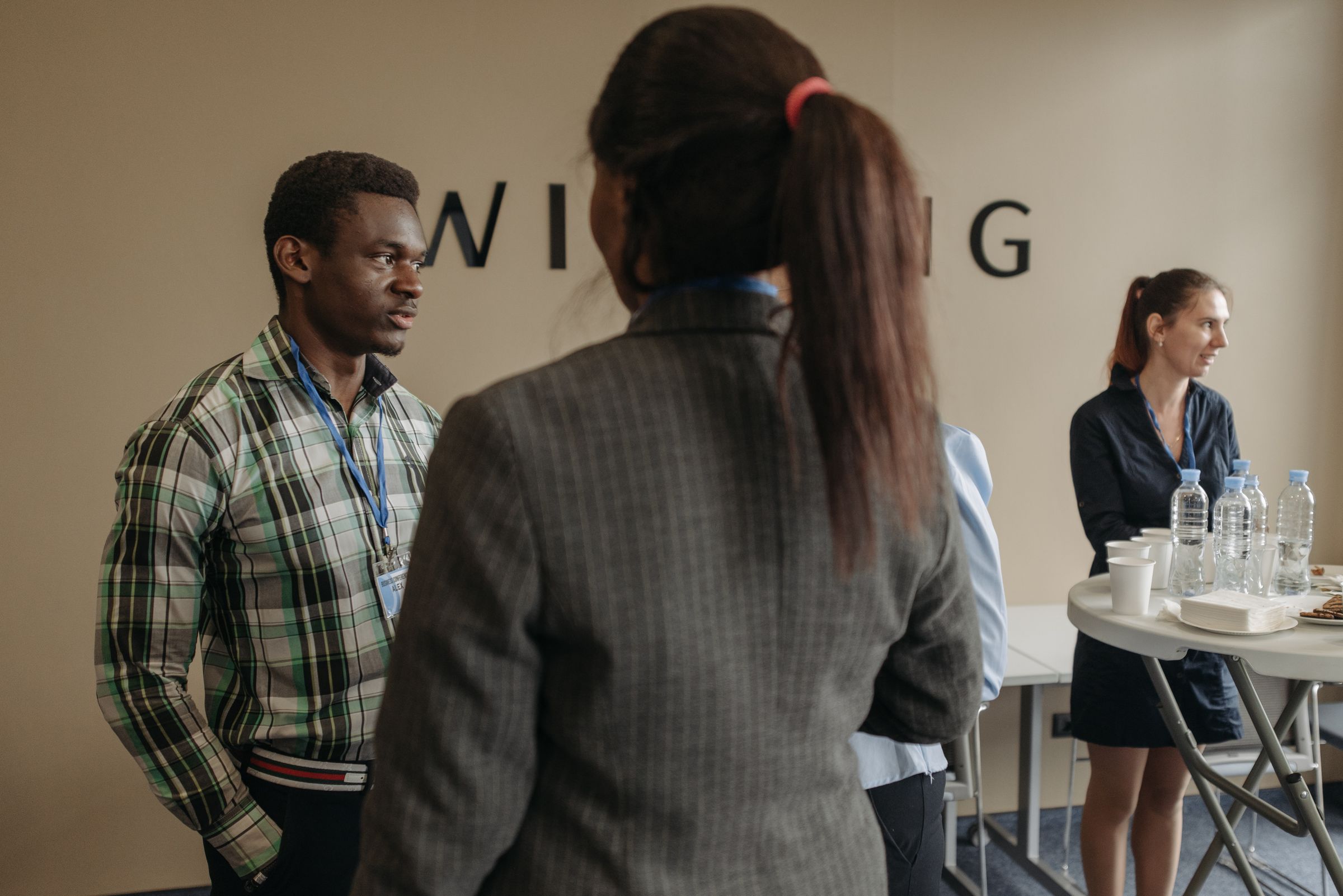
The conversation in the hallway is not a field in this export. The export is the download, the time in the app, the session they saved, the screen they opened, and the form they sent.
Opt-in, always
Activity is sent only for logged-in students who have a Slate record and said yes to the guide's privacy consent. No answer counts as no. Consent is rechecked on every run, so if a student withdraws it, sending stops from that point on. Archived guides, and guides with strict privacy turned on, are never sent. Slate stays the source of truth, and students decide what they share.
What you need first
This one builds on the other two. It needs student records and events and sessions from the same Slate instance, so every person and event can be matched. In Slate you also import the Guidebook dataset and source format, and you use a service account, not your own login.
| When you need the number | Where you look | How fresh it is |
|---|---|---|
| During the event | The Attendance tab in Builder | Live |
| Afterward, on the registration | The custom dataset in Slate | Collected every hour, then posted in a batch |
| The first time you turn it on | Slate | The guide’s full history, then only changes |
Pausing skips the hourly export. When you resume, it catches up. Removing the connection stops the export. A row that shows 0/0 is a connection test from Guidebook. It does not change the student record.
The source format arrives with its field mappings already set. Leave them unless you know what a remap does to the flow. Archived guides, and guides with strict privacy turned on, are never sent, even if someone selects them.
Teams chasing yield already lean on event data to decide who to call next, the way Indiana Tech did with their admitted student day app. Turn it on, and the next time someone asks how the event went, you'll have the answer ready in Slate.
-(1).png)
Frequently asked questions

Get the Mobile App Playbook
A short guide to running the whole student journey in one app. No fluff, just what works.
for higher ed
Campus
Playbook
A practical guide to building a connected campus experience.
Free playbook
The Mobile App Playbook for Universities
Students decide if they belong long before they set foot on campus. This playbook shows how to win them over from the first visit through graduation.
- Grow enrollment and boost recruitment
- Increase belonging and retention
- Run every event from one branded app
By submitting, you agree to our Privacy Policy.
You're in.
.png)

.png)