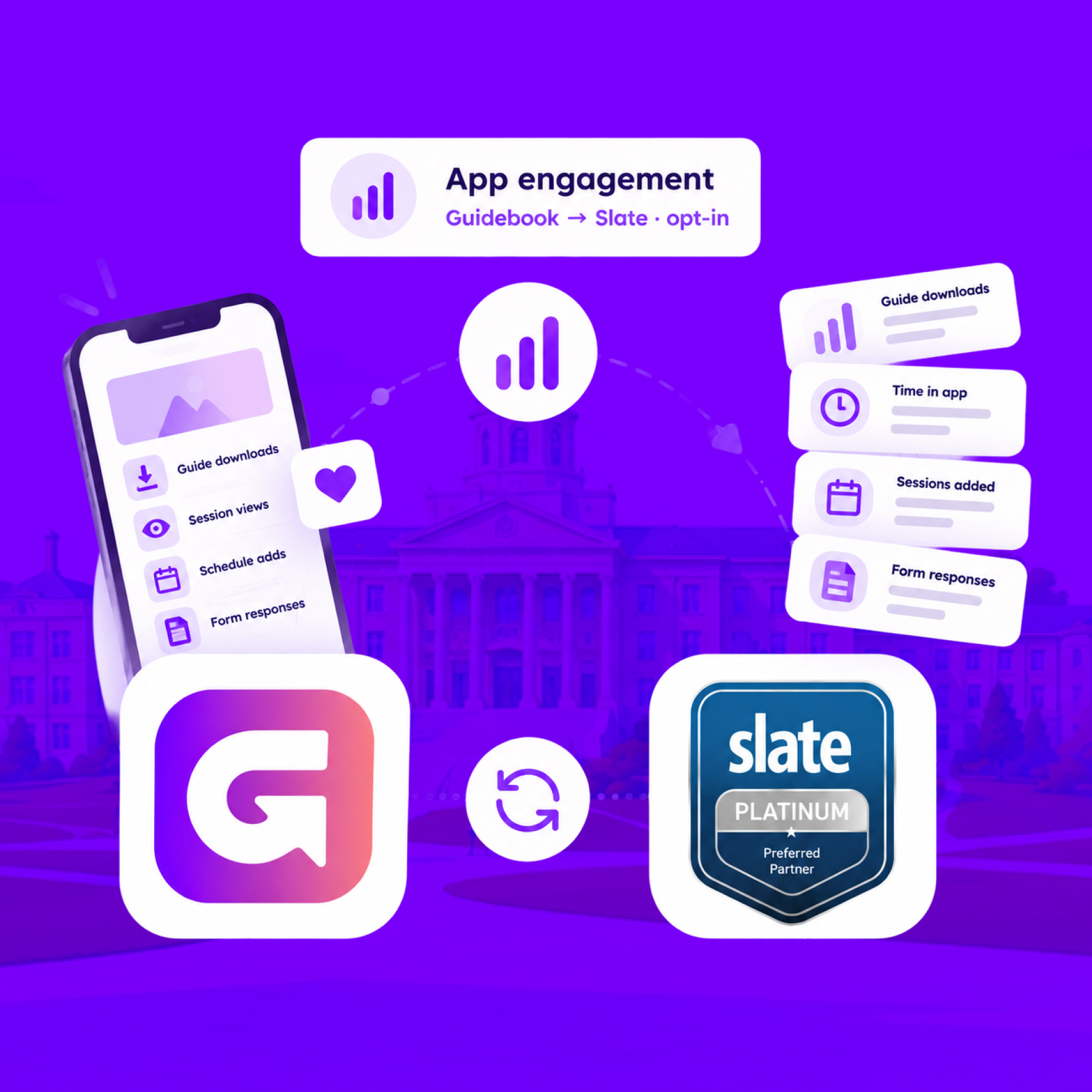
Send app engagement back to Slate
For students who opt in, downloads, schedule adds, views, and form responses land on their event registration every hour.
Send app engagement back to Slate
For students who opt in, downloads, schedule adds, views, and form responses land on their event registration every hour.
Build the campus event once in Slate
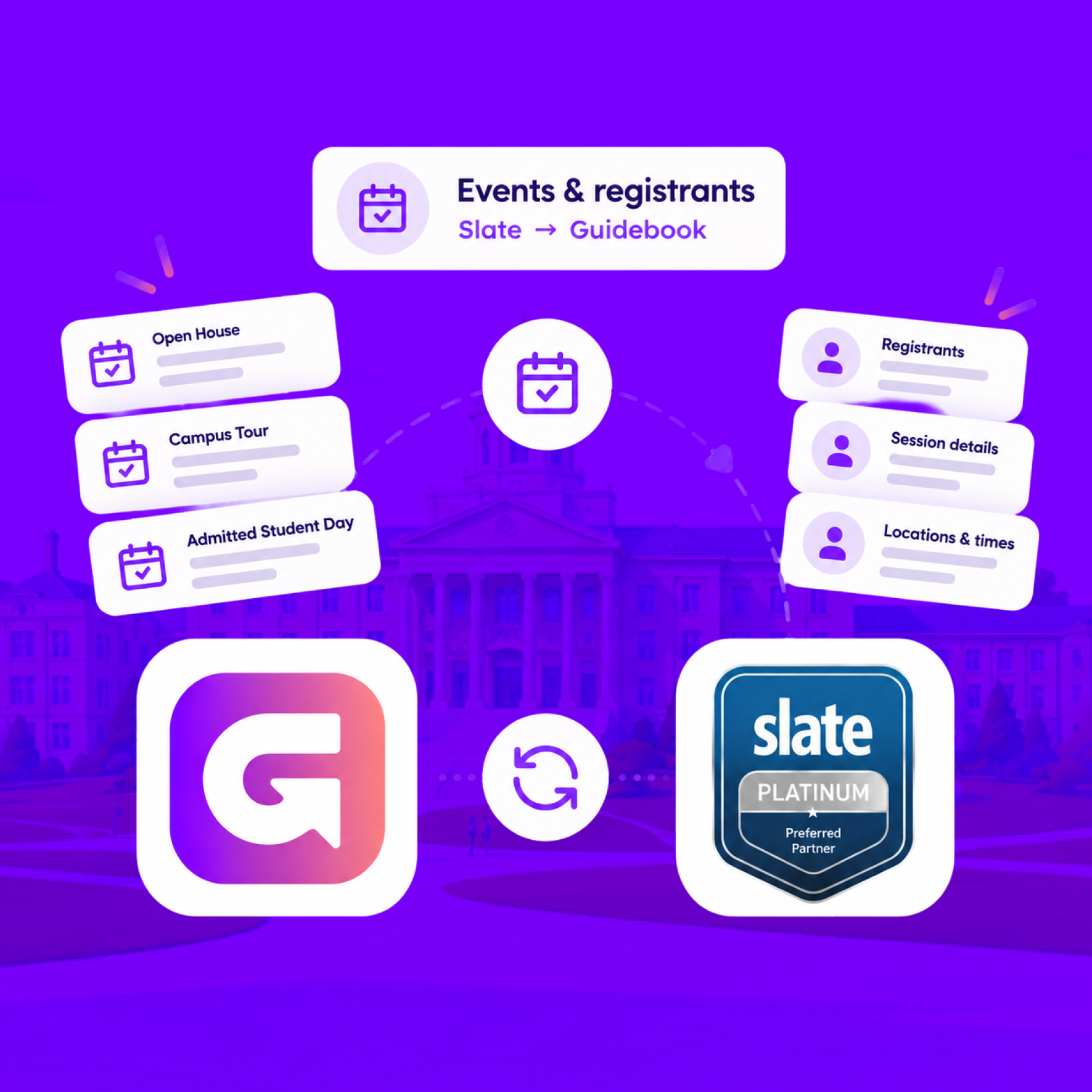
Link a Slate folder to a guide. Every event becomes a session, and registrants are added automatically.
Build the campus event once in Slate
Link a Slate folder to a guide. Every event becomes a session, and registrants are added automatically.
Slate profiles, in the campus app
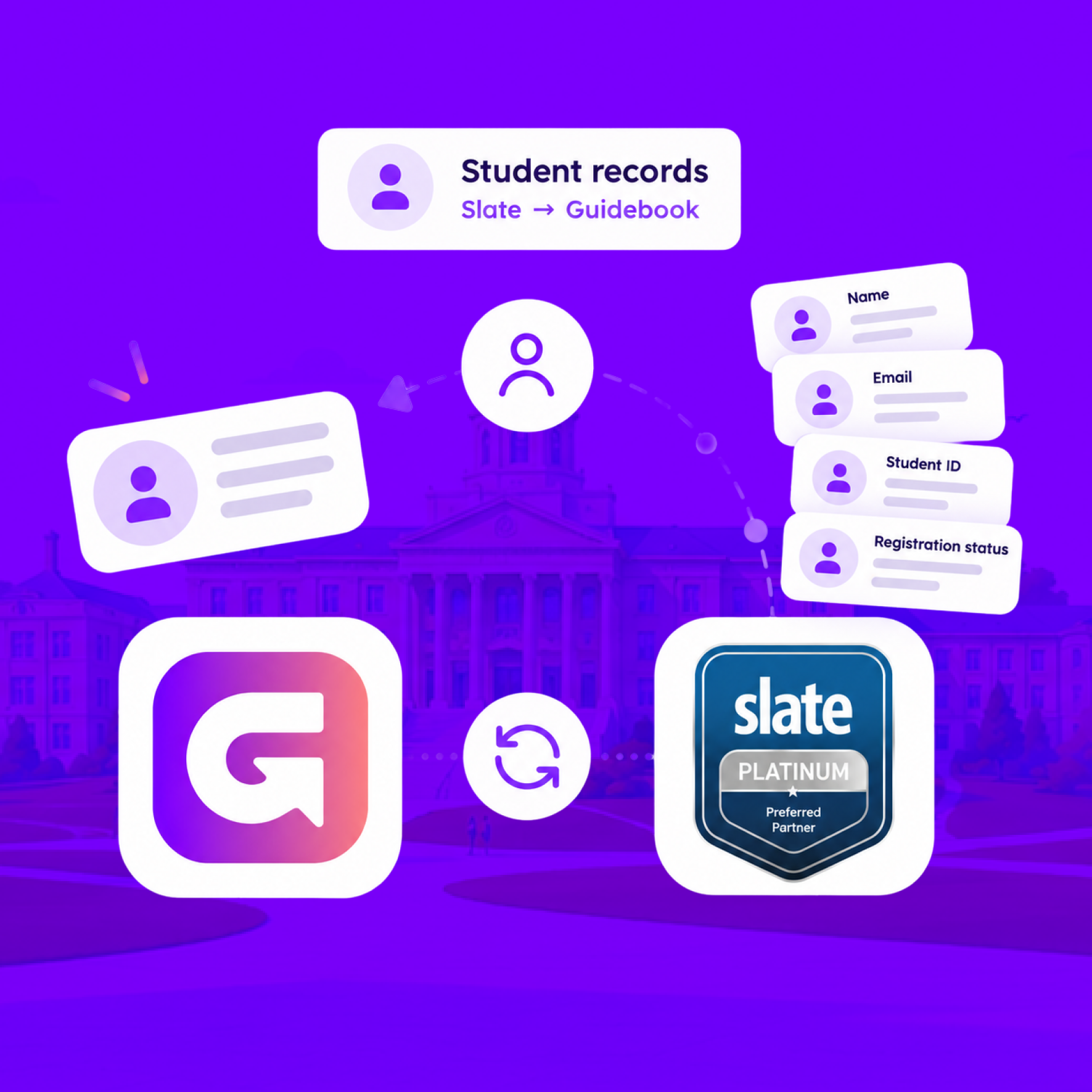
Match each student's Slate record to their Guidebook account, so college, major, and orientation details stay current on every sync.
Slate profiles, in the campus app
Match each student's Slate record to their Guidebook account, so college, major, and orientation details stay current on every sync.
Campus apps by department
Admissions, orientation, student life, and more — one campus app that works across departments.

Campus apps by department
Admissions, orientation, student life, and more — one campus app that works across departments.
Build unlimited event apps on one license
One partnership for unlimited campus events — orientation, tours, student life, and everything in between.
Build unlimited event apps on one license
One partnership for unlimited campus events — orientation, tours, student life, and everything in between.
Compare event app platforms
See how Guidebook stacks up against other event app and registration platforms.
Compare event app platforms
See how Guidebook stacks up against other event app and registration platforms.
Event apps for nonprofit and community programs
Give members, volunteers, and donors one branded app for conferences, fundraisers, and year-round community.
Event apps for nonprofit and community programs
Give members, volunteers, and donors one branded app for conferences, fundraisers, and year-round community.
Campus integrations and an open API
Connect Guidebook with the campus systems, APIs, and tools your team already uses.
Campus integrations and an open API
Connect Guidebook with the campus systems, APIs, and tools your team already uses.
Event apps for corporate and enterprise teams
Internal meetings, offsites, and large-scale corporate events — with the branding and control enterprise teams need.
Event apps for corporate and enterprise teams
Internal meetings, offsites, and large-scale corporate events — with the branding and control enterprise teams need.
Create a branded event app with no coding
Put schedules, maps, resources, and updates in every attendee's pocket — built for campus events and programs.
Create a branded event app with no coding
Put schedules, maps, resources, and updates in every attendee's pocket — built for campus events and programs.
Launch a branded, white-label event app
A white-label event app with your branding, your content, and your attendee experience — no coding required.
Launch a branded, white-label event app
A white-label event app with your branding, your content, and your attendee experience — no coding required.
Everything in the Guidebook platform
Explore the features event teams use to engage attendees before, during, and after the event.
Everything in the Guidebook platform
Explore the features event teams use to engage attendees before, during, and after the event.
One app for in-person and virtual attendees
The same schedule, networking, and updates whether people are in the room or joining remotely.
One app for in-person and virtual attendees
The same schedule, networking, and updates whether people are in the room or joining remotely.
Event apps built for associations
Annual meetings, chapter events, and member engagement — without rebuilding a new app every year.
Event apps built for associations
Annual meetings, chapter events, and member engagement — without rebuilding a new app every year.
A branded event website that matches the app
Promote the event, collect interest, and keep branding consistent from the first click to check-in.
A branded event website that matches the app
Promote the event, collect interest, and keep branding consistent from the first click to check-in.
Plan, run, and measure events on one platform
App, registration, badges, and websites in one workflow — so planning isn't a pile of disconnected tools.
Plan, run, and measure events on one platform
App, registration, badges, and websites in one workflow — so planning isn't a pile of disconnected tools.
Keep members engaged between events
One branded app for the conference and everything that happens the other 51 weeks of the year.
Keep members engaged between events
One branded app for the conference and everything that happens the other 51 weeks of the year.
The conference app attendees actually use
Schedules, maps, networking, and live updates for annual meetings, summits, and multi-day conferences.
The conference app attendees actually use
Schedules, maps, networking, and live updates for annual meetings, summits, and multi-day conferences.
Registration that feeds your app and badges
Collect registrations, payments, and attendee data in the same platform as your event app.
Registration that feeds your app and badges
Collect registrations, payments, and attendee data in the same platform as your event app.
Design and print event badges in one place
Custom badges, QR check-in, and on-site printing — without a separate badge vendor.
Design and print event badges in one place
Custom badges, QR check-in, and on-site printing — without a separate badge vendor.
A Smaller School?
Deliver a polished, branded event experience without a large team or a big budget.
A Smaller School?
Deliver a polished, branded event experience without a large team or a big budget.
Running Family Programs?
Give families everything they need, from schedules and maps to real-time updates, all in one place.
Running Family Programs?
Give families everything they need, from schedules and maps to real-time updates, all in one place.
Coordinating Move-In Day?
Share updates, manage events, and keep students informed from move-in through the academic year.

Coordinating Move-In Day?
Share updates, manage events, and keep students informed from move-in through the academic year.
Offering Campus Tours?
Deliver branded, self-guided tour experiences with interactive maps and rich media, available 24/7.

Offering Campus Tours?
Deliver branded, self-guided tour experiences with interactive maps and rich media, available 24/7.
Organising a Career Fair?
Simplify logistics for students, employers, and Career Services staff with one easy-to-use app.
Organising a Career Fair?
Simplify logistics for students, employers, and Career Services staff with one easy-to-use app.
Managing Alumni Events?
Plan reunions, regional events, and fundraising campaigns with an app built for alumni engagement.
Managing Alumni Events?
Plan reunions, regional events, and fundraising campaigns with an app built for alumni engagement.
Boost Student Engagement
One hub for schedules, resources, and events that keeps students connected throughout the academic year.
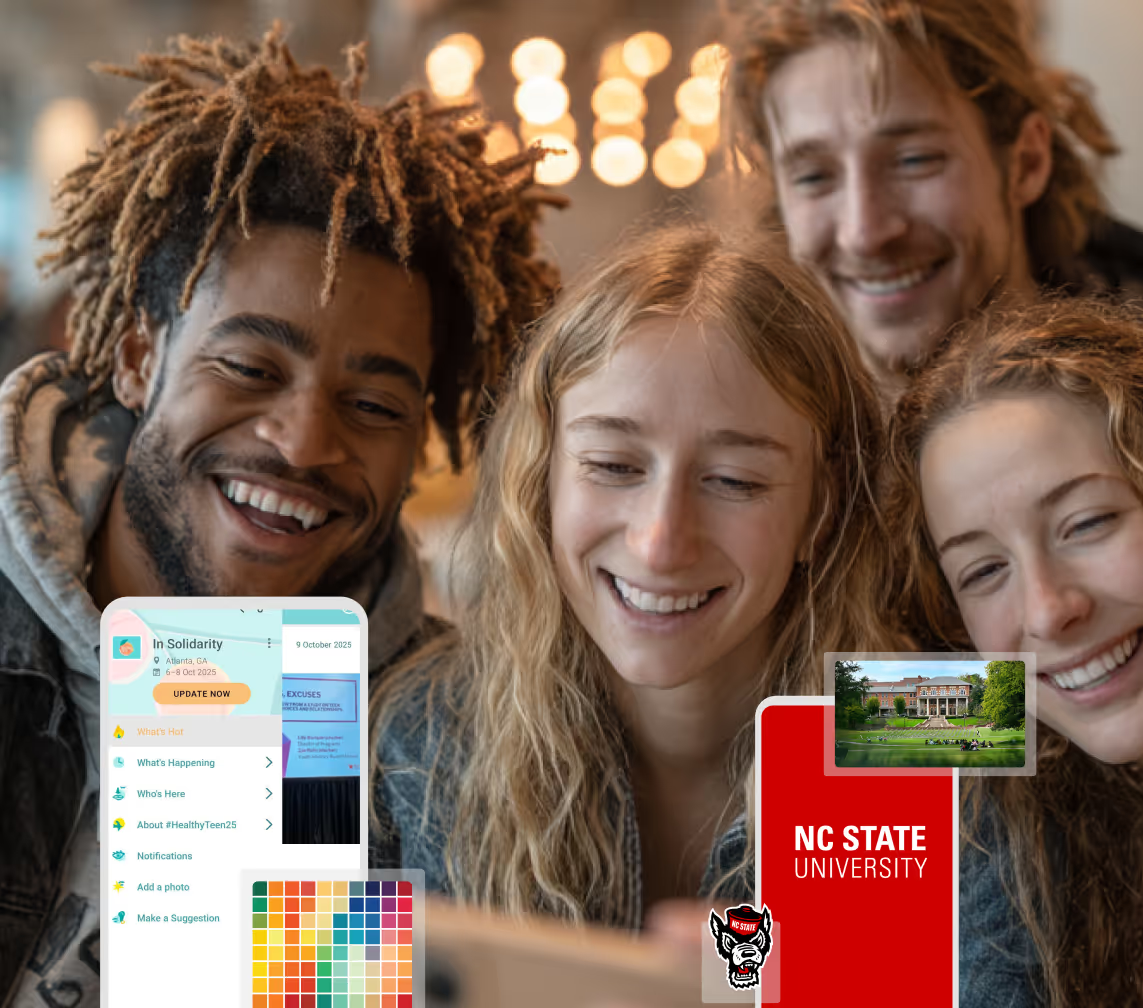
Boost Student Engagement
One hub for schedules, resources, and events that keeps students connected throughout the academic year.
Planning Orientation?
Help new students feel prepared from day one with schedules, campus resources, and real-time updates in one app.
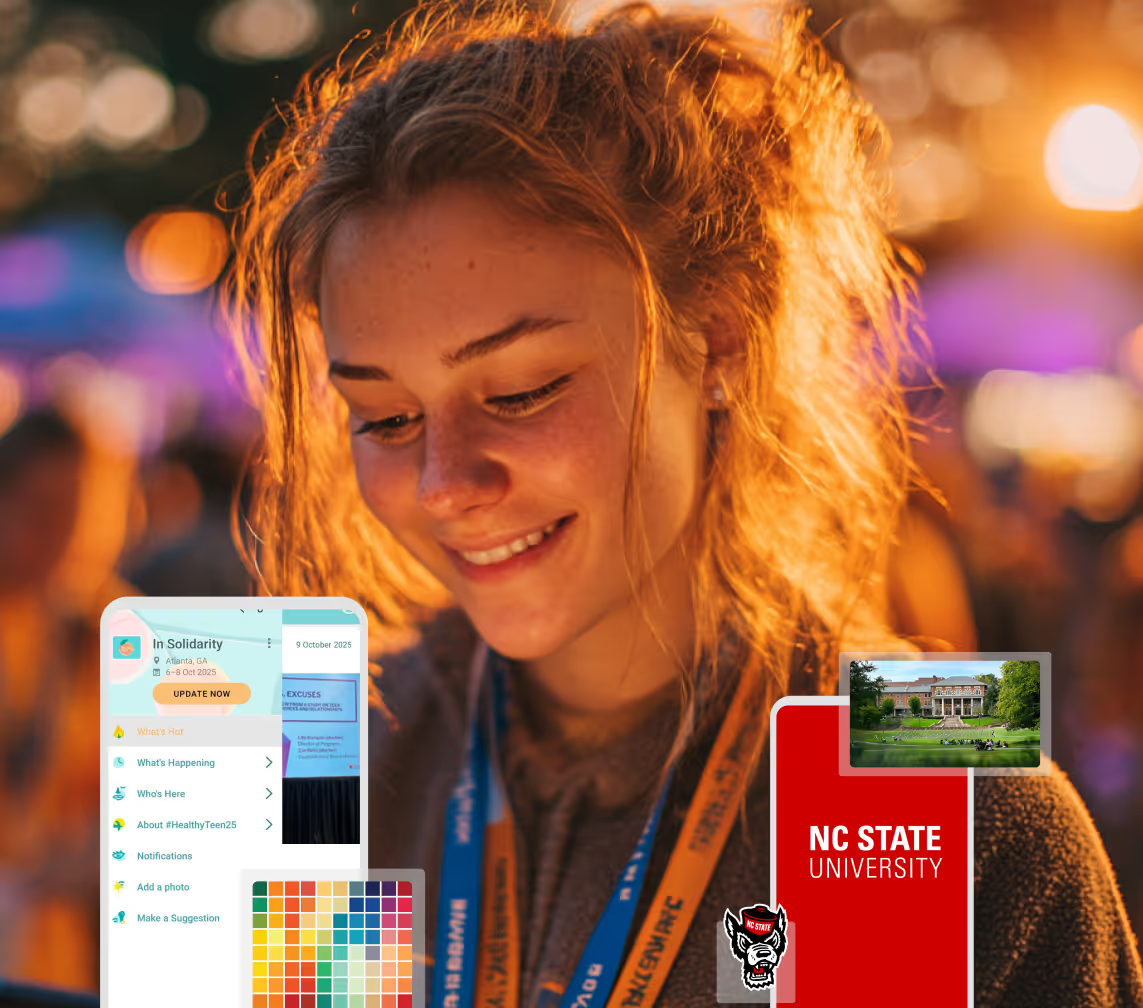
Planning Orientation?
Help new students feel prepared from day one with schedules, campus resources, and real-time updates in one app.
Running Admissions Events?
Manage open houses, tours, and yield events with a branded app that saves time and engages prospective students.

Running Admissions Events?
Manage open houses, tours, and yield events with a branded app that saves time and engages prospective students.
Get a custom Sponsorship Package Template
Stop starting from scratch. Grab free templates that helWe'll build a tailored sponsorship package with suggested pricing, tiers, and benefits..for your specific event.p you build professional sponsorship packages and close deals faster.
Get a custom Sponsorship Package Template
Stop starting from scratch. Grab free templates that helWe'll build a tailored sponsorship package with suggested pricing, tiers, and benefits..for your specific event.p you build professional sponsorship packages and close deals faster.
Plan Your Next Event Without Missing a Beat.
From venue selection to post-event wrap-up, this free checklist walks you through every step (so nothing falls through the cracks).
.avif)
Plan Your Next Event Without Missing a Beat.
From venue selection to post-event wrap-up, this free checklist walks you through every step (so nothing falls through the cracks).
Real Results From Real Events
100,000+ organizations trust Guidebook. See exactly how universities, associations, enterprises, and more put it to work.

Real Results From Real Events
100,000+ organizations trust Guidebook. See exactly how universities, associations, enterprises, and more put it to work.
Flexible pricing for every event size
Find the perfect plan for your needs, from intimate gatherings to large-scale conferences.

Flexible pricing for every event size
Find the perfect plan for your needs, from intimate gatherings to large-scale conferences.
Join our event experts
Watch on-demand webinars and join live sessions with industry leaders sharing best practices for event success.
.avif)
Join our event experts
Watch on-demand webinars and join live sessions with industry leaders sharing best practices for event success.
Guidebook in Action
Book a personalized walkthrough and discover how we help event teams create better attendee experiences.
Guidebook in Action
Book a personalized walkthrough and discover how we help event teams create better attendee experiences.
6 Higher Ed Web Pages that Matter for Student Engagement





6 Higher Ed Web Pages that Matter for Student Engagement
Higher education websites serve as the primary digital entry point for prospective, current, and graduating learners. Modern learners expect a seamless user experience from the moment they begin researching schools, so it is important that your website provides relevant, engaging information.
This article outlines the specific web pages your website should contain to foster a deeply connected campus community.
1. Admissions page
One of the first considerations students make before choosing a school is the admissions requirements. Prospective learners and their families rely on your admissions page to make one of the most significant financial and educational decisions of their lives, so you have to ensure that the page contains key information that they need to know.
Elements you should add to your admissions page include program information and requirements, tuition fees, and enrollment deadlines. Incorporate a main menu and a sticky navigation bar to ensure high-priority resources remain visible as users scroll through dense information.
Streamlining this journey prevents applicant drop-off, eliminates confusion, and significantly increases the likelihood that an admitted applicant will officially enroll. To maximize the effectiveness of this hub, integrate an AI chatbot trained on your institution's specific admission FAQs so students receive immediate answers to their queries.

2. Student portal
Once enrolled, learners need a personalized, secure environment to manage their daily academic responsibilities and access information. A student portal eliminates the frustration of jumping between different screens for different information, allowing students to focus more on their actual coursework and campus engagement.
Student portals should integrate learning management systems, course registration, grade viewing, class schedule viewing, and billing information into a single intuitive interface. Single sign-on capabilities are highly recommended here to ensure seamless transitions between financial accounts and academic records.
To ensure the student portal performs well, regularly solicit user feedback on usability via quick polls embedded directly in the dashboard. Iterating on this interface based on direct student input ensures the technology evolves alongside actual daily habits rather than your administrative team's assumptions.

3. Welcome page
Transitioning to college is often stressful, making clear guidance essential for incoming students to feel secure and prepared. A centralized welcome page acts as a digital safety net, providing anxious first-year learners with exactly what they need to know before setting foot on campus, beyond what they have already learned during orientation.
Your comprehensive welcome page should include information such as:
- Maps and directions
- Onboarding checklists
- Tech prep (LMS, wifi setup, etc)
Through this page, higher ed institutions remove the guesswork from the onboarding process and help students seamlessly engage with the university environment.
Extend the utility of these resources by keeping the page live and up to date well past the first month of classes. Framing it as a first-year survival guide encourages ongoing engagement as new challenges arise during midterm season.
4. Social and campus life page
Extracurricular involvement is a key driver of long-term retention. When learners establish strong social networks and discover passions outside the lecture hall, their overall engagement and satisfaction increase significantly.
Show students communities they can join, such as clubs, Greek organizations, and sports teams. Implement searchable directories with filtering options so they can easily match their specific interests with active campus groups.
Also, give them information about upcoming events, such as welcome parties and student-organized events. Establish calendar systems to ensure that these digital schedules reflect real-time updates and cancellations.
Removing friction from the discovery process ensures that campus programming receives the attendance, visibility, and engagement it deserves while fostering a sense of belonging.

5. Academic resources page
Academic resource pages consolidate tools important to higher ed students, such as the school's digital library, databases like Google Scholar and JSTOR, online courses, and other campus subscriptions that support academic life.
The best higher ed websites prioritize accessibility. Ensure that all students can access academic resources (and all other parts of your website!) by complying with the Web Content Accessibility Guidelines. This means implementing steps such as incorporating high-contrast color schemes and descriptive alt text for images.
By featuring an accessible academic resources page, new students can familiarize themselves with these core tools before classes begin, setting them up for early academic success.
6. Support services page
Mental health, career counseling, and academic advising are foundational pillars of student wellness, but they are only effective if students can readily access them. A dedicated web page for these services removes the barriers of walk-in appointments and long email threads.
Ensure these support pages feature prominent, accessible crisis resources and after-hours contact information. Clearly separating emergency protocols from standard appointment scheduling provides immediate direction for users in distress while maintaining organized daily operations.
You may also integrate appointment booking with students' existing academic calendars so both students and staff can schedule sessions more effectively.
Bringing it together
Engaging higher ed students through your web pages requires a holistic approach to design, content management, and ongoing accessibility. By prioritizing access to pages that help them navigate campus life more easily, universities establish lasting trust with their academic communities.
If you need additional assistance in designing your web pages, consider working with a higher ed web design consultant. This will ensure that your website is optimized for student engagement, leading to higher admission yield.

Get the Mobile App Playbook
A short guide to running the whole student journey in one app. No fluff, just what works.
for higher ed
Campus
Playbook
A practical guide to building a connected campus experience.
Free playbook
The Mobile App Playbook for Universities
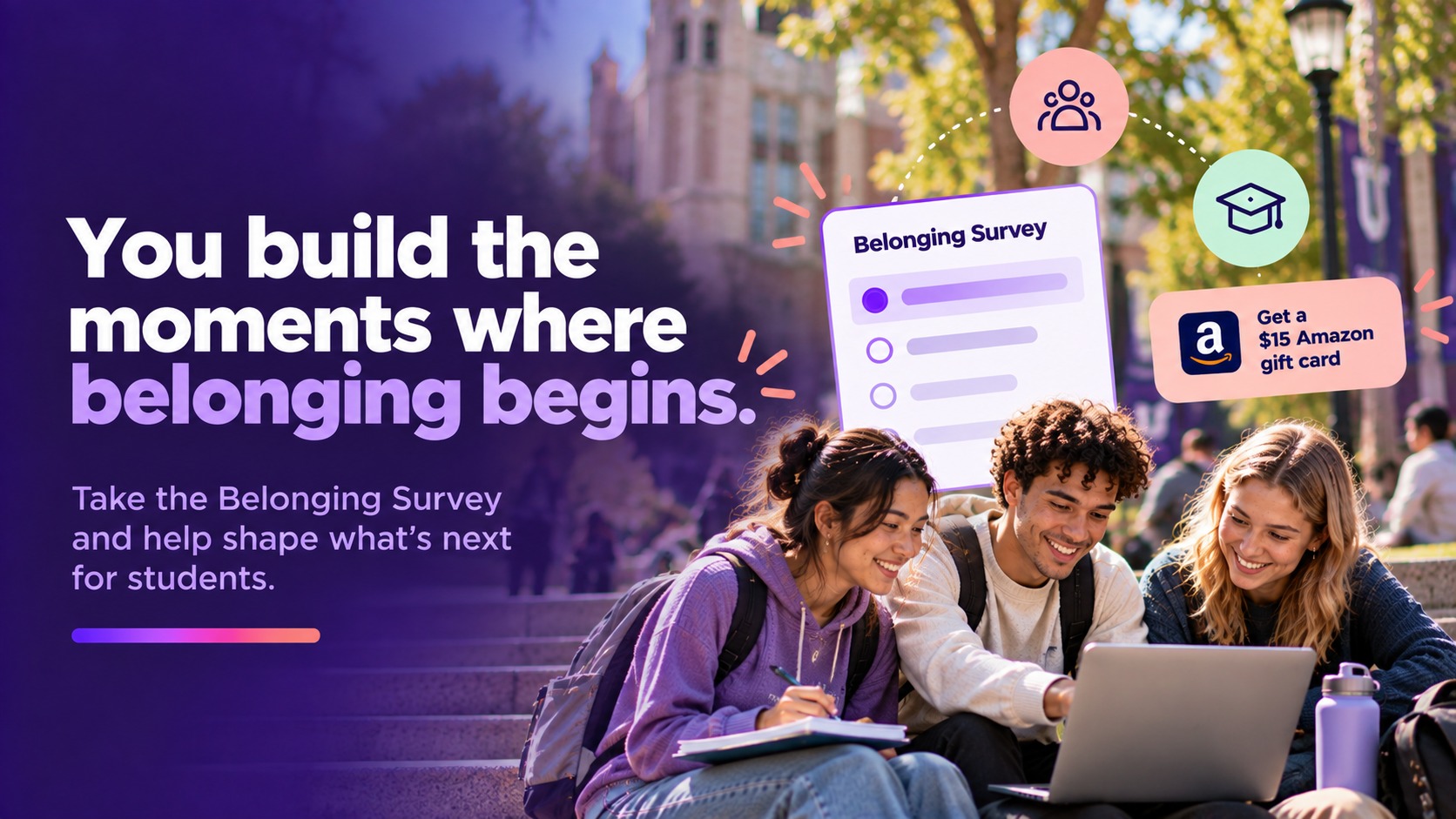
Students decide if they belong long before they set foot on campus. This playbook shows how to win them over from the first visit through graduation.
- Grow enrollment and boost recruitment
- Increase belonging and retention
- Run every event from one branded app
By submitting, you agree to our Privacy Policy.
You're in.
.png)

%20(1).avif)