See who actually showed up, in Slate
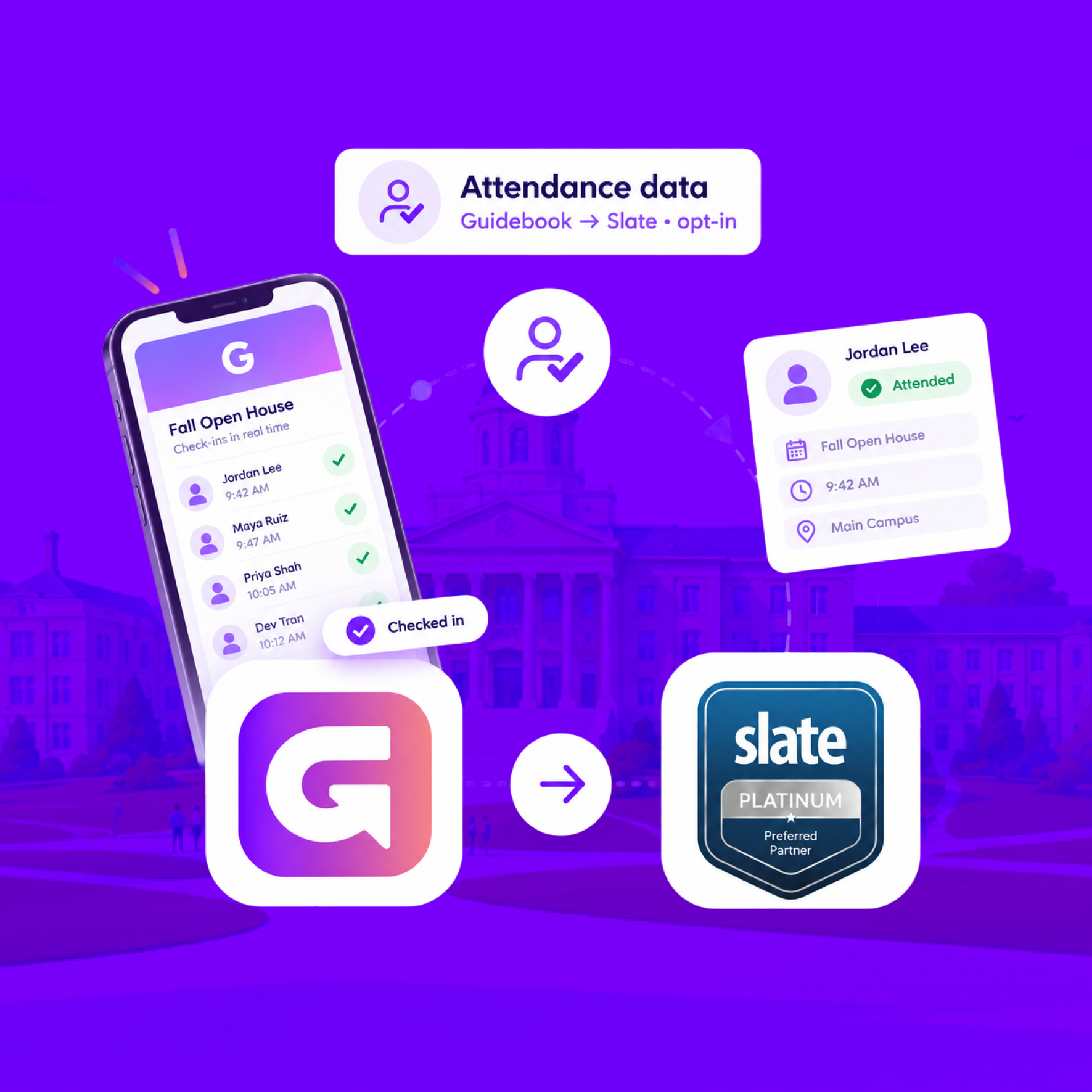
When someone checks in at your event, Guidebook marks their Slate registration Attended, with the time they arrived.
See who actually showed up, in Slate
When someone checks in at your event, Guidebook marks their Slate registration Attended, with the time they arrived.
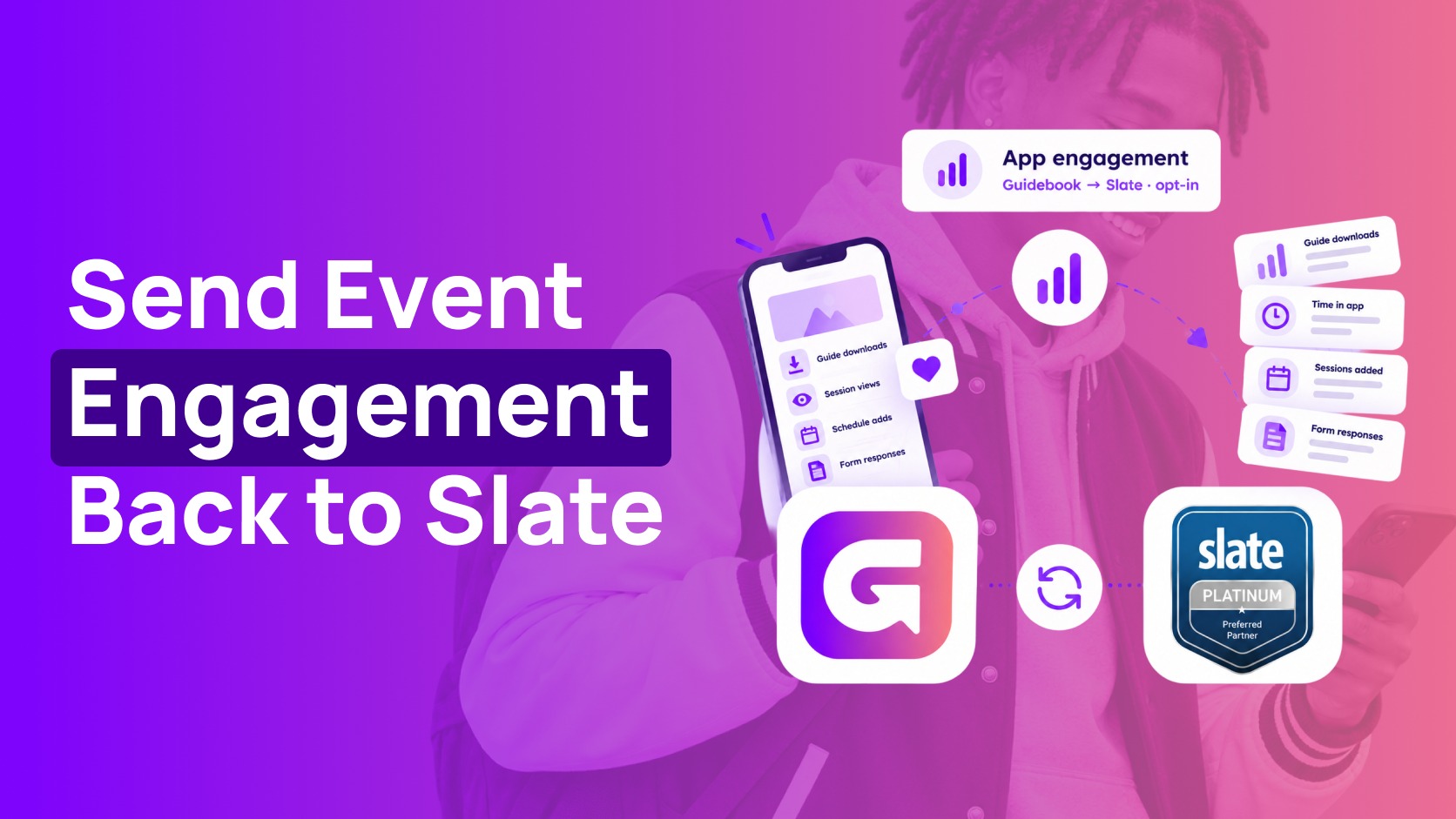
Send app engagement back to Slate
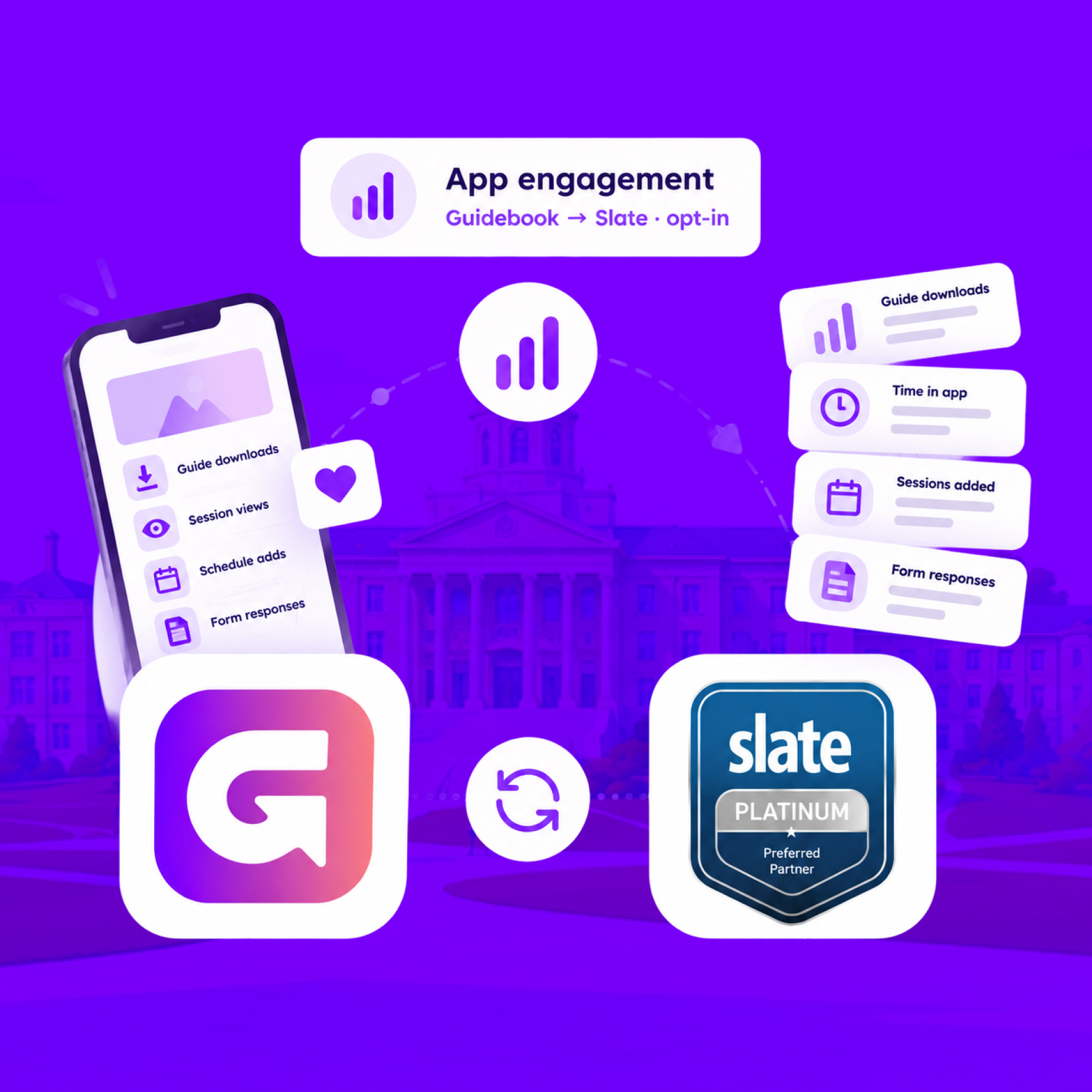
For students who opt in, downloads, schedule adds, views, and form responses land on their event registration every hour.
Send app engagement back to Slate
For students who opt in, downloads, schedule adds, views, and form responses land on their event registration every hour.
Build the campus event once in Slate
Link a Slate folder to a guide. Every event becomes a session, and registrants are added automatically.
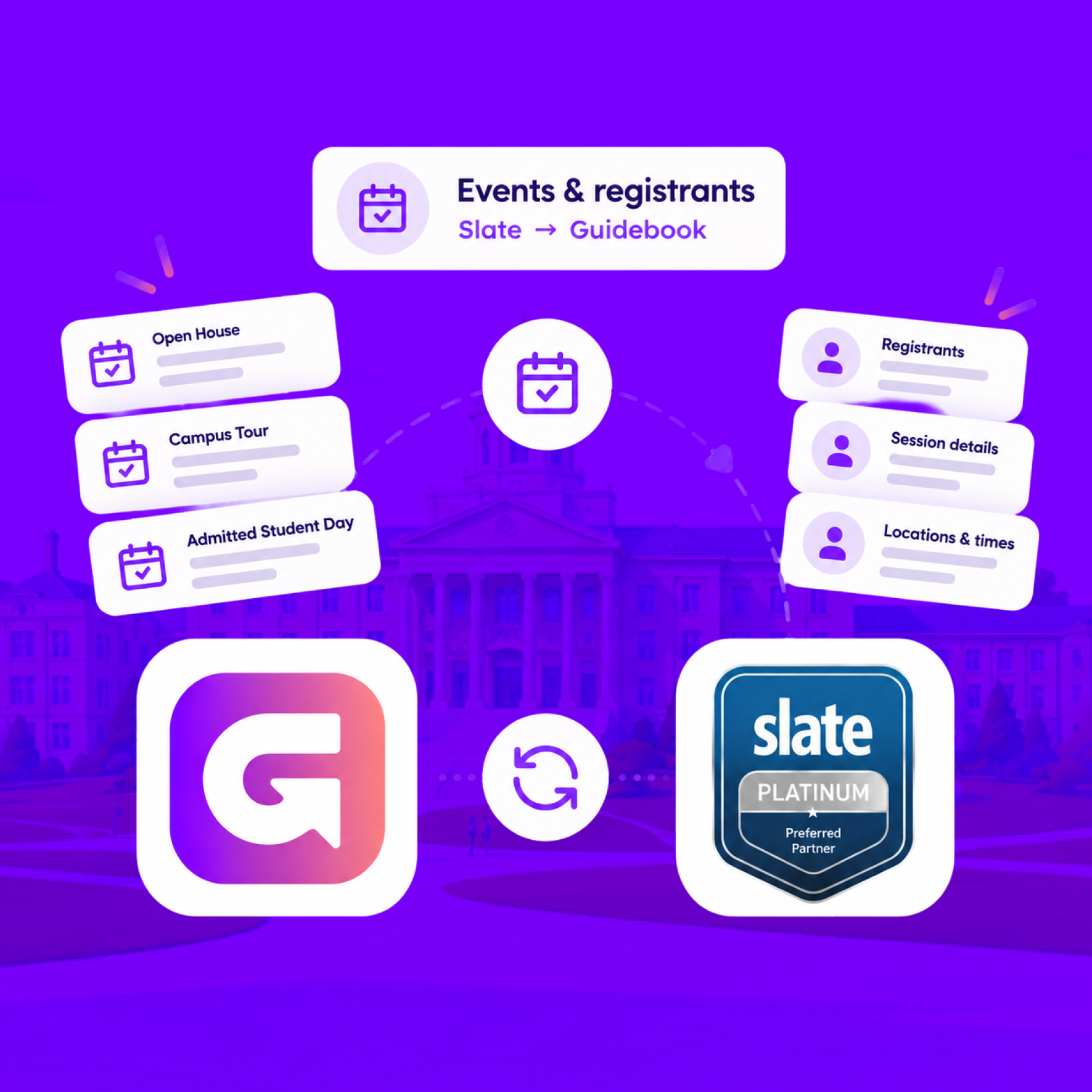
Build the campus event once in Slate
Link a Slate folder to a guide. Every event becomes a session, and registrants are added automatically.
Slate profiles, in the campus app
Match each student's Slate record to their Guidebook account, so college, major, and orientation details stay current on every sync.
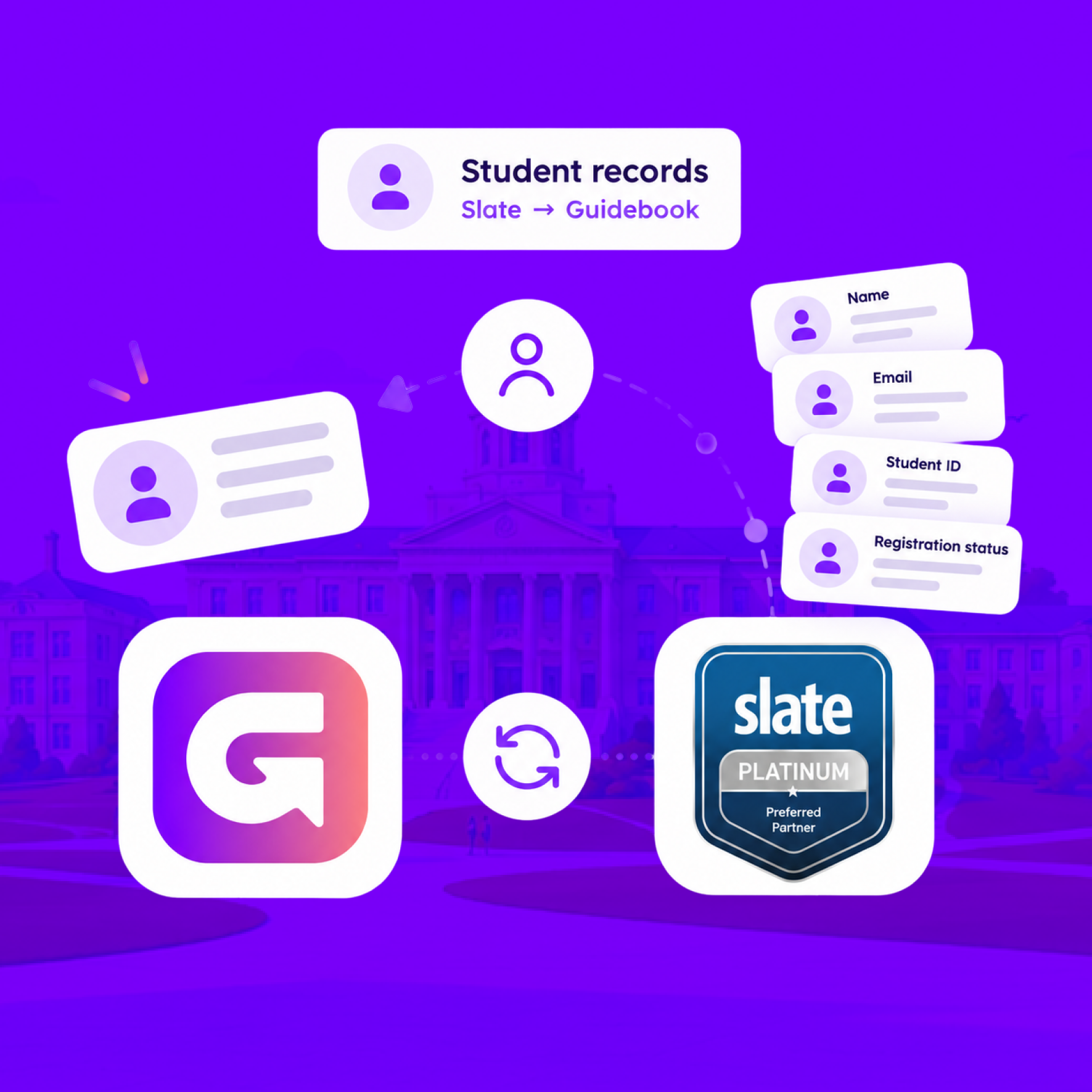
Slate profiles, in the campus app
Match each student's Slate record to their Guidebook account, so college, major, and orientation details stay current on every sync.
Campus apps by department
Admissions, orientation, student life, and more — one campus app that works across departments.

Campus apps by department
Admissions, orientation, student life, and more — one campus app that works across departments.
Build unlimited event apps on one license
One partnership for unlimited campus events — orientation, tours, student life, and everything in between.
Build unlimited event apps on one license
One partnership for unlimited campus events — orientation, tours, student life, and everything in between.
Compare event app platforms
See how Guidebook stacks up against other event app and registration platforms.
Compare event app platforms
See how Guidebook stacks up against other event app and registration platforms.
Event apps for nonprofit and community programs
Give members, volunteers, and donors one branded app for conferences, fundraisers, and year-round community.
Event apps for nonprofit and community programs
Give members, volunteers, and donors one branded app for conferences, fundraisers, and year-round community.
Campus integrations and an open API
Connect Guidebook with the campus systems, APIs, and tools your team already uses.
Campus integrations and an open API
Connect Guidebook with the campus systems, APIs, and tools your team already uses.
Event apps for corporate and enterprise teams
Internal meetings, offsites, and large-scale corporate events — with the branding and control enterprise teams need.
Event apps for corporate and enterprise teams
Internal meetings, offsites, and large-scale corporate events — with the branding and control enterprise teams need.
Create a branded event app with no coding
Put schedules, maps, resources, and updates in every attendee's pocket — built for campus events and programs.
Create a branded event app with no coding
Put schedules, maps, resources, and updates in every attendee's pocket — built for campus events and programs.
Launch a branded, white-label event app
A white-label event app with your branding, your content, and your attendee experience — no coding required.
Launch a branded, white-label event app
A white-label event app with your branding, your content, and your attendee experience — no coding required.
Everything in the Guidebook platform
Explore the features event teams use to engage attendees before, during, and after the event.
Everything in the Guidebook platform
Explore the features event teams use to engage attendees before, during, and after the event.
One app for in-person and virtual attendees
The same schedule, networking, and updates whether people are in the room or joining remotely.
One app for in-person and virtual attendees
The same schedule, networking, and updates whether people are in the room or joining remotely.
Event apps built for associations
Annual meetings, chapter events, and member engagement — without rebuilding a new app every year.
Event apps built for associations
Annual meetings, chapter events, and member engagement — without rebuilding a new app every year.
A branded event website that matches the app
Promote the event, collect interest, and keep branding consistent from the first click to check-in.
A branded event website that matches the app
Promote the event, collect interest, and keep branding consistent from the first click to check-in.
Plan, run, and measure events on one platform
App, registration, badges, and websites in one workflow — so planning isn't a pile of disconnected tools.
Plan, run, and measure events on one platform
App, registration, badges, and websites in one workflow — so planning isn't a pile of disconnected tools.
Keep members engaged between events
One branded app for the conference and everything that happens the other 51 weeks of the year.
Keep members engaged between events
One branded app for the conference and everything that happens the other 51 weeks of the year.
The conference app attendees actually use
Schedules, maps, networking, and live updates for annual meetings, summits, and multi-day conferences.
The conference app attendees actually use
Schedules, maps, networking, and live updates for annual meetings, summits, and multi-day conferences.
Registration that feeds your app and badges
Collect registrations, payments, and attendee data in the same platform as your event app.
Registration that feeds your app and badges
Collect registrations, payments, and attendee data in the same platform as your event app.
Design and print event badges in one place
Custom badges, QR check-in, and on-site printing — without a separate badge vendor.
Design and print event badges in one place
Custom badges, QR check-in, and on-site printing — without a separate badge vendor.
A Smaller School?
Deliver a polished, branded event experience without a large team or a big budget.
A Smaller School?
Deliver a polished, branded event experience without a large team or a big budget.
Running Family Programs?
Give families everything they need, from schedules and maps to real-time updates, all in one place.
Running Family Programs?
Give families everything they need, from schedules and maps to real-time updates, all in one place.
Coordinating Move-In Day?
Share updates, manage events, and keep students informed from move-in through the academic year.

Coordinating Move-In Day?
Share updates, manage events, and keep students informed from move-in through the academic year.
Offering Campus Tours?
Deliver branded, self-guided tour experiences with interactive maps and rich media, available 24/7.

Offering Campus Tours?
Deliver branded, self-guided tour experiences with interactive maps and rich media, available 24/7.
Organising a Career Fair?
Simplify logistics for students, employers, and Career Services staff with one easy-to-use app.
Organising a Career Fair?
Simplify logistics for students, employers, and Career Services staff with one easy-to-use app.
Managing Alumni Events?
Plan reunions, regional events, and fundraising campaigns with an app built for alumni engagement.
Managing Alumni Events?
Plan reunions, regional events, and fundraising campaigns with an app built for alumni engagement.
Boost Student Engagement
One hub for schedules, resources, and events that keeps students connected throughout the academic year.
Boost Student Engagement
One hub for schedules, resources, and events that keeps students connected throughout the academic year.
Planning Orientation?
Help new students feel prepared from day one with schedules, campus resources, and real-time updates in one app.
Planning Orientation?
Help new students feel prepared from day one with schedules, campus resources, and real-time updates in one app.
Running Admissions Events?
Manage open houses, tours, and yield events with a branded app that saves time and engages prospective students.

Running Admissions Events?
Manage open houses, tours, and yield events with a branded app that saves time and engages prospective students.
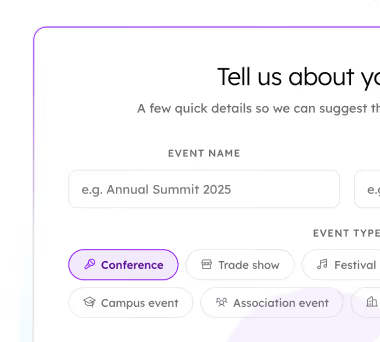
Get a custom Sponsorship Package Template
Stop starting from scratch. Grab free templates that helWe'll build a tailored sponsorship package with suggested pricing, tiers, and benefits..for your specific event.p you build professional sponsorship packages and close deals faster.
Get a custom Sponsorship Package Template
Stop starting from scratch. Grab free templates that helWe'll build a tailored sponsorship package with suggested pricing, tiers, and benefits..for your specific event.p you build professional sponsorship packages and close deals faster.
Plan Your Next Event Without Missing a Beat.
From venue selection to post-event wrap-up, this free checklist walks you through every step (so nothing falls through the cracks).
.avif)
Plan Your Next Event Without Missing a Beat.
From venue selection to post-event wrap-up, this free checklist walks you through every step (so nothing falls through the cracks).
Real Results From Real Events
100,000+ organizations trust Guidebook. See exactly how universities, associations, enterprises, and more put it to work.

Real Results From Real Events
100,000+ organizations trust Guidebook. See exactly how universities, associations, enterprises, and more put it to work.
Flexible pricing for every event size
Find the perfect plan for your needs, from intimate gatherings to large-scale conferences.

Flexible pricing for every event size
Find the perfect plan for your needs, from intimate gatherings to large-scale conferences.
Join our event experts
Watch on-demand webinars and join live sessions with industry leaders sharing best practices for event success.
.avif)
Join our event experts
Watch on-demand webinars and join live sessions with industry leaders sharing best practices for event success.
Guidebook in Action
Book a personalized walkthrough and discover how we help event teams create better attendee experiences.
Guidebook in Action
Book a personalized walkthrough and discover how we help event teams create better attendee experiences.
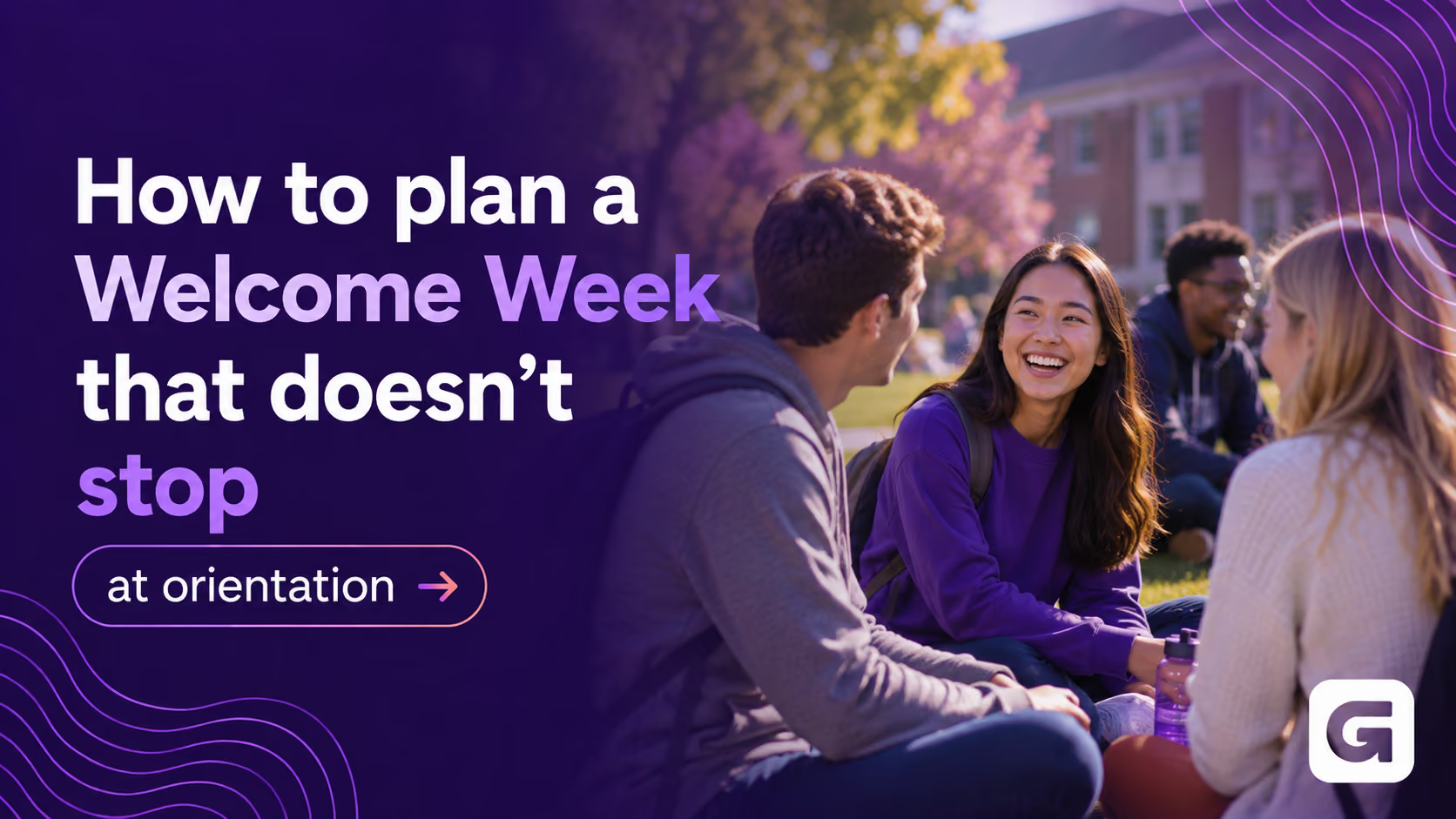
How to plan a Welcome Week that doesn't stop at orientation
%20(1).avif)




How to plan a Welcome Week that doesn't stop at orientation
- Welcome Week is the bridge from orientation to belonging: plan it as a multi-week arc, not a single day.
- The core welcome events run about a week, but the teams seeing the best results extend engagement for several weeks after, like UNLV's week-long program and The New School's six-week Narwhal Discovers.
- Six moves keep momentum going: map the whole arc, centralize in one app, build recurring touchpoints, use real-time nudges, personalize each student's path, and extend past the welcome.
- App features earn their place as outcomes: maps, push notifications, personalized schedules, gated content, session check-in and surveys, discussion boards, and reminders.
- Engagement that outlives orientation is the goal. Birkbeck saw around 200 more downloads in the two weeks after events ended, and belonging is what retention is built on.
You spend months planning orientation. The schedules, the speakers, the move-in logistics, the volunteers in matching shirts. Then day one ends, everyone heads back to their residence hall, and the energy quietly leaks out.
That's the hidden problem with Welcome Week. Most of the effort lands on the first day or two, but the students who feel connected by week three are the ones who come back for year two. The welcome can't stop when the welcome events do.
What is Welcome Week?
Welcome Week is the stretch of programming right after new students arrive on campus, bridging orientation and the first days of classes. It usually blends required sessions with optional social, academic, and community events that help students settle in, meet people, and learn how campus works. Where orientation covers the essentials, Welcome Week builds the belonging that keeps students enrolled.
Here's the shift worth making: treat it as a journey, not a day. One event ends. The experience keeps going.
How long should Welcome Week last?
There's no single right number, but the pattern across strong programs is clear. The core welcome events usually run about a week. At the University of Nevada, Las Vegas, Rebel Ready Week is a required, week-long program for every incoming first-year student.
The teams seeing the best results don't stop there. They extend engagement well past that first week. The New School runs a six-week program called Narwhal Discovers that keeps first-year students connected long after the opening days. The logic is simple: connection in the first several weeks, not just the first day, is what predicts whether a student stays.
So plan for a week of events, and a season of engagement.
How to plan a Welcome Week that keeps going
Six moves separate a Welcome Week that fades from one that carries students into the semester.
1. Map the whole arc, not just the first day
Before you schedule a single session, sketch the full journey: pre-arrival, the welcome events, and the two to three weeks after. Decide what students should feel and do at each stage. When you can see the whole arc, the gaps where engagement usually drops become obvious, and you can fill them on purpose. Most teams over-invest in day one and leave week two to chance. Flip that, and the whole experience holds together.
2. Put everything in one place students already carry
Students won't dig through email, a printed booklet, and three department pages. Give them one home for the schedule, maps, and updates: their phone. When the same app carries them from orientation into the first weeks of class, they keep opening it, because it keeps being useful. A printed program is out of date the moment it's printed. A single app stays current, and stays with them.
3. Build in recurring touchpoints
Momentum comes from rhythm. A morning schedule nudge, an end-of-day recap, a reminder about tonight's optional event. These small, consistent touches keep students oriented and signal that something is always happening, so they stay tuned in past day one. The trick is to plan the rhythm before the week starts, not to improvise it while you're managing a campus full of new students.
4. Use real-time nudges to fill the quiet rooms
Optional sessions are where belonging gets built, and where attendance is hardest to predict. At The New School, Deric Ford's team watches attendance live and sends targeted push notifications to the right students when a session is running low, moving the needle before it ends. That's the kind of small, timely save a printed program can never make.
5. Personalize the path so every student feels it
A first-generation student, a transfer, a nursing major, and an international student are not having the same Welcome Week, so their schedules shouldn't look the same either. When each student opens the app to a plan built for them, the week stops feeling like a firehose and starts feeling designed. Personalization is also what earns the download in the first place: when the only way to see your schedule is in the app, students download it.
6. Extend past the welcome, into the semester
The strongest sign that Welcome Week worked is engagement that outlives it. At Birkbeck, University of London, the app kept growing after the formal orientation events ended. Student engagement officer Gemma Bauman saw around 200 additional downloads in the two weeks that followed, with students still checking in and connecting every day. Read the Birkbeck story. That's the goal: programming and a channel that don't switch off on day two.
The app features that keep Welcome Week going
A first-year app isn't one feature. It's a set of small tools that each close a gap where engagement usually slips. Here's how the ones that matter map to what you're actually trying to do.
Interactive campus maps
New students spend Welcome Week trying not to get lost. An interactive map turns "I can't find the building" into "I'm already there," which matters most on large campuses where buildings go by codes instead of names. UNLV made it one of the first features it rolled out, for exactly that reason.
Push notifications
Push is the heartbeat of a Welcome Week that keeps going. UNLV's team pre-builds a full communication plan for every day, morning keynote reminders, meal times, afternoon sessions, end-of-day recaps, so the nudges are ready before the week even starts. When a hurricane warning hit during programming, those same notifications reached students faster and more reliably than campus email ever could.
Personalized schedules and tracks
Not every student needs the same Welcome Week. With custom schedules, a first-generation student, a transfer, and a nursing major can each open the app and see only the sessions meant for them. The New School built dozens of tailored schedules this way, so every student's plan felt designed for them rather than handed down. A self-select session block, where students choose which campus offices to hear from, gives them agency while making sure every session has an audience.
Gated content that says "we see you"
Gated lists let you deliver the right message to the right group before students ever set foot on campus: a welcome from a dean to first-generation students, resources for international students, a note for transfers and veterans. The New School used this to turn a technical feature into a signal of belonging, intentional contact that tells a student they're seen from day one.
Session check-in and in-session surveys
Session-level check-in scanning shows you who attended what, and a short in-session survey tells you how it landed. UNLV attaches a four-question survey to its sessions and used the results to cut a program component that consistently underperformed. That same attendance data now feeds a first-year retention study. Your Welcome Week becomes evidence, not guesswork.
Discussion boards and photo sharing
Belonging is peer-to-peer. A social activity feed gives students a place to find each other, and at Birkbeck it took off the moment one student posted a shout-out to their course. Photo sharing turns the week into a shared memory instead of a solo checklist. These are the features that keep students opening the app after the required sessions are over.
Reminders and gamification
Small mechanics build the habit. Reminders keep students from missing the optional events where friendships actually form. A leaderboard can turn early engagement into something worth playing, one more reason to open the app on day five, not just day one.
Why the after matters more than the day
Orientation gets students to campus. Welcome Week, done right, gets them to stay. Coastal Carolina University rebuilt its welcome programming around exactly this idea, and associate director for student transition and engagement Natasha Golden saw attendance for the week's events nearly double. When students keep showing up, belonging takes root, and belonging is what retention is built on.
The effect carries well past Welcome Week too. At Columbia University's School of General Studies, associate director of student life Sean Trulby found students kept referring back to the app all year, long after the welcome events ended. A tool students actually keep using is a tool that keeps working for you.
For a full example of a Welcome Week designed to engage from day one and keep going, see King's College London's Welcome Week app.
One channel, all the way through
A Welcome Week that doesn't stop at orientation needs a thread running through all of it. That's what a single first-year app gives you: one familiar place for schedules, maps, real-time updates, and connection, from the first welcome event into the first weeks of class. Your team spends less time answering "where do I go," and your students spend more time actually arriving.
If you're planning a Welcome Week that carries students into the semester, our approach to higher education shows how we help teams do it.
Plan the week. Then plan the weeks after. That's where belonging, and retention, actually happen.
[faq]
Q: What is the difference between orientation and Welcome Week?
A: Orientation is the structured introduction to campus, usually a day or two of required sessions covering the essentials new students need before classes start. Welcome Week is the broader stretch of programming that follows, blending required and optional social, academic, and community events across the first week and often beyond. Orientation gets students on campus and informed. Welcome Week helps them settle in, meet people, and start to feel like they belong.
Q: How long should Welcome Week last?
A: There's no universal answer, but strong programs tend to run about a week of core events, then keep engagement going for several weeks after. The University of Nevada, Las Vegas runs a required week-long program, while The New School extends its first-year experience across six weeks. The guiding idea is that connection in the first several weeks, not just the first day, is what helps students stay enrolled, so plan for a week of events and a season of engagement.
Q: How do you keep students engaged after orientation ends?
A: Momentum comes from rhythm and a channel students actually check. Recurring touchpoints like daily schedule nudges, end-of-day recaps, and reminders about optional events keep students oriented and signal that something is always happening. Putting the schedule, maps, and updates in one app students already carry means the experience follows them into the first weeks of class. At Birkbeck, engagement kept growing for weeks after orientation events ended, which is exactly the goal.
Q: What features should a Welcome Week app have?
A: The features that matter most are the ones that close engagement gaps: interactive campus maps so students find their way, push notifications for real-time updates and reminders, personalized schedules so each student sees the right sessions, and session check-in with short surveys to see what worked. Discussion boards and photo sharing build peer connection, while gated content lets you send targeted welcomes to first-generation, international, transfer, and veteran students. Together they keep students in the app past day one.
Q: How do you personalize Welcome Week for different students?
A: Start by tagging students on upload with the attributes that matter, such as college, program, and student type, then build custom schedules and gated content around those groups. A first-generation student, a transfer, and a graduate student can each open the app to a plan and a welcome built for them. The New School used this approach to deliver dozens of tailored schedules and identity-specific messages, which made students feel the experience was designed for them from the start.
Q: What should a Welcome Week schedule include?
A: A strong schedule blends the required with the optional. Required pieces cover the essentials: academic advising, campus resources, and safety. Optional programming builds belonging: social events, interest-based meetups, and community-building sessions. The best schedules also map the days and weeks after the opening events, so engagement doesn't drop off. Building the schedule around a clear arc, from pre-arrival through the first few weeks of class, helps every office reach students at the right moment.
Q: How does Welcome Week affect student retention?
A: Belonging early is closely tied to whether students stay enrolled, and Welcome Week is where a lot of that belonging forms. Students who connect with people and learn how campus works in the first few weeks tend to feel more at home and more likely to return for year two. That's why the programs seeing the strongest results extend engagement past the opening events rather than treating orientation day as the finish line, and why some teams now tie attendance data to retention outcomes.
Q: How can a mobile app help with Welcome Week?
A: A first-year app gives students one familiar place for schedules, maps, resources, and real-time updates, from the first welcome event into the semester. Staff can push changes and reminders to every student at once, fill quiet optional sessions with targeted nudges, and keep a single channel open long after day one. Because the same app carries students across the whole journey, it reinforces belonging instead of feeling like a one-time tool they set aside.
[/faq]

Get the Mobile App Playbook
A short guide to running the whole student journey in one app. No fluff, just what works.
for higher ed
Campus
Playbook
A practical guide to building a connected campus experience.
Free playbook
The Mobile App Playbook for Universities
Students decide if they belong long before they set foot on campus. This playbook shows how to win them over from the first visit through graduation.
- Grow enrollment and boost recruitment
- Increase belonging and retention
- Run every event from one branded app
By submitting, you agree to our Privacy Policy.
You're in.
.png)

.avif)