Campus apps by department
Admissions, orientation, student life, and more — one campus app that works across departments.

Campus apps by department
Admissions, orientation, student life, and more — one campus app that works across departments.
Build unlimited event apps on one license
One partnership for unlimited campus events — orientation, tours, student life, and everything in between.
Build unlimited event apps on one license
One partnership for unlimited campus events — orientation, tours, student life, and everything in between.
Compare event app platforms
See how Guidebook stacks up against other event app and registration platforms.
Compare event app platforms
See how Guidebook stacks up against other event app and registration platforms.
Event apps for nonprofit and community programs
Give members, volunteers, and donors one branded app for conferences, fundraisers, and year-round community.
Event apps for nonprofit and community programs
Give members, volunteers, and donors one branded app for conferences, fundraisers, and year-round community.
Campus integrations and an open API
Connect Guidebook with the campus systems, APIs, and tools your team already uses.
Campus integrations and an open API
Connect Guidebook with the campus systems, APIs, and tools your team already uses.
Event apps for corporate and enterprise teams
Internal meetings, offsites, and large-scale corporate events — with the branding and control enterprise teams need.
Event apps for corporate and enterprise teams
Internal meetings, offsites, and large-scale corporate events — with the branding and control enterprise teams need.
Create a branded event app with no coding
Put schedules, maps, resources, and updates in every attendee's pocket — built for campus events and programs.
Create a branded event app with no coding
Put schedules, maps, resources, and updates in every attendee's pocket — built for campus events and programs.
Launch a branded, white-label event app
A white-label event app with your branding, your content, and your attendee experience — no coding required.
Launch a branded, white-label event app
A white-label event app with your branding, your content, and your attendee experience — no coding required.
Everything in the Guidebook platform
Explore the features event teams use to engage attendees before, during, and after the event.
Everything in the Guidebook platform
Explore the features event teams use to engage attendees before, during, and after the event.
One app for in-person and virtual attendees
The same schedule, networking, and updates whether people are in the room or joining remotely.
One app for in-person and virtual attendees
The same schedule, networking, and updates whether people are in the room or joining remotely.
Event apps built for associations
Annual meetings, chapter events, and member engagement — without rebuilding a new app every year.
Event apps built for associations
Annual meetings, chapter events, and member engagement — without rebuilding a new app every year.
A branded event website that matches the app
Promote the event, collect interest, and keep branding consistent from the first click to check-in.
A branded event website that matches the app
Promote the event, collect interest, and keep branding consistent from the first click to check-in.
Plan, run, and measure events on one platform
App, registration, badges, and websites in one workflow — so planning isn't a pile of disconnected tools.
Plan, run, and measure events on one platform
App, registration, badges, and websites in one workflow — so planning isn't a pile of disconnected tools.
Keep members engaged between events
One branded app for the conference and everything that happens the other 51 weeks of the year.
Keep members engaged between events
One branded app for the conference and everything that happens the other 51 weeks of the year.
The conference app attendees actually use
Schedules, maps, networking, and live updates for annual meetings, summits, and multi-day conferences.
The conference app attendees actually use
Schedules, maps, networking, and live updates for annual meetings, summits, and multi-day conferences.
Registration that feeds your app and badges
Collect registrations, payments, and attendee data in the same platform as your event app.
Registration that feeds your app and badges
Collect registrations, payments, and attendee data in the same platform as your event app.
Design and print event badges in one place
Custom badges, QR check-in, and on-site printing — without a separate badge vendor.
Design and print event badges in one place
Custom badges, QR check-in, and on-site printing — without a separate badge vendor.
A Smaller School?
Deliver a polished, branded event experience without a large team or a big budget.

A Smaller School?
Deliver a polished, branded event experience without a large team or a big budget.
Running Family Programs?
Give families everything they need, from schedules and maps to real-time updates, all in one place.

Running Family Programs?
Give families everything they need, from schedules and maps to real-time updates, all in one place.
Coordinating Move-In Day?
Share updates, manage events, and keep students informed from move-in through the academic year.

Coordinating Move-In Day?
Share updates, manage events, and keep students informed from move-in through the academic year.
Offering Campus Tours?
Deliver branded, self-guided tour experiences with interactive maps and rich media, available 24/7.

Offering Campus Tours?
Deliver branded, self-guided tour experiences with interactive maps and rich media, available 24/7.
Organising a Career Fair?
Simplify logistics for students, employers, and Career Services staff with one easy-to-use app.

Organising a Career Fair?
Simplify logistics for students, employers, and Career Services staff with one easy-to-use app.
Managing Alumni Events?
Plan reunions, regional events, and fundraising campaigns with an app built for alumni engagement.

Managing Alumni Events?
Plan reunions, regional events, and fundraising campaigns with an app built for alumni engagement.
Boost Student Engagement
One hub for schedules, resources, and events that keeps students connected throughout the academic year.

Boost Student Engagement
One hub for schedules, resources, and events that keeps students connected throughout the academic year.
Planning Orientation?
Help new students feel prepared from day one with schedules, campus resources, and real-time updates in one app.

Planning Orientation?
Help new students feel prepared from day one with schedules, campus resources, and real-time updates in one app.
Running Admissions Events?
Manage open houses, tours, and yield events with a branded app that saves time and engages prospective students.

Running Admissions Events?
Manage open houses, tours, and yield events with a branded app that saves time and engages prospective students.
Get a custom Sponsorship Package Template
Stop starting from scratch. Grab free templates that helWe'll build a tailored sponsorship package with suggested pricing, tiers, and benefits..for your specific event.p you build professional sponsorship packages and close deals faster.

Get a custom Sponsorship Package Template
Stop starting from scratch. Grab free templates that helWe'll build a tailored sponsorship package with suggested pricing, tiers, and benefits..for your specific event.p you build professional sponsorship packages and close deals faster.
Plan Your Next Event Without Missing a Beat.
From venue selection to post-event wrap-up, this free checklist walks you through every step (so nothing falls through the cracks).
.avif)
Plan Your Next Event Without Missing a Beat.
From venue selection to post-event wrap-up, this free checklist walks you through every step (so nothing falls through the cracks).
Real Results From Real Events
100,000+ organizations trust Guidebook. See exactly how universities, associations, enterprises, and more put it to work.

Real Results From Real Events
100,000+ organizations trust Guidebook. See exactly how universities, associations, enterprises, and more put it to work.
Flexible pricing for every event size
Find the perfect plan for your needs, from intimate gatherings to large-scale conferences.

Flexible pricing for every event size
Find the perfect plan for your needs, from intimate gatherings to large-scale conferences.
Join our event experts
Watch on-demand webinars and join live sessions with industry leaders sharing best practices for event success.
.avif)
Join our event experts
Watch on-demand webinars and join live sessions with industry leaders sharing best practices for event success.
Guidebook in Action
Book a personalized walkthrough and discover how we help event teams create better attendee experiences.
Guidebook in Action
Book a personalized walkthrough and discover how we help event teams create better attendee experiences.
Digital Event Programs vs. Printed Programs: What's Actually Better for Campus Events?
.avif)




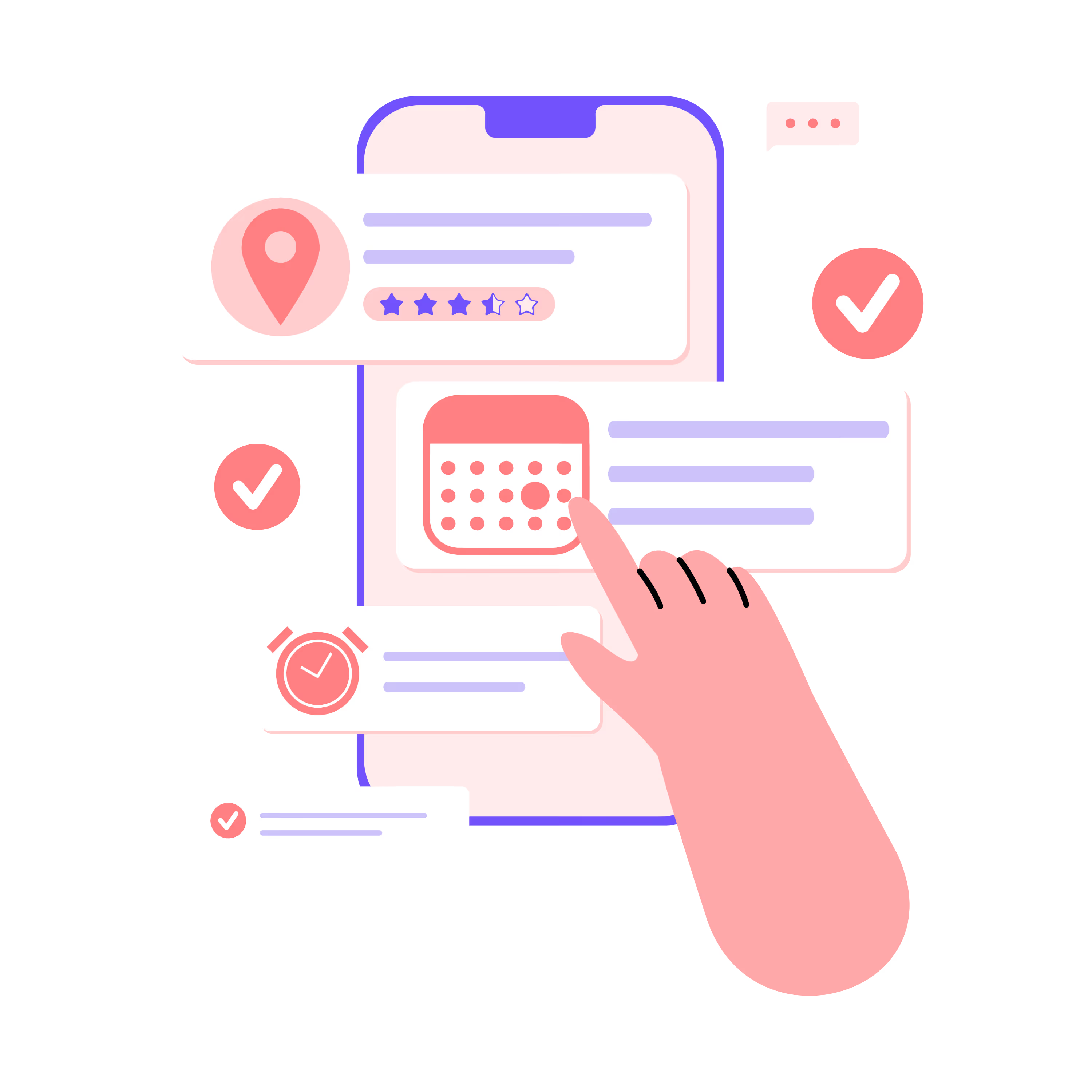
Digital Event Programs vs. Printed Programs: What's Actually Better for Campus Events?
Printed programs have been a campus staple for decades. But the case for going digital is getting harder to ignore, especially when your schedule changes the morning of the event.
This guide walks you through what digital event programs actually look like on campus, why they outperform printed materials, and how to make the transition without overwhelming your team or your students.
What is a digital event program for campus events?
Digital event programs on campus enhance student engagement and streamline planning through mobile apps, centralized digital calendars, and interactive tools like live Q&A, polls, and RSVPs.
Rather than handing students a printed booklet, you're giving them a mobile-first experience where schedules, maps, speaker details, and session information live on their phones.
The shift goes beyond format. A digital program becomes a single, trusted source of information that stays current throughout your event. When a room changes or a speaker runs late, you update once and everyone sees it instantly.
No matter the type of event (orientation, homecoming, commencement, or departmental conferences), the goal is the same: keep everyone informed so they can focus on the experience itself, not on figuring out where to go next.
Why printed programs fall short for campus events
Last-minute changes create confusion
A speaker cancels. A room floods. The keynote runs long. With printed programs, you're stuck with outdated information in everyone's hands. Staff scramble to post signs, send emails, and answer the same question dozens of times.
Digital programs let you update once and reach everyone instantly. No reprints, no confusion, no frantic hallway redirections.
Printing costs add up quickly
Between design, printing, and rush fees for last-minute changes, printed programs can consume a surprising portion of your event budget. Multiply that across orientation sessions, welcome week, family weekend, and commencement, and you're looking at a significant annual expense that digital programs eliminate entirely.
Sustainability matters to students
Today's students care about environmental impact. Handing them a glossy booklet that ends up in the recycling bin sends the wrong message. Digital programs eliminate paper waste, which aligns with the sustainability values many institutions are working to demonstrate.
Accessibility is limited
Printed programs don't work well for students with visual impairments or those who rely on screen readers. Digital programs can be designed with accessibility in mind, offering adjustable text sizes, high-contrast modes, and compatibility with assistive technology.
How digital programs improve student engagement
The real advantage of going digital isn't just convenience. It's the opportunity to transform passive attendees into active participants.
Personalized schedules keep students focused
Instead of scanning a dense printed grid, students can build their own schedules within the app. They see only what's relevant to them, whether that's sessions for first-year students, transfer students, or graduate students.
Personalization reduces overwhelm. When students aren't wading through irrelevant sessions, they're more likely to show up to the ones that matter.
Push notifications drive attendance
A well-timed push notification can be the difference between a packed session and an empty room. Here's how event teams typically use them:
- Welcome messages when students arrive on campus
- Location alerts when a session room changes
- Reminders before high-priority events
- Logistics updates for shuttle timing, dining hours, or check-in lines
Strategic notifications consistently improve attendance, even at optional sessions.
Interactive features create connection
Digital programs open the door to engagement tools that printed programs simply can't offer:
- Live polls and Q&A during sessions
- Discussion feeds where students ask questions and share experiences
- Photo sharing that builds community
- In-app messaging for peer-to-peer networking
When students can interact with the event and each other, they feel like participants rather than spectators.
Real-time feedback improves future events
With digital programs, you can embed surveys directly into the experience. Ask students how a session went while it's still fresh. Collect feedback on logistics, speakers, and overall satisfaction.
This kind of data is nearly impossible to gather at scale with printed materials. With digital, you're building a feedback loop that improves your programs year over year.
Key features to look for in campus event technology
Not all digital event tools are created equal. When evaluating options for your campus, look for app features that address the unique challenges of higher education events.
Offline functionality
Campus WiFi is notoriously unreliable, especially during large events when hundreds of devices compete for bandwidth. The best event apps store schedule, map, and session information directly on the device so students can access everything even without a connection.
This distinction matters more than it might seem. Many "event apps" are actually web pages wrapped to look like apps. They fail the moment connectivity drops.
True native mobile apps (like Guidebook) store key information locally so your event keeps running smoothly regardless of WiFi conditions.
Interactive campus maps
For students who've never set foot on your campus, finding the right building is genuinely stressful. An interactive map with pinned locations, searchable buildings, and wayfinding directions reduces anxiety and cuts down on the "where is this?" questions your staff fields all day.
Multi-audience support
Your orientation serves first-year students, transfer students, graduate students, and families, all with different information needs. Look for a platform that lets you create separate tracks or guides within a single app, so each audience sees only what's relevant to them.
Branding and customization
Your event app is part of the first impression your institution makes. A polished, well-branded app signals that your school is organized and invested in the student experience. Custom icons, school colors, and professional imagery all contribute to that impression.
Integration with existing systems
The best event technology connects with tools you already use: registration systems, student information systems, and communication platforms. Guidebook integrates with tools like Eventbrite, Cvent, Marketo, and Splash, and connects to thousands of systems via Zapier.
How to transition from printed to digital programs
Making the switch doesn't have to be all-or-nothing. Many institutions phase in digital programs gradually, starting with a single event before expanding campus-wide.
Start with a high-visibility event
Orientation is often the best place to begin. Students are already expecting to learn new systems, and the event is large enough to demonstrate clear value. You'll also have a captive audience eager to download and use the app.
Promote early and often
The schools with the highest adoption rates start promoting their app weeks before the event, not the day students arrive. Include download instructions in acceptance letters, registration confirmations, and pre-arrival emails.
A short video showing what the app looks like and why it's worth downloading can significantly boost adoption.
Make the app the single source of truth
If you supplement your app with printed booklets or parallel email updates, students have less reason to download it. When the app is the only place to get the schedule, maps, and latest updates, adoption follows naturally.
Train your staff and student leaders
Your orientation leaders and event staff are your best advocates. Make sure they know how to use the app, can answer basic questions, and are prepared to help students download it during check-in.
Tip: Have student leaders ask one simple question at check-in: "Have you downloaded the event app?" This catches anyone who hasn't and ensures no one falls through the cracks.
Collect feedback and iterate
After your first digital event, survey students and staff about what worked and what didn't. Use that feedback to improve the experience for your next event. Digital programs make this kind of continuous improvement possible in ways printed materials never could.
Real examples of digital campus event programs
Universities across the country have already made the transition. Here's how different event types benefit from going digital.
Orientation and welcome week
Schools like Purdue, Coastal Carolina, and NC A&T use mobile event platforms to streamline orientation logistics, enhance communication, and build stronger connections among incoming students. Students access personalized schedules, interactive maps, and real-time updates from their phones.
Commencement and family events
Commencement involves thousands of attendees, complex logistics, and high emotional stakes. Digital programs help families navigate large venues, find their graduate's ceremony, and stay informed about timing changes without relying on printed materials that can't be updated.
Conferences and symposiums
Academic conferences benefit from features like session tracks, speaker bios, and networking tools. Attendees can build personalized agendas and connect with peers who share their research interests.
Campus-wide event calendars
Some institutions extend their event technology beyond individual events to create a centralized campus calendar. Students discover clubs to join, events to attend, and opportunities to get involved, all in one place.
Schedule a demo to see how Guidebook supports orientation, commencement, conferences, and campus-wide engagement.
Your next step toward digital campus events
Printed programs served their purpose for decades. But today's students expect real-time information, personalized experiences, and tools that meet them where they already are: on their phones.
The transition to digital doesn't have to be overwhelming. Start with one event, learn what works, and build from there. The institutions that make this shift find they spend less time fielding repetitive questions and more time creating meaningful experiences.
Guidebook powers campus events at 75% of the top 50 U.S. colleges and universities. Whether you're running orientation, commencement, or a departmental conference, we can help you build a digital program your students will actually use.
Schedule a demo to see how it works.
Frequently asked questions
[faq]
Q: Can digital programs work for outdoor events with limited connectivity?
A: Yes, if you choose a platform with true offline functionality. Native mobile apps store information directly on the device, so students can access schedules, maps, and session details even without WiFi or cell service. This is especially important for outdoor events, stadium ceremonies, or buildings with poor connectivity.
Q: How do we get students to actually download and use the app?
A: Start promoting early, use multiple channels, and make the app the only source of event information. Include download instructions in pre-arrival communications, create a short demo video, and have staff ask about the app during check-in.
Q: What about students who don't have smartphones?
A: While smartphone ownership among college students is nearly universal, you can still accommodate those without devices. Some institutions provide loaner devices during events, while others offer a web-based companion that provides basic schedule and map access.
Q: Can families and guests use the same app as students?
A: Absolutely. You can create separate tracks within the same app for different audiences. Families see information relevant to them, while students see their own schedule and resources.
Q: How does Guidebook pricing work?
A: Guidebook uses all-inclusive, flat-fee pricing across all plans. You get access to all tools, including the app builder, event website, registration, and badges, with no hidden upgrade fees. A dedicated Account Manager is included at no extra cost.
[/faq]

Get the Mobile App Playbook
A short guide to running the whole student journey in one app. No fluff, just what works.
for higher ed
Campus
Playbook
A practical guide to building a connected campus experience.
Free playbook
The Mobile App Playbook for Universities
Students decide if they belong long before they set foot on campus. This playbook shows how to win them over from the first visit through graduation.
- Grow enrollment and boost recruitment
- Increase belonging and retention
- Run every event from one branded app
By submitting, you agree to our Privacy Policy.
You're in.
.png)


%20(1).avif)