Campus apps by department
Admissions, orientation, student life, and more — one campus app that works across departments.

Campus apps by department
Admissions, orientation, student life, and more — one campus app that works across departments.
Build unlimited event apps on one license
One partnership for unlimited campus events — orientation, tours, student life, and everything in between.
Build unlimited event apps on one license
One partnership for unlimited campus events — orientation, tours, student life, and everything in between.
Compare event app platforms
See how Guidebook stacks up against other event app and registration platforms.
Compare event app platforms
See how Guidebook stacks up against other event app and registration platforms.
Event apps for nonprofit and community programs
Give members, volunteers, and donors one branded app for conferences, fundraisers, and year-round community.
Event apps for nonprofit and community programs
Give members, volunteers, and donors one branded app for conferences, fundraisers, and year-round community.
Campus integrations and an open API
Connect Guidebook with the campus systems, APIs, and tools your team already uses.
Campus integrations and an open API
Connect Guidebook with the campus systems, APIs, and tools your team already uses.
Event apps for corporate and enterprise teams
Internal meetings, offsites, and large-scale corporate events — with the branding and control enterprise teams need.
Event apps for corporate and enterprise teams
Internal meetings, offsites, and large-scale corporate events — with the branding and control enterprise teams need.
Create a branded event app with no coding
Put schedules, maps, resources, and updates in every attendee's pocket — built for campus events and programs.
Create a branded event app with no coding
Put schedules, maps, resources, and updates in every attendee's pocket — built for campus events and programs.
Launch a branded, white-label event app
A white-label event app with your branding, your content, and your attendee experience — no coding required.
Launch a branded, white-label event app
A white-label event app with your branding, your content, and your attendee experience — no coding required.
Everything in the Guidebook platform
Explore the features event teams use to engage attendees before, during, and after the event.
Everything in the Guidebook platform
Explore the features event teams use to engage attendees before, during, and after the event.
One app for in-person and virtual attendees
The same schedule, networking, and updates whether people are in the room or joining remotely.
One app for in-person and virtual attendees
The same schedule, networking, and updates whether people are in the room or joining remotely.
Event apps built for associations
Annual meetings, chapter events, and member engagement — without rebuilding a new app every year.
Event apps built for associations
Annual meetings, chapter events, and member engagement — without rebuilding a new app every year.
A branded event website that matches the app
Promote the event, collect interest, and keep branding consistent from the first click to check-in.
A branded event website that matches the app
Promote the event, collect interest, and keep branding consistent from the first click to check-in.
Plan, run, and measure events on one platform
App, registration, badges, and websites in one workflow — so planning isn't a pile of disconnected tools.
Plan, run, and measure events on one platform
App, registration, badges, and websites in one workflow — so planning isn't a pile of disconnected tools.
Keep members engaged between events
One branded app for the conference and everything that happens the other 51 weeks of the year.
Keep members engaged between events
One branded app for the conference and everything that happens the other 51 weeks of the year.
The conference app attendees actually use
Schedules, maps, networking, and live updates for annual meetings, summits, and multi-day conferences.
The conference app attendees actually use
Schedules, maps, networking, and live updates for annual meetings, summits, and multi-day conferences.
Registration that feeds your app and badges
Collect registrations, payments, and attendee data in the same platform as your event app.
Registration that feeds your app and badges
Collect registrations, payments, and attendee data in the same platform as your event app.
Design and print event badges in one place
Custom badges, QR check-in, and on-site printing — without a separate badge vendor.
Design and print event badges in one place
Custom badges, QR check-in, and on-site printing — without a separate badge vendor.
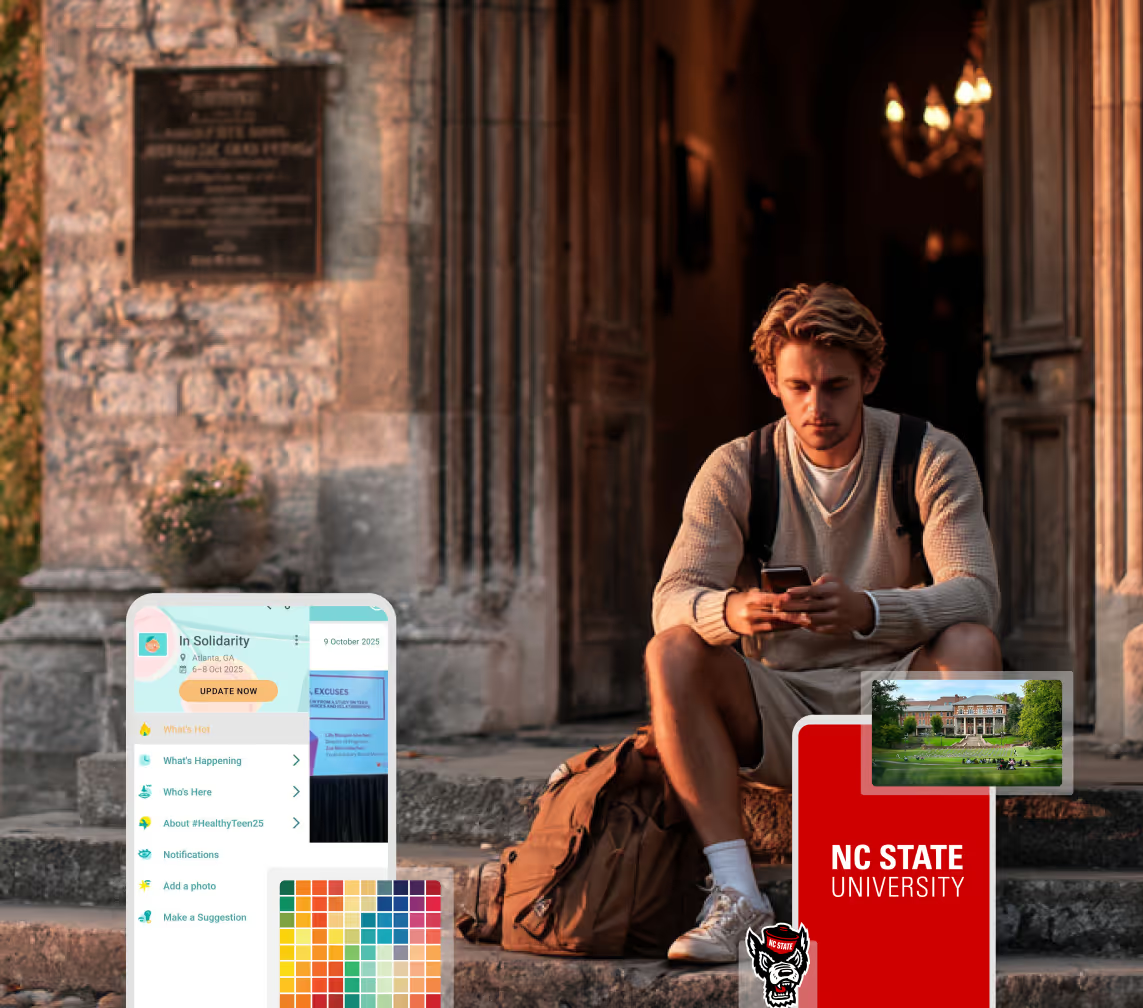
A Smaller School?
Deliver a polished, branded event experience without a large team or a big budget.
A Smaller School?
Deliver a polished, branded event experience without a large team or a big budget.
Running Family Programs?
Give families everything they need, from schedules and maps to real-time updates, all in one place.
Running Family Programs?
Give families everything they need, from schedules and maps to real-time updates, all in one place.
Coordinating Move-In Day?
Share updates, manage events, and keep students informed from move-in through the academic year.

Coordinating Move-In Day?
Share updates, manage events, and keep students informed from move-in through the academic year.
Offering Campus Tours?
Deliver branded, self-guided tour experiences with interactive maps and rich media, available 24/7.

Offering Campus Tours?
Deliver branded, self-guided tour experiences with interactive maps and rich media, available 24/7.
Organising a Career Fair?
Simplify logistics for students, employers, and Career Services staff with one easy-to-use app.
Organising a Career Fair?
Simplify logistics for students, employers, and Career Services staff with one easy-to-use app.
Managing Alumni Events?
Plan reunions, regional events, and fundraising campaigns with an app built for alumni engagement.
Managing Alumni Events?
Plan reunions, regional events, and fundraising campaigns with an app built for alumni engagement.
Boost Student Engagement
One hub for schedules, resources, and events that keeps students connected throughout the academic year.
Boost Student Engagement
One hub for schedules, resources, and events that keeps students connected throughout the academic year.
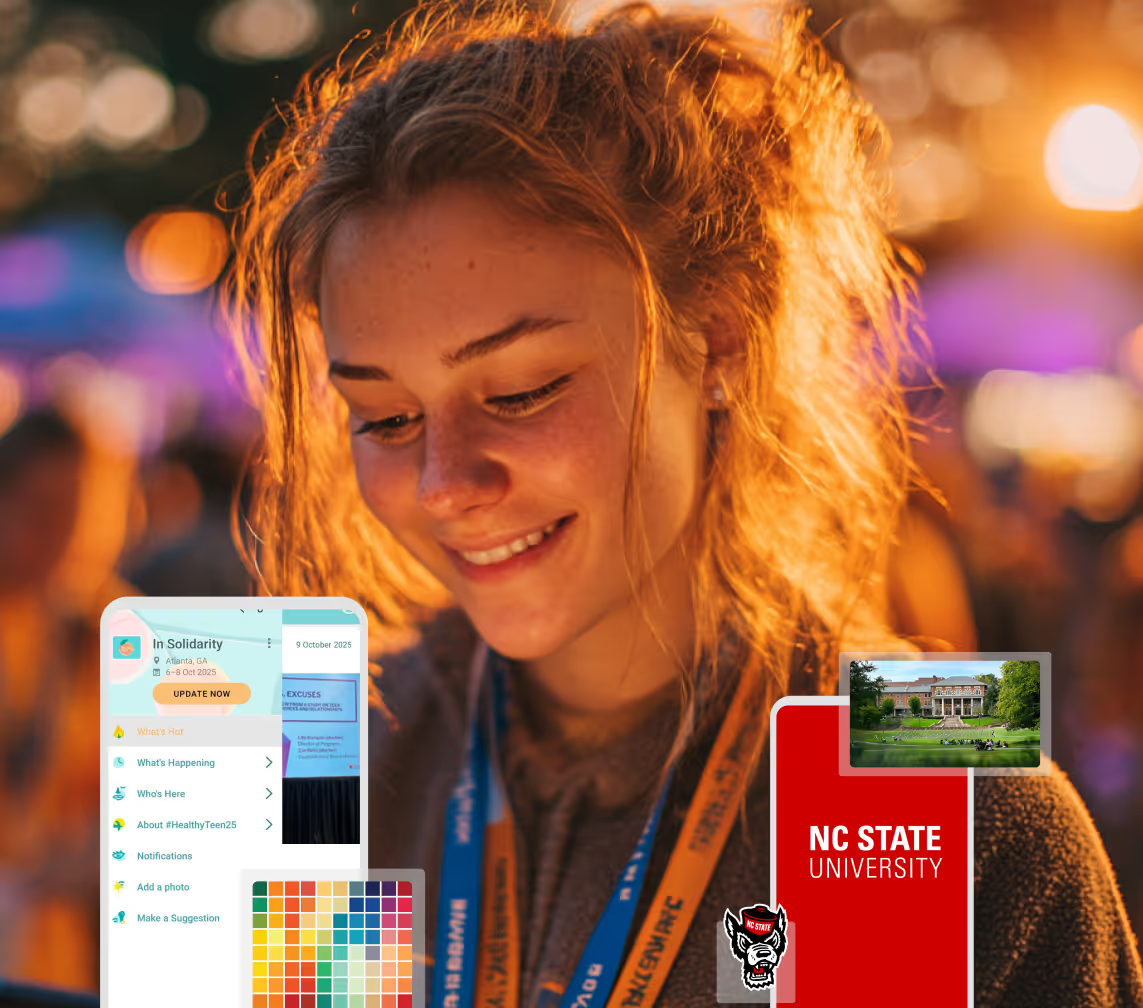
Planning Orientation?
Help new students feel prepared from day one with schedules, campus resources, and real-time updates in one app.
Planning Orientation?
Help new students feel prepared from day one with schedules, campus resources, and real-time updates in one app.
Running Admissions Events?
Manage open houses, tours, and yield events with a branded app that saves time and engages prospective students.

Running Admissions Events?
Manage open houses, tours, and yield events with a branded app that saves time and engages prospective students.
Get a custom Sponsorship Package Template
Stop starting from scratch. Grab free templates that helWe'll build a tailored sponsorship package with suggested pricing, tiers, and benefits..for your specific event.p you build professional sponsorship packages and close deals faster.
Get a custom Sponsorship Package Template
Stop starting from scratch. Grab free templates that helWe'll build a tailored sponsorship package with suggested pricing, tiers, and benefits..for your specific event.p you build professional sponsorship packages and close deals faster.
Plan Your Next Event Without Missing a Beat.
From venue selection to post-event wrap-up, this free checklist walks you through every step (so nothing falls through the cracks).
.avif)
Plan Your Next Event Without Missing a Beat.
From venue selection to post-event wrap-up, this free checklist walks you through every step (so nothing falls through the cracks).
Real Results From Real Events
100,000+ organizations trust Guidebook. See exactly how universities, associations, enterprises, and more put it to work.

Real Results From Real Events
100,000+ organizations trust Guidebook. See exactly how universities, associations, enterprises, and more put it to work.
Flexible pricing for every event size
Find the perfect plan for your needs, from intimate gatherings to large-scale conferences.

Flexible pricing for every event size
Find the perfect plan for your needs, from intimate gatherings to large-scale conferences.
Join our event experts
Watch on-demand webinars and join live sessions with industry leaders sharing best practices for event success.
.avif)
Join our event experts
Watch on-demand webinars and join live sessions with industry leaders sharing best practices for event success.
Guidebook in Action
Book a personalized walkthrough and discover how we help event teams create better attendee experiences.
Guidebook in Action
Book a personalized walkthrough and discover how we help event teams create better attendee experiences.
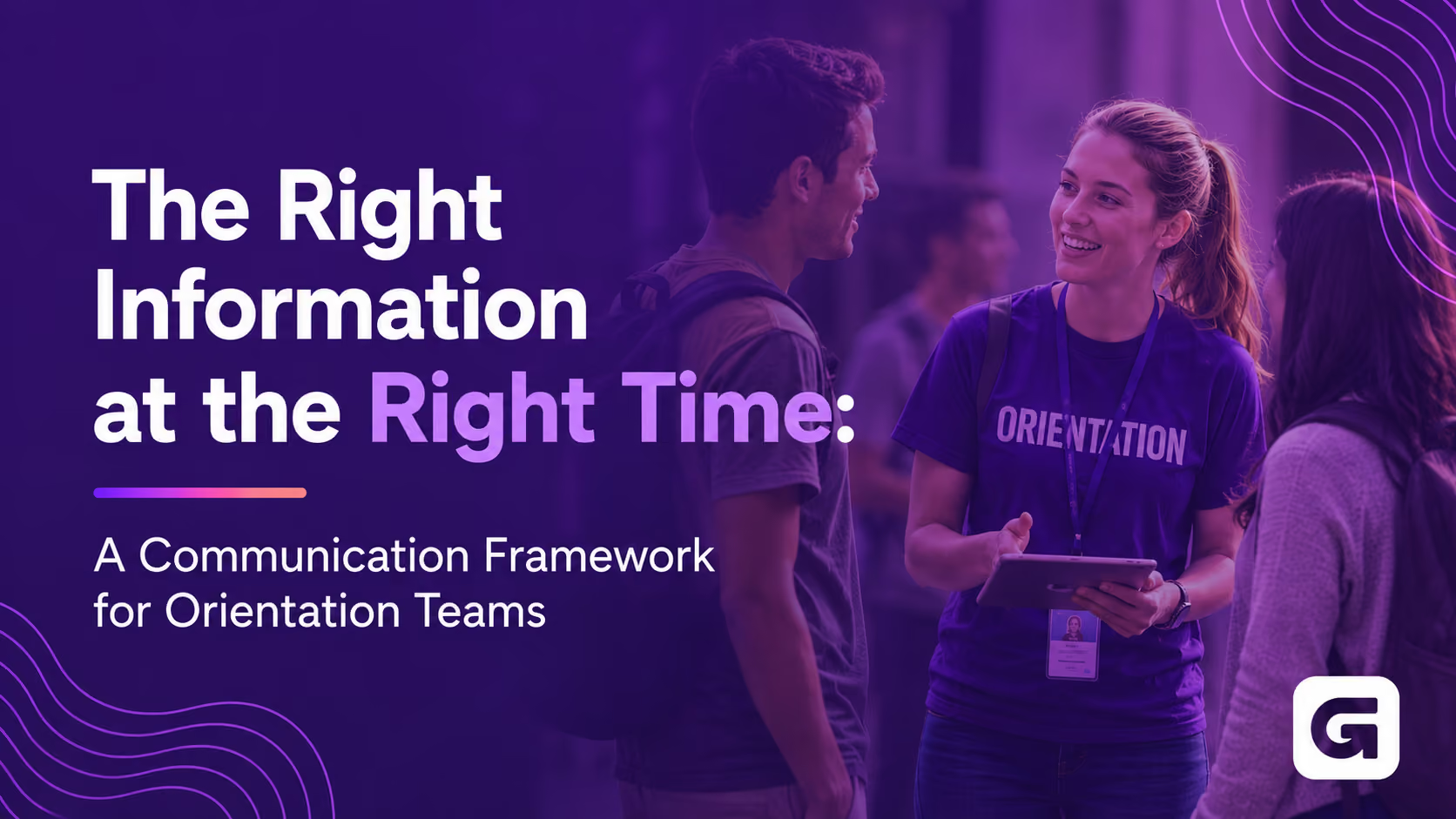
The Right Information at the Right Time: A Communication Framework for Orientation Teams
%20(1).avif)




The Right Information at the Right Time: A Communication Framework for Orientation Teams
- Students today are conditioned to filter out noise, so orientation communication has to earn attention, not assume it
- The most effective orientation teams sequence information in phases: before arrival, day-of, and post-session
- Push notifications on a mobile app reach students faster and more reliably than email chains passed through orientation leaders
- Baylor University runs 11 sessions serving around 700 students and families each, and their layered communication approach is what keeps it seamless
- The goal isn't maximum information. It's the minimum students need to feel confident at each stage
Your admitted students are already overwhelmed before they arrive.
They've deposited, filled out housing forms, signed up for a meal plan, and received seventeen emails from seventeen different campus offices. They're excited. They're anxious. And they've learned, through years of digital conditioning, to skim, ignore, and move on.
Then orientation week arrives, and many teams respond by sending more.
The problem isn't that orientation teams don't care about communication. It's that the default approach treats information like a safety net: if we send everything, students can find what they need. In practice, students find nothing. They show up on day one not knowing where to park, which sessions are required, or what the app on their phone is actually for.
Here's what changes when you flip that instinct. The teams running the smoothest orientations aren't sending less information. They're sending the right information at the right time. This post breaks down how to do that.
What is phased orientation communication?
Phased orientation communication is the practice of releasing information to incoming students in stages that match their attention and their needs: pre-arrival (about 30 days to 24 hours out), day-of (on campus), and post-session (after they leave). Instead of sending everything at once, teams deliver parking details, schedules, and follow-up resources at the moment each one becomes relevant, usually through a mobile app students already have on their phones.
Why Orientation Communication Keeps Failing
Most orientation communication plans are built around what the institution needs to say, not what the student is ready to hear.
That distinction matters more than it sounds. A student who deposited in March isn't thinking about parking logistics until the week before they arrive. A parent attending orientation isn't going to read a 40-page PDF in June and retain it in August. And a student navigating a new campus for the first time isn't going to stop and read a posted sign when their session room changes.
Many orientation teams describe a version of the same frustration: they've put real effort into their communication materials, and students still show up unprepared. The problem usually isn't the content. It's the timing and the channel.
The cascade problem
A lot of orientation communication travels through layers before it reaches a student. The central team sends an update to orientation leaders. Orientation leaders are supposed to pass it to their groups. Some do. Some miss it. Some get the wording slightly wrong.
By the time a last-minute room change or a schedule update reaches the student who needs it, it's often too late to matter. The student is already standing at the wrong building.
This isn't a people problem. It's a systems problem. When real-time information has to travel through a human chain to reach students, the chain will break under pressure. And orientation week is nothing but pressure.
The timing problem
Orientation directors often describe a specific tension: there's a lot students need to know, and a very narrow window when they're actually ready to absorb it.
Thirty days out, students want to know that orientation exists and roughly what to expect. Ten days out, they want logistics: parking, what to bring, when to arrive. The morning of, they want their schedule and nothing else. After the session ends, they want the slides from that financial aid presentation they half-paid-attention to.
Sending all of that at once means none of it lands when it's useful. The student who reads the parking instructions in May won't remember them in July. The student who needs the financial aid slides two days after orientation can't find them because they're buried in a PDF they deleted.
Timing isn't a nice-to-have. It's the whole game.
The Framework: Phase It, Don't Dump It
The most effective orientation communication plans share a common structure. They break communication into three phases, each matched to where the student is mentally and physically. And they build each phase around the device students actually check: their phone.
Phase 1: Pre-arrival (30 days to 24 hours out)
The goal of pre-arrival communication is simple. Get students to arrive calm, informed, and with the app already downloaded.
That last part matters more than most teams realize. If the first time a student hears about the orientation app is at the welcome session, you've lost a full day of potential engagement. Worse, you're asking them to download something while they're already sitting in a room trying to absorb ten other things.
Baylor University, which has run orientation with Guidebook for about ten years, takes a layered approach to pre-arrival communication. Daniel Haddad, associate director of orientation programs at Baylor, describes starting the communication sequence about 30 days before each session and releasing information in small, deliberate chunks. As he puts it, students aren't thinking about where to park 30 days out, but they will be 10 days out, so that's when parking details go. The app itself comes up about a week before arrival, reinforced by a direct Guidebook invite email to registered students that links them straight to the download.
By the time a student arrives at Baylor's welcome session, most have already downloaded the app and looked at their schedule. The QR code on the welcome screen isn't an introduction. It's a backup.
That's the shift. Pre-arrival communication isn't about covering everything. It's about getting students to one place, the app, where everything else lives.
For teams building their first orientation guide, creating an orientation app students actually use is a good place to start.
Phase 2: Day-of (on campus)
Once students arrive, the communication goal changes. They don't need more information. They need to know exactly where to go and feel confident getting there.
This is where a mobile app earns its place, and where email-based communication falls apart entirely.
Baylor sees around 700 students and family members on campus per session, and sometimes runs two sessions close together, a day apart, in different parts of campus. In that environment, a room change or a weather alert can't wait for an email chain. A push notification reaches every phone in seconds. For more on how push notifications and event communication work together, that post goes deeper on timing and frequency.
The app also lets Baylor serve students and families differently without building two separate communication systems. Tracks let the team designate which sessions are for students and which are for parents, family, and supporters. A parent can open the app and follow the supporter track. A student sees a different set of sessions. Same app, same event, different experience.
The principle underneath all of this is worth stating directly. When students aren't worrying about logistics, they talk to each other. They explore. They start to feel like they belong somewhere. The job of day-of communication isn't to inform students. It's to get information out of the way so the human experience can happen.
Phase 3: Post-session (after they leave)
Orientation doesn't end when students walk out.
The financial aid presentation they half-absorbed. The map of the writing center they meant to save. The list of departments they want to follow up with. Students leave orientation with good intentions and no reliable way to act on them, unless the resources are waiting for them when they're ready.
Baylor uses the app to house presentation slides, department links, and follow-up resources that students and families can pull up on their own devices after the session ends. A parent who wants to re-read a housing document can find it. A student who forgot where the tutoring center is can pull up the information without emailing anyone.
This phase is the easiest to overlook and one of the most useful. It extends the value of orientation past the days students spend on campus and into the first weeks of the semester, when the questions they didn't know to ask during orientation finally start surfacing.
What Baylor Gets Right
Baylor runs eleven orientation sessions across June and July, about two a week, serving somewhere between 3,400 and 3,600 first-year students in a season. Each session brings around 700 students and guests to campus, sometimes with two sessions running a day apart.
That's not a small operation. It's a machine that has to run reliably, repeatedly, with different students every time.
What makes it work, according to Haddad, is the combination of intentional communication phasing and the belief that technology should handle the logistics so people can handle the experience. When students aren't confused about where to go, the orientation leaders aren't spending their energy answering the same directional questions over and over. They're having real conversations. They're learning names. They're doing the work that actually builds belonging.
The scavenger hunt Baylor runs is a good example of this philosophy in practice. Students use the app to find QR codes at ten locations around campus, the places they'll actually need to find later, like the one-stop financial services desk. At one stop, scanning the code makes a line from the alma mater appear on their phone. They do it in groups, without their parents, and without anyone walking them through it. The app removes the friction. The students do the rest.
It's also worth noting what Baylor still does on paper: a printed resource guide that students take home, covering departments and campus services for their entire first year. Guidebook doesn't replace that. It complements it. The app handles orientation week. The print guide handles the year. Both serve different moments, and neither tries to do the other's job.
For another look at how a large institution manages high-volume orientation without losing the human touch, how Purdue welcomes 8,000 students is worth reading. And for a different approach, smaller institution, complete program redesign, how Seattle University reinvented orientation shows what's possible when a team rethinks from the ground up.
After about ten years, Baylor's approach isn't a series of hacks. It's a system. And the core of that system is knowing what students need to know, and when they're ready to know it. It's the kind of in-person experience Guidebook is built for higher ed to support.
The Cost of Getting It Wrong
Before Guidebook, Indiana Tech ran their admitted student events on paper. By 2020, printing had climbed to $4,350 per event for booklets and envelopes alone, and that figure didn't include the correction inserts they had to print for last-minute edits. Content set early in the planning cycle meant any room change or schedule update turned into another print run.
Despite all of that effort, their yield sat at 40%.
That number tells the real story. The cost of bad communication isn't just the hours spent on it. It's the students who arrive confused and leave uncertain. The admitted student who can't find their session and spends the first hour of their visit feeling lost. The family who drove hours and spent the day trying to find information that should have been in their hands before they left home.
A student who has a chaotic, confusing orientation experience doesn't necessarily un-enroll. But they start the year with doubt instead of confidence. They arrived at one of the most important moments of their relationship with your institution, and the institution wasn't ready for them.
Indiana Tech's story didn't end there. After moving to a mobile-first approach, they doubled their admitted student yield, a 105% increase, and gave staff back 375 hours. You can read how Indiana Tech did it in their case study.
Many orientation teams that have moved to a phased, mobile-first communication approach describe a similar shift: they stop spending the week in reactive mode. Instead of chasing down questions, cascading last-minute changes through leaders, and reprinting materials at the last minute, the team can be present. On the floor. With students. Doing the work that no app can do.
For teams still weighing the move from printed programs to digital, digital event programs on campus lays out what that transition looks like in practice.
That's not a small thing. That's the whole point.
Where to Start
You don't need to rebuild your entire orientation communication plan before summer. Start with one phase.
If your biggest frustration is students arriving unprepared, focus on Phase 1. Map out what information students actually need at 30 days out, 10 days out, and 24 hours out. Cut anything that doesn't belong in that window. Build toward a single destination, ideally an app they've already downloaded before they set foot on campus.
If your biggest frustration is day-of chaos, focus on Phase 2. Identify where your current communication chain breaks under pressure. Find the moment where a room change turns into a small crisis. That's where a push notification replaces an email nobody reads in time.
If students leave orientation and never engage with your resources again, focus on Phase 3. Audit what you're sending post-session, when you're sending it, and whether students have a single place to find it later.
Most teams find that tightening one phase creates enough breathing room to address the others. The goal isn't a perfect system in year one. It's a system that's a little less chaotic than last year, with a clear direction for where it's going.
For a ground-up example of a team that rethought their entire orientation structure, how Coastal Carolina redesigned their orientation program is a practical read.
The Students Who Feel Ready Belong Faster
The orientation teams who get communication right share one belief: their job isn't to inform students. It's to make students feel ready.
Ready to find their first class. Ready to ask for help. Ready to text the person they met in the scavenger hunt group. Ready to feel like they made the right choice.
That feeling doesn't come from a 40-page PDF or a thorough email series. It comes from always knowing what you need to know, exactly when you need to know it. Less noise. More belonging. That's what the right communication framework makes possible.
If you want to see how Guidebook helps orientation teams build that experience, without IT tickets, without rebuilding everything from scratch every year, we'd love to show you.
[faq] Q: When should orientation teams start communicating with incoming students? A: Most teams find success starting about 30 days before each session. That first touchpoint should be light: a confirmation, what to expect, and a heads-up that more is coming. Save parking details and logistics for about 10 days out, when students are actually starting to think about arrival. The app download prompt works best about a week out, with the QR code on-screen at the welcome session as a backup for anyone who missed it. Q: How do you get students to actually download the orientation app before they arrive? A: A layered approach works better than a single email. Send the download link in your pre-arrival sequence, feature it on your social channels through the summer, use the Guidebook invite tool to send a direct prompt to registered students, and put the QR code in front of them at the welcome session. Teams that start this about a week before arrival consistently see more students download before the session than those who introduce the app on day one. Q: What's the difference between communicating with students and communicating with parents during orientation? A: Parents typically want more detail. They're the ones who re-read the financial aid slides and look up department contacts after they get home. Students want to know where to go and what's required. Tracks in a mobile app let you serve both from the same guide: students see their required sessions and peer activities, parents and supporters see the sessions built for them and the resources they'll reference later. Same event, different experience, no duplicated effort. Q: How do push notifications work during orientation, and when should you use them? A: Push notifications go directly to every phone that has the app, bypassing the cascade from staff to orientation leader to student. They're most valuable for time-sensitive updates: a room change, a weather delay, a session starting early. The key is restraint. One or two a day keeps them meaningful. Teams that send too many find students start ignoring them, which defeats the purpose. Q: What information belongs in an orientation app versus an email? A: Schedules, session tracks, maps, real-time updates, presentation slides, and department links belong in the app, anything a student might need to reference while they're on campus or in the days after. Emails work well for prompts and reminders that point students back to the app. The mistake most teams make is treating email and the app as parallel channels carrying the same content. They work better as a sequence: email gets students to the app, and the app handles everything from there. Q: How do you handle last-minute schedule changes during orientation without causing panic? A: A push notification sent through the app reaches every attendee in seconds, without relying on orientation leaders to relay it correctly. Pair it with an updated schedule in the app so students see the change in context. For significant changes, a brief, direct message like 'Session B has moved. The updated schedule is in the app' works better than a long explanation. Students need to know where to go, not why the room changed. Q: How do you measure whether your orientation communication is working? A: App download rates, session check-ins, and push notification open rates are the clearest signals. Teams that track these year over year can see whether students are engaging with the guide before they arrive or only at the welcome session, and adjust their pre-arrival sequence accordingly. Post-session survey feedback tied to specific sessions helps too, especially for spotting which sessions students felt unprepared for. Q: Can a small orientation team realistically manage a mobile app across multiple sessions? A: Yes, and it often saves time compared to managing printed materials and email chains across the same sessions. The setup work happens once, before the season starts. Updates during the summer are made in one place and appear immediately across every session. Teams running multiple sessions find the real-time updates especially useful: one push notification reaches everyone, no matter which session they're in. [/faq]
Get the Mobile App Playbook
A short guide to running the whole student journey in one app. No fluff, just what works.
for higher ed
Campus
Playbook
A practical guide to building a connected campus experience.
Free playbook
The Mobile App Playbook for Universities
Students decide if they belong long before they set foot on campus. This playbook shows how to win them over from the first visit through graduation.
- Grow enrollment and boost recruitment
- Increase belonging and retention
- Run every event from one branded app
By submitting, you agree to our Privacy Policy.
You're in.
.png)