
See who actually showed up, in Slate
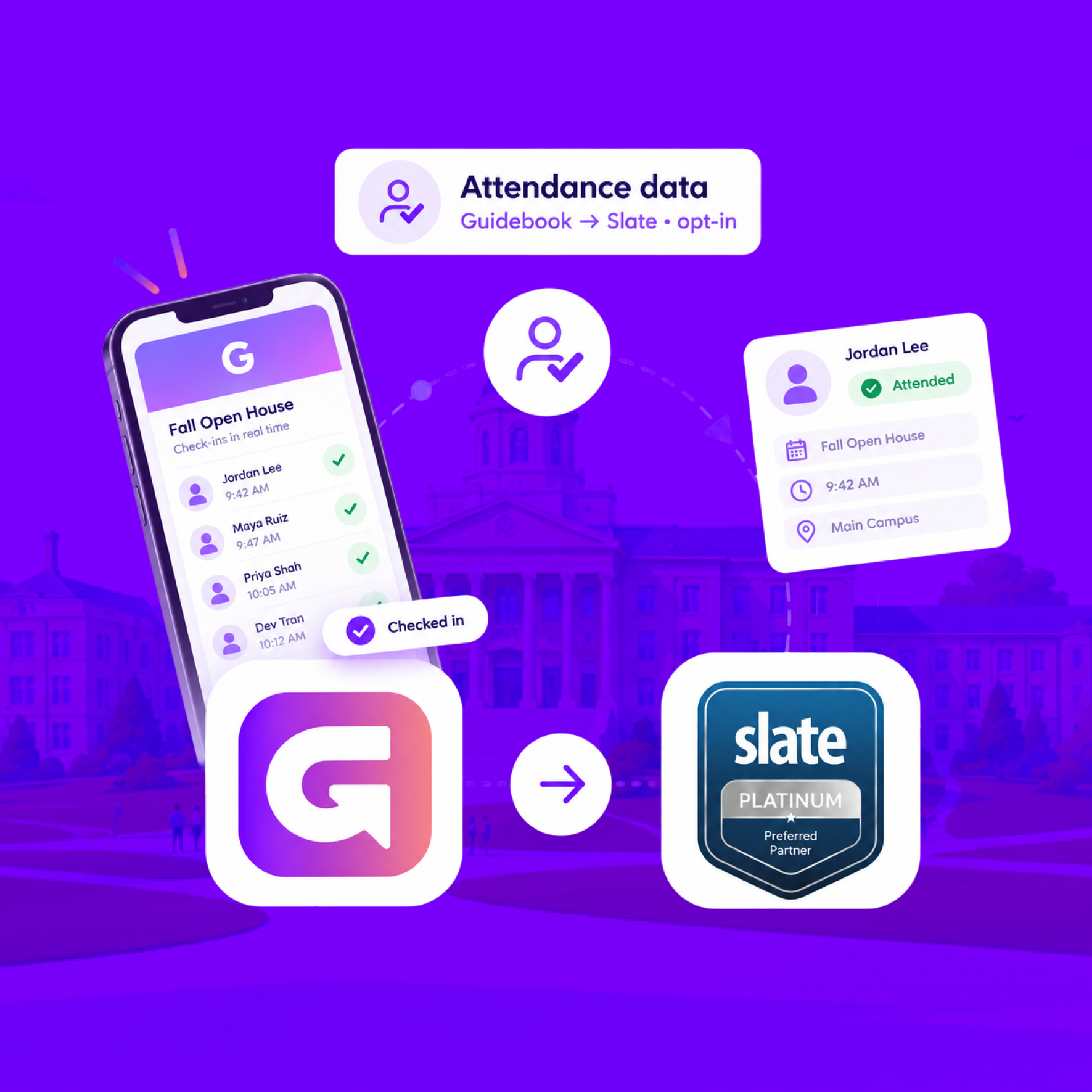
When someone checks in at your event, Guidebook marks their Slate registration Attended, with the time they arrived.
See who actually showed up, in Slate
When someone checks in at your event, Guidebook marks their Slate registration Attended, with the time they arrived.
Send app engagement back to Slate
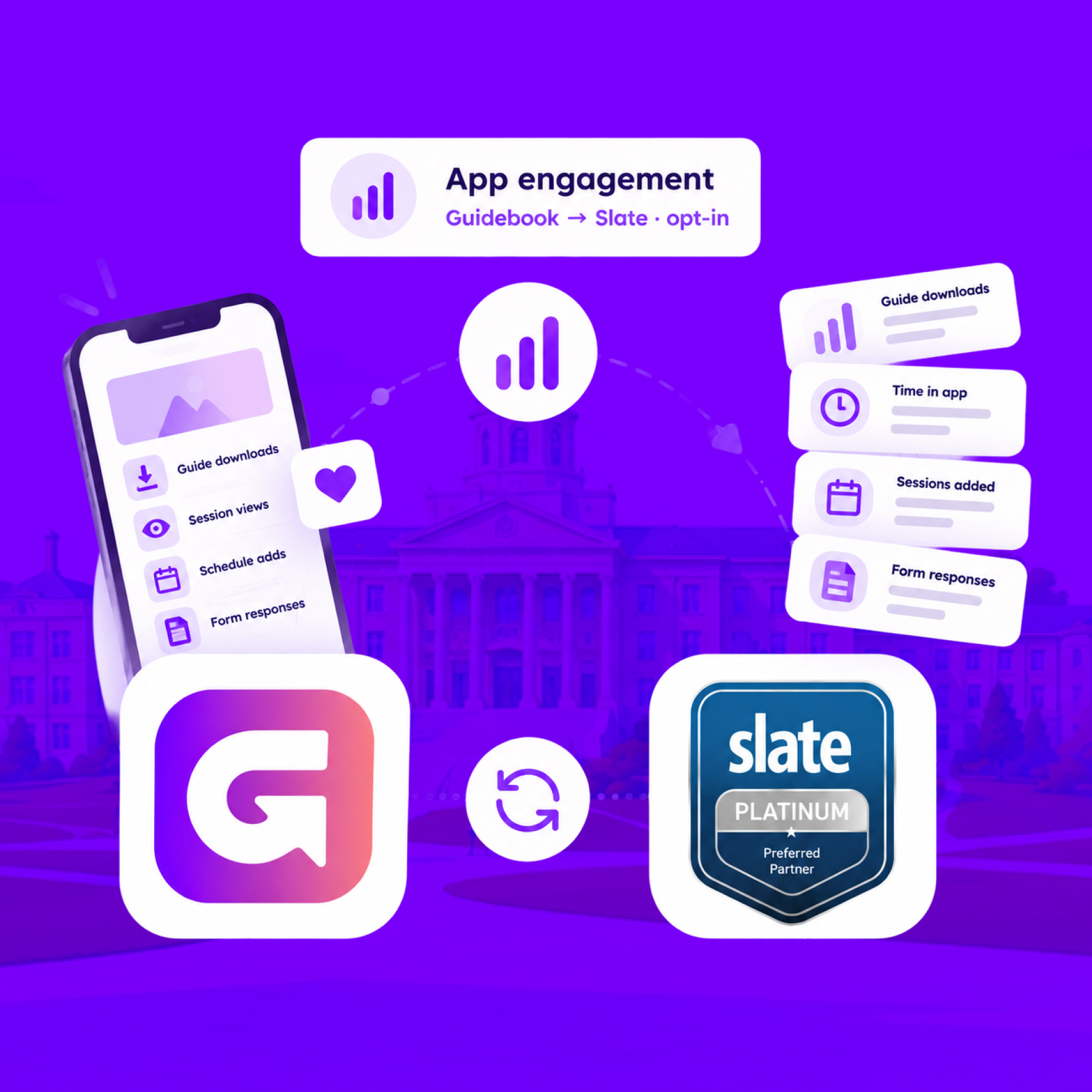
For students who opt in, downloads, schedule adds, views, and form responses land on their event registration every hour.
Send app engagement back to Slate
For students who opt in, downloads, schedule adds, views, and form responses land on their event registration every hour.
Build the campus event once in Slate
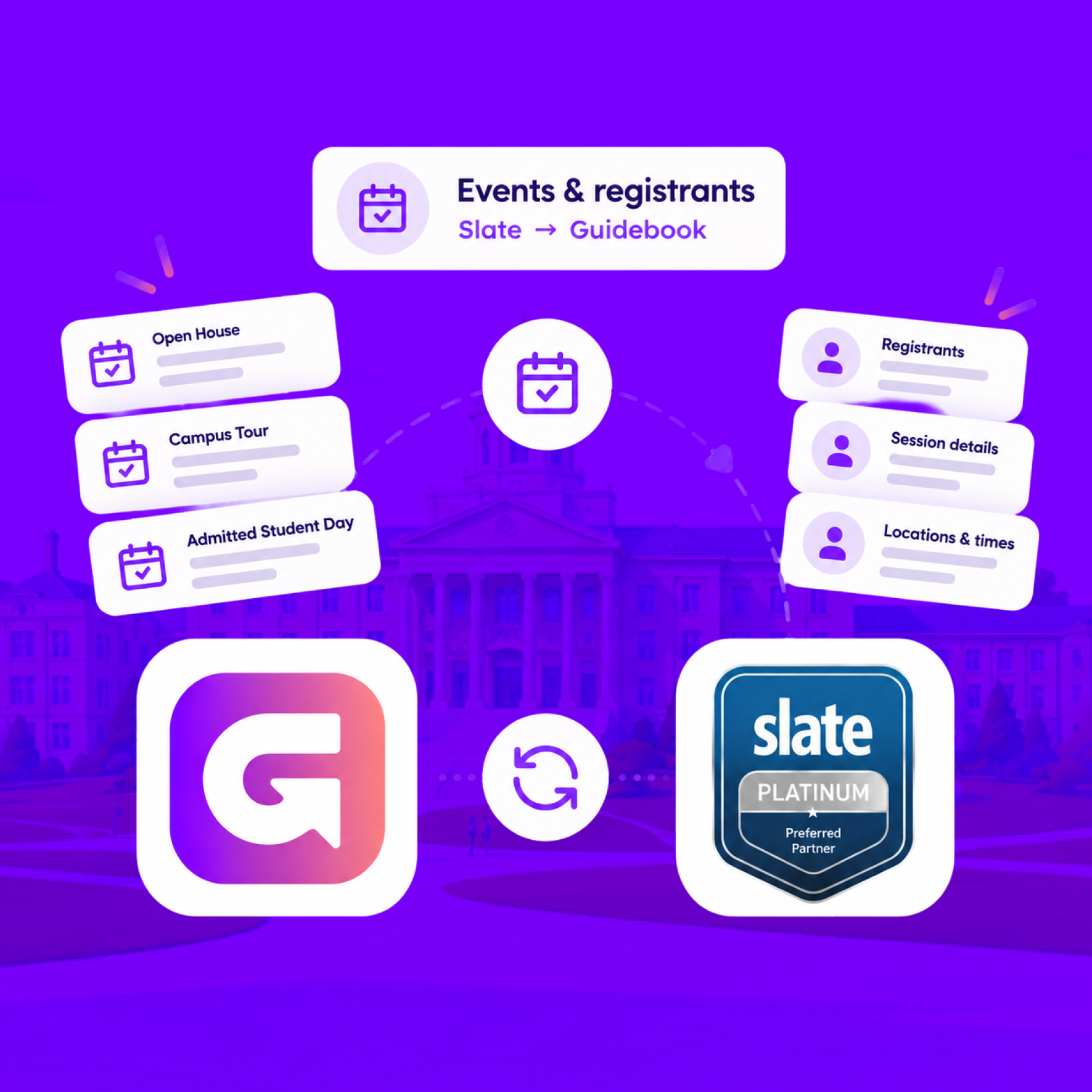
Link a Slate folder to a guide. Every event becomes a session, and registrants are added automatically.
Build the campus event once in Slate
Link a Slate folder to a guide. Every event becomes a session, and registrants are added automatically.
Slate profiles, in the campus app
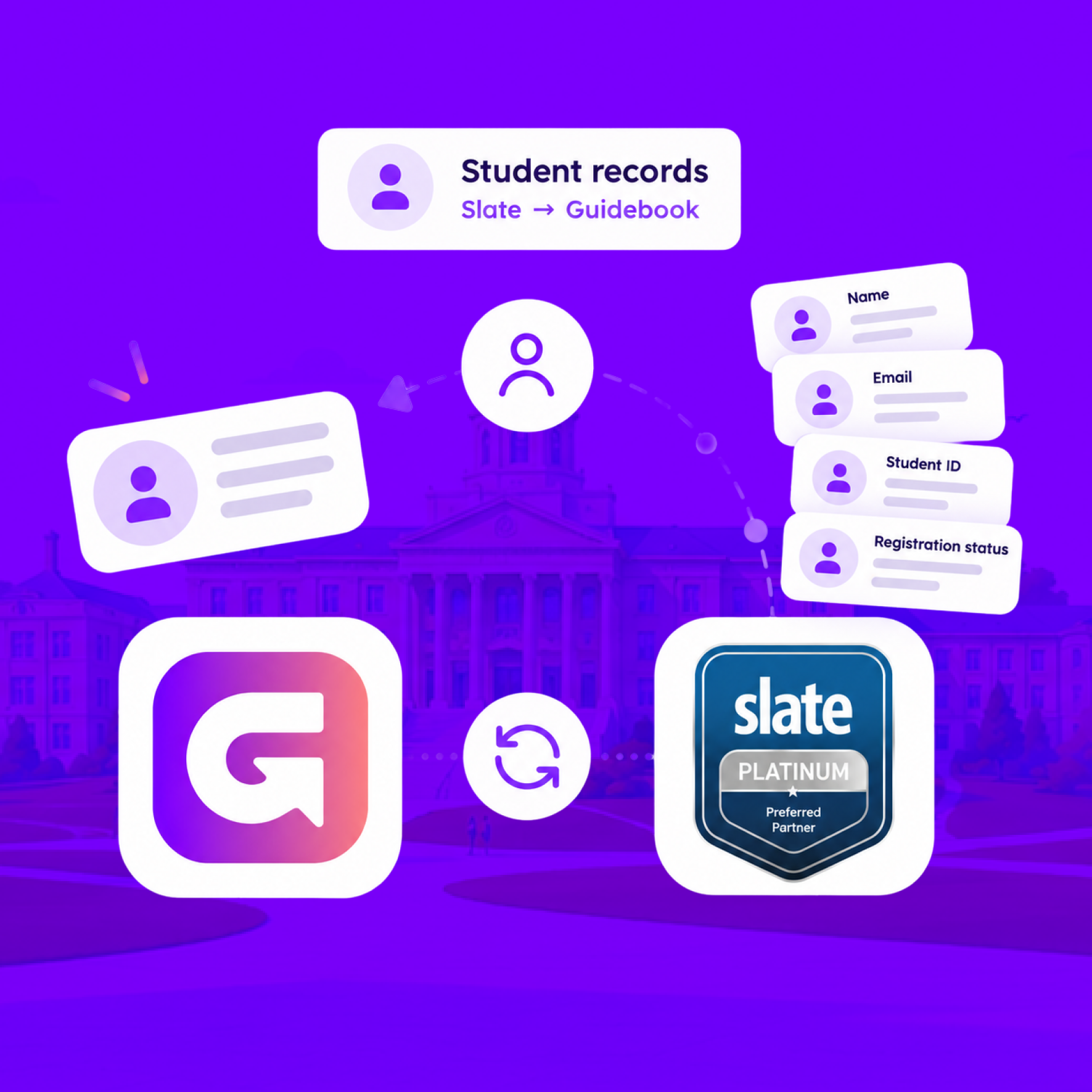
Match each student's Slate record to their Guidebook account, so college, major, and orientation details stay current on every sync.
Slate profiles, in the campus app
Match each student's Slate record to their Guidebook account, so college, major, and orientation details stay current on every sync.
Campus apps by department
Admissions, orientation, student life, and more — one campus app that works across departments.

Campus apps by department
Admissions, orientation, student life, and more — one campus app that works across departments.
Build unlimited event apps on one license
One partnership for unlimited campus events — orientation, tours, student life, and everything in between.
Build unlimited event apps on one license
One partnership for unlimited campus events — orientation, tours, student life, and everything in between.
Compare event app platforms
See how Guidebook stacks up against other event app and registration platforms.
Compare event app platforms
See how Guidebook stacks up against other event app and registration platforms.
Event apps for nonprofit and community programs
Give members, volunteers, and donors one branded app for conferences, fundraisers, and year-round community.
Event apps for nonprofit and community programs
Give members, volunteers, and donors one branded app for conferences, fundraisers, and year-round community.
Campus integrations and an open API
Connect Guidebook with the campus systems, APIs, and tools your team already uses.
Campus integrations and an open API
Connect Guidebook with the campus systems, APIs, and tools your team already uses.
Event apps for corporate and enterprise teams
Internal meetings, offsites, and large-scale corporate events — with the branding and control enterprise teams need.
Event apps for corporate and enterprise teams
Internal meetings, offsites, and large-scale corporate events — with the branding and control enterprise teams need.
Create a branded event app with no coding
Put schedules, maps, resources, and updates in every attendee's pocket — built for campus events and programs.
Create a branded event app with no coding
Put schedules, maps, resources, and updates in every attendee's pocket — built for campus events and programs.
Launch a branded, white-label event app
A white-label event app with your branding, your content, and your attendee experience — no coding required.
Launch a branded, white-label event app
A white-label event app with your branding, your content, and your attendee experience — no coding required.
Everything in the Guidebook platform
Explore the features event teams use to engage attendees before, during, and after the event.
Everything in the Guidebook platform
Explore the features event teams use to engage attendees before, during, and after the event.
One app for in-person and virtual attendees
The same schedule, networking, and updates whether people are in the room or joining remotely.
One app for in-person and virtual attendees
The same schedule, networking, and updates whether people are in the room or joining remotely.
Event apps built for associations
Annual meetings, chapter events, and member engagement — without rebuilding a new app every year.
Event apps built for associations
Annual meetings, chapter events, and member engagement — without rebuilding a new app every year.
A branded event website that matches the app
Promote the event, collect interest, and keep branding consistent from the first click to check-in.
A branded event website that matches the app
Promote the event, collect interest, and keep branding consistent from the first click to check-in.
Plan, run, and measure events on one platform
App, registration, badges, and websites in one workflow — so planning isn't a pile of disconnected tools.
Plan, run, and measure events on one platform
App, registration, badges, and websites in one workflow — so planning isn't a pile of disconnected tools.
Keep members engaged between events
One branded app for the conference and everything that happens the other 51 weeks of the year.
Keep members engaged between events
One branded app for the conference and everything that happens the other 51 weeks of the year.
The conference app attendees actually use
Schedules, maps, networking, and live updates for annual meetings, summits, and multi-day conferences.
The conference app attendees actually use
Schedules, maps, networking, and live updates for annual meetings, summits, and multi-day conferences.
Registration that feeds your app and badges
Collect registrations, payments, and attendee data in the same platform as your event app.
Registration that feeds your app and badges
Collect registrations, payments, and attendee data in the same platform as your event app.
Design and print event badges in one place
Custom badges, QR check-in, and on-site printing — without a separate badge vendor.
Design and print event badges in one place
Custom badges, QR check-in, and on-site printing — without a separate badge vendor.
A Smaller School?
Deliver a polished, branded event experience without a large team or a big budget.
A Smaller School?
Deliver a polished, branded event experience without a large team or a big budget.
Running Family Programs?
Give families everything they need, from schedules and maps to real-time updates, all in one place.
Running Family Programs?
Give families everything they need, from schedules and maps to real-time updates, all in one place.
Coordinating Move-In Day?
Share updates, manage events, and keep students informed from move-in through the academic year.

Coordinating Move-In Day?
Share updates, manage events, and keep students informed from move-in through the academic year.
Offering Campus Tours?
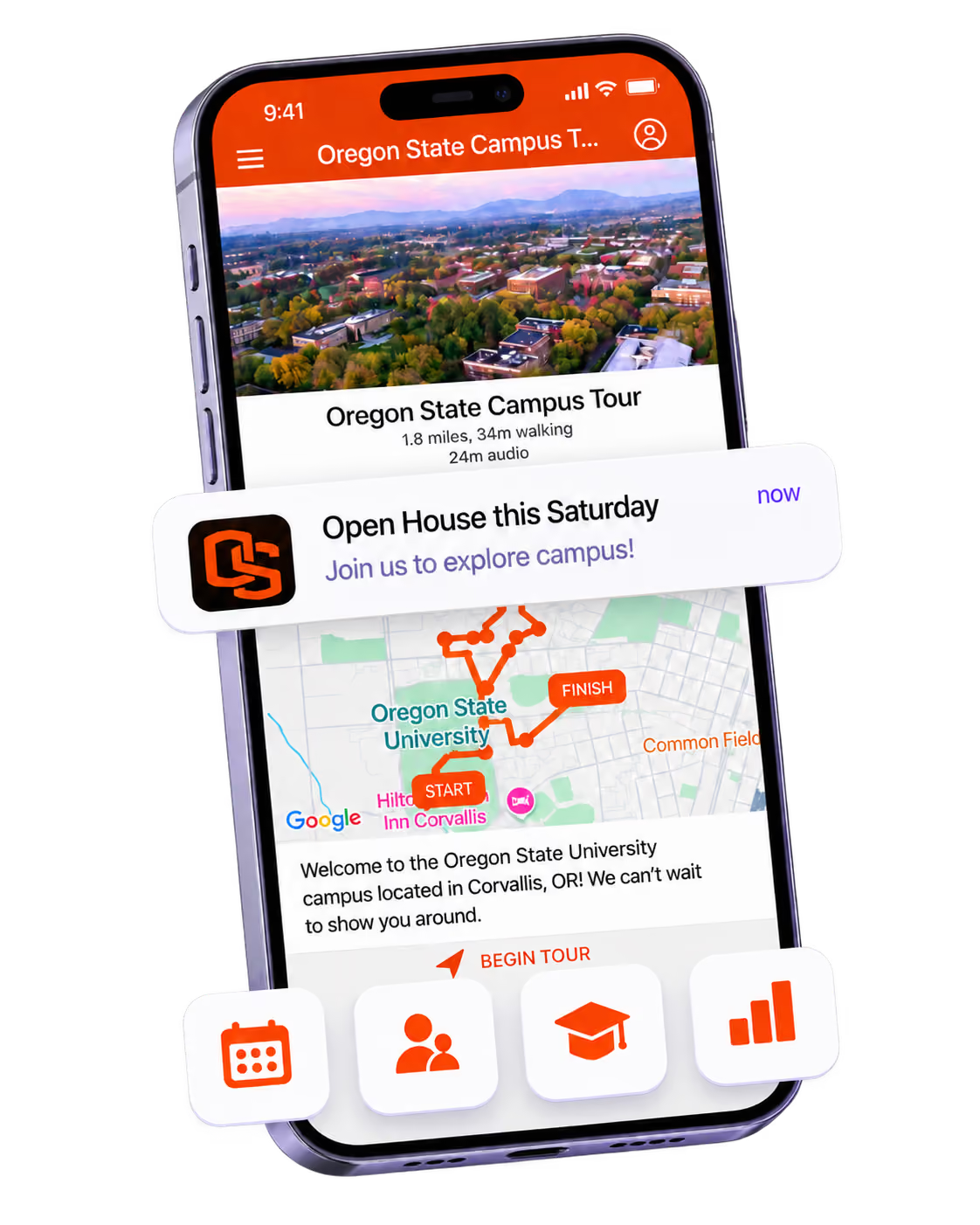
Deliver branded, self-guided tour experiences with interactive maps and rich media, available 24/7.

Offering Campus Tours?
Deliver branded, self-guided tour experiences with interactive maps and rich media, available 24/7.
Organising a Career Fair?
Simplify logistics for students, employers, and Career Services staff with one easy-to-use app.
Organising a Career Fair?
Simplify logistics for students, employers, and Career Services staff with one easy-to-use app.
Managing Alumni Events?
Plan reunions, regional events, and fundraising campaigns with an app built for alumni engagement.
Managing Alumni Events?
Plan reunions, regional events, and fundraising campaigns with an app built for alumni engagement.
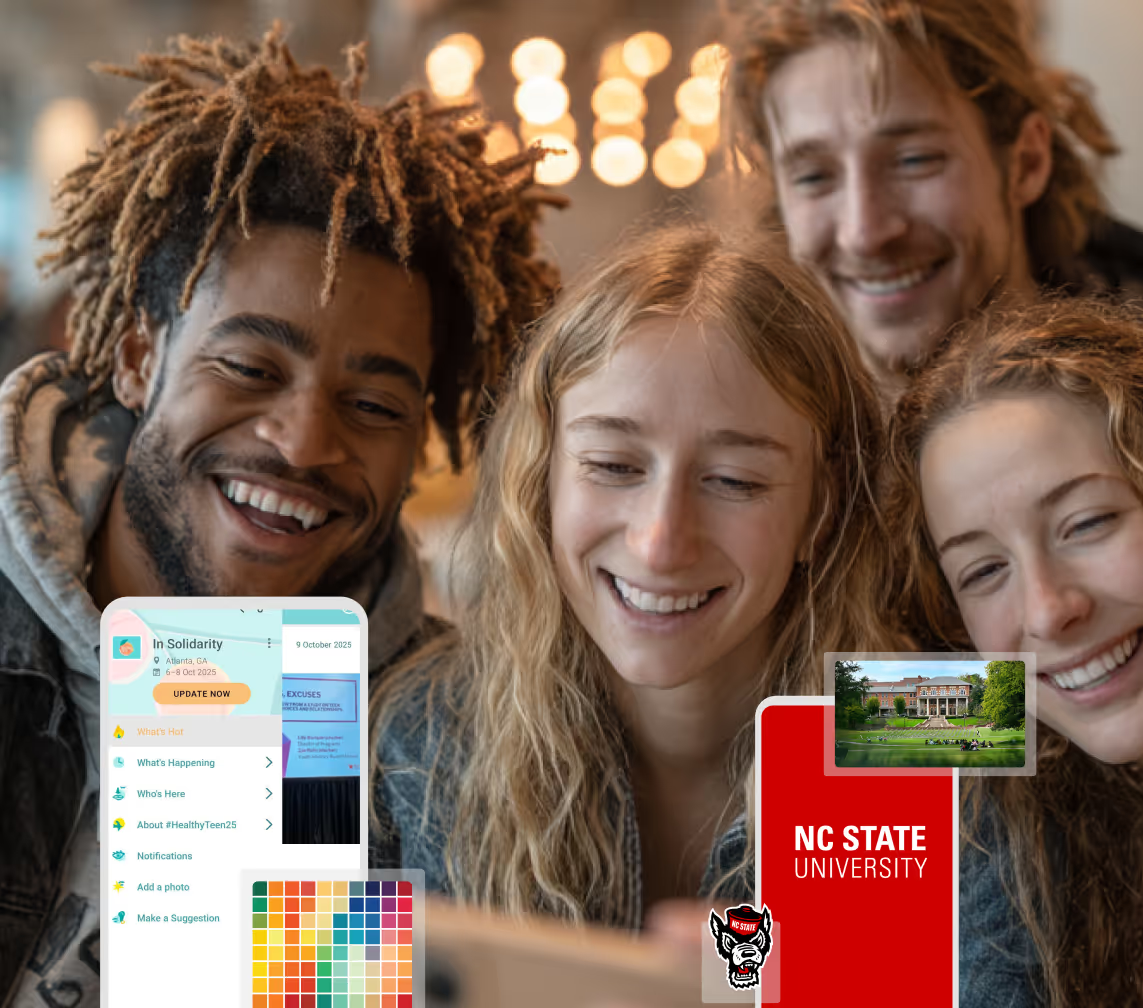
Boost Student Engagement
One hub for schedules, resources, and events that keeps students connected throughout the academic year.
Boost Student Engagement
One hub for schedules, resources, and events that keeps students connected throughout the academic year.
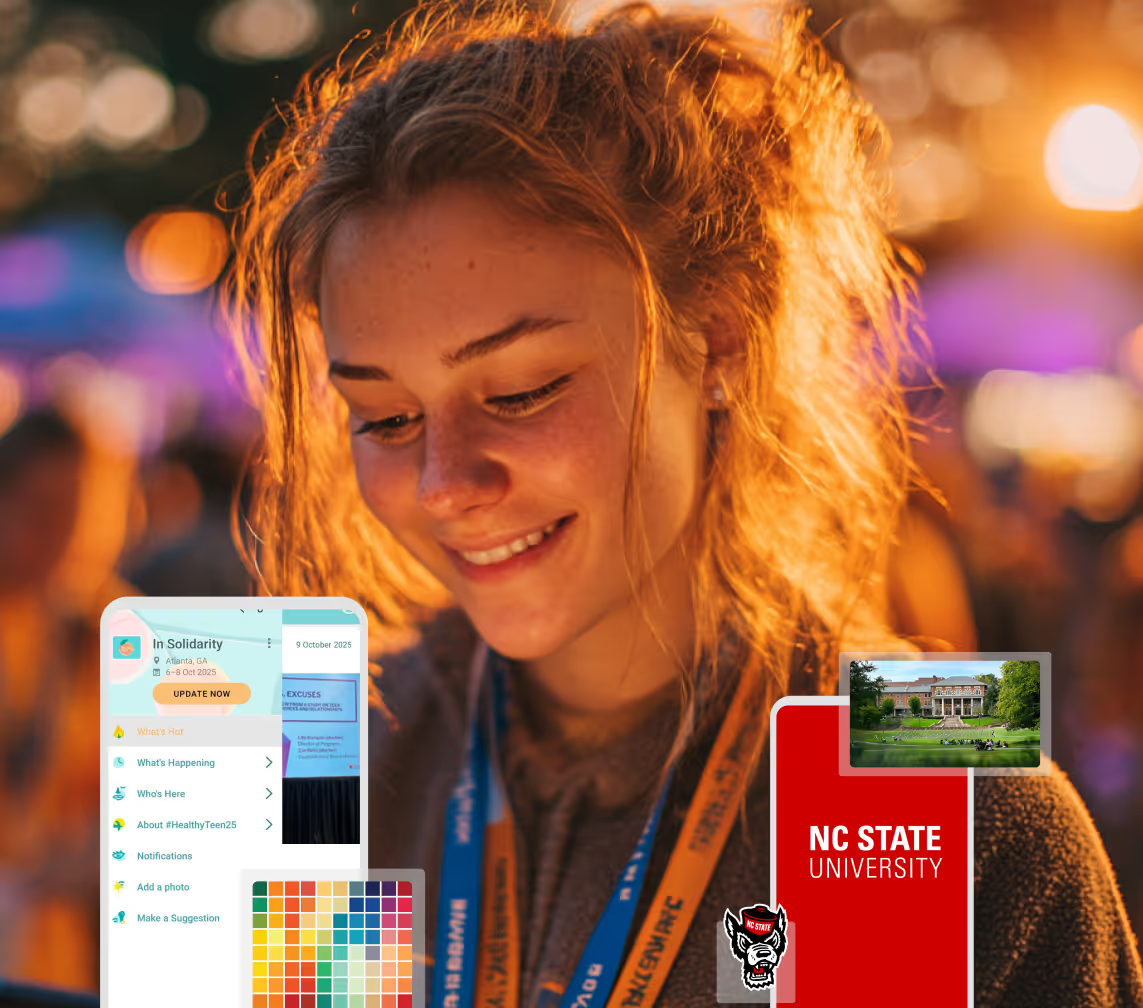
Planning Orientation?
Help new students feel prepared from day one with schedules, campus resources, and real-time updates in one app.
Planning Orientation?
Help new students feel prepared from day one with schedules, campus resources, and real-time updates in one app.
Running Admissions Events?
Manage open houses, tours, and yield events with a branded app that saves time and engages prospective students.

Running Admissions Events?
Manage open houses, tours, and yield events with a branded app that saves time and engages prospective students.
Get a custom Sponsorship Package Template
Stop starting from scratch. Grab free templates that helWe'll build a tailored sponsorship package with suggested pricing, tiers, and benefits..for your specific event.p you build professional sponsorship packages and close deals faster.
Get a custom Sponsorship Package Template
Stop starting from scratch. Grab free templates that helWe'll build a tailored sponsorship package with suggested pricing, tiers, and benefits..for your specific event.p you build professional sponsorship packages and close deals faster.
Plan Your Next Event Without Missing a Beat.
From venue selection to post-event wrap-up, this free checklist walks you through every step (so nothing falls through the cracks).
.avif)
Plan Your Next Event Without Missing a Beat.
From venue selection to post-event wrap-up, this free checklist walks you through every step (so nothing falls through the cracks).
Real Results From Real Events
100,000+ organizations trust Guidebook. See exactly how universities, associations, enterprises, and more put it to work.

Real Results From Real Events
100,000+ organizations trust Guidebook. See exactly how universities, associations, enterprises, and more put it to work.
Flexible pricing for every event size
Find the perfect plan for your needs, from intimate gatherings to large-scale conferences.

Flexible pricing for every event size
Find the perfect plan for your needs, from intimate gatherings to large-scale conferences.
Join our event experts
Watch on-demand webinars and join live sessions with industry leaders sharing best practices for event success.
.avif)
Join our event experts
Watch on-demand webinars and join live sessions with industry leaders sharing best practices for event success.
Guidebook in Action
Book a personalized walkthrough and discover how we help event teams create better attendee experiences.
Guidebook in Action
Book a personalized walkthrough and discover how we help event teams create better attendee experiences.

How to Organize a Community Event
A practical how-to for organizing a community event: purpose, permits, budget, promotion, and day-of. Different from generic event planning or idea lists.

Organizing a community event means planning and running a public gathering whose first job is local connection — neighbors, volunteers, and civic groups — not a ticketed conference or a campus yield day. The steps look like other event planning. The constraints do not. You are often unpaid or lightly staffed, permit-bound, and judged by whether people who do not know each other talk.
Here's the thing: we already have how to organize an event and community event ideas. Those pages are a general process and a menu. This page is the community-specific how-to people already search — and the page Search keeps showing fragments of without a dedicated URL. If you need ideas, use the ideas article. If you need to actually run Saturday, stay here.
Key Characteristics of Community Event Organizing
- Public by default: Anyone nearby can show up. That changes insurance, accessibility, and how you talk about safety.
- Volunteer labor: Your "staff" has day jobs. Documentation has to survive if the lead organizer gets sick.
- Permit and neighbor risk: Parks, streets, and noise rules will cancel you faster than a bad flyer.
- Low or no ticket price: Budget comes from sponsors, in-kind, and grit. You cannot paper over chaos with a registration fee.
- Trust as the KPI: A slick brand with a rude check-in still fails. People remember how they were treated in line.
Community Event vs. Related Work
Generic event organizing
- Scope: Any gathering with a purpose
- Focus: Process and vendors
- Goal: A successful event of any type — see how to organize an event
Community event ideas
- Scope: Formats and themes
- Focus: What to host
- Goal: Inspiration — see community event ideas
Community engagement events
- Scope: Events designed to involve residents in decisions or civic life
- Focus: Participation, not only celebration
- Goal: Voice and belonging — see community engagement events
Use this page when you already know the format and need the sequence.
How to Organize a Community Event, Step by Step
1. Write a one-sentence purpose
If you cannot say who it is for and what they should leave with, you are planning a hangout. "Welcome new residents to the north side with a free picnic and library card signup" is a purpose. "Community vibes" is not.
2. Check the calendar and the rules before the venue
School playoffs, religious holidays, and the other nonprofit's 5K will empty your park. Then call the city. Park rental, street closure, food permits, and insurance are the actual critical path. Do this before you announce a date on Facebook.
3. Build a budget that assumes in-kind
List cash and donated separately. Typical buckets: permits and insurance, toilets, accessibility (shade, seating, ASL if you promised it), waste, a sound system that will not get you fined, and printing you probably do not need if you have a decent event page. Keep a 10% contingency. Community events get surprise invoices.
4. Recruit roles, not "volunteers"
Name a day-of lead, a money person, a volunteer wrangler, a vendor/food lead, and a comms lead. Write what "done" looks like for each. People ghost vague asks.
5. Make registration optional but useful
Free walk-up events still benefit from an RSVP for food counts and accessibility requests. Keep the form short. Confirm with a page that includes parking, weather plan, and what to bring. Event registration tools should not feel like a conference badge flow.
6. Promote where neighbors already are
Nextdoor, school newsletters, library boards, faith communities, and one physical poster at the actual site. Learn how to advertise an event without buying a national ad. Two reminders beat ten cute graphics.
7. Plan the attendee path
Arrival, toilets, water, a clearly marked info point, and an exit that does not dump strollers into traffic. Walk it. Then walk it with a wheelchair in mind. If you cannot, change the site.
8. Run the day from one source of truth
Volunteer shift times, vendor load-in, and the public schedule must match. A simple mobile guide or even a locked shared page beats three group chats. Push weather moves once, early.
9. Close the loop within 48 hours
Thank volunteers and sponsors in public. Pay invoices. Send a three-question survey. File the permit close-out. Use an event debrief template so next year's lead is not starting from folklore.
A Practical Timeline
- 4–6 months: Purpose, date, permits, insurance, headline partners
- 10–12 weeks: Vendors, volunteer roles, accessibility plan, sponsor one-pager
- 6 weeks: Public listing and RSVP live
- 2 weeks: Confirm counts, print only what you must, brief volunteers
- 48 hours: Weather decision, final site walk
- Day of: Info point staffed 30 minutes early
- 48 hours after: Thanks, survey, notes
Why This How-To Matters
- Cancellations are public: A pulled permit is a trust hit for every organizer in town.
- Volunteers return when the day was sane: Chaos trains people to say no next year.
- Sponsors fund clarity: A one-page plan with a real headcount beats a vibe deck.
- Inclusion is operational: Access, language, and cost are decisions you make in the spreadsheet, not in the welcome speech.
If the event is large enough to need a real attendee tool, Guidebook's nonprofit event setup is built for volunteer-run teams. Smaller gatherings can still steal the checklist.
Community Event Organizing Best Practices
- Put the rain plan in the first public post: Not the morning of.
- Ask for accessibility needs on the RSVP: Then actually budget for them.
- Feed volunteers before doors: They are attendees who also work.
- Name a single spokesperson for the city and the press: Mixed messages get events shut down.
- Count people at the same two points every year: You cannot claim growth from a guess.
- Keep cash off the picnic table: Two-person money handling, even for T-shirt sales.
- Leave the site cleaner than you found it: Parks departments remember.
- Share the run of show with vendors: Food trucks that guess will idle in the wrong lot.
- Photograph the setup, not only the crowd: Next year's lead needs the layout.
- Say no to last-minute program adds unless they bring their own lead and insurance.
Common Mistakes
Announcing before permits: You will cancel in public.
Treating Facebook as the plan: Comments are not a volunteer roster.
Skipping insurance because it is "just a picnic": One fall changes that sentence.
Copying a campus or corporate playbook: You do not have their staff. Cut the program until the volunteer list is real.
No neighbor notice: The complaint that ends your amplified sound will come from the house behind the stage.
Final Thoughts
Community events are how a place practices being a place. Keep the purpose short, the permits early, and the day-of instructions in one spot. Then write down what broke so the next person is kinder to themselves.
Need a format first? Use community event ideas. Need a general planning spine? Use how to organize an event. When you want the attendee side on rails, see nonprofit events on Guidebook or book a demo.
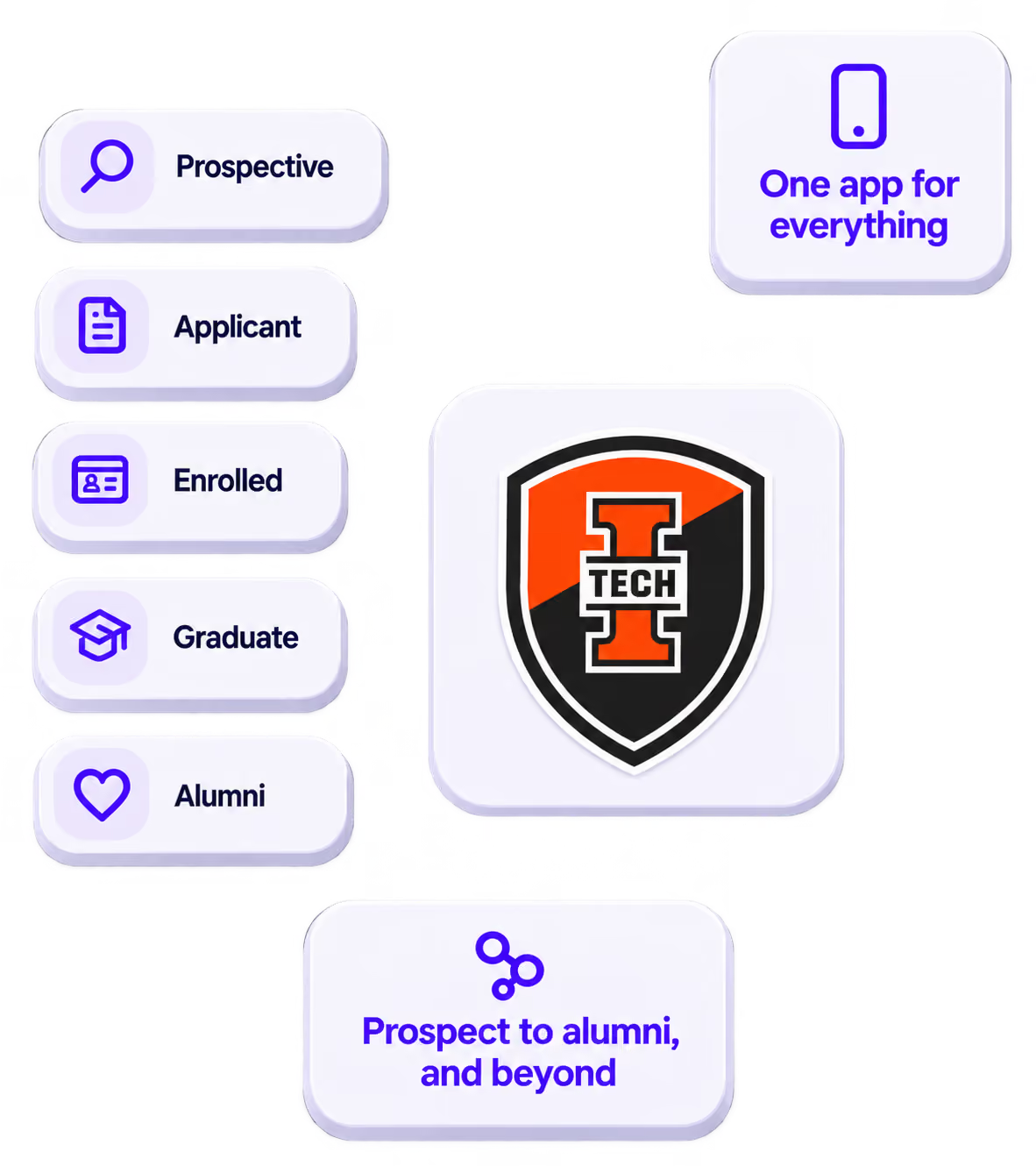
The power of your brand in your app, from first visit to alumni.
Build trust
Attendees download your app, not ours. Your name, colors, and crest in the stores.
.avif)
One place for the whole event
Schedules, maps, registration, and updates in one branded hub - not five tools.
Stand out
A branded app is what people keep on their phone after the printed program is in the recycling.

Get the Mobile App Playbook
A short guide to running the whole student journey in one app. No fluff, just what works.
for higher ed
Campus
Playbook
A practical guide to building a connected campus experience.
Free playbook
The Mobile App Playbook for Universities
Students decide if they belong long before they set foot on campus. This playbook shows how to win them over from the first visit through graduation.
- Grow enrollment and boost recruitment
- Increase belonging and retention
- Run every event from one branded app
By submitting, you agree to our Privacy Policy.
You're in.
.png)