
See who actually showed up, in Slate
When someone checks in at your event, Guidebook marks their Slate registration Attended, with the time they arrived.
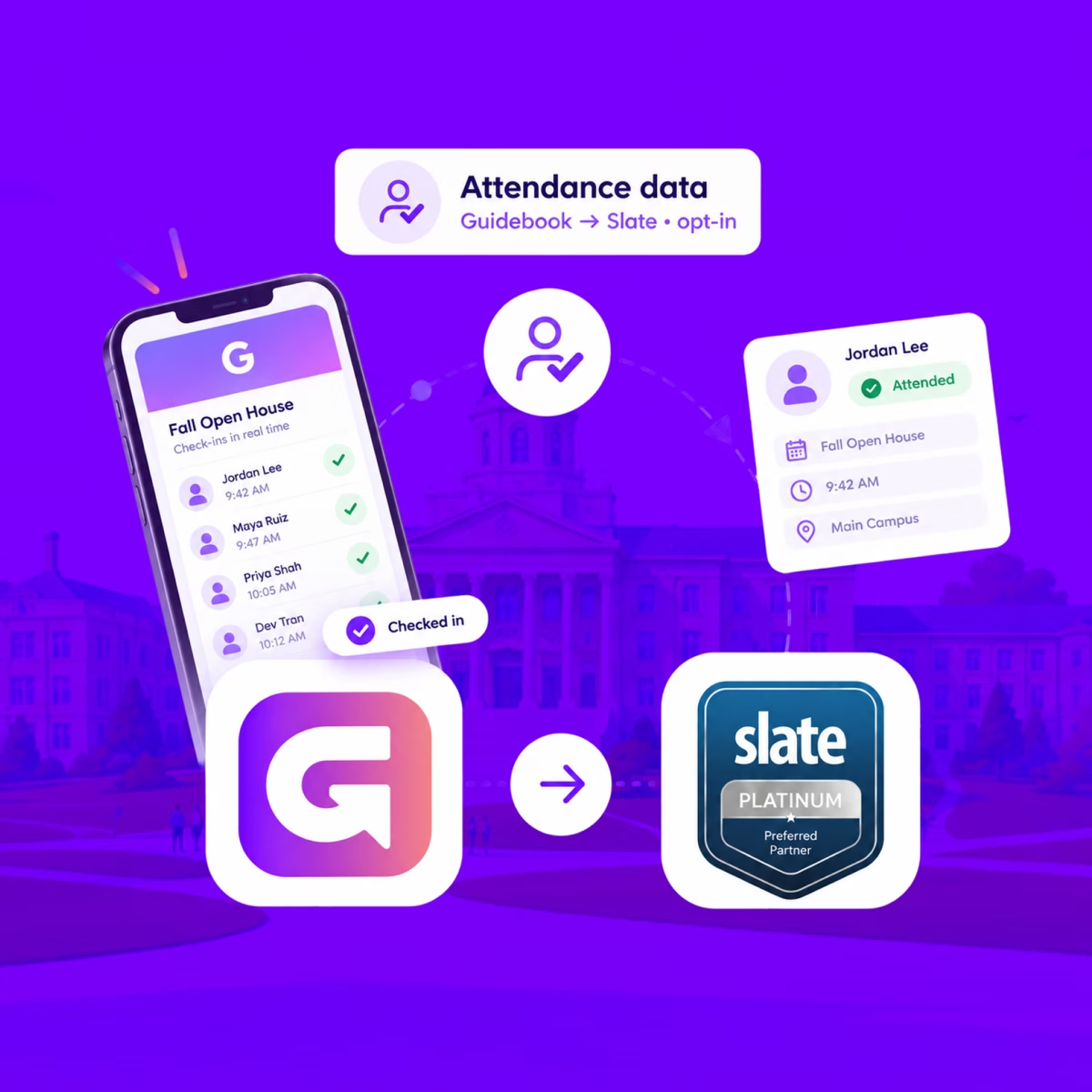
See who actually showed up, in Slate
When someone checks in at your event, Guidebook marks their Slate registration Attended, with the time they arrived.
Send app engagement back to Slate
For students who opt in, downloads, schedule adds, views, and form responses land on their event registration every hour.
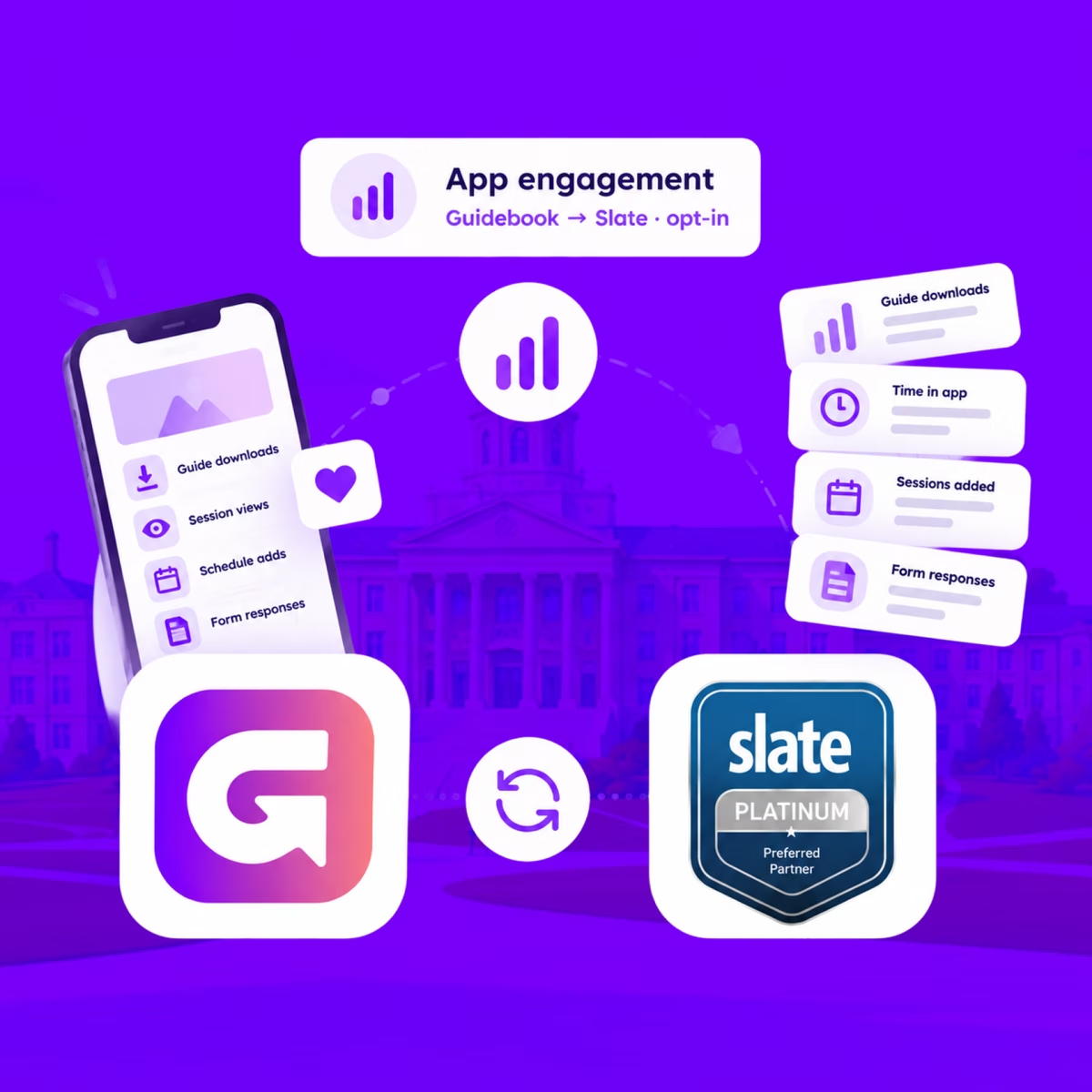
Send app engagement back to Slate
For students who opt in, downloads, schedule adds, views, and form responses land on their event registration every hour.
Build the campus event once in Slate
Link a Slate folder to a guide. Every event becomes a session, and registrants are added automatically.

Build the campus event once in Slate
Link a Slate folder to a guide. Every event becomes a session, and registrants are added automatically.
Slate profiles, in the campus app
Match each student's Slate record to their Guidebook account, so college, major, and orientation details stay current on every sync.
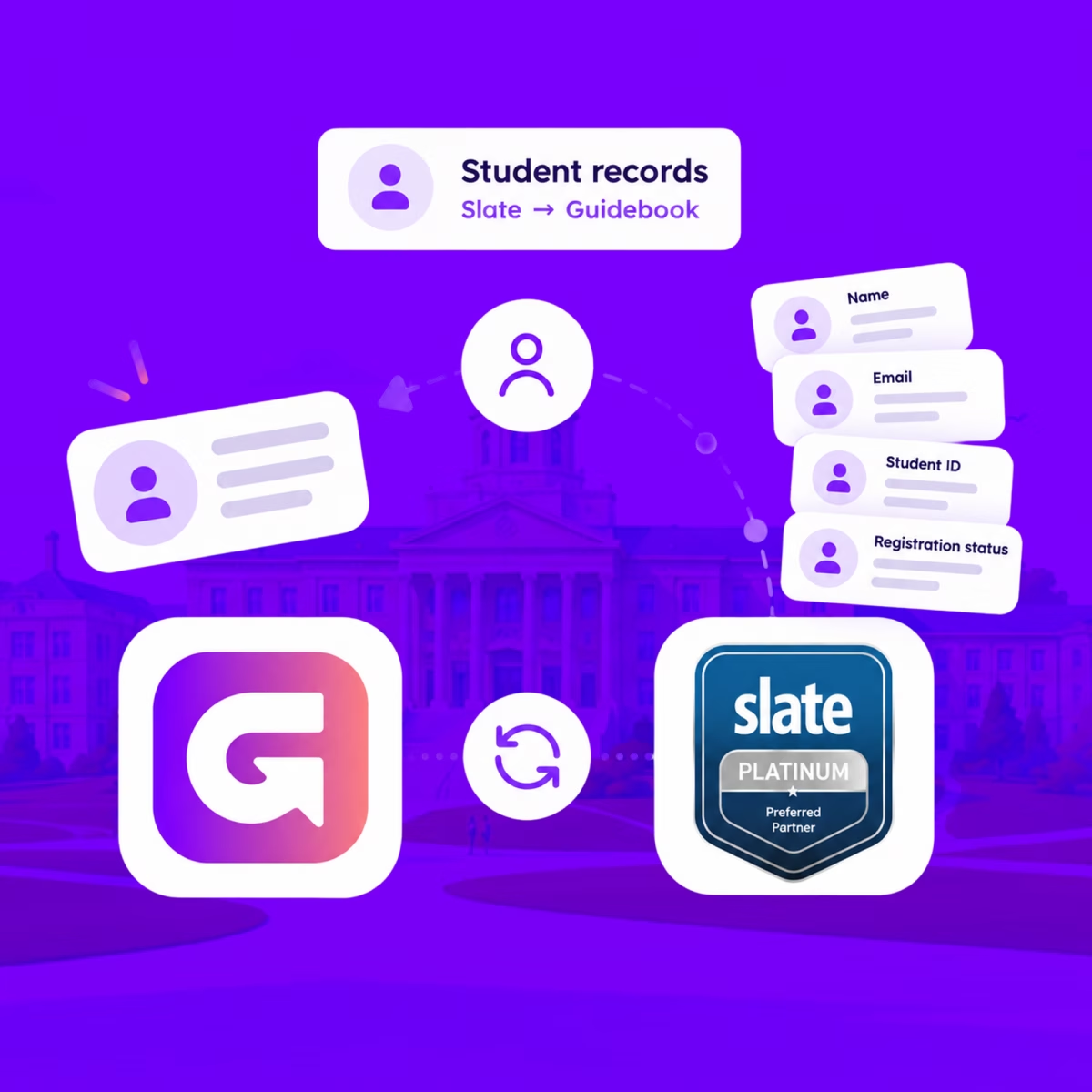
Slate profiles, in the campus app
Match each student's Slate record to their Guidebook account, so college, major, and orientation details stay current on every sync.
Campus apps by department
Admissions, orientation, student life, and more — one campus app that works across departments.

Campus apps by department
Admissions, orientation, student life, and more — one campus app that works across departments.
Build unlimited event apps on one license
One partnership for unlimited campus events — orientation, tours, student life, and everything in between.
Build unlimited event apps on one license
One partnership for unlimited campus events — orientation, tours, student life, and everything in between.
Compare event app platforms
See how Guidebook stacks up against other event app and registration platforms.
Compare event app platforms
See how Guidebook stacks up against other event app and registration platforms.
Event apps for nonprofit and community programs
Give members, volunteers, and donors one branded app for conferences, fundraisers, and year-round community.
Event apps for nonprofit and community programs
Give members, volunteers, and donors one branded app for conferences, fundraisers, and year-round community.
Campus integrations and an open API
Connect Guidebook with the campus systems, APIs, and tools your team already uses.
Campus integrations and an open API
Connect Guidebook with the campus systems, APIs, and tools your team already uses.
Event apps for corporate and enterprise teams
Internal meetings, offsites, and large-scale corporate events — with the branding and control enterprise teams need.
Event apps for corporate and enterprise teams
Internal meetings, offsites, and large-scale corporate events — with the branding and control enterprise teams need.
Create a branded event app with no coding
Put schedules, maps, resources, and updates in every attendee's pocket — built for campus events and programs.
Create a branded event app with no coding
Put schedules, maps, resources, and updates in every attendee's pocket — built for campus events and programs.
Launch a branded, white-label event app
A white-label event app with your branding, your content, and your attendee experience — no coding required.
Launch a branded, white-label event app
A white-label event app with your branding, your content, and your attendee experience — no coding required.
Everything in the Guidebook platform
Explore the features event teams use to engage attendees before, during, and after the event.
Everything in the Guidebook platform
Explore the features event teams use to engage attendees before, during, and after the event.
One app for in-person and virtual attendees
The same schedule, networking, and updates whether people are in the room or joining remotely.
One app for in-person and virtual attendees
The same schedule, networking, and updates whether people are in the room or joining remotely.
Event apps built for associations
Annual meetings, chapter events, and member engagement — without rebuilding a new app every year.
Event apps built for associations
Annual meetings, chapter events, and member engagement — without rebuilding a new app every year.
A branded event website that matches the app
Promote the event, collect interest, and keep branding consistent from the first click to check-in.
A branded event website that matches the app
Promote the event, collect interest, and keep branding consistent from the first click to check-in.
Plan, run, and measure events on one platform
App, registration, badges, and websites in one workflow — so planning isn't a pile of disconnected tools.
Plan, run, and measure events on one platform
App, registration, badges, and websites in one workflow — so planning isn't a pile of disconnected tools.
Keep members engaged between events
One branded app for the conference and everything that happens the other 51 weeks of the year.
Keep members engaged between events
One branded app for the conference and everything that happens the other 51 weeks of the year.
The conference app attendees actually use
Schedules, maps, networking, and live updates for annual meetings, summits, and multi-day conferences.
The conference app attendees actually use
Schedules, maps, networking, and live updates for annual meetings, summits, and multi-day conferences.
Registration that feeds your app and badges
Collect registrations, payments, and attendee data in the same platform as your event app.
Registration that feeds your app and badges
Collect registrations, payments, and attendee data in the same platform as your event app.
Design and print event badges in one place
Custom badges, QR check-in, and on-site printing — without a separate badge vendor.
Design and print event badges in one place
Custom badges, QR check-in, and on-site printing — without a separate badge vendor.
A Smaller School?
Deliver a polished, branded event experience without a large team or a big budget.
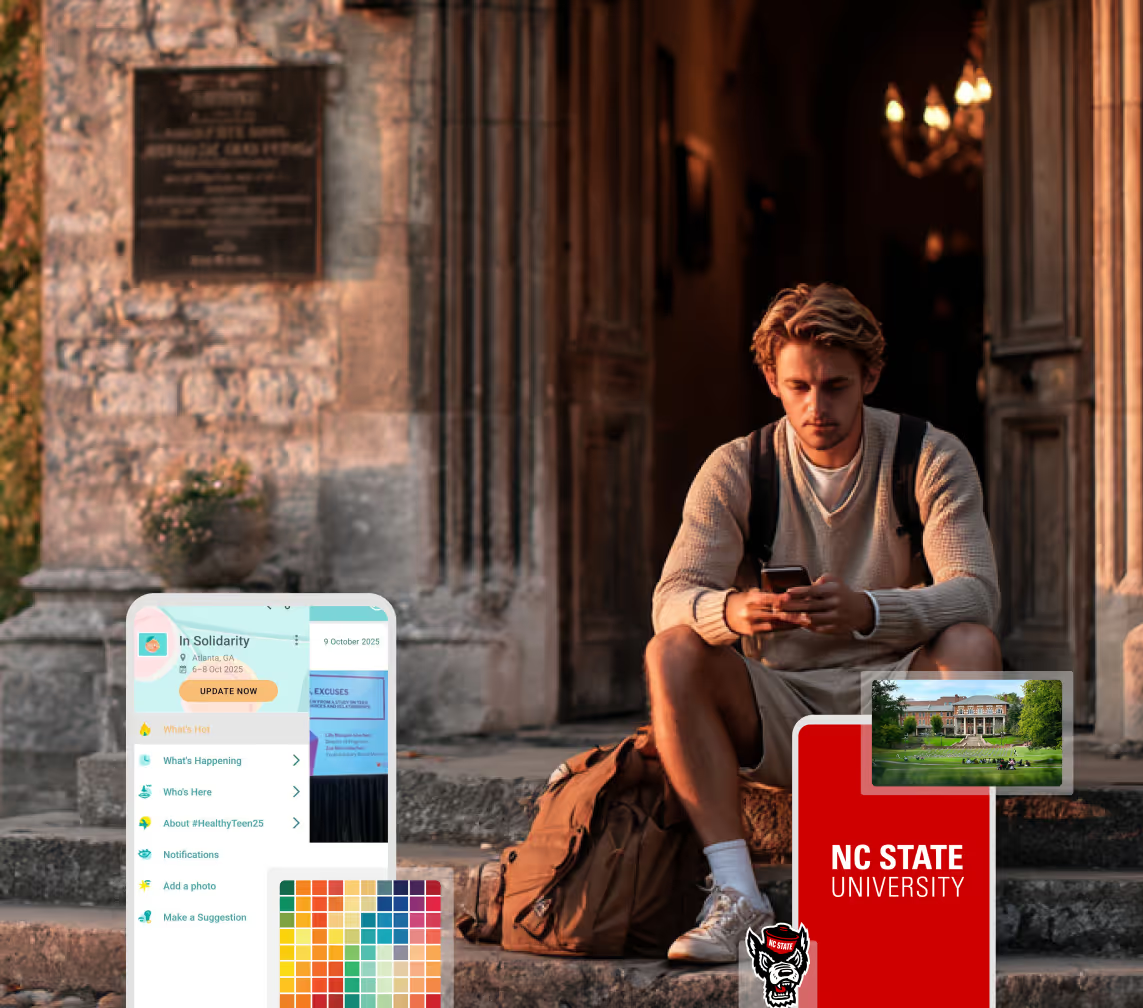
A Smaller School?
Deliver a polished, branded event experience without a large team or a big budget.
Running Family Programs?
Give families everything they need, from schedules and maps to real-time updates, all in one place.
Running Family Programs?
Give families everything they need, from schedules and maps to real-time updates, all in one place.
Coordinating Move-In Day?
Share updates, manage events, and keep students informed from move-in through the academic year.

Coordinating Move-In Day?
Share updates, manage events, and keep students informed from move-in through the academic year.
Offering Campus Tours?
Deliver branded, self-guided tour experiences with interactive maps and rich media, available 24/7.
Offering Campus Tours?
Deliver branded, self-guided tour experiences with interactive maps and rich media, available 24/7.
Organising a Career Fair?
Simplify logistics for students, employers, and Career Services staff with one easy-to-use app.
Organising a Career Fair?
Simplify logistics for students, employers, and Career Services staff with one easy-to-use app.
Managing Alumni Events?
Plan reunions, regional events, and fundraising campaigns with an app built for alumni engagement.
Managing Alumni Events?
Plan reunions, regional events, and fundraising campaigns with an app built for alumni engagement.
Boost Student Engagement
One hub for schedules, resources, and events that keeps students connected throughout the academic year.
Boost Student Engagement
One hub for schedules, resources, and events that keeps students connected throughout the academic year.
Planning Orientation?
Help new students feel prepared from day one with schedules, campus resources, and real-time updates in one app.
Planning Orientation?
Help new students feel prepared from day one with schedules, campus resources, and real-time updates in one app.
Running Admissions Events?
Manage open houses, tours, and yield events with a branded app that saves time and engages prospective students.
Running Admissions Events?
Manage open houses, tours, and yield events with a branded app that saves time and engages prospective students.
Get a custom Sponsorship Package Template
Stop starting from scratch. Grab free templates that helWe'll build a tailored sponsorship package with suggested pricing, tiers, and benefits..for your specific event.p you build professional sponsorship packages and close deals faster.
Get a custom Sponsorship Package Template
Stop starting from scratch. Grab free templates that helWe'll build a tailored sponsorship package with suggested pricing, tiers, and benefits..for your specific event.p you build professional sponsorship packages and close deals faster.
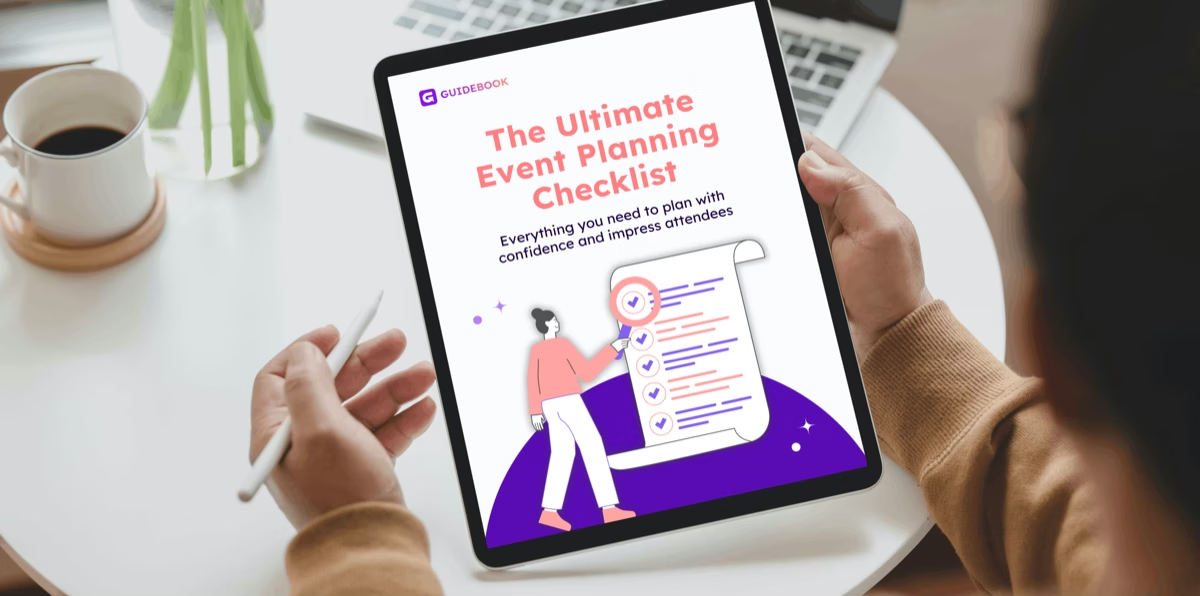
Plan Your Next Event Without Missing a Beat.
From venue selection to post-event wrap-up, this free checklist walks you through every step (so nothing falls through the cracks).
Plan Your Next Event Without Missing a Beat.
From venue selection to post-event wrap-up, this free checklist walks you through every step (so nothing falls through the cracks).
Real Results From Real Events
100,000+ organizations trust Guidebook. See exactly how universities, associations, enterprises, and more put it to work.

Real Results From Real Events
100,000+ organizations trust Guidebook. See exactly how universities, associations, enterprises, and more put it to work.
Flexible pricing for every event size
Find the perfect plan for your needs, from intimate gatherings to large-scale conferences.

Flexible pricing for every event size
Find the perfect plan for your needs, from intimate gatherings to large-scale conferences.
Join our event experts
Watch on-demand webinars and join live sessions with industry leaders sharing best practices for event success.

Join our event experts
Watch on-demand webinars and join live sessions with industry leaders sharing best practices for event success.
Guidebook in Action
Book a personalized walkthrough and discover how we help event teams create better attendee experiences.
Guidebook in Action
Book a personalized walkthrough and discover how we help event teams create better attendee experiences.

What is QR Code Check-In?
QR code check-in lets attendees scan in at events in seconds. Learn how it works, what it costs, and how campus teams use it to track attendance accurately.

QR code check-in is a method of confirming attendance by scanning a unique, machine-readable code assigned to each registered attendee. The code lives on a phone screen, a printed badge, or an email confirmation. A staff member scans it, or the attendee scans a posted code themselves, and the system logs the arrival instantly.
Here's the thing: check-in is the first thing a student or family does at your event, and it sets the tone for everything after. A line out the door at an Admitted Student Day tells a family you're disorganized before they've met a single faculty member. A six-second scan tells them you've got this. Check-in isn't an administrative task. It's your first impression, and you only get one.
Key Characteristics of QR Code Check-In
- Unique Per Attendee: Each code maps to one registration record. Scanning it pulls up that person's name, session selections, dietary needs, and any flags your team added.
- Works Without Hardware: Any modern smartphone camera reads a QR code. You don't need dedicated scanners, though they speed things up at high volume.
- Offline Capable: Good check-in systems queue scans locally and sync when connectivity returns. Campus WiFi fails. Your check-in shouldn't.
- Instant Data Capture: Attendance is recorded the moment someone scans, not hours later when a staff member transcribes a paper list.
- Two Directions: Staff can scan attendee codes, or attendees can scan a code posted at a door or session room. Self-scan removes the staffing bottleneck entirely.
- Duplicate Detection: The system knows if a code has already been scanned, which catches pass-backs and double entries automatically.
- Session-Level Granularity: The same code can check someone into the main event, then into individual sessions, giving you a map of where people actually went.
QR Code Check-In vs. Related Check-In Methods
Paper List Check-In
- Scope: Printed roster, manually marked off
- Focus: Basic headcount at a single entry point
- Timeline: Data available hours or days later, after transcription
- Channels: Clipboard, pen, one staff member per list
- Goal: Confirm who showed up, eventually
QR Code Check-In
- Scope: Scannable code per attendee, usable at any number of points
- Focus: Fast entry plus session-level attendance data
- Timeline: Real-time, visible on a dashboard as it happens
- Channels: Phone screens, printed badges, staff devices, self-scan stations
- Goal: Move people through quickly and know exactly who attended what
NFC and RFID Check-In
- Scope: Chip embedded in a badge or wristband, read by proximity
- Focus: Frictionless entry at very high volume
- Timeline: Real-time, slightly faster per scan than QR
- Channels: Dedicated readers, encoded badge stock
- Goal: Maximum throughput where hardware budget allows
The practical difference comes down to cost and flexibility. NFC is marginally faster but needs encoded badges and dedicated readers at every point. QR codes cost nothing to generate, work on devices your attendees already carry, and can be added to a session room door an hour before it opens. For most campus events, QR is the right call. See event check-in software for how this fits into a broader setup.
How QR Code Check-In Works
Registration Generates the Code
When someone registers, the system creates a unique code tied to their record. That code goes out in their confirmation email and appears in your event app.
Nothing is stored in the code itself beyond an identifier. The attendee's actual data stays in your system, which matters for privacy and for FERPA-adjacent conversations with campus IT.
The Attendee Arrives
They pull up the code on their phone or present a printed badge. If they've forgotten both, staff can look them up by name and check them in manually. Always keep that path open.
The Scan Happens
A staff device or a self-scan station reads the code. The system confirms the registration, logs a timestamp, and shows the staff member anything they need to know: a session conflict, an accessibility accommodation, a note that this student's family is visiting from out of state.
Data Flows Immediately
Your dashboard updates live. You can see arrival pace, which sessions are filling, and who hasn't shown up yet. That last one matters more than most teams realize, and we'll come back to it.
Setting Up QR Code Check-In for a Campus Event
Decide Your Check-In Points
Start with the main entrance. Then ask where else attendance actually matters: breakout sessions, campus tours, the financial aid info session, the dining hall.
Every point you add gives you better data, but also needs a device and sometimes a person. Be realistic about staffing before you promise session-level tracking.
Choose Staff-Scan or Self-Scan
Staff-scan gives you a human moment at the door, which is worth a lot at a yield event. Someone says the student's name, hands them a lanyard, and points them toward coffee.
Self-scan moves people faster and frees your team. It works well for session rooms and repeat entries. Many teams use staff-scan at the front door and self-scan everywhere else.
Test on the Actual Devices
Test with an old phone, a cracked screen, and the lowest brightness setting a nervous 17-year-old might have. Test a printed code that's been folded in a pocket. Most check-in failures are brightness and glare, not software.
Plan Your Fallback
Decide now what happens when the network drops, a code won't scan, or someone shows up unregistered. Write it on a card and give it to every volunteer.
Walk-ups are normal at campus events. A family hears about an Open House from a neighbor and drives two hours. Your process should welcome them, not block them.
Brief Your Volunteers
Student volunteers run most campus check-in desks, and they're usually trained in the ten minutes before doors open. Give them a one-page script, a manual lookup path, and the name of the person to find when something breaks.
Why QR Code Check-In Matters
For Event Success:
- Shorter Lines: A scan takes three to six seconds. A paper list takes thirty. At 400 attendees, that difference is the whole first session.
- Accurate Headcounts: You know exactly how many people are in the building, which matters for catering, room capacity, and fire safety.
- Session-Level Insight: You learn which sessions drew crowds and which ones emptied, instead of guessing from the room's feel.
- Fewer Volunteers Needed: Self-scan stations let two people run what used to take six, freeing staff for the conversations that actually matter.
- Clean Follow-Up Lists: Post-event outreach goes to people who actually attended, segmented by what they attended.
For Enrollment and Institutional Outcomes:
- Yield Signal: Attendance at admitted student events correlates with deposit behavior. When you can tie check-in data to your CRM, you learn which students are leaning in and which ones went quiet.
- Melt Prevention: A deposited student who registered for orientation and didn't show is one of the clearest early warnings you'll get. QR check-in surfaces that the same day, not in September. See summer melt for what to do with that signal.
- Defensible ROI Reporting: When a VP asks what the Open House produced, "412 attendees, term 68% deposited" is a different conversation than "it felt busy." See event ROI.
- Compliance and Credit Tracking: Programs that award credit, service hours, or required-attendance milestones need a defensible record. A timestamped scan is one.
- Staff Hours Returned: Teams routinely save a full day of post-event data entry per large event. That's time back during the busiest weeks of the year.
Guidebook builds check-in into the same branded app students already have for their schedule and campus map, so there's no second tool to download at the door. Scans work offline and sync when the network returns. See how campus teams run check-in with Guidebook.
QR Code Check-In Best Practices
- Send the Code Twice: Once at registration, once the morning of. The second send is the one people actually open.
- Put It in the App: Email gets buried. A code that lives in the event app is always one tap away, even with no signal.
- Tell People to Brighten Their Screen: Put it in the reminder message. It eliminates the single most common scan failure.
- Keep a Manual Lookup Open: Name search must be one tap from the scanner. Never make a family stand aside while you find a supervisor.
- Scan Sessions, Not Just the Door: Door-only check-in tells you someone came. Session scans tell you what they cared about.
- Watch the Live Dashboard: Assign one person to monitor arrivals and redirect staff to whichever entrance is backing up.
- Print a Backup Badge Set: For VIPs, presidents, trustees, and anyone whose check-in failing would be genuinely awkward.
- Debrief the Data Within 48 Hours: Attendance patterns are most useful while the event is fresh. Pull them into your event debrief.
- Close the Loop With Non-Attendees: Everyone who registered and didn't scan should get a message within a day. This is the highest-value list your event produces.
Common QR Code Check-In Mistakes
Relying on Venue WiFi: Campus network coverage in an older gym or a tented quad is unpredictable. If your check-in needs live connectivity for every scan, it will fail at the worst moment. Confirm offline mode before you commit.
No Plan for Walk-Ups: Campus events attract people who didn't register. Turning them away at an Open House is an enrollment decision, not a logistics one.
One Scanner, One Line: Even fast scans create a queue if everyone funnels through a single point. Two stations roughly halve the wait.
Training Volunteers at the Door: Ten minutes before opening is not training. Run a fifteen-minute rehearsal the day before with real codes.
Collecting Data Nobody Reads: Session-level attendance is only valuable if someone analyzes it. Decide who owns that before the event, not after.
Forgetting Accessibility: A scan station at standing height doesn't work for every attendee. Keep one seated, staffed position available and signposted.
Treating the Scan as the Whole Interaction: The scan should take seconds so the greeting can take longer. If your check-in desk feels like an airport gate, you've optimized the wrong thing.
Final Thoughts
QR code check-in is one of the few event upgrades where the technical change is small and the experience change is large. The code itself is unremarkable. What matters is what it frees your team to do.
When check-in takes six seconds, the person at the desk can look up, use the student's name, and say something human. When it takes thirty, they're heads-down on a clipboard while a family waits. Same staff, same budget, completely different first impression.
And the data you get is the kind leadership actually asks for. Not estimated attendance. Not a feeling about turnout. A timestamped record of who came, what they attended, and who registered but never arrived.
That last group is where the real work is. Guidebook puts check-in, schedules, and campus maps in one branded app your students already have on their phones. Request a demo to see how it works at your next admitted student event.
The power of your brand in your app, from first visit to alumni.
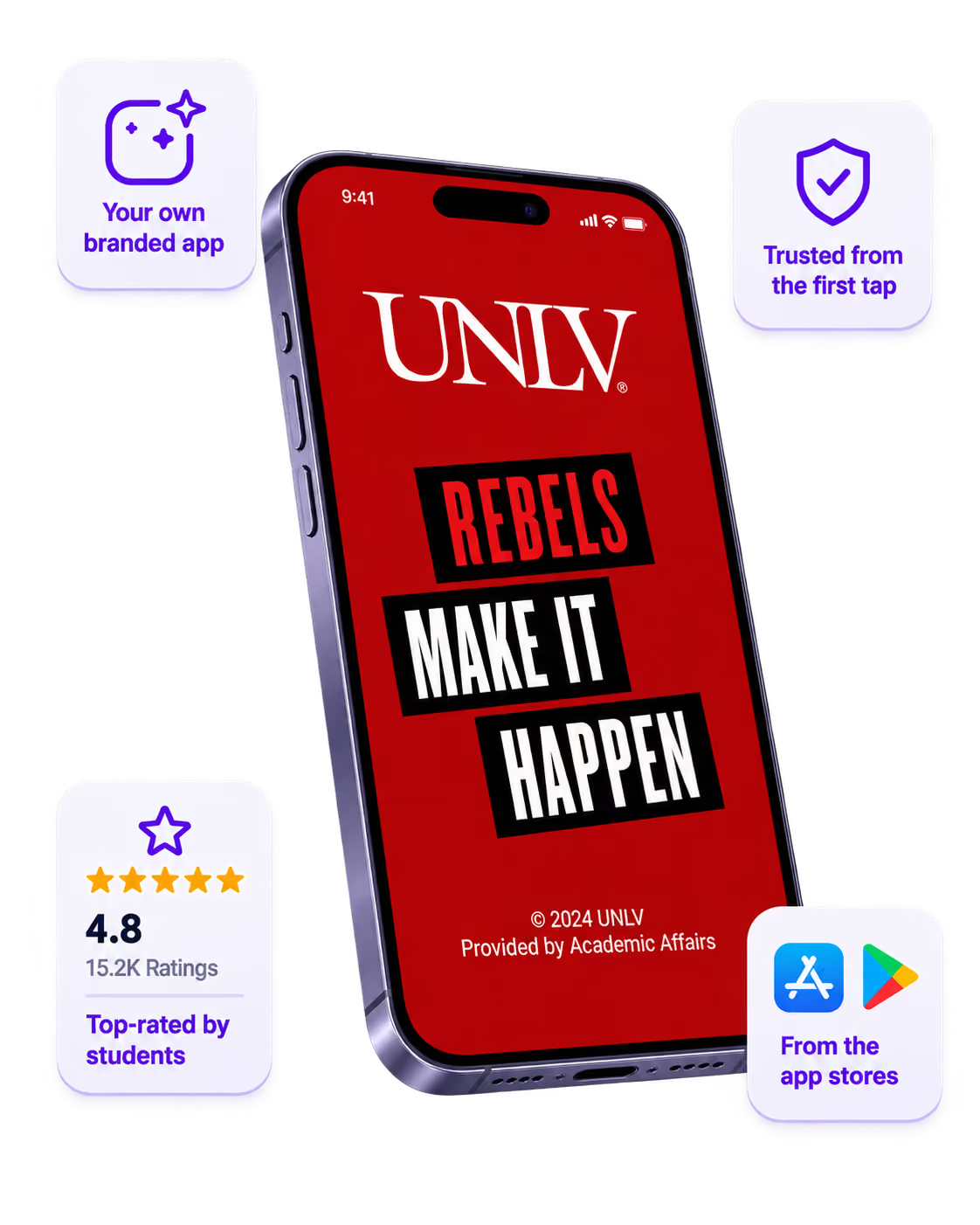
Build trust
Attendees download your app, not ours. Your name, colors, and crest in the stores.
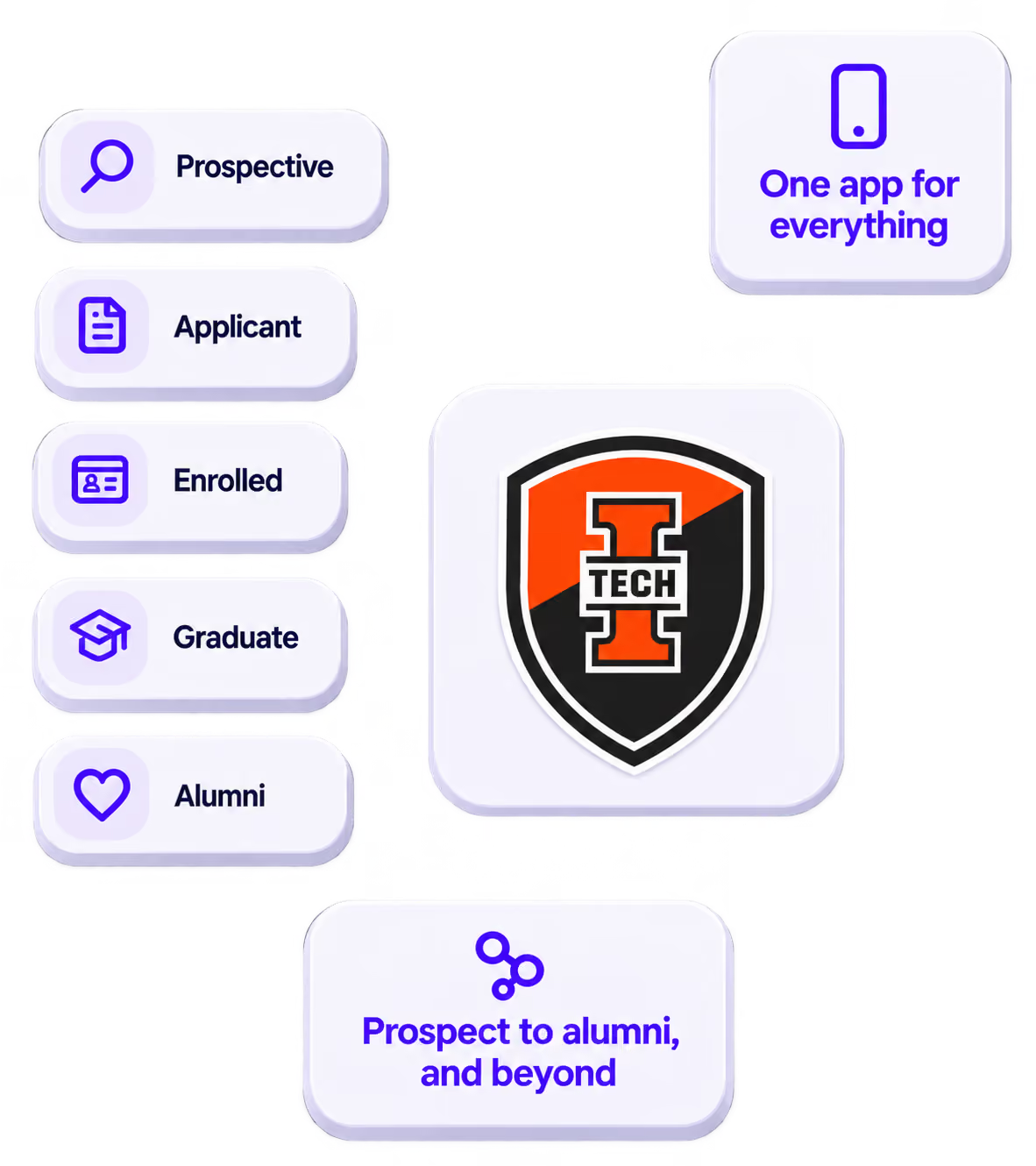
One place for the whole event
Schedules, maps, registration, and updates in one branded hub - not five tools.
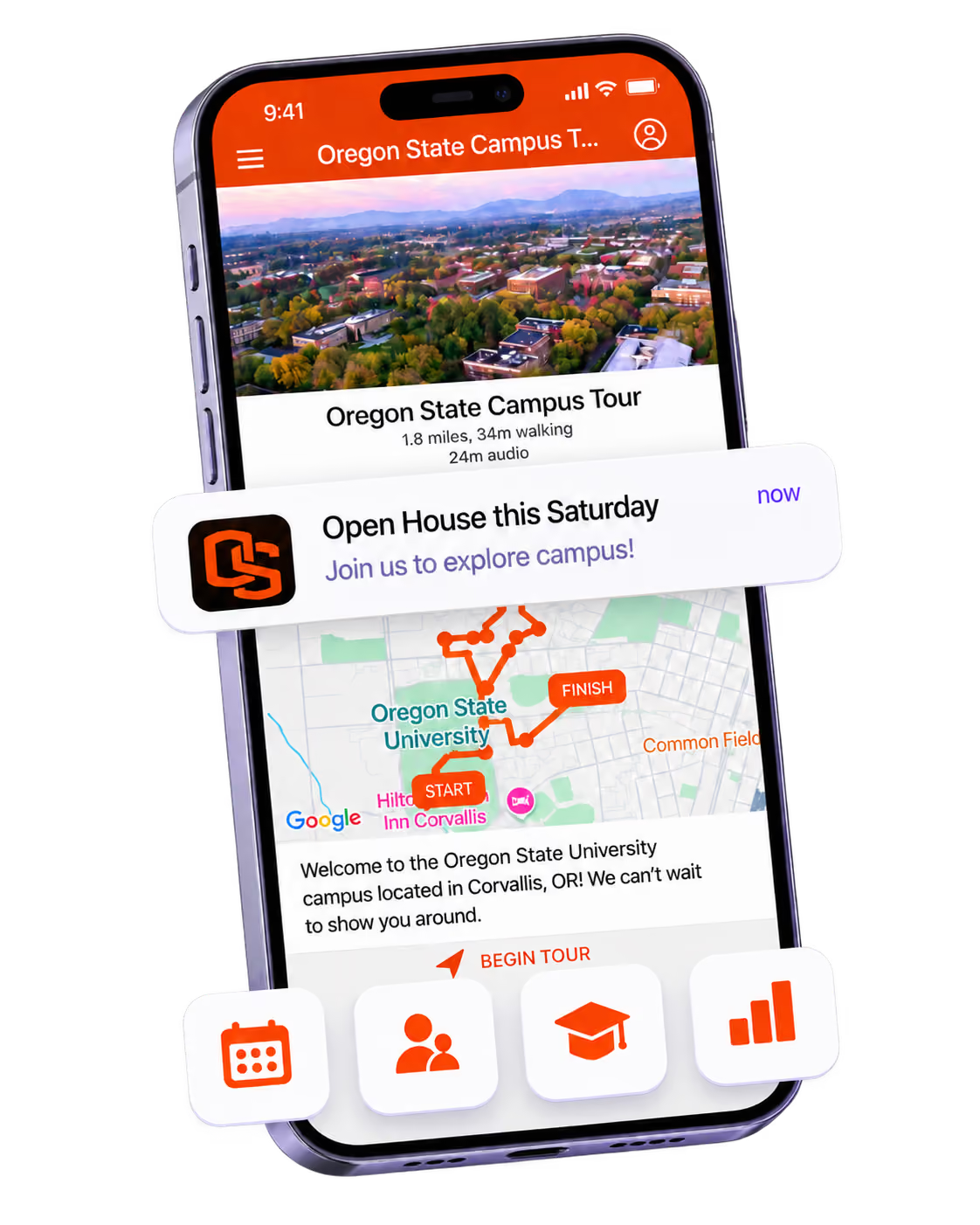
Stand out
A branded app is what people keep on their phone after the printed program is in the recycling.

Get the Mobile App Playbook
A short guide to running the whole student journey in one app. No fluff, just what works.
for higher ed
Campus
Playbook
A practical guide to building a connected campus experience.
Free playbook
The Mobile App Playbook for Universities
Students decide if they belong long before they set foot on campus. This playbook shows how to win them over from the first visit through graduation.
- Grow enrollment and boost recruitment
- Increase belonging and retention
- Run every event from one branded app
By submitting, you agree to our Privacy Policy.
You're in.
