
See who actually showed up, in Slate
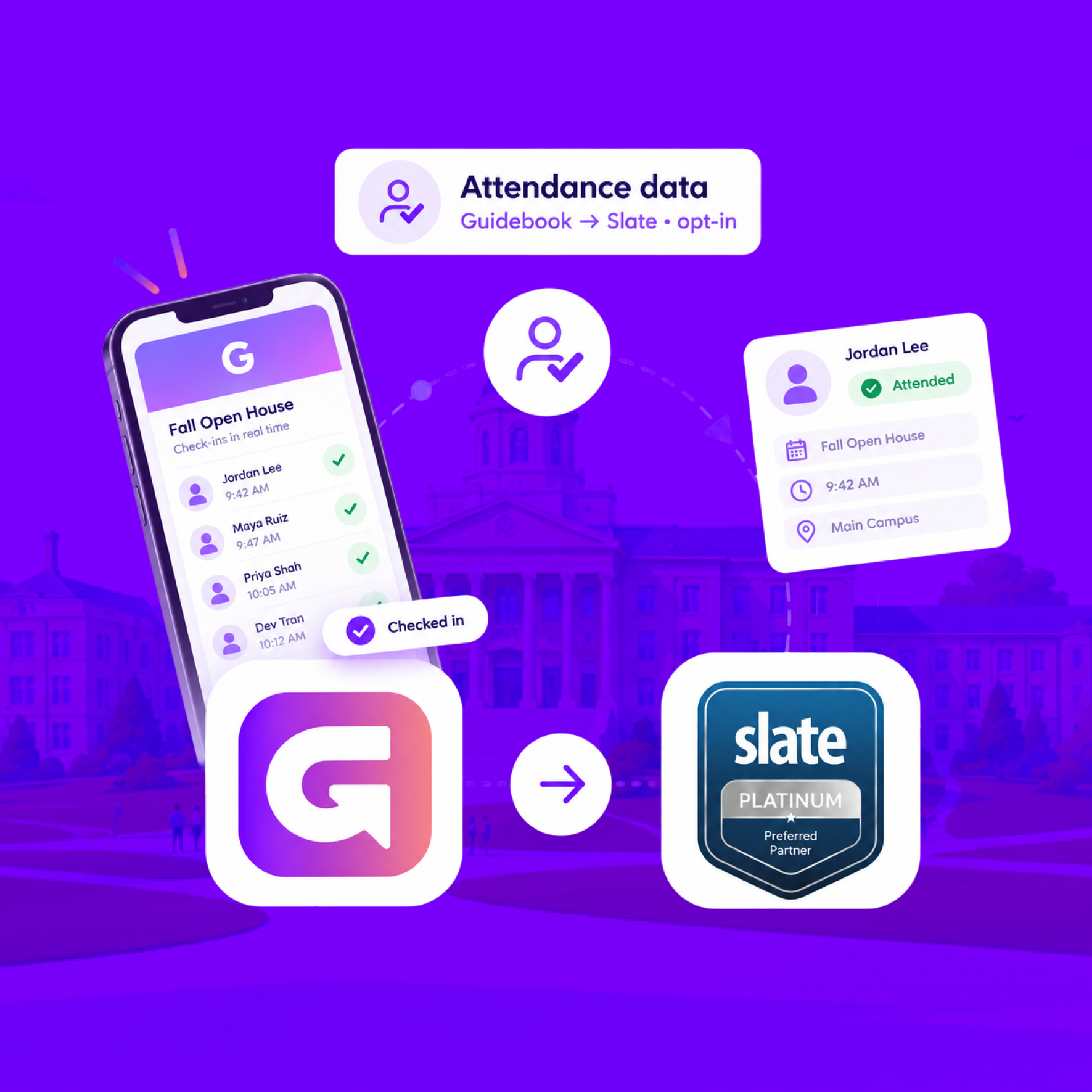
When someone checks in at your event, Guidebook marks their Slate registration Attended, with the time they arrived.
See who actually showed up, in Slate
When someone checks in at your event, Guidebook marks their Slate registration Attended, with the time they arrived.
Send app engagement back to Slate
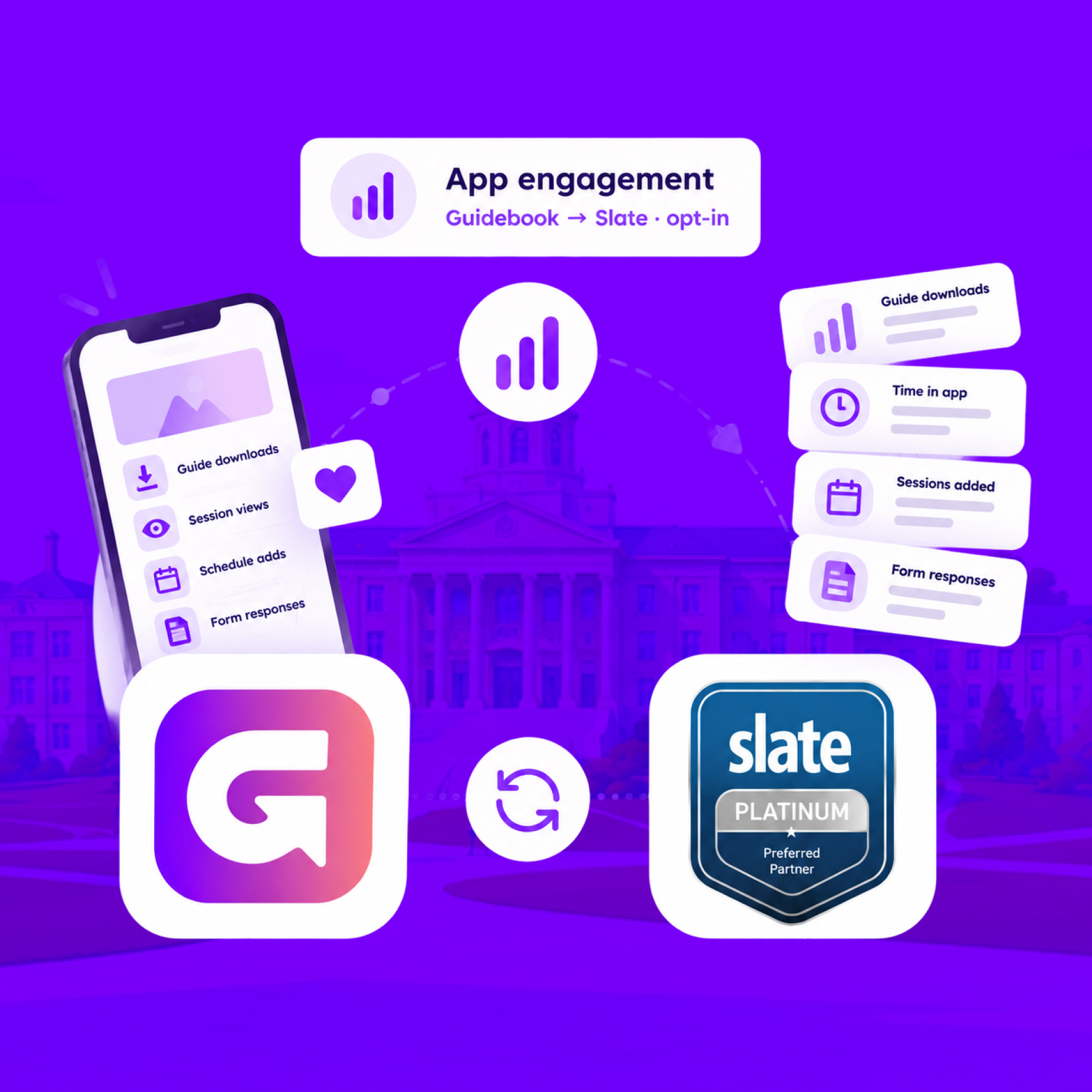
For students who opt in, downloads, schedule adds, views, and form responses land on their event registration every hour.
Send app engagement back to Slate
For students who opt in, downloads, schedule adds, views, and form responses land on their event registration every hour.
Build the campus event once in Slate
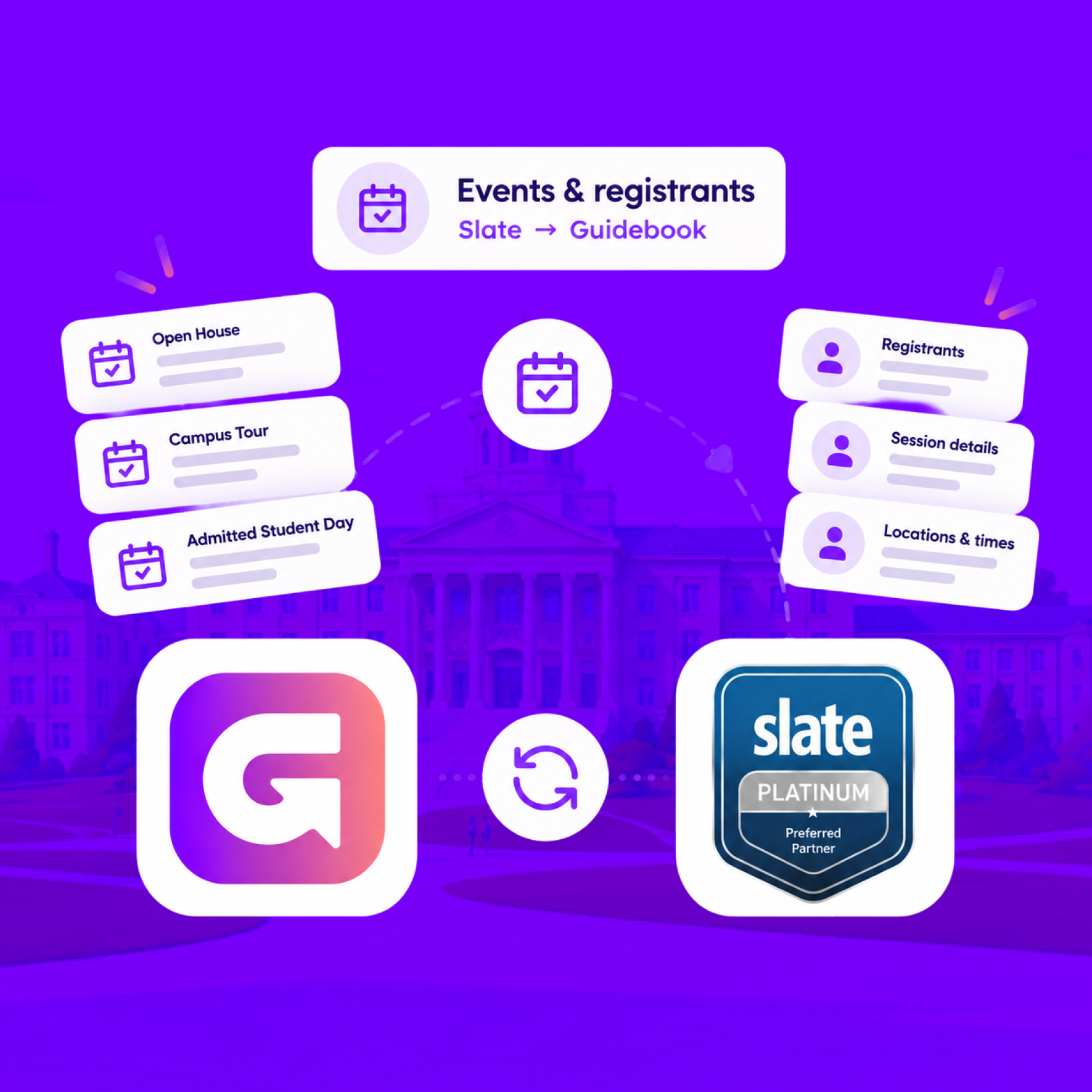
Link a Slate folder to a guide. Every event becomes a session, and registrants are added automatically.
Build the campus event once in Slate
Link a Slate folder to a guide. Every event becomes a session, and registrants are added automatically.
Slate profiles, in the campus app
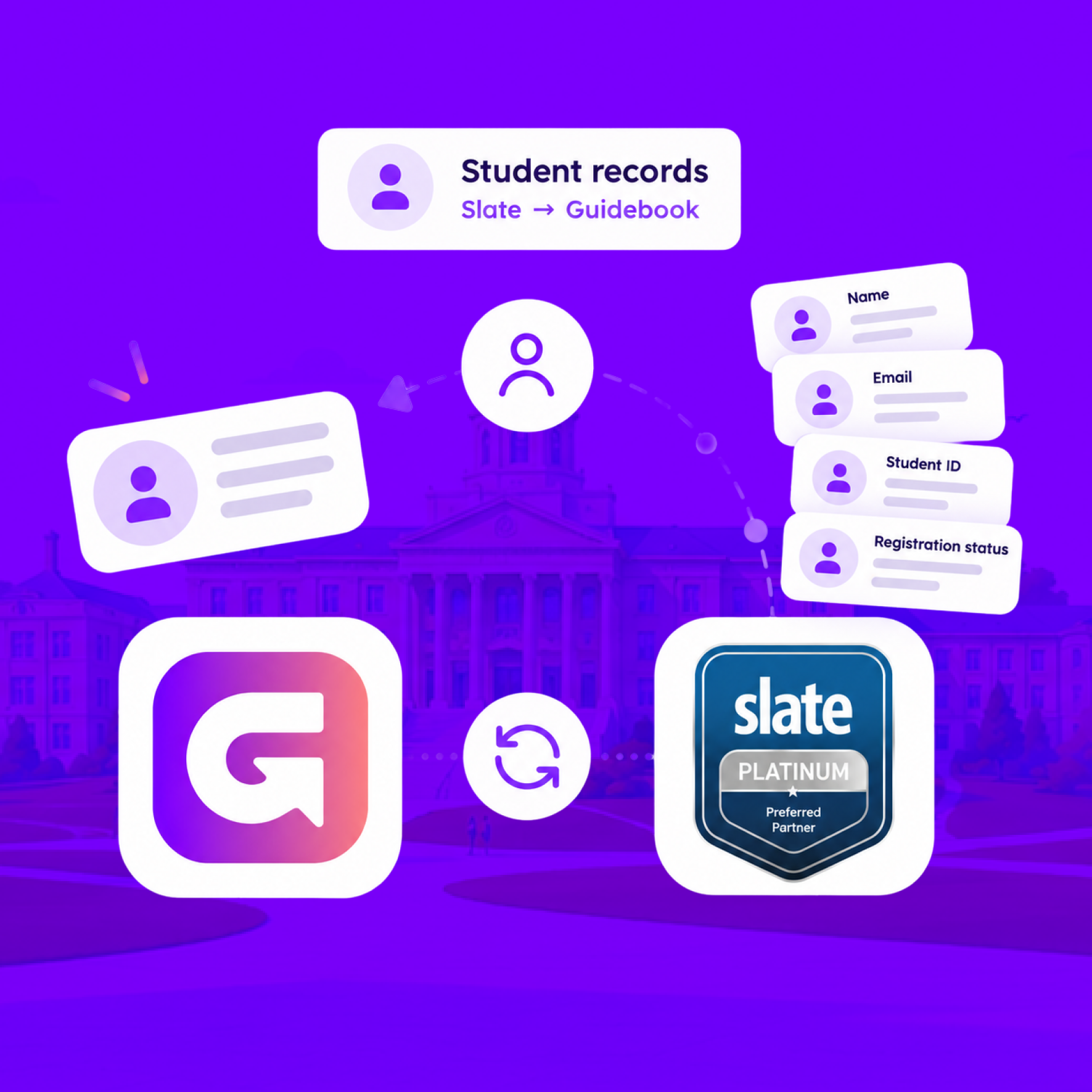
Match each student's Slate record to their Guidebook account, so college, major, and orientation details stay current on every sync.
Slate profiles, in the campus app
Match each student's Slate record to their Guidebook account, so college, major, and orientation details stay current on every sync.
Campus apps by department
Admissions, orientation, student life, and more — one campus app that works across departments.

Campus apps by department
Admissions, orientation, student life, and more — one campus app that works across departments.
Build unlimited event apps on one license
One partnership for unlimited campus events — orientation, tours, student life, and everything in between.
Build unlimited event apps on one license
One partnership for unlimited campus events — orientation, tours, student life, and everything in between.
Compare event app platforms
See how Guidebook stacks up against other event app and registration platforms.
Compare event app platforms
See how Guidebook stacks up against other event app and registration platforms.
Event apps for nonprofit and community programs
Give members, volunteers, and donors one branded app for conferences, fundraisers, and year-round community.
Event apps for nonprofit and community programs
Give members, volunteers, and donors one branded app for conferences, fundraisers, and year-round community.
Campus integrations and an open API
Connect Guidebook with the campus systems, APIs, and tools your team already uses.
Campus integrations and an open API
Connect Guidebook with the campus systems, APIs, and tools your team already uses.
Event apps for corporate and enterprise teams
Internal meetings, offsites, and large-scale corporate events — with the branding and control enterprise teams need.
Event apps for corporate and enterprise teams
Internal meetings, offsites, and large-scale corporate events — with the branding and control enterprise teams need.
Create a branded event app with no coding
Put schedules, maps, resources, and updates in every attendee's pocket — built for campus events and programs.
Create a branded event app with no coding
Put schedules, maps, resources, and updates in every attendee's pocket — built for campus events and programs.
Launch a branded, white-label event app
A white-label event app with your branding, your content, and your attendee experience — no coding required.
Launch a branded, white-label event app
A white-label event app with your branding, your content, and your attendee experience — no coding required.
Everything in the Guidebook platform
Explore the features event teams use to engage attendees before, during, and after the event.
Everything in the Guidebook platform
Explore the features event teams use to engage attendees before, during, and after the event.
One app for in-person and virtual attendees
The same schedule, networking, and updates whether people are in the room or joining remotely.
One app for in-person and virtual attendees
The same schedule, networking, and updates whether people are in the room or joining remotely.
Event apps built for associations
Annual meetings, chapter events, and member engagement — without rebuilding a new app every year.
Event apps built for associations
Annual meetings, chapter events, and member engagement — without rebuilding a new app every year.
A branded event website that matches the app
Promote the event, collect interest, and keep branding consistent from the first click to check-in.
A branded event website that matches the app
Promote the event, collect interest, and keep branding consistent from the first click to check-in.
Plan, run, and measure events on one platform
App, registration, badges, and websites in one workflow — so planning isn't a pile of disconnected tools.
Plan, run, and measure events on one platform
App, registration, badges, and websites in one workflow — so planning isn't a pile of disconnected tools.
Keep members engaged between events
One branded app for the conference and everything that happens the other 51 weeks of the year.
Keep members engaged between events
One branded app for the conference and everything that happens the other 51 weeks of the year.
The conference app attendees actually use
Schedules, maps, networking, and live updates for annual meetings, summits, and multi-day conferences.
The conference app attendees actually use
Schedules, maps, networking, and live updates for annual meetings, summits, and multi-day conferences.
Registration that feeds your app and badges
Collect registrations, payments, and attendee data in the same platform as your event app.
Registration that feeds your app and badges
Collect registrations, payments, and attendee data in the same platform as your event app.
Design and print event badges in one place
Custom badges, QR check-in, and on-site printing — without a separate badge vendor.
Design and print event badges in one place
Custom badges, QR check-in, and on-site printing — without a separate badge vendor.
A Smaller School?
Deliver a polished, branded event experience without a large team or a big budget.
A Smaller School?
Deliver a polished, branded event experience without a large team or a big budget.
Running Family Programs?
Give families everything they need, from schedules and maps to real-time updates, all in one place.
Running Family Programs?
Give families everything they need, from schedules and maps to real-time updates, all in one place.
Coordinating Move-In Day?
Share updates, manage events, and keep students informed from move-in through the academic year.

Coordinating Move-In Day?
Share updates, manage events, and keep students informed from move-in through the academic year.
Offering Campus Tours?
Deliver branded, self-guided tour experiences with interactive maps and rich media, available 24/7.

Offering Campus Tours?
Deliver branded, self-guided tour experiences with interactive maps and rich media, available 24/7.
Organising a Career Fair?
Simplify logistics for students, employers, and Career Services staff with one easy-to-use app.
Organising a Career Fair?
Simplify logistics for students, employers, and Career Services staff with one easy-to-use app.
Managing Alumni Events?
Plan reunions, regional events, and fundraising campaigns with an app built for alumni engagement.
Managing Alumni Events?
Plan reunions, regional events, and fundraising campaigns with an app built for alumni engagement.
Boost Student Engagement
One hub for schedules, resources, and events that keeps students connected throughout the academic year.
Boost Student Engagement
One hub for schedules, resources, and events that keeps students connected throughout the academic year.
Planning Orientation?
Help new students feel prepared from day one with schedules, campus resources, and real-time updates in one app.
Planning Orientation?
Help new students feel prepared from day one with schedules, campus resources, and real-time updates in one app.
Running Admissions Events?
Manage open houses, tours, and yield events with a branded app that saves time and engages prospective students.

Running Admissions Events?
Manage open houses, tours, and yield events with a branded app that saves time and engages prospective students.
Get a custom Sponsorship Package Template
Stop starting from scratch. Grab free templates that helWe'll build a tailored sponsorship package with suggested pricing, tiers, and benefits..for your specific event.p you build professional sponsorship packages and close deals faster.
Get a custom Sponsorship Package Template
Stop starting from scratch. Grab free templates that helWe'll build a tailored sponsorship package with suggested pricing, tiers, and benefits..for your specific event.p you build professional sponsorship packages and close deals faster.
Plan Your Next Event Without Missing a Beat.
From venue selection to post-event wrap-up, this free checklist walks you through every step (so nothing falls through the cracks).
.avif)
Plan Your Next Event Without Missing a Beat.
From venue selection to post-event wrap-up, this free checklist walks you through every step (so nothing falls through the cracks).
Real Results From Real Events
100,000+ organizations trust Guidebook. See exactly how universities, associations, enterprises, and more put it to work.

Real Results From Real Events
100,000+ organizations trust Guidebook. See exactly how universities, associations, enterprises, and more put it to work.
Flexible pricing for every event size
Find the perfect plan for your needs, from intimate gatherings to large-scale conferences.

Flexible pricing for every event size
Find the perfect plan for your needs, from intimate gatherings to large-scale conferences.
Join our event experts
Watch on-demand webinars and join live sessions with industry leaders sharing best practices for event success.
.avif)
Join our event experts
Watch on-demand webinars and join live sessions with industry leaders sharing best practices for event success.
Guidebook in Action
Book a personalized walkthrough and discover how we help event teams create better attendee experiences.
Guidebook in Action
Book a personalized walkthrough and discover how we help event teams create better attendee experiences.
What is Convocation?
Convocation is the formal campus ceremony that opens (or closes) the academic year. See how it differs from commencement, orientation, and welcome week.
Convocation is the formal academic ceremony that gathers a campus community to mark the start — or sometimes the close — of the academic year. At most colleges it is a required or strongly encouraged event for incoming students: robes, a keynote, faculty in regalia, and a first public welcome into the institution. It is not commencement. Commencement ends a degree. Convocation begins a relationship.
Here's the thing: students and parents search "what is convocation" because the word sounds like graduation and the emails sound mandatory. Staff search it because they have to run the thing — often the same week as move-in, orientation, and welcome week. A clear definition plus a workable plan is what both groups need. The ceremony is the headline. The logistics are the job.
Key Characteristics of Convocation
- Ceremonial, not instructional: Convocation is a ritual. Speeches, processions, and symbols do the work. The academic how-to lives in new student orientation.
- All-campus audience: Incoming students are the focus, but faculty, staff, families, and sometimes the wider town attend. That mix changes seating, accessibility, and communication.
- Fixed clock: The start time is public. Weather, AV, and late buses cannot slip the program. You need a run of show, not a loose agenda.
- Identity moment: First-years hear the institution talk about itself. Belonging starts here if the message is human. It stalls if the program is only protocol.
- Stacked with other events: Convocation usually sits inside opening weekend. Students are tired, phones are new, and parents are still on campus. Digital schedules beat paper packets.
- High photography demand: Families want a record. Photo points, livestream, and a shareable program reduce hallway crowding after the last speech.
Convocation vs. Related Campus Events
Commencement
- Scope: Graduating students and their guests
- Focus: Conferring degrees and closing the academic cycle
- Timeline: End of term, usually May or December
- Goal: Celebrate completion, not onboarding
New Student Orientation
- Scope: Incoming students, often in small groups
- Focus: Advising, policies, campus systems, first friendships
- Timeline: Days or a week before classes, sometimes in summer
- Goal: Prepare students to function on campus
Welcome Week
- Scope: Campus-wide social and tradition events
- Focus: Energy, involvement fairs, late-night programs
- Timeline: First week of classes or the days around it
- Goal: Build spirit and get students into student life
Treat them as one opening sequence. Convocation gives the institution a voice. Orientation gives students a map. Welcome week gives them a reason to stay out of their room. New student programs that share one mobile guide across all three stop the "which PDF is today" problem.
Essential Components of Convocation
A short, timed program
Keep the ceremony under 75 minutes if you can. Incoming students have already sat through move-in lines. A president, a student speaker, a faculty marshal, and one guest is enough. Publish the order of events in the same app students use for orientation.
Clear arrival and seating
First-years need assigned sections or obvious ushers. Families need a separate block or overflow room with the livestream. ADA seating and a quiet overflow space are not optional extras — they are how you avoid a public failure in the first hour of the year.
A message students can repeat
The speech should give students one sentence they can text home. Tie it to student belonging, not a list of offices. Offices belong in the app, not the podium.
A digital program and day-of updates
Paper programs die in backpacks. A mobile guide can hold the run of show, speaker bios, lyrics, a map to the hall, and a push if weather moves the event indoors. That is the same stack used for admissions events — reuse it.
The Convocation Planning Timeline
Six months out
Hold the venue, confirm academic dress rules, and lock the livestream vendor. Put convocation on the same master calendar as move-in and orientation so the three teams are not booking the same quad.
Eight weeks out
Finalize speakers and the processional order. Build the event in your campus app next to orientation sessions. Start family communication that explains the difference between convocation and commencement — that search is why they opened this page.
Week of
Rehearse the processional. Test mics in the actual room. Brief ushers on late seating. Send one push the morning of: doors, bag policy, livestream link.
Day after
Post photos and the recording. Point first-years to tonight's welcome-week event. Use an event debrief template while the marshal's notes are still readable.
Why Convocation Matters
For event success:
- Shared first memory: A clean ceremony is the story students tell at dinner that night.
- Faculty visibility: Regalia and a faculty speaker show that academics — not just residence life — showed up.
- Family confidence: Parents who understand the ritual stop asking staff "is this graduation?"
- Operational proof: If opening weekend can run a timed ceremony, students trust the rest of the week.
For campus objectives:
- Belonging and retention: Students who feel formally welcomed are easier to keep through the first six weeks.
- Fewer parent tickets: One accurate digital program cuts the "where do we sit" calls that land on orientation staff.
- Brand consistency: The same voice from convocation through first-year experience programming sounds like one institution.
Guidebook's new student programs tools keep convocation, orientation, and welcome week in one guide so the ceremony is not a one-off PDF.
Convocation Best Practices
- Say what it is in the first email: "This is not graduation. This is the official opening of your first year."
- Publish a public livestream: Overflow and out-of-town family will use it. Put the link in the app, not only in a late email.
- Time the processional: Rehearse with the actual music. Late starts read as disrespect to families who arrived early.
- Separate student and guest doors: Mixed entry is how you lose the first-year block.
- Give speakers a hard clock: Put a stage manager in their sightline.
- Translate the program: International families search this term too. A second language in the app is cheap goodwill.
- Plan weather now: Indoor backup with signage and a push notification, not a handwritten note on the door.
- Connect the next event: End with "orientation small groups meet at…" or tonight's welcome-week concert.
- Collect attendance digitally: If the ceremony is required, scan or check in. Paper sign-in at the door creates a bottleneck.
- Debrief with orientation, not only ceremonies: The people who felt the student confusion should be in the room.
Common Convocation Mistakes
Treating it like commencement: Different audience, different stakes, different length. Copying last May's graduation script bores first-years and confuses parents.
Hiding logistics in a PDF: Students will not find the seating chart in their email at 8:50 a.m. Put doors, bags, and livestream in the same place as the orientation schedule.
Overloading the dais: Every office wants a greeting. Cut it. The students remember one speech.
Ignoring families: They are in town for move-in. If they cannot see or stream the ceremony, they become a support ticket.
No link to the rest of opening weekend: Convocation that dead-ends sends students back to their room. Point them to the next session before they stand up.
Final Thoughts
Convocation is the institution's first public sentence to a new class. Keep the ritual. Cut the fog. Put the schedule where phones already are. Then hand students to orientation and welcome week without making them download a second app.
If opening weekend is already too many tools, look at Guidebook for new student programs, the Seattle University orientation webinar, or request an EDU demo.
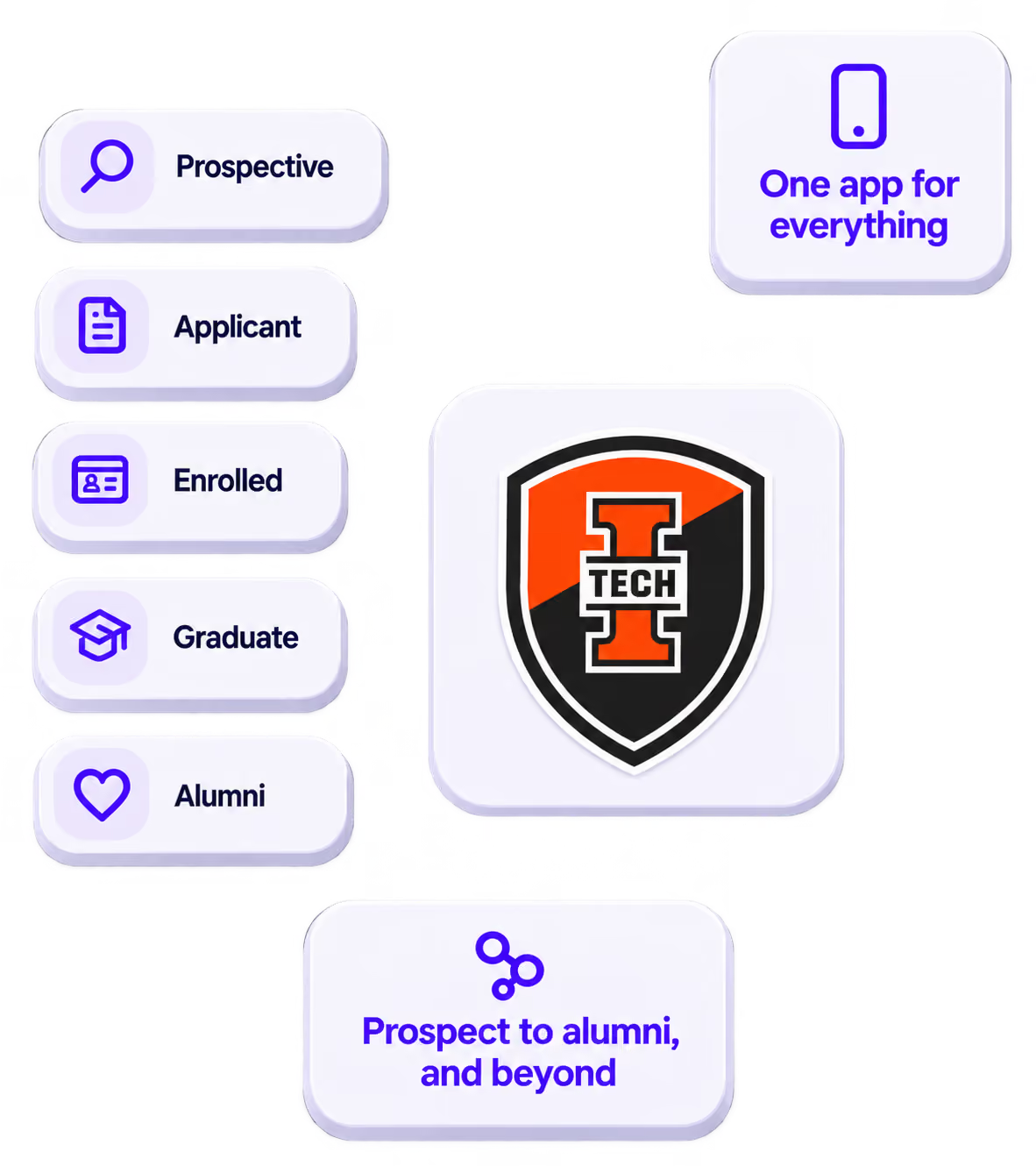
The power of your brand in your app, from first visit to alumni.
Build trust
Attendees download your app, not ours. Your name, colors, and crest in the stores.
.avif)
One place for the whole event
Schedules, maps, registration, and updates in one branded hub - not five tools.
Stand out
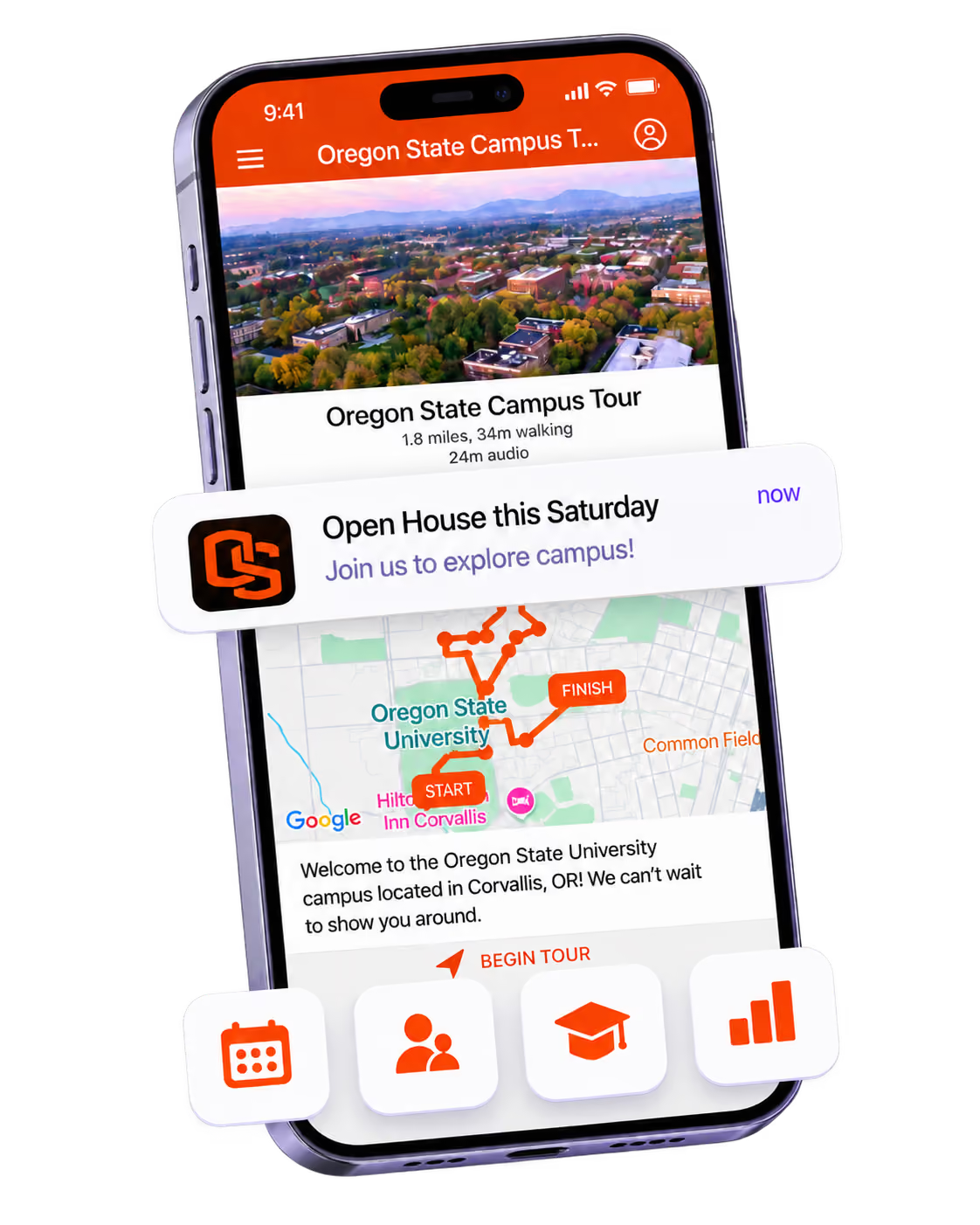
A branded app is what people keep on their phone after the printed program is in the recycling.

Get the Mobile App Playbook
A short guide to running the whole student journey in one app. No fluff, just what works.
for higher ed
Campus
Playbook
A practical guide to building a connected campus experience.
Free playbook
The Mobile App Playbook for Universities
Students decide if they belong long before they set foot on campus. This playbook shows how to win them over from the first visit through graduation.
- Grow enrollment and boost recruitment
- Increase belonging and retention
- Run every event from one branded app
By submitting, you agree to our Privacy Policy.
You're in.
.png)