
See who actually showed up, in Slate
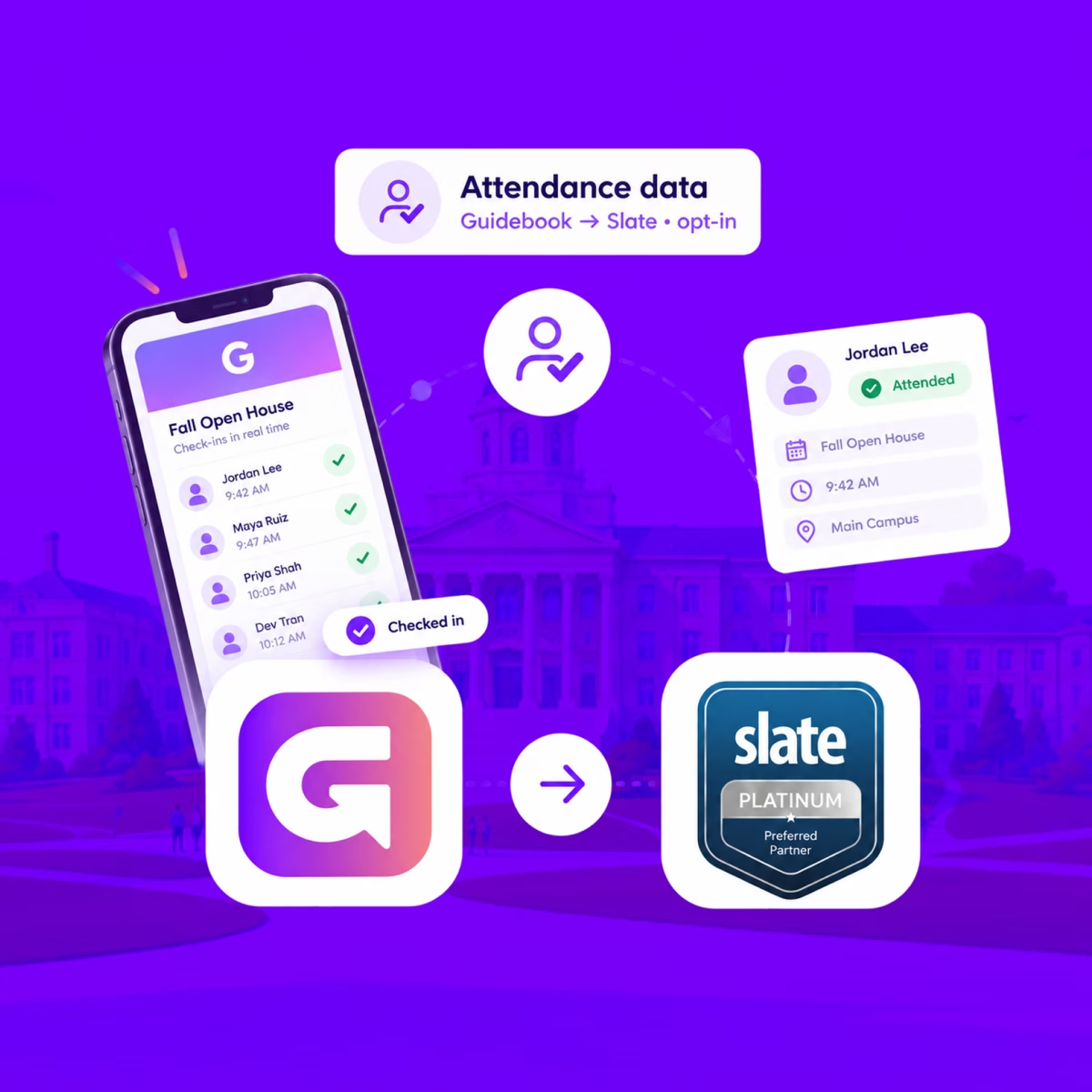
When someone checks in at your event, Guidebook marks their Slate registration Attended, with the time they arrived.
See who actually showed up, in Slate
When someone checks in at your event, Guidebook marks their Slate registration Attended, with the time they arrived.
Send app engagement back to Slate
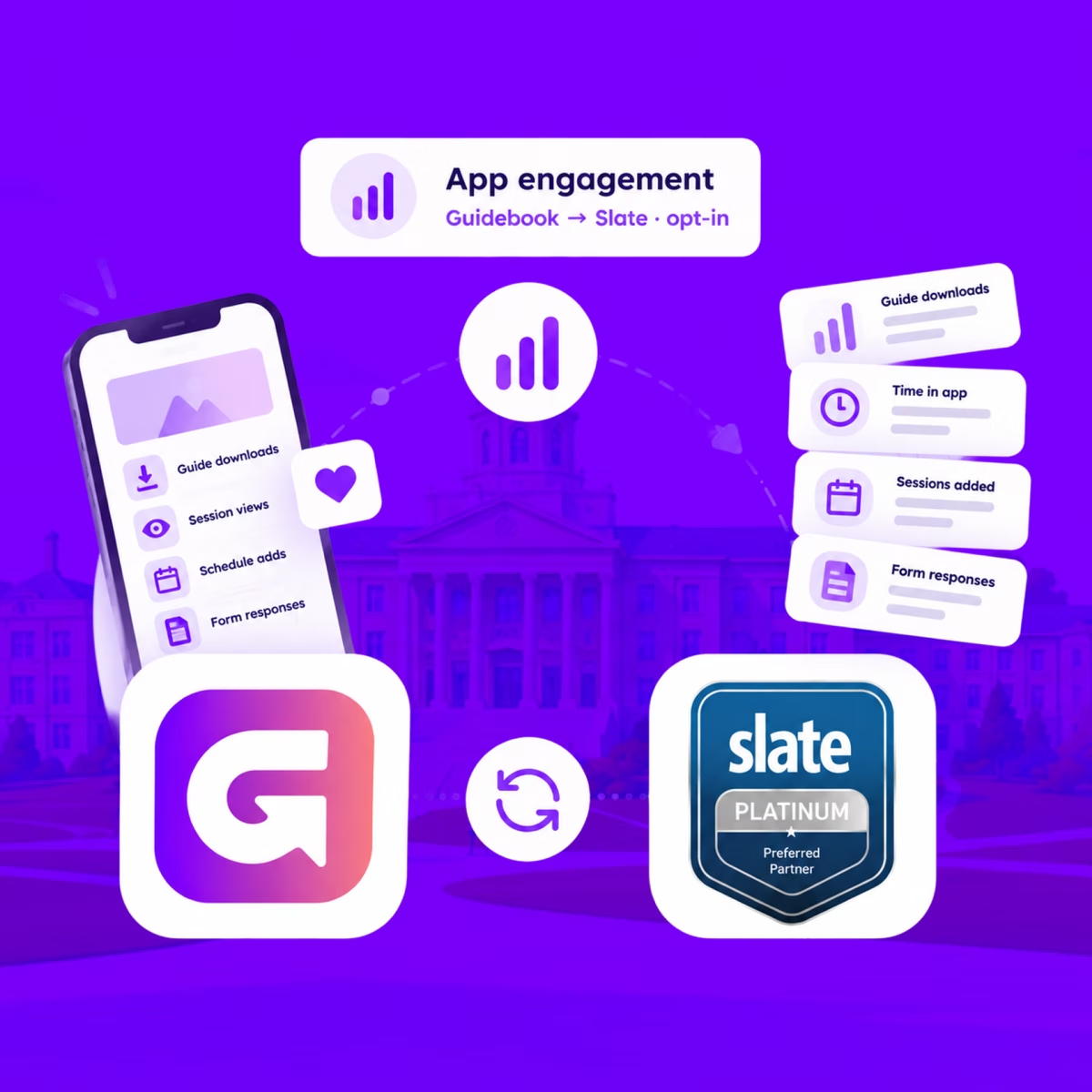
For students who opt in, downloads, schedule adds, views, and form responses land on their event registration every hour.
Send app engagement back to Slate
For students who opt in, downloads, schedule adds, views, and form responses land on their event registration every hour.
Build the campus event once in Slate
Link a Slate folder to a guide. Every event becomes a session, and registrants are added automatically.

Build the campus event once in Slate
Link a Slate folder to a guide. Every event becomes a session, and registrants are added automatically.
Slate profiles, in the campus app
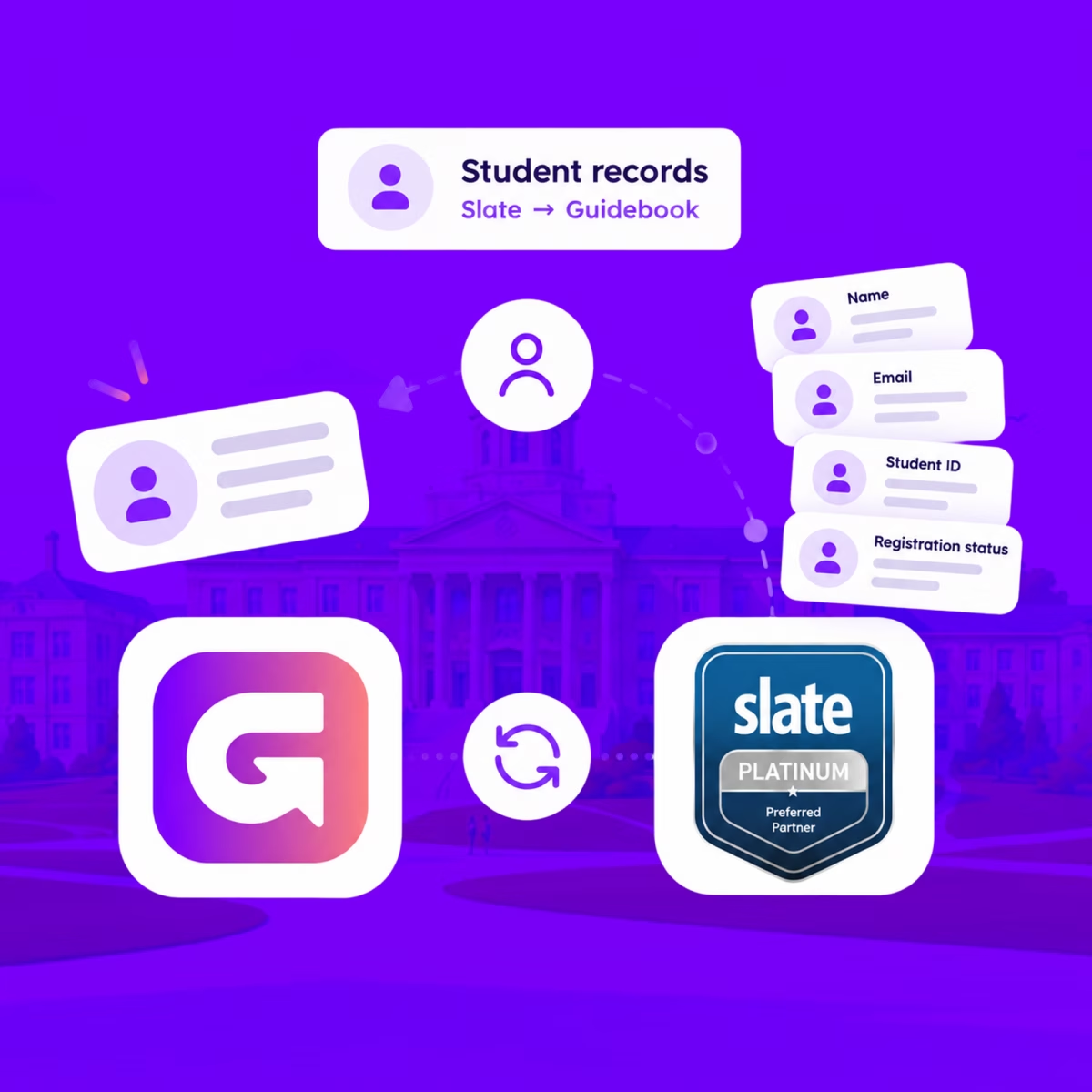
Match each student's Slate record to their Guidebook account, so college, major, and orientation details stay current on every sync.
Slate profiles, in the campus app
Match each student's Slate record to their Guidebook account, so college, major, and orientation details stay current on every sync.
Campus apps by department
Admissions, orientation, student life, and more — one campus app that works across departments.

Campus apps by department
Admissions, orientation, student life, and more — one campus app that works across departments.
Build unlimited event apps on one license
One partnership for unlimited campus events — orientation, tours, student life, and everything in between.
Build unlimited event apps on one license
One partnership for unlimited campus events — orientation, tours, student life, and everything in between.
Compare event app platforms
See how Guidebook stacks up against other event app and registration platforms.
Compare event app platforms
See how Guidebook stacks up against other event app and registration platforms.
Event apps for nonprofit and community programs
Give members, volunteers, and donors one branded app for conferences, fundraisers, and year-round community.
Event apps for nonprofit and community programs
Give members, volunteers, and donors one branded app for conferences, fundraisers, and year-round community.
Campus integrations and an open API
Connect Guidebook with the campus systems, APIs, and tools your team already uses.
Campus integrations and an open API
Connect Guidebook with the campus systems, APIs, and tools your team already uses.
Event apps for corporate and enterprise teams
Internal meetings, offsites, and large-scale corporate events — with the branding and control enterprise teams need.
Event apps for corporate and enterprise teams
Internal meetings, offsites, and large-scale corporate events — with the branding and control enterprise teams need.
Create a branded event app with no coding
Put schedules, maps, resources, and updates in every attendee's pocket — built for campus events and programs.
Create a branded event app with no coding
Put schedules, maps, resources, and updates in every attendee's pocket — built for campus events and programs.
Launch a branded, white-label event app
A white-label event app with your branding, your content, and your attendee experience — no coding required.
Launch a branded, white-label event app
A white-label event app with your branding, your content, and your attendee experience — no coding required.
Everything in the Guidebook platform
Explore the features event teams use to engage attendees before, during, and after the event.
Everything in the Guidebook platform
Explore the features event teams use to engage attendees before, during, and after the event.
One app for in-person and virtual attendees
The same schedule, networking, and updates whether people are in the room or joining remotely.
One app for in-person and virtual attendees
The same schedule, networking, and updates whether people are in the room or joining remotely.
Event apps built for associations
Annual meetings, chapter events, and member engagement — without rebuilding a new app every year.
Event apps built for associations
Annual meetings, chapter events, and member engagement — without rebuilding a new app every year.
A branded event website that matches the app
Promote the event, collect interest, and keep branding consistent from the first click to check-in.
A branded event website that matches the app
Promote the event, collect interest, and keep branding consistent from the first click to check-in.
Plan, run, and measure events on one platform
App, registration, badges, and websites in one workflow — so planning isn't a pile of disconnected tools.
Plan, run, and measure events on one platform
App, registration, badges, and websites in one workflow — so planning isn't a pile of disconnected tools.
Keep members engaged between events
One branded app for the conference and everything that happens the other 51 weeks of the year.
Keep members engaged between events
One branded app for the conference and everything that happens the other 51 weeks of the year.
The conference app attendees actually use
Schedules, maps, networking, and live updates for annual meetings, summits, and multi-day conferences.
The conference app attendees actually use
Schedules, maps, networking, and live updates for annual meetings, summits, and multi-day conferences.
Registration that feeds your app and badges
Collect registrations, payments, and attendee data in the same platform as your event app.
Registration that feeds your app and badges
Collect registrations, payments, and attendee data in the same platform as your event app.
Design and print event badges in one place
Custom badges, QR check-in, and on-site printing — without a separate badge vendor.
Design and print event badges in one place
Custom badges, QR check-in, and on-site printing — without a separate badge vendor.
A Smaller School?
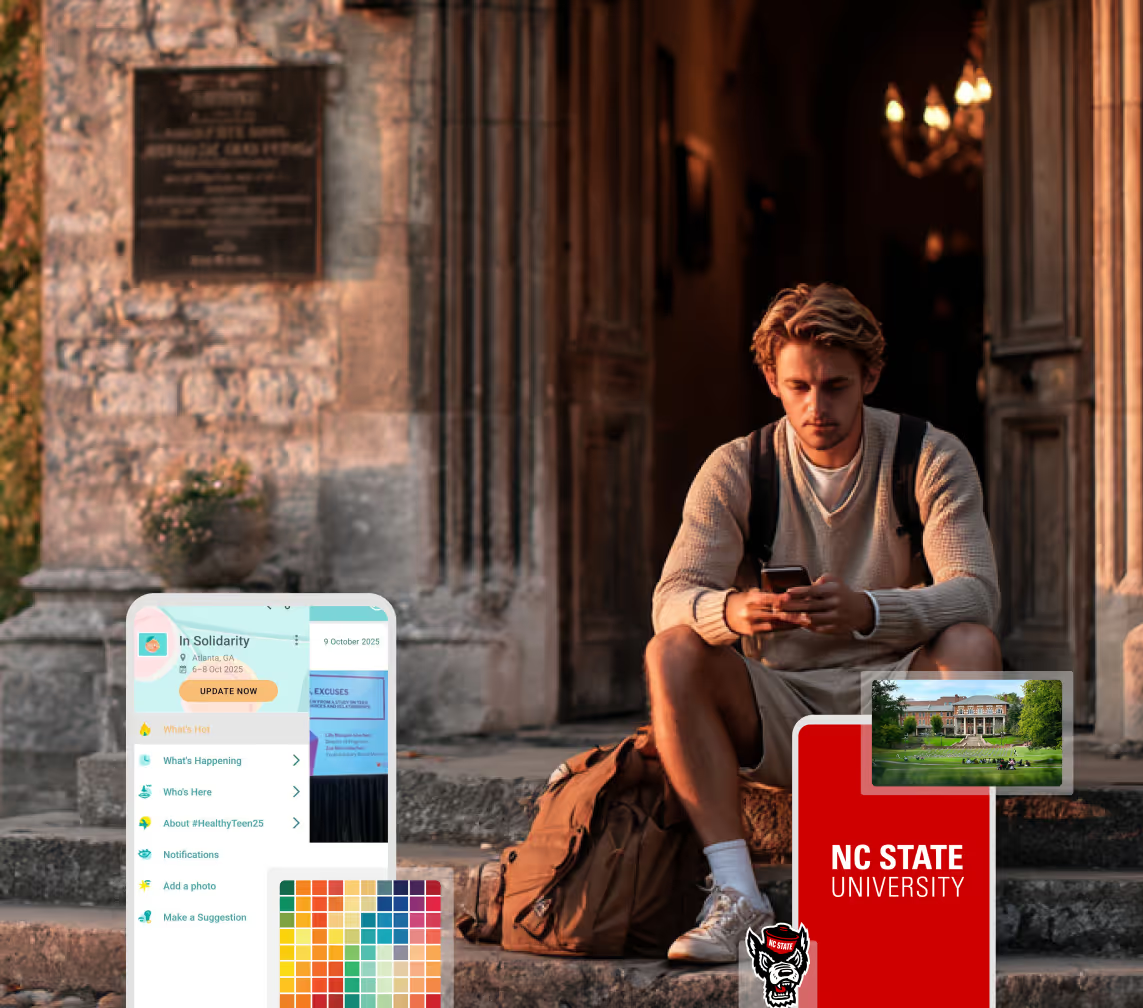
Deliver a polished, branded event experience without a large team or a big budget.
A Smaller School?
Deliver a polished, branded event experience without a large team or a big budget.
Running Family Programs?
Give families everything they need, from schedules and maps to real-time updates, all in one place.
Running Family Programs?
Give families everything they need, from schedules and maps to real-time updates, all in one place.
Coordinating Move-In Day?
Share updates, manage events, and keep students informed from move-in through the academic year.

Coordinating Move-In Day?
Share updates, manage events, and keep students informed from move-in through the academic year.
Offering Campus Tours?
Deliver branded, self-guided tour experiences with interactive maps and rich media, available 24/7.
Offering Campus Tours?
Deliver branded, self-guided tour experiences with interactive maps and rich media, available 24/7.
Organising a Career Fair?
Simplify logistics for students, employers, and Career Services staff with one easy-to-use app.
Organising a Career Fair?
Simplify logistics for students, employers, and Career Services staff with one easy-to-use app.
Managing Alumni Events?
Plan reunions, regional events, and fundraising campaigns with an app built for alumni engagement.
Managing Alumni Events?
Plan reunions, regional events, and fundraising campaigns with an app built for alumni engagement.
Boost Student Engagement
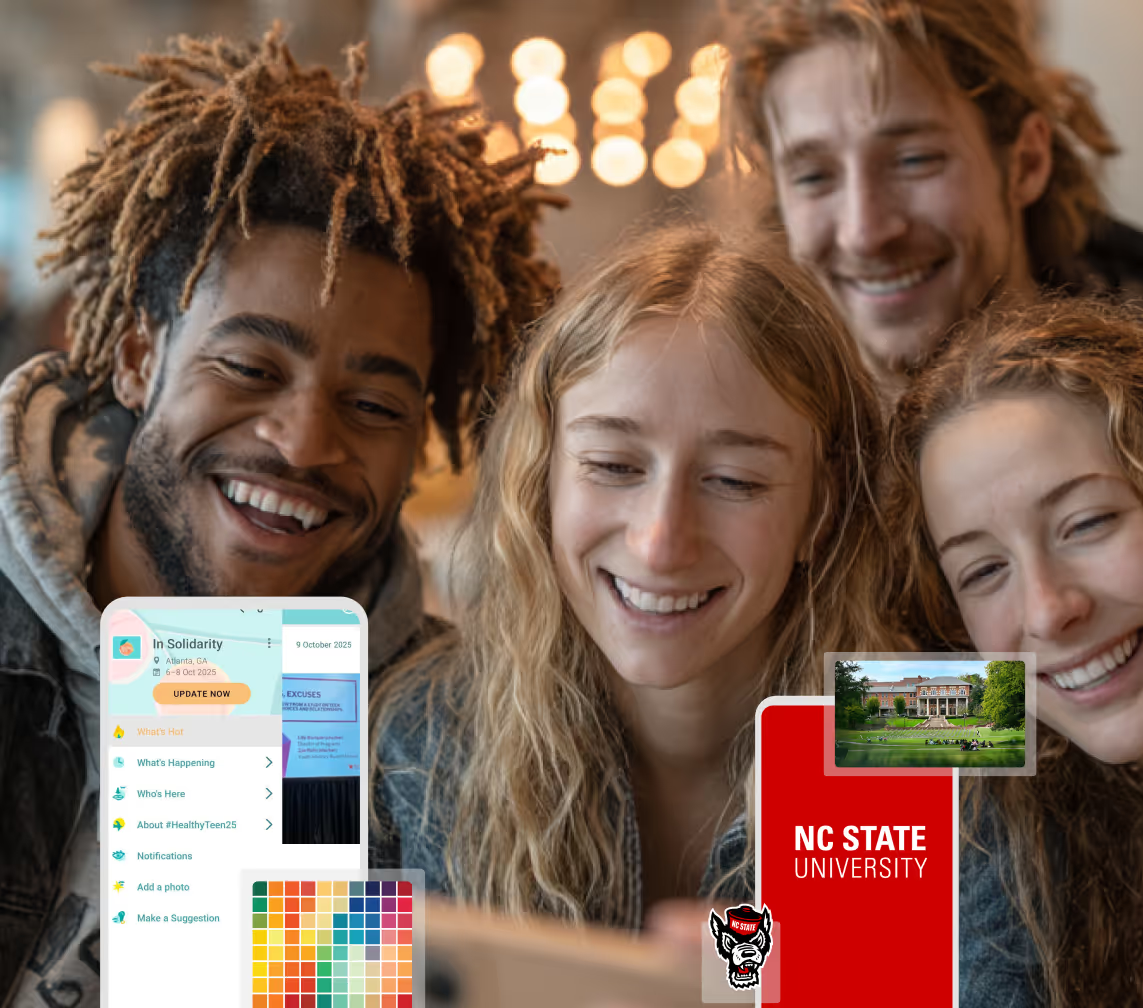
One hub for schedules, resources, and events that keeps students connected throughout the academic year.
Boost Student Engagement
One hub for schedules, resources, and events that keeps students connected throughout the academic year.
Planning Orientation?
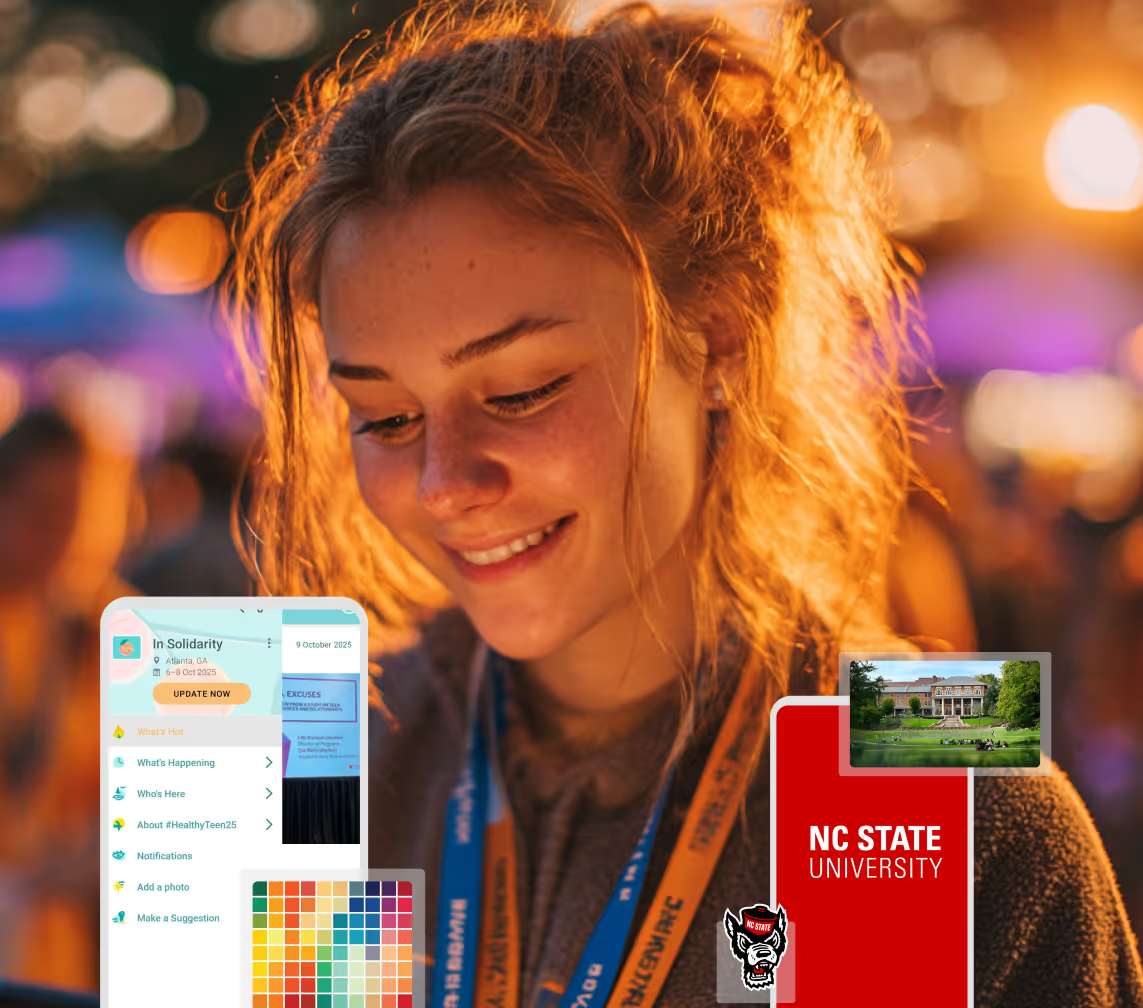
Help new students feel prepared from day one with schedules, campus resources, and real-time updates in one app.
Planning Orientation?
Help new students feel prepared from day one with schedules, campus resources, and real-time updates in one app.
Running Admissions Events?
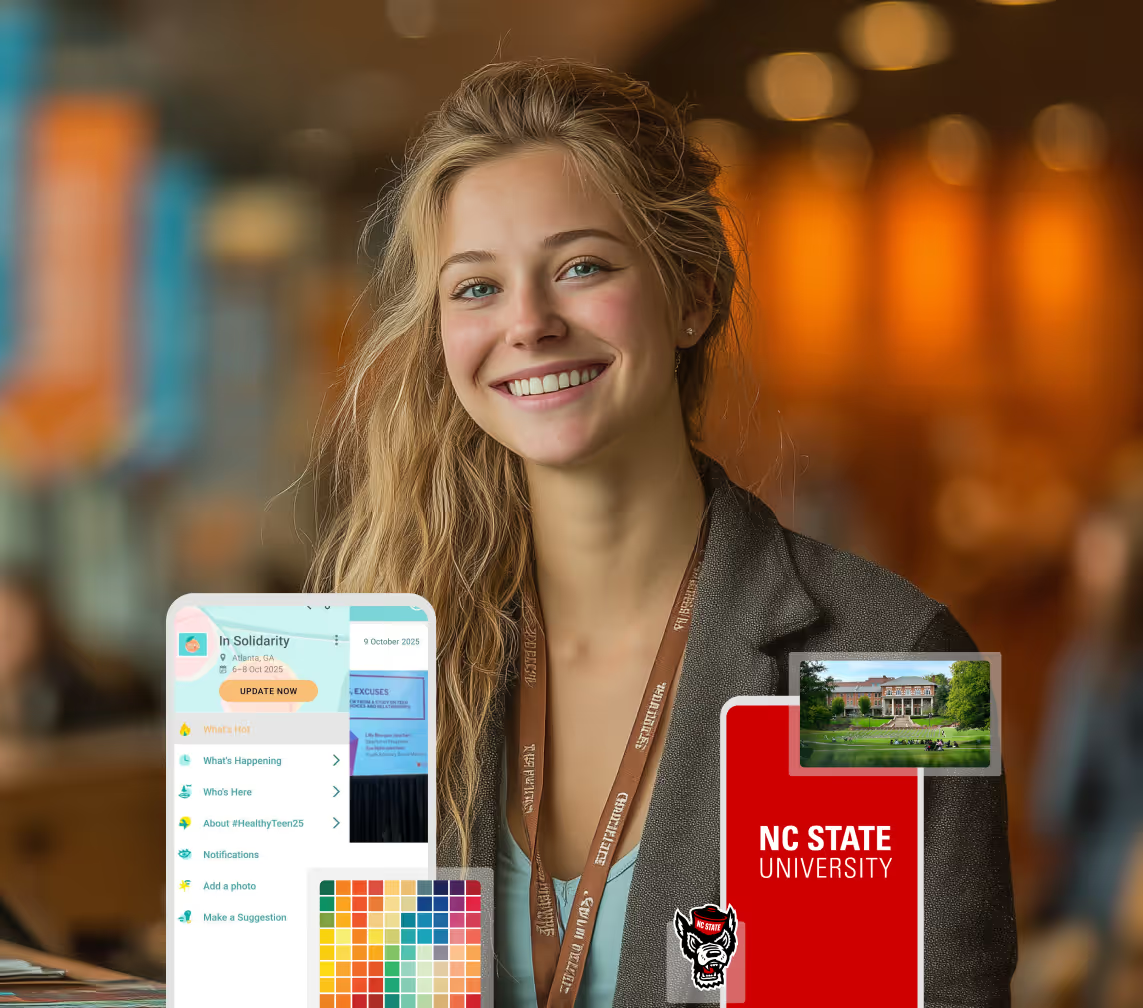
Manage open houses, tours, and yield events with a branded app that saves time and engages prospective students.
Running Admissions Events?
Manage open houses, tours, and yield events with a branded app that saves time and engages prospective students.
Get a custom Sponsorship Package Template
Stop starting from scratch. Grab free templates that helWe'll build a tailored sponsorship package with suggested pricing, tiers, and benefits..for your specific event.p you build professional sponsorship packages and close deals faster.
Get a custom Sponsorship Package Template
Stop starting from scratch. Grab free templates that helWe'll build a tailored sponsorship package with suggested pricing, tiers, and benefits..for your specific event.p you build professional sponsorship packages and close deals faster.
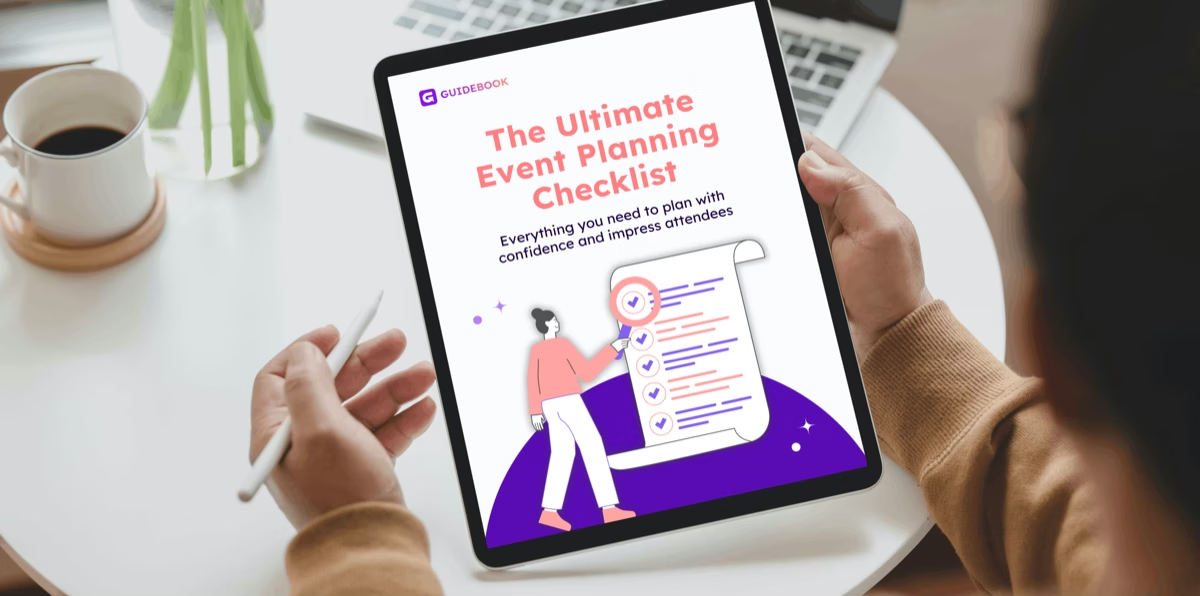
Plan Your Next Event Without Missing a Beat.
From venue selection to post-event wrap-up, this free checklist walks you through every step (so nothing falls through the cracks).
Plan Your Next Event Without Missing a Beat.
From venue selection to post-event wrap-up, this free checklist walks you through every step (so nothing falls through the cracks).
Real Results From Real Events
100,000+ organizations trust Guidebook. See exactly how universities, associations, enterprises, and more put it to work.

Real Results From Real Events
100,000+ organizations trust Guidebook. See exactly how universities, associations, enterprises, and more put it to work.
Flexible pricing for every event size
Find the perfect plan for your needs, from intimate gatherings to large-scale conferences.
Flexible pricing for every event size
Find the perfect plan for your needs, from intimate gatherings to large-scale conferences.
Join our event experts
Watch on-demand webinars and join live sessions with industry leaders sharing best practices for event success.

Join our event experts
Watch on-demand webinars and join live sessions with industry leaders sharing best practices for event success.
Guidebook in Action
Book a personalized walkthrough and discover how we help event teams create better attendee experiences.
Guidebook in Action
Book a personalized walkthrough and discover how we help event teams create better attendee experiences.

What is Universal Design for Events?
Universal design makes events usable by everyone without separate accommodations. Learn the principles and a practical checklist for campus events.
Universal design for events is the practice of designing an event so the widest possible range of people can take part without needing a separate accommodation. Instead of building a standard experience and then retrofitting adjustments on request, you design once for varied needs: mobility, vision, hearing, neurodivergence, language, and circumstance.
Here's the thing: on a campus, accessibility usually arrives as a request form two weeks before the event. Someone discloses a need, your team scrambles, and the student spends their first interaction with your institution asking for help. Universal design flips that. Build the ramp into the architecture and nobody has to ask. For admitted students deciding where they belong, that difference is not a small one.
Key Characteristics of Universal Design
- Designed In, Not Added On: Access is a planning assumption from the first meeting, not a line item added after the venue is booked.
- No Disclosure Required: Attendees benefit without identifying themselves or submitting a request.
- Multiple Ways to Participate: Information is available by sight, sound, and text. Participation is possible standing, seated, in person, or remote.
- Benefits Everyone: Captions help the hard of hearing, the non-native speaker, and the person in a loud hallway. Curb cuts help wheelchairs and strollers equally.
- Predictable and Explicit: Schedules, room layouts, and what-to-expect details published in advance reduce anxiety for autistic attendees and nervous first-generation families alike.
- Low Sensory Load Options: A quiet space and a clearly marked low-stimulation route are standard, not exceptional.
- Continuously Tested: The design gets checked against real attendee experience, not just a compliance checklist.
Universal Design vs. Related Approaches
ADA Compliance
- Scope: Legal minimum standards for physical and digital access
- Focus: Meeting a defined regulatory floor
- Timeline: Verified before the event, audited after
- Channels: Ramps, signage, accessible restrooms, website standards
- Goal: Avoid exclusion that violates the law
Accommodation on Request
- Scope: Individual adjustments supplied when an attendee asks
- Focus: Meeting a specific disclosed need
- Timeline: Triggered by a request, often weeks out
- Channels: Request forms, interpreter booking, reserved seating
- Goal: Make participation possible for the person who asked
Universal Design
- Scope: The whole event experience, designed for range from the start
- Focus: Removing the need to ask in the first place
- Timeline: Decided during initial planning
- Channels: Captions by default, published sensory maps, flexible seating, app-based information
- Goal: Equal experience without disclosure or special handling
These aren't alternatives. Compliance is the floor, accommodation is the safety net, and universal design is how you reduce how often the safety net is needed. You will always need all three.
Applying Universal Design to a Campus Event
Publish What to Expect
Before the event, share the schedule, the walking route, how long people will stand, where quiet space is, whether there'll be loud music, and what the food options are.
This single step does more for anxious attendees than almost anything else you can do, and it costs nothing but a web page.
Make Information Available Three Ways
Anything said from a stage should also exist as text and be readable on a phone. Anything printed should exist digitally at adjustable size.
A family that arrives late, a student with low vision, and a parent who doesn't speak English fluently all benefit from the same choice.
Caption Everything
Live captions on presentations and recorded captions on video. Automatic captioning is good enough for most campus sessions and improves with a clean microphone.
Design the Route, Not Just the Rooms
Accessible rooms connected by an inaccessible path aren't accessible. Walk the full route: parking, entrance, elevator, restroom, session room, lunch, exit.
Publish distances and estimated walking times. "A ten-minute walk uphill" is critical information for more people than you'd guess. A campus wayfinding app that offers step-free routing handles this well.
Offer a Quiet Space
One signposted, low-stimulation room with seating, dimmable lights, and no programming. Mark it on the map and mention it at the welcome.
Orientation days are long and loud. This room gets used by more students than ever request an accommodation.
Build Flexibility Into the Schedule
Real breaks, not five-minute transitions. Seated options at standing events. Recorded versions of key sessions for anyone who needed to step out.
Why Universal Design Matters
For Event Success:
- Fewer Last-Minute Requests: When the baseline is accessible, your team spends less of the final week arranging individual fixes.
- Smoother Operations: Clear routes, published expectations, and seated options reduce confusion for every attendee, not only disabled ones.
- Better Attendance: People who aren't confident they'll be able to participate often simply don't register.
- Higher Satisfaction Scores: Universal design improvements consistently lift ratings across the whole attendee population.
- Reduced Risk: Designing above the legal floor is the most reliable way to stay above it.
For Enrollment and Institutional Outcomes:
- Yield Impact: An admitted student with a disability is evaluating whether they can succeed at your institution. The Open House is their primary evidence.
- Belonging From Day One: A student who never had to ask for a workaround starts from a different place than one who did. See student belonging.
- Family Confidence: Parents of disabled students are assessing whether your campus will look after their child. Visible, unrequested access is the strongest answer you can give.
- Retention: Students who feel designed-for engage more, and engagement is the most reliable predictor of persistence.
- Reputation and Referral: Disability communities share recommendations actively. A campus known for getting this right gets talked about.
Guidebook supports universal design directly: schedules and maps readable at any text size, offline access when connectivity fails, step-free route options, and push notifications that reach people who can't hear an announcement. See how campus teams use Guidebook for accessible events.
Universal Design Best Practices
- Start at the First Planning Meeting: Access decided in week one costs little. Access added in the final week costs a lot and works less well.
- Publish a Detailed Access Page: Routes, distances, sensory conditions, quiet space, food options, and a named contact.
- Caption by Default: Never make captions something an attendee has to request.
- Walk the Whole Route: With a colleague using a wheelchair or a stroller if at all possible. You'll find things no checklist catches.
- Signpost the Quiet Room Clearly: An unmarked quiet room helps nobody. Put it on the map and say it out loud.
- Offer Seated Alternatives: For every tour, every queue, every standing reception.
- Train Student Volunteers: They're the first point of contact. Fifteen minutes on how to offer help without assuming it changes the experience.
- Include Disabled Students in Planning: Your disability services office and student groups will find problems your team won't.
- Ask Afterward: Add an access question to your post-event survey and act on what comes back.
Common Universal Design Mistakes
Treating Compliance as the Goal: ADA compliance is the legal floor, not a design philosophy. A technically compliant event can still be exhausting and alienating.
Accessible Room, Inaccessible Journey: Teams check the session room and forget the parking lot, the hill, and the single elevator that's out of service.
Making People Ask: Every request form is a barrier and a moment of exposure. Some students will skip the event rather than fill one in.
Captions as an Afterthought: Switching captions on in the final minutes usually produces unreadable output. Test with the actual microphone setup beforehand.
Forgetting Invisible Needs: Chronic pain, anxiety, autism, and low vision rarely announce themselves. Standing-only receptions and unpredictable schedules exclude quietly.
One Tiny Quiet Room for 600 People: Scale the provision to the event. One chair in a supply closet is a gesture, not a space.
Never Asking Disabled Attendees: Designing for people without consulting them produces confident, well-meant mistakes.
Final Thoughts
Universal design asks a straightforward question: who would struggle to take part in this event, and what would it take to remove that struggle before anyone has to mention it?
Most of the answers are cheap. A published access page. Captions switched on. A marked quiet room. Walking distances listed in the schedule. Seated options at the reception. None of it requires a budget line, and all of it is noticed.
What makes it worth the attention is who's watching. An admitted student with a disability spends an Open House running an evaluation: can I do this here, every day, for four years? Your event is the data they're working from.
Guidebook helps by making the information layer work for everyone, with resizable text, offline access, step-free routing, and notifications that reach people announcements don't. Request a demo to see how it supports accessible campus events.
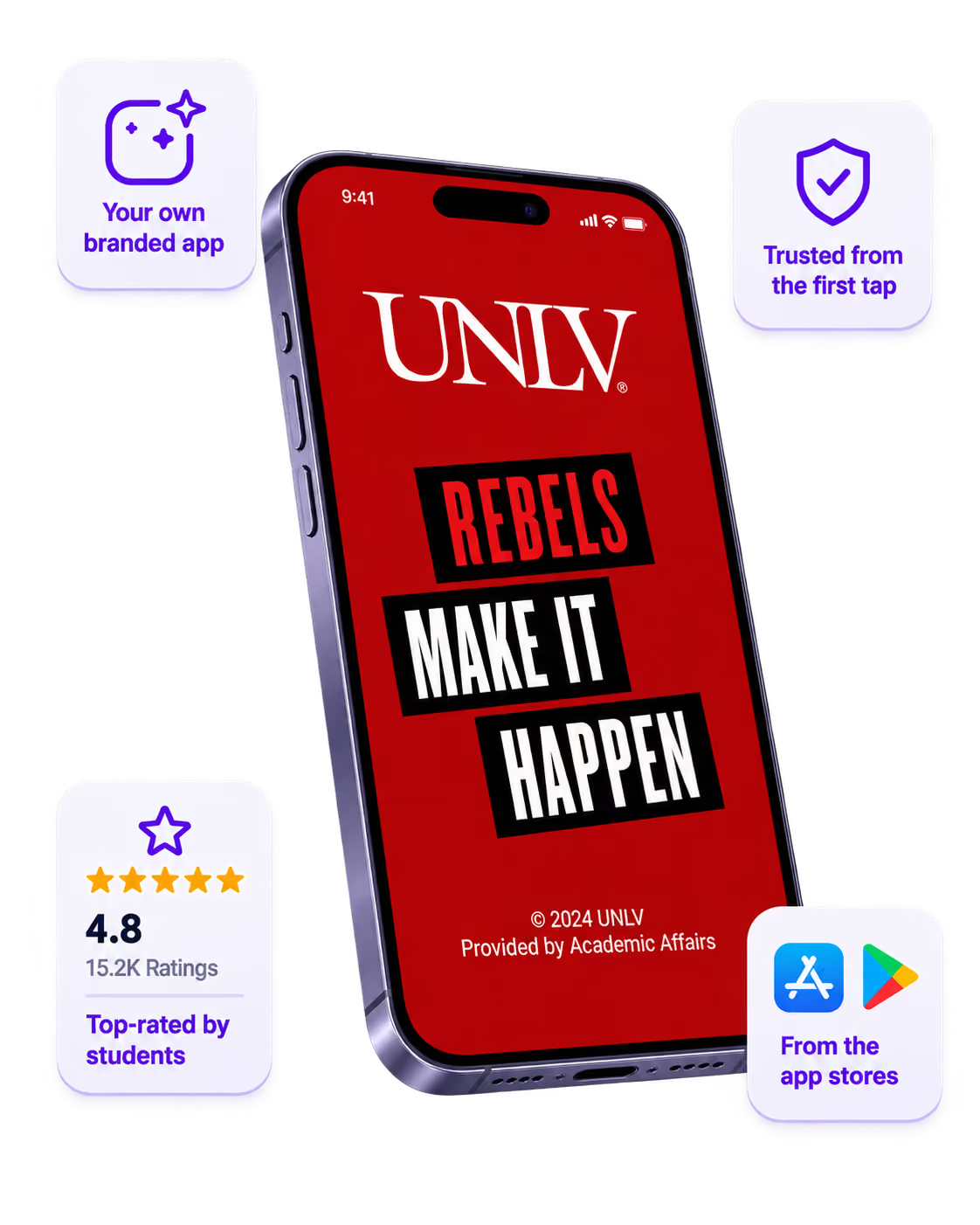
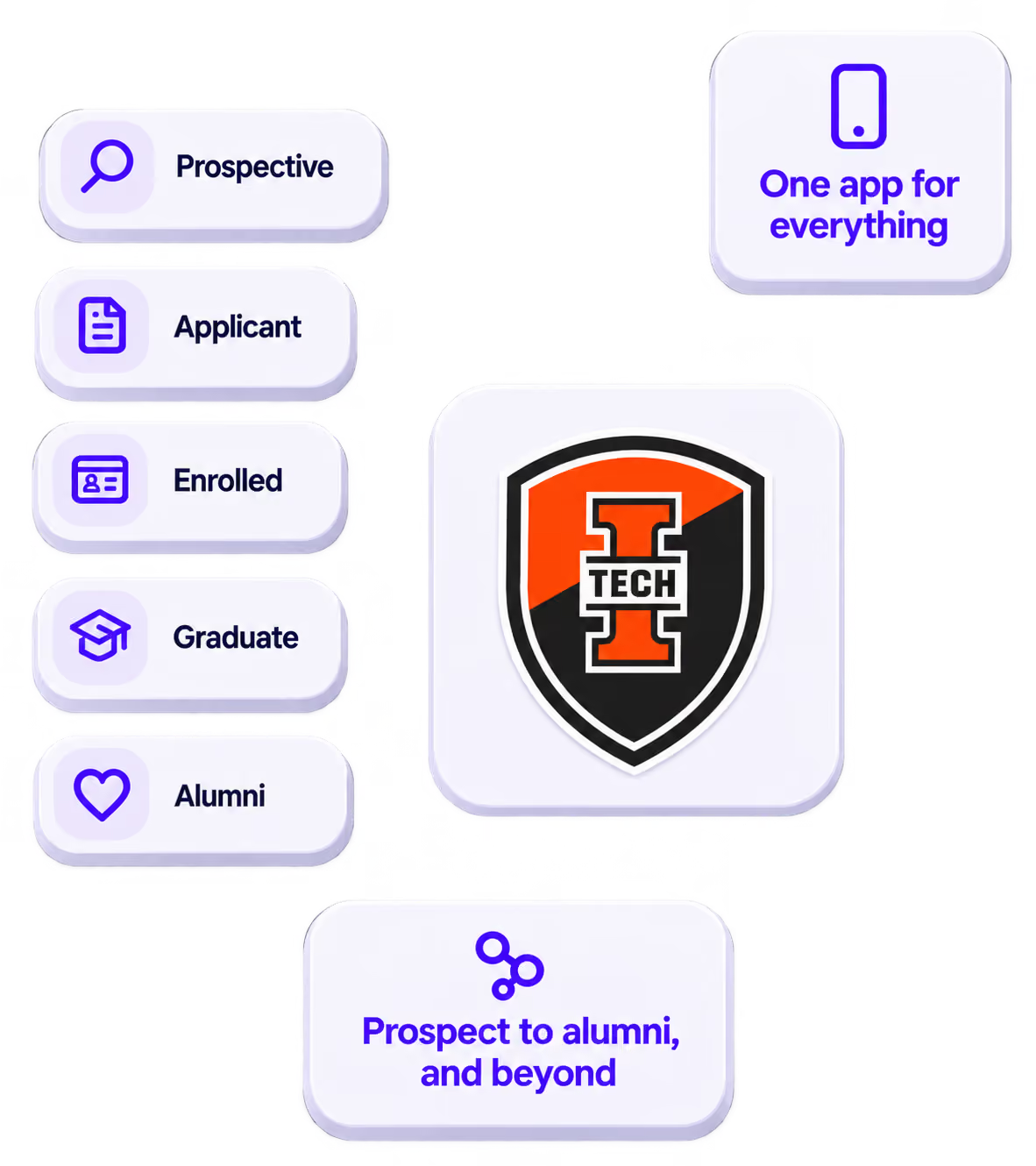
The power of your brand in your app, from first visit to alumni.
Build trust
Attendees download your app, not ours. Your name, colors, and crest in the stores.
One place for the whole event
Schedules, maps, registration, and updates in one branded hub - not five tools.
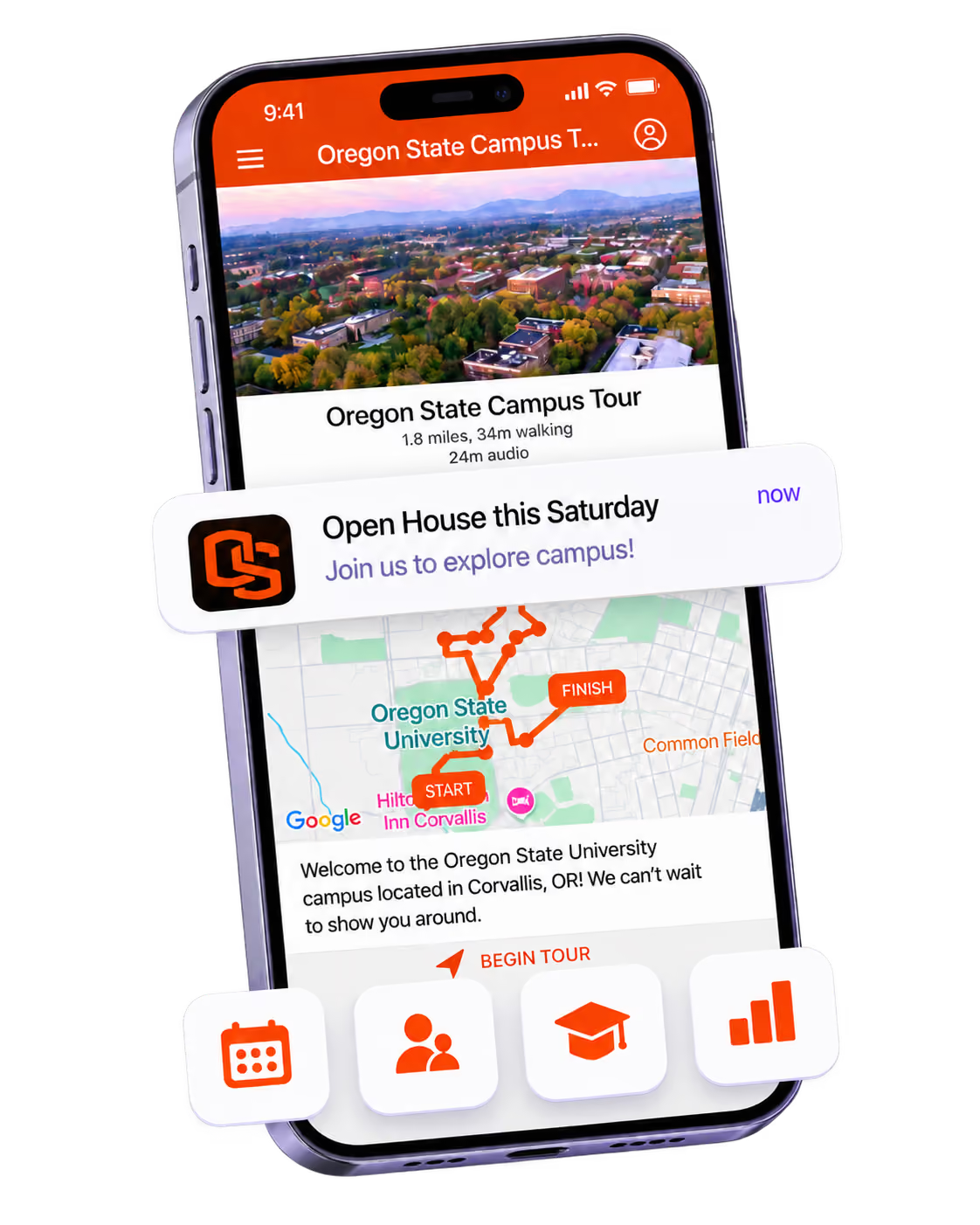
Stand out
A branded app is what people keep on their phone after the printed program is in the recycling.

Get the Mobile App Playbook
A short guide to running the whole student journey in one app. No fluff, just what works.
for higher ed
Campus
Playbook
A practical guide to building a connected campus experience.
Free playbook
The Mobile App Playbook for Universities
Students decide if they belong long before they set foot on campus. This playbook shows how to win them over from the first visit through graduation.
- Grow enrollment and boost recruitment
- Increase belonging and retention
- Run every event from one branded app
By submitting, you agree to our Privacy Policy.
You're in.
