
See who actually showed up, in Slate
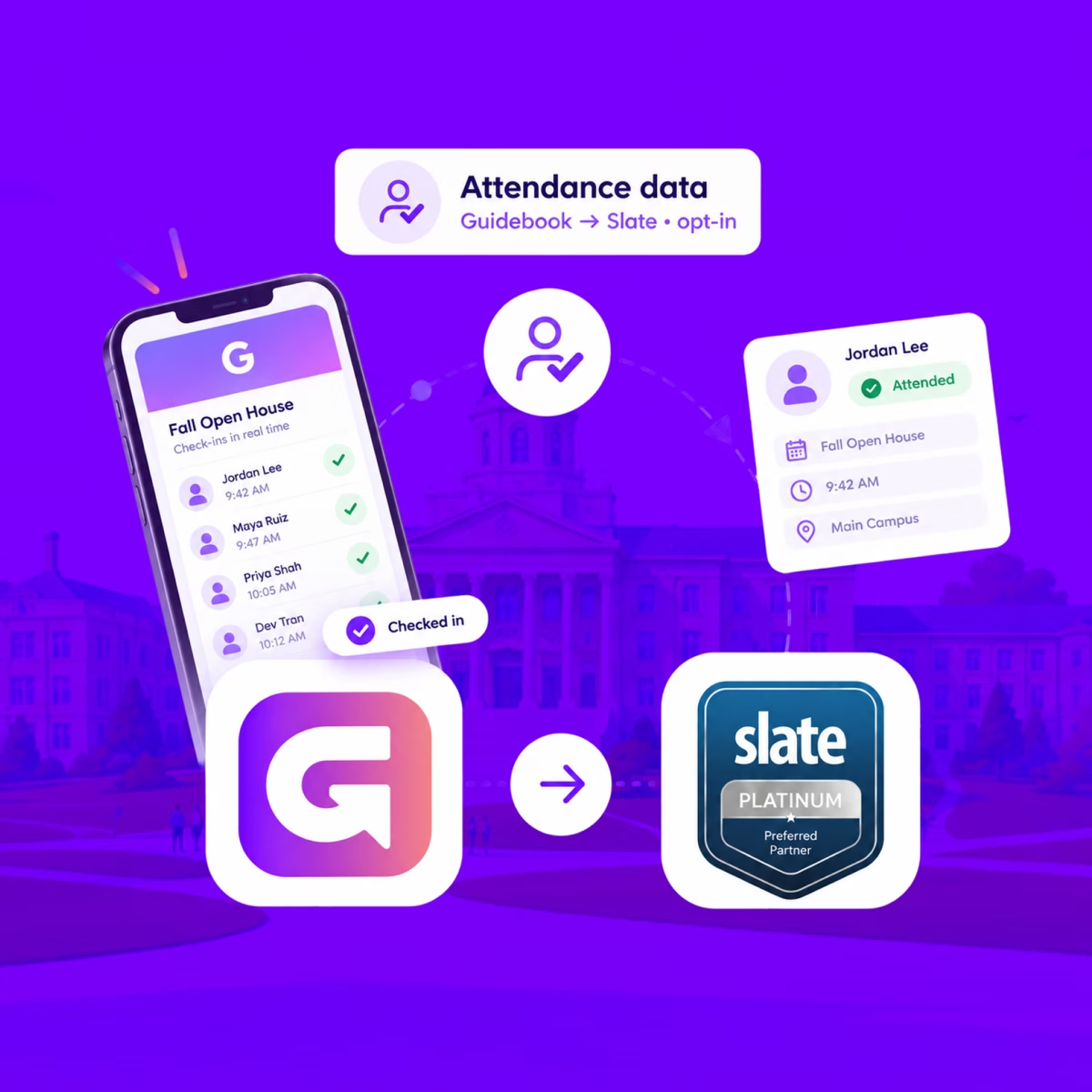
When someone checks in at your event, Guidebook marks their Slate registration Attended, with the time they arrived.
See who actually showed up, in Slate
When someone checks in at your event, Guidebook marks their Slate registration Attended, with the time they arrived.
Send app engagement back to Slate
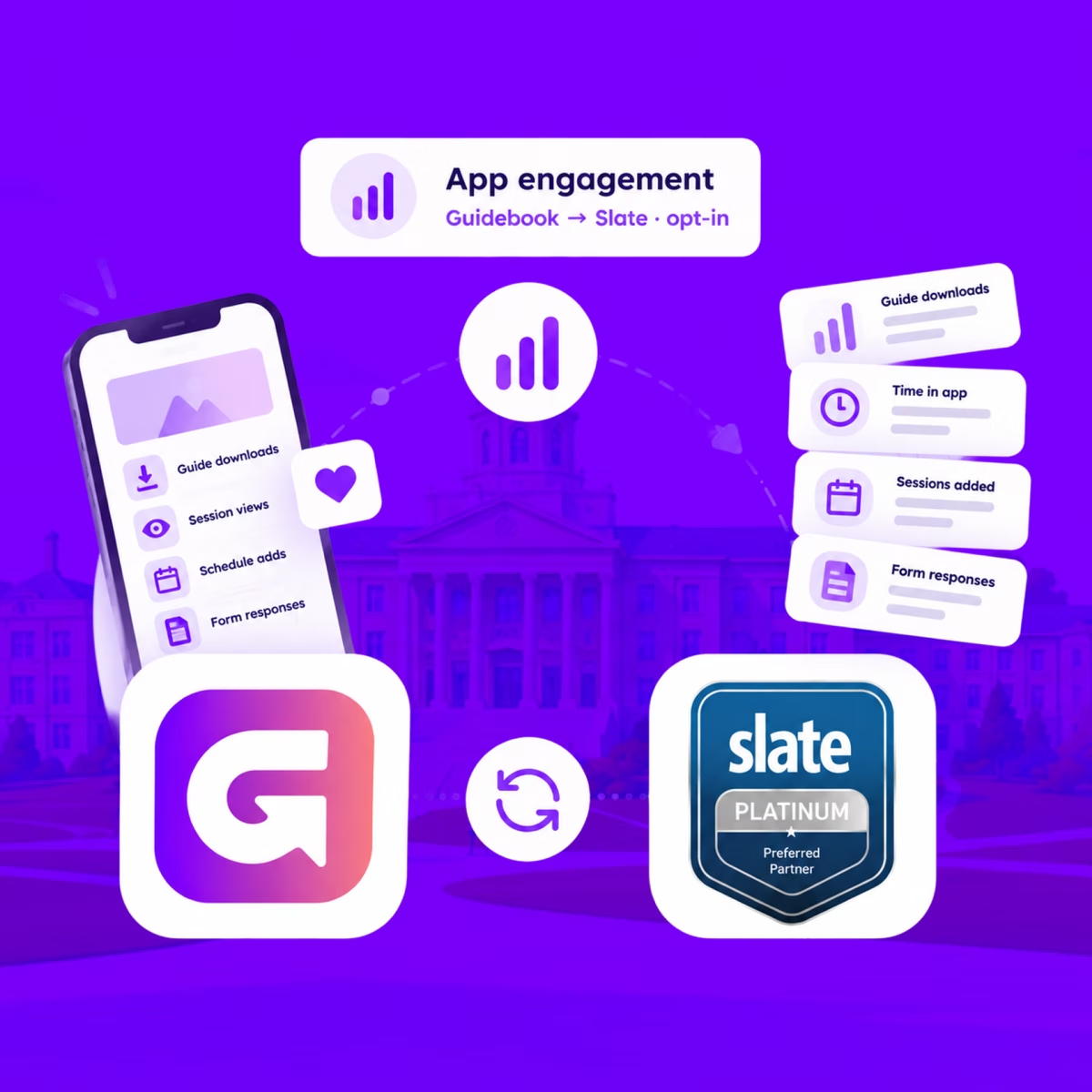
For students who opt in, downloads, schedule adds, views, and form responses land on their event registration every hour.
Send app engagement back to Slate
For students who opt in, downloads, schedule adds, views, and form responses land on their event registration every hour.
Build the campus event once in Slate
Link a Slate folder to a guide. Every event becomes a session, and registrants are added automatically.

Build the campus event once in Slate
Link a Slate folder to a guide. Every event becomes a session, and registrants are added automatically.
Slate profiles, in the campus app
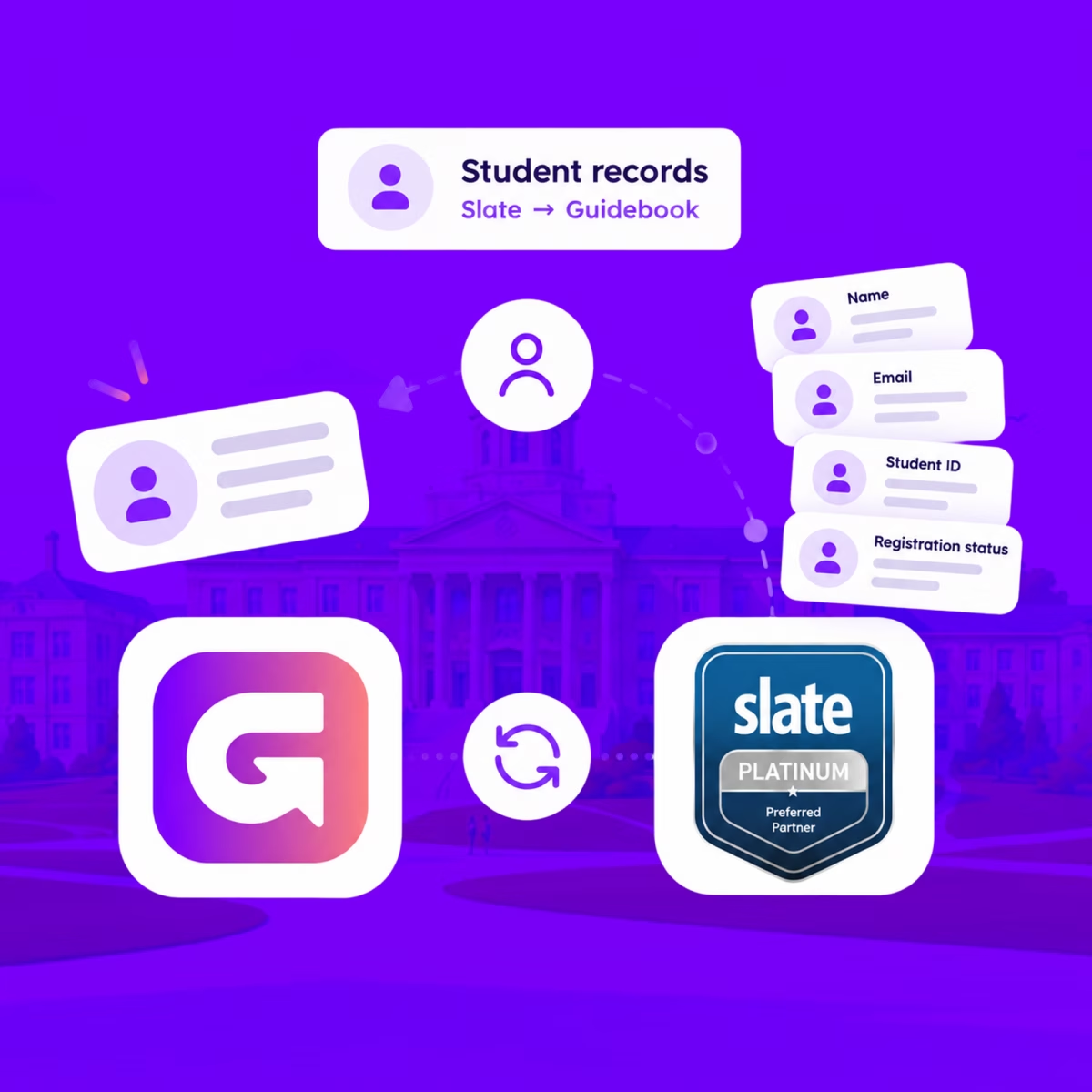
Match each student's Slate record to their Guidebook account, so college, major, and orientation details stay current on every sync.
Slate profiles, in the campus app
Match each student's Slate record to their Guidebook account, so college, major, and orientation details stay current on every sync.
Campus apps by department
Admissions, orientation, student life, and more — one campus app that works across departments.

Campus apps by department
Admissions, orientation, student life, and more — one campus app that works across departments.
Build unlimited event apps on one license
One partnership for unlimited campus events — orientation, tours, student life, and everything in between.
Build unlimited event apps on one license
One partnership for unlimited campus events — orientation, tours, student life, and everything in between.
Compare event app platforms
See how Guidebook stacks up against other event app and registration platforms.
Compare event app platforms
See how Guidebook stacks up against other event app and registration platforms.
Event apps for nonprofit and community programs
Give members, volunteers, and donors one branded app for conferences, fundraisers, and year-round community.
Event apps for nonprofit and community programs
Give members, volunteers, and donors one branded app for conferences, fundraisers, and year-round community.
Campus integrations and an open API
Connect Guidebook with the campus systems, APIs, and tools your team already uses.
Campus integrations and an open API
Connect Guidebook with the campus systems, APIs, and tools your team already uses.
Event apps for corporate and enterprise teams
Internal meetings, offsites, and large-scale corporate events — with the branding and control enterprise teams need.
Event apps for corporate and enterprise teams
Internal meetings, offsites, and large-scale corporate events — with the branding and control enterprise teams need.
Create a branded event app with no coding
Put schedules, maps, resources, and updates in every attendee's pocket — built for campus events and programs.
Create a branded event app with no coding
Put schedules, maps, resources, and updates in every attendee's pocket — built for campus events and programs.
Launch a branded, white-label event app
A white-label event app with your branding, your content, and your attendee experience — no coding required.
Launch a branded, white-label event app
A white-label event app with your branding, your content, and your attendee experience — no coding required.
Everything in the Guidebook platform
Explore the features event teams use to engage attendees before, during, and after the event.
Everything in the Guidebook platform
Explore the features event teams use to engage attendees before, during, and after the event.
One app for in-person and virtual attendees
The same schedule, networking, and updates whether people are in the room or joining remotely.
One app for in-person and virtual attendees
The same schedule, networking, and updates whether people are in the room or joining remotely.
Event apps built for associations
Annual meetings, chapter events, and member engagement — without rebuilding a new app every year.
Event apps built for associations
Annual meetings, chapter events, and member engagement — without rebuilding a new app every year.
A branded event website that matches the app
Promote the event, collect interest, and keep branding consistent from the first click to check-in.
A branded event website that matches the app
Promote the event, collect interest, and keep branding consistent from the first click to check-in.
Plan, run, and measure events on one platform
App, registration, badges, and websites in one workflow — so planning isn't a pile of disconnected tools.
Plan, run, and measure events on one platform
App, registration, badges, and websites in one workflow — so planning isn't a pile of disconnected tools.
Keep members engaged between events
One branded app for the conference and everything that happens the other 51 weeks of the year.
Keep members engaged between events
One branded app for the conference and everything that happens the other 51 weeks of the year.
The conference app attendees actually use
Schedules, maps, networking, and live updates for annual meetings, summits, and multi-day conferences.
The conference app attendees actually use
Schedules, maps, networking, and live updates for annual meetings, summits, and multi-day conferences.
Registration that feeds your app and badges
Collect registrations, payments, and attendee data in the same platform as your event app.
Registration that feeds your app and badges
Collect registrations, payments, and attendee data in the same platform as your event app.
Design and print event badges in one place
Custom badges, QR check-in, and on-site printing — without a separate badge vendor.
Design and print event badges in one place
Custom badges, QR check-in, and on-site printing — without a separate badge vendor.
A Smaller School?
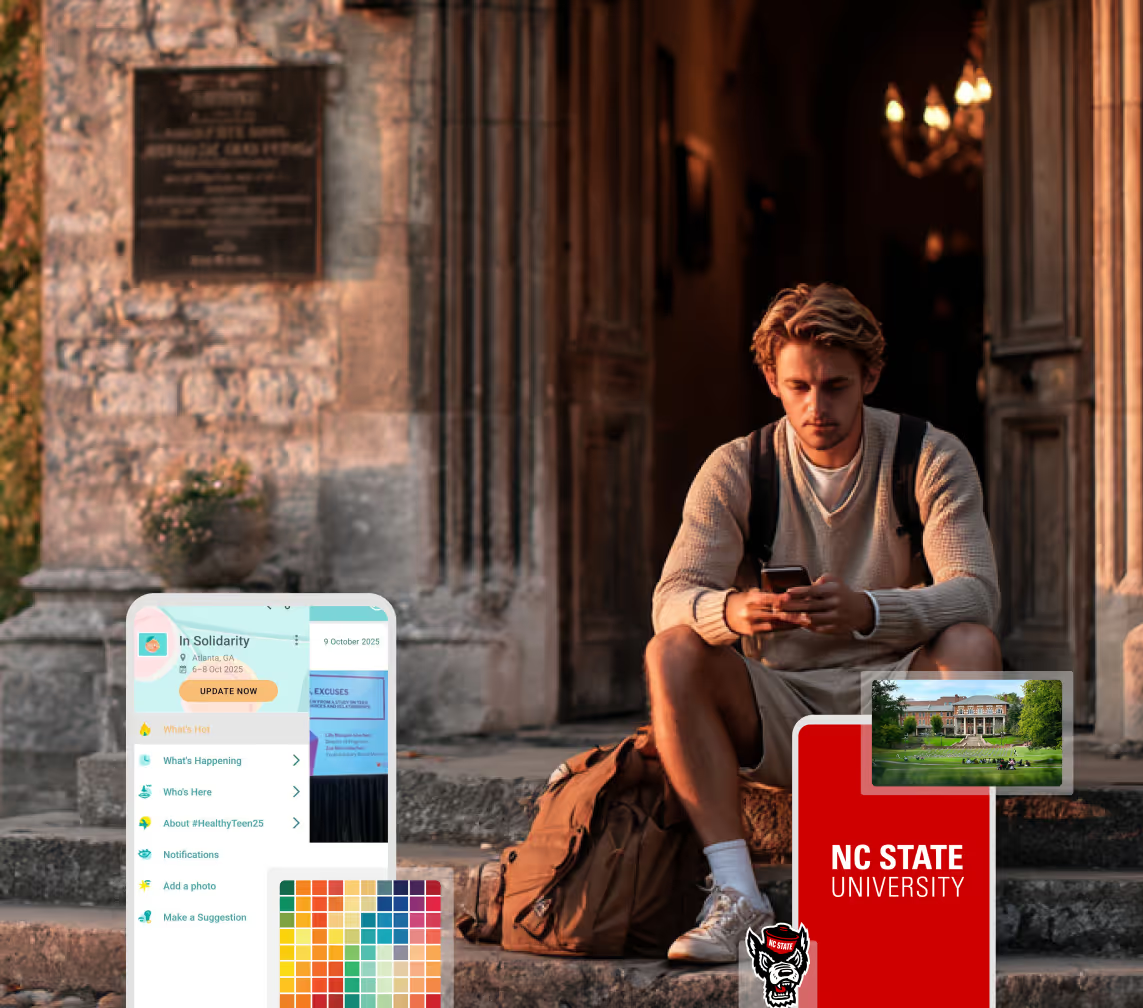
Deliver a polished, branded event experience without a large team or a big budget.
A Smaller School?
Deliver a polished, branded event experience without a large team or a big budget.
Running Family Programs?
Give families everything they need, from schedules and maps to real-time updates, all in one place.
Running Family Programs?
Give families everything they need, from schedules and maps to real-time updates, all in one place.
Coordinating Move-In Day?
Share updates, manage events, and keep students informed from move-in through the academic year.

Coordinating Move-In Day?
Share updates, manage events, and keep students informed from move-in through the academic year.
Offering Campus Tours?
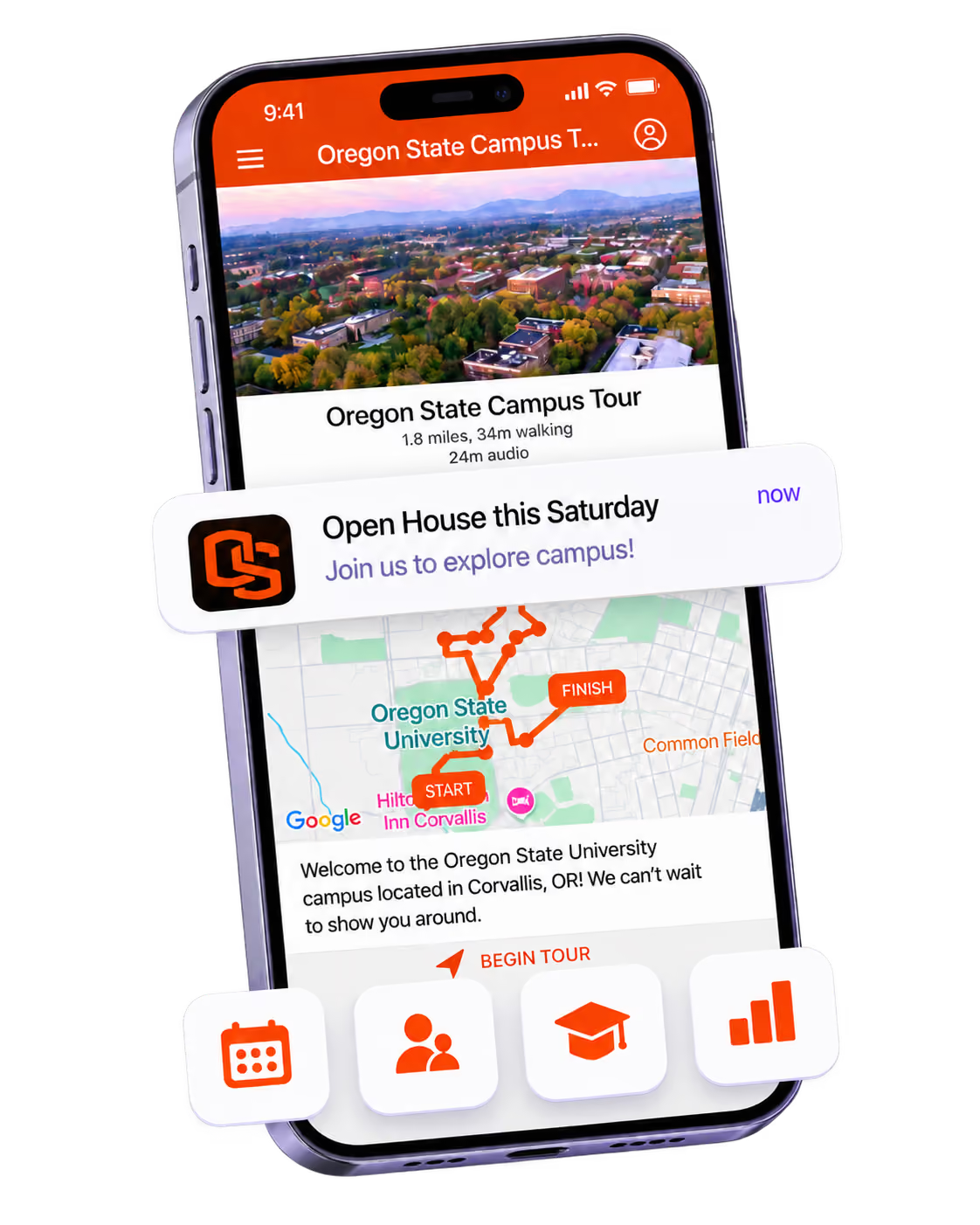
Deliver branded, self-guided tour experiences with interactive maps and rich media, available 24/7.
Offering Campus Tours?
Deliver branded, self-guided tour experiences with interactive maps and rich media, available 24/7.
Organising a Career Fair?
Simplify logistics for students, employers, and Career Services staff with one easy-to-use app.
Organising a Career Fair?
Simplify logistics for students, employers, and Career Services staff with one easy-to-use app.
Managing Alumni Events?
Plan reunions, regional events, and fundraising campaigns with an app built for alumni engagement.
Managing Alumni Events?
Plan reunions, regional events, and fundraising campaigns with an app built for alumni engagement.
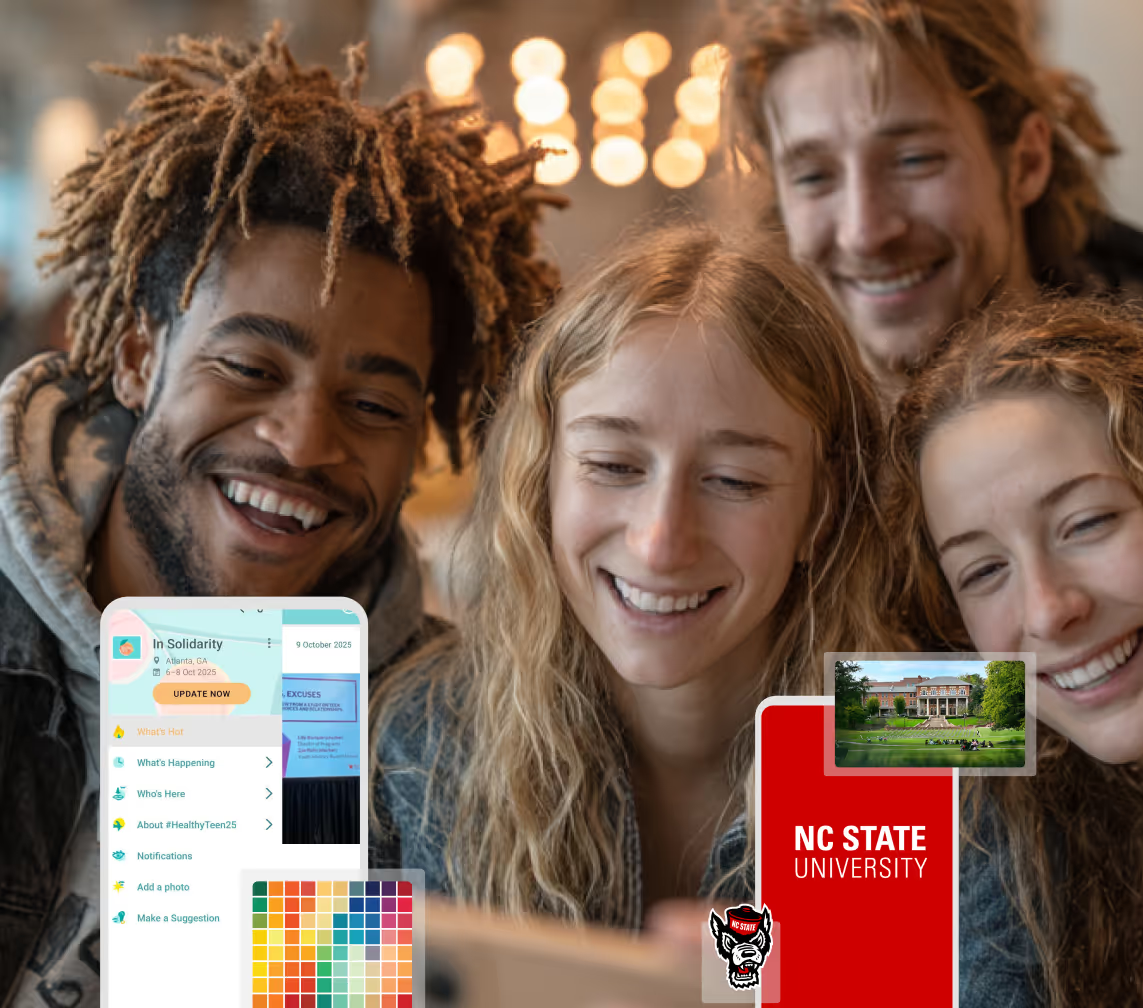
Boost Student Engagement
One hub for schedules, resources, and events that keeps students connected throughout the academic year.
Boost Student Engagement
One hub for schedules, resources, and events that keeps students connected throughout the academic year.
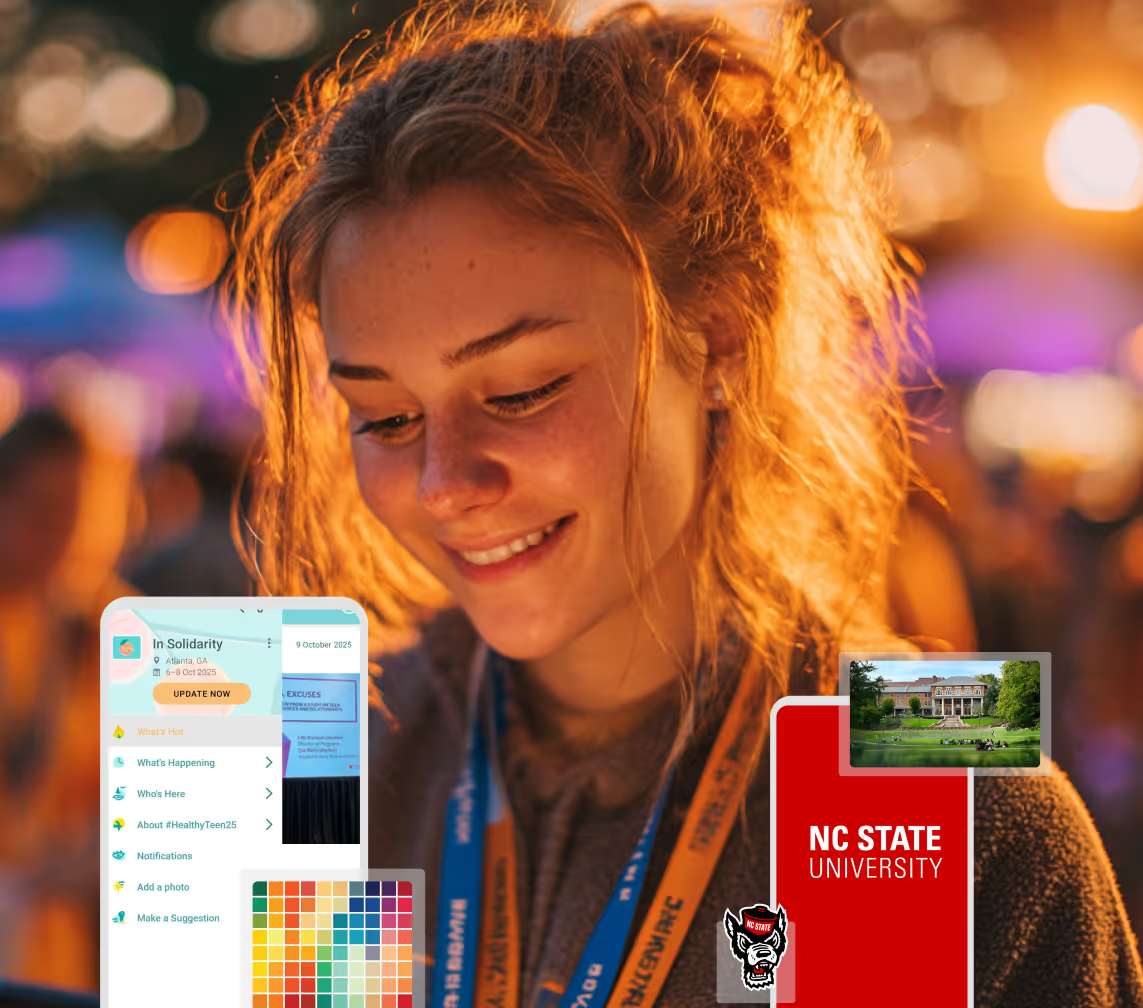
Planning Orientation?
Help new students feel prepared from day one with schedules, campus resources, and real-time updates in one app.
Planning Orientation?
Help new students feel prepared from day one with schedules, campus resources, and real-time updates in one app.
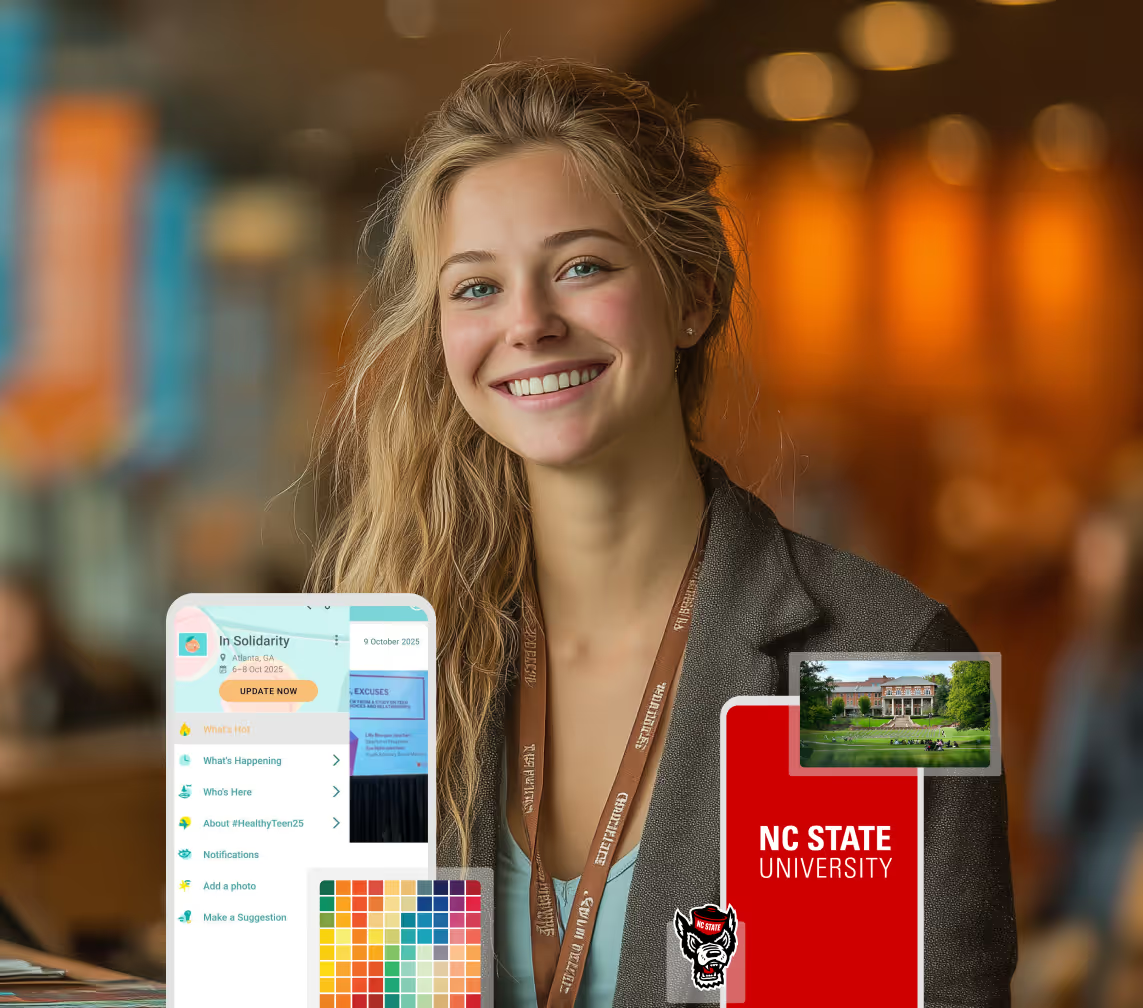
Running Admissions Events?
Manage open houses, tours, and yield events with a branded app that saves time and engages prospective students.
Running Admissions Events?
Manage open houses, tours, and yield events with a branded app that saves time and engages prospective students.
Get a custom Sponsorship Package Template
Stop starting from scratch. Grab free templates that helWe'll build a tailored sponsorship package with suggested pricing, tiers, and benefits..for your specific event.p you build professional sponsorship packages and close deals faster.
Get a custom Sponsorship Package Template
Stop starting from scratch. Grab free templates that helWe'll build a tailored sponsorship package with suggested pricing, tiers, and benefits..for your specific event.p you build professional sponsorship packages and close deals faster.
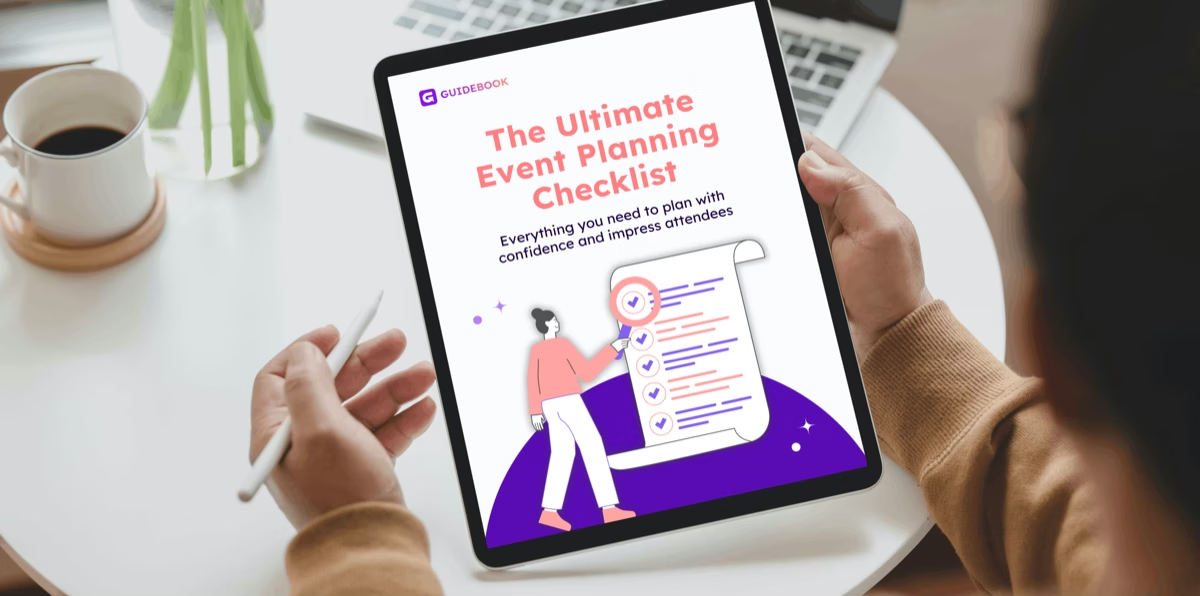
Plan Your Next Event Without Missing a Beat.
From venue selection to post-event wrap-up, this free checklist walks you through every step (so nothing falls through the cracks).
Plan Your Next Event Without Missing a Beat.
From venue selection to post-event wrap-up, this free checklist walks you through every step (so nothing falls through the cracks).
Real Results From Real Events
100,000+ organizations trust Guidebook. See exactly how universities, associations, enterprises, and more put it to work.

Real Results From Real Events
100,000+ organizations trust Guidebook. See exactly how universities, associations, enterprises, and more put it to work.
Flexible pricing for every event size
Find the perfect plan for your needs, from intimate gatherings to large-scale conferences.

Flexible pricing for every event size
Find the perfect plan for your needs, from intimate gatherings to large-scale conferences.
Join our event experts
Watch on-demand webinars and join live sessions with industry leaders sharing best practices for event success.

Join our event experts
Watch on-demand webinars and join live sessions with industry leaders sharing best practices for event success.
Guidebook in Action
Book a personalized walkthrough and discover how we help event teams create better attendee experiences.
Guidebook in Action
Book a personalized walkthrough and discover how we help event teams create better attendee experiences.

What is an Unconference?
An unconference builds its agenda on the day, from the people in the room. Learn the format, the ground rules, and how campus teams run one well.
An unconference is a participant-driven event where attendees propose and run the sessions themselves, building the agenda on the day rather than months in advance. There's no pre-published speaker lineup. People arrive, pitch topics, claim a time slot and a room, and the schedule fills in live on a board everyone can see.
Here's the thing: if you've ever watched the hallway conversation at a conference outrun the keynote, you already understand why this format exists. The unconference just stops pretending the hallway is the side event. For campus teams running staff development days, student leadership retreats, or departmental planning sessions, it's often a better fit than the agenda you'd spend six weeks building.
Key Characteristics of an Unconference
- Agenda Built on the Day: The schedule grid starts empty. Attendees fill it during an opening session, usually in the first 45 minutes.
- Participants Are Presenters: Anyone can propose a session. The person who pitches it facilitates it, though they don't have to be the expert.
- Discussion Over Presentation: Sessions are conversations, not slide decks. Many unconferences discourage projectors entirely.
- The Law of Two Feet: Attendees are expected to leave a session that isn't serving them and go somewhere else. This is a rule, not rudeness.
- Flat Structure: A vice president and a graduate assistant have the same right to propose a session and the same right to walk out of one.
- Small to Mid Scale: Most run between 30 and 150 participants. Much larger and the agenda-building session breaks down.
- Documented Live: Notes are usually captured collaboratively during sessions, since there are no slides to circulate afterward.
Unconference vs. Related Event Formats
Traditional Conference
- Scope: Pre-selected speakers across a published multi-track agenda
- Focus: Delivering curated expert content
- Timeline: Agenda locked 2 to 6 months ahead
- Channels: Keynotes, breakouts, prepared presentations
- Goal: Transfer knowledge from a vetted lineup to an audience
Unconference
- Scope: Sessions proposed and run by attendees on the day
- Focus: Surfacing what this specific group needs to talk about
- Timeline: Agenda built in the opening hour
- Channels: Open discussion, whiteboards, shared notes
- Goal: Solve live problems and build peer connections
Workshop
- Scope: One facilitator teaching a defined skill
- Focus: Hands-on practice toward a specific competency
- Timeline: Half-day to two days, planned in advance
- Channels: Exercises, demonstrations, guided practice
- Goal: Send people home able to do something new
The distinction that matters: a conference assumes you know in advance what the audience needs. An unconference assumes they do. When your group is experienced and the problems are current, the second assumption is usually the better one. Compare with a symposium, which narrows topic but keeps the expert-presenter structure.
How to Run an Unconference
Set a Frame, Not an Agenda
You still need a theme. "Student Success" is too broad. "What's breaking in our first-year advising workflow" gives people something to pitch against.
The frame is your only content decision. Everything after it belongs to the room.
Book Flexible Space
You need one room big enough for everyone plus three to six breakout spaces. Movable chairs matter more than AV. Fixed lecture seating actively fights this format.
Classroom buildings on a quiet day are close to ideal, which is why campuses run good unconferences cheaply.
Build the Grid
Put up a physical grid: time slots down one axis, rooms across the other. Give everyone sticky notes. Anyone with a session idea pitches it in 30 seconds, then places their note in an open square.
Expect the first ten minutes to feel like nothing is happening. It always does. Then the board fills fast.
Explain the Law of Two Feet
Say it out loud at the start, and say why. People need explicit permission to walk out, or they'll sit politely in the wrong room all morning and leave disappointed.
Capture Notes Collaboratively
Assign or ask for a note-taker in each session and give them one shared document per room. Without this, the day's value evaporates by Monday.
Close Together
Bring everyone back for the last 30 minutes. Each session reports one thing worth knowing. This is where people discover the conversation they missed, and it's the part attendees consistently rate highest.
Why Unconferences Matter
For Event Success:
- Near-Zero Content Lead Time: No call for proposals, no speaker wrangling, no agenda revisions. You plan logistics and let the content arrive with the people.
- Higher Relevance: Sessions exist because someone in the room wanted them badly enough to stand up and pitch.
- Genuine Participation: It's structurally difficult to sit passively. Most attendees speak within the first hour.
- Low Cost: No speaker fees, no AV-heavy production, minimal printed material.
- Strong Peer Networks: Working on a shared problem builds better connections than sitting in rows. See speed networking for a more structured alternative.
For Enrollment and Institutional Outcomes:
- Staff Development That Sticks: Admissions and orientation teams solve current problems with current colleagues instead of sitting through a vendor keynote.
- Cross-Departmental Alignment: When advising, residence life, and admissions propose sessions in the same room, the silo problem gets visible fast.
- Student Leadership Growth: Orientation leaders and RAs who facilitate an unconference session build real facilitation skill, which shows up in how they run their own groups.
- Honest Program Feedback: What staff choose to pitch tells leadership which processes are actually painful, without a survey.
- Budget Efficiency: A format with no speaker fees means professional development reaches more of your team on the same money.
Guidebook handles the part of an unconference that still needs structure: a live agenda every attendee can see update in real time on their phone, plus room assignments and shared notes. See how teams run flexible agendas with Guidebook.
Unconference Best Practices
- Pick a Sharp Theme: Narrow enough that pitches cluster, broad enough that everyone has one.
- Invite the Right Mix: Unconferences work when attendees have relevant experience. A room of beginners will struggle to fill a grid.
- Model the First Pitch: Have a facilitator pitch first so people see how short and informal it should be.
- Cap Sessions at 45 Minutes: Long enough for depth, short enough that a dud costs little.
- Publish the Grid Digitally: A photo of a sticky-note board is unreadable by noon. A live agenda in the app keeps everyone oriented.
- Leave Gaps: Don't fill every square. Open slots let afternoon conversations become afternoon sessions.
- Assign Note-Takers Up Front: Decide this during the opening, not as each session starts.
- Protect the Closing Circle: It's the most valuable 30 minutes of the day and the first thing a running-late schedule eats.
- Send Notes Within 48 Hours: Momentum dies fast. Circulate the shared document while people still care.
Common Unconference Mistakes
Secretly Pre-Planning It: Arriving with sessions already arranged and asking people to ratify them is a conference wearing a costume. Participants spot it immediately and disengage.
Booking Fixed Seating: A lecture hall tells people to face front and listen. The room shape will beat your ground rules every time.
Skipping the Ground Rules: Without an explicit Law of Two Feet, attendees stay out of politeness and the format loses its self-correcting mechanism.
Too Few Rooms: Fewer than three concurrent options and attendees have no real choice, which removes the point.
No Note Capture: The entire output of the day lives in people's memories unless someone writes it down. Most of it won't survive the week.
Wrong Audience: Unconferences assume expertise in the room. For an audience that genuinely needs instruction, run a workshop instead.
Letting Senior Voices Dominate: Flat structure is a goal, not an automatic outcome. Facilitators need to actively make room for junior staff and students.
Final Thoughts
The unconference is a bet that the people you've gathered already know what they need to discuss. On a campus, that bet usually pays, because your staff are dealing with the same enrollment pressures every day and they have the sharpest sense of where things break.
It also solves a planning problem worth naming. Building a traditional agenda for an internal event takes weeks of work that produces, at best, a reasonable guess about what colleagues want. The unconference replaces that guess with their actual answer, given on the day.
The format asks for a trade. You give up control of the content and get relevance, participation, and most of your planning time back.
Guidebook keeps the logistics steady while the agenda stays fluid, with live schedule updates, room assignments, and notes in one branded app. Request a demo to see how it handles an agenda that changes by the hour.
The power of your brand in your app, from first visit to alumni.
Build trust
Attendees download your app, not ours. Your name, colors, and crest in the stores.
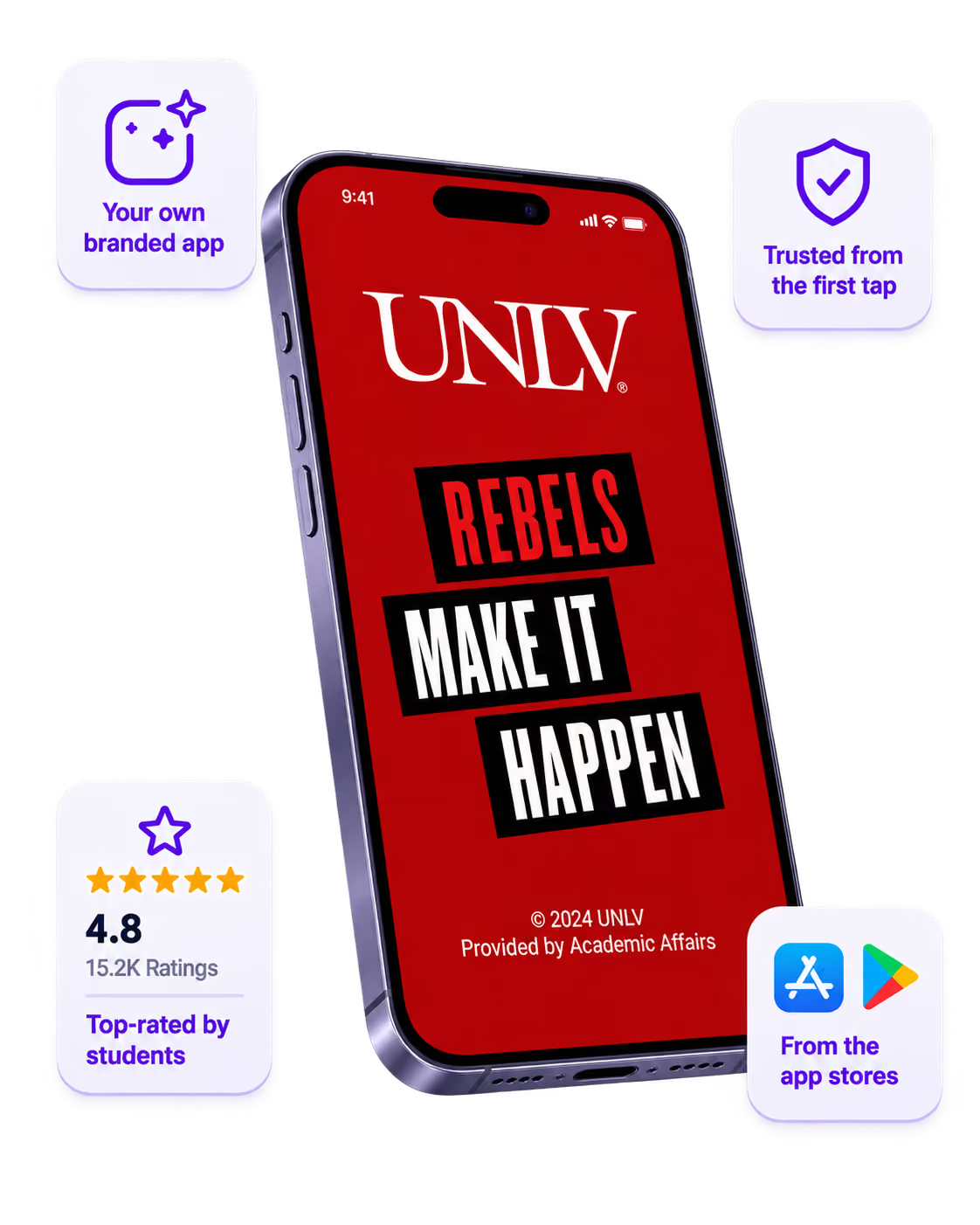
One place for the whole event
Schedules, maps, registration, and updates in one branded hub - not five tools.
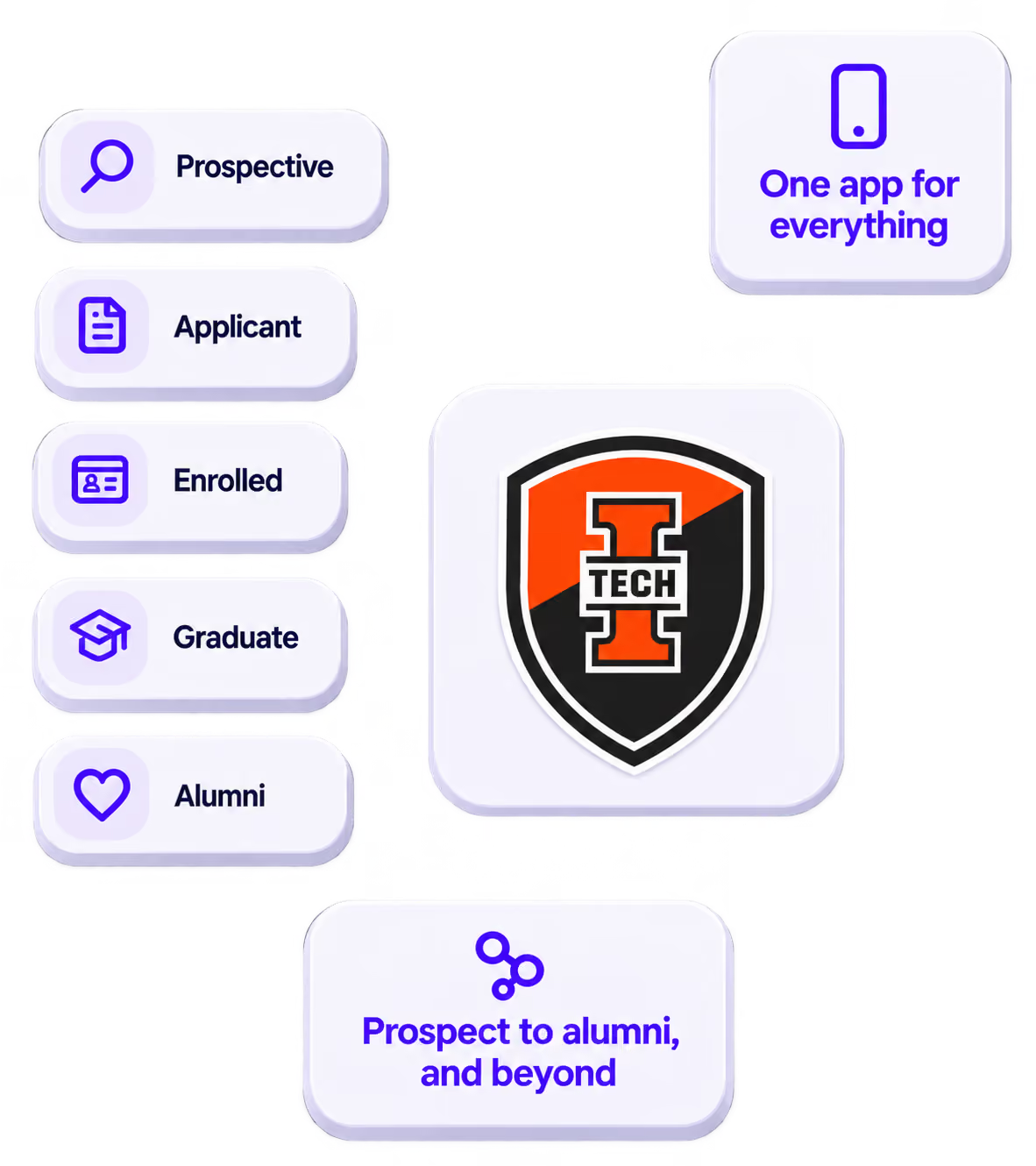
Stand out
A branded app is what people keep on their phone after the printed program is in the recycling.

Get the Mobile App Playbook
A short guide to running the whole student journey in one app. No fluff, just what works.
for higher ed
Campus
Playbook
A practical guide to building a connected campus experience.
Free playbook
The Mobile App Playbook for Universities
Students decide if they belong long before they set foot on campus. This playbook shows how to win them over from the first visit through graduation.
- Grow enrollment and boost recruitment
- Increase belonging and retention
- Run every event from one branded app
By submitting, you agree to our Privacy Policy.
You're in.
