Campus apps by department
Admissions, orientation, student life, and more — one campus app that works across departments.

Campus apps by department
Admissions, orientation, student life, and more — one campus app that works across departments.
Build unlimited event apps on one license
One partnership for unlimited campus events — orientation, tours, student life, and everything in between.
Build unlimited event apps on one license
One partnership for unlimited campus events — orientation, tours, student life, and everything in between.
Compare event app platforms
See how Guidebook stacks up against other event app and registration platforms.
Compare event app platforms
See how Guidebook stacks up against other event app and registration platforms.
Event apps for nonprofit and community programs
Give members, volunteers, and donors one branded app for conferences, fundraisers, and year-round community.
Event apps for nonprofit and community programs
Give members, volunteers, and donors one branded app for conferences, fundraisers, and year-round community.
Campus integrations and an open API
Connect Guidebook with the campus systems, APIs, and tools your team already uses.
Campus integrations and an open API
Connect Guidebook with the campus systems, APIs, and tools your team already uses.
Event apps for corporate and enterprise teams
Internal meetings, offsites, and large-scale corporate events — with the branding and control enterprise teams need.
Event apps for corporate and enterprise teams
Internal meetings, offsites, and large-scale corporate events — with the branding and control enterprise teams need.
Create a branded event app with no coding
Put schedules, maps, resources, and updates in every attendee's pocket — built for campus events and programs.
Create a branded event app with no coding
Put schedules, maps, resources, and updates in every attendee's pocket — built for campus events and programs.
Launch a branded, white-label event app
A white-label event app with your branding, your content, and your attendee experience — no coding required.
Launch a branded, white-label event app
A white-label event app with your branding, your content, and your attendee experience — no coding required.
Everything in the Guidebook platform
Explore the features event teams use to engage attendees before, during, and after the event.
Everything in the Guidebook platform
Explore the features event teams use to engage attendees before, during, and after the event.
One app for in-person and virtual attendees
The same schedule, networking, and updates whether people are in the room or joining remotely.
One app for in-person and virtual attendees
The same schedule, networking, and updates whether people are in the room or joining remotely.
Event apps built for associations
Annual meetings, chapter events, and member engagement — without rebuilding a new app every year.
Event apps built for associations
Annual meetings, chapter events, and member engagement — without rebuilding a new app every year.
A branded event website that matches the app
Promote the event, collect interest, and keep branding consistent from the first click to check-in.
A branded event website that matches the app
Promote the event, collect interest, and keep branding consistent from the first click to check-in.
Plan, run, and measure events on one platform
App, registration, badges, and websites in one workflow — so planning isn't a pile of disconnected tools.
Plan, run, and measure events on one platform
App, registration, badges, and websites in one workflow — so planning isn't a pile of disconnected tools.
Keep members engaged between events
One branded app for the conference and everything that happens the other 51 weeks of the year.
Keep members engaged between events
One branded app for the conference and everything that happens the other 51 weeks of the year.
The conference app attendees actually use
Schedules, maps, networking, and live updates for annual meetings, summits, and multi-day conferences.
The conference app attendees actually use
Schedules, maps, networking, and live updates for annual meetings, summits, and multi-day conferences.
Registration that feeds your app and badges
Collect registrations, payments, and attendee data in the same platform as your event app.
Registration that feeds your app and badges
Collect registrations, payments, and attendee data in the same platform as your event app.
Design and print event badges in one place
Custom badges, QR check-in, and on-site printing — without a separate badge vendor.
Design and print event badges in one place
Custom badges, QR check-in, and on-site printing — without a separate badge vendor.
A Smaller School?
Deliver a polished, branded event experience without a large team or a big budget.
A Smaller School?
Deliver a polished, branded event experience without a large team or a big budget.
Running Family Programs?
Give families everything they need, from schedules and maps to real-time updates, all in one place.
Running Family Programs?
Give families everything they need, from schedules and maps to real-time updates, all in one place.
Coordinating Move-In Day?
Share updates, manage events, and keep students informed from move-in through the academic year.

Coordinating Move-In Day?
Share updates, manage events, and keep students informed from move-in through the academic year.
Offering Campus Tours?
Deliver branded, self-guided tour experiences with interactive maps and rich media, available 24/7.

Offering Campus Tours?
Deliver branded, self-guided tour experiences with interactive maps and rich media, available 24/7.
Organising a Career Fair?
Simplify logistics for students, employers, and Career Services staff with one easy-to-use app.
Organising a Career Fair?
Simplify logistics for students, employers, and Career Services staff with one easy-to-use app.
Managing Alumni Events?
Plan reunions, regional events, and fundraising campaigns with an app built for alumni engagement.
Managing Alumni Events?
Plan reunions, regional events, and fundraising campaigns with an app built for alumni engagement.
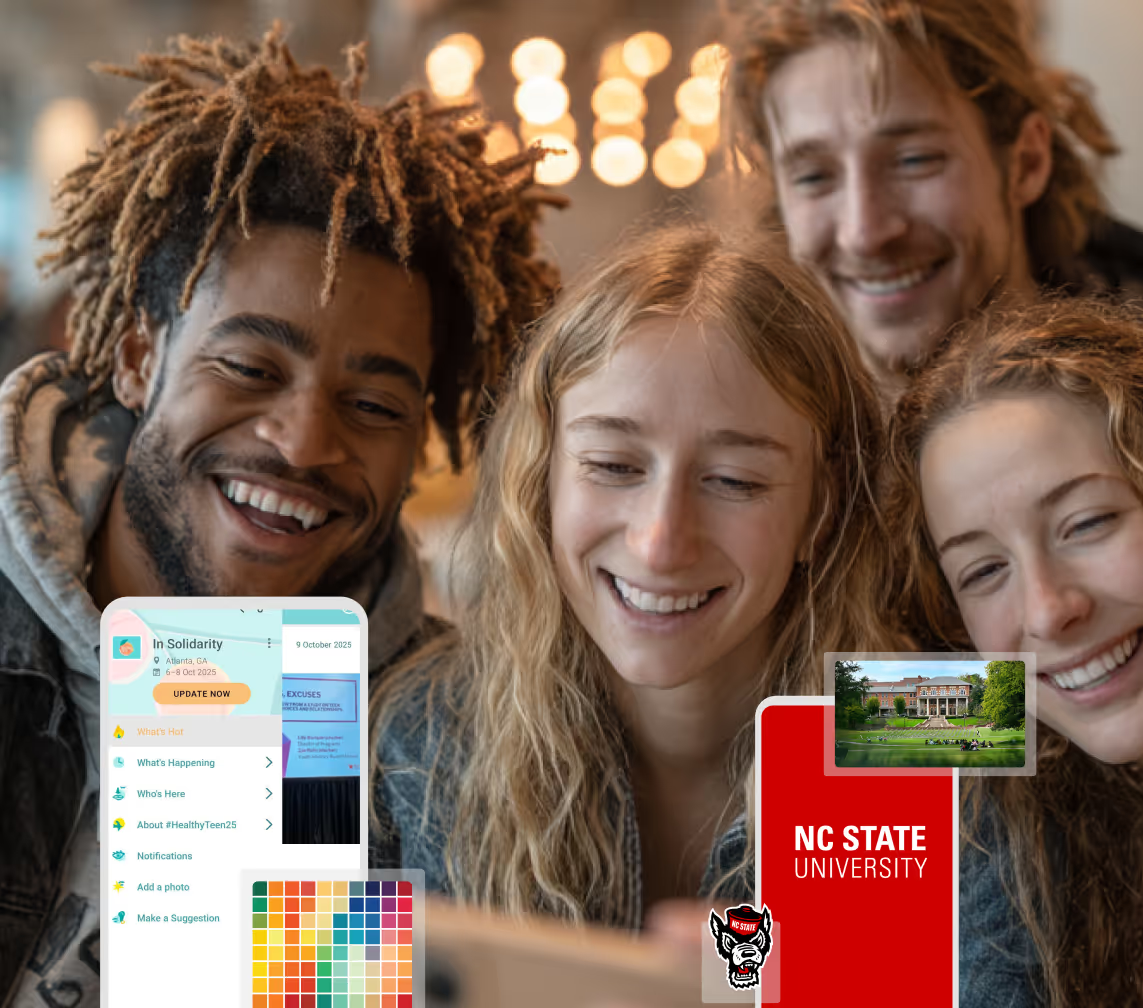
Boost Student Engagement
One hub for schedules, resources, and events that keeps students connected throughout the academic year.
Boost Student Engagement
One hub for schedules, resources, and events that keeps students connected throughout the academic year.
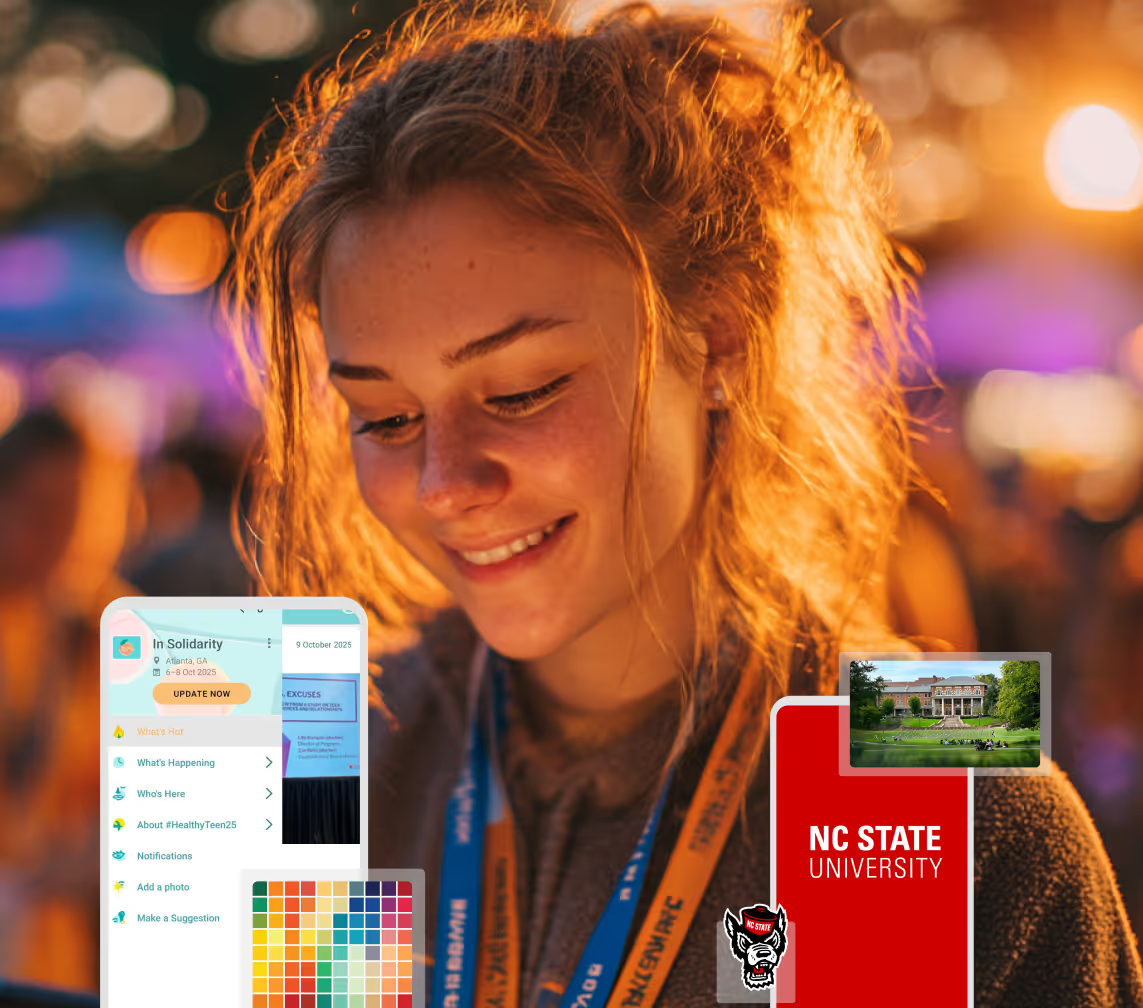
Planning Orientation?
Help new students feel prepared from day one with schedules, campus resources, and real-time updates in one app.
Planning Orientation?
Help new students feel prepared from day one with schedules, campus resources, and real-time updates in one app.
Running Admissions Events?
Manage open houses, tours, and yield events with a branded app that saves time and engages prospective students.

Running Admissions Events?
Manage open houses, tours, and yield events with a branded app that saves time and engages prospective students.
Get a custom Sponsorship Package Template
Stop starting from scratch. Grab free templates that helWe'll build a tailored sponsorship package with suggested pricing, tiers, and benefits..for your specific event.p you build professional sponsorship packages and close deals faster.
Get a custom Sponsorship Package Template
Stop starting from scratch. Grab free templates that helWe'll build a tailored sponsorship package with suggested pricing, tiers, and benefits..for your specific event.p you build professional sponsorship packages and close deals faster.
Plan Your Next Event Without Missing a Beat.
From venue selection to post-event wrap-up, this free checklist walks you through every step (so nothing falls through the cracks).
.avif)
Plan Your Next Event Without Missing a Beat.
From venue selection to post-event wrap-up, this free checklist walks you through every step (so nothing falls through the cracks).
Real Results From Real Events
100,000+ organizations trust Guidebook. See exactly how universities, associations, enterprises, and more put it to work.

Real Results From Real Events
100,000+ organizations trust Guidebook. See exactly how universities, associations, enterprises, and more put it to work.
Flexible pricing for every event size
Find the perfect plan for your needs, from intimate gatherings to large-scale conferences.

Flexible pricing for every event size
Find the perfect plan for your needs, from intimate gatherings to large-scale conferences.
Join our event experts
Watch on-demand webinars and join live sessions with industry leaders sharing best practices for event success.
.avif)
Join our event experts
Watch on-demand webinars and join live sessions with industry leaders sharing best practices for event success.
Guidebook in Action
Book a personalized walkthrough and discover how we help event teams create better attendee experiences.
Guidebook in Action
Book a personalized walkthrough and discover how we help event teams create better attendee experiences.
GuideTalk: Beyond Web – Your Questions Answered






GuideTalk: Beyond Web – Your Questions Answered
Topic: New Features for Virtual
What distinct new features or functions have been added to better support virtual events? Our team is constantly working to enhance our solution, and given the current landscape, we’ve pivoted to deliver features that improve our solution for virtual events. Just this week, we introduced Meeting Booking, a new tool that gives attendees the ability to schedule one-on-one and small group meetings with one another directly within the event app. Additionally, we’re busy at work enhancing our Cover Pages solution to better support virtual events. We recently released updates to increase the number of custom lists you can add to your Cover Page and our team is working on adding video as well as chat specifically within sessions. Will there be any new features regarding video specifically? We know video is critical to virtual events and our team is working on incorporating additional opportunities to incorporate video - both prerecorded and live - into our platform. Stay tuned for more on video! Currently, links to both prerecorded and live video can be utilized within mobile apps and on your event’s Cover Page.Topic: Guidebook Features for Virtual
Sessions and Schedules
Can certain sessions within the event be limited to specific users while the rest remain open to all? There are a few ways to segment your content for different audiences. With Preset Schedules, you can assign sessions to your Users. When your Users login on the app, they will see their pre-assigned agenda in their My Schedule menu item. Additionally, by creating session tracks and audience groups, you can direct certain groups to content within a track. Another way to limit content to certain users is to limit the capacity of a session, and send out targeted notifications to certain groups to sign up for certain sessions. Once the session hits capacity, no other attendees will be able to register. Can you set a maximum capacity for each session? You can! You can set limited capacity for any session. Setting capacity for sessions does require your users to log in to a Guide in order to claim their spot. Is it possible to limit access to registered members? Our Guides offer varying levels of security, from public Guides through passphrase protected Guides that require users to enter a chosen password to gain access. How often can you send Push Notifications? I noticed 25 is the limit, is that per day? We find that for about a week-long event, 25 push notifications is generally plenty. We encourage organizers to use push notifications only for important updates or action items so to not flood your audience with information. Feel free to reach out to us if you think you need more than 25 push notifications! If your use case is such that you need more, our team can get you set up with additional push notifications.Interact
How is Interact different from Chat? The Interact Feed pulls all sorts of content onto a ‘consolidated wall’ which includes upcoming sessions, sessions discussions, sponsor posts, photos, and more. Chat is a 1:1 messaging tool that your users can leverage to engage with other attendees. Your users can use this to network with one another and continue conversations.Pre-recorded sessions, external links
We’d like to make pre-recorded videos available to our audience, how would this work? When creating a session, you have the option to include a link to a live or prerecorded session. You would be able to add the pre-recorded video to the session when you’d like to and publish the changes so the video is live on the cover page at a particular time. We have vendors for our event, can we link a video to a vendor’s info on the app? Yes, you can offer your vendors a dedicated list item which you can fill with their content. We often see event organizers create a vendor or sponsor folder with dedicated items for each organization. There, you can share vendor descriptions and links to learn more. For more on creating sponsored content, visit this support article.Polls and Surveys
Before an event starts, are you able to send polls or a survey to attendees to gather information? You can certainly make use of surveys and polls prior to the event. To get your attendees’ attention, utilize push notifications to ask users to fill out surveys prior to, during, and after your event. Can we send polls or surveys to specific groups? There are a few ways to deliver surveys to specific groups.- By utilizing Preset Schedules, you can target polls or surveys to individuals with those sessions on their schedules.
- Another method is through push notifications. Staff can add a Guidebook url to a push notification so that a survey is linked to the notification, which can be sent to specific people.
Using Guidebook with Webinar Platforms
Which live streaming and/or digital conferencing platforms does Guidebook recommend? Guidebook works well with popular webinar platforms like Zoom, Google Hangouts, GoToMeeting, Microsoft Teams, and WebEx, to name just a few. Keep in mind – everyone’s priorities are different, so make sure you choose a platform that works best for you. For example, some webinar platforms require a paid subscription whereas others are free. You can easily drop the webinar link from any of these services on the main menu of your guide or as part of any scheduled session. Based on the platform you choose to incorporate into Guidebook, you should be able to host as many sessions as you need — even concurrent sessions. The Guidebook app will be able to contain as many links as you want to include. Just make sure the platform you choose is optimized for mobile! It always helps to do a practice run so you’re confident and familiar with the tools you use.Topic: Cover Pages
How do Guidebook’s Cover Pages work? While Guidebook is a mobile-first platform, we provide Cover Pages to all of our users as a web offering. Cover Pages house key information including schedules, speakers, streaming links, as well as links to easily to download the app. You have control over the content that appears in your Cover Page and how it is displayed. To learn more about using Cover Pages, visit our Guide Cover Pages Support Article. Are Cover Pages something that's already in our subscription or will we need to pay for this separately? Cover Pages are included with all of our Guide plans. Are Cover Pages customizable? Yes, our Cover Pages allow you to choose the content that is displayed. Display key information including the event schedule, or a specific schedule track, and various custom lists. Cover Pages use branded space or app theming elements including cover image and Guide icon. Are all features in an app available on a Cover Page? Currently, informational content including your event schedule and up to six custom lists can be added to your Cover Page. The critical information of the schedule and custom lists are available on Cover Pages. Our team is currently working on additional features to Cover Pages to enhance virtual experiences. Our engagement features are housed within apps to enable attendees to participate and network on mobile while watching on the web. We spend a lot of time on mobile, so having engagement on mobile is crucial. Are Cover Pages public or password-protected? At the moment, cover pages are public, though your audience will need the specific URL to view your Cover Page. Our product team is actively working on adding the passphrase privacy setting as an option on cover pages. Can you embed a Cover Page within an existing website? Your Cover Page lives at a unique URL, so you can easily take that URL and share it across your platforms - website, email, and social media. Including your Cover Page on your website gives your audience quick access to your content. Thanks again for joining our GuideTalk. Stay tuned for upcoming sessions.
Get the Mobile App Playbook
A short guide to running the whole student journey in one app. No fluff, just what works.
for higher ed
Campus
Playbook
A practical guide to building a connected campus experience.
Free playbook
The Mobile App Playbook for Universities
Students decide if they belong long before they set foot on campus. This playbook shows how to win them over from the first visit through graduation.
- Grow enrollment and boost recruitment
- Increase belonging and retention
- Run every event from one branded app
By submitting, you agree to our Privacy Policy.
You're in.
.png)

.avif)