Campus apps by department
Admissions, orientation, student life, and more — one campus app that works across departments.

Campus apps by department
Admissions, orientation, student life, and more — one campus app that works across departments.
Build unlimited event apps on one license
One partnership for unlimited campus events — orientation, tours, student life, and everything in between.
Build unlimited event apps on one license
One partnership for unlimited campus events — orientation, tours, student life, and everything in between.
Compare event app platforms
See how Guidebook stacks up against other event app and registration platforms.
Compare event app platforms
See how Guidebook stacks up against other event app and registration platforms.
Event apps for nonprofit and community programs
Give members, volunteers, and donors one branded app for conferences, fundraisers, and year-round community.
Event apps for nonprofit and community programs
Give members, volunteers, and donors one branded app for conferences, fundraisers, and year-round community.
Campus integrations and an open API
Connect Guidebook with the campus systems, APIs, and tools your team already uses.
Campus integrations and an open API
Connect Guidebook with the campus systems, APIs, and tools your team already uses.
Event apps for corporate and enterprise teams
Internal meetings, offsites, and large-scale corporate events — with the branding and control enterprise teams need.
Event apps for corporate and enterprise teams
Internal meetings, offsites, and large-scale corporate events — with the branding and control enterprise teams need.
Create a branded event app with no coding
Put schedules, maps, resources, and updates in every attendee's pocket — built for campus events and programs.
Create a branded event app with no coding
Put schedules, maps, resources, and updates in every attendee's pocket — built for campus events and programs.
Launch a branded, white-label event app
A white-label event app with your branding, your content, and your attendee experience — no coding required.
Launch a branded, white-label event app
A white-label event app with your branding, your content, and your attendee experience — no coding required.
Everything in the Guidebook platform
Explore the features event teams use to engage attendees before, during, and after the event.
Everything in the Guidebook platform
Explore the features event teams use to engage attendees before, during, and after the event.
One app for in-person and virtual attendees
The same schedule, networking, and updates whether people are in the room or joining remotely.
One app for in-person and virtual attendees
The same schedule, networking, and updates whether people are in the room or joining remotely.
Event apps built for associations
Annual meetings, chapter events, and member engagement — without rebuilding a new app every year.
Event apps built for associations
Annual meetings, chapter events, and member engagement — without rebuilding a new app every year.
A branded event website that matches the app
Promote the event, collect interest, and keep branding consistent from the first click to check-in.
A branded event website that matches the app
Promote the event, collect interest, and keep branding consistent from the first click to check-in.
Plan, run, and measure events on one platform
App, registration, badges, and websites in one workflow — so planning isn't a pile of disconnected tools.
Plan, run, and measure events on one platform
App, registration, badges, and websites in one workflow — so planning isn't a pile of disconnected tools.
Keep members engaged between events
One branded app for the conference and everything that happens the other 51 weeks of the year.
Keep members engaged between events
One branded app for the conference and everything that happens the other 51 weeks of the year.
The conference app attendees actually use
Schedules, maps, networking, and live updates for annual meetings, summits, and multi-day conferences.
The conference app attendees actually use
Schedules, maps, networking, and live updates for annual meetings, summits, and multi-day conferences.
Registration that feeds your app and badges
Collect registrations, payments, and attendee data in the same platform as your event app.
Registration that feeds your app and badges
Collect registrations, payments, and attendee data in the same platform as your event app.
Design and print event badges in one place
Custom badges, QR check-in, and on-site printing — without a separate badge vendor.
Design and print event badges in one place
Custom badges, QR check-in, and on-site printing — without a separate badge vendor.
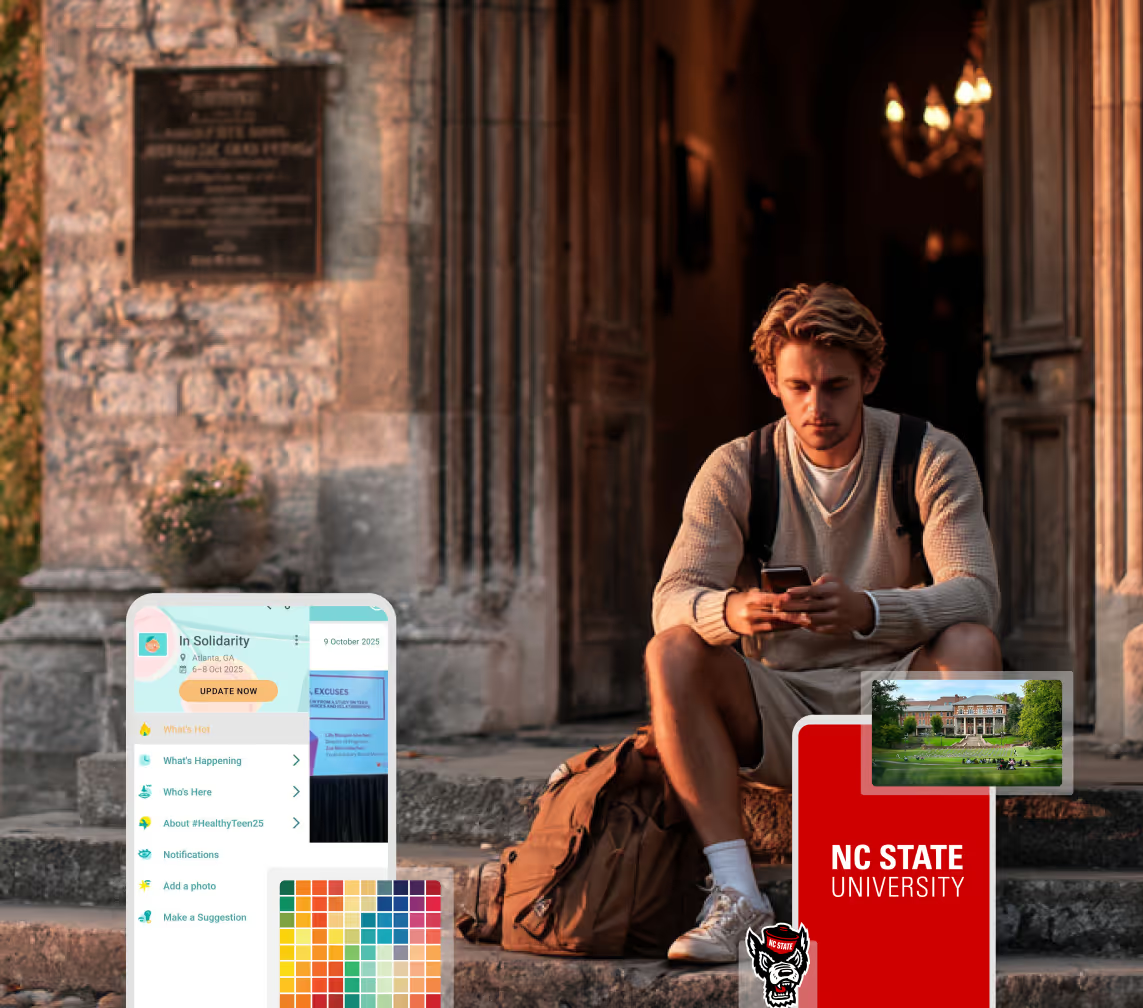
A Smaller School?
Deliver a polished, branded event experience without a large team or a big budget.
A Smaller School?
Deliver a polished, branded event experience without a large team or a big budget.
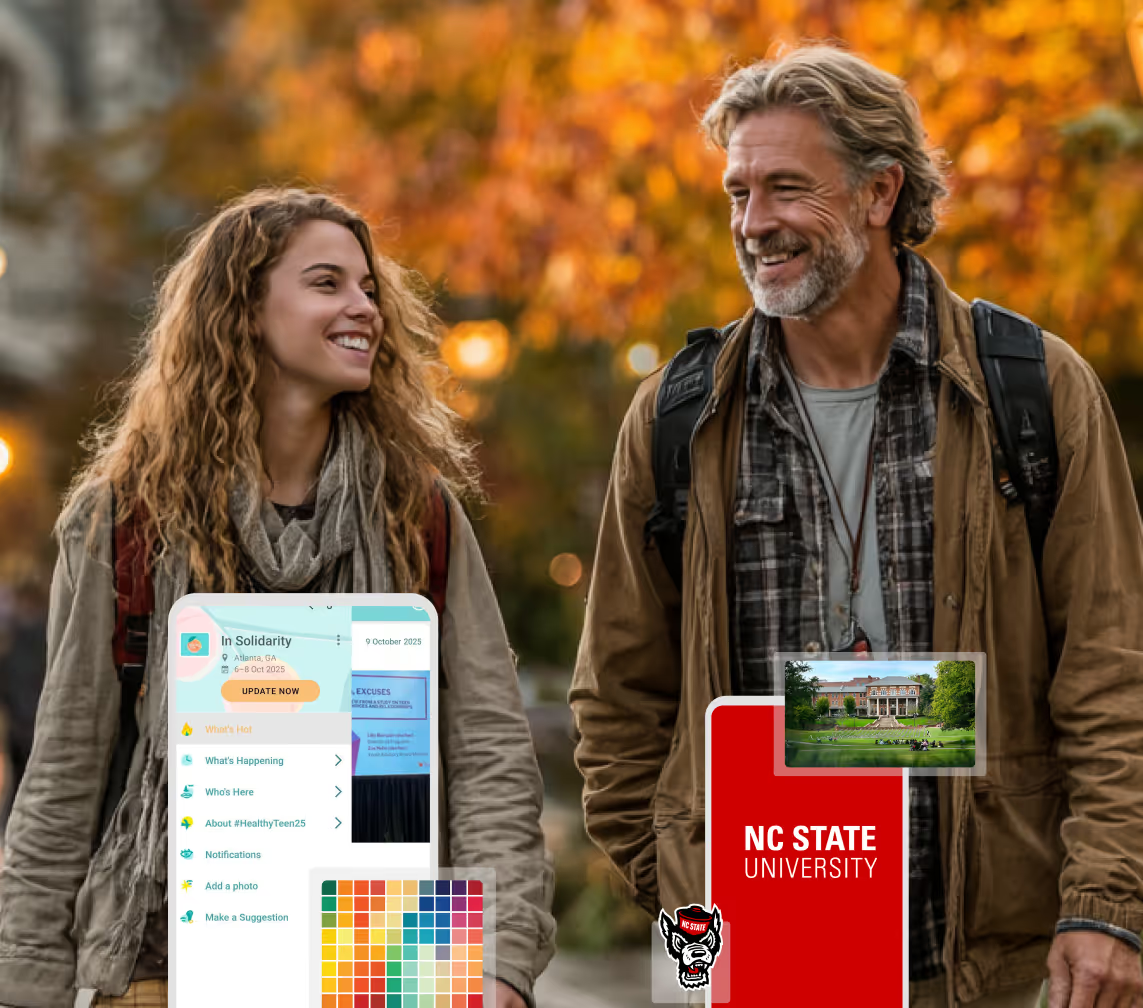
Running Family Programs?
Give families everything they need, from schedules and maps to real-time updates, all in one place.
Running Family Programs?
Give families everything they need, from schedules and maps to real-time updates, all in one place.
Coordinating Move-In Day?
Share updates, manage events, and keep students informed from move-in through the academic year.

Coordinating Move-In Day?
Share updates, manage events, and keep students informed from move-in through the academic year.
Offering Campus Tours?
Deliver branded, self-guided tour experiences with interactive maps and rich media, available 24/7.

Offering Campus Tours?
Deliver branded, self-guided tour experiences with interactive maps and rich media, available 24/7.
Organising a Career Fair?
Simplify logistics for students, employers, and Career Services staff with one easy-to-use app.
Organising a Career Fair?
Simplify logistics for students, employers, and Career Services staff with one easy-to-use app.
Managing Alumni Events?
Plan reunions, regional events, and fundraising campaigns with an app built for alumni engagement.
Managing Alumni Events?
Plan reunions, regional events, and fundraising campaigns with an app built for alumni engagement.
Boost Student Engagement
One hub for schedules, resources, and events that keeps students connected throughout the academic year.
Boost Student Engagement
One hub for schedules, resources, and events that keeps students connected throughout the academic year.
Planning Orientation?
Help new students feel prepared from day one with schedules, campus resources, and real-time updates in one app.
Planning Orientation?
Help new students feel prepared from day one with schedules, campus resources, and real-time updates in one app.
Running Admissions Events?
Manage open houses, tours, and yield events with a branded app that saves time and engages prospective students.

Running Admissions Events?
Manage open houses, tours, and yield events with a branded app that saves time and engages prospective students.
Get a custom Sponsorship Package Template
Stop starting from scratch. Grab free templates that helWe'll build a tailored sponsorship package with suggested pricing, tiers, and benefits..for your specific event.p you build professional sponsorship packages and close deals faster.
Get a custom Sponsorship Package Template
Stop starting from scratch. Grab free templates that helWe'll build a tailored sponsorship package with suggested pricing, tiers, and benefits..for your specific event.p you build professional sponsorship packages and close deals faster.
Plan Your Next Event Without Missing a Beat.
From venue selection to post-event wrap-up, this free checklist walks you through every step (so nothing falls through the cracks).
.avif)
Plan Your Next Event Without Missing a Beat.
From venue selection to post-event wrap-up, this free checklist walks you through every step (so nothing falls through the cracks).
Real Results From Real Events
100,000+ organizations trust Guidebook. See exactly how universities, associations, enterprises, and more put it to work.

Real Results From Real Events
100,000+ organizations trust Guidebook. See exactly how universities, associations, enterprises, and more put it to work.
Flexible pricing for every event size
Find the perfect plan for your needs, from intimate gatherings to large-scale conferences.

Flexible pricing for every event size
Find the perfect plan for your needs, from intimate gatherings to large-scale conferences.
Join our event experts
Watch on-demand webinars and join live sessions with industry leaders sharing best practices for event success.
.avif)
Join our event experts
Watch on-demand webinars and join live sessions with industry leaders sharing best practices for event success.
Guidebook in Action
Book a personalized walkthrough and discover how we help event teams create better attendee experiences.
Guidebook in Action
Book a personalized walkthrough and discover how we help event teams create better attendee experiences.
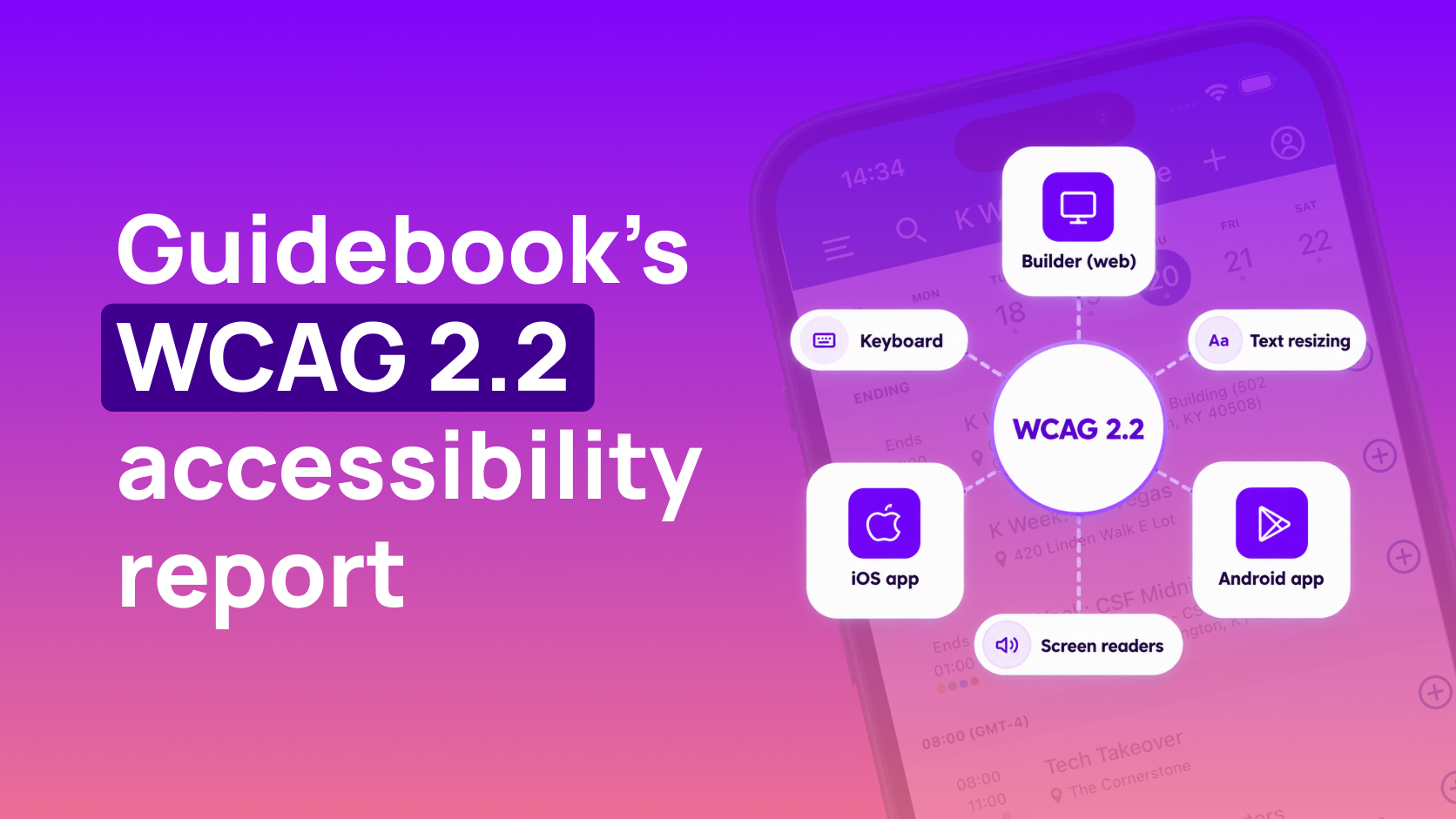
What Our WCAG 2.2 Test Found on iPhone, Android, and Builder




What Our WCAG 2.2 Test Found on iPhone, Android, and Builder
- The report covers the iOS app, the Android app, and Builder, tested against WCAG 2.2 Level A and AA. The report date is September 28, 2026.
- iOS supports 40 of 48 applicable criteria. Android supports 34 of 48. Builder supports 22 of 46.
- Supports means at least one method meets the criterion with no known defects. The notes on each row say where that stops.
- The attendee apps are being fixed first. Builder work begins in Q4 2026.
- Open issues include text size and landscape on iOS screens that aren't redesigned yet, list structure on Android, and keyboard, focus, and labels in Builder.
- Event Mobile Web and the registration site are outside this report.
Someone on your campus will ask whether a student can use the app with VoiceOver, with the text turned all the way up, or with a keyboard. You want an answer you can send that includes the parts that still fail. This report is the answer. It's for the person who runs orientation, an open house, admitted student day, a conference, or a visit day, and for the staff member who builds the guide. It's to help students get through an orientation day without needing someone else’s phone.
We tested the Guidebook iOS app, the Android app, and Builder against WCAG 2.2 Level A and AA, and issued our latest report on September 28, 2026. Event Mobile Web and the registration site sit outside this test. If the question is about either of those, we will have more information in the future.
We started from the person using it. A student on VoiceOver or TalkBack, a student with the type turned all the way up, and someone who uses a keyboard because a touchscreen isn't an option. Builder is in the same report for the staff member who has to publish that guide.
If they can't operate it, the student never gets the update.
What we tested
Each platform was tested on its own, with automated checks and with a person using a screen reader, a keyboard, and enlarged text. A green scan can still leave someone stuck on the schedule, so the manual pass is the one we trusted.
On iPhone, that meant VoiceOver, Dynamic Type at the largest sizes, turning the phone sideways, an external keyboard with Full Keyboard Access, and Xcode's Accessibility Inspector. On Android, it meant TalkBack, the largest font scale, rotation, an external keyboard, and Accessibility Scanner.
We walked the screens a student opens when they are trying to get through the day:
Home
The list of guides
The guide menu
General info
The schedule
Notifications
Profile
Lists
Photos
Interact
The leaderboard
Maps
The to-do list
Notes
Welcome
Connect
.png)
That menu is Louisiana Tech's orientation guide.
It's an example of what a new student opens: welcome, notifications, the schedule, to-do lists, and campus maps, all one tap away.
Builder is where your staff build that guide, so it was tested on its own. The checks were axe DevTools, WAVE, NVDA, JAWS, VoiceOver, keyboard-only use, and tools for contrast, flashing, and text spacing. The screens were navigation, the guides dashboard, Spaces and Apps, the guide dashboard, builder navigation, the builder modal, the branded dashboard, Manage Org, the flow for building a guide, and login.
How to read the scores
WCAG 2.2 Level A and AA has 55 criteria. Some don't apply to a phone app or to a web tool, so the totals below leave those out.
Platform | Applicable criteria | Supports | Partially supports | Does not support |
|---|---|---|---|---|
iOS app | 48 | 40 | 4 | 4 |
Android app | 48 | 34 | 14 | 0 |
Builder | 46 | 22 | 14 | 10 |
iOS and Android each have 7 criteria that don't apply. Builder has 9. The accessibility report is where you can filter the full list.
The word "supports" is the generous reading. It means at least one way through that criterion has no known defects, which is not the same as every screen being finished. Partially supports means some of the product misses it. Does not support means most of the product misses it. Not applicable means that criterion doesn't belong on that platform.
That's why the total is a bad thing to forward on its own. Android has nothing in "does not support," and it still has 14 criteria that only partly pass. Open the row in the accessibility report. The note names the screen, and the control, that a person would actually hit.
What we're still fixing
The phones come first. Work on the iOS and Android apps is underway, and Builder starts in Q4 2026. Someone asking about orientation wants to know if a student can get through the day. That question lands on the app, not on the tool we use to build it.
On iOS, the open gaps are text size and landscape on screens that haven't been redesigned. Landscape works on Schedule, General Info, and Space and Guide Home. Text resizing fails more widely. The notes include general info details, notifications, profile, lists, welcome, notes, photos, the to-do list, maps, the leaderboard, and Interact. A student sets the largest type once, for the whole phone, and then a welcome page or a map can still ignore it.
-(1).png)
Kentucky's open house is another example. One phone has the visit details, one has the day's schedule, and the third is a short guest survey from the same day.
On Android, the main gap is list screens that have no real structure. To-do, welcome, custom lists, and the leaderboard are flat lists, so TalkBack reads the page as one long pile. The item they came for is in there, but they have to walk the whole page to reach it. Those pages are being rebuilt. A few controls are unlabeled too, including photos in the album and the Like button. On the map page, the map itself is skipped, which is a hard thing to explain to someone who opened the app to find a building.
Builder is the one we would not hand to a keyboard user today. Navigation and menus don't take focus the way they should. The focus ring is hard to see, or missing. Labels are missing on controls a staff member needs, including guide settings, preview, and edit. Twenty-two of 46 applicable criteria are supported, and ten are not. If the person building the guide can't reach those controls, the updated schedule never goes out.
Where to read each criterion
The full table is on the accessibility report. Filter by platform, level, or status, or search by criterion number, then open Details for the tester's notes. The same report is a PDF dated September 28, 2026.pdf).
Send that page when disability services, a parent, or a form asks for the current test. Say which product you mean. The iPhone app, the Android app, and Builder are three different results.
If the question is about the guide new students download, this is the report to send. New student programs is the campus job, and the event app is where the schedule, the maps, and the lists live. An earlier post on how event apps support accessibility is about why that work matters. This is about testing, fixing and making sure we leave no student behind.
Frequently asked questions
[faq] Q: Which Guidebook products are in this report? A: The iOS app, the Android app, and Builder. Event Mobile Web and the registration site are not included. Q: What does supports mean? A: At least one method meets the criterion with no known defects. Partially supports means some of the product misses it. Does not support means most of it misses it. Q: What are you fixing first? A: The iOS and Android apps. Builder remediation begins in Q4 2026. Q: Can a student resize the text on iPhone? A: On many screens, the text stays small. Resize text is marked does not support on iOS, including notifications, lists, maps, welcome, and the to-do list. Q: How did the Android app score? A: Android supports 34 of 48 applicable criteria and partially supports the other 14. None are marked does not support. The partial rows include list screens that are being rebuilt. Q: Where is the full list of criteria? A: On the [accessibility report](https://www.guidebook.com/accessibility), with tester notes on each row. The [PDF](https://cdn.prod.website-files.com/68b01d3752e6264d97325944/6ad60ce0a4e549c3c71f6363_Guidebook-Accessibility-Conformance-Report-WCAG-2026-09-28%20(1).pdf) of the same report is dated September 28, 2026. [/faq]

Get the Mobile App Playbook
A short guide to running the whole student journey in one app. No fluff, just what works.
for higher ed
Campus
Playbook
A practical guide to building a connected campus experience.
Free playbook
The Mobile App Playbook for Universities
Students decide if they belong long before they set foot on campus. This playbook shows how to win them over from the first visit through graduation.
- Grow enrollment and boost recruitment
- Increase belonging and retention
- Run every event from one branded app
By submitting, you agree to our Privacy Policy.
You're in.
.png)

.avif)