Campus apps by department
Admissions, orientation, student life, and more — one campus app that works across departments.

Campus apps by department
Admissions, orientation, student life, and more — one campus app that works across departments.
Build unlimited event apps on one license
One partnership for unlimited campus events — orientation, tours, student life, and everything in between.
Build unlimited event apps on one license
One partnership for unlimited campus events — orientation, tours, student life, and everything in between.
Compare event app platforms
See how Guidebook stacks up against other event app and registration platforms.
Compare event app platforms
See how Guidebook stacks up against other event app and registration platforms.
Event apps for nonprofit and community programs
Give members, volunteers, and donors one branded app for conferences, fundraisers, and year-round community.
Event apps for nonprofit and community programs
Give members, volunteers, and donors one branded app for conferences, fundraisers, and year-round community.
Campus integrations and an open API
Connect Guidebook with the campus systems, APIs, and tools your team already uses.
Campus integrations and an open API
Connect Guidebook with the campus systems, APIs, and tools your team already uses.
Event apps for corporate and enterprise teams
Internal meetings, offsites, and large-scale corporate events — with the branding and control enterprise teams need.
Event apps for corporate and enterprise teams
Internal meetings, offsites, and large-scale corporate events — with the branding and control enterprise teams need.
Create a branded event app with no coding
Put schedules, maps, resources, and updates in every attendee's pocket — built for campus events and programs.
Create a branded event app with no coding
Put schedules, maps, resources, and updates in every attendee's pocket — built for campus events and programs.
Launch a branded, white-label event app
A white-label event app with your branding, your content, and your attendee experience — no coding required.
Launch a branded, white-label event app
A white-label event app with your branding, your content, and your attendee experience — no coding required.
Everything in the Guidebook platform
Explore the features event teams use to engage attendees before, during, and after the event.
Everything in the Guidebook platform
Explore the features event teams use to engage attendees before, during, and after the event.
One app for in-person and virtual attendees
The same schedule, networking, and updates whether people are in the room or joining remotely.
One app for in-person and virtual attendees
The same schedule, networking, and updates whether people are in the room or joining remotely.
Event apps built for associations
Annual meetings, chapter events, and member engagement — without rebuilding a new app every year.
Event apps built for associations
Annual meetings, chapter events, and member engagement — without rebuilding a new app every year.
A branded event website that matches the app
Promote the event, collect interest, and keep branding consistent from the first click to check-in.
A branded event website that matches the app
Promote the event, collect interest, and keep branding consistent from the first click to check-in.
Plan, run, and measure events on one platform
App, registration, badges, and websites in one workflow — so planning isn't a pile of disconnected tools.
Plan, run, and measure events on one platform
App, registration, badges, and websites in one workflow — so planning isn't a pile of disconnected tools.
Keep members engaged between events
One branded app for the conference and everything that happens the other 51 weeks of the year.
Keep members engaged between events
One branded app for the conference and everything that happens the other 51 weeks of the year.
The conference app attendees actually use
Schedules, maps, networking, and live updates for annual meetings, summits, and multi-day conferences.
The conference app attendees actually use
Schedules, maps, networking, and live updates for annual meetings, summits, and multi-day conferences.
Registration that feeds your app and badges
Collect registrations, payments, and attendee data in the same platform as your event app.
Registration that feeds your app and badges
Collect registrations, payments, and attendee data in the same platform as your event app.
Design and print event badges in one place
Custom badges, QR check-in, and on-site printing — without a separate badge vendor.
Design and print event badges in one place
Custom badges, QR check-in, and on-site printing — without a separate badge vendor.
A Smaller School?
Deliver a polished, branded event experience without a large team or a big budget.

A Smaller School?
Deliver a polished, branded event experience without a large team or a big budget.
Running Family Programs?
Give families everything they need, from schedules and maps to real-time updates, all in one place.

Running Family Programs?
Give families everything they need, from schedules and maps to real-time updates, all in one place.
Coordinating Move-In Day?
Share updates, manage events, and keep students informed from move-in through the academic year.

Coordinating Move-In Day?
Share updates, manage events, and keep students informed from move-in through the academic year.
Offering Campus Tours?
Deliver branded, self-guided tour experiences with interactive maps and rich media, available 24/7.

Offering Campus Tours?
Deliver branded, self-guided tour experiences with interactive maps and rich media, available 24/7.
Organising a Career Fair?
Simplify logistics for students, employers, and Career Services staff with one easy-to-use app.

Organising a Career Fair?
Simplify logistics for students, employers, and Career Services staff with one easy-to-use app.
Managing Alumni Events?
Plan reunions, regional events, and fundraising campaigns with an app built for alumni engagement.

Managing Alumni Events?
Plan reunions, regional events, and fundraising campaigns with an app built for alumni engagement.
Boost Student Engagement
One hub for schedules, resources, and events that keeps students connected throughout the academic year.

Boost Student Engagement
One hub for schedules, resources, and events that keeps students connected throughout the academic year.
Planning Orientation?
Help new students feel prepared from day one with schedules, campus resources, and real-time updates in one app.

Planning Orientation?
Help new students feel prepared from day one with schedules, campus resources, and real-time updates in one app.
Running Admissions Events?
Manage open houses, tours, and yield events with a branded app that saves time and engages prospective students.

Running Admissions Events?
Manage open houses, tours, and yield events with a branded app that saves time and engages prospective students.
Get a custom Sponsorship Package Template
Stop starting from scratch. Grab free templates that helWe'll build a tailored sponsorship package with suggested pricing, tiers, and benefits..for your specific event.p you build professional sponsorship packages and close deals faster.

Get a custom Sponsorship Package Template
Stop starting from scratch. Grab free templates that helWe'll build a tailored sponsorship package with suggested pricing, tiers, and benefits..for your specific event.p you build professional sponsorship packages and close deals faster.
Plan Your Next Event Without Missing a Beat.
From venue selection to post-event wrap-up, this free checklist walks you through every step (so nothing falls through the cracks).
.avif)
Plan Your Next Event Without Missing a Beat.
From venue selection to post-event wrap-up, this free checklist walks you through every step (so nothing falls through the cracks).
Real Results From Real Events
100,000+ organizations trust Guidebook. See exactly how universities, associations, enterprises, and more put it to work.

Real Results From Real Events
100,000+ organizations trust Guidebook. See exactly how universities, associations, enterprises, and more put it to work.
Flexible pricing for every event size
Find the perfect plan for your needs, from intimate gatherings to large-scale conferences.

Flexible pricing for every event size
Find the perfect plan for your needs, from intimate gatherings to large-scale conferences.
Join our event experts
Watch on-demand webinars and join live sessions with industry leaders sharing best practices for event success.
.avif)
Join our event experts
Watch on-demand webinars and join live sessions with industry leaders sharing best practices for event success.
Guidebook in Action
Book a personalized walkthrough and discover how we help event teams create better attendee experiences.
Guidebook in Action
Book a personalized walkthrough and discover how we help event teams create better attendee experiences.
Crafting Effective Pre-Event Surveys: A Comprehensive Guide





Crafting Effective Pre-Event Surveys: A Comprehensive Guide
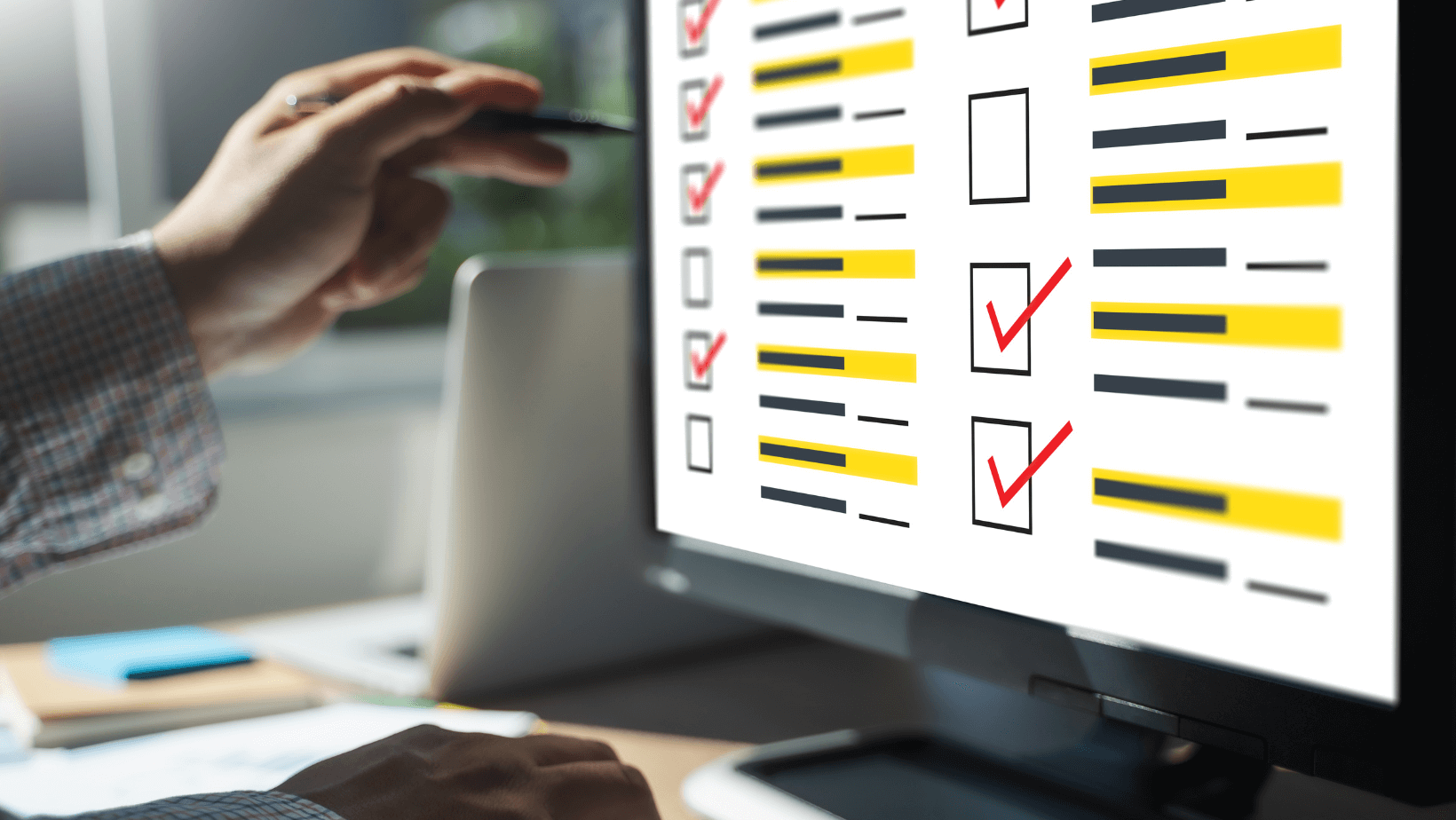
How to Create a Pre-Event Survey
The key to creating an effective pre-event survey is nailing the right survey platforms and asking the right questions to get your attendees to start talking. If you are a Guidebook customer, you can begin building your survey here today.Selecting the right tool
Selecting the right tool for your pre-event survey is all about finding the perfect fit for your needs. Choosing the appropriate software and channel will lay the foundation for a highly successful pre-event survey. For instance, Google Forms is very simple and offers easy collaboration, making it great for straightforward surveys. SurveyMonkey has a range of features and different question types and is very good if you want a detailed survey. Guidebook customers can easily build surveys within their event app at no extra cost. In picking a tool for your needs, consider factors like ease of use, customization options, and how much you are willing to spend on surveys.Designing Relevant Questions
Once you have decided on a platform, the next step is to design questions that will help you get information from your participants. Some question ideas you can start with include:- Demographic information: Basic information like age, gender, location, and occupation can help you learn more about your attendees' profiles.
- Expectations: Ask your attendees about their expectations for the event, what goals they have, and any specific wishes or requirements.
- Preferences: Ask if they have any preferences about event format or any special accommodation requirement they may need, such as dietary needs.

Ensuring Clarity and Conciseness
A perfect pre-event survey is one everyone can understand regardless of educational level. Make sure your survey questions are easy to understand as it helps people give accurate answers. Also, keeping the survey short and sweet makes people more likely to participate and give their opinions - especially on mobileWhen to Send the Survey
Look at this like sending out wedding invitations. You need to send the survey well before the event so that people will have enough time to answer and send their responses. In return, it will give you plenty of time to use their feedback to plan the event according to their preferences. However, it is also essential to find the right balance. If you send it too early, your attendees will forget about it and find it irrelevant. If you send it too late, you won’t have enough time to implement the suggestions or requests.Factors to Consider
In addition to timing, here are some other things to consider:- Times when people might be free –For instance, weekdays and business hours may not be ideal as some attendees may be at work. It is better to send the survey in the evenings or on weekends.
- Reminders – Consider reminding people who have yet to respond. Some people simply get busy and forget.
- Use social media platforms – These help ensure as many people as possible see your survey form.
- Where will people complete this? –Mobile, desktop, paper? - mobile surveys have a 10% higher completion rate than desktop.
Choosing the Right Platform to Host the Survey Email
Sending survey invitations via email is one of the best ways to reach people. When you send these invitations, make sure to write a message that feels personal and explains why you are doing the survey. Give a quick summary of the event and stress how important it is for them to share their thoughts to improve it. Include a clear button or link to make it easy for them to click the survey link and fill it out. Alternatively, use push notifications to encourage people to go straight to your app and complete the form - bypassing cluttered inboxes.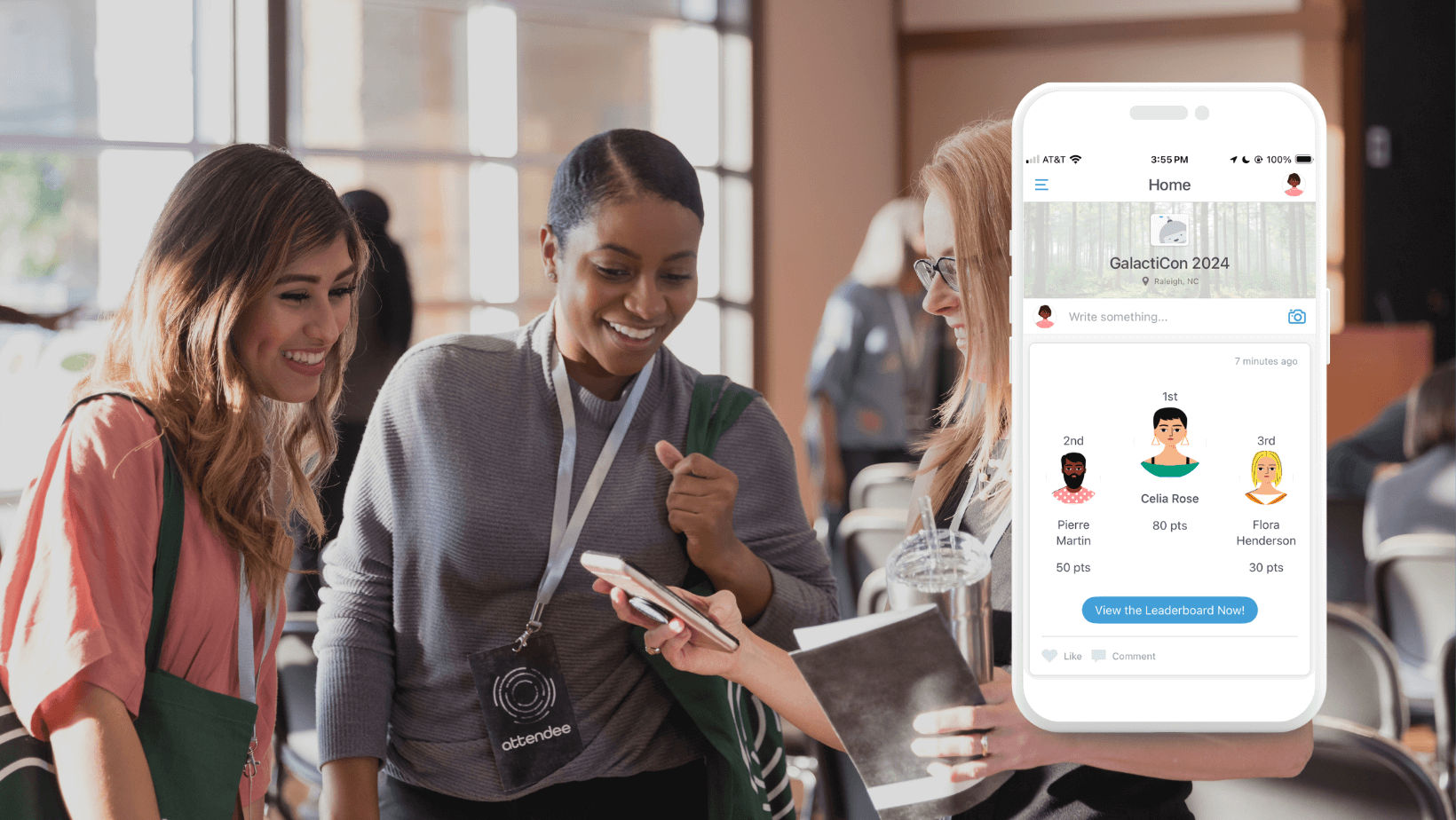
Event Management Platforms
Registration is usually one of the first steps in organizing an event. This is where you first interact with your attendees, so integrating registration with surveys can provide insights into what your audience is looking forward to most about the event. This can help you shape tailored campaigns for the event and avoid disappointment. Thankfully, most event planning mobile apps have surveys built in, so you can easily add surveys to the sign-up systems. Conducting surveys on these platforms gives attendees one place to find all the event details and answer questions. Plus, you can quickly see survey results and change event plans as necessary.Social Media and Websites
Using social media to distribute surveys can reach more people and elicit more responses. You can post survey links on different social media sites and ask your followers to share them with others. Also, consider putting the survey on your event website or a page dedicated to the event. This makes it easier for attendees to fill out the survey.What to Include in the Survey
Here are some important things you might want to include in your pre-event survey:- Event Expectations:Inquire about what attendees hope to gain or experience from the event.
- Content Preferences: Find out what topics or activities most interest attendees.
- Feedback on Past Events:If applicable, ask for feedback on previous events to learn what worked well and what could be improved. You can read here why collecting feedback from attendees is important.
- Preferred Communication Channels: Determine how attendees prefer to receive information about the event. Examples are email, social media, or text messages.
- Interest in Additional Activities: Gauge interest in any supplementary activities or workshops you may be considering.
- Networking Expectations: Inquire about attendees' interest in networking opportunities or preferences.
- Overall Satisfaction: Include a section where attendees can rate their overall satisfaction with past events or their anticipation for the upcoming one.
- Open-Ended Questions:Allow attendees to share any additional comments, suggestions, special wishes, or concerns.
Logistics and Preferences
Aside from asking about what your attendees expect, be sure to find out about their logistical needs and preferences. This might include dietary restrictions, accessibility requirements, what type of event they prefer (like in-person, virtual, or a mix of both), and topics or speakers they're interested in. Getting this info upfront helps organizers ensure everyone can participate comfortably and feel included.Analyzing and Utilizing Survey Responses
After collecting survey responses, it is important to look at the data carefully to determine what attendees like and want. Break down the data into groups, compare different categories, and check the overall mood of the responses. Look for clear trends or common ideas to help you better plan the event and decide what content to include.Incorporating Feedback into Event Planning
Once you have understood what your attendees want from the survey, make changes to the event planning to match their needs. Let attendees know about any changes you make based on their feedback so they know their opinions matter. By listening to feedback and making changes accordingly, you can make the event more enjoyable for everyone, leading to happier attendees and a more successful event overall.
Conclusion
Pre-event surveys are helpful if you want to deliver an outstanding event tailored to your attendees' needs, expectations, and desires. You can learn a lot about what attendees want and think by making sure the surveys are easy to understand, picking the right ways to send them out, and looking at the responses carefully. When you use this feedback to plan the event, you’ll end up with happy attendees who give great reviews and want to use your services again. So, don't forget about pre-event surveys when planning your event—give them a try and see how much better your events can be!
Get the Mobile App Playbook
A short guide to running the whole student journey in one app. No fluff, just what works.
for higher ed
Campus
Playbook
A practical guide to building a connected campus experience.
Free playbook
The Mobile App Playbook for Universities
Students decide if they belong long before they set foot on campus. This playbook shows how to win them over from the first visit through graduation.
- Grow enrollment and boost recruitment
- Increase belonging and retention
- Run every event from one branded app
By submitting, you agree to our Privacy Policy.
You're in.
.png)


.avif)