
See who actually showed up, in Slate
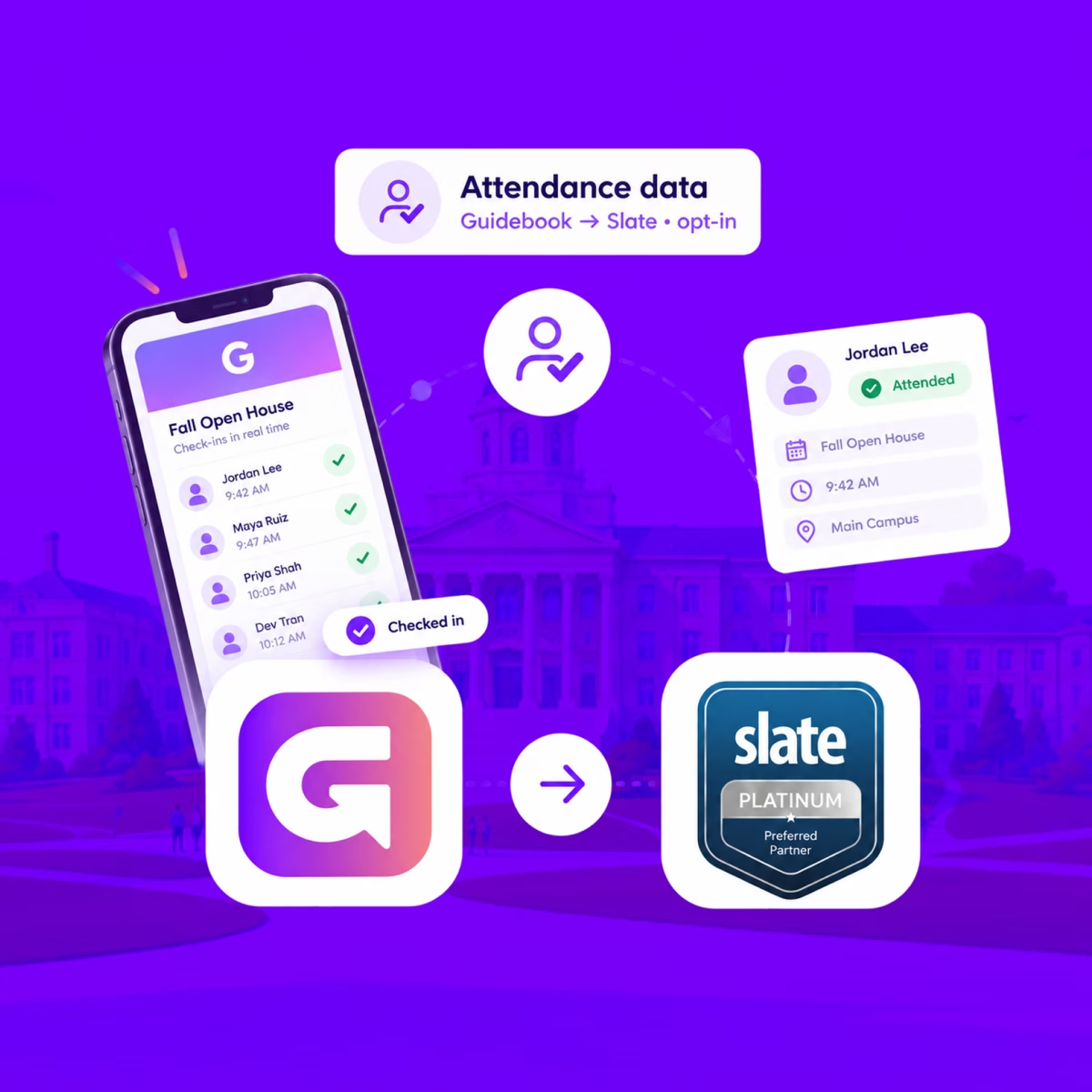
When someone checks in at your event, Guidebook marks their Slate registration Attended, with the time they arrived.
See who actually showed up, in Slate
When someone checks in at your event, Guidebook marks their Slate registration Attended, with the time they arrived.
Send app engagement back to Slate
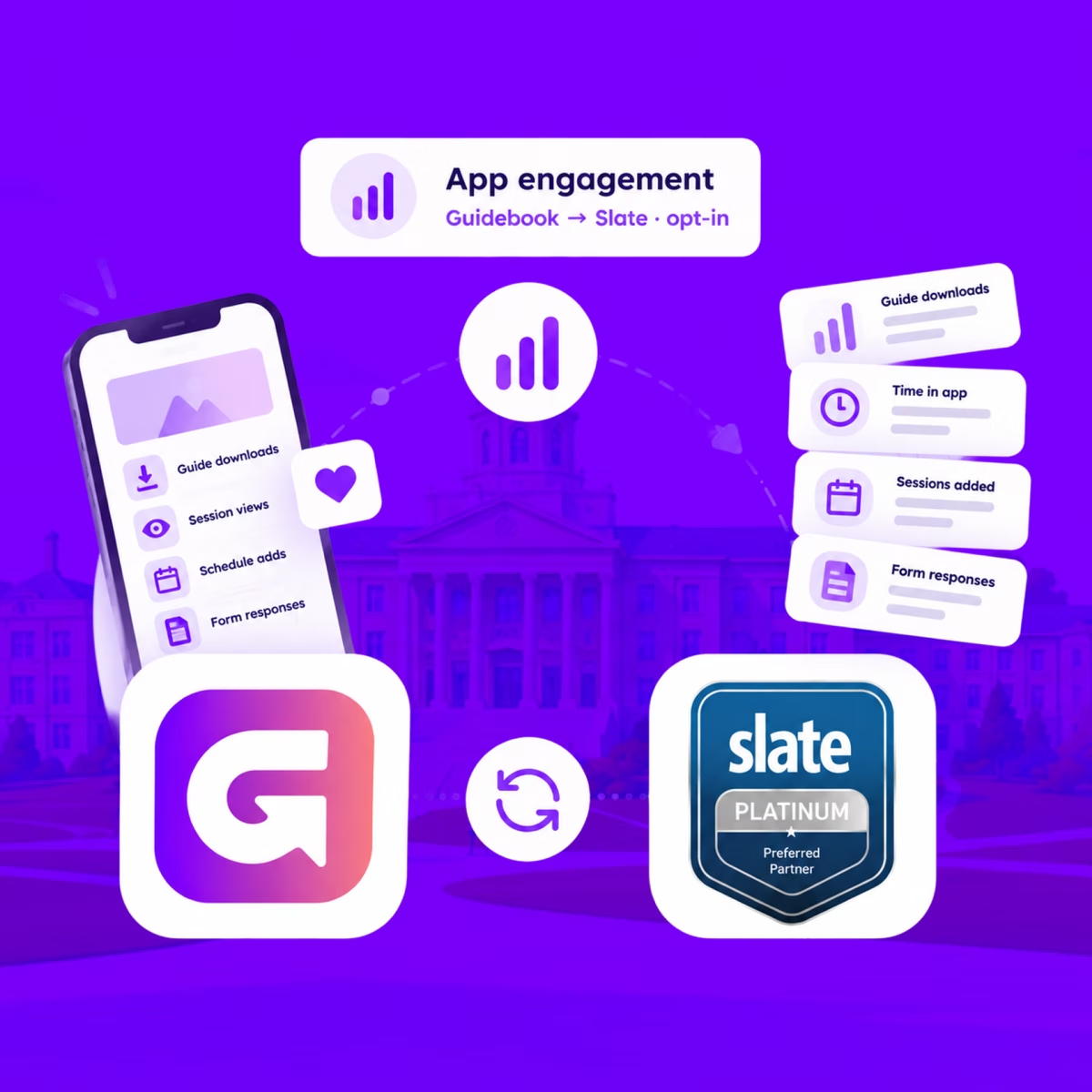
For students who opt in, downloads, schedule adds, views, and form responses land on their event registration every hour.
Send app engagement back to Slate
For students who opt in, downloads, schedule adds, views, and form responses land on their event registration every hour.
Build the campus event once in Slate
Link a Slate folder to a guide. Every event becomes a session, and registrants are added automatically.

Build the campus event once in Slate
Link a Slate folder to a guide. Every event becomes a session, and registrants are added automatically.
Slate profiles, in the campus app
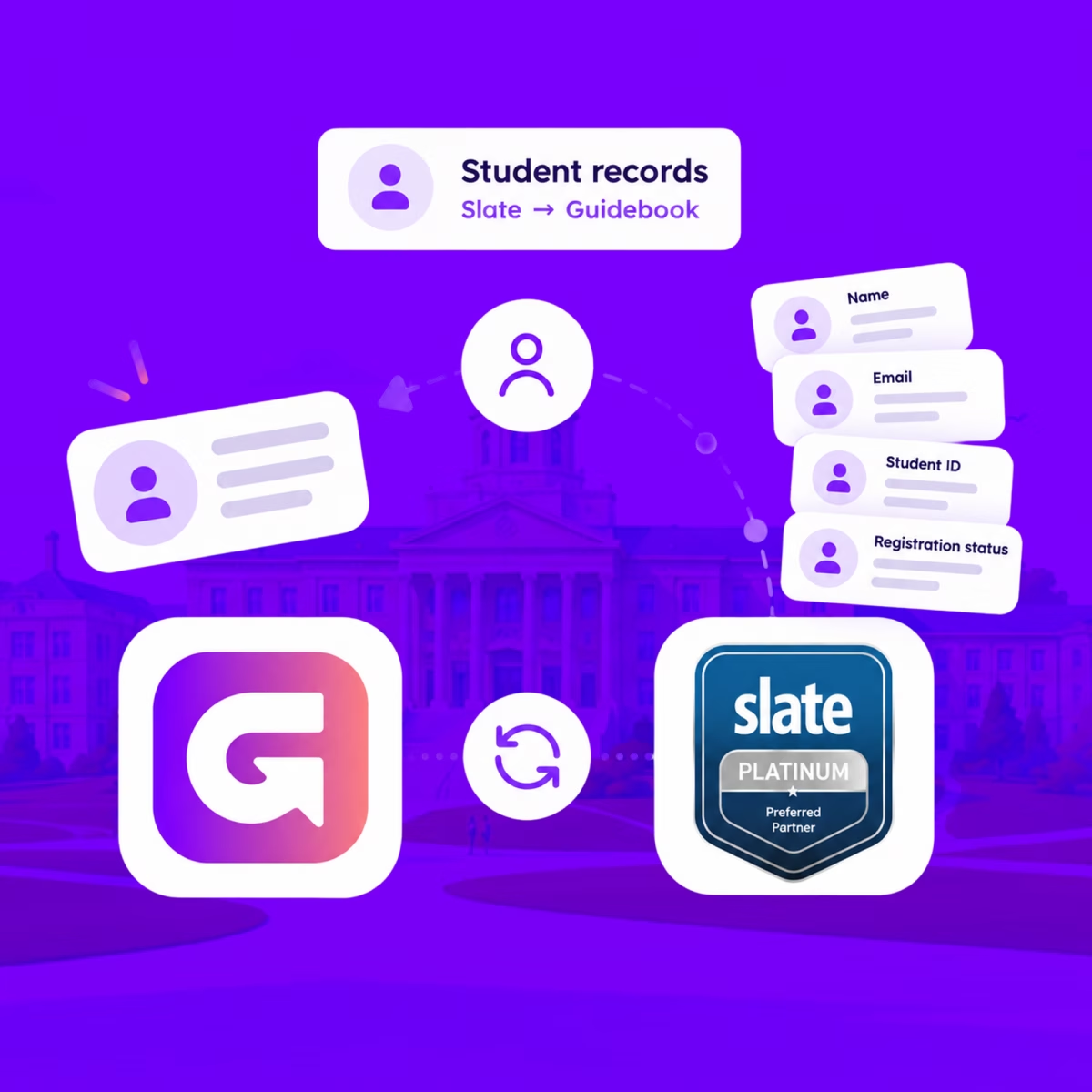
Match each student's Slate record to their Guidebook account, so college, major, and orientation details stay current on every sync.
Slate profiles, in the campus app
Match each student's Slate record to their Guidebook account, so college, major, and orientation details stay current on every sync.
Campus apps by department
Admissions, orientation, student life, and more — one campus app that works across departments.

Campus apps by department
Admissions, orientation, student life, and more — one campus app that works across departments.
Build unlimited event apps on one license
One partnership for unlimited campus events — orientation, tours, student life, and everything in between.
Build unlimited event apps on one license
One partnership for unlimited campus events — orientation, tours, student life, and everything in between.
Compare event app platforms
See how Guidebook stacks up against other event app and registration platforms.
Compare event app platforms
See how Guidebook stacks up against other event app and registration platforms.
Event apps for nonprofit and community programs
Give members, volunteers, and donors one branded app for conferences, fundraisers, and year-round community.
Event apps for nonprofit and community programs
Give members, volunteers, and donors one branded app for conferences, fundraisers, and year-round community.
Campus integrations and an open API
Connect Guidebook with the campus systems, APIs, and tools your team already uses.
Campus integrations and an open API
Connect Guidebook with the campus systems, APIs, and tools your team already uses.
Event apps for corporate and enterprise teams
Internal meetings, offsites, and large-scale corporate events — with the branding and control enterprise teams need.
Event apps for corporate and enterprise teams
Internal meetings, offsites, and large-scale corporate events — with the branding and control enterprise teams need.
Create a branded event app with no coding
Put schedules, maps, resources, and updates in every attendee's pocket — built for campus events and programs.
Create a branded event app with no coding
Put schedules, maps, resources, and updates in every attendee's pocket — built for campus events and programs.
Launch a branded, white-label event app
A white-label event app with your branding, your content, and your attendee experience — no coding required.
Launch a branded, white-label event app
A white-label event app with your branding, your content, and your attendee experience — no coding required.
Everything in the Guidebook platform
Explore the features event teams use to engage attendees before, during, and after the event.
Everything in the Guidebook platform
Explore the features event teams use to engage attendees before, during, and after the event.
One app for in-person and virtual attendees
The same schedule, networking, and updates whether people are in the room or joining remotely.
One app for in-person and virtual attendees
The same schedule, networking, and updates whether people are in the room or joining remotely.
Event apps built for associations
Annual meetings, chapter events, and member engagement — without rebuilding a new app every year.
Event apps built for associations
Annual meetings, chapter events, and member engagement — without rebuilding a new app every year.
A branded event website that matches the app
Promote the event, collect interest, and keep branding consistent from the first click to check-in.
A branded event website that matches the app
Promote the event, collect interest, and keep branding consistent from the first click to check-in.
Plan, run, and measure events on one platform
App, registration, badges, and websites in one workflow — so planning isn't a pile of disconnected tools.
Plan, run, and measure events on one platform
App, registration, badges, and websites in one workflow — so planning isn't a pile of disconnected tools.
Keep members engaged between events
One branded app for the conference and everything that happens the other 51 weeks of the year.
Keep members engaged between events
One branded app for the conference and everything that happens the other 51 weeks of the year.
The conference app attendees actually use
Schedules, maps, networking, and live updates for annual meetings, summits, and multi-day conferences.
The conference app attendees actually use
Schedules, maps, networking, and live updates for annual meetings, summits, and multi-day conferences.
Registration that feeds your app and badges
Collect registrations, payments, and attendee data in the same platform as your event app.
Registration that feeds your app and badges
Collect registrations, payments, and attendee data in the same platform as your event app.
Design and print event badges in one place
Custom badges, QR check-in, and on-site printing — without a separate badge vendor.
Design and print event badges in one place
Custom badges, QR check-in, and on-site printing — without a separate badge vendor.
A Smaller School?
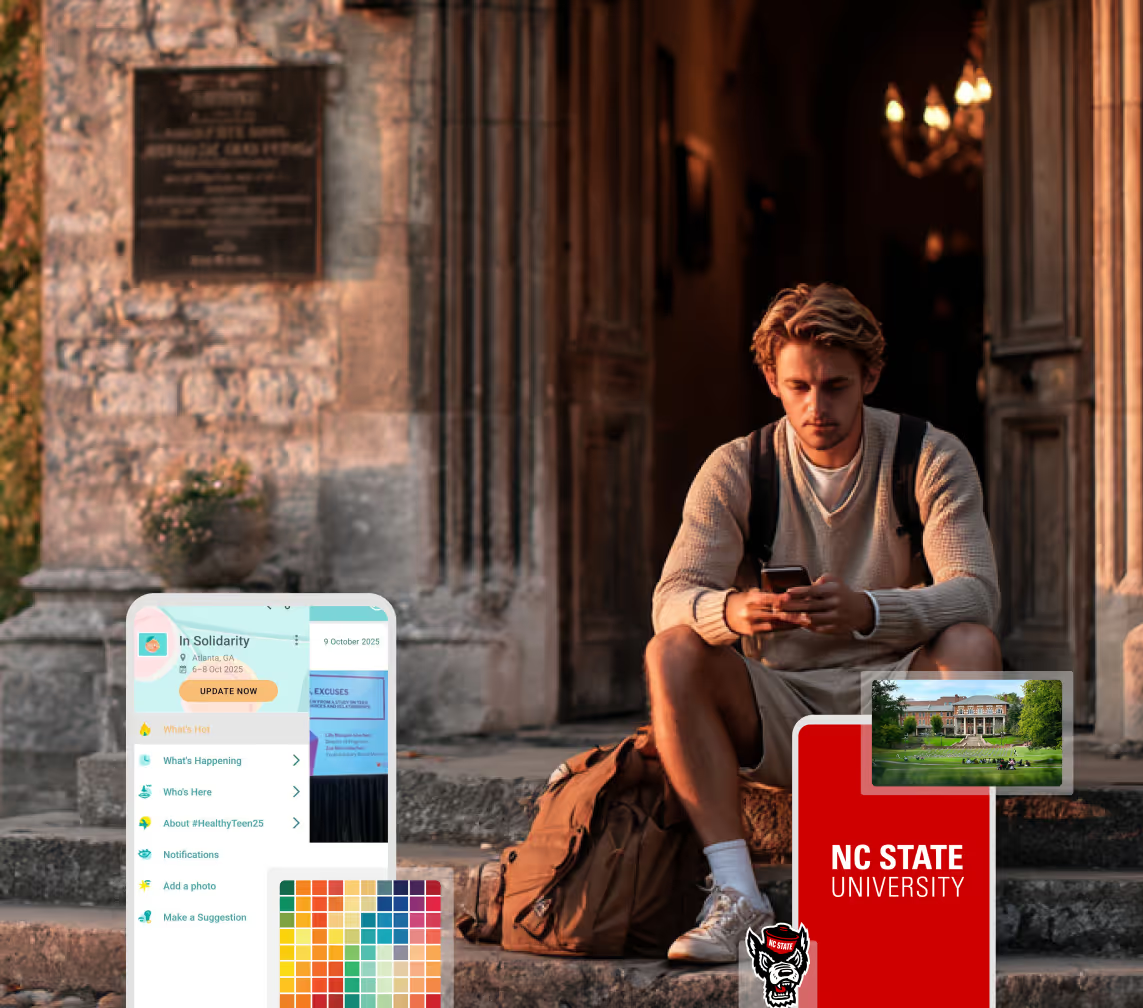
Deliver a polished, branded event experience without a large team or a big budget.
A Smaller School?
Deliver a polished, branded event experience without a large team or a big budget.
Running Family Programs?
Give families everything they need, from schedules and maps to real-time updates, all in one place.
Running Family Programs?
Give families everything they need, from schedules and maps to real-time updates, all in one place.
Coordinating Move-In Day?
Share updates, manage events, and keep students informed from move-in through the academic year.

Coordinating Move-In Day?
Share updates, manage events, and keep students informed from move-in through the academic year.
Offering Campus Tours?
Deliver branded, self-guided tour experiences with interactive maps and rich media, available 24/7.
Offering Campus Tours?
Deliver branded, self-guided tour experiences with interactive maps and rich media, available 24/7.
Organising a Career Fair?
Simplify logistics for students, employers, and Career Services staff with one easy-to-use app.
Organising a Career Fair?
Simplify logistics for students, employers, and Career Services staff with one easy-to-use app.
Managing Alumni Events?
Plan reunions, regional events, and fundraising campaigns with an app built for alumni engagement.
Managing Alumni Events?
Plan reunions, regional events, and fundraising campaigns with an app built for alumni engagement.
Boost Student Engagement
One hub for schedules, resources, and events that keeps students connected throughout the academic year.
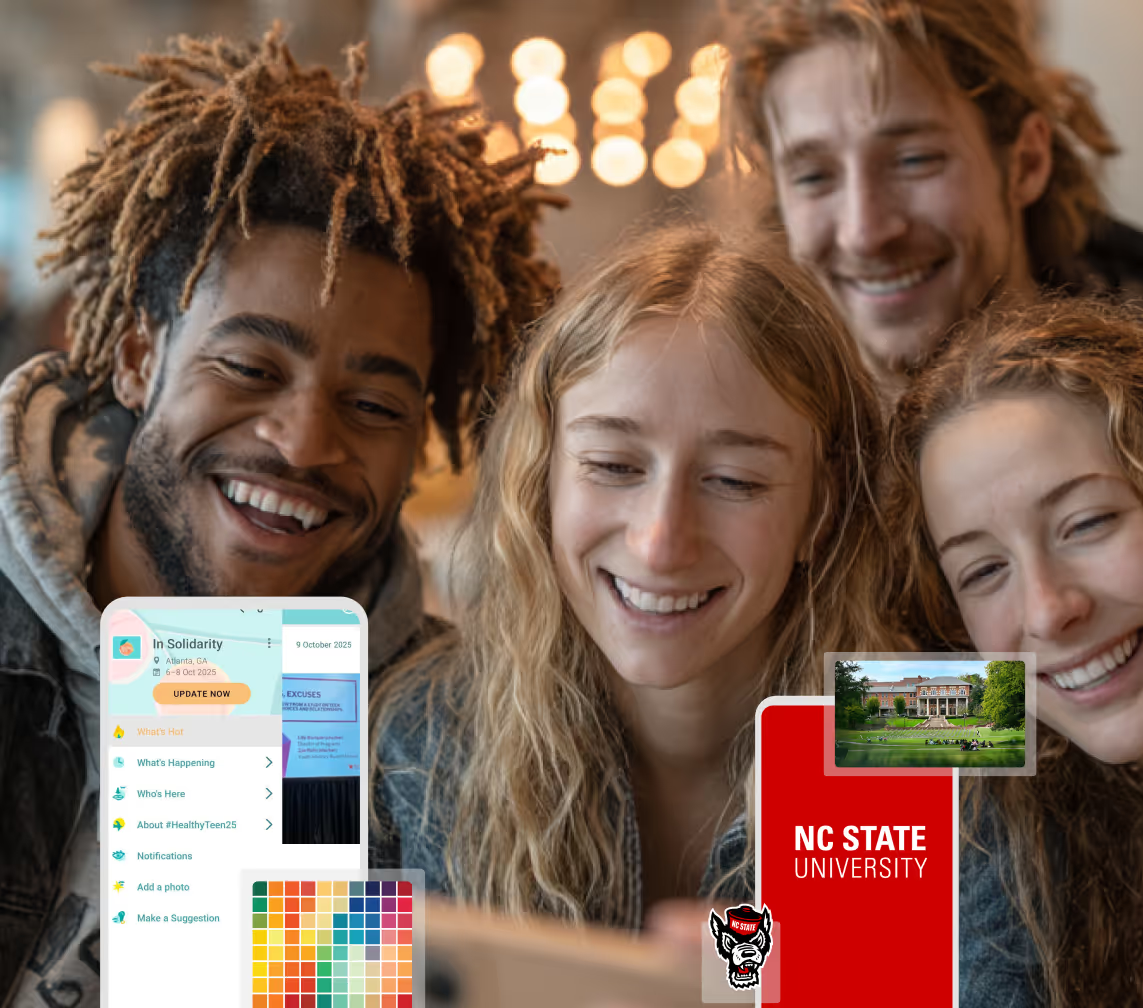
Boost Student Engagement
One hub for schedules, resources, and events that keeps students connected throughout the academic year.
Planning Orientation?
Help new students feel prepared from day one with schedules, campus resources, and real-time updates in one app.
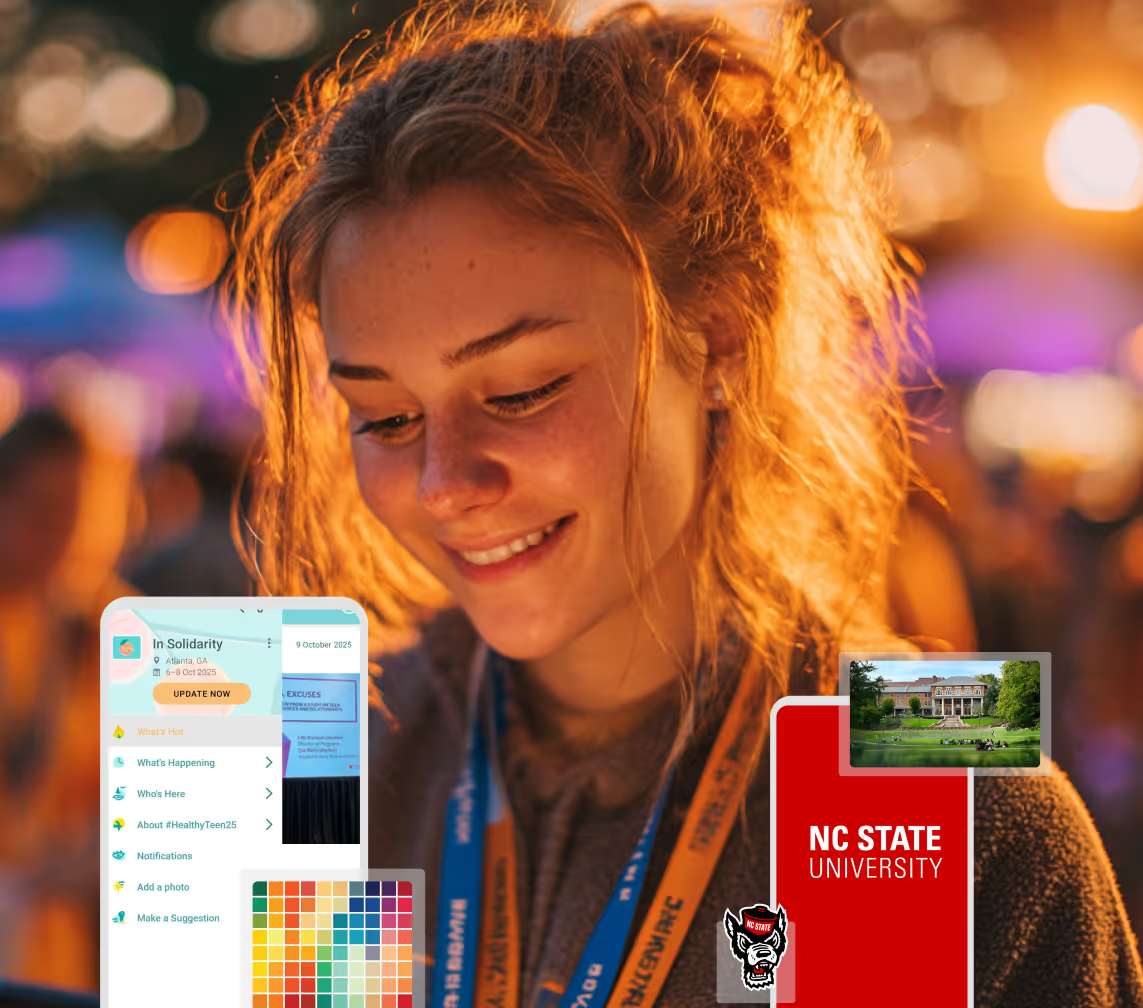
Planning Orientation?
Help new students feel prepared from day one with schedules, campus resources, and real-time updates in one app.
Running Admissions Events?
Manage open houses, tours, and yield events with a branded app that saves time and engages prospective students.
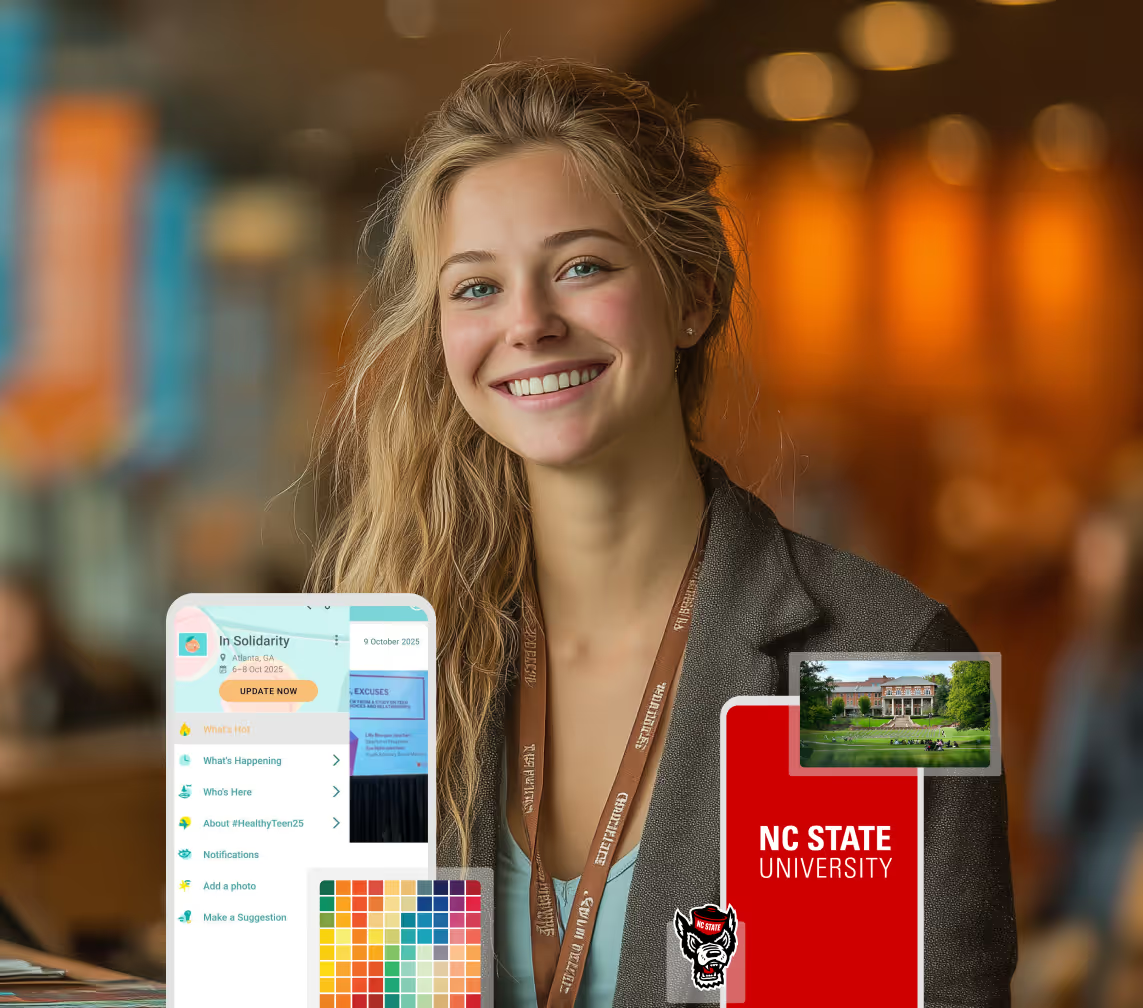
Running Admissions Events?
Manage open houses, tours, and yield events with a branded app that saves time and engages prospective students.
Get a custom Sponsorship Package Template
Stop starting from scratch. Grab free templates that helWe'll build a tailored sponsorship package with suggested pricing, tiers, and benefits..for your specific event.p you build professional sponsorship packages and close deals faster.
Get a custom Sponsorship Package Template
Stop starting from scratch. Grab free templates that helWe'll build a tailored sponsorship package with suggested pricing, tiers, and benefits..for your specific event.p you build professional sponsorship packages and close deals faster.
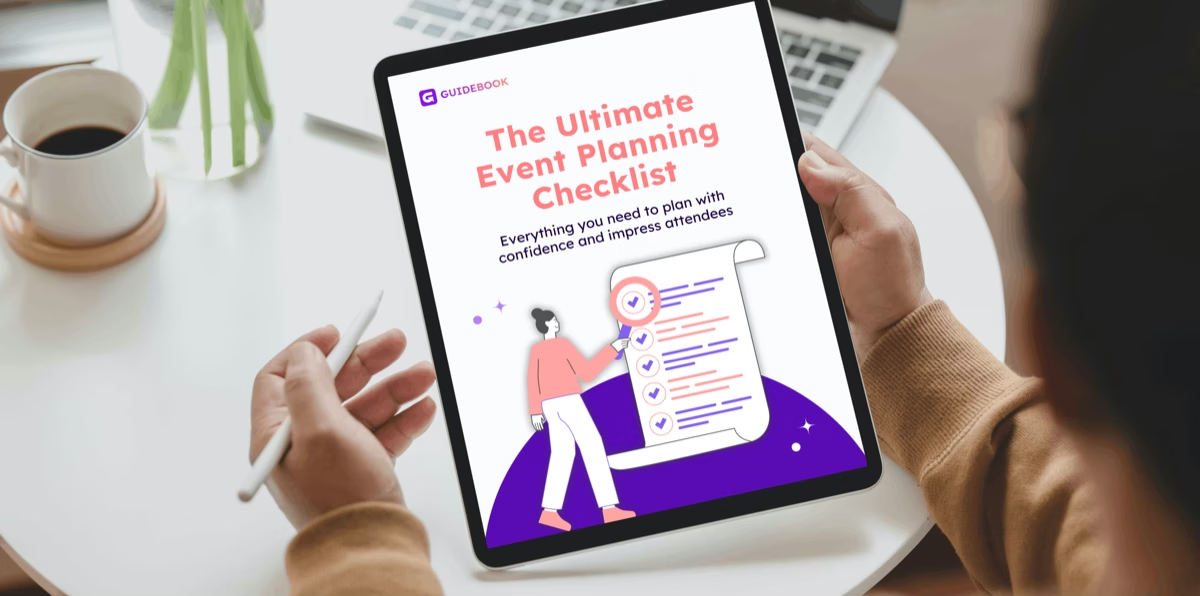
Plan Your Next Event Without Missing a Beat.
From venue selection to post-event wrap-up, this free checklist walks you through every step (so nothing falls through the cracks).
Plan Your Next Event Without Missing a Beat.
From venue selection to post-event wrap-up, this free checklist walks you through every step (so nothing falls through the cracks).
Real Results From Real Events
100,000+ organizations trust Guidebook. See exactly how universities, associations, enterprises, and more put it to work.

Real Results From Real Events
100,000+ organizations trust Guidebook. See exactly how universities, associations, enterprises, and more put it to work.
Flexible pricing for every event size
Find the perfect plan for your needs, from intimate gatherings to large-scale conferences.

Flexible pricing for every event size
Find the perfect plan for your needs, from intimate gatherings to large-scale conferences.
Join our event experts
Watch on-demand webinars and join live sessions with industry leaders sharing best practices for event success.

Join our event experts
Watch on-demand webinars and join live sessions with industry leaders sharing best practices for event success.
Guidebook in Action
Book a personalized walkthrough and discover how we help event teams create better attendee experiences.
Guidebook in Action
Book a personalized walkthrough and discover how we help event teams create better attendee experiences.

What is Zoom Fatigue?
Zoom fatigue is the exhaustion caused by extended video calls. Learn what causes it, why it hits students hard, and how to design virtual events that avoid it.

Zoom fatigue is the mental and physical exhaustion that builds up during extended video conferencing. It's not simply tiredness from a long day. Research at Stanford's Virtual Human Interaction Lab identified specific mechanisms: prolonged close-up eye contact, the cognitive load of watching yourself, restricted physical movement, and the extra work of reading faces through a grid.
Here's the thing: your virtual Open House is competing with the fourth hour of that student's online class day. They're not bored by your content. They're depleted before you start. Any virtual event aimed at students is landing on an audience whose tolerance for another rectangle of faces is already spent, and designing as though that isn't true is the most common mistake in campus virtual programming.
Key Characteristics of Zoom Fatigue
- Excessive Close-Up Eye Contact: Gallery view puts many faces at conversational distance simultaneously. The brain reads sustained close eye contact as high-intensity, and it responds accordingly.
- Constant Self-View: Seeing yourself for hours is cognitively expensive. Stanford's research found this is one of the strongest contributors, and hiding self-view measurably reduces it.
- Reduced Mobility: Video keeps people pinned in frame. In-person conversation involves constant small movement that video quietly removes.
- Higher Cognitive Load: Non-verbal cues that are automatic in person must be consciously produced and read on video, including exaggerated nodding and deliberate pauses.
- No Transition Time: Back-to-back calls remove the walk between rooms, which is where the brain resets.
- Audio Strain: Slight latency and compression make listening effortful in a way most people never consciously notice.
- Attention Residue: Notifications and open tabs sit inches from the meeting, fragmenting focus in a way a physical room doesn't.
Zoom Fatigue vs. Related Conditions
General Screen Fatigue
- Scope: Eye strain and tiredness from any prolonged screen use
- Focus: Visual and postural strain
- Timeline: Builds across a full day of screen work
- Channels: Any device or application
- Goal of mitigation: Reduce exposure, improve ergonomics, take visual breaks
Zoom Fatigue
- Scope: Exhaustion specific to video conferencing
- Focus: Social and cognitive load of mediated face-to-face interaction
- Timeline: Can appear within a single long call
- Channels: Video meeting platforms
- Goal of mitigation: Redesign the format, not just the screen time
Meeting Fatigue
- Scope: Disengagement from too many meetings, in person or virtual
- Focus: Volume, relevance, and perceived value of meetings
- Timeline: Accumulates over weeks
- Channels: Calendars and organizational culture
- Goal of mitigation: Fewer meetings with clearer purpose
The useful distinction for event planners: screen fatigue is about duration, meeting fatigue is about volume, and Zoom fatigue is about format. You can fix format without shortening your event, which is why it's the most actionable of the three.
Designing Virtual Events That Avoid Zoom Fatigue
Shorten the Blocks
Sessions of 20 to 30 minutes with genuine breaks between them beat a 90-minute block almost every time. If you must run long, break every 25 minutes and mean it.
A break means cameras off and nobody talking. A "break" where the host keeps chatting is not a break.
Stop Requiring Cameras
Camera-on policies increase fatigue measurably, and they fall hardest on students with unstable housing, shared rooms, or anxiety about their background.
Make video genuinely optional and say so clearly. Engagement doesn't drop the way people fear. It usually rises.
Tell People to Hide Self-View
Most attendees don't know this is possible. A single line at the start of your session, explaining how and why, is one of the highest-return interventions available to you.
Vary the Interaction Mode
Alternate between presentation, chat response, poll, small breakout, and silent reading. Each switch resets attention. An unbroken hour in one mode is where fatigue compounds fastest.
Use Audio-Only Segments
For a campus tour narration or a student panel, let people look away from the screen. Explicitly invite them to stand up and walk around while listening.
Offer Asynchronous Alternatives
Not everything needs to be live. Recorded sessions, written guides, and app-based content let students engage on their own schedule. See virtual event planning for how to balance live and recorded programming.
Why Zoom Fatigue Matters
For Event Success:
- Drop-Off Rates: Attendance in virtual sessions declines sharply after 45 minutes. Fatigue, not content quality, is usually the cause.
- Shallow Engagement: Tired attendees stop asking questions and stop responding to polls, which starves the interactive parts of your programming.
- Poor Recall: Information delivered to a depleted audience doesn't stick, so your message doesn't survive the week.
- Weak Feedback: Exhausted attendees skip the survey, leaving you with response rates too low to learn from.
- Format Reputation: A few draining virtual events teach your audience to skip the next one.
For Enrollment and Institutional Outcomes:
- Virtual Yield Events: For students who can't travel, your virtual Open House is the entire campus experience. If it exhausts them, that's the impression they keep.
- Equity of Access: Virtual programming exists largely to reach students who can't visit, often for financial reasons. Badly designed virtual events undercut the equity goal that justified them.
- Summer Engagement: Melt prevention leans on summer touchpoints. Another hour-long call is a weak touchpoint. Short, varied, partly asynchronous contact works better. See summer melt.
- Family Participation: Parents join virtual sessions from work. Shorter, recorded-available formats raise family attendance substantially.
- Staff Sustainability: Your team runs these back to back during yield season. Designing for attendee fatigue protects your staff too.
Guidebook reduces how much has to happen live at all. Schedules, campus content, maps, and messaging sit in a branded app students open when it suits them, so your virtual programming can be short and the rest can be asynchronous. See how campus teams blend live and on-demand.
Zoom Fatigue Prevention Best Practices
- Cap Sessions at 30 Minutes: If the content needs an hour, split it and give people a real gap.
- Make Cameras Optional and Say It Twice: Once in the invitation, once at the start. Students need to believe you mean it.
- Open With the Hide Self-View Tip: Fifteen seconds of instruction, meaningful reduction in fatigue.
- Schedule Breaks as Agenda Items: Unscheduled breaks get skipped when a session runs long.
- Change Mode Every Ten Minutes: Present, poll, chat, breakout, read. Variety is the main defence.
- Record Everything: Removes the pressure to attend live and serves students in other time zones or working shifts.
- Keep Breakouts Small: Three to four people. Larger breakout groups produce silence, which is its own kind of exhausting.
- End Early When You Can: Finishing ten minutes ahead is a gift your audience will remember and reward.
- Ask About Energy, Not Just Content: Add "how did you feel at the end of this session?" to your survey.
Common Virtual Event Mistakes
Porting the In-Person Agenda Directly: A six-hour Open House does not become a six-hour Zoom. The format has a completely different endurance profile and ignoring that guarantees drop-off.
Mandating Cameras: It raises fatigue, lowers honest participation, and disproportionately affects the students you most want to reach.
Treating Chat as Engagement: A busy chat can coexist with total disengagement. Use polls and direct questions to check whether anyone is actually there.
No Breaks: "We'll keep it tight so we can finish early" means two hours without pause. People leave instead.
One Talking Head: A single presenter for 45 minutes is the fastest route to a depleted audience. Rotate speakers even within a short session.
Ignoring Time Zones: A 9am Eastern session is 6am on the West Coast. Record it, and say in the invitation that you did.
Skipping the Tech Check: Ten minutes of audio troubleshooting at the start burns the attention you need for the content.
Final Thoughts
Zoom fatigue is a design problem, not a personal failing. When attendance falls off after 40 minutes, the instinct is to blame the content or the audience's attention span. The research points somewhere more useful: the format itself is doing the damage, and the format is the thing you control.
That's good news for campus teams. You can't give every admitted student a plane ticket. You can make the virtual version short, varied, camera-optional, and mostly available on demand.
It's worth remembering who virtual programming is actually for. It's for the student who couldn't afford the visit, who works weekends, who's caring for a sibling. They deserve better than the leftover version of your in-person event.
Guidebook helps by shifting most of the experience out of the video call entirely, into a branded app with schedules, maps, and content students use whenever they have the energy. Request a demo to see how it works alongside your virtual events.
The power of your brand in your app, from first visit to alumni.
Build trust
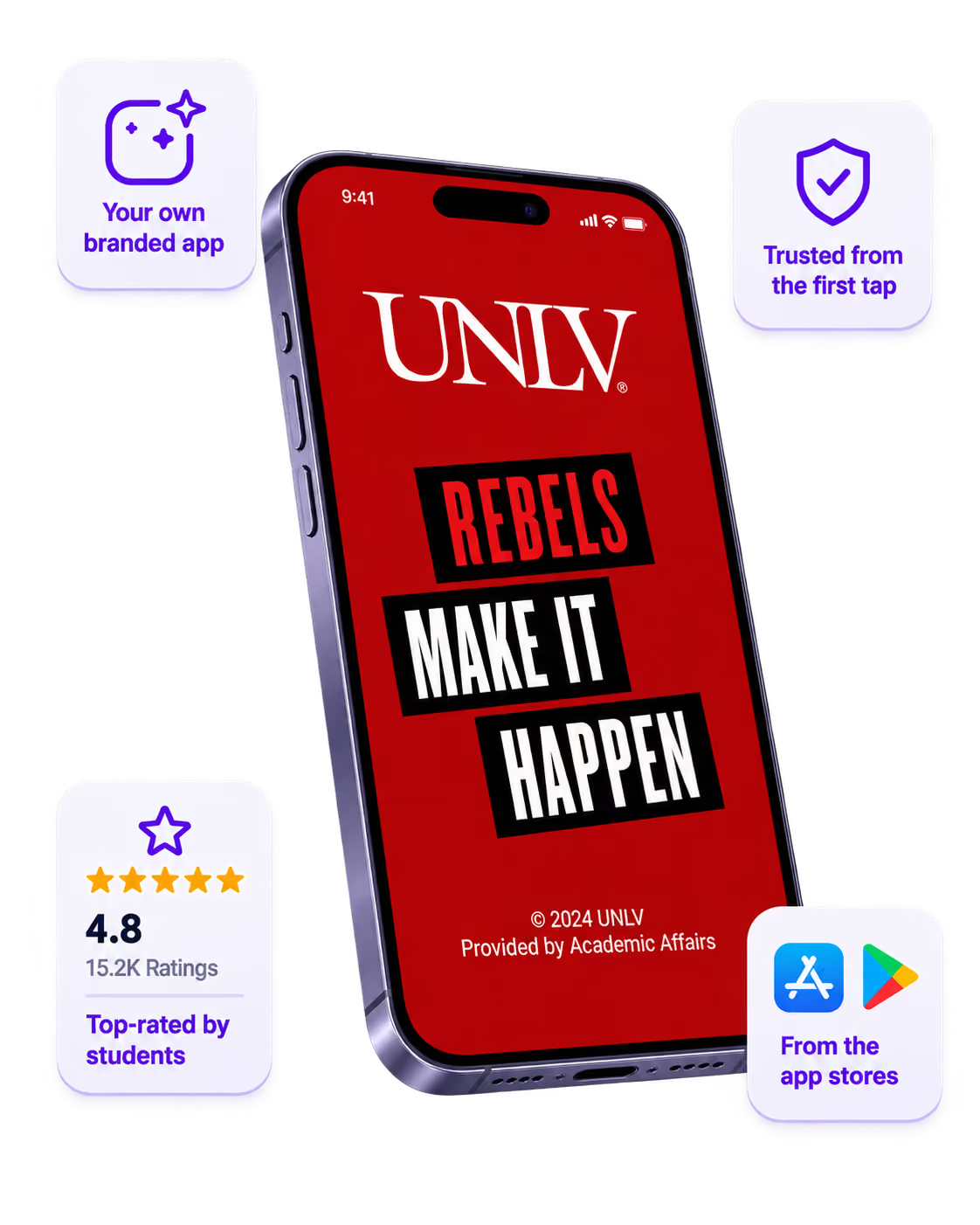
Attendees download your app, not ours. Your name, colors, and crest in the stores.
One place for the whole event
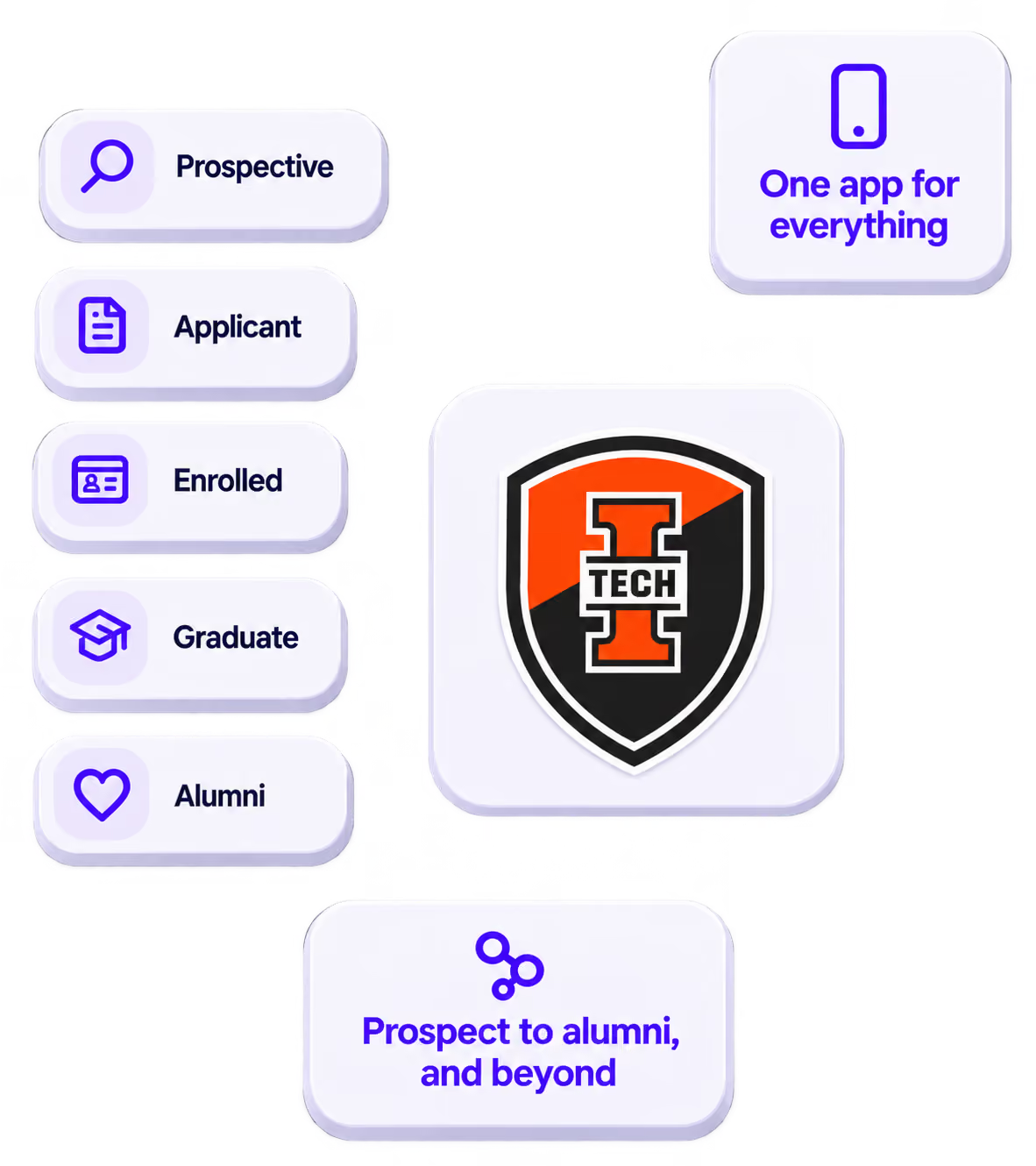
Schedules, maps, registration, and updates in one branded hub - not five tools.
Stand out
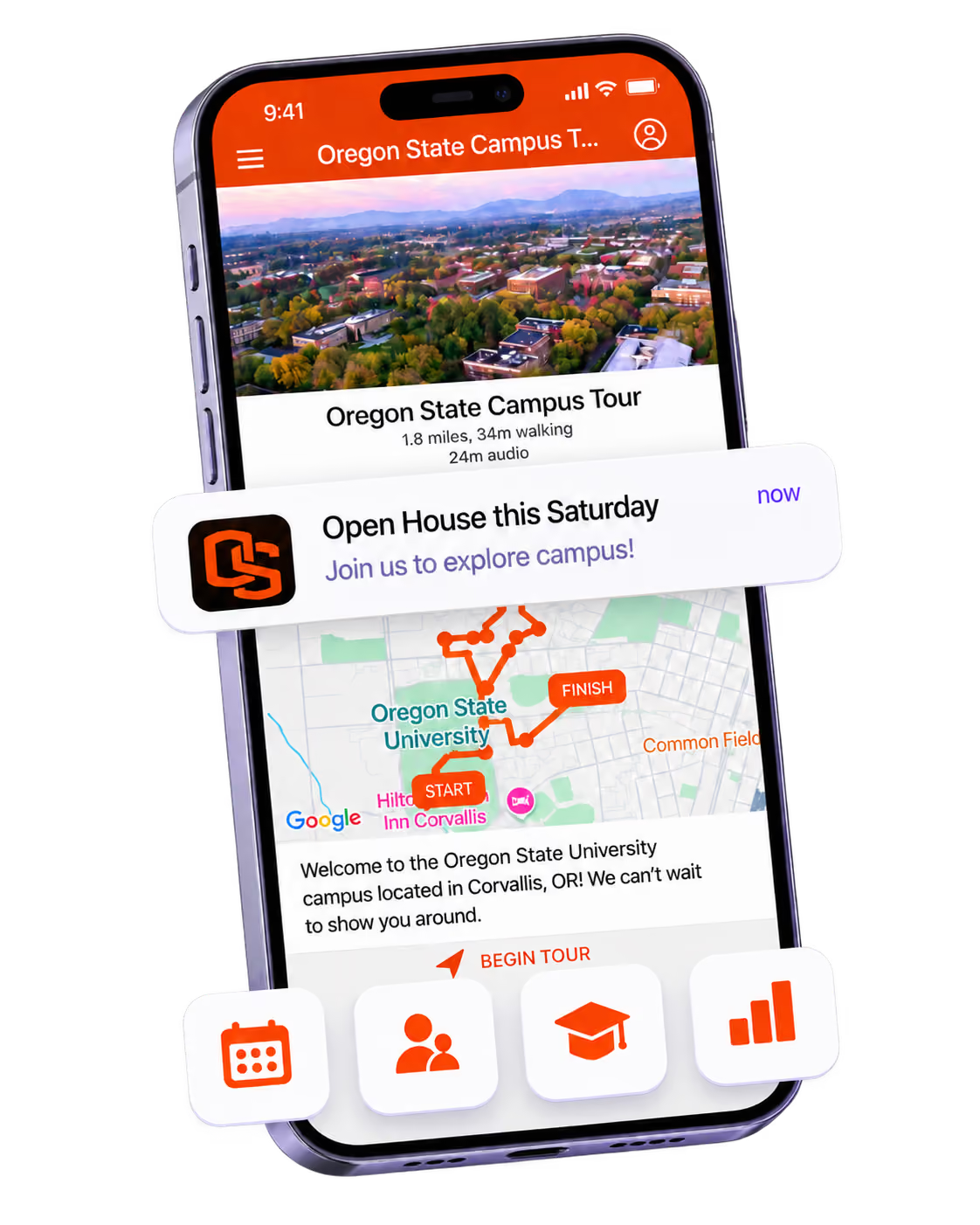
A branded app is what people keep on their phone after the printed program is in the recycling.

Get the Mobile App Playbook
A short guide to running the whole student journey in one app. No fluff, just what works.
for higher ed
Campus
Playbook
A practical guide to building a connected campus experience.
Free playbook
The Mobile App Playbook for Universities
Students decide if they belong long before they set foot on campus. This playbook shows how to win them over from the first visit through graduation.
- Grow enrollment and boost recruitment
- Increase belonging and retention
- Run every event from one branded app
By submitting, you agree to our Privacy Policy.
You're in.
