
Builder: Dark Mode
Overview
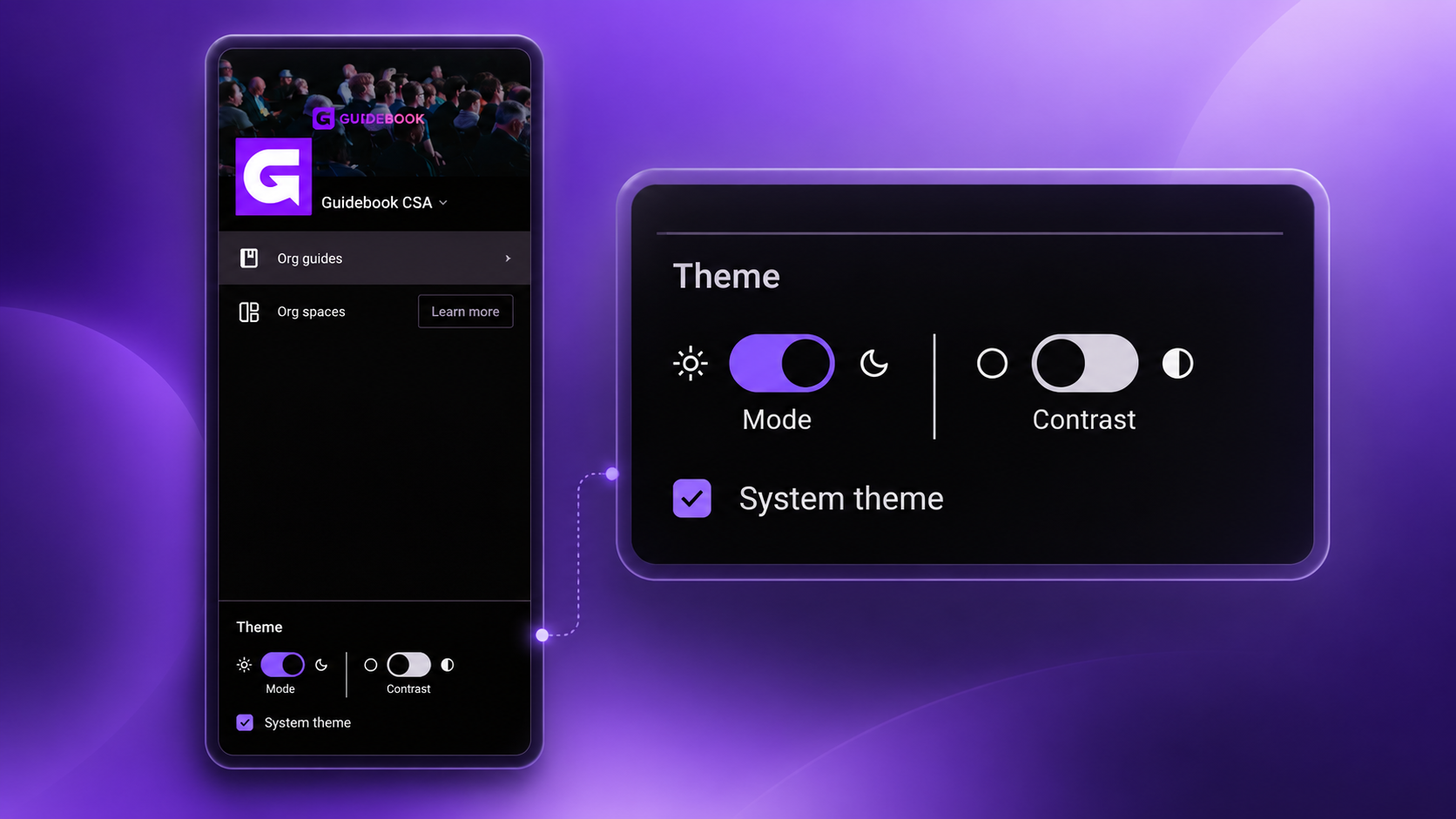
Builder now adapts to how you like to work. Choose light, dark, or a high-contrast version of either, or let it automatically match your system settings. We built this to make Builder easier to see and use for every organizer, as part of our ongoing work toward stronger accessibility.
New Appearance Settings
A new Appearance setting in Builder lets you control how it looks, right from the side navigation.
- Choose Light, Dark, or a high-contrast version of either
- "System Theme" is the default, so Builder automatically follows your device's light or dark mode until you choose otherwise
- Your Appearance preference is saved to your account, so it carries across every session and device you log in to Builder with