Oops! Something went wrong while submitting the form.
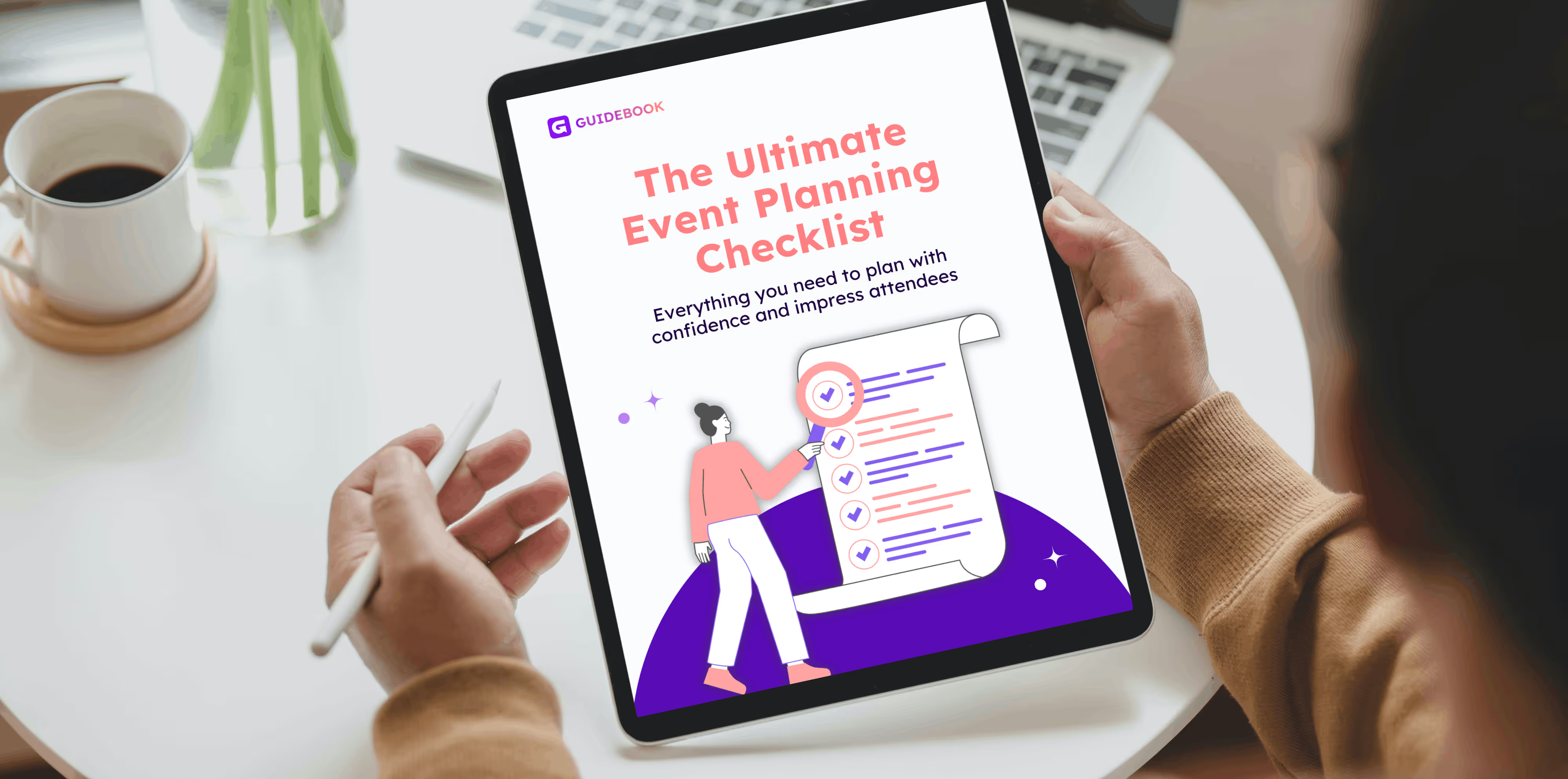
Get your free event planning checklist. Track every detail from vendor management to guest lists, timelines, budgets, and more. Plan your event without missing a single detail.
Managing events is stressful. You need an event planning checklist to support you from beginning to end. With countless moving pieces, keeping track of all of the little details can be challenging. From picking a venue and speakers to ensuring you’ve sent out thank you notes and running a post-event debrief, there’s a lot to think about.
The following checklist is meant to get you thinking about everything on your plate. Broken up into three buckets:
Use this event planning checklist to kickstart your planning process. Since no two events are the same, you’ll undoubtedly want to remove or add items. We suggest tailoring your checklist to fit your event.
This typically occurs 12 months out, or further, for large events like user conferences, festivals, or trade shows; and 5-6 months out for smaller events like meetings or workshops.
Set your event objectives. What is the purpose of the event? What will success look like?
When will the event take place?
Where will the event take place? Country? Region? City? Venue?
How many people are expected to attend?
Decide on the event name, even if it is a working title, to begin with.
Who are the core team that will make the event happen? Are you handling it alone or will you have a team?
What budget is available for the event? Do you need to find additional funds?
Is it a ticketed event? What is the anticipated ticket price?
Research and Vendor Contracting
Research potential venues to come up with a shortlist.
Check venue availability and pricing. Look into associated costs like food and beverage, AV, and parking – are these included, where can you negotiate?
Start creating a budget, adding in income and costs. It’s okay to estimate in the beginning and update with final numbers as you go.
Are you offering discount tickets like early bird pricing or student discounts?
Will you have paid speakers, performers, or special guests? Check their availability and start working on a contract.
Negotiate terms and specifics with the venue.
Coordinate accommodation room blocks and travel.
Get sign-off from the legal team and senior management as required.
Sign contract with venue and vendors
Team and Project Management
Identify your team and their roles.
Allocate specific tasks and action items as required.
Define key milestones and deadlines
Build out processes, including communication, reporting, and meetings.
Event Program
Define your event structure and agenda. Will there be a single session, a full day with a single track, or multiple tracks running at the same time?
Think about ways to maximize learning and goals.
Ensure there are enough breaks and downtime throughout the event.
Consider delivery, engagement, and room layout.
Can event technology support the meeting objectives?
Consider how effectiveness and outcomes will be measured.
[elementor-template id="9525"]
Will there be a specific event logo?
Develop branding and identity guidelines.
Gather logos from all key stakeholders, including partners and sponsors.
Be aware of any specific agreements in terms of logo placement and branding.
Website and Online Registration
Set up the website and add details as they become available.
Set up the online event registration process. Even if it is a free event it is useful to have a system to manage RSVPs and attendance.
Venue
How will your space be used? Create layouts and room allocations for your event.
What are specific unloading, load in/load out, parking, and goods lift information that should be shared with staff, exhibitors, and vendors
Does the venue have machinery available to aid with the setup?
Discuss specific instructions for guests with accessibility issues.
Keep the venue informed of anyone attending with unique needs.
Confirm the key points of contact for the planning process and the day of the event.
Test WiFi bandwidth. Upgrade or find alternatives if required.
The right venue makes a lasting impression that can affect whether attendees choose to return for future events. So we've put together this event venue checklist that covers 12 essential factors to consider when choosing a venue.
Food and Beverage
Consider and confirm the event's food and beverage needs.
Agree on catering timings and service.
Confirm final catering numbers and dietary requirements.
Finalize arrangements for staff, crew, and VIP catering.
Speakers and Entertainment
Provide speakers with details and guidelines on the specifics of their session.
Set deadlines for content.
Gather headshots and bios to include on the app or website.
Share details of any AV or event tech to be used.
Book travel and accommodation as required.
Outline arrival and departure times.
Confirm rehearsal timings.
Confirm contact numbers.
Event Technology
Event apps, live streaming, and social media walls are changing how attendees experience events. Interested in adding technology to your event? Take these steps for successful adoption.
Research event tech to incorporate into your event.
Have demos and get quotes from potential providers.
Shortlist and choose solutions.
Train staff on your technologies.
Set up event tech tools.
Implement the event tech.
Communicate and promote tech to attendees.
Provide support and encouragement to maximize ROI on the technology.
Budget
Continually update your event budget headings, figures, and ticket sales.
Identify that you are on track in terms of sales targets or if extra efforts and focus are needed.
Vendors
Have meetings and site visits as required to finalize the specifics of the event.
Enter into agreements and contracts as vendor specifics are confirmed as required throughout the process.
AV and Production
Even if you are not sure of the precise equipment required you can explain to your AV supplier the effect that you want to create and share examples from other events.
Ensure the stage is large enough to accommodate podiums, tables, chairs, and sofas, as required and safely.
What is the cue system?
Is there an autocue script?
Who is the stage manager?
Carefully review and QA all presentations, graphics, and visuals and link them all together.
Ensure there is a switch and backup computer in case of any issues.
Is there a comfort monitor to avoid the speaker or performer having to look behind them?
Triple check the number and type of microphones and when mic changeovers will take place.
When can the AV team have access for set up?
What time must everything be ready?
When are rehearsals and run-throughs?
What are the contingency plans for technical issues?
Event Staffing
Have all staff had a clear briefing about the event and the likely questions they will be asked.
If they are unsure of something that is the protocol?
Are staff clear about the dress code?
Specific timings, roles, and responsibilities should be agreed upon in advance.
Branding
Is there a theme for the event? If so how will this flow through the event?
How can you create impact, wow factor, and photo opportunities within the event?
Does the venue provide florals in key areas?
If it is a seated event consider table decor.
What opportunities are there for branding and signage across the event?
What are the specific formats and deadlines for items, for instance, digital signage?
Do you need banners, signage, printed panels, and other items to be designed and printed?
Marketing and Social Media
Create a marketing a promotion plan.
Set targets and milestones for your goals, including registration numbers, new followers, etc.
Research and create an event hashtag.
Be active and share interesting and relevant content leading up to the event.
How can you increase brand loyalty through your pre-event marketing and ideas to implement at the event?
Will you be working with influencers?
Create collateral and suggested tweets to make it easy for partners to share content.
Encourage networking opportunities and connections prior to the event.
Has the photographer and videographer been briefed in terms of key shots and footage required and turnaround times?
What is the policy in terms of photographs and filming at the event? Do disclaimers need to be signed and permissions sought? Has the policy been clearly communicated to attendees?
Will a press release be sent out before the event?
Sponsorships and Exhibitors
Identify potential sponsors and approach them early with a strong event proposal.
Share details about the event and understand what they would get out of the event. Suggest ideas that will help them to achieve their business objectives. Be prepared to be flexible and responsive to their needs.
Are additional revenue streams required? Are there opportunities for VIP upgrades, fringe events, sales, merchandise, selling access to content after the event, etc.
If you have exhibitors at your event, ensure that you create an exhibitor manual and communicate clearly in terms of key information and deadlines.
Outline precisely what they get (space only, exhibition shell scheme, furniture, power, WiFi) and instructions including set up times, unloading, arrangements for passes, health and safety requirements/guidance, etc.
Health and Safety
Ensure that you have the relevant permits and licenses in place.
Notify the local authorities and agencies that the event is taking place as required and for large events establish multi-agency planning meetings.
Ensure adequate insurance cover is in place for the event.
What are the arrangements in terms of security, bag checks, and so forth?
Check risk assessments, method statements, and insurance documents from vendors, exhibitors, performers, etc.
Identify any specific risks.
What are the code words and procedures to deal with situations such as evacuation, fire, suspicious packages, and so forth?
Is a lost child/vulnerable person policy in place?
Identify contingency plans.
Create an overall event risk assessment.
Share copies with the relevant people and venue.
Final Pre-Event Checklist
Send out final attendee information.
Create a logistics checklist of all items, who is responsible for each, and where it needs to go on site.
Are any gifts or tips needed for anyone?
Check all information has been returned, including presentations from speakers, risk assessments, and proof of insurance from all suppliers.
Ensure all essentials are in your event manager box(es). This will include items such as blue tack, screwdriver, post-it notes, spare pens, extension leads, gaffa tape, and much more.
Share and print copies of any important documents that you will need to reference.
Create a master running order and variations of this such as specific supplier, staff, and Chair notes, including load in and load out.
Provide final staff briefings and instructions.
Collate goodie bags, delegate folders, handouts, and giveaways as appropriate.
Prepare badges/place cards/table numbers.
Print signage.
Load/arrange transportation of all event items and equipment.
Ensure you have all possible cell phone numbers and contacts listed on your master contact sheet and that everyone that might need it has copies. Enter them into your phone if possible.
Give a courtesy call to all key people involved, particularly speakers and performers.
Send out a final reminder to attendees.
Event Planning Checklist: On-Site Setup and During the Event
Once you arrive on-site, whether it be a couple of hours ahead for a meeting or days ahead of a large conference, there are individual actions and processes you’ll want to complete to ensure in preparation and during the event to ensure it runs smoothly.
Event Program
Keep the team informed of progress and timings in different rooms so that adjustments can be made if necessary.
Triple-check all branded elements. You don’t want branded items to be crooked or show wrinkles on all the pictures.
After the event, package, label, transport, and store-branded items that can be reused.
Website and Registration
Add final messages and updated contact details to the website.
Advice on the website and registration site if tickets are available for purchase at the door and will remain on sale online.
Keep ticket sales open for as long as possible online.
Brief all registration staff. Ensure they know where pre-registered attendees, VIPs, on-site ticket sales, and exhibitors should be directed to.
Give staff members meeting locations for VIP escorting.
Notify the relevant staff when key people arrive so they are ready to receive them.
Test barcode scanners/tablets used for check-in.
And if you are printing badges on-site, do a test before the public arrives.
Venue
Conduct a final walkthrough to ensure everything is in place and looks as it should.
Test the WiFi login process.
Test/check radio contact and mobile numbers for the key venue staff.
Talk through key timings, such as sponsor exhibition opening and refreshments being available.
Check toilets are clean, fully operable, and stocked with soap, toilet rolls, and hand towels.
Food and Beverage
Talk through the timings and all details with the catering manager on the morning of the event, including any last-minute changes to final numbers and dietary requirements.
Verify the procedure for those with special dietary requirements. Will they have a special plated meal or will venue catering staff advise them of the options at the point of service?
Check the riders for the performers.
Check that glasses and water are available for presenters and performers on stage and backstage.
If there is a surplus of food in any area, make arrangements to donate it to those in need.
Speakers and Entertainment
Check sound, lighting, presentations, video, cues, and technology during the rehearsal/ briefing.
Agree on specifics such as cues, signals, who will collect from the green room, and so forth.
Tick off speakers and performers as they arrive.
Budget
If last-minute items are required from the venue or purchased off-site, who will authorize this and how will it be paid for?
Vendors
Check in with all suppliers to make sure they are ready on time and there are no issues to report.
Event Technology and AV/Production
Do final tests and checks, including run-throughs with facilitators and presenters who will be using it.
Introduce performers and speakers to the stage manager and AV team.
At the end of the event, get copies of final presentations (there may have been changes made on-site), data from event tech, etc.
Staffing
If there are any hold-ups/absences in terms of staff re-allocate responsibilities as necessary.
Social Media
Post live updates to social media channels.
Monitor social media activity by tracking usage of your event hashtag, check-ins to the venue, and brand mentions.
Retweet or share compelling posts from attendees.
Sponsors and Exhibitors
Ensure sponsors and key partners are met and greeted appropriately. Look after them throughout the event.
If they are leaving any items for collection the next day, ensure they label the items correctly and store them in the right place, ready for future collection.
Event Planning Checklist: Post-Event
Congrats, your event went off without a hitch! Here are the items to check off post-event.
Team and Project Management
Send out a survey to gain feedback from all staff and stakeholders while it is still fresh in everyone’s minds.
Website and Online Registration
If you promised attendees follow-up resources, presentations, images, etc., make these available online or on the mobile app.
Update the website and registration page with details for the event next year.
Consider opening early ticket sales right away for next year.
Venue
Set up a debrief meeting with the venue.
Ensure the final bill tallies with expectations and authorizations on site.
Speakers and Entertainment
Be sure to thank speakers and performers and to share any follow-up information, such as session feedback and images.
Event Technology
Run reports to analyze and measure the data provided by your event tech.
Program and Audience
Were the event objectives achieved?
Send out a survey to gather feedback from attendees.
Budget
Finalize your budget, including any expenditure authorized during the live event.
Vendors
Thank you and gather feedback from all suppliers. Any learnings for future events?
Report back on learnings and improvements you noted for future improvements.
Check final invoices from vendors as received against budget projections.
Staff
Ask staff to record their observations, good and bad, and any suggestions for ways to do things differently at future events.
Gather feedback from all parties.
Set a date for an event to debrief the meeting.
Marketing and Social Media
Work hard to continue the buzz, conversation, and learning around the event.
Issue a post-event press release. Coordinate with the photographer any specific images you need to issue alongside the press release.
Promote the date and venue for next year’s event.
Let people know through all channels when tickets are on sale and post-event collateral has been added.
Share the highlights video.
Sponsors and Exhibitors
Ask sponsors for feedback and ensure they are happy.
Share collateral and data.
Discuss next year's event and their future involvement.
Communications
Coordinate your post-event emails and communications. Notify attendees of the post-event survey and where to access the resources as promised at the event.
Coordinate thank you cards and gifts, as appropriate.
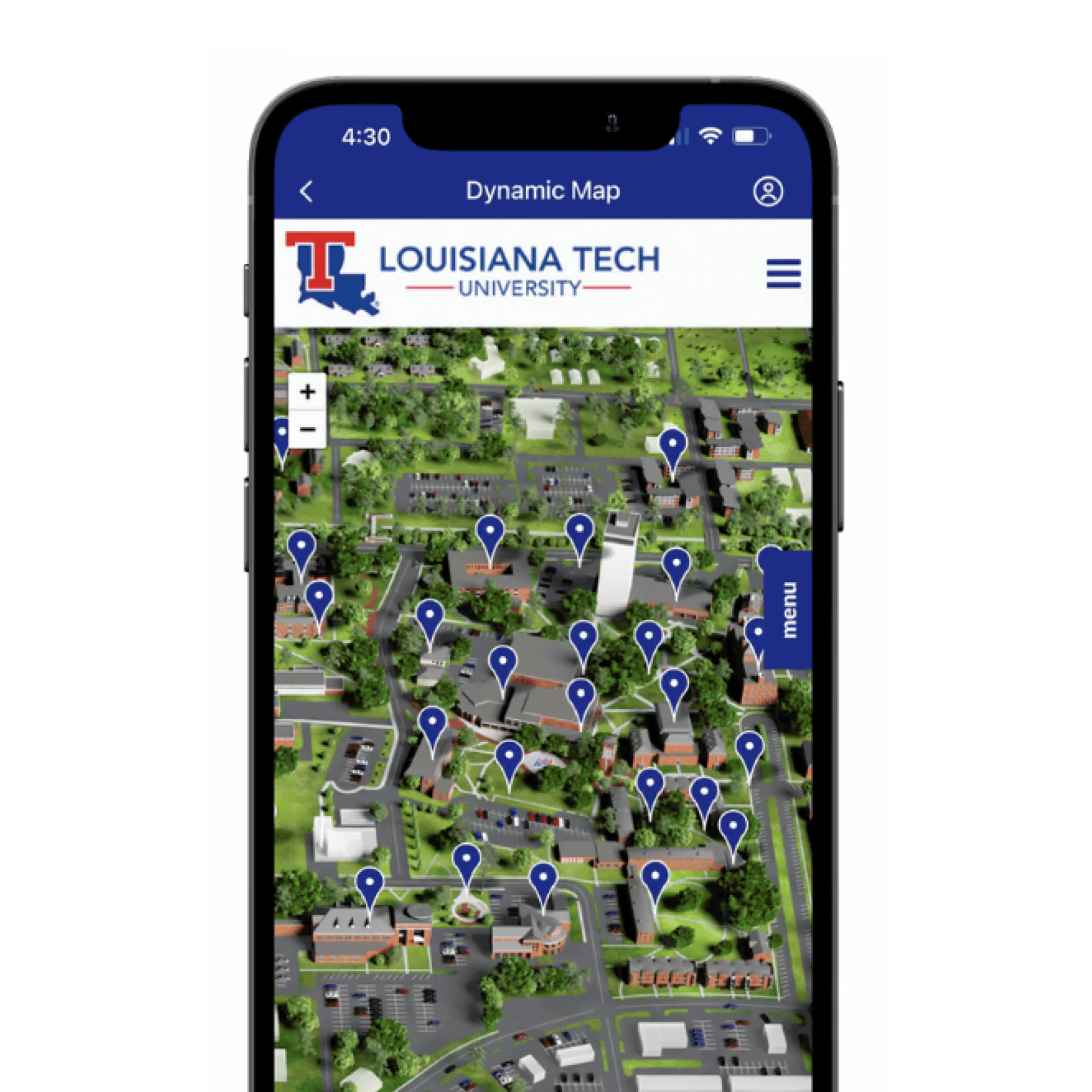
Louisiana Tech University brings orientation to life with Bulldog’s First Bite, a Guidebook-powered app that welcomes new students with everything they need in one place.
Inside the app, students can:
Explore session-specific schedules and interactive campus maps.
Access handbooks, directories, and key campus resources.
Connect with campus culture through photos and social feeds.
Stay organized with built-in notes and real-time notifications.
Louisiana Tech University
Louisiana Tech University brings orientation to life with Bulldog’s First Bite, a Guidebook-powered app that welcomes new students with everything they need in one place.
Inside the app, students can:
Explore session-specific schedules and interactive campus maps.
Access handbooks, directories, and key campus resources.
Connect with campus culture through photos and social feeds.
Stay organized with built-in notes and real-time notifications.
University of Alabama - Huntsville
Guide: Orientation. Uses blue rather than red colors — example of color customization.
The University of Alabama in Huntsville (UAH) is an R2 research university in Huntsville, Alabama, serving ~8,500 students. They use Guidebook on a Branded plan (Guide Workshop + App Deployment + Mobile App + Tours Guide + Space + Engage: Event Guide + Unlimited Guides Subscription) across the Admissions / Enrollment and Orientation / New Student Programs departments, with active guides covering Admitted Student Days and Campus Orientation.
Iowa State University
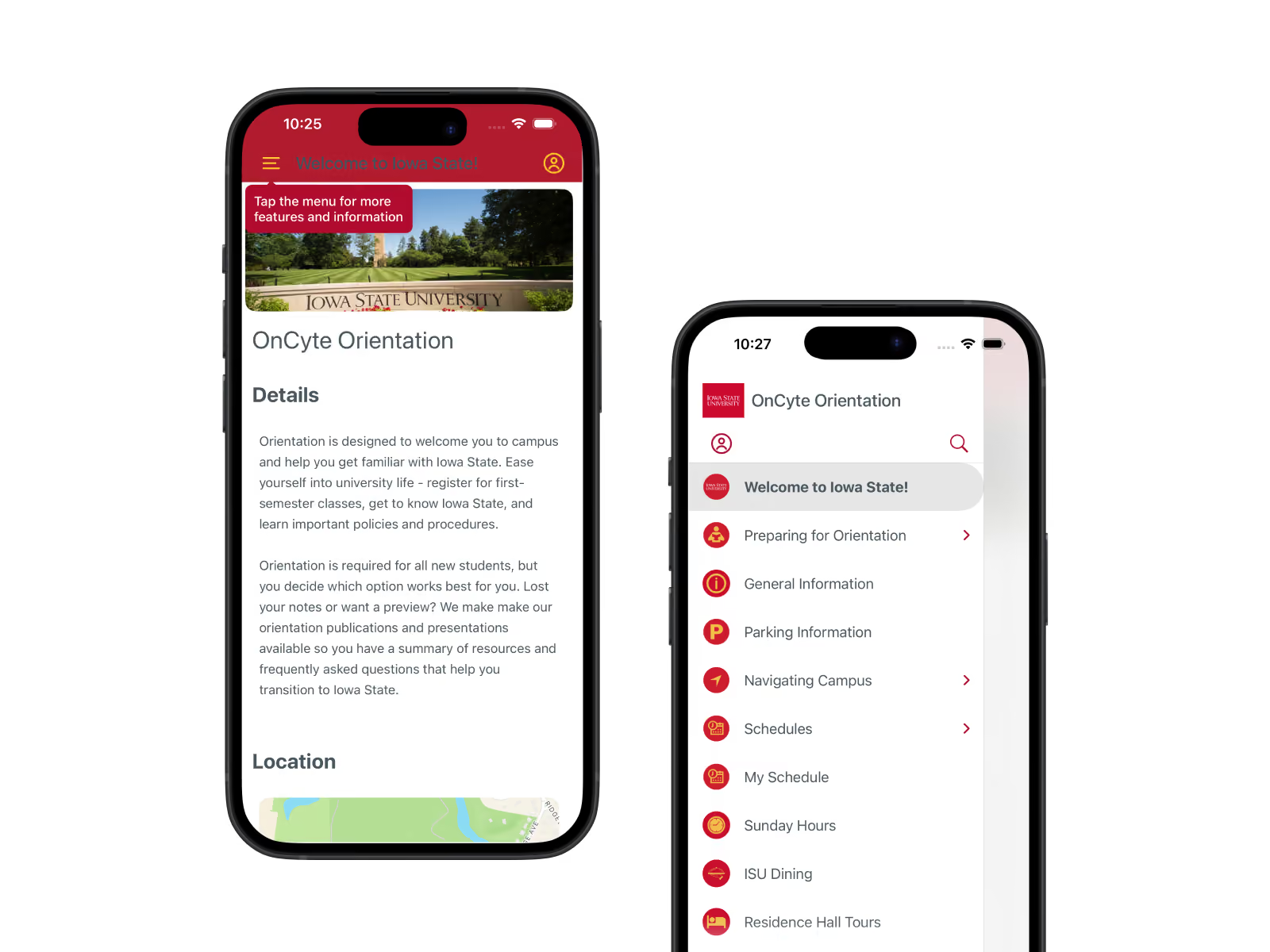
Iowa State's orientation app helps students to get familiar with the campus, and to ease into university life. Orientation is required, but Iowa State's app allows students to choose the options that work best for them:
- Specific orientation schedules for whichever program the student chooses. - Interactive campus maps to help with getting around. - Academic advising resources, guest services info, and more.
Their app contains everything a student needs, and answers all of their questions before having to ask.
Texas Christian University
Guide: Parent & Family Orientation. Use to push outside-the-box thinking on unlimited guides for orientation.
Texas Christian University is a private not-for-profit R2 research university in Fort Worth, Texas, serving ~10,900 students. Their Orientation team uses Guidebook on a Standard plan (Engage: Event Guide + Engage: 365 Guide), with an active focus on Admitted Student Days.
Florida Gulf Coast University
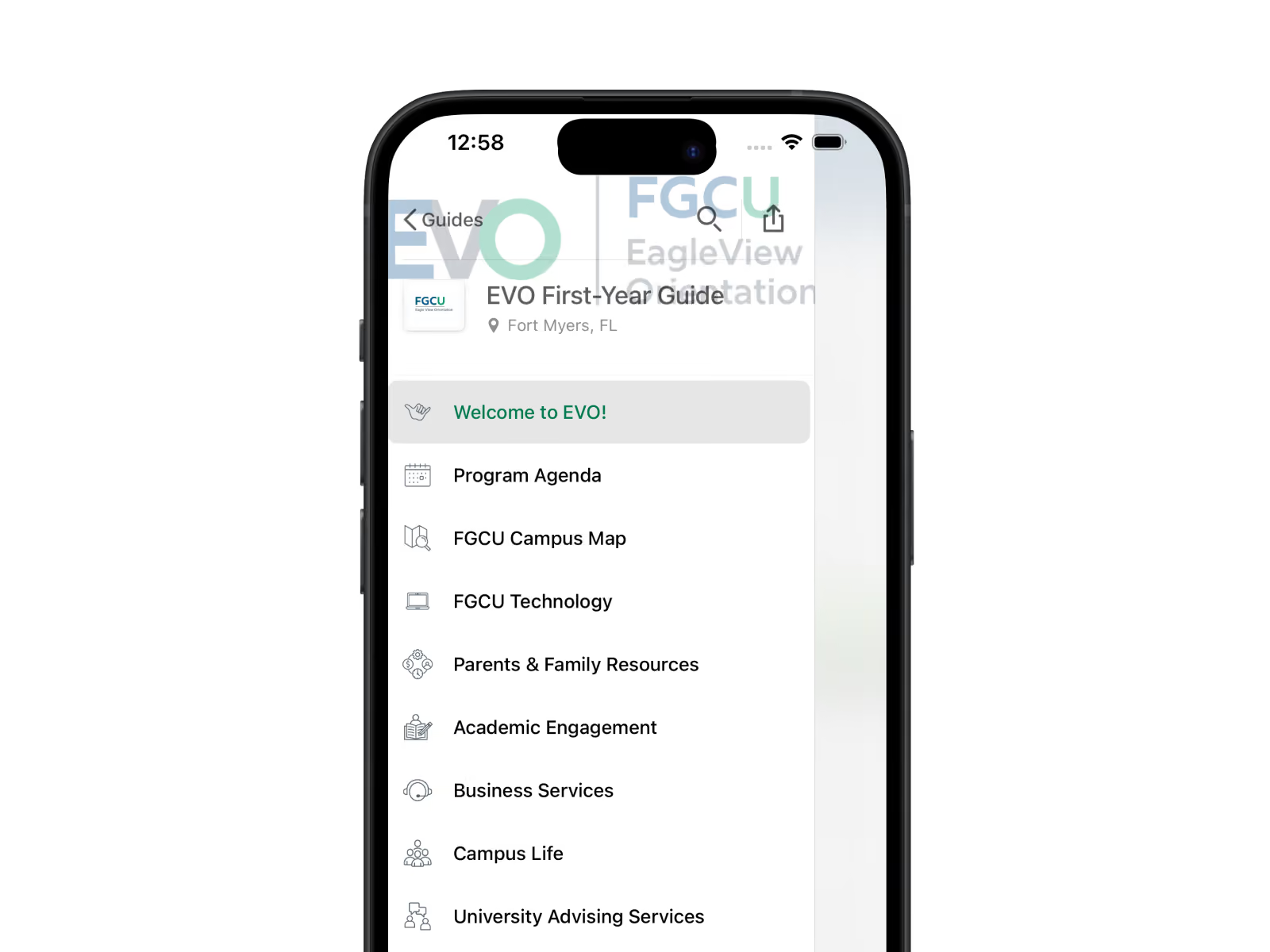
Florida Gulf Coast University welcomes new students to campus with their own branded app that guides them through their first weeks on campus during EagleView Orientation. Their app includes:
- Full program agenda, with specific tracks for families, students, and guests. - Push notifications that keep everyone informed and up to date. - University advising services, business services, and campus life resources.
The EVO app becomes the hub that students rely on during orientation, and students know where to check when they have questions about anything.
Purdue University
Purdue's primary event for admitted students. Day of housing, financial aid, academic sessions, and a customizable afternoon of tours and activities.
Purdue is a public R1 research university in West Lafayette, Indiana, serving ~39,600 students. They use Guidebook on a Branded plan (Mobile App + Premium Guide + Tours Guide + Space + Engage: Event Guide) across the Admissions / Enrollment and Student Affairs / Services departments, with an active focus on Self-Guided Tours.
Virginia Tech
Guide: Open House (Admissions).
Virginia Tech is a public R1 research university in Blacksburg, Virginia, serving ~30,400 students.
University of Alabama - Huntsville
Guide: Preview Day (Admissions).
The University of Alabama in Huntsville (UAH) is an R2 research university in Huntsville, Alabama, serving ~8,500 students. They use Guidebook on a Branded plan (Guide Workshop + App Deployment + Mobile App + Tours Guide + Space + Engage: Event Guide + Unlimited Guides Subscription) across the Admissions / Enrollment and Orientation / New Student Programs departments, with active guides covering Admitted Student Days and Campus Orientation.
College of Charleston
Guide: Choose Charleston (Admissions).
The College of Charleston is a public university in Charleston, South Carolina, serving ~10,400 students. They use Guidebook on a Branded plan (Mobile App + Space + Engage: Event Guide + Engage: 365 Guide + Unlimited Guides Subscription) across the Admissions / Enrollment, Conference / Event Services, and Orientation / New Student Programs departments, with active guides covering Festival, Summit, Admitted Student Days, Campus Recreation, Commencement, and Open House.
Fairfield University
Guide: Overall Resource Guide.
Fairfield University is a private not-for-profit university in Fairfield, Connecticut, serving ~5,000 students. They use Guidebook on a Branded plan (Mobile App + Space + Engage: Event Guide + Engage: 365 Guide + Unlimited Guides Subscription) across the Alumni, Conference / Event Services, Orientation / New Student Programs, and Student Affairs / Services departments, with active guides covering Commencement, General Campus Resource, and Welcome Week.
College of Charleston - Welcome Week
College of Charleston's Weeks Of Welcome has over 100 activities and events for new students to choose from - and their app makes sharing that information and keep students informed with what is available on campus simple. The guide includes:
- Specific tracks for each type of activity. - Interactive campus maps. - Gamification where students earn points and prizes.
All of this helps CoC's new students to feel they belong from day one.
Bates College
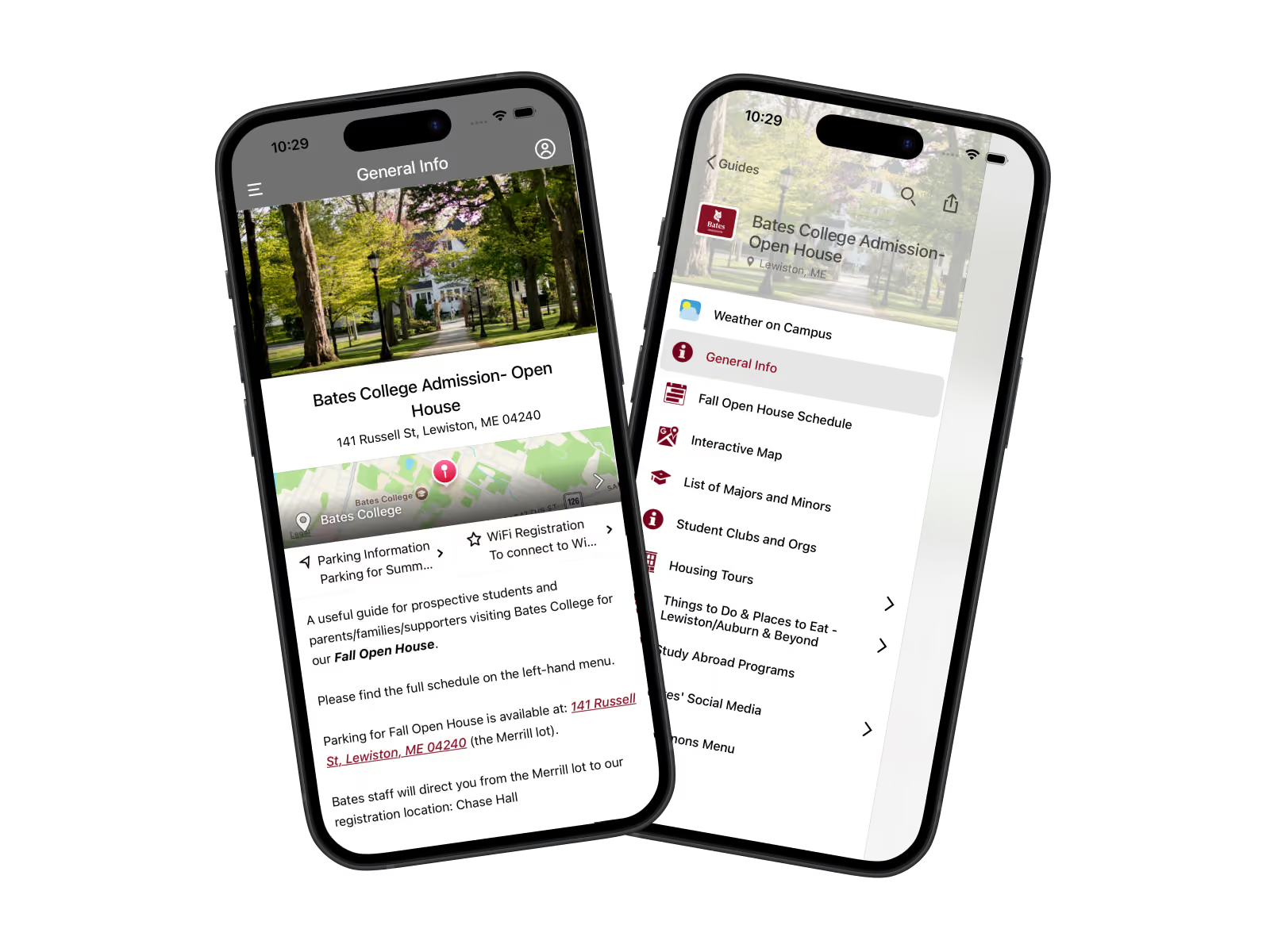
The Bates College app guides prospective students through their journey of exploring Bates' campus, and helps to make choosing Bates feel easy. In a visitor's pocket, they have:
- Housing tours - Parking info - Interactive campus maps - Student club and org info - And much more
Families know where to go, students have the answers at their fingertips, and modern experience during their visit on campus keeps Bates memorable and a top pick for prospective students.
Fairfield University
Guide: Orientation.
Fairfield University is a private not-for-profit university in Fairfield, Connecticut, serving ~5,000 students. They use Guidebook on a Branded plan (Mobile App + Space + Engage: Event Guide + Engage: 365 Guide + Unlimited Guides Subscription) across the Alumni, Conference / Event Services, Orientation / New Student Programs, and Student Affairs / Services departments, with active guides covering Commencement, General Campus Resource, and Welcome Week.
University of Georgia
Guide: Orientation.
The University of Georgia is a public R1 research university in Athens, Georgia, serving ~31,300 students. The New Student Programs team uses Guidebook on a Branded plan (Mobile App + Space + Engage: Event Guide + Engage: 365 Guide) across the Orientation / New Student Programs and Student Affairs / Services departments, with an active focus on Campus Orientation.
University of Florida
Guide: ASD (Admissions).
The University of Florida is a public university in Florida serving ~54,700 students. They use Guidebook on a Branded plan (Mobile App + Tours Guide + Space + Engage: Event Guide + Engage: 365 Guide) across the Admissions / Enrollment, Orientation / New Student Programs, and Student Affairs / Services departments, with active guides covering Admitted Student Days and Self-Guided Tours.
University of Florida - Tours
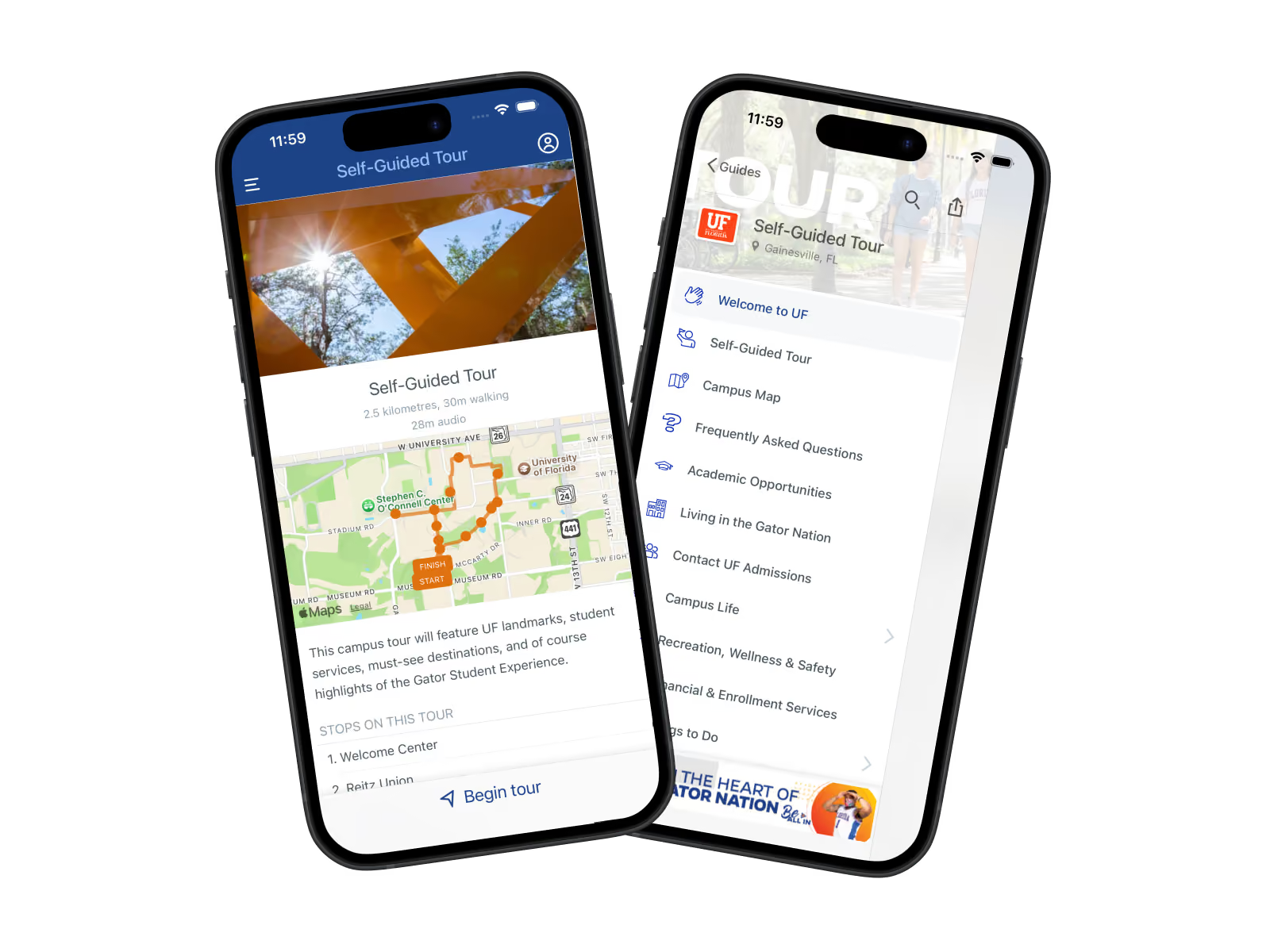
The University of Florida's Gator Way App is a key piece in a prospective student's experience on campus, and gives a feeling of what it feels like to be a Gator. Their app allows students to:
- Tour campus with a guided route, audio descriptions. - Register for sessions relevant to their major, and other interests. - Connect with various departments on campus.
Students and families leave campus after a strong first impression, and can revisit the campus at home in the app to view anything they missed.
University of Florida
Self-guided tour experience for in-person or remote visitors. Covers Reitz Union, Century Tower, Ben Hill Griffin Stadium, and more. On-campus visitors start at the Welcome Center (Elevator Lobby); remote users can navigate freely.
The University of Florida is a public university in Florida serving ~54,700 students. They use Guidebook on a Branded plan (Mobile App + Tours Guide + Space + Engage: Event Guide + Engage: 365 Guide) across the Admissions / Enrollment, Orientation / New Student Programs, and Student Affairs / Services departments, with active guides covering Admitted Student Days and Self-Guided Tours.
University of Florida
UF's official new student orientation program.
The University of Florida is a public university in Florida serving ~54,700 students. They use Guidebook on a Branded plan (Mobile App + Tours Guide + Space + Engage: Event Guide + Engage: 365 Guide) across the Admissions / Enrollment, Orientation / New Student Programs, and Student Affairs / Services departments, with active guides covering Admitted Student Days and Self-Guided Tours.
University of Georgia
The University of Georgia is a public R1 research university in Athens, Georgia, serving ~31,300 students. The New Student Programs team uses Guidebook on a Branded plan (Mobile App + Space + Engage: Event Guide + Engage: 365 Guide) across the Orientation / New Student Programs and Student Affairs / Services departments, with an active focus on Campus Orientation.
Purdue University (DELETE - Not allowed to use for marketing like this)
Texas A&M University
Annual campus-wide open house for prospective students and families. Meet current students, tour dorms, visit libraries and computer labs, and learn about academics, admissions, financial aid, and scholarships. Mobile check-in via email link.
Texas A&M is a public R1 research university in College Station, Texas, serving ~59,000 students. They use Guidebook on a Branded plan (Mobile App + Space + Engage: Event Guide) across the Admissions / Enrollment department, with their active guide categorized as a General Campus Resource.
Northwestern University
Northwestern University's graduation weekend includes 10 different schools. Complex information and schedules are made simple in one branded app with Guidebook. No matter the course, or school, every student and guest knows exactly where to be at the right time.
Fairfield University
Graduation can be hectic. Fairfield uses Guidebook to streamline the experience for students and families. All guests know:
- Where to go - Where to park - What to do and when
With instant push notifications, any last minute changes are communicated in seconds.
Coastal Carolina University
Coastal Carolina University uses Guidebook to power a fully paperless orientation experience for one of its largest incoming classes yet (with over 70% of students arriving from out of state, many for the very first time).
Inside the app, students and families can:
- Navigate an unfamiliar campus with interactive maps and turn-by-turn guidance. - Follow real-time schedules that update instantly when plans change. - Stay on separate family and student tracks to keep parallel programming clear. - Access next steps like family weekend registration and pre-arrival task lists. - Download the app right at check-in via QR code.
The result is a more confident, connected, and campus-ready incoming class (and the analytics to prove people are genuinely using it).
Louisiana Tech University
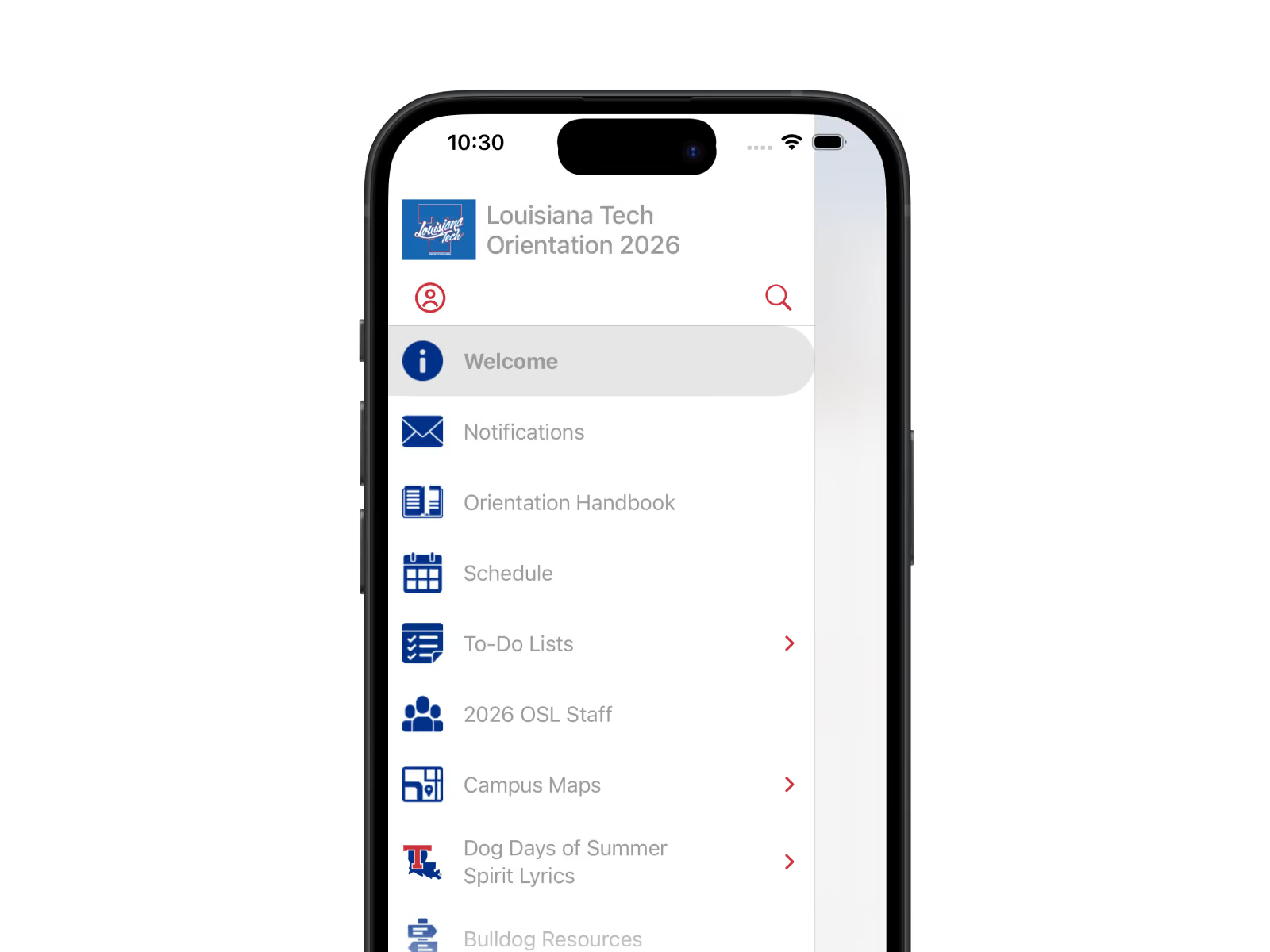
Louisiana Tech University brings orientation to life with Bulldog’s First Bite, a Guidebook-powered app that welcomes new students with everything they need in one place. Inside the app, students can:
- Explore session-specific schedules and interactive campus maps. - Access handbooks, directories, and key campus resources. - Connect with campus culture through photos and social feeds. - Stay organized with built-in notes and real-time notifications.
It’s an engaging introduction that helps new Bulldogs feel connected and at home immediately.
University of Memphis School of Law
The University of Memphis School of Law uses Guidebook to deliver a digital Orientation Week experience, achieving full adoption of the app and transforming how new students get started.
With the app, students can:
- Instantly access personalized orientation schedules. - Receive live updates and important announcements. - Find essential materials and campus resources in seconds.
It’s a modern, paper-free launch that gets students connected, confident, and ready from day one.
ReadyKey
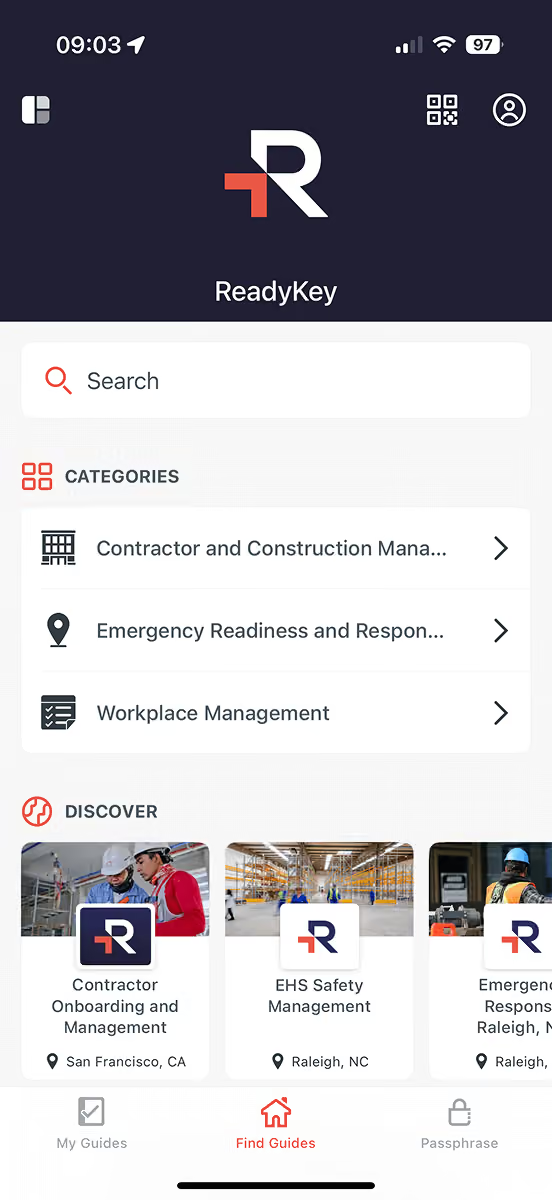
ReadyKey enables companies to create mobile apps for Environmental Health and Safety (EHS) and compliance guidelines. Their custom space serves as a centralized hub where employees can find critical, up-to-date information on topics like:
- Contractor and Construction Management - Emergency Readiness and Response - Workplace Management
Berklee
With music education programs and an annual conference that serve a global audience, Berklee Online uses their custom space to organize guides for:
- Over a dozen summer programs - Their annual in-person conference
This allows Berklee to provide a consistent brand experience for both students and non-students.
The University of Manchester
Students are welcomed to Manchester’s campus with a wonderfully detailed Tour Guide App.
- Open Day information for prospective students - Easy-to-follow schedules for freshmen, transfers and parents - Self-guided tours for easy campus navigation
Bournemouth University
With Guidebook it’s easy to welcome new and returning students to campus each new academic year. In addition to the schedule of events, Bournemouth University uses its campus app to share:
- Ways to get involved - Academic resources - Tools for navigating campus
Students can use in-app tools to create personalized schedules and to-do lists, ensuring a smooth start to the semester.
University of Texas at Austin
With Guidebook, each unique audience has its own orientation guide:
- Freshmen - Transfer students - New Graduate Students - Families
Students see pre-orientation checklists and tools to connect with peers. Families receive information about on-campus resources and joining the Parents Association.
Rutgers University, New Brunswick
Rutgers uses Guidebook to help students navigate around campus using the Rutgers self-guided tour app built with Guidebook.
- View tours of different campuses and residence halls - Learn about various housing options - Connect with student tour guides
YMCA MI & OH YG
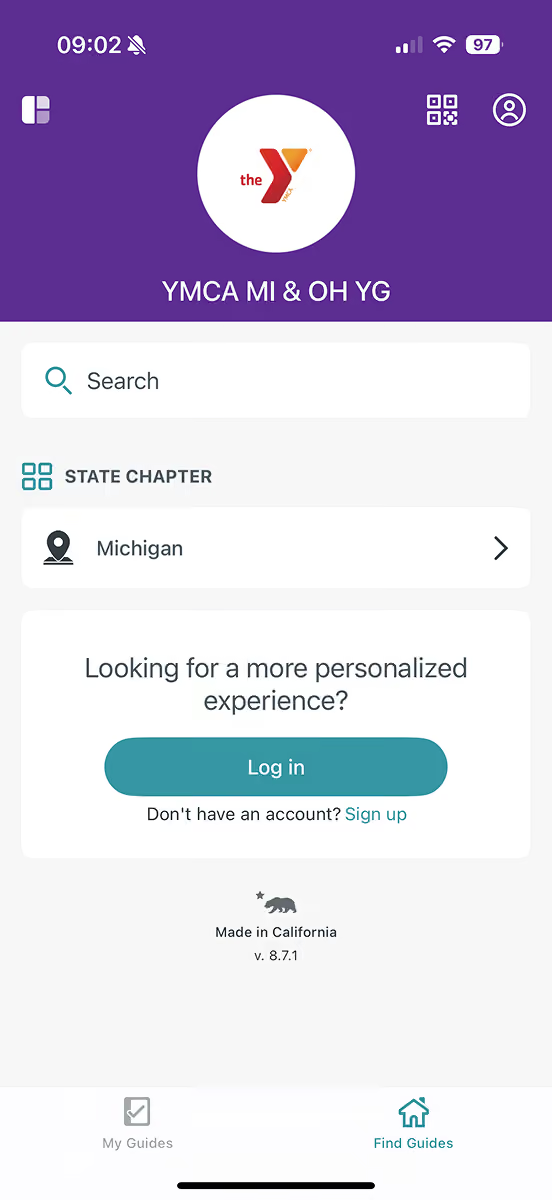
As a nonprofit focused on the youth in Michigan and Ohio, YMCA MI & OH YG relies on their custom space to organize guides for its conferences in both states. App users are able to quickly find a guide by region and stay engaged, thanks to features like:CIVSA hosts 600+ attendees at its annual conference. Before Guidebook, each attendee received a 60-page book with event information. With Guidebook, CIVSA built an app to replace all printed materials.
Schedule tracks Interactive maps Personalized schedules Social media integration
University of Arizona
The University of Arizona wanted to make Family Weekend more memorable and easy to navigate for families and supporters.
With Guidebook, they created a Family Weekend app that put everything families needed right at their fingertips. Guests could easily check out the schedule of exciting events, dive into Wildcat traditions, and find the best spots to eat on campus. The app also connected them with key campus resources and made it simple to stay in touch after the weekend through social media.
Using Guidebook turned Family Weekend into a smooth, enjoyable experience. Families felt more connected, not just to their students, but to the entire campus community. With real-time updates, easy access to information, and a direct link to the university, they made sure everyone left with great memories and a stronger bond with the Wildcat family.
Royal Holloway University
Royal Holloway University uses Guidebook year-round as a resource for students to find activities, union events, travel and local area information, and anything related to student life.v
- Real-time updates through push notifications - Information about health, wellbeing and safety - Resources for academic and learning support
Festival of Marketing
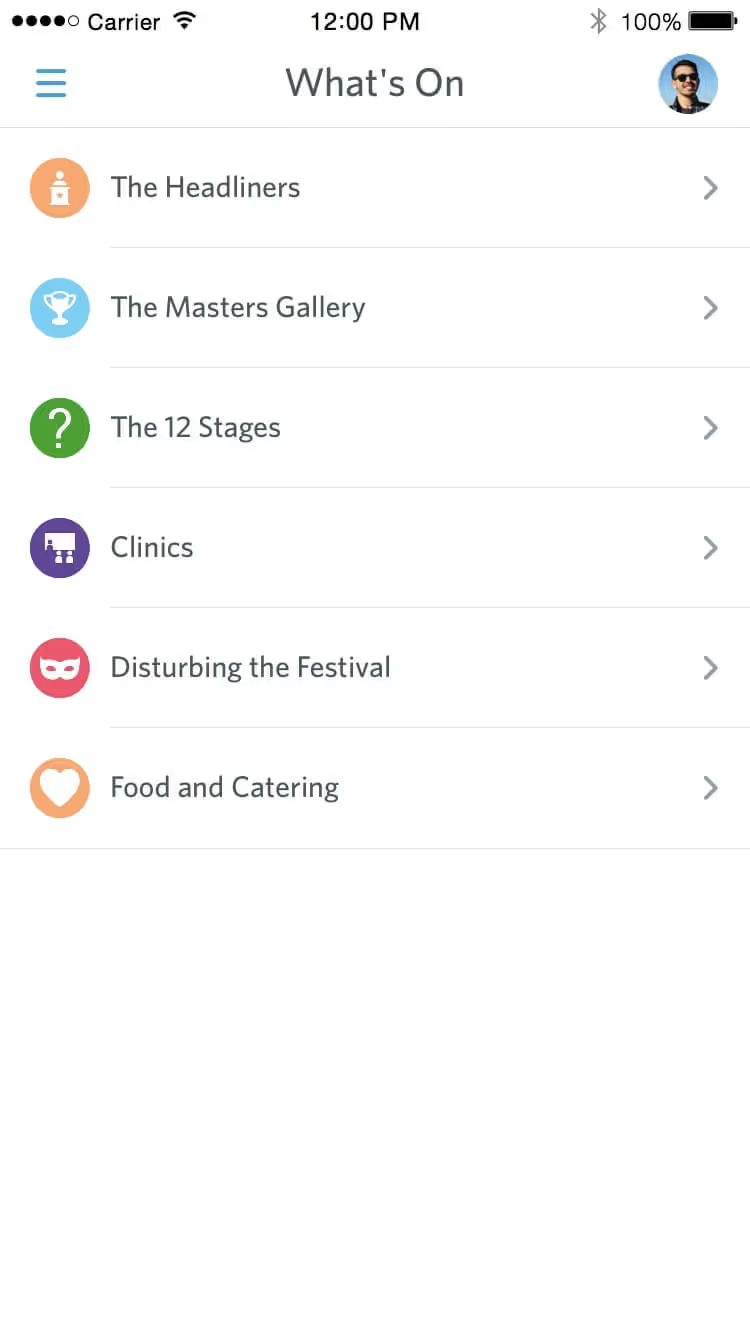
Event marketing staff used an app to add an interactive digital channel to a progressive, dynamic exhibition. Their event app features:
- An eye-catching visual style continued the event’s branding throughout its app - Limited seats in sessions were managed through in-app booking - 12 different content streams were elegantly presented in one easy-to-read schedule
The YMCA
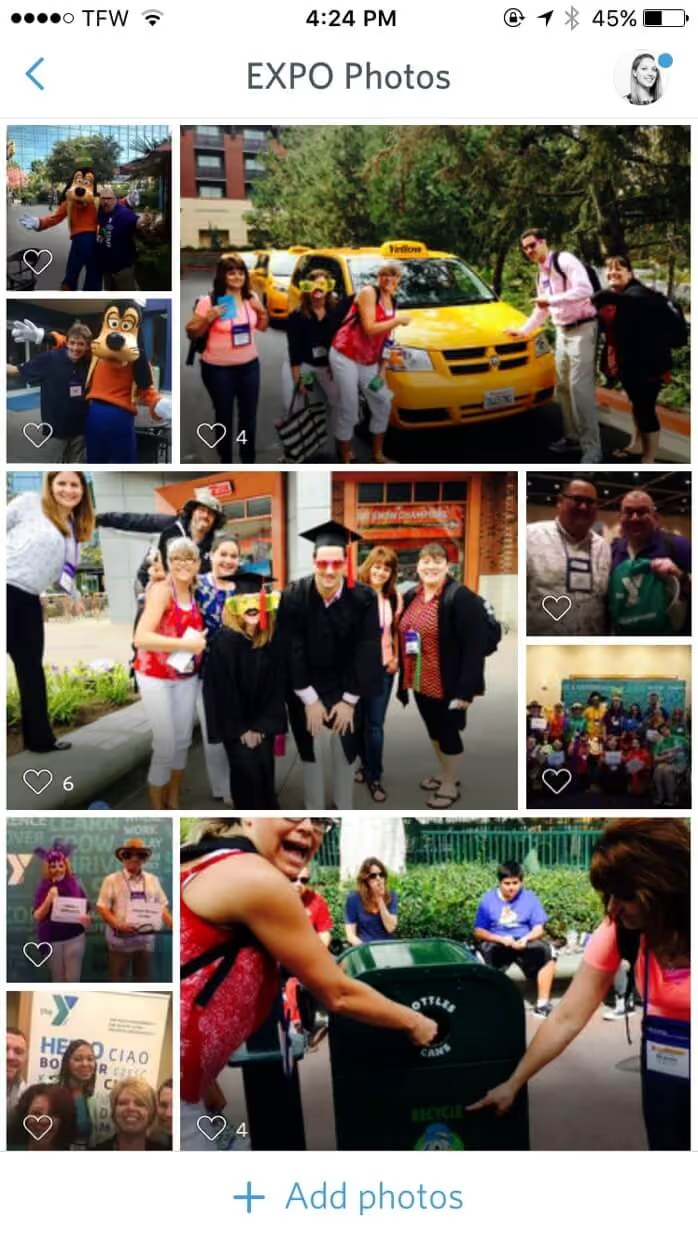
Conference organizers for a 1,000 person national expo got people participating in unprecedented ways. Their association app features:
- A shared photo album added fun and spontaneity to an event meant to inspire - Twitter integration caused the event hashtag to trend nationally - 98% of attendees found the app useful and easy to use
Bournemouth University
Students who visit Bournemouth’s campus have all the information they need in one easy-to-access mobile app.
- Timetables of talks and exhibitions - Tours of campus facilities - Lists of local attractions
Spelman College
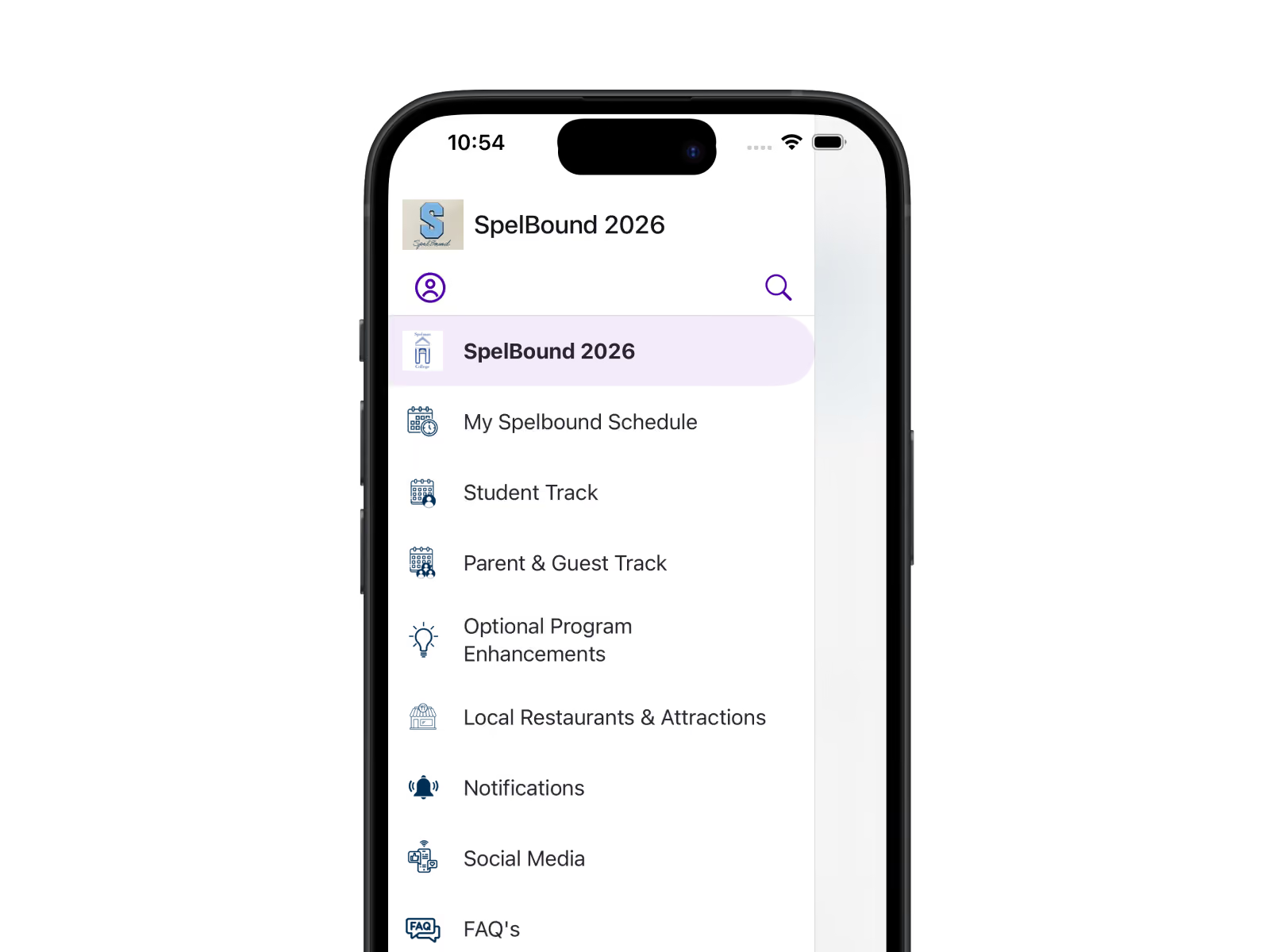
Spelman College uses Guidebook to support events across the entire student journey, from Admissions and Orientation, to Commencement and Alumni gatherings.
This full-lifecycle approach keeps students informed at every stage while helping families and alumni stay connected.
Schedule tracks make it easy to navigate events, even with hundreds of attendees on campus. Plus, with real-time push notifications, last-minute changes are communicated instantly, ensuring a smooth experience for everyone.
NC State University
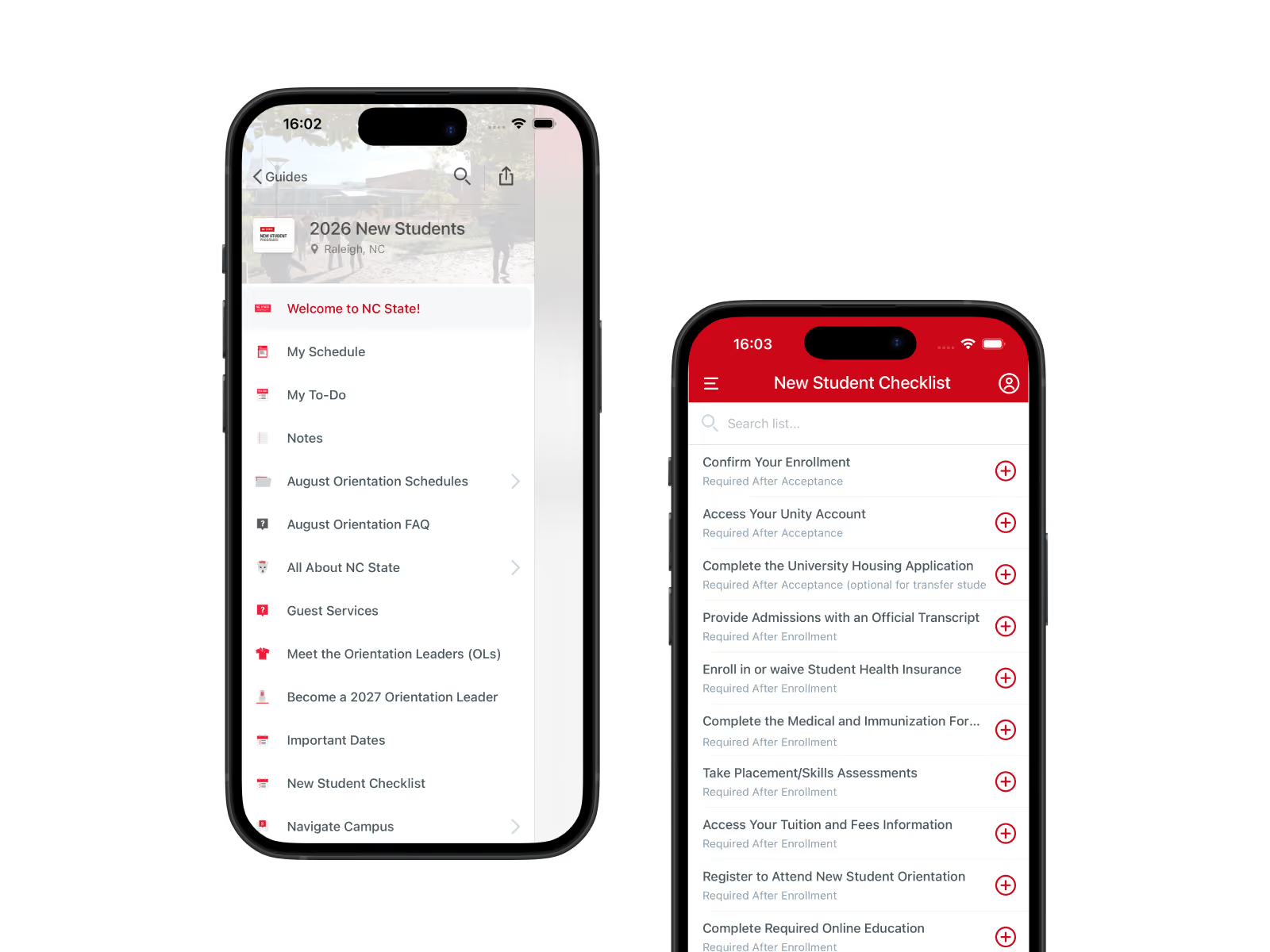
New students are welcomed to NC State's campus with a detailed orientation app that feels like it was built specifically for each student. Some highlights in the app include:
- Specific schedules for first-year students, transfer students, and families. - New student checklists to help every student have a successful start. - Profiles and contacts for all of the OLs.
It's become a crucial part of welcoming new students for NC State, and helps to set new students up for success.
University of Kentucky
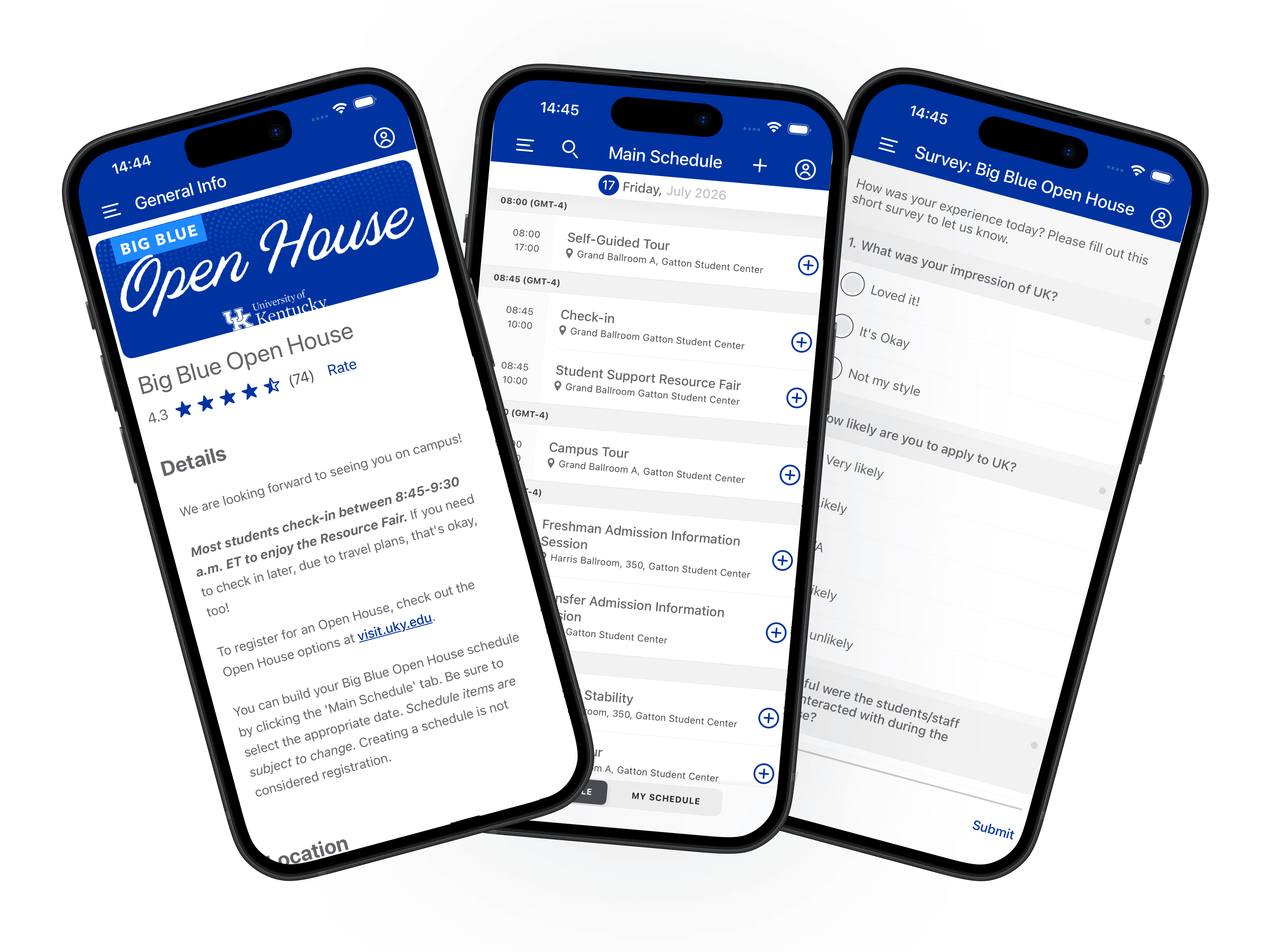
The University of Kentucky's Admissions team switched from printing paper programs for their open houses, and prospective and admitted student events, to a fully branded mobile app that supports and engages students during their visit.
During UK's Big Blue Open House, prospective students can choose their own adventure, attend sessions relevant to them and their major, and do a guided tour of campus from in the app.
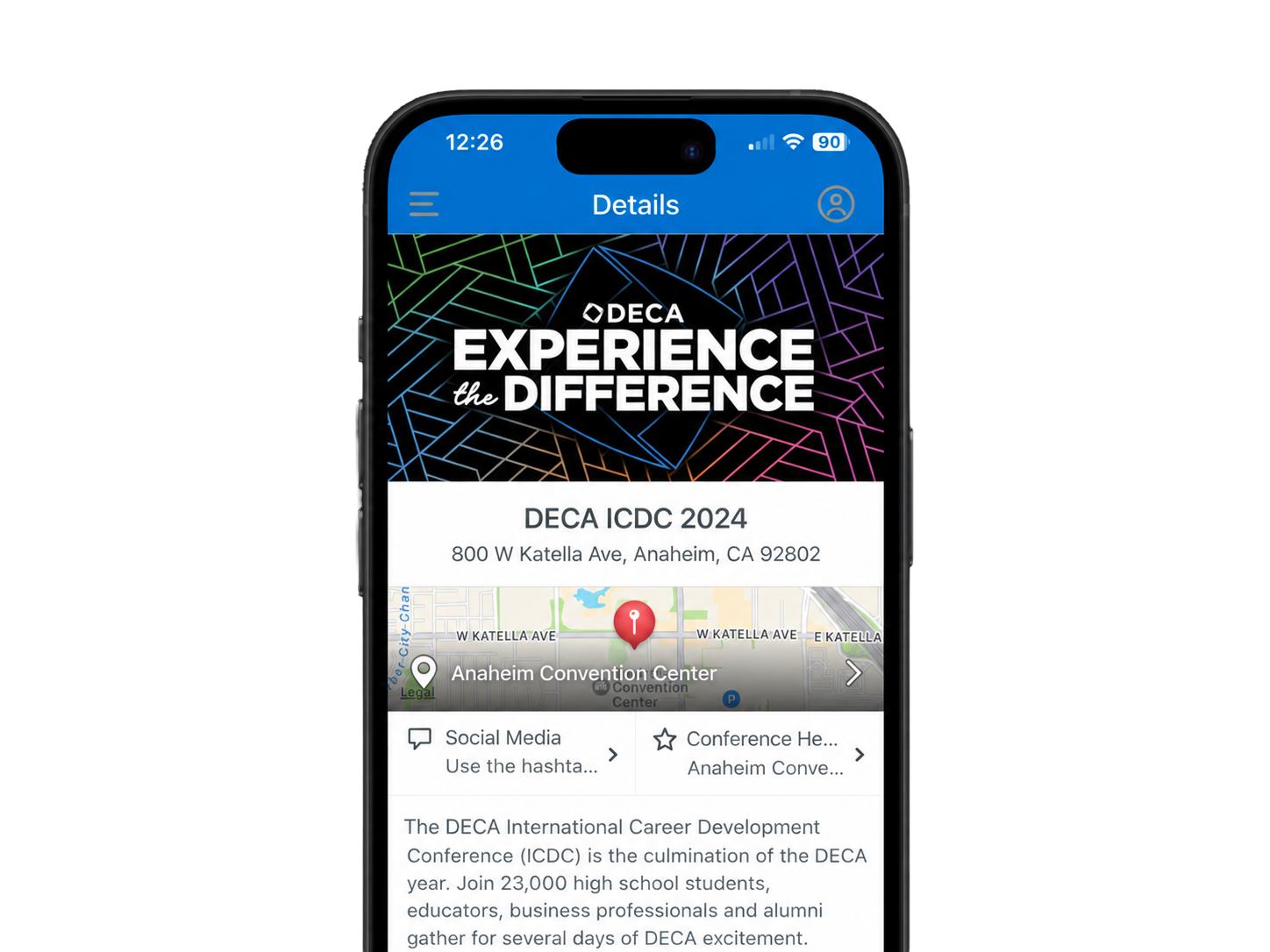
DECA
During the pandemic, DECA was forced to transform its flagship event to a virtual format. With Guidebook, they built an app that turned the event into a comprehensive virtual hub. The app helped members stay informed and engaged throughout the event.
- 17,000+ student members engaged during the event using DECA’s app. - Utilizing push notifications and schedule-building features, DECA provided a streamlined and organized event experience, ensuring participants had access to all competitions, sessions, and resources.
Messiah University
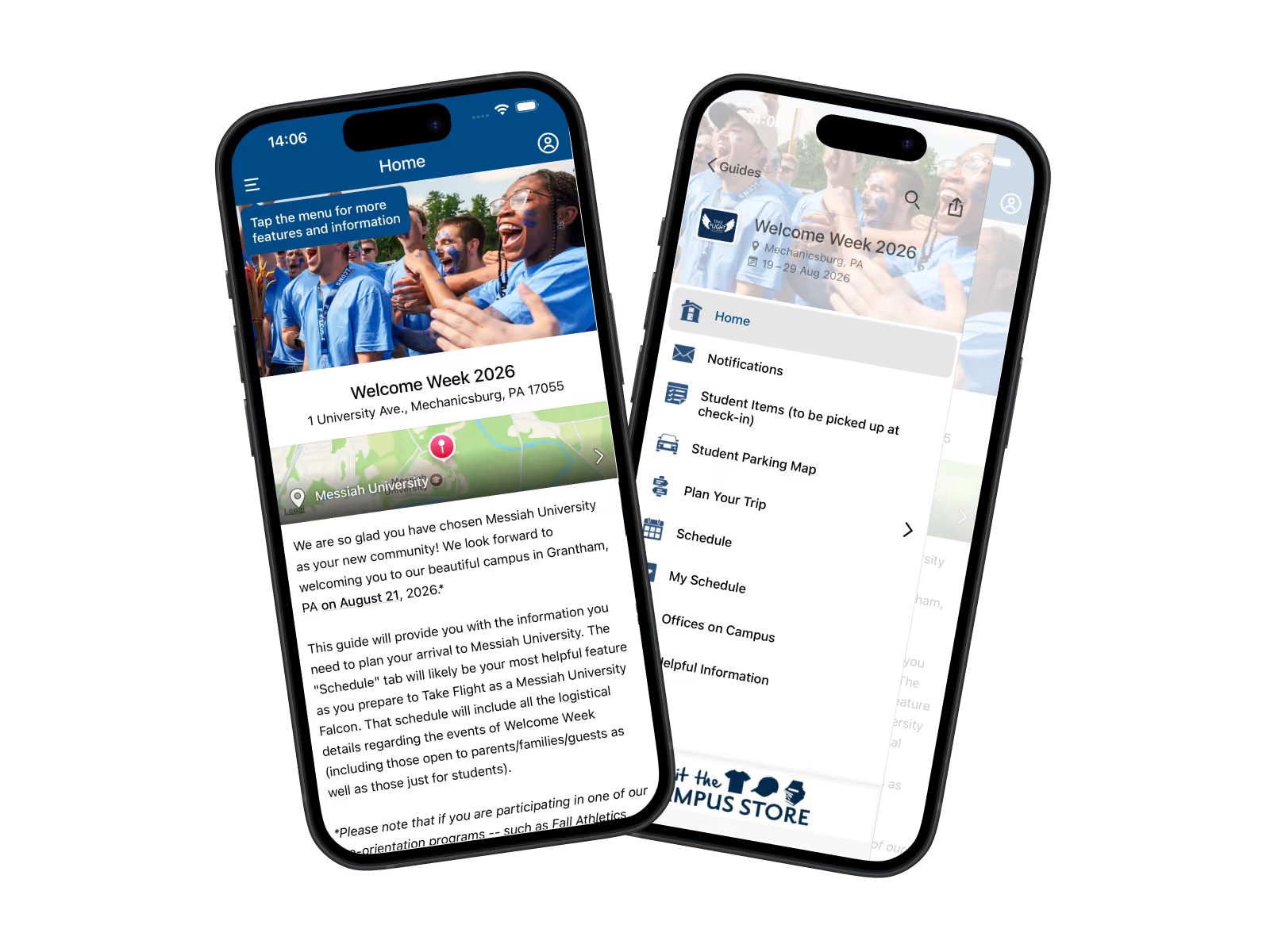
Messiah University uses their app to welcome new students and provide a smooth experience for students during their first week on campus. Students can:
- See their personalized schedule in advance. - Explore the full schedule and register for additional sessions. - Connect with various offices on campus. - And so much more
It's a powerful tool that Messiah uses to help new students to 'Take Flight' as a Messiah University Falcon.
Bowdoin College
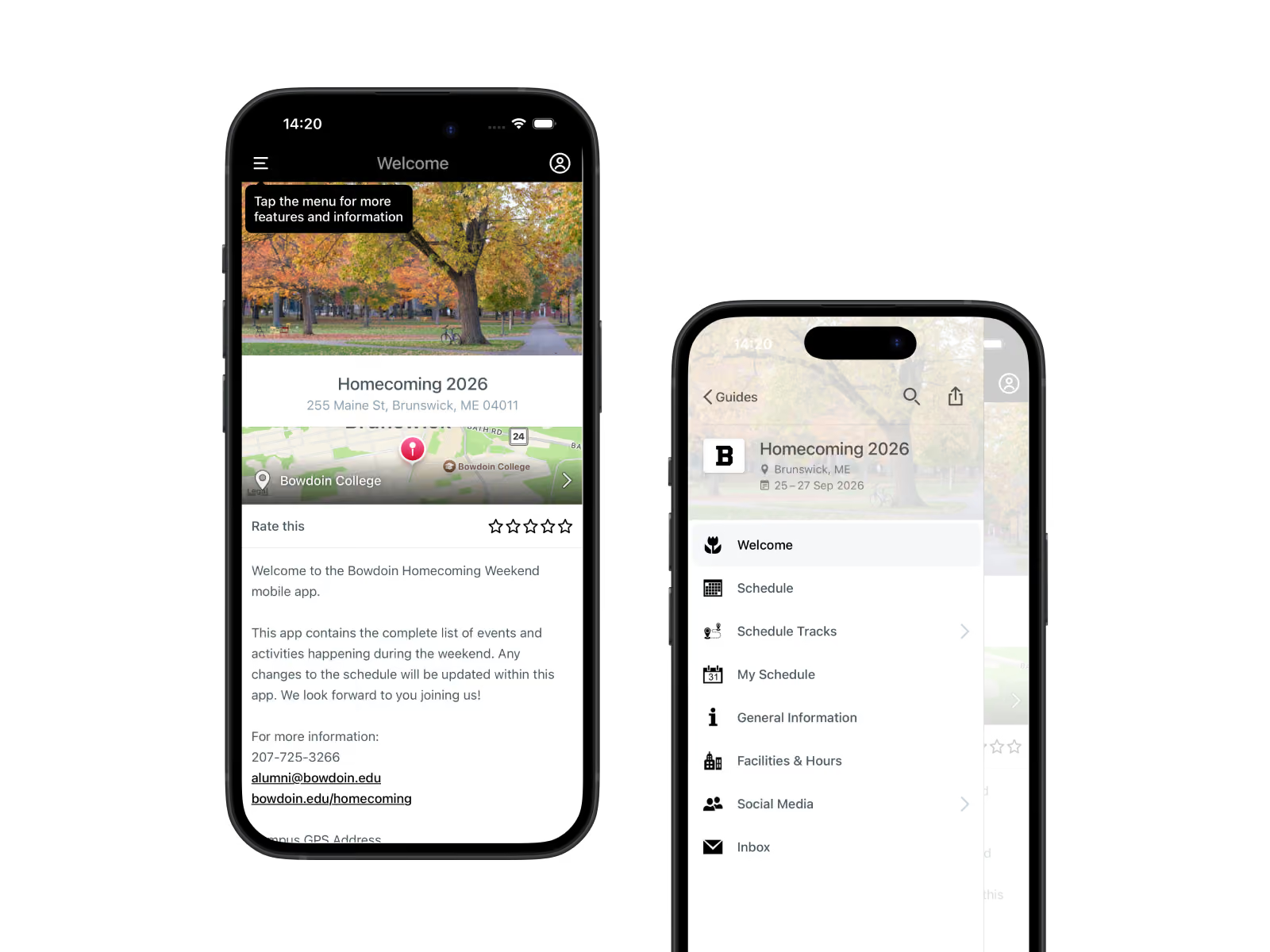
Bowdoin College connects current students and alumni with a Homecoming guide in their personalized app.
People can use the app to:
- Access exclusive homecoming discounts - Check which of their favorite facilities are open to explore - Peruse local dining options
Their guide organizes the schedule based on inaugural events, athletic events, and even events with virtual offerings so everyone can find something that interests them!
CIVSA
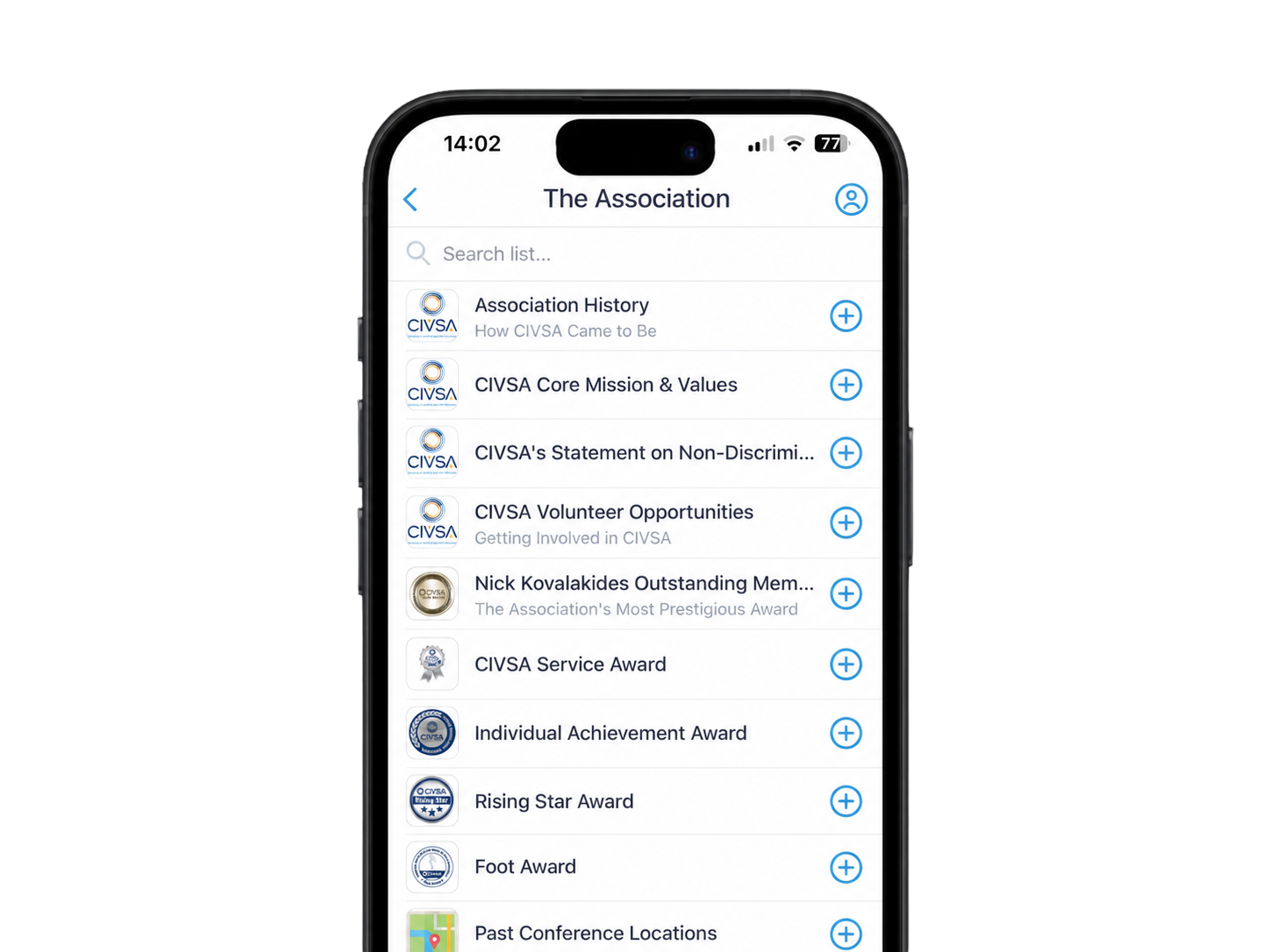
CIVSA hosts 600+ attendees at its annual conference. Before Guidebook, each attendee received a 60-page book with event information.
With Guidebook, CIVSA was able to:
- Build an app to replace all 36,000 pages of printed materials. This resulted in over $5000 savings in printing costs. - Use the app as a one-stop resource for event info, local recommendations, and maps. - Keep everyone in the loop with push notifications.
Charleston Southern University
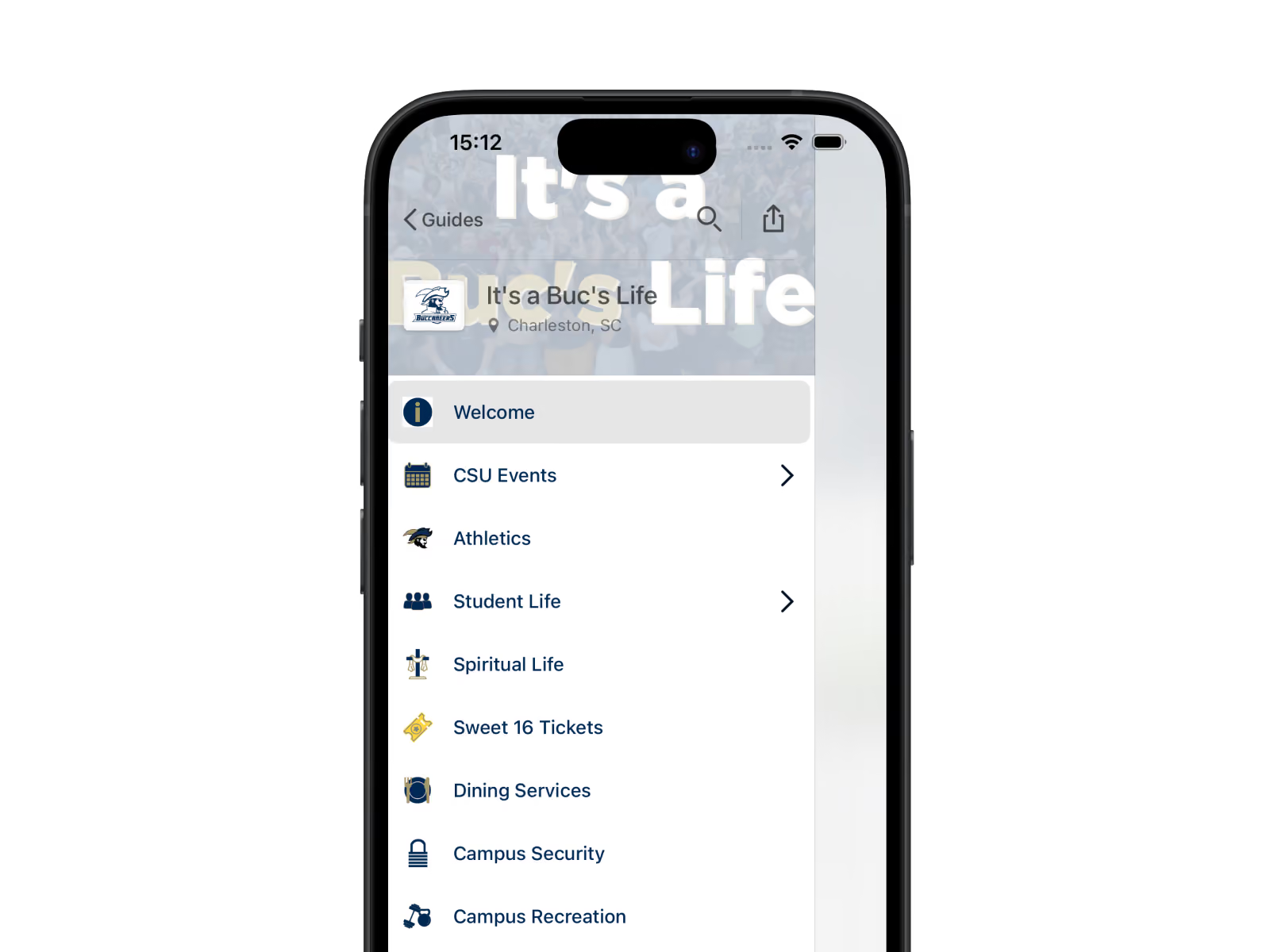
CSU’s Buc Nation app makes it easy for students to stay connected and engaged with campus activities, and each other.
With just one app, students can access:
- A full schedule of events (such as concerts, plays, athletic events, and more). - Connections to mentors for guidance, support, and academic success. - Essential campus resources and information.
The end result is a stronger sense of belonging and a more vibrant student experience.
Fairfield University
With Guidebook, Fairfield University connects students to essential resources that support their success on campus. The “Fairfield Thrive Guide” offers quick access to:
- Campus platforms - Recreation and residence life information - Important public safety updates
Students can easily navigate university services, helping them thrive throughout their time at Fairfield.
King's College London
The Welcome Team at King’s make onboarding seamless with powerful mobile schedules and reduced printing to almost nothing by using Guidebook’s no-coding app builder.
- Complex and personalized schedules - Lists of important campus resources - Maps to help navigate campus
UPCEA
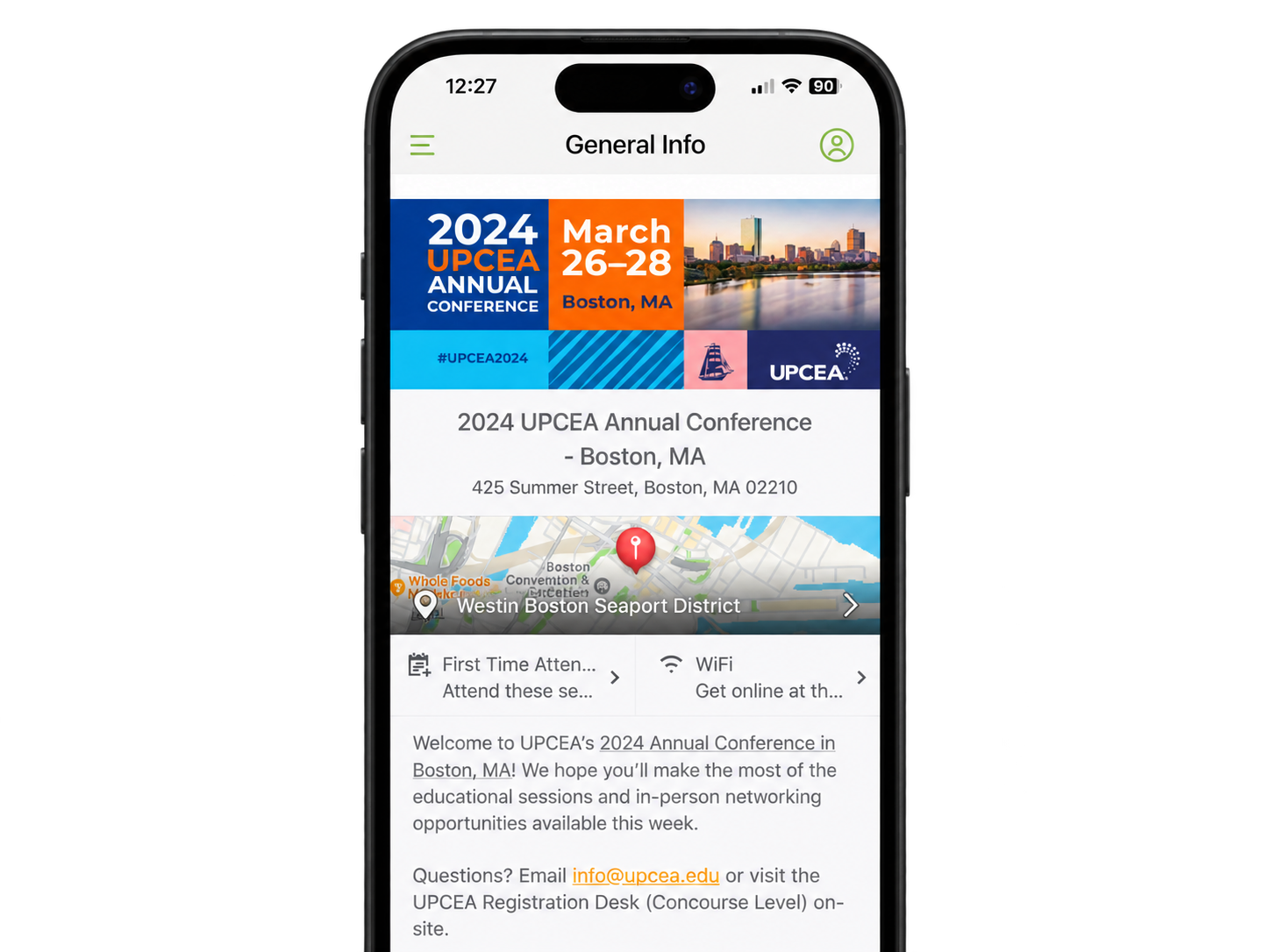
The UPCEA Annual Conference wanted to increase attendee engagement while reducing printed materials. Partnering with Guidebook, they developed a flexible and user-friendly mobile app that provided real-time updates, personalized schedules, and interactive maps.
- 80%+ of attendees used the app in year 1, beating their expectations! This allowed them to plan further printing reductions in year 2. - 100% of speakers uploaded additional resources directly into the app, improving the overall attendee experience and providing easy access to presentations and helpful links after the event.
University of Notre Dame
The University of Notre Dame wanted to make sure their Residential Life student staff were fully prepared for their roles. They turned to Guidebook to simplify training and keep everything organized.
With Guidebook, we created an all-in-one training guide for the Residential Life team. The app features:
- The training schedule - Contact info for everyone on the team - Departmental procedures - Quick access to campus resources and programming tools
This makes it easier for Hall Staff to support residents throughout the year.
By bringing all the key information and resources into one handy app, staff are better prepared and can provide more effective support to residents all year long.
The University of North Florida
Supporting three distinct career fairs, Guidebook helps the University of North Florida provide students with a streamlined experience tailored to each event’s audience. The career fair event app serves as a one-stop shop for employer details, including:
- Company websites - Job opportunities - Contact information
Premium employers gain extra visibility through sponsor ads, while interactive maps make navigating the exhibit hall easy for attendees. Students can also save favorite employers and take notes, ensuring they stay organized and prepared for follow-ups after the event.
Indiana Tech
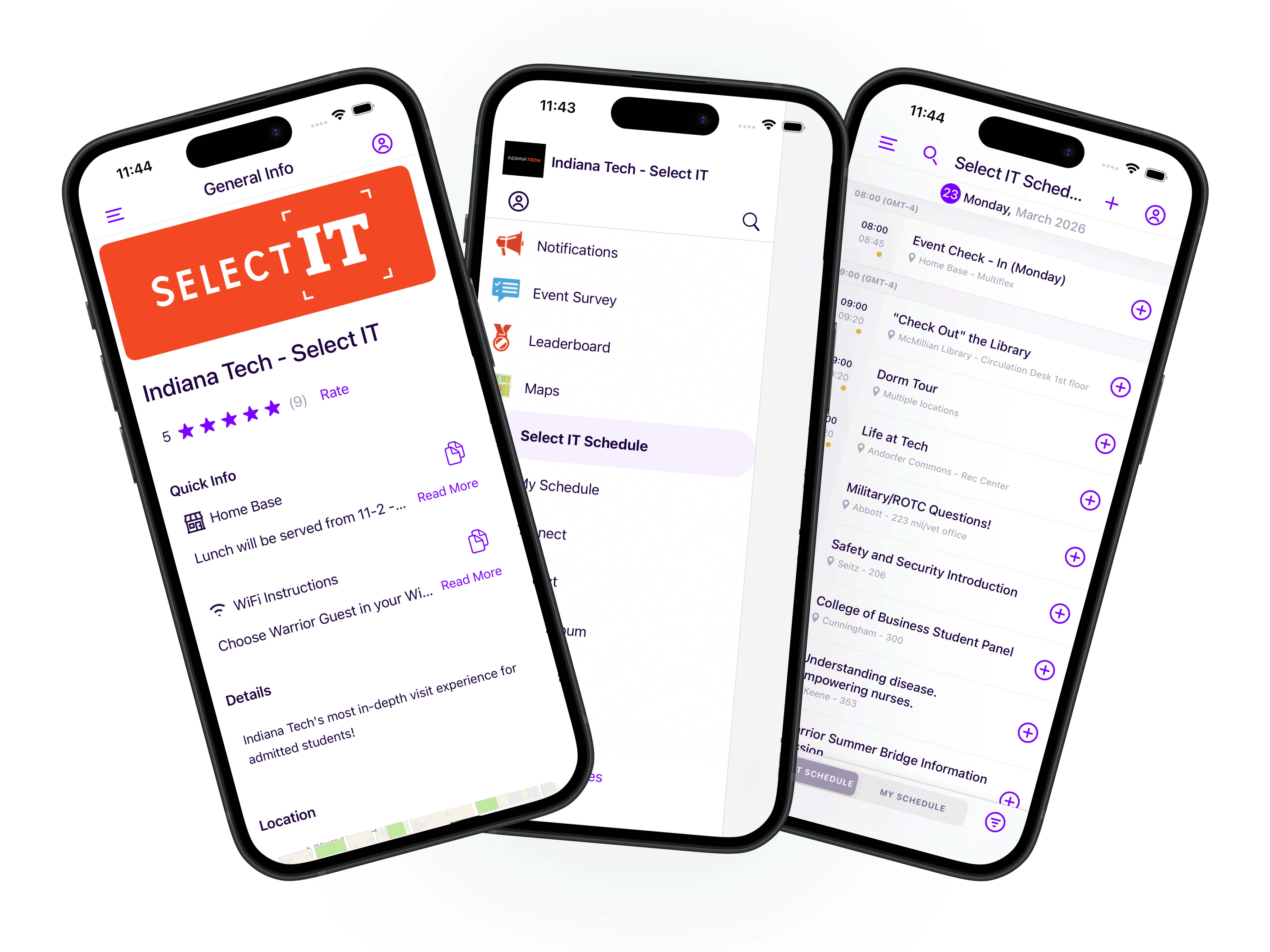
When Indiana Tech replaced printed materials with a Guidebook app, the results were impossible to ignore:
- 105% increase in student yield from Admitted Students Day attendees (from 40% to 82%). - 29% reduction in costs associated with the event, by swapping printed programs for an app. - A process that once took 5 team members 400+ hours was drastically reduced to just 2 people and less than 25 hours.
Fewer hours? Check. Less paper? Definitely. More students saying yes? Absolutely.
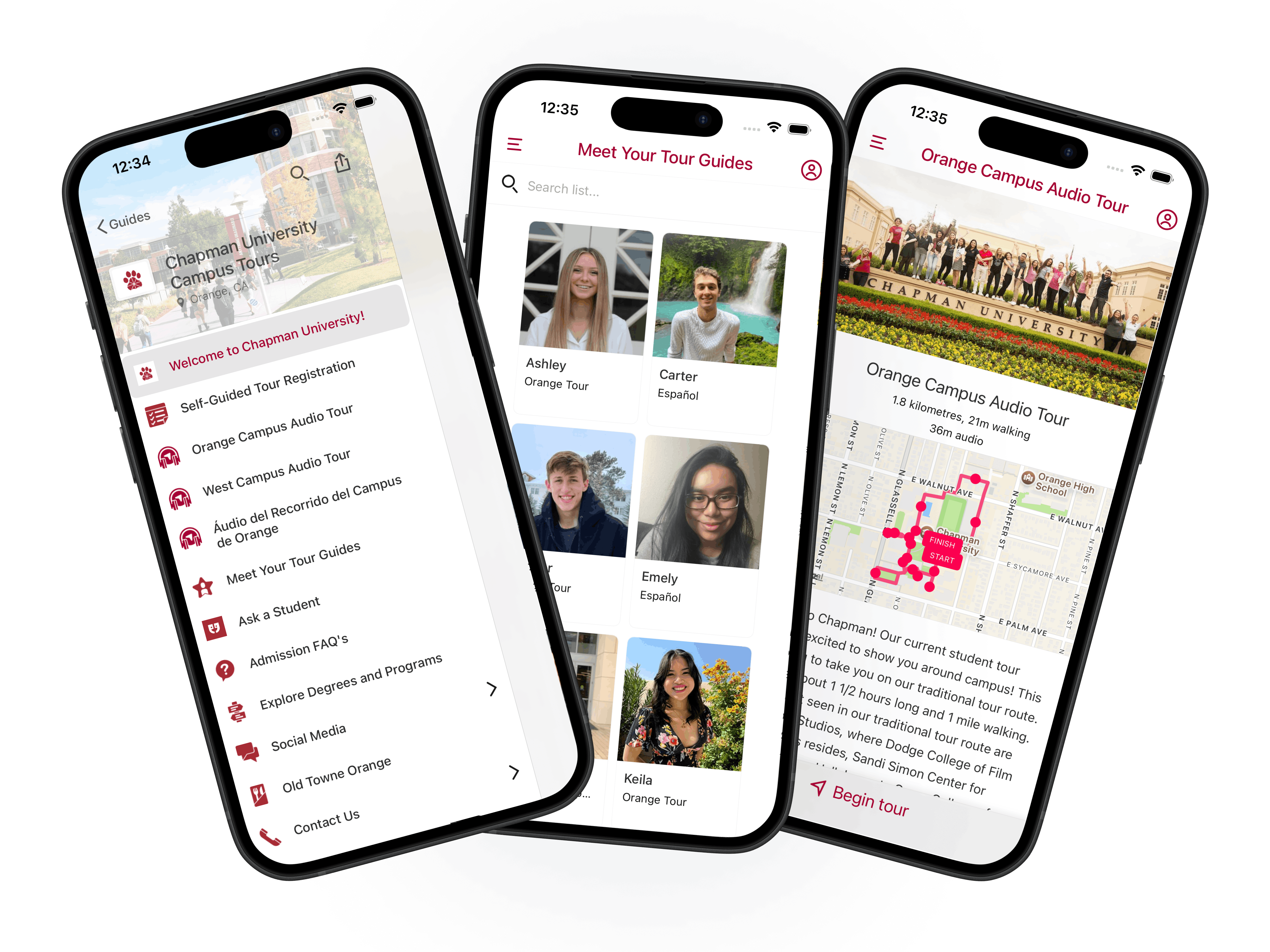
Chapman University
When Chapman University wanted a better way to welcome prospective students, they relied on Guidebook's platform to build their own app that allows students to explore campus without relying on a tour guide. Inside the app, students can:
- Explore Chapman's beautiful Orange, California campus at their own pace. - Dive into Chapman’s academic programs. - Connect with current students to get a feel for campus life.
It’s a warm, modern introduction to Chapman that leaves a lasting impression on today's tech-savvy students.
High Point University
The High Point University app hosts 5 different guides to bring the campus and community together. Each guide serves a specific event. For example, the Commencement guide shares information for graduates and their guests to ensure a smooth celebration. Following Commencement, recent graduates are encouraged to check out the HPU Alumni guide which connects them with the Office of Alumni Engagement and regional alumni communities so they can stay engaged.