
Builder: New Side Navigation
A new side navigation puts Guides, Recents, the Help Center, and your account settings in one place in Builder.
Overview
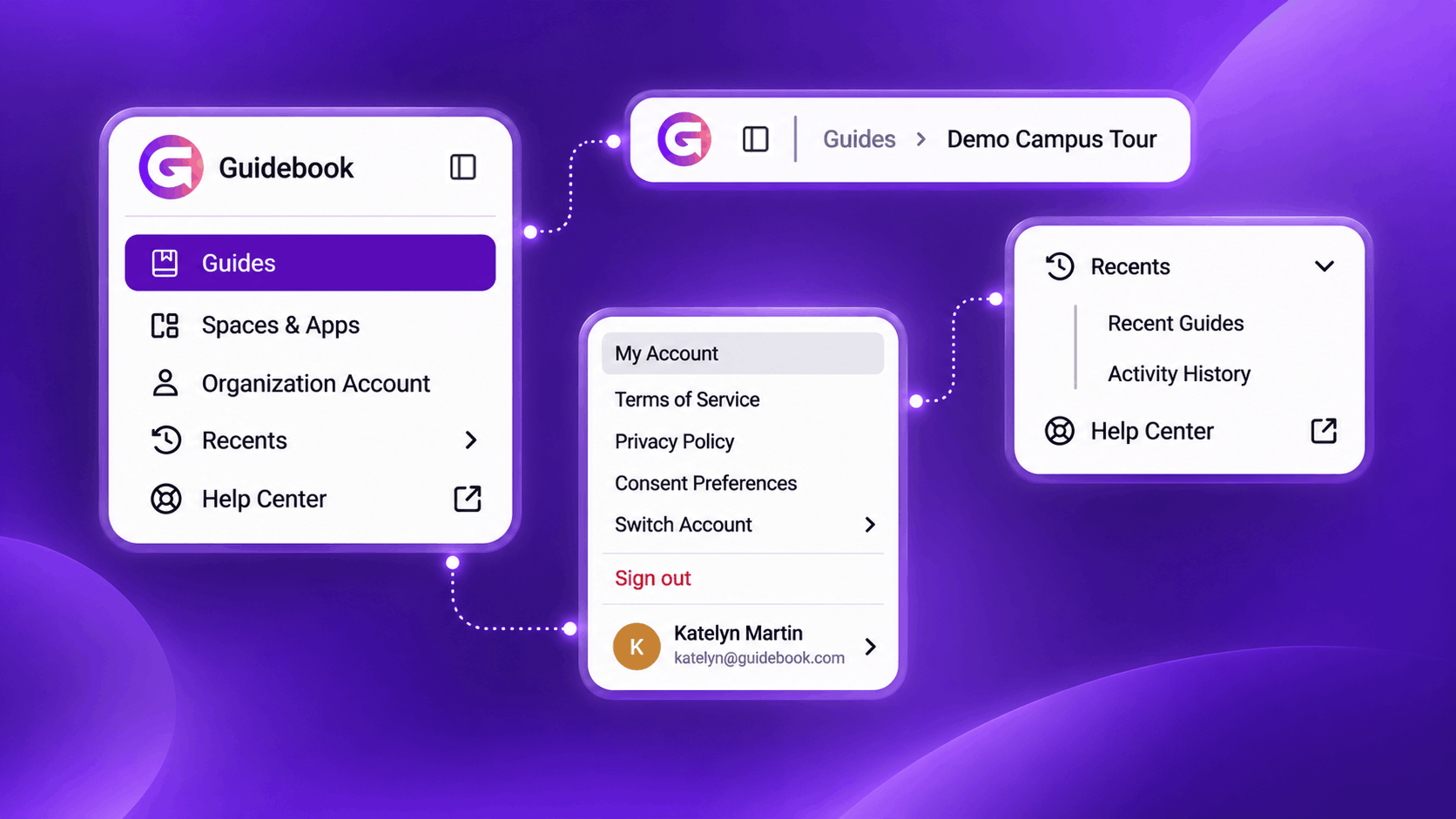
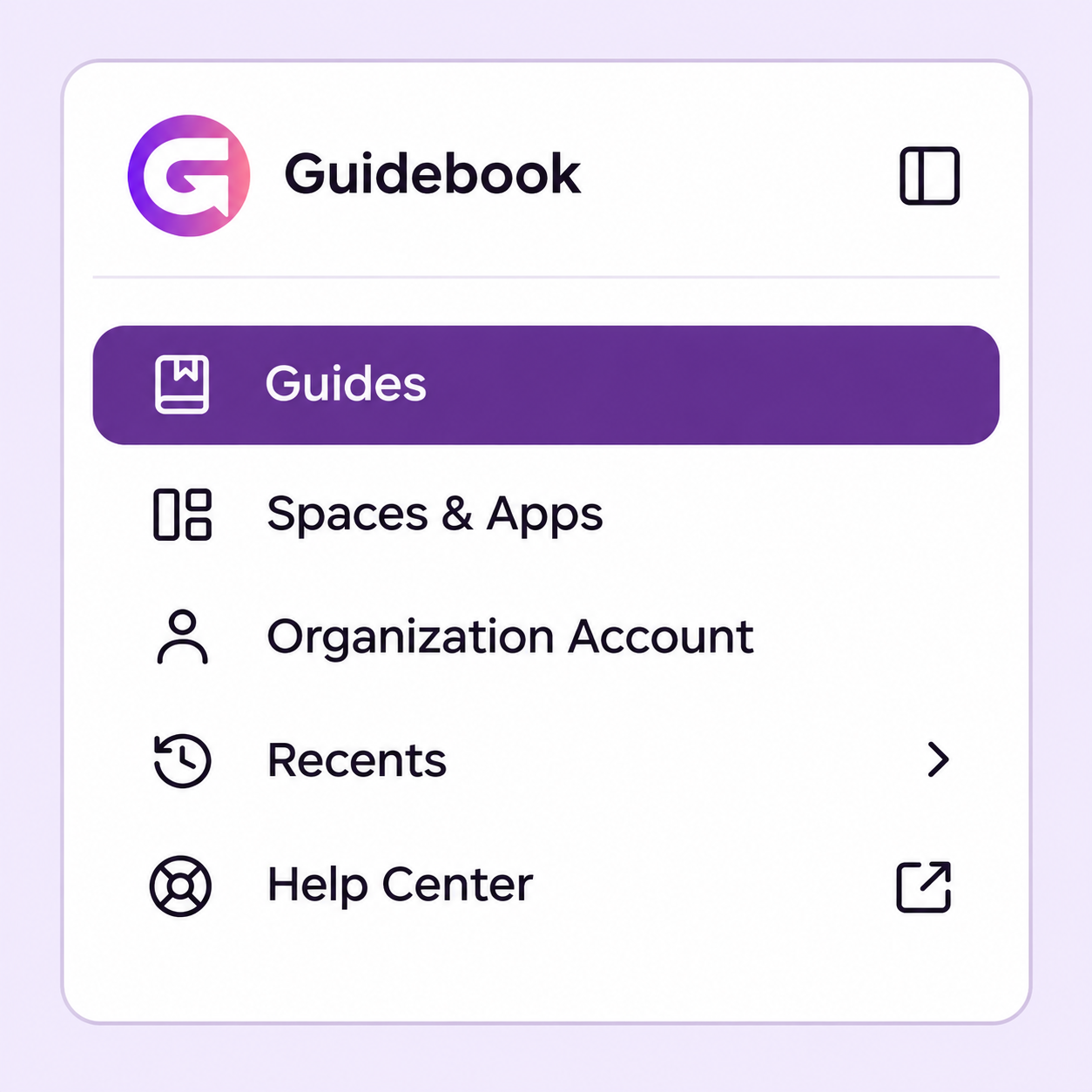
Builder has a new side navigation. Guides, Spaces & Apps, your Organization Account, Recents, and the Help Center now sit together on the left.
Your profile and account settings live in one Profile menu. Breadcrumbs across the top show where you are on every page. We built this as part of our ongoing efforts to improve accessibility in Builder, and modernize your experience.
New Features
Everything you need is now in one side navigation, organized around the work you do.
Side navigation
Guides and the Help Center are all in one menu on the left.
- Your organization's logo and name sit at the top to take you back home.
- If you're a Guide Admin, Spaces & Apps and Organization Account will also show.
Navigation that fits your role
You see the areas your permissions give you access to.
- Guide Editors, for example, see Guides, their profile, and the appearance setting.
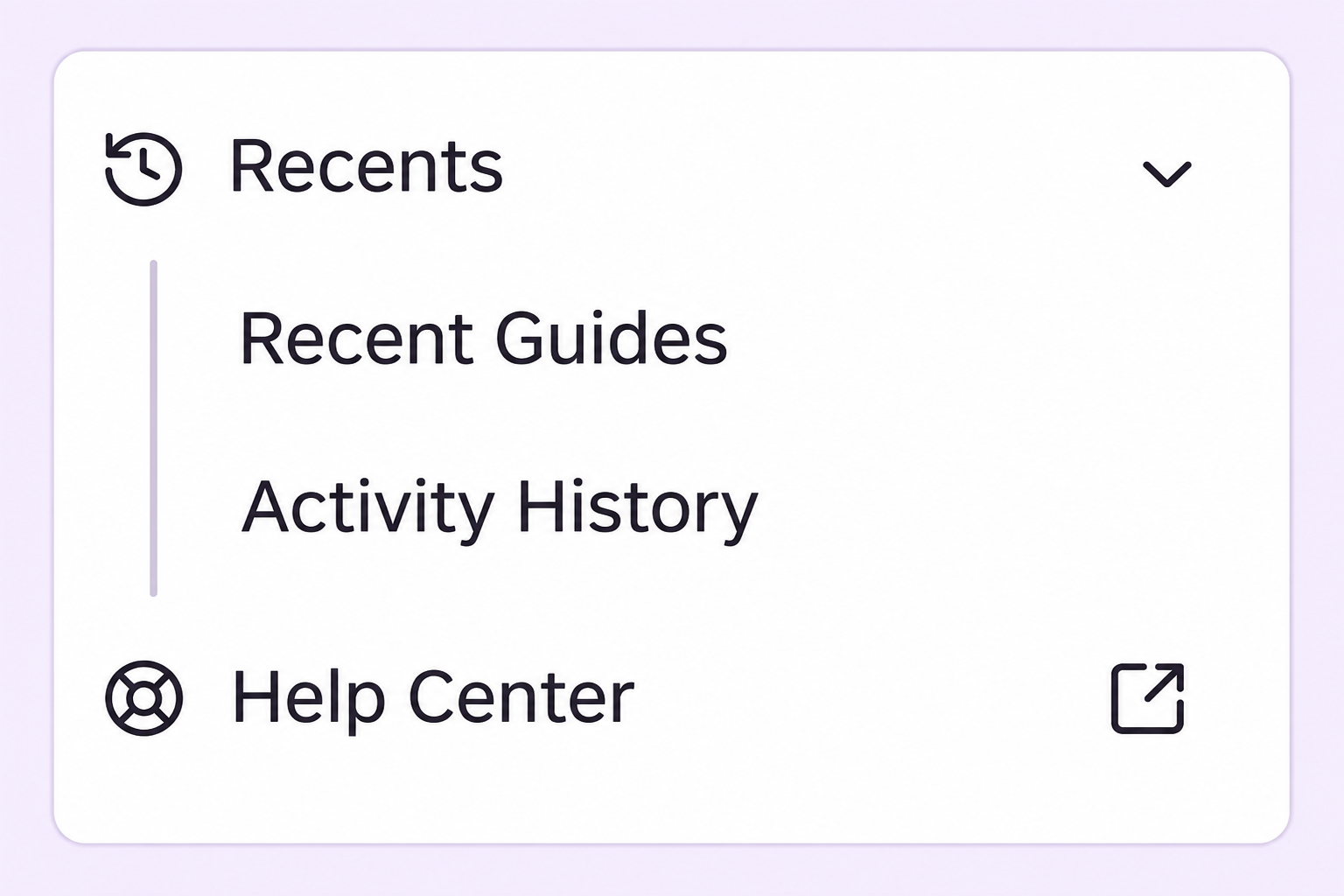
Recents
Jump back into your work right from the side navigation.
- See the guides you've worked on lately.
- See your activity history.
Breadcrumbs
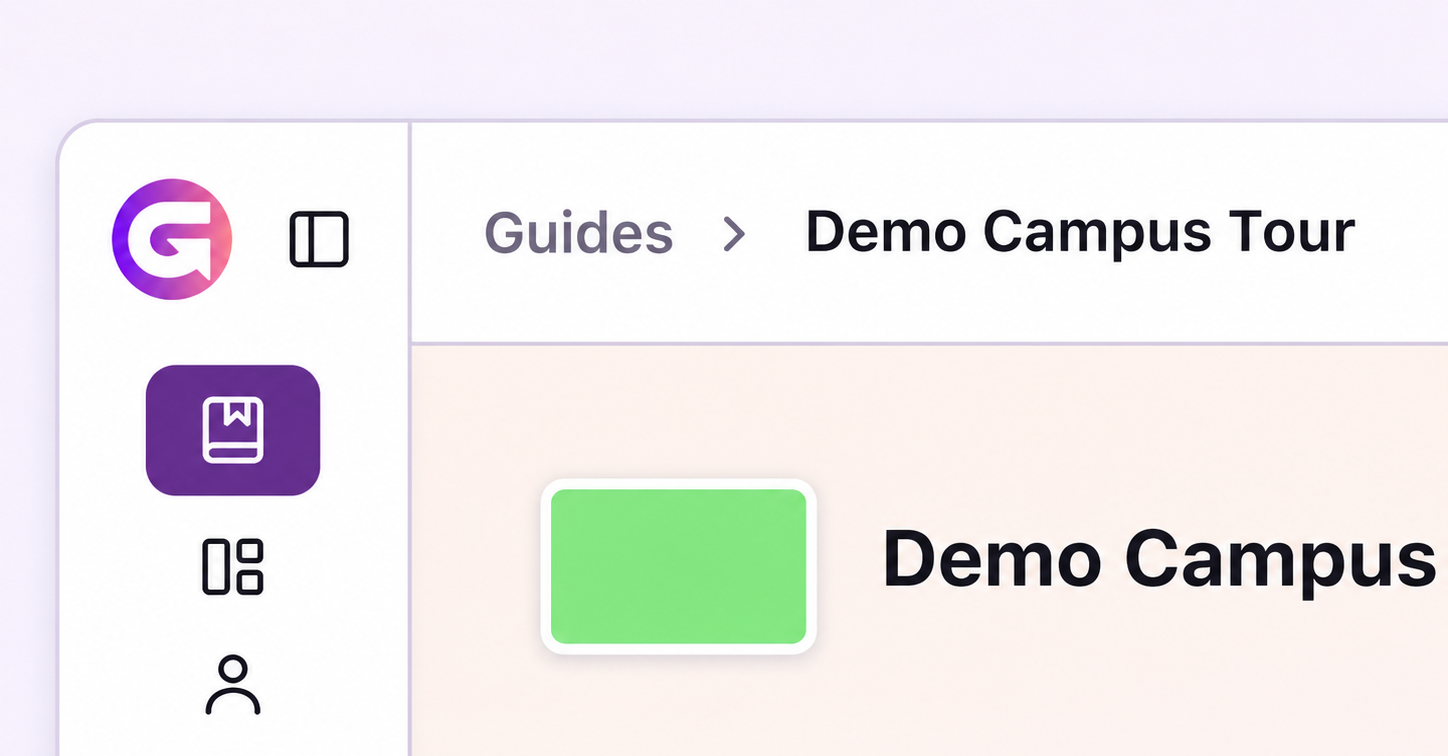
A bar across the top of each page shows exactly where you are in Builder.
- Appears on every page in Builder.
- Shows the path to where you are, such as Guides > your guide's name.
Compact view
The side navigation can collapse to a compact view.
- Collapse it yourself whenever you want more space.
- It collapses on its own when you open a guide, so you have more room to build.
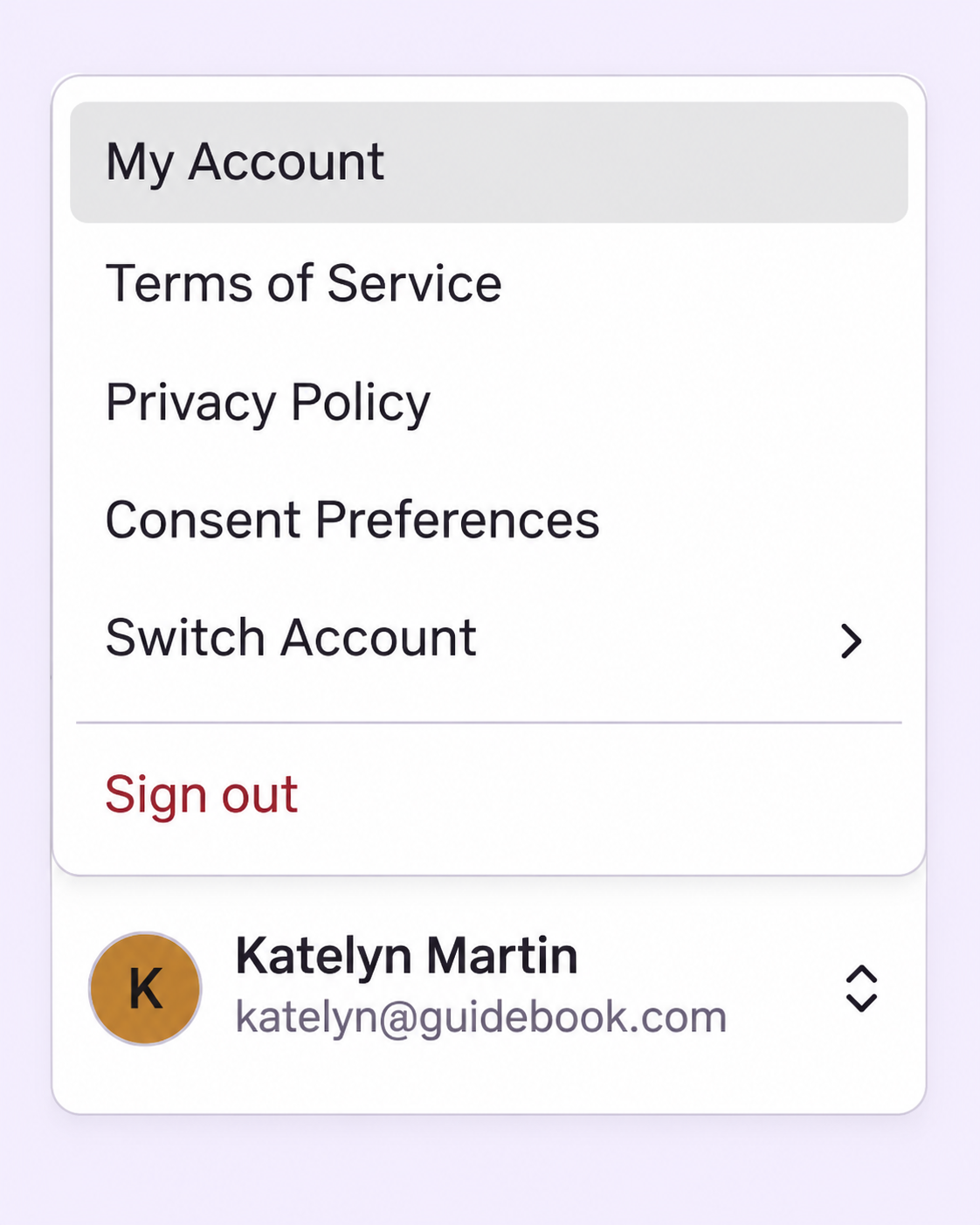
Profile menu
Your account options are grouped in one menu.
- My Account
- The account switcher
- Terms of Service and Privacy Policy
- Consent preferences
- Sign out
Help Center
Get help right from the side navigation.
- Open the Help Center.
- Find help articles related to the page you're on.
- Reach our Support team.
Builder notifications
Builder notifications are now part of the new side navigation.
- They still open as a panel next to their menu item.
Appearance setting
Your appearance options stay in the side navigation.
- Light
- Dark
- High contrast
Looking Ahead
The new side navigation is one step in our ongoing work to make Builder more accessible and easier to use. We'll keep building on it as we modernize the Builder experience.
Have questions about the new navigation, or want to see it in action? Get in touch with our team.